How to Make Rail Track Ramps in Pokopia
How to Make Rail Track Ramps in Pokopia
Rail track ramps can be tricky to figure out in Pokopia since the game doesn’t provide clear instructions. This guide will walk you through the simple process of creating ramps for your railways, so your trains can smoothly transition between different elevations.
Understanding Rail Track Ramps
Rail track ramps in Pokopia are a useful building feature that allows you to create sloped railway paths. The good news is that once you know the method, it’s incredibly straightforward to implement.
How to Place Rail Track Ramps
Step 1: Place Your First Railway Track
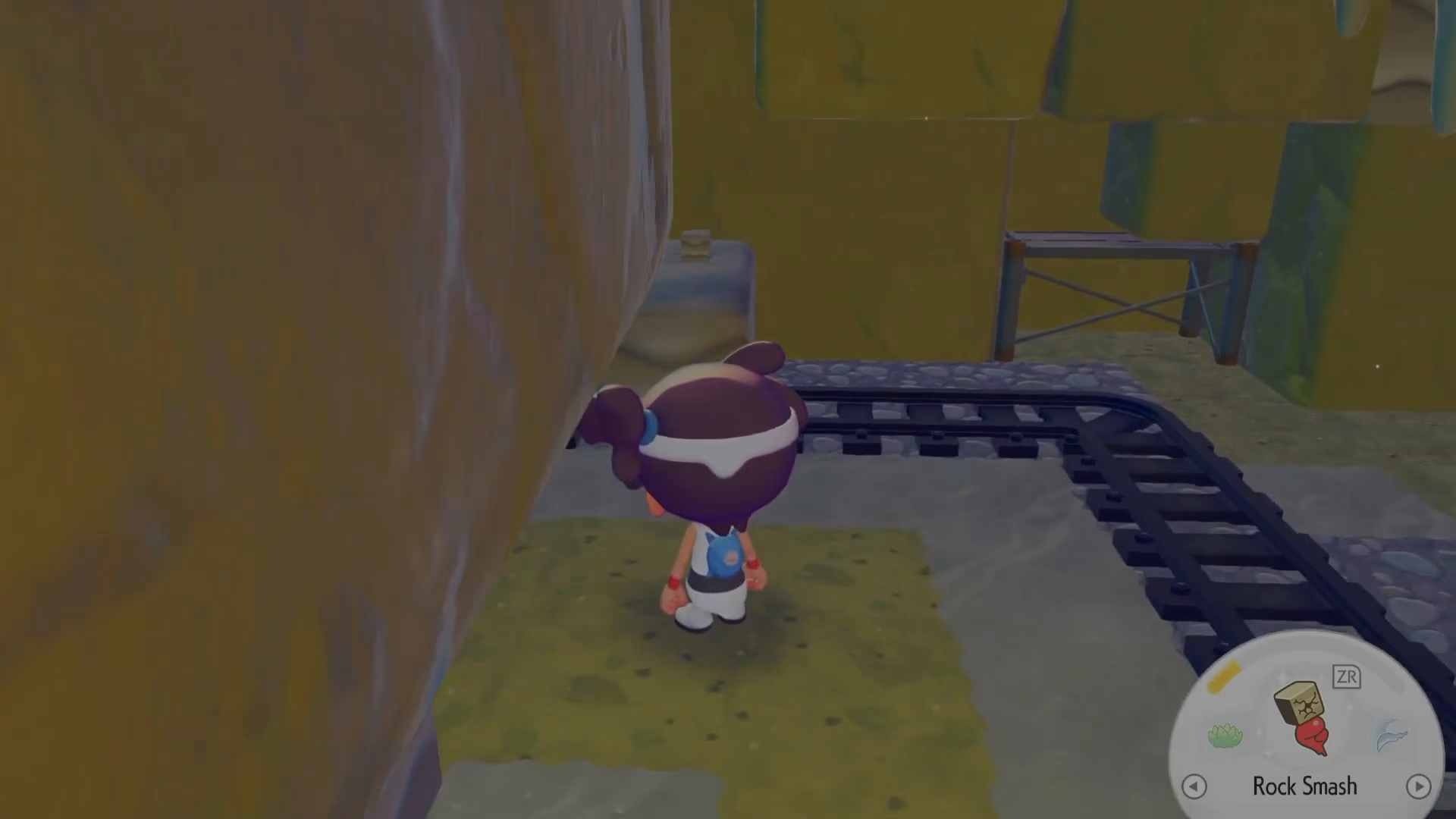
Start by placing a railway track at the location where you want your ramp to begin. This will serve as the foundation for your ramp structure.
Step 2: Place a Second Track on Top
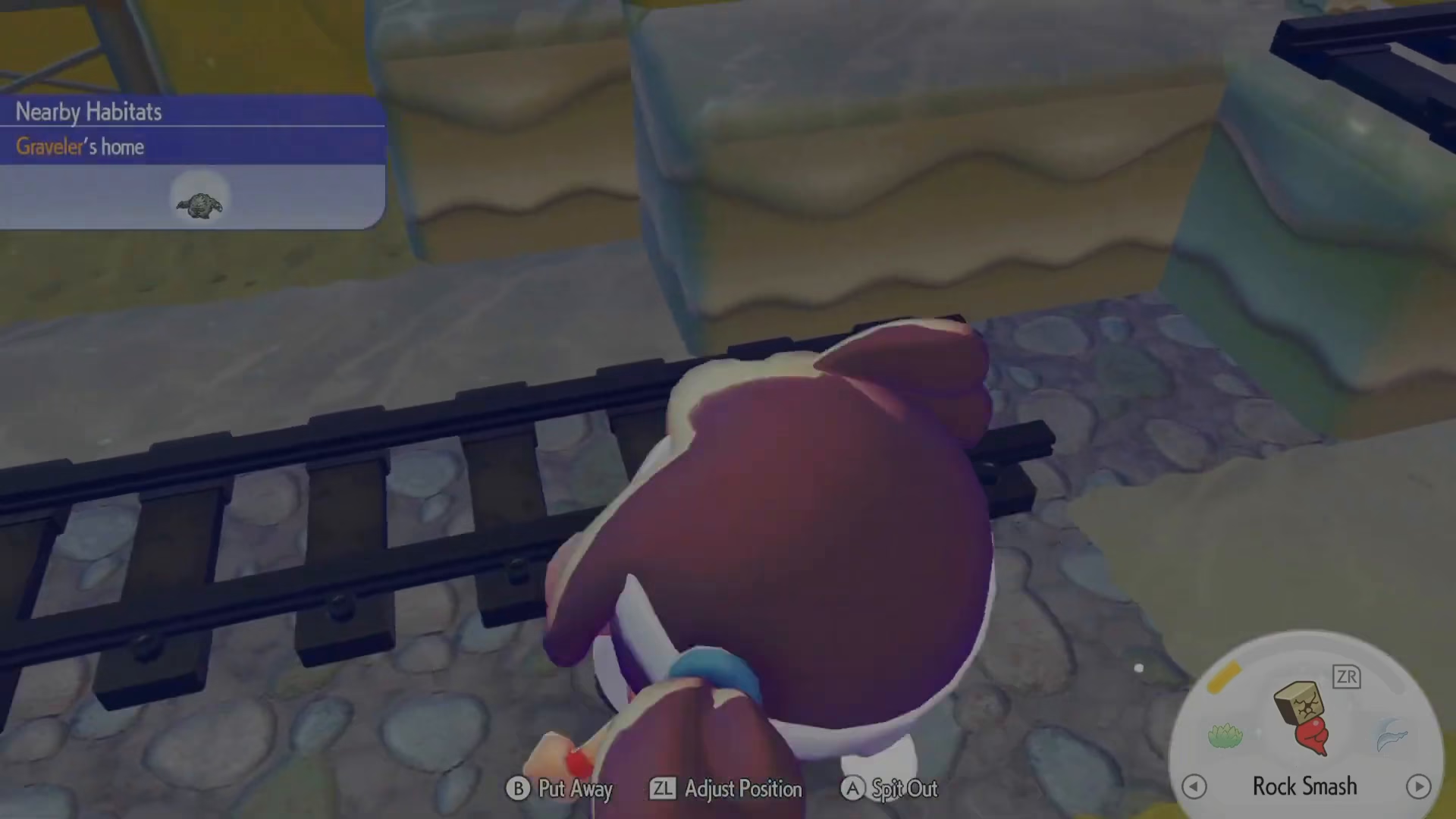
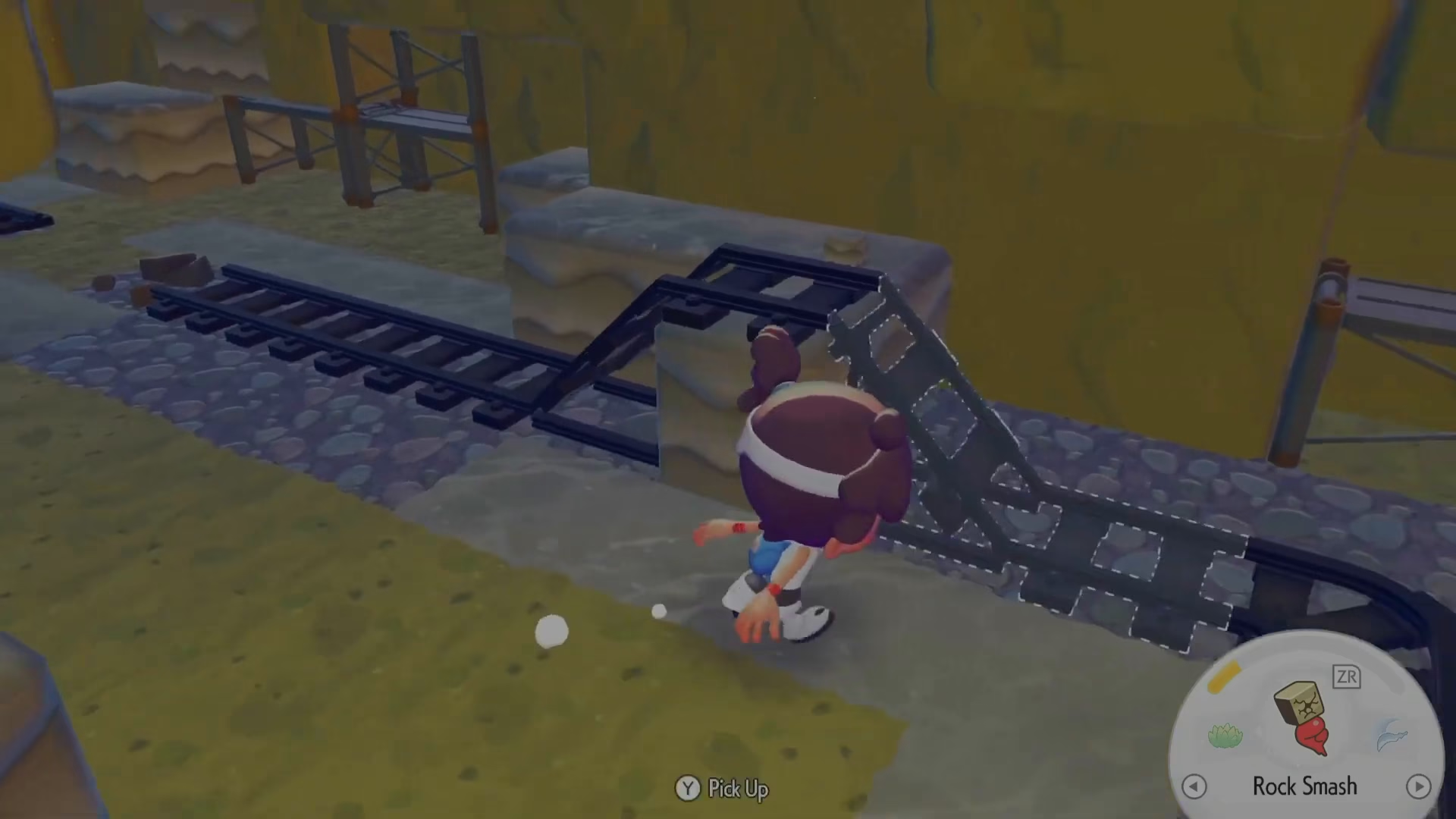
Next, place another railway track directly on top of the first one. When you do this, the track will automatically transform into a ramp without any additional steps required.
Step 3: Verify Your Ramp Creation
Once you’ve placed the second track, you’ll notice that both tracks have automatically converted into ramps. You don’t need to purchase special ramp pieces or use any particular tool—the game handles the conversion automatically.
Additional Tips
You Don’t Need Both Sides
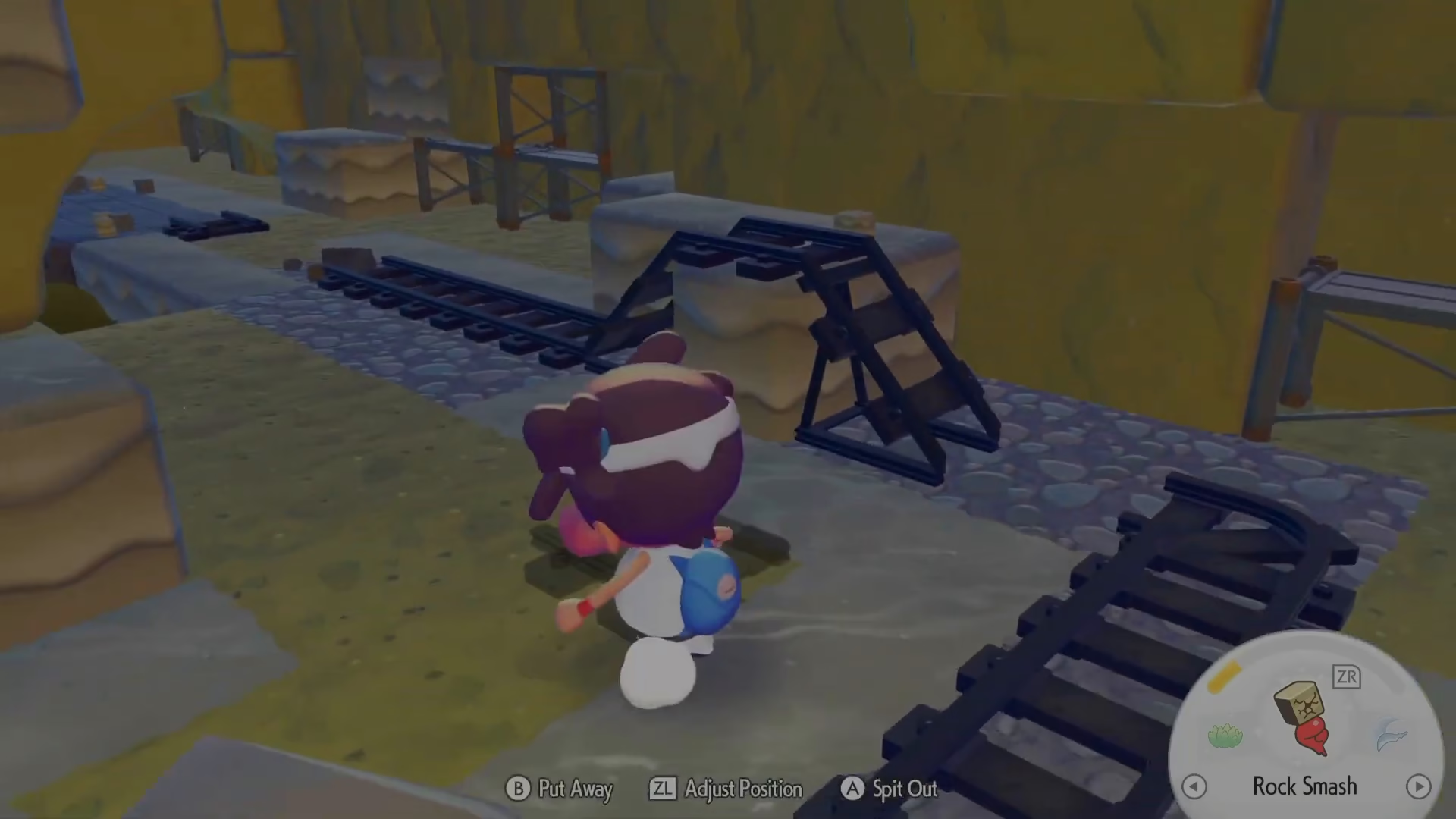
Interestingly, you don’t even need to place ramps on both sides of your railway. A single ramp placement is sufficient to create the slope you need for elevation changes in your railway system.
Simple and Effective
This is the easiest method for turning your railways into functional ramps that work both up and down automatically in Pokopia. No complex steps or hidden mechanics—just place and watch the magic happen.
Conclusion
Creating rail track ramps in Pokopia is as simple as placing one track and then placing another on top of it. The game will automatically convert these into ramps, allowing your trains to navigate different elevations smoothly. Now you can build your railway network with confidence!
Want to Support?
If you would like to help us continue making these guides – please consider joining our patreon here – https://www.patreon.com/c/JaviHeals
Alternatively – you can join our discord here – https://discord.gg/zD7Gjt6MHF