






How To Open The Console In Fallout 4
How To Open The Console In Fallout 4
The console in Fallout 4 is a powerful tool for modifying your gameplay experience, testing commands, and accessing debugging features. However, accessing it requires knowing the correct key combination and understanding some important limitations. This guide will walk you through the simple steps to open and close the console.
Important Prerequisites
Before you attempt to open the console, there’s one critical requirement you need to know: the console is disabled when playing on Survival difficulty. If you’re currently playing on Survival mode, you’ll need to switch to a different difficulty level to access the console. Any other difficulty setting—such as Very Easy, Easy, Normal, Hard, or Very Hard—will allow console access.
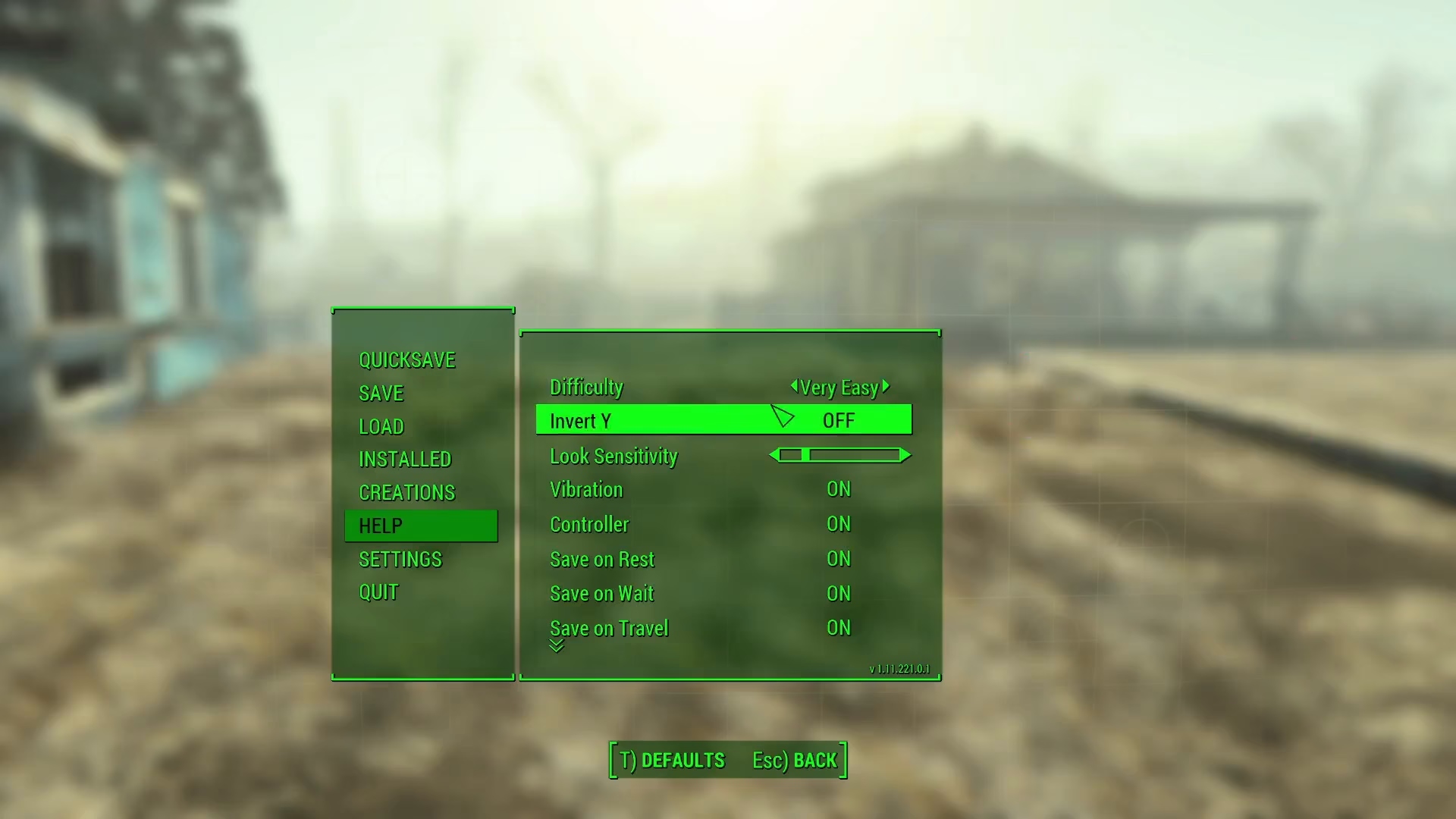
Opening The Console
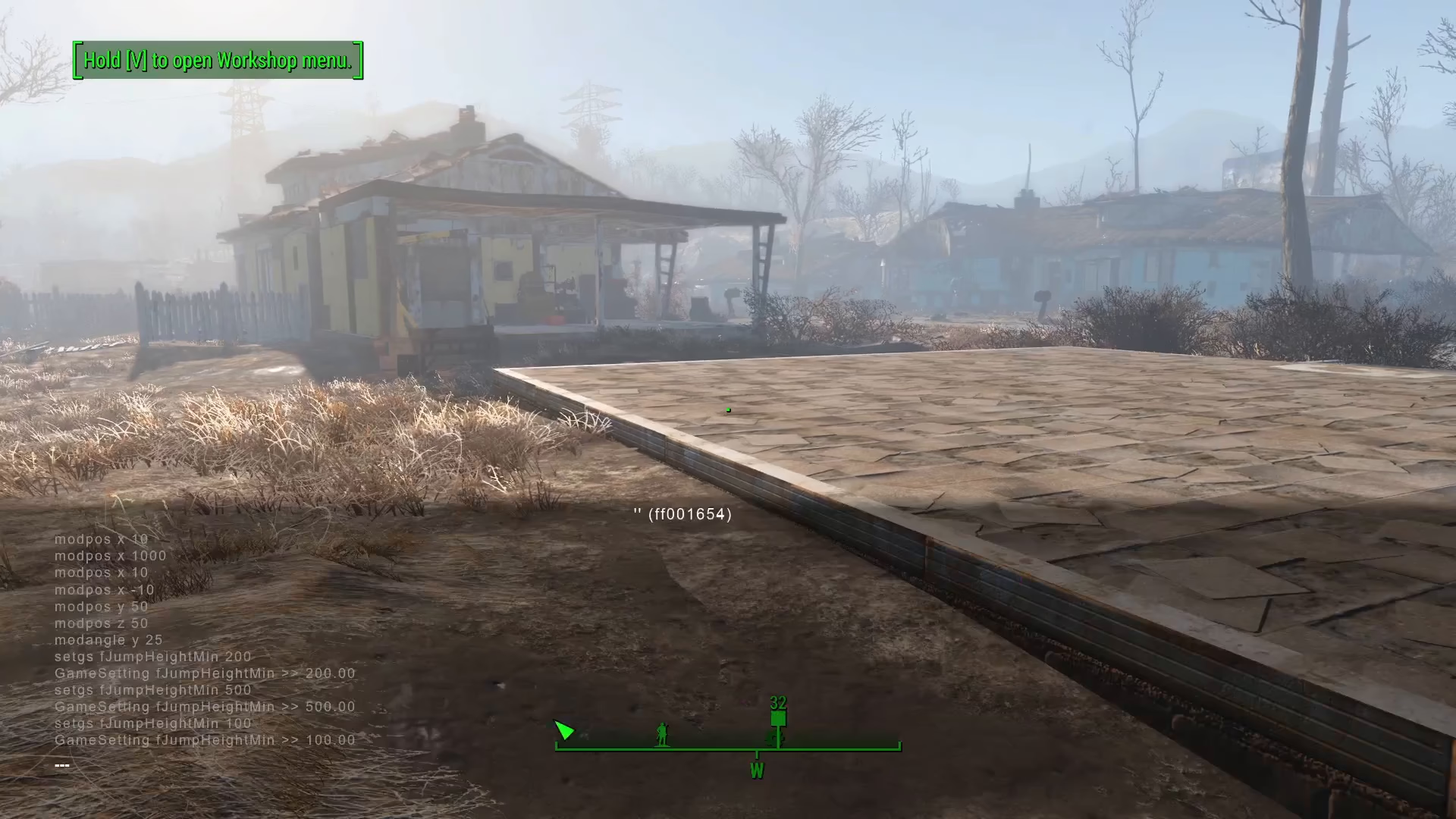
Opening the console in Fallout 4 is straightforward. Simply press the tilde key (~) on your keyboard. This key is located in the top left corner of your keyboard, directly below the Escape key. Once pressed, the console window will immediately open, displaying the command interface where you can enter various commands.
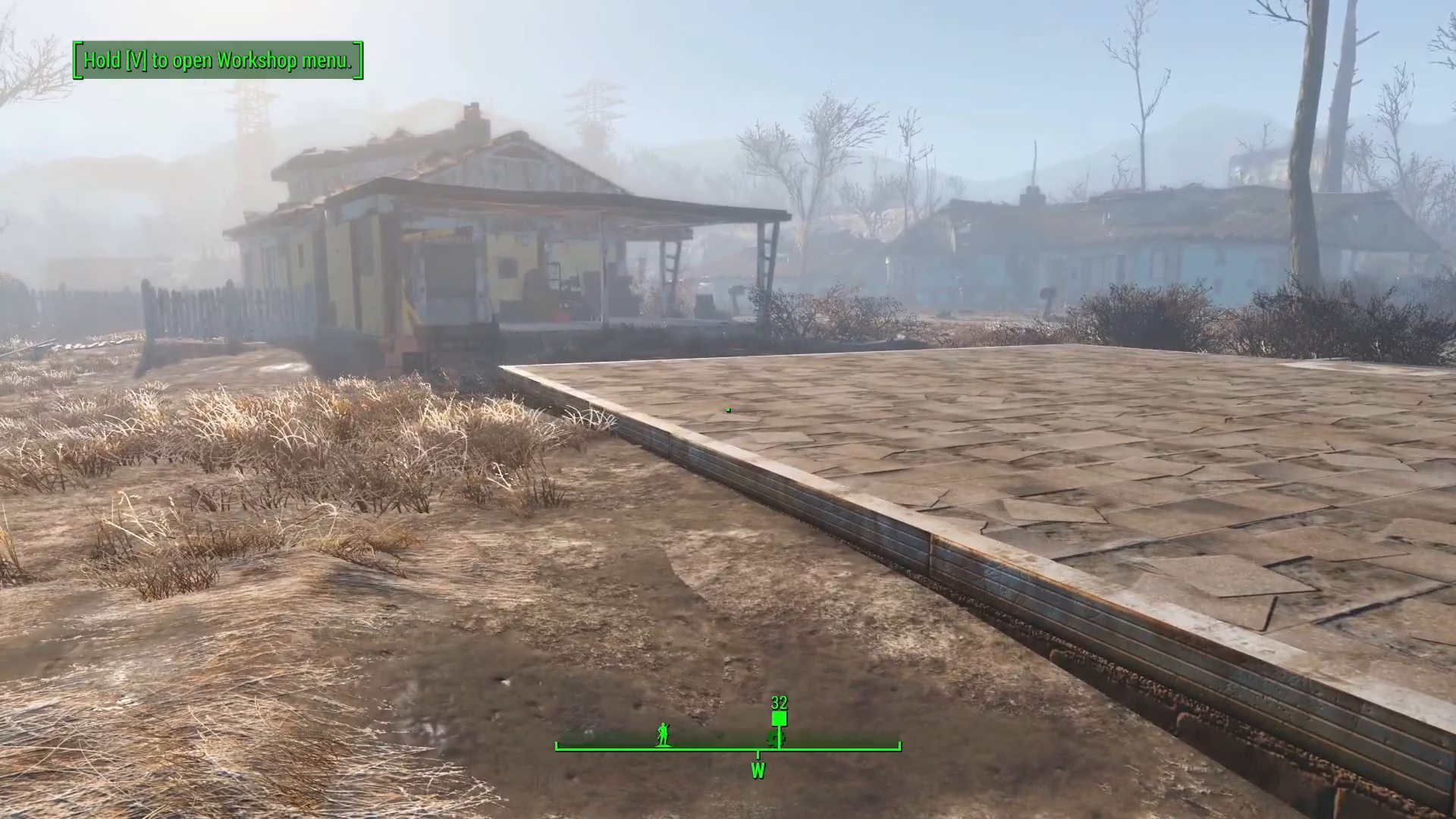
Closing The Console
When you’re finished using the console and want to return to normal gameplay, closing it is just as simple. Press the tilde key (~) again, and the console window will close instantly.
Summary
Opening the console in Fallout 4 is an easy process once you know where to look. Remember to check your difficulty setting first—Survival mode blocks console access—then simply press the tilde key below your Escape key to open or close the console window. With console access, you’ll have access to powerful commands and debugging tools to enhance your gaming experience.
— Want to Support? —
If you would like to help us continue making these guides – please consider joining our patreon here – https://www.patreon.com/c/JaviHeals
Alternatively – you can join our discord here – https://discord.gg/zD7Gjt6MHF