





How To Put Your Gun Away In Fallout 4
How To Put Your Gun Away In Fallout 4
In Fallout 4, knowing how to properly stow your weapons is essential for immersion and stealth gameplay. Whether you want to holster your gun temporarily or completely disarm yourself, this guide will walk you through the simple steps to put your gun away and switch to unarmed combat.
Quick Weapon Holster Method
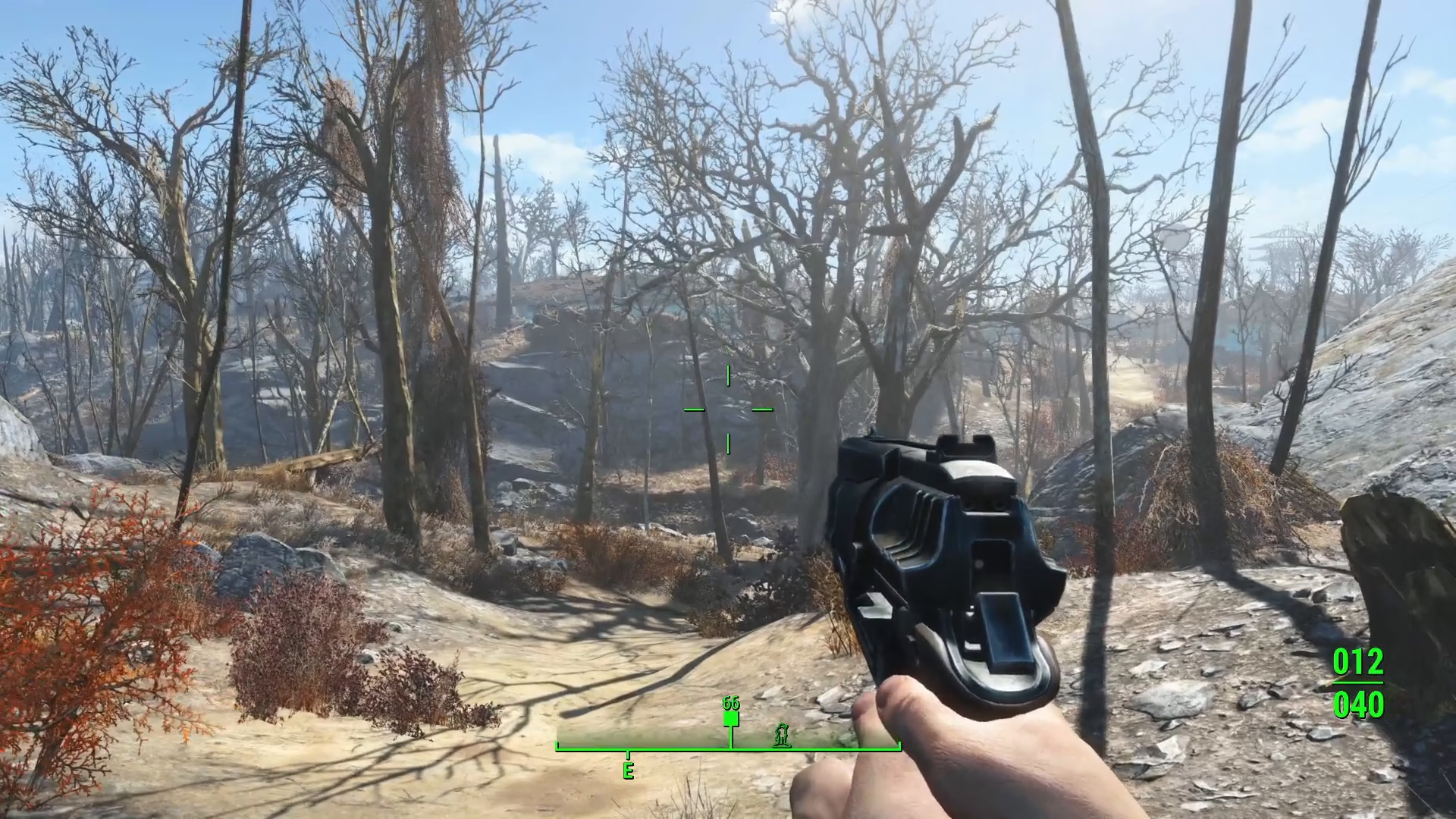
The fastest way to holster your equipped gun is to hold down the reload button. If you’re playing on Keyboard and Mouse, this is the R key. Simply hold it down and your character will holster their weapon and enter an unarmed stance.
Completely Disarm Yourself via Pip-Boy
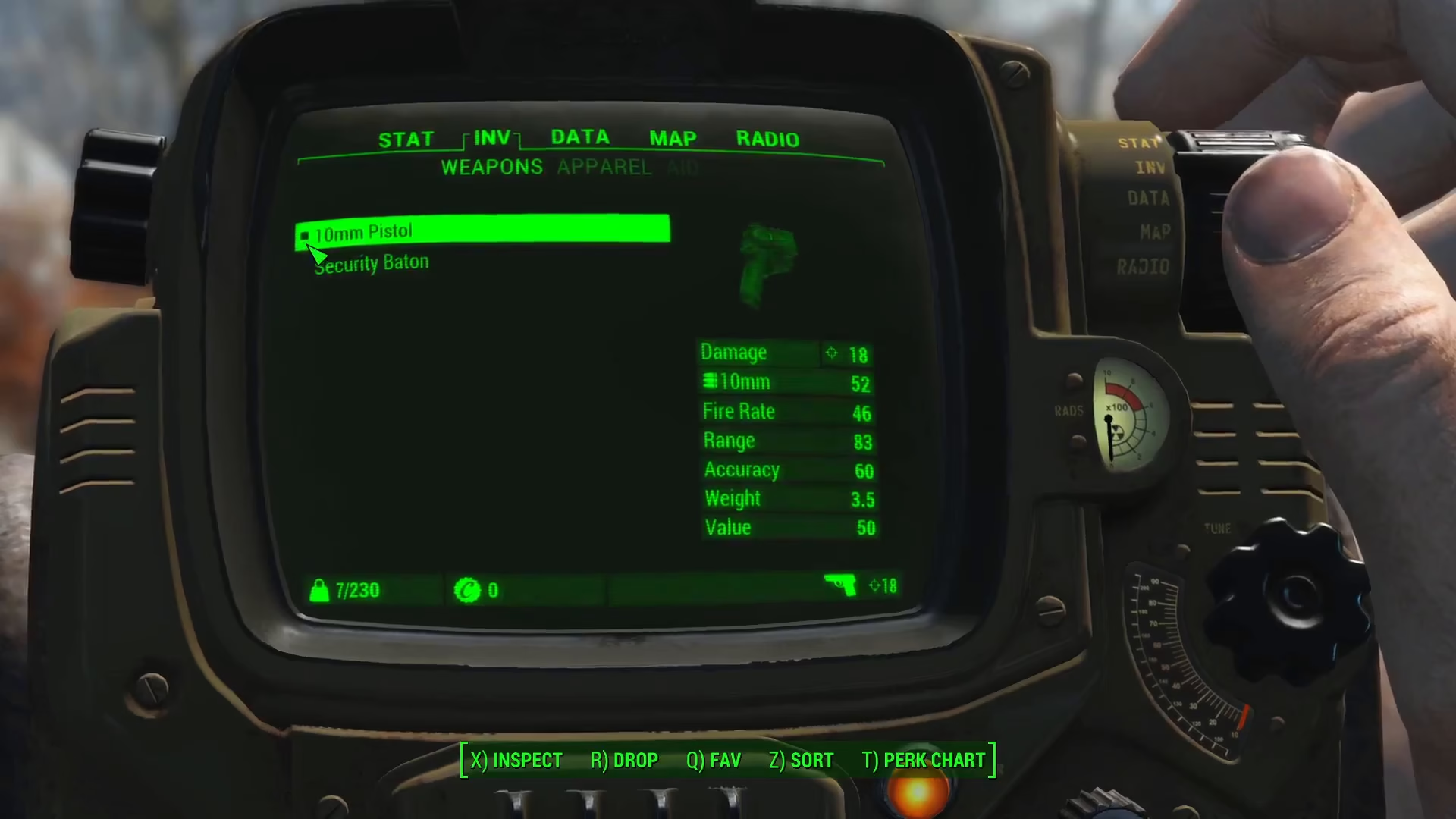
If you want to completely remove your equipped weapon and ensure you’re fully unarmed, you can access your Pip-Boy menu. Once open, look at your equipped weapons—they are denoted by a small square icon. Simply click on the weapon icon to unequip it entirely.
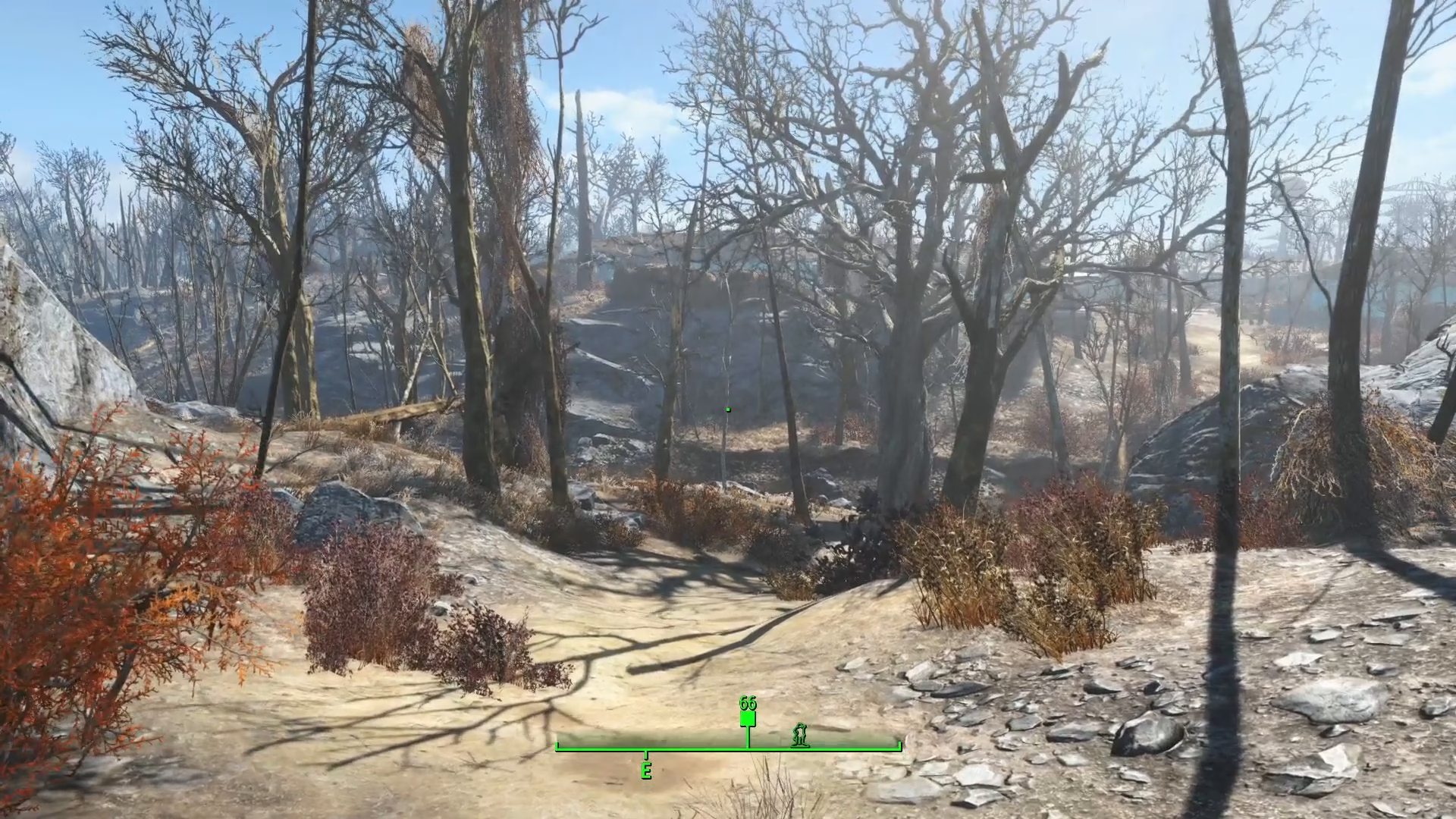
After unequipping your weapon through the Pip-Boy, you can press and hold the reload key (R on Keyboard and Mouse) to put your fists down into a ready combat stance.
Summary
Putting away your gun in Fallout 4 is straightforward—simply hold the reload button (R) to holster your weapon, or use your Pip-Boy to unequip it entirely for complete disarmament. These methods give you flexibility for stealth, roleplay, or unarmed combat situations.
— Want to Support? —
If you would like to help us continue making these guides – please consider joining our patreon here – https://www.patreon.com/c/JaviHeals
Alternatively – you can join our discord here – https://discord.gg/zD7Gjt6MHF