






How To Read Shards in CyberPunk 2077
How To Read Shards in Cyberpunk 2077
Shards are an important part of Cyberpunk 2077’s storytelling and quest progression. Whether you’re uncovering lore or following quest objectives, knowing how to read shards efficiently will enhance your gameplay experience. This guide will walk you through the two main methods for accessing and reading shards in the game.
Reading Shards Through Your Quest Log
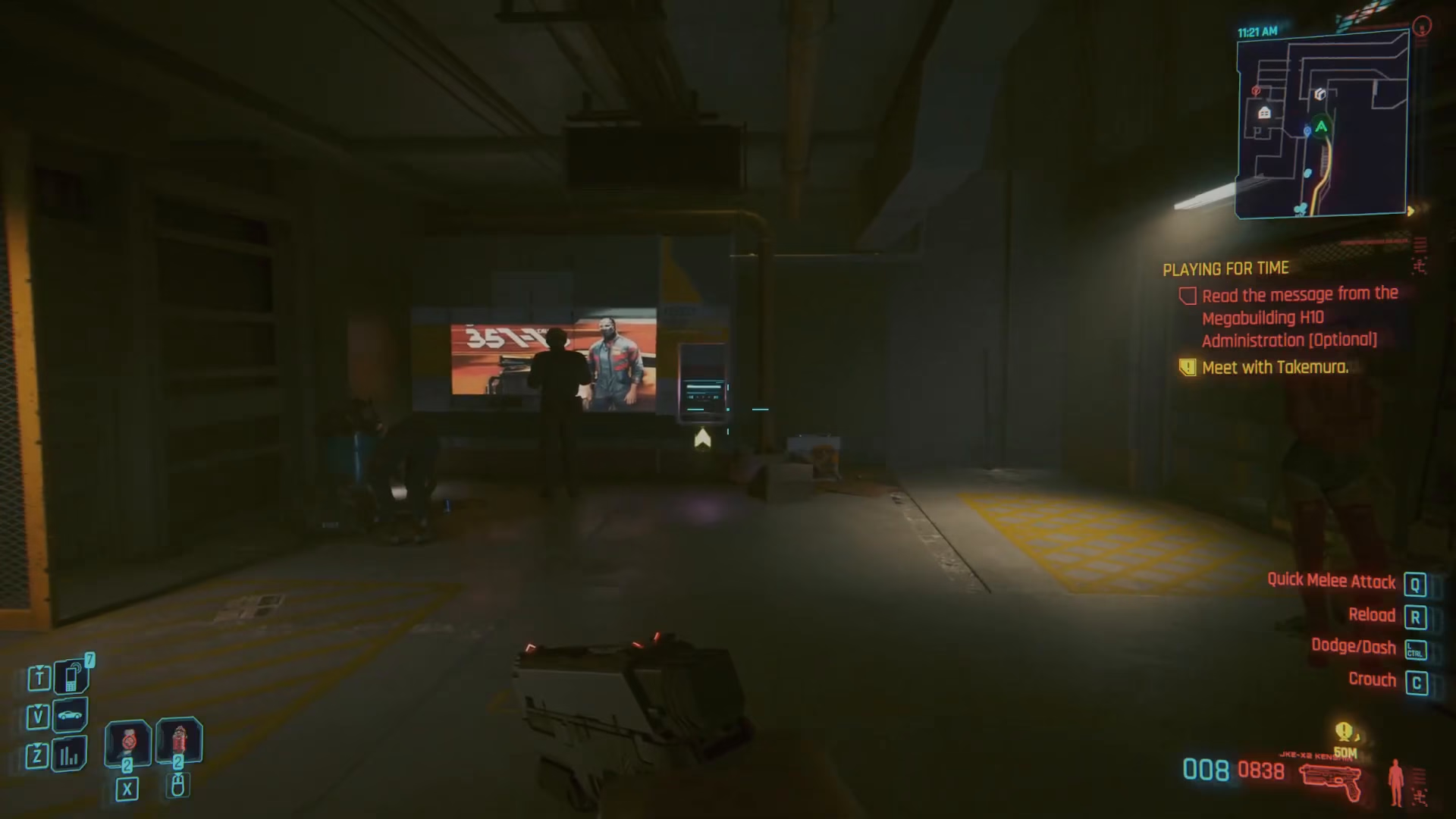
The first method involves accessing shards directly from your quest objectives. Start by opening your Inventory menu.
From the inventory screen, click on the Journal tab at the top of the menu. This will display all your active quests and related information.
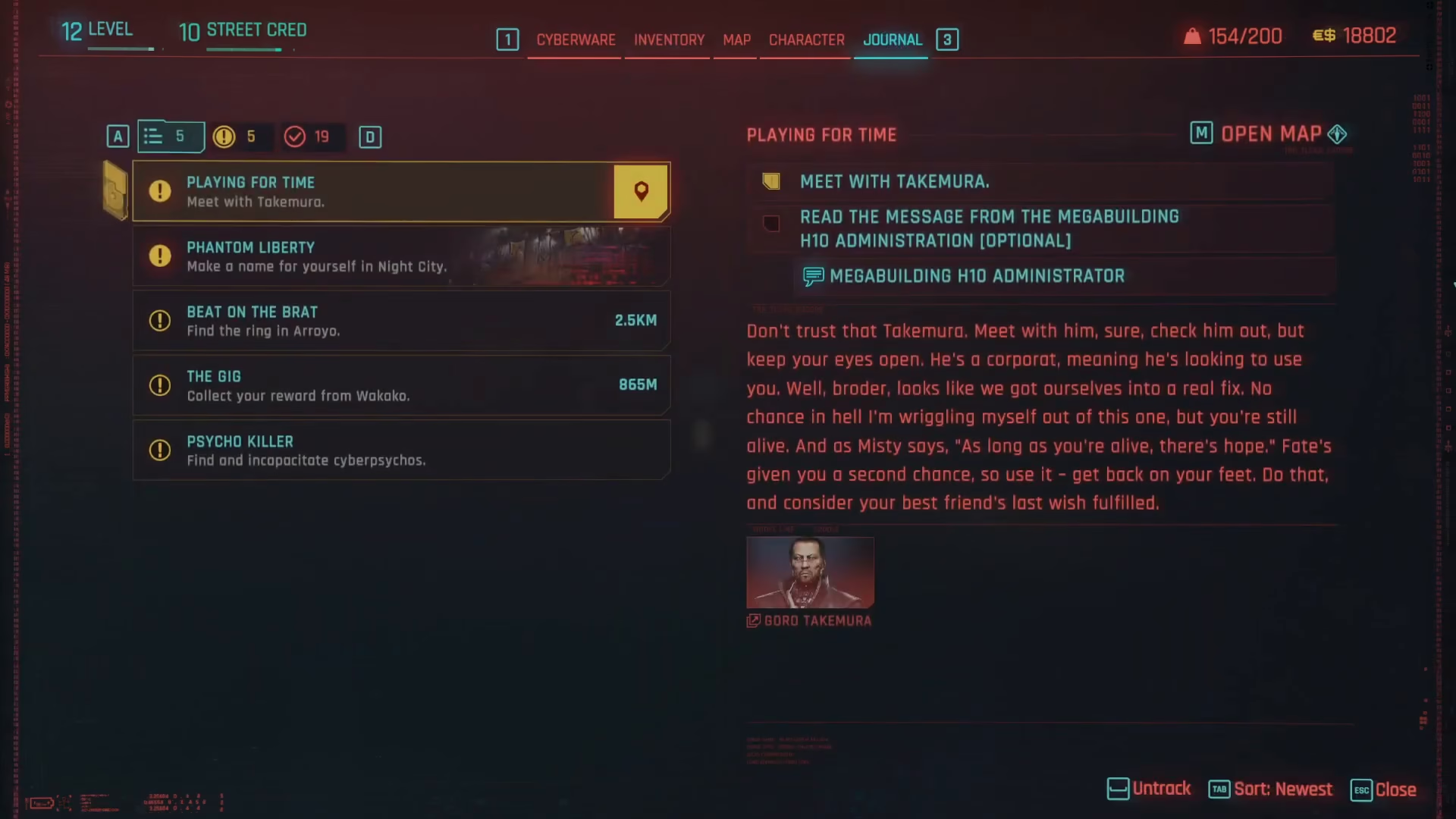
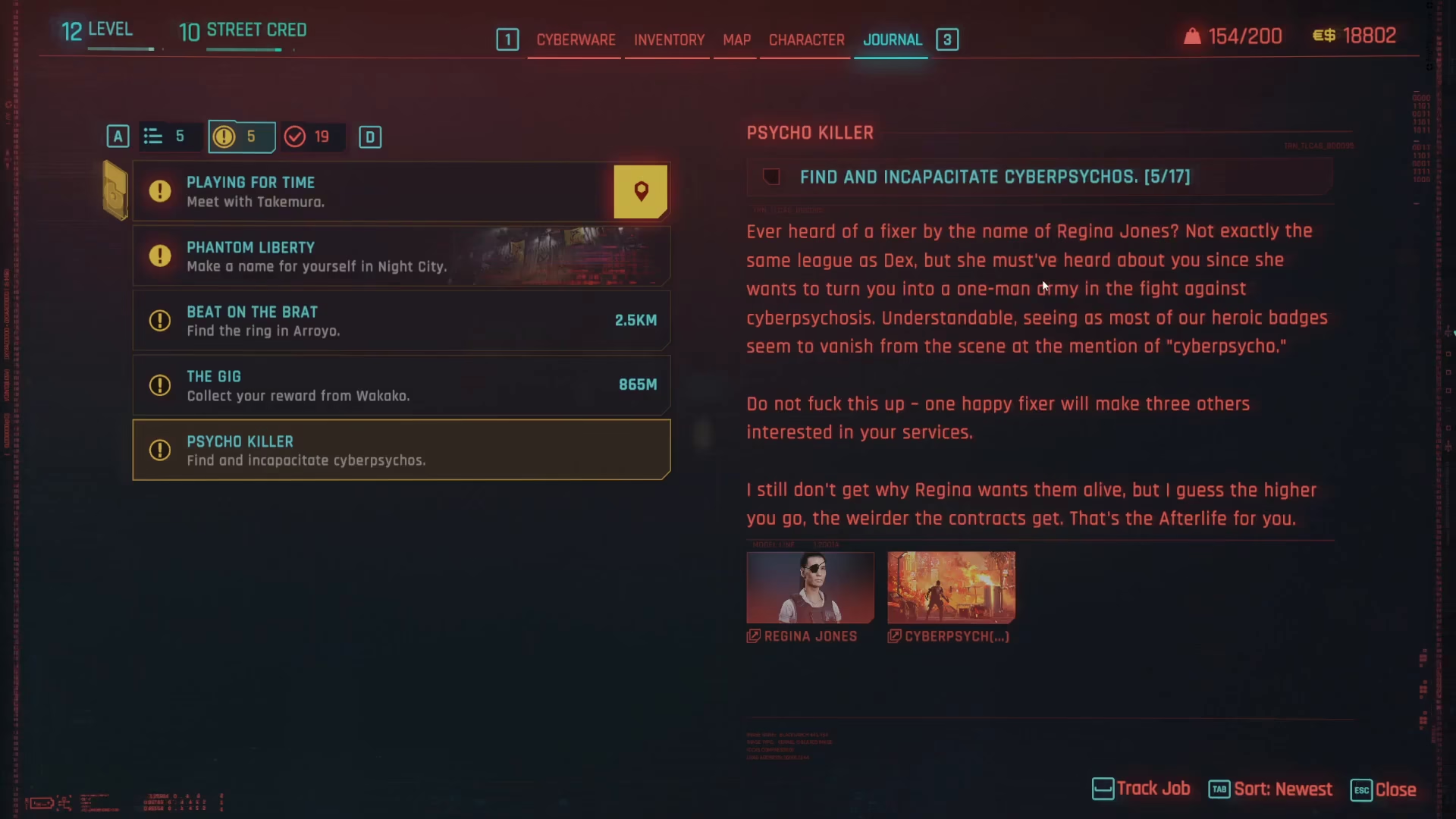
Once you’re in the Journal, you’ll see a list of all your current quests. When a quest has a shard associated with it, the shard will appear as a readable item listed under that specific quest objective on the left-hand side of the screen.
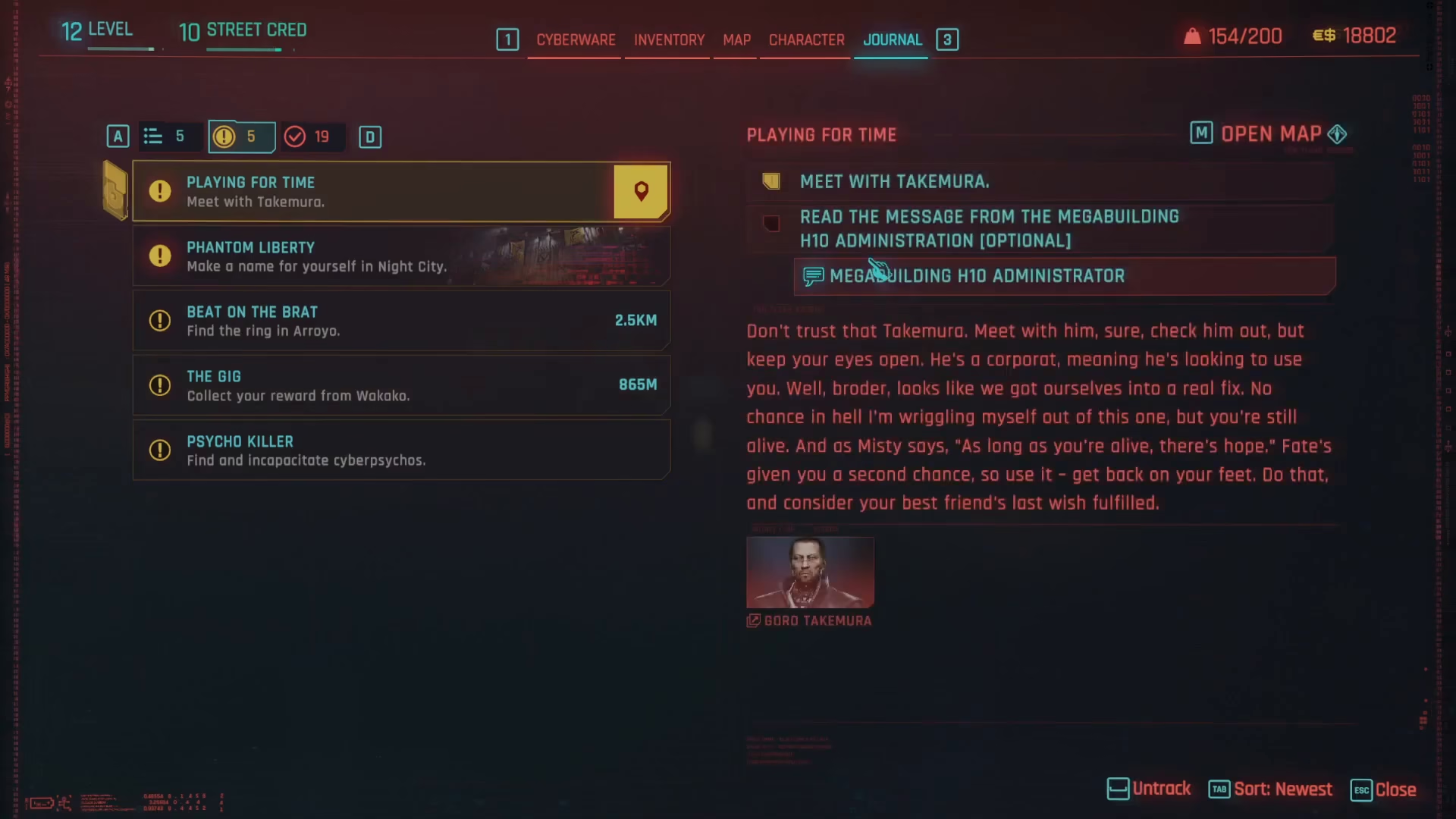
If a shard is available for a quest, simply click on it to read the text, just as you would with any other readable item like the “Mega Building Administrator” document. This method is useful when you’re actively working on a quest and want to read contextual lore.
Reading All Shards From the Shards Menu
The second method is the most comprehensive way to access every shard you’ve collected. Return to your Inventory and navigate to the Journal tab again.
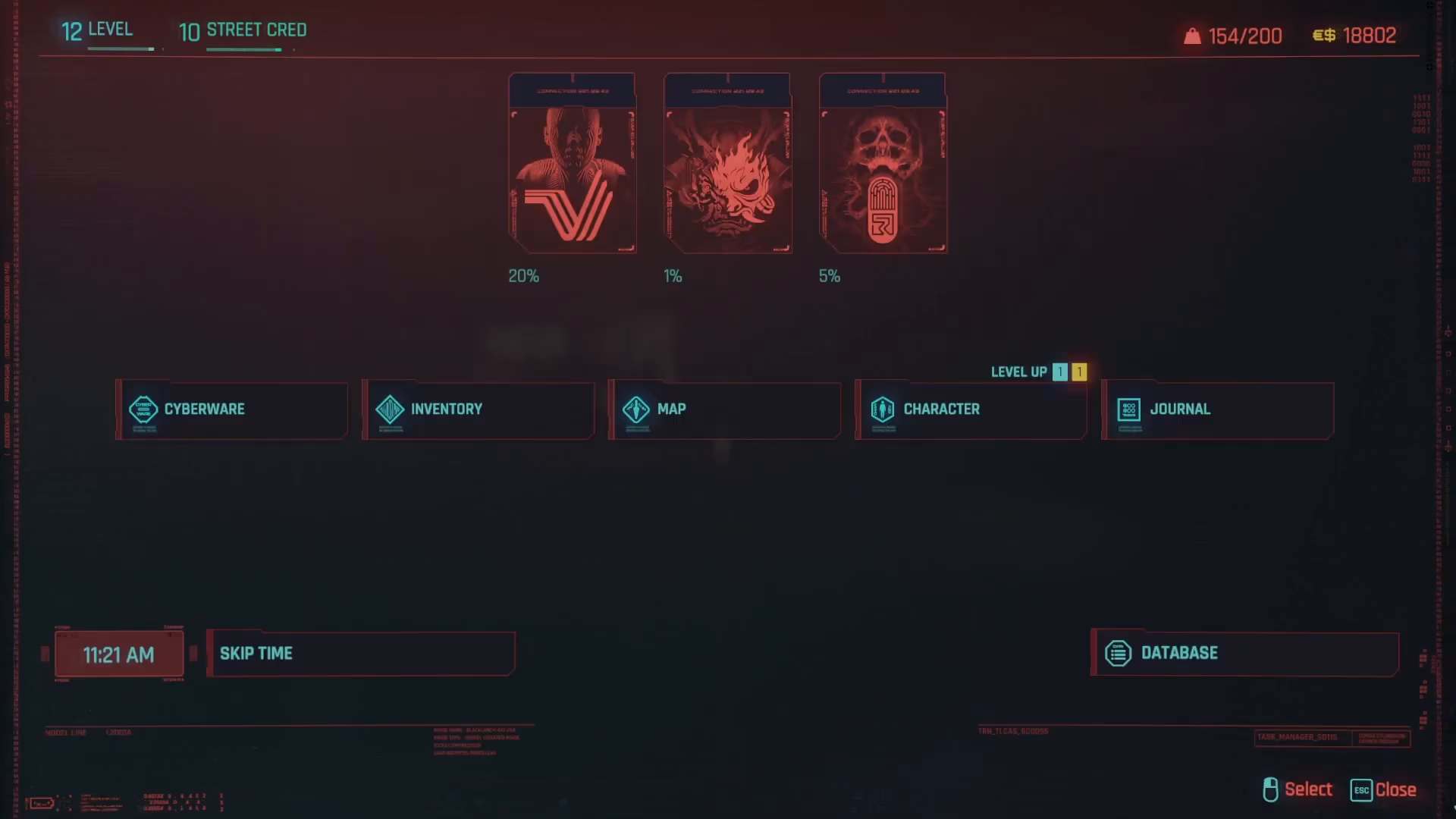
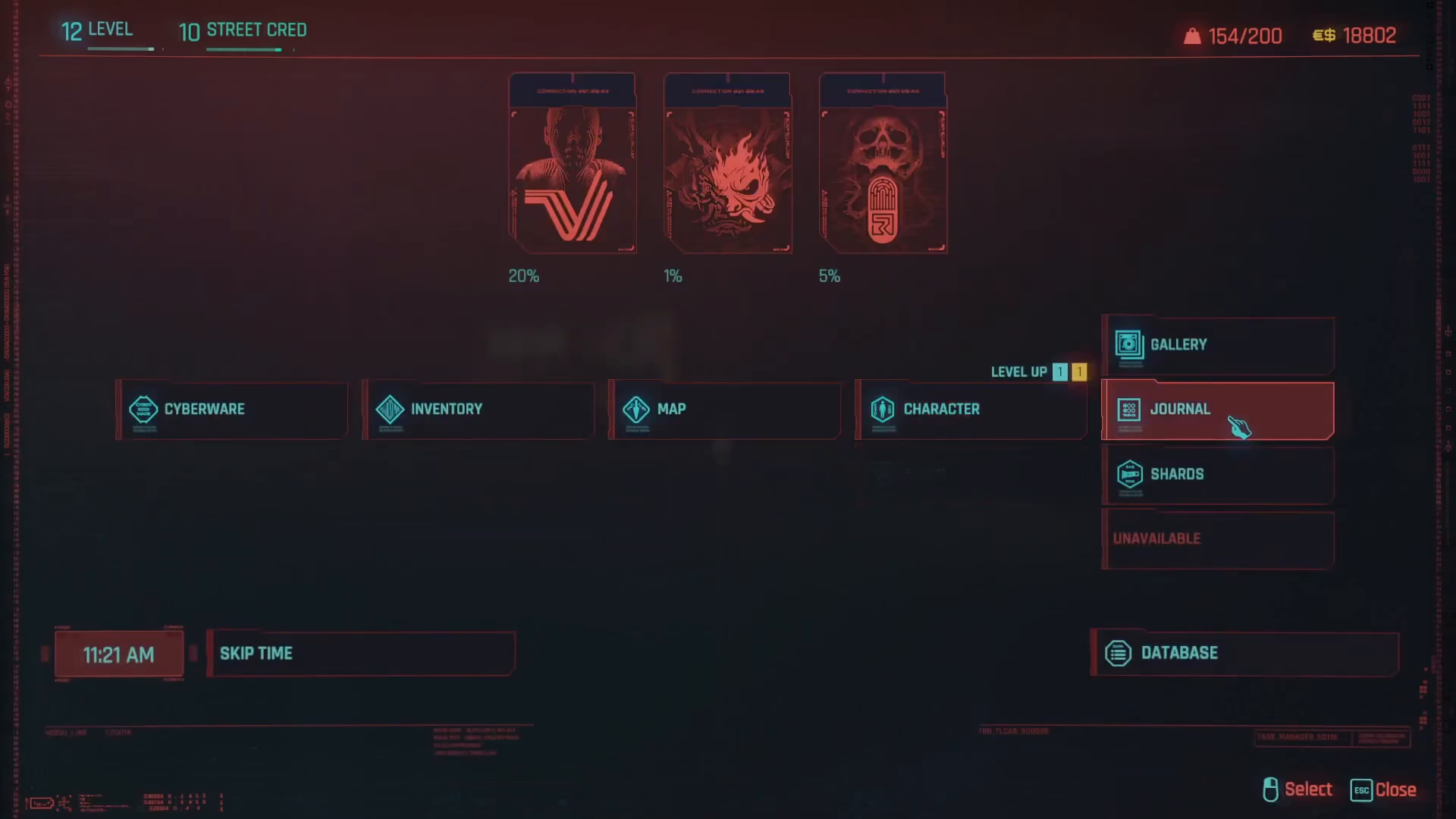
Important tip: Hover over the Journal option without clicking it. A submenu will appear with additional options, including a dedicated Shards entry. Click on Shards to access the complete shard collection menu.
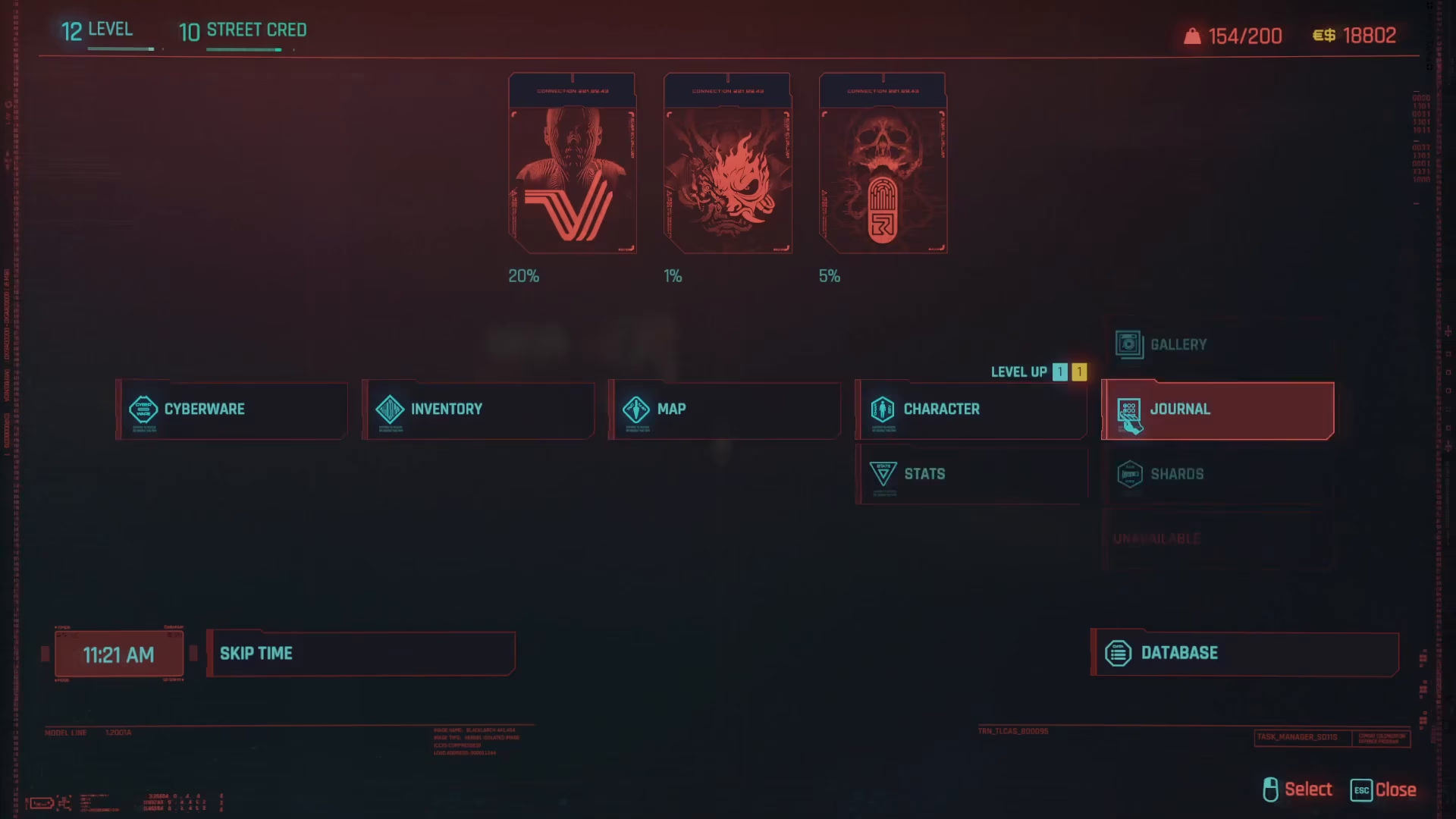
Many players miss this feature by clicking directly on Journal, which doesn’t show the submenu. By hovering first, you’ll reveal the Shards option beneath it.
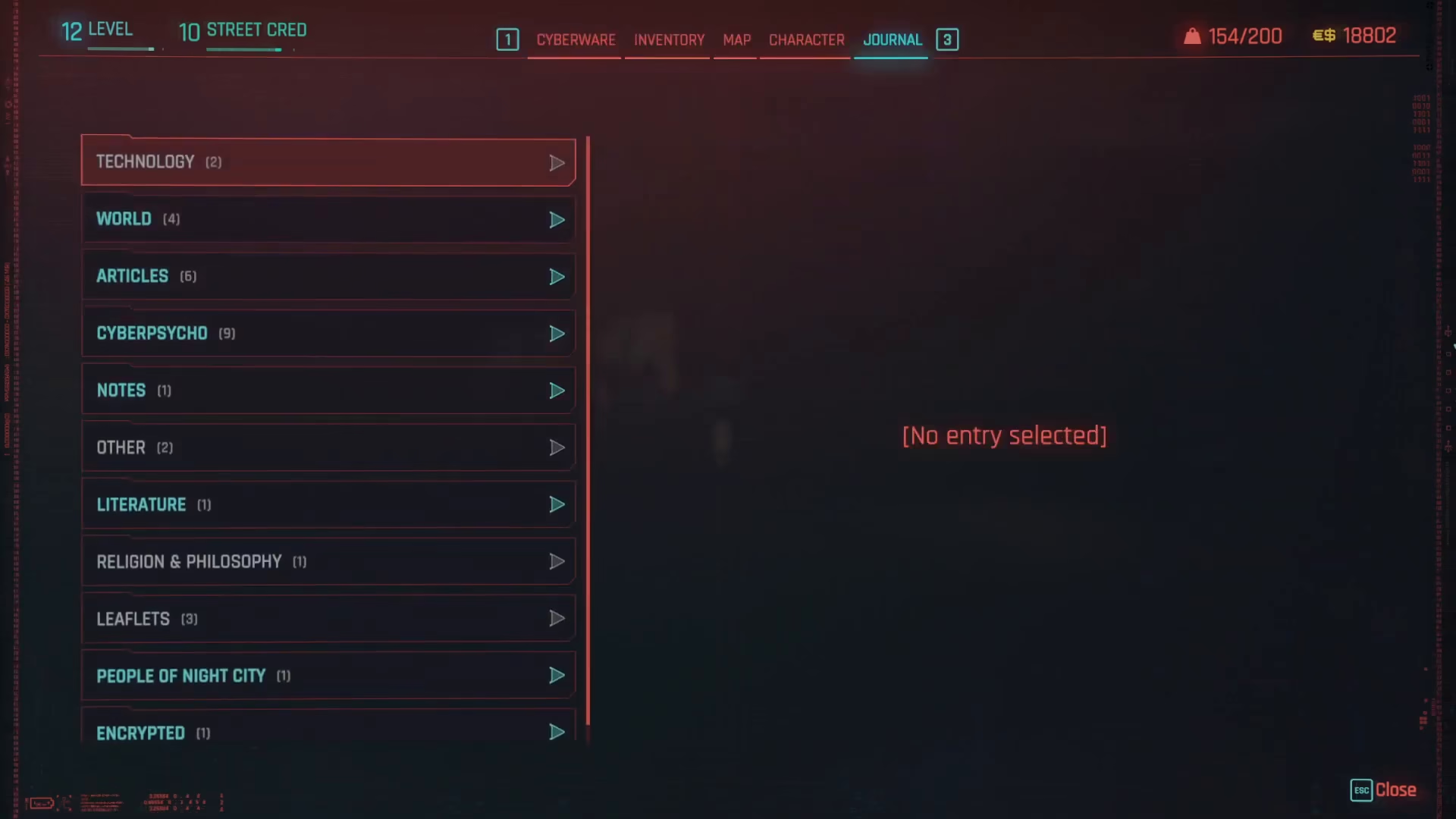
Once you’ve opened the Shards menu, the left-hand side of the screen will display a list of all the different shards you’ve collected throughout your playthrough. Browse through this list and click on any shard to read its full text.
Summary
Reading shards in Cyberpunk 2077 is straightforward once you know where to look. For quest-specific shards, check your Journal and look under the relevant quest objective. For a complete overview of all your collected shards, use the dedicated Shards submenu accessed by hovering over the Journal option in your Inventory. With these two methods, you’ll be able to fully explore all the lore and story content the game has to offer.
— Want to Support? —
If you would like to help us continue making these guides – please consider joining our patreon here – https://www.patreon.com/c/JaviHeals
Alternatively – you can join our discord here – https://discord.gg/zD7Gjt6MHF