





How To Save in Civ 6
How to Save in Civilization 6
Saving your progress is essential when playing Civilization 6, especially during longer campaigns. This guide walks you through the exact steps to save your game, whether you’re creating a new save file or overwriting an existing one. We’ll also cover the quick save feature so you can protect your progress efficiently.
Save Game Limitations
It’s important to note that saving is not available during the tutorial mode. You can only save your progress once you’ve started a normal game of Civilization 6.
How to Save in Normal Game Mode
To save your game, follow these steps:
Step 1: Open the Save Menu
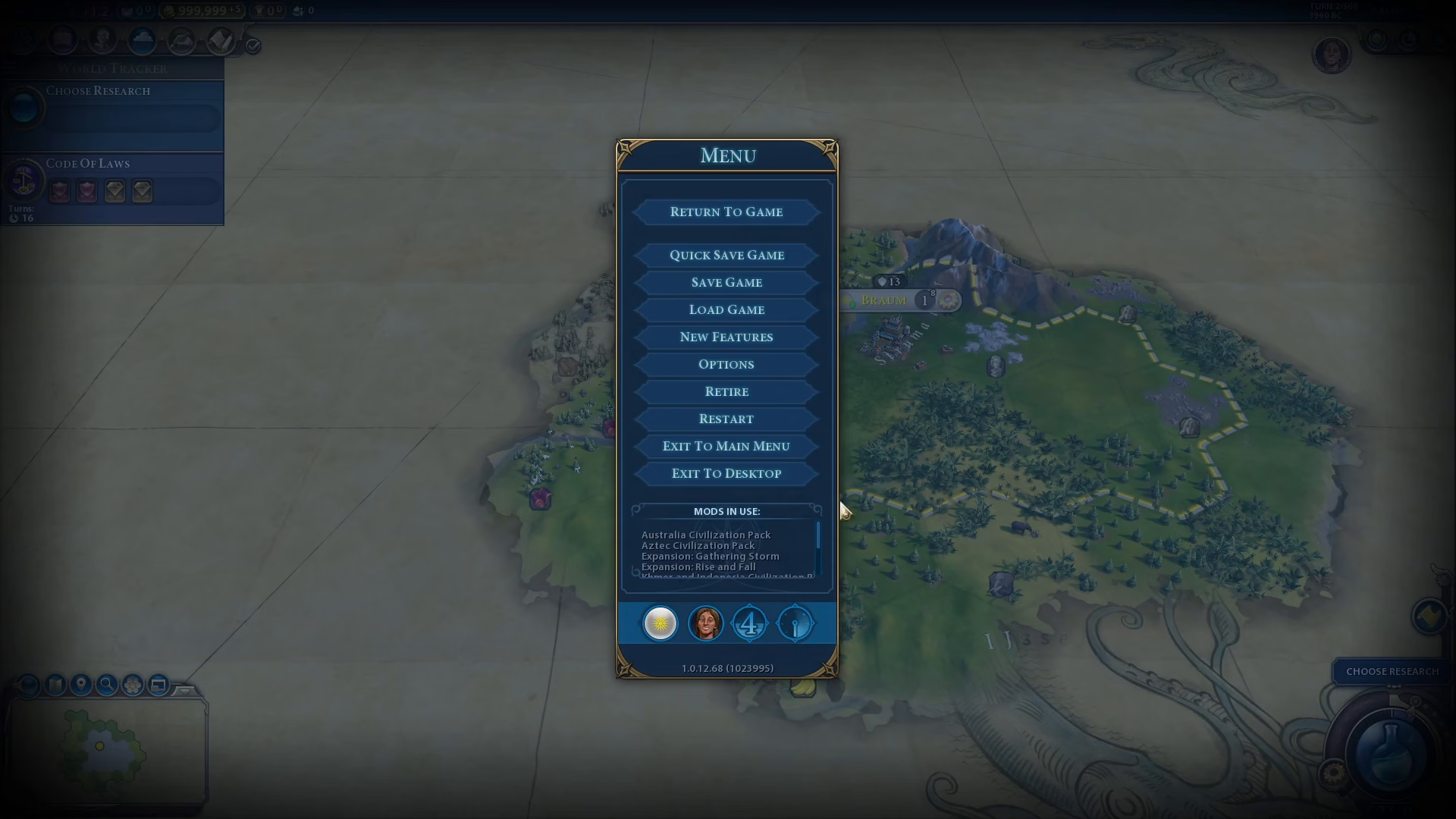
Press the Escape key to open the main menu.
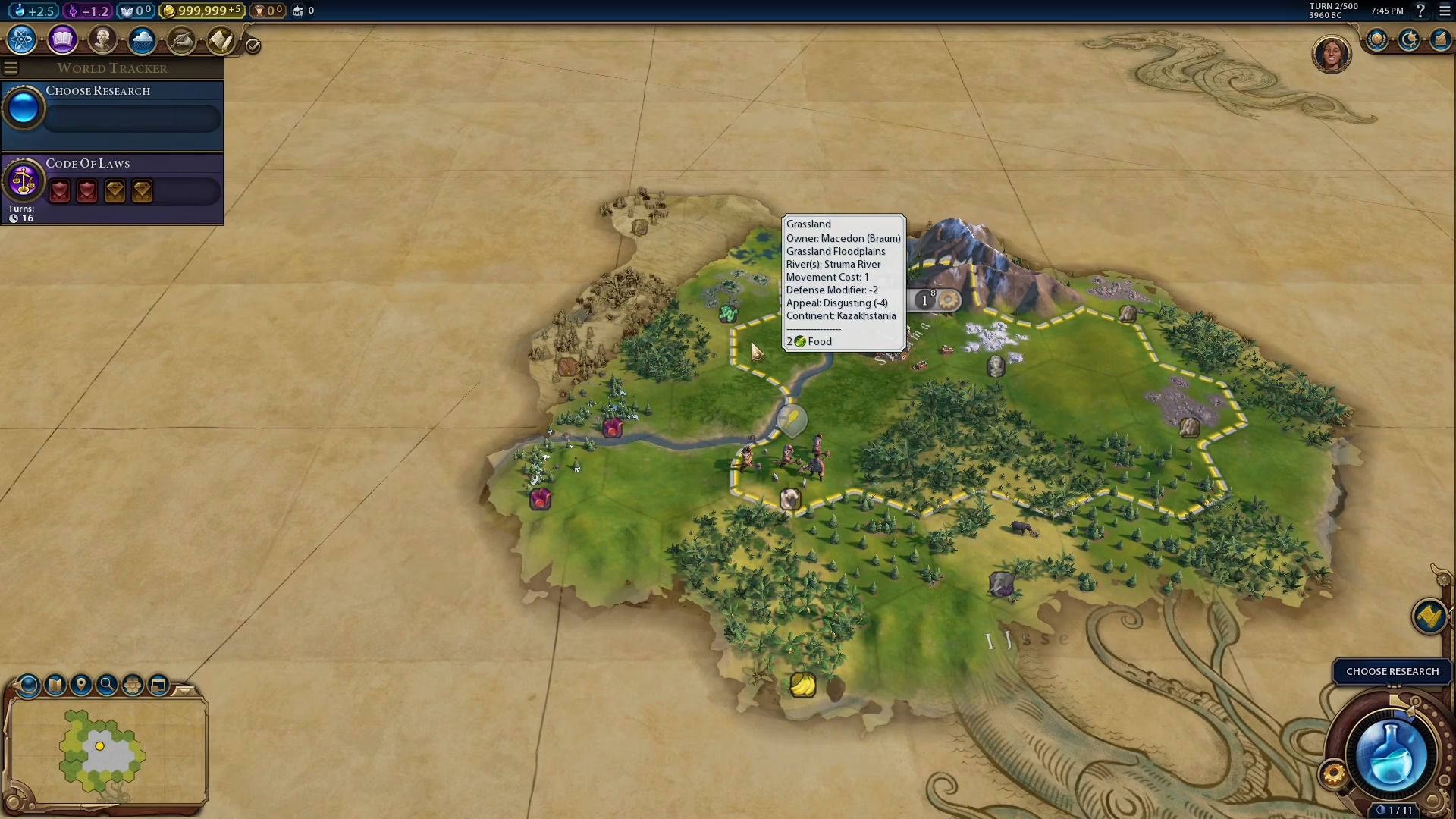
Step 2: Access Save Options
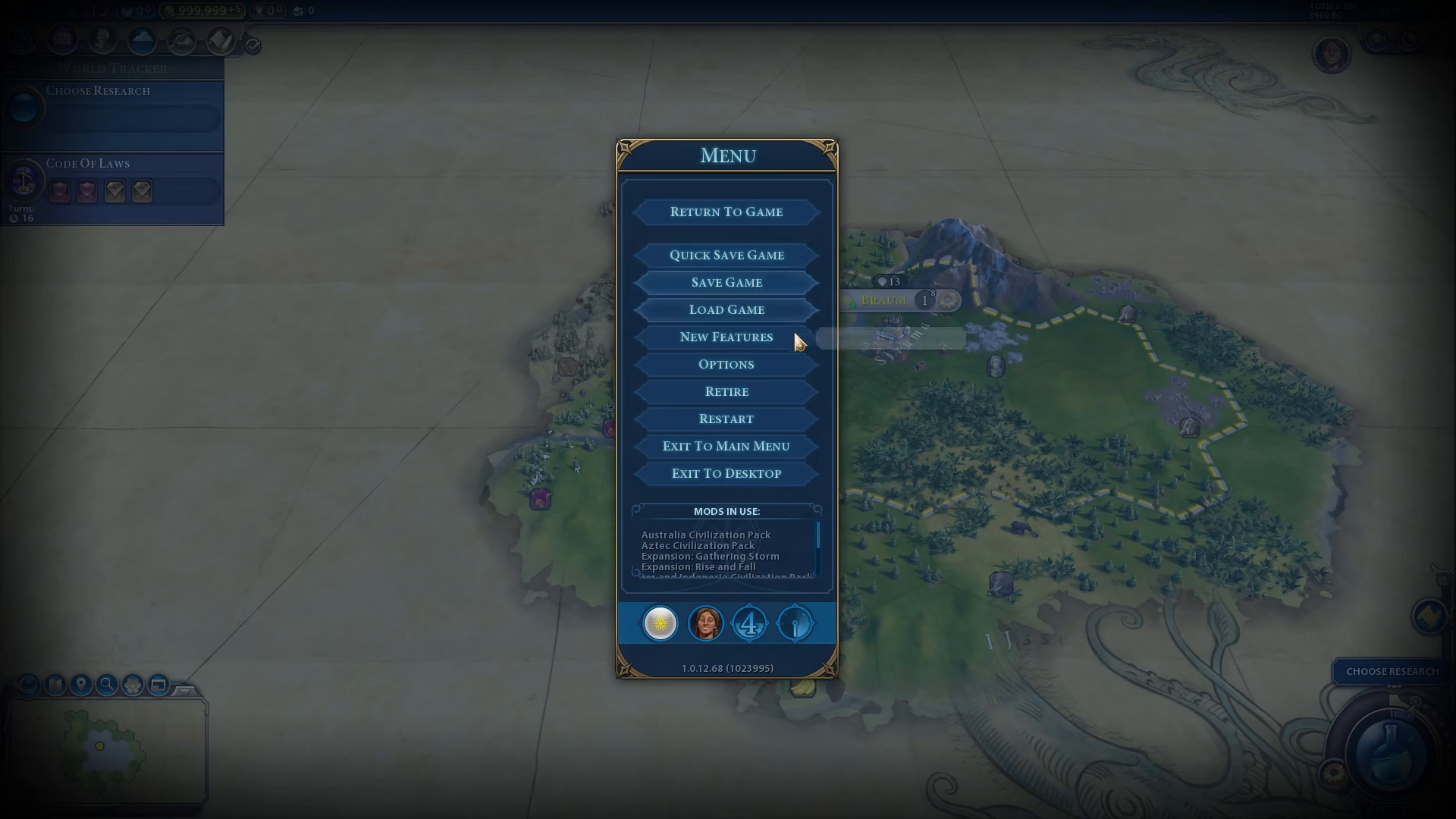
Click on “Save Game” from the menu options.
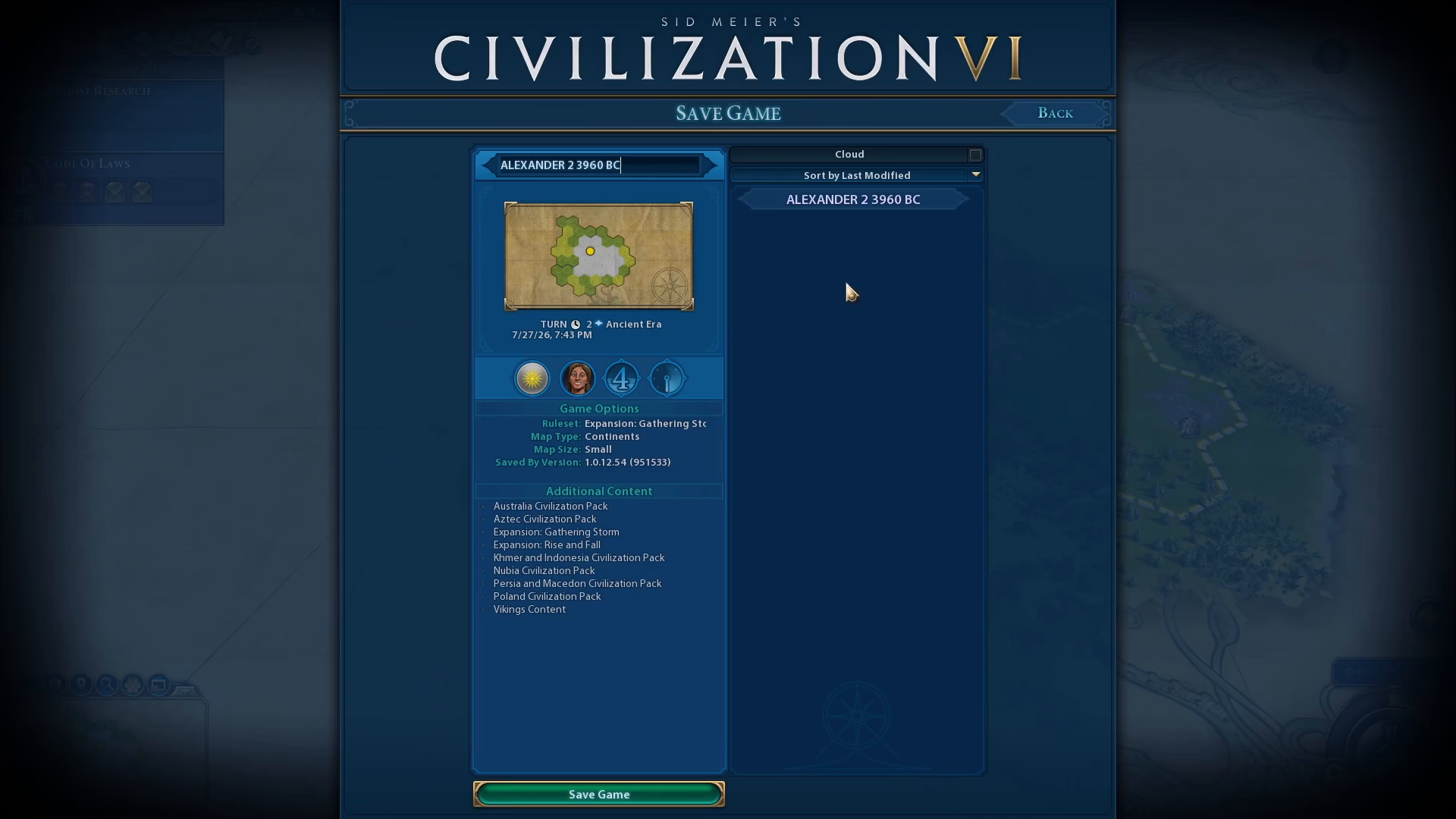
Step 3: Choose Your Save Type
You now have two options:
Overwrite an Existing Save: Select a previous save file to replace it with your current progress. A confirmation prompt will appear at the bottom of the screen asking you to confirm—simply select “Yes” to proceed.
Create a New Save: Create a new save file instead of overwriting an existing one, which is useful for keeping multiple versions of your game.
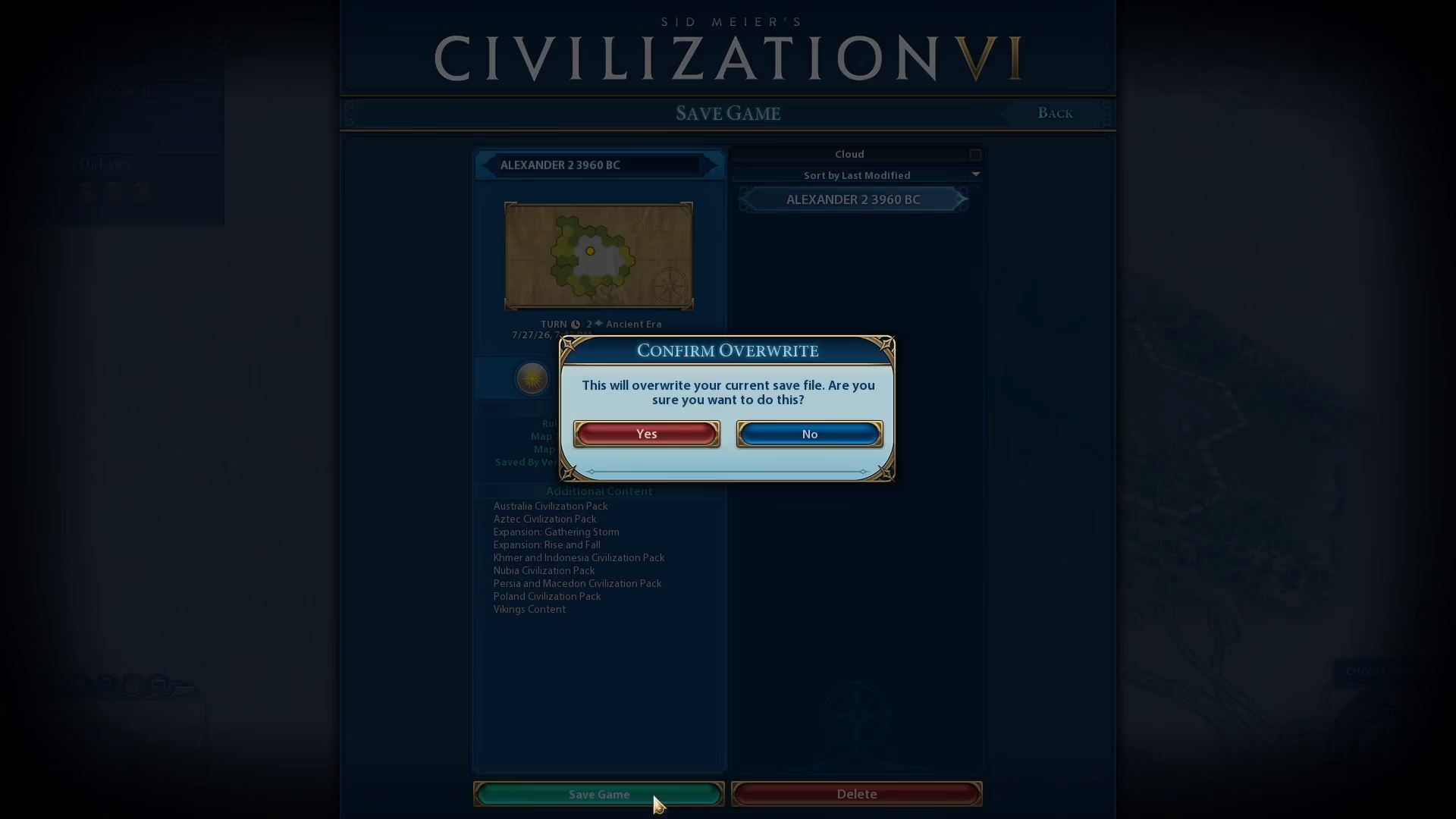
Step 4: Confirm Your Save
Click “Save Game” to finalize your save.
Quick Save Feature
For faster saving during gameplay, Civilization 6 offers a quick save feature. Simply click the quick save option, and the game will automatically save your current progress without requiring additional steps.
Checking Your Saves
To verify your saves, open the Load Game menu. Here you can see both your quick saves and your regular saves listed separately, making it easy to manage and organize your game files.
Summary
Saving in Civilization 6 is straightforward once you’re in a normal game. Whether you choose to create new saves, overwrite existing ones, or use the quick save feature, you now have all the tools to protect your progress and manage multiple playthroughs effectively.
— Want to Support? —
If you would like to help us continue making these guides – please consider joining our patreon here – https://www.patreon.com/c/JaviHeals
Alternatively – you can join our discord here – https://discord.gg/zD7Gjt6MHF