





How To Split Stacks in Valheim
How To Split Stacks in Valheim
One of the most useful yet underrated mechanics in Valheim is the ability to split item stacks. Since carry weight is a precious resource in the game, knowing how to efficiently split your inventory items can make a huge difference in your gameplay. This guide will walk you through the simple process of splitting stacks in Valheim so you can manage your inventory like a pro.
Opening Your Inventory
To begin splitting stacks, you’ll first need to open your inventory. This is where all your items are stored and managed.
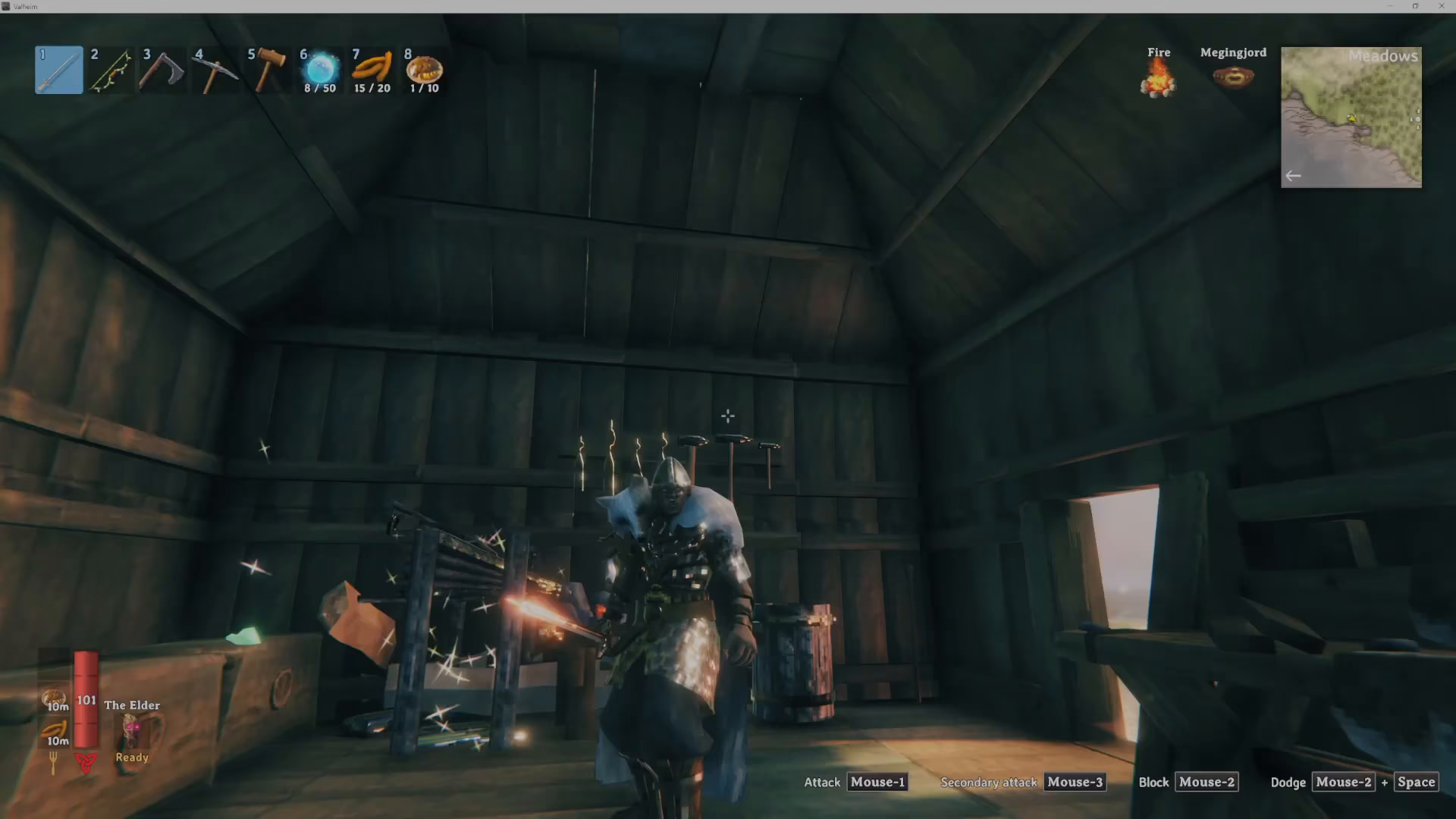
How to Split Stacks
Once your inventory is open, the process is straightforward. Simply hold down the left shift key on your keyboard and then left click on the stack of items you want to split.
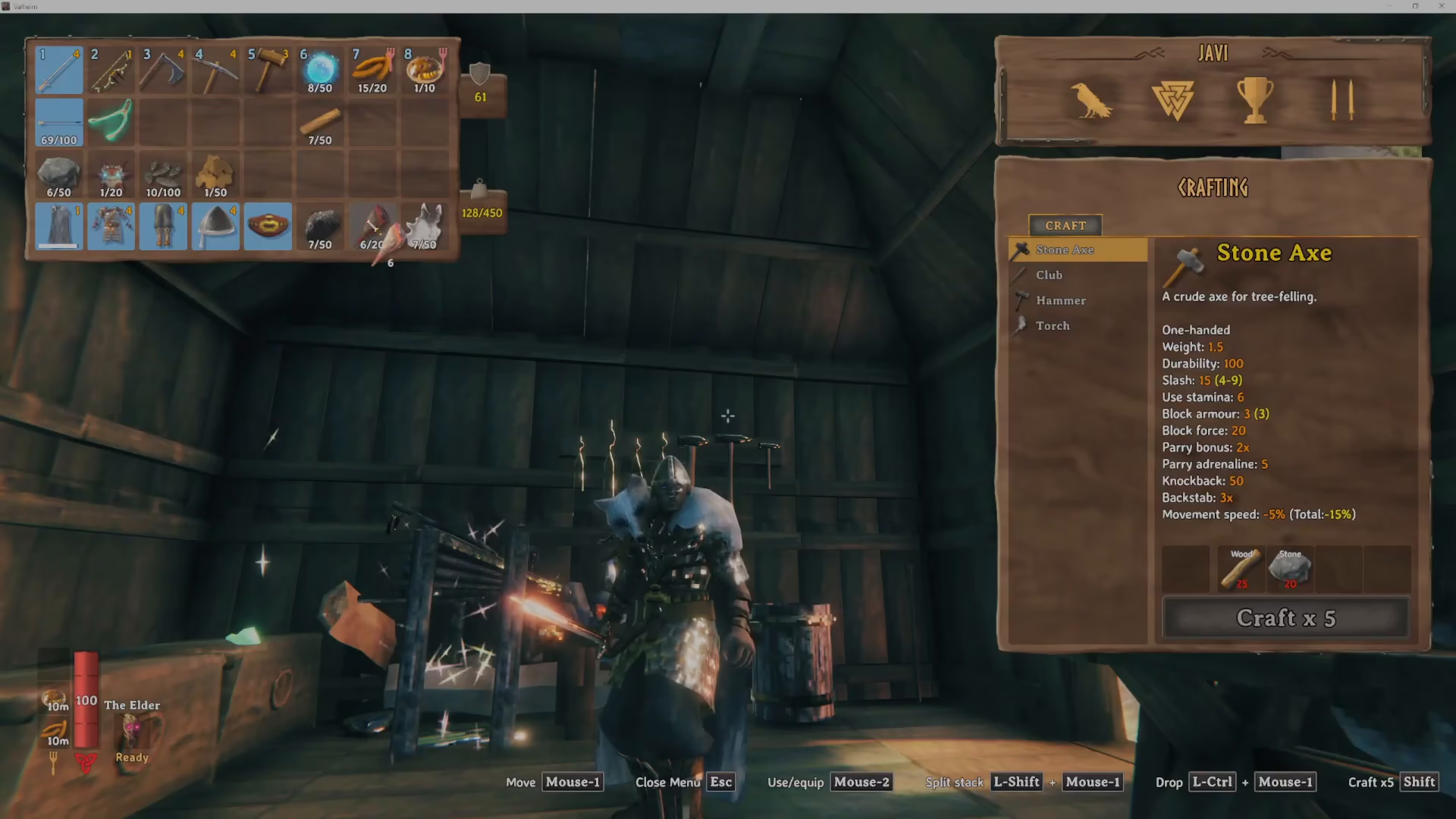
The Split Stack Menu
When you perform the shift + left click action, a “split stack” menu will appear. This menu allows you to divide your stack into two separate quantities. For example, you can split a stack into free and free, meaning you’ll have two equal portions of your items.
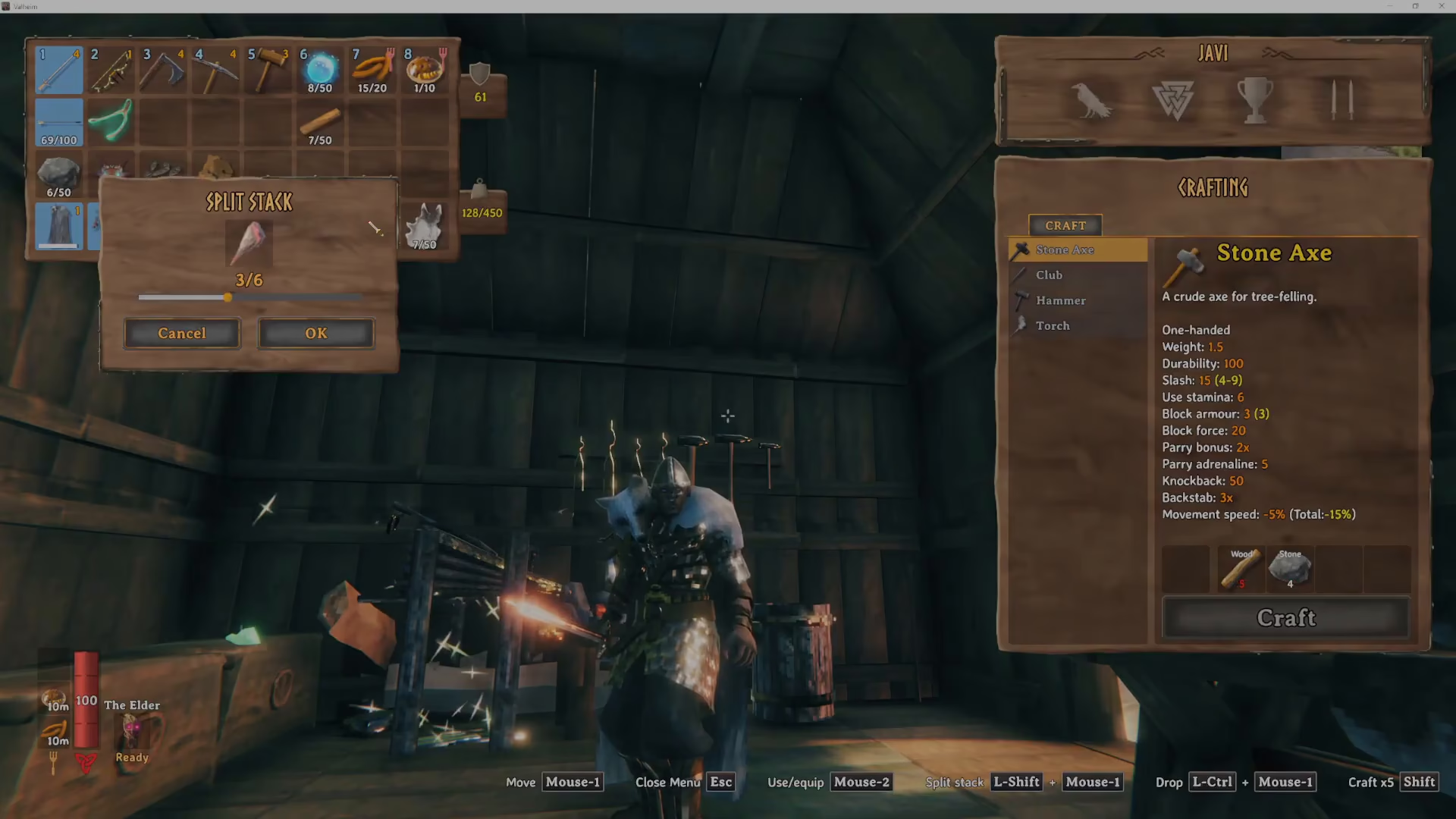
Summary
That’s all there is to splitting stacks in Valheim! While it’s a simple mechanic, it’s often difficult to discover on your own. By holding left shift and left clicking on any stack of items in your inventory, you can quickly split them into separate portions. This is especially useful for managing your carry weight and organizing your inventory efficiently during your adventures in Valheim.
Want to Support?
If you would like to help us continue making these guides – please consider joining our patreon here – https://www.patreon.com/c/JaviHeals
Alternatively – you can join our discord here – https://discord.gg/zD7Gjt6MHF