






How To Taunt In Age of Empires 4
How to Taunt in Age of Empires 4
Taunts are a fun way to interact with other players in Age of Empires 4. Whether you’re looking to celebrate a victory, motivate your team, or just have some fun during matches, knowing how to use taunts is essential. This guide will walk you through the process of accessing your taunt collection and using them in-game.
Accessing Your Taunt Collection
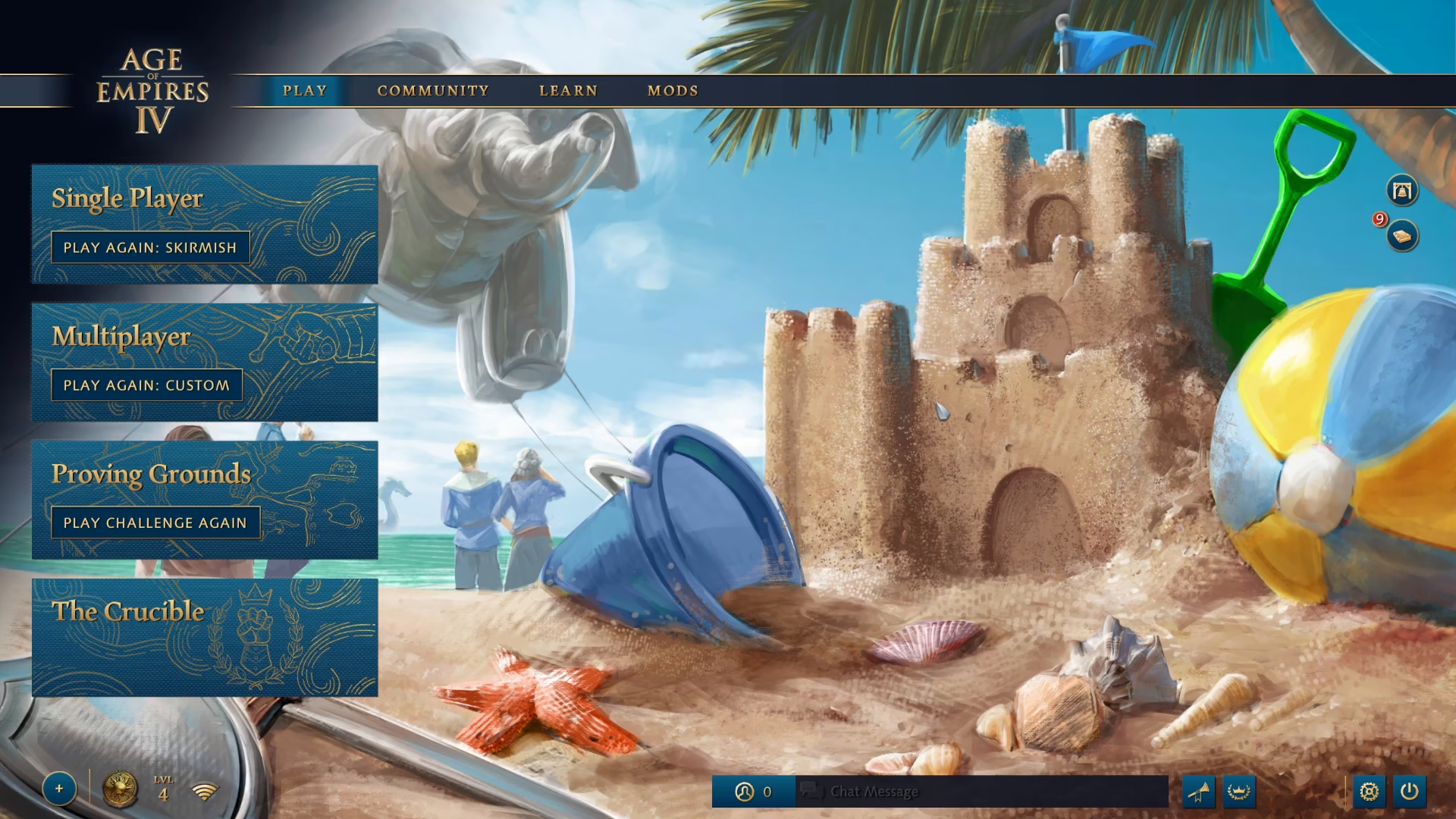
To view your complete taunt collection, start from the main menu and navigate to your profile by clicking it in the bottom left corner.
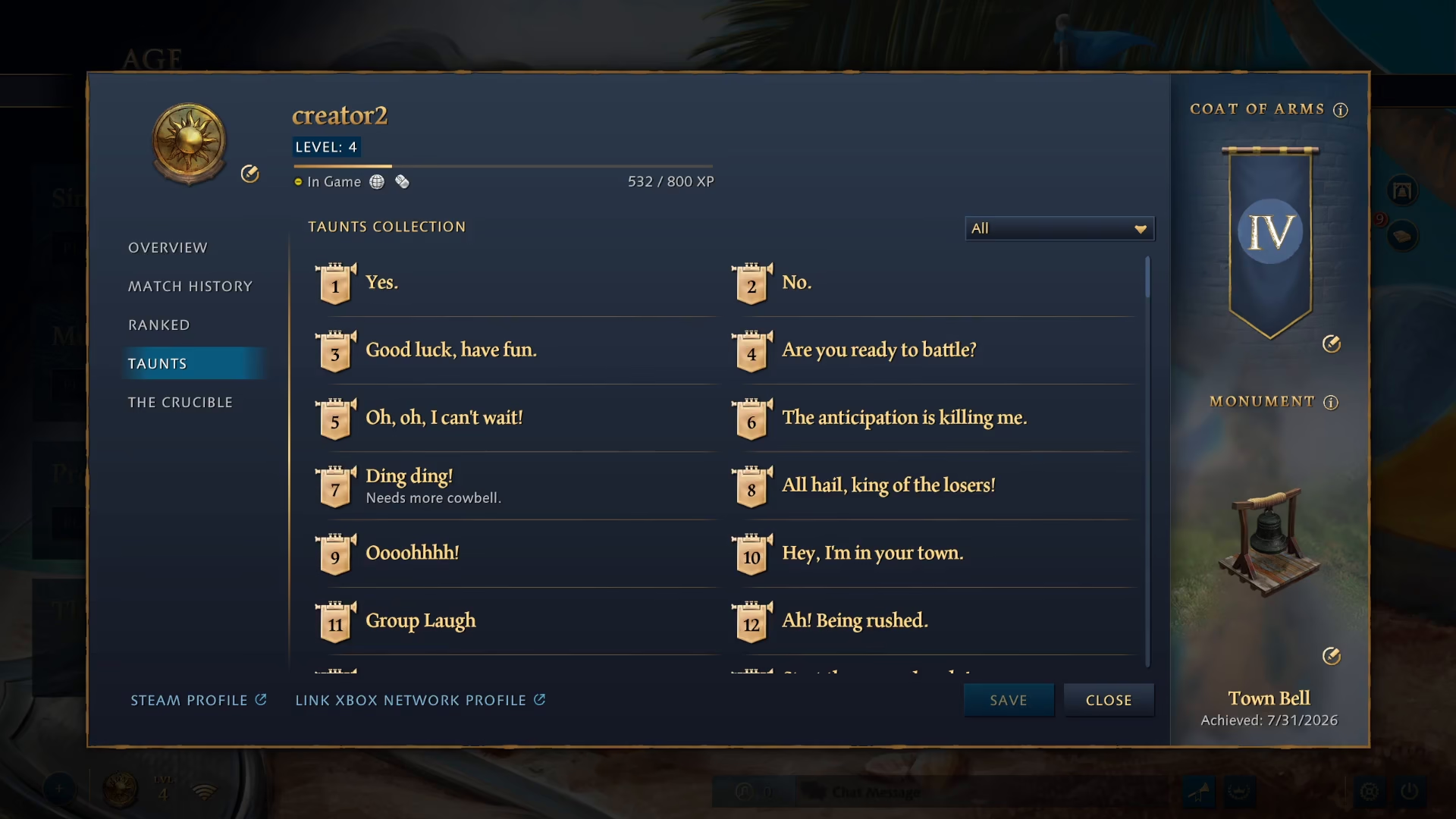
Once your profile is open, click on “Taunts” to view your entire taunt collection. Each taunt is represented by a number, which corresponds to the taunt command you’ll use in chat.
Using Taunts In-Game
Starting a Match
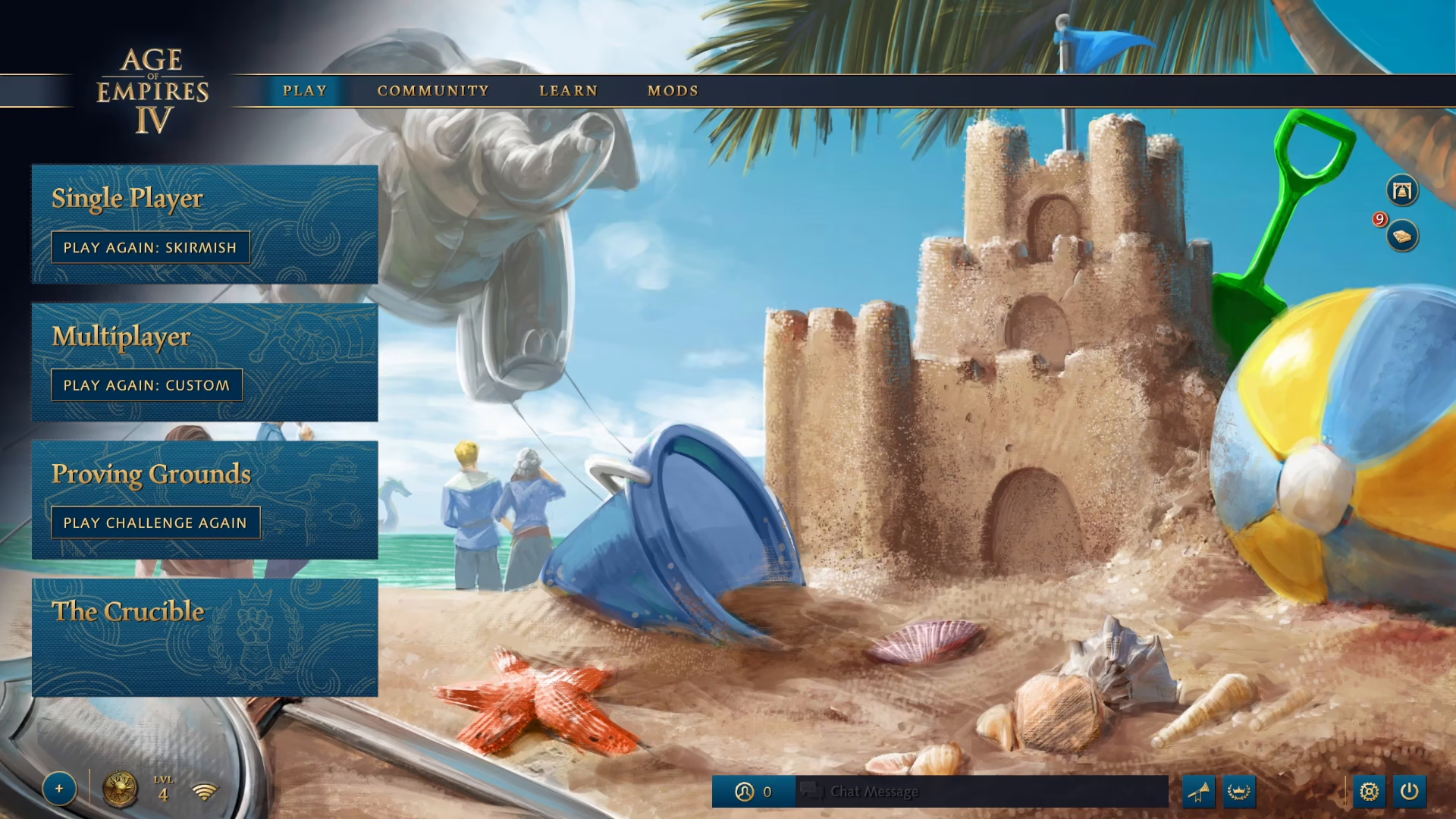
To use taunts during gameplay, you’ll first need to start a match. You can play a skirmish against AI, join a multiplayer game, or any other game mode you prefer.
Executing a Taunt Command
Once you’re in-game, press Enter to open the chat window.

In the chat box, type a forward slash (/) followed by the taunt number. For example, you could type /3, /20, /6, /7, or any other taunt number from your collection, then press Enter to execute the taunt.

Summary
Using taunts in Age of Empires 4 is straightforward once you know the steps. First, explore your taunt collection through your profile to find the taunt numbers you want to use. Then, during any match, simply open chat with Enter and type the taunt command using the format /(number). With these simple steps, you’ll be taunting like a pro in no time!
— Want to Support? —
If you would like to help us continue making these guides – please consider joining our patreon here – https://www.patreon.com/c/JaviHeals
Alternatively – you can join our discord here – https://discord.gg/zD7Gjt6MHF