






How To Time Skip in CyberPunk 2077
How To Time Skip in Cyberpunk 2077
Time skipping is a handy feature in Cyberpunk 2077 that allows you to advance the in-game clock whenever you need to. Whether you’re waiting for a mission to start or simply want to experience different times of day in Night City, this mechanic is easy to access once you know where to find it. This guide will walk you through the process on PC and console.
How to Time Skip on PC
To skip time in Cyberpunk 2077 on PC, start by opening your inventory menu. You can do this from anywhere in the game world.
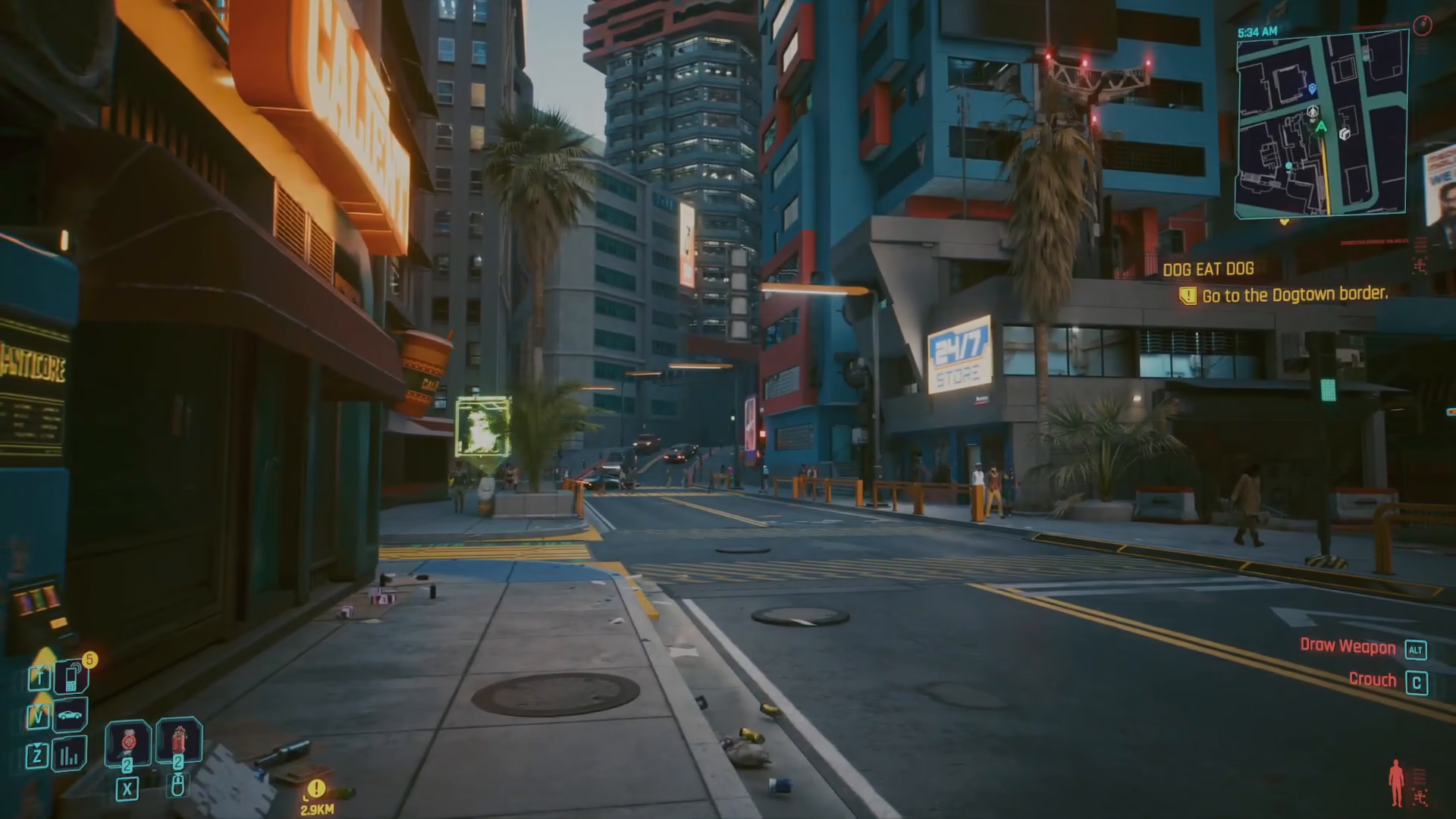
Once your inventory is open, press Escape to access the main menu system. Look at the bottom left corner of your screen—you’ll see the current in-game time displayed there.
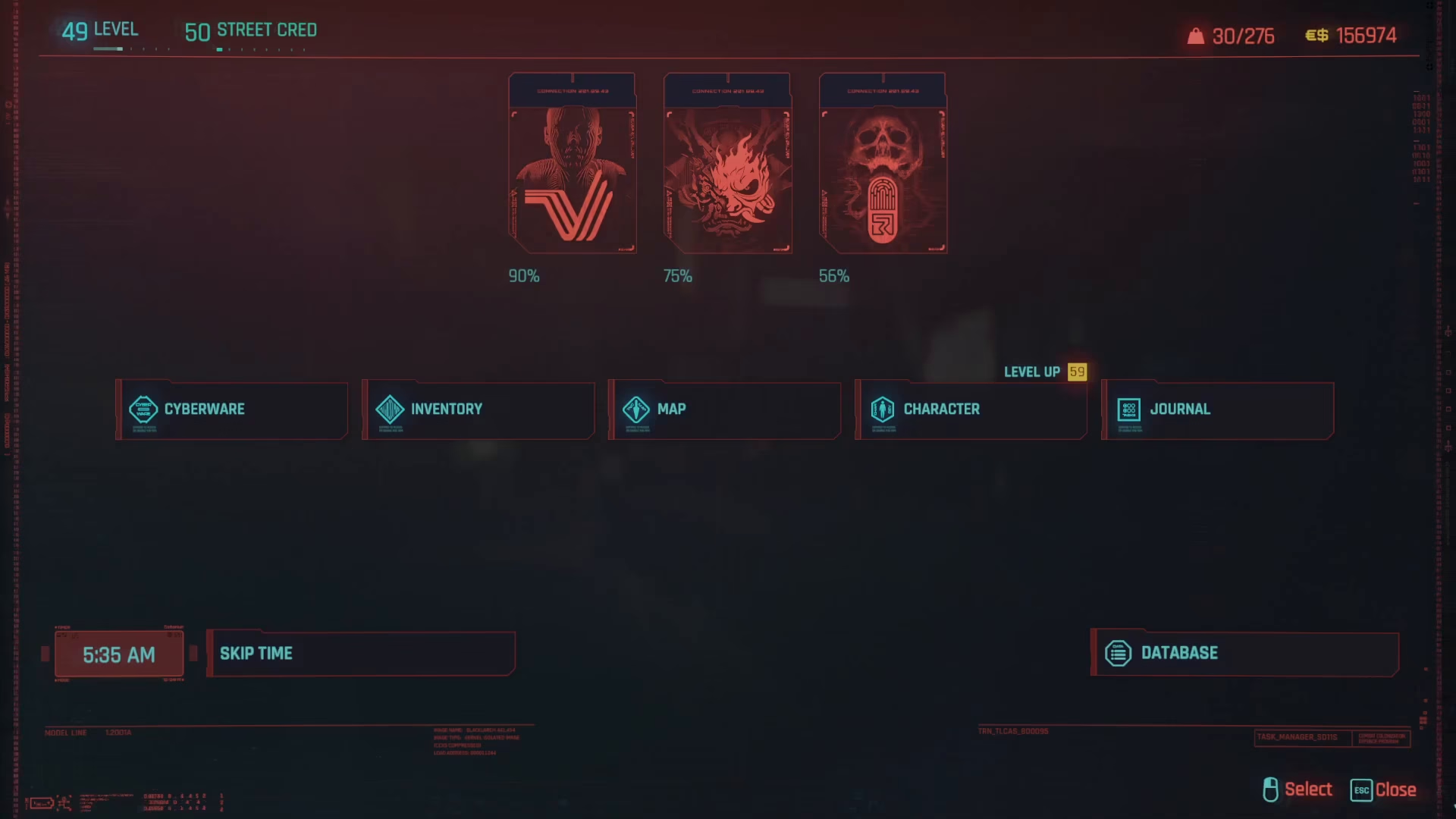
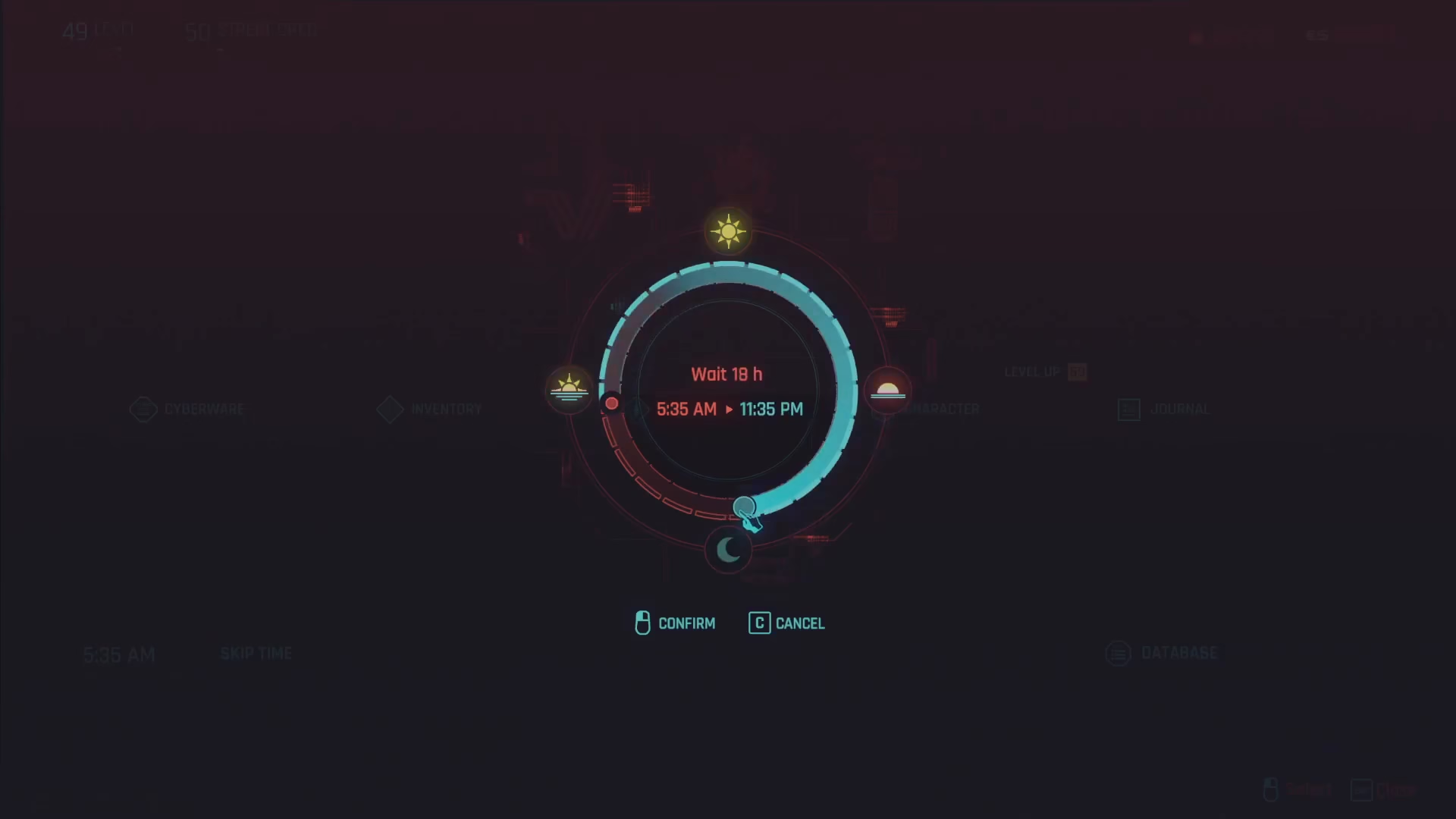
Select the “Wait” or “Skip Time” option. A menu will appear showing you how many hours you can wait and what the in-game time will be at various intervals. For example, you can see options to wait until sunset, nighttime, or skip a set number of hours.
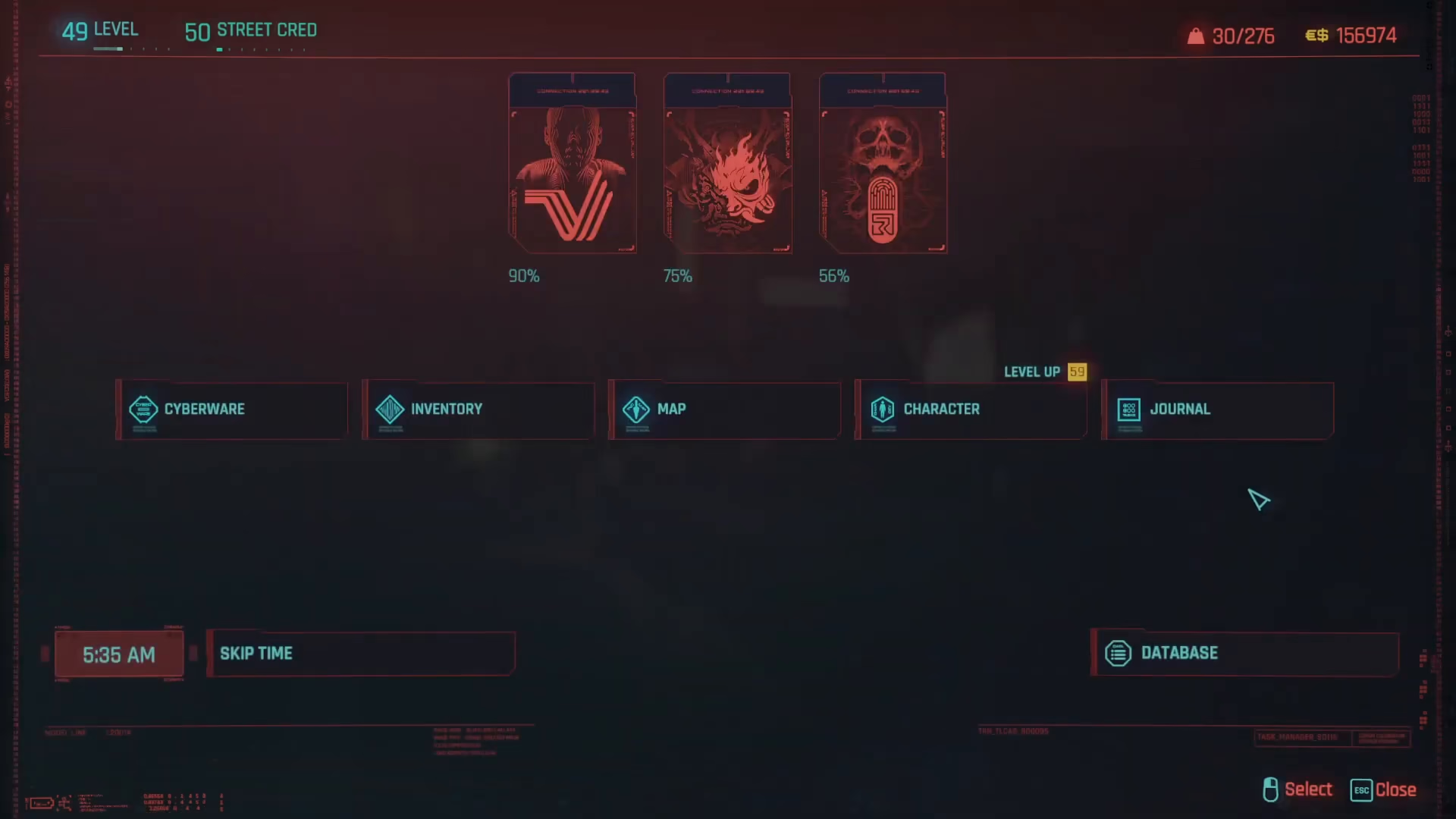
Choose your desired duration and confirm your selection. The game will advance time accordingly, and you’ll be right back where you were when the skip completes.
Time Skip Limitations
There are a few important restrictions to keep in mind when using the time skip feature:
The maximum time skip is 24 hours per use, though you can repeat the action as many times as needed.
You cannot skip time during active missions or while in combat.
Alternative Method: Sleep in Your Apartment
Another way to skip time is by going to your apartment and interacting with your bed. Select the Sleep option from the interaction menu. This will also advance the in-game time, though using the inventory method is generally more convenient.
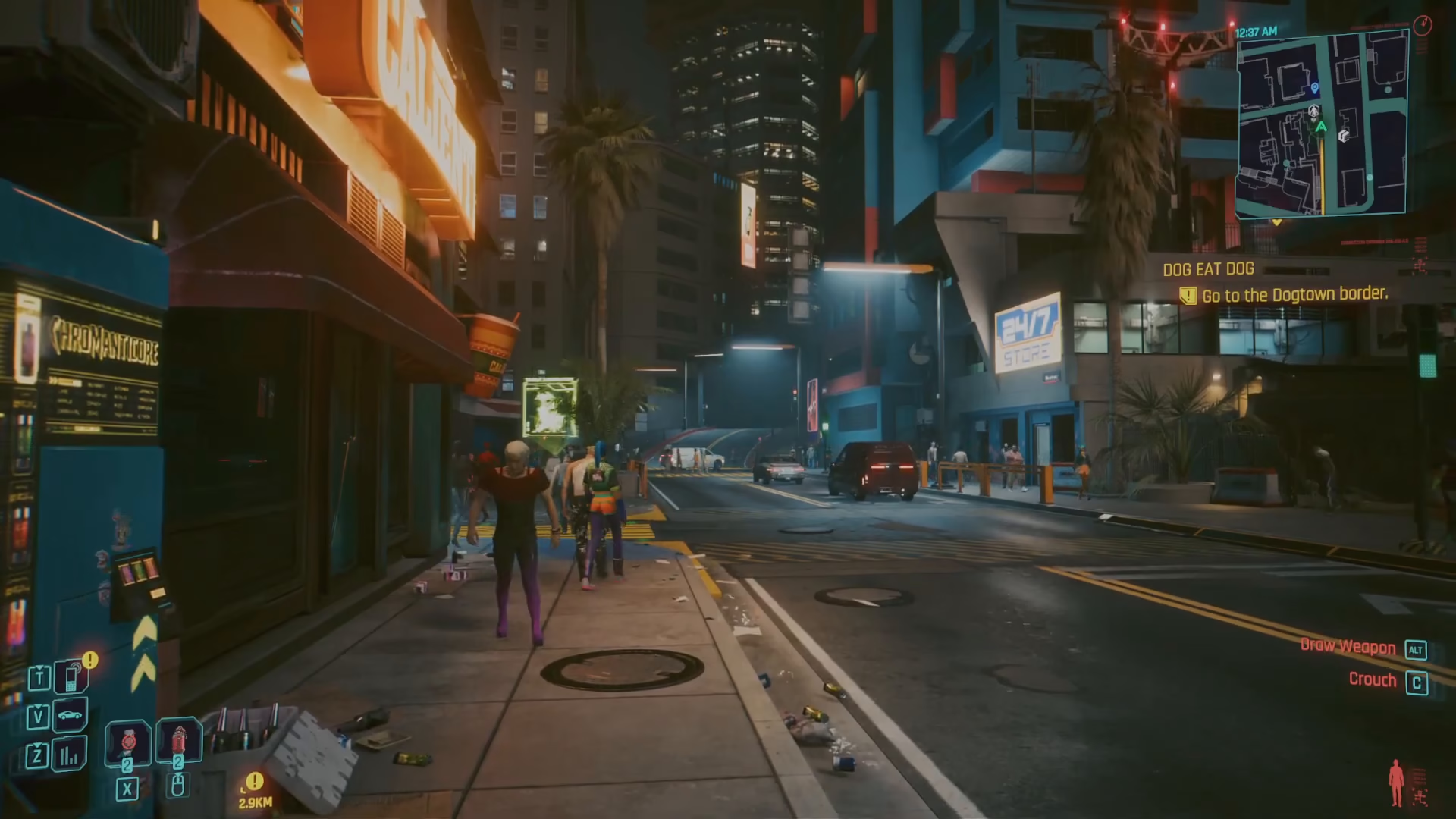
How to Time Skip on Xbox
If you’re playing on Xbox, the process is similar but uses different controls. Open the menu and press the Options button instead of Escape. From there, follow the same steps to access the time skip feature.

Summary
Time skipping in Cyberpunk 2077 is a straightforward mechanic that becomes indispensable once you know how to use it. Whether you’re on PC or Xbox, simply access your menu, navigate to the time skip option, and select your desired duration. Remember that you can’t skip time during active missions or combat, and the maximum skip is 24 hours at a time. With this feature at your fingertips, you’ll have full control over Night City’s day-night cycle.
Want to Support?
If you would like to help us continue making these guides – please consider joining our patreon here – https://www.patreon.com/c/JaviHeals
Alternatively – you can join our discord here – https://discord.gg/zD7Gjt6MHF