
How to Time Skip in Pokopia
How to Time Skip in Pokopia
Not everyone has the luxury of playing Pokopia all day and night. If you work irregular hours or need to experience different times of day in-game, time skipping is a useful feature. This guide walks you through the steps to adjust your system time and sync it back when you’re done playing.
Understanding Time Skipping
Time skipping in Pokopia allows you to change the in-game time by adjusting your Nintendo Switch system settings. This is particularly helpful if you work night shifts and want to play during daytime hours in-game, or if you simply want to experience different gameplay scenarios tied to specific times.
How to Time Skip in Pokopia
Step 1: Exit the Game
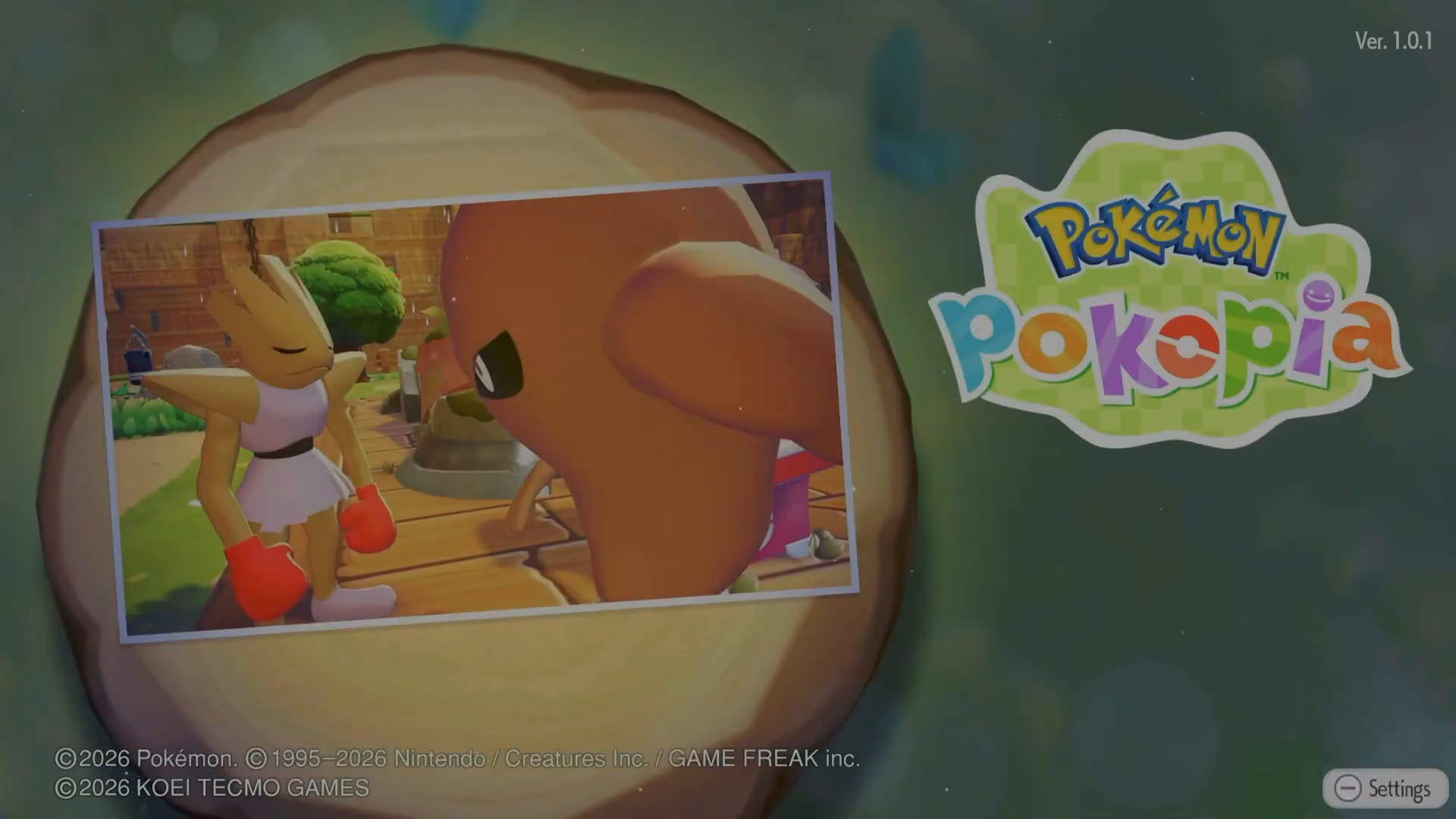
First, you need to exit Pokopia completely from your Nintendo Switch. Go to your menu and quit the game.

Step 2: Access the Home Menu
Once you’ve exited Pokopia, press the home button on your Switch controller to return to the home menu.
Step 3: Navigate to System Settings
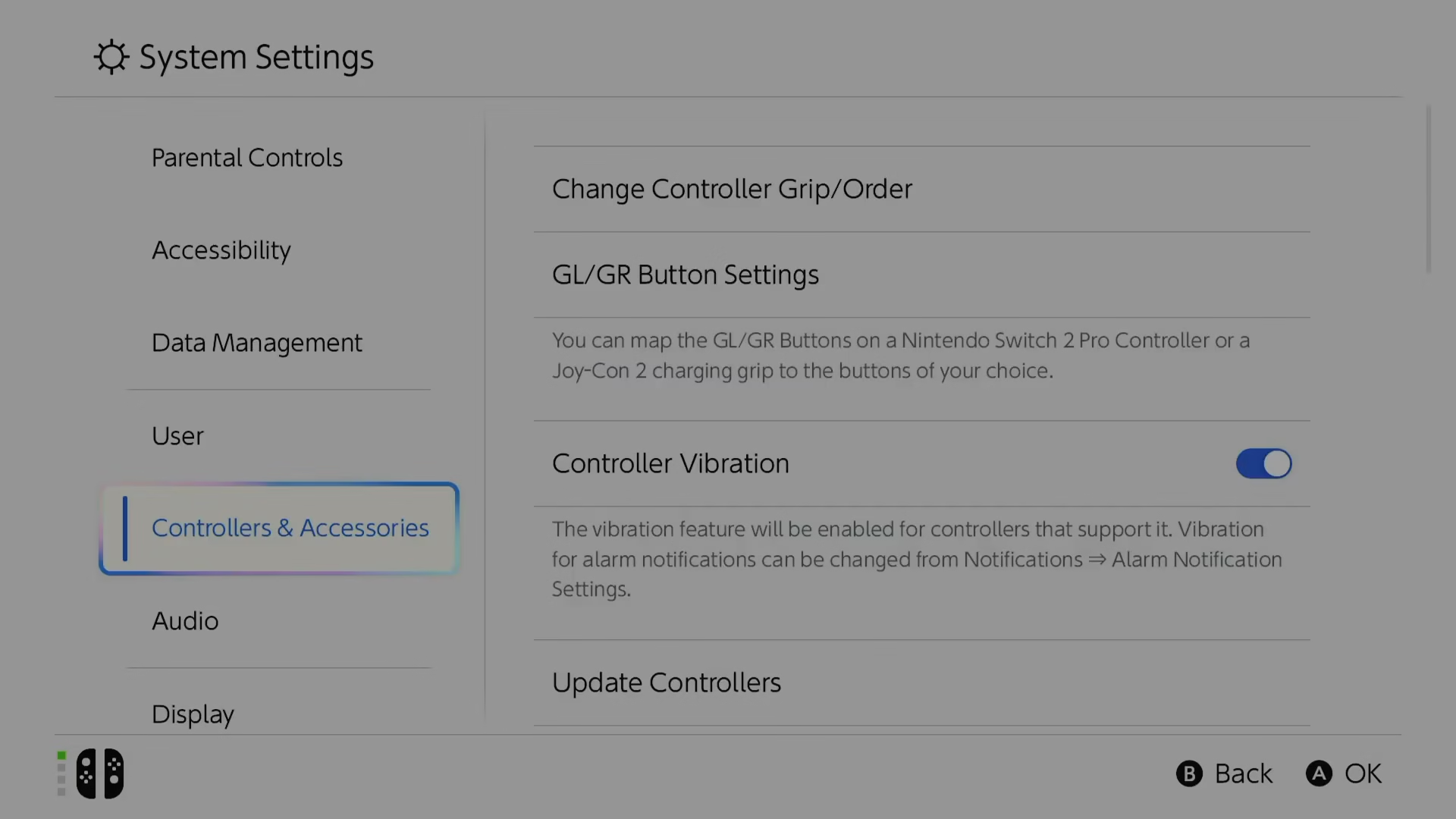
From the home menu, navigate to the System settings. You’ll find this option at the bottom of your screen. Select “System” from the available options.
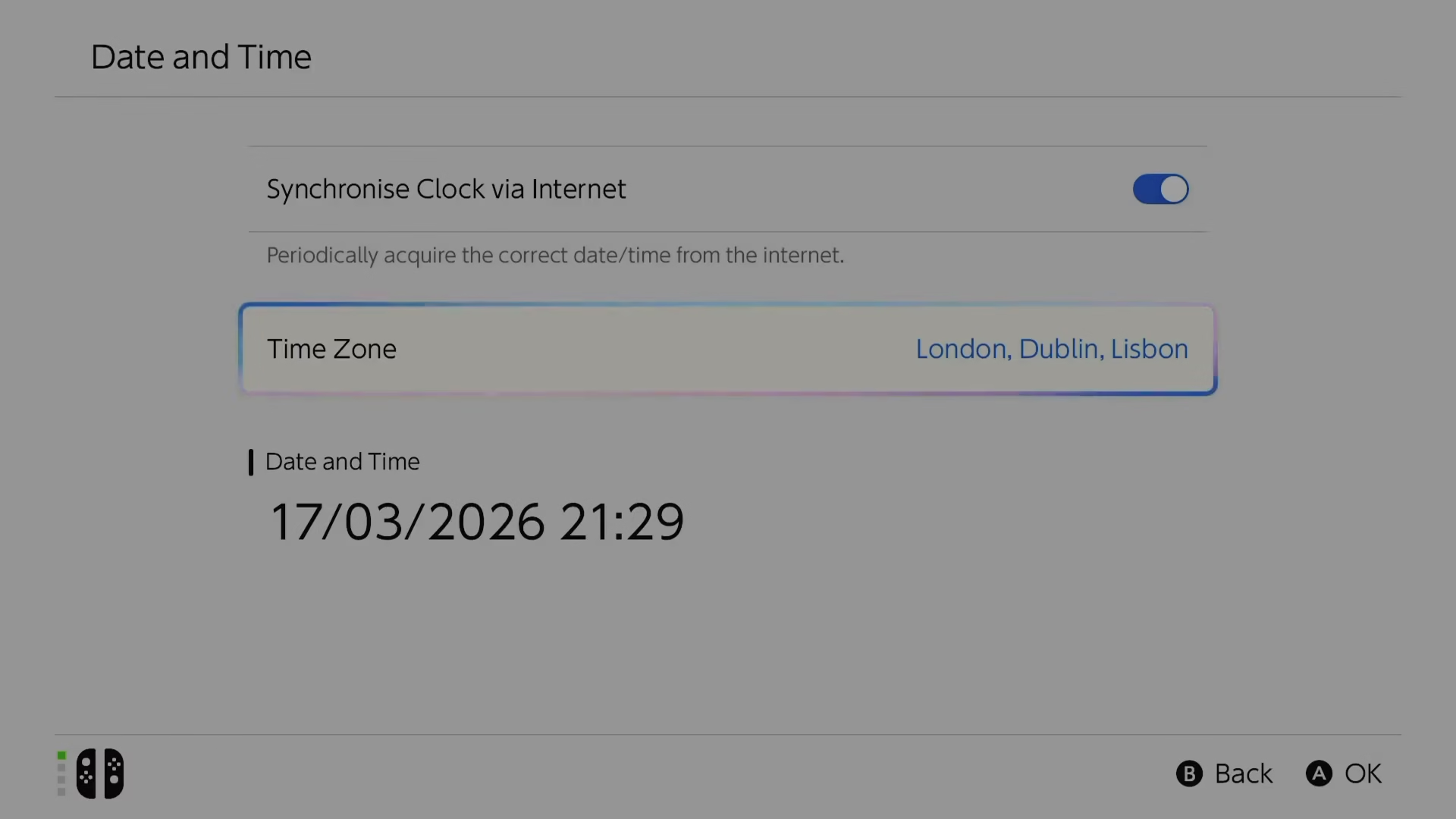
Step 4: Adjust the Date and Time
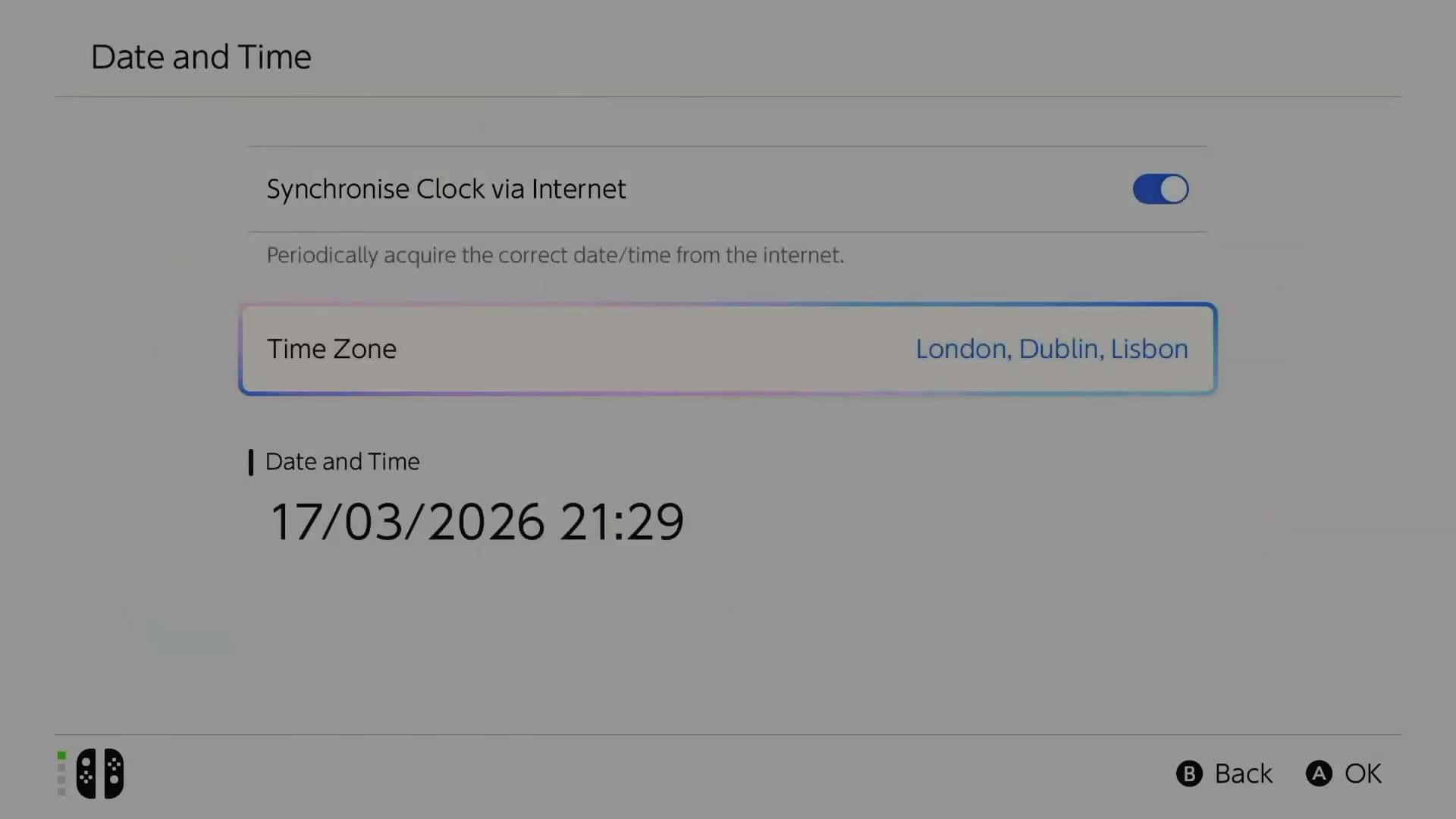
Once in System settings, locate the date and time settings. Here you can change the time zone or adjust the time directly. For example, if it’s currently set to 9pm and you want to play during daytime, change the time to a daytime hour.
Step 5: Launch Pokopia with the New Time
After adjusting the time, return to Pokopia and launch the game. The in-game time will now reflect your system time change. If you changed the system time to daytime, Pokopia will display daytime gameplay.
Step 6: Resynchronize Your Clock
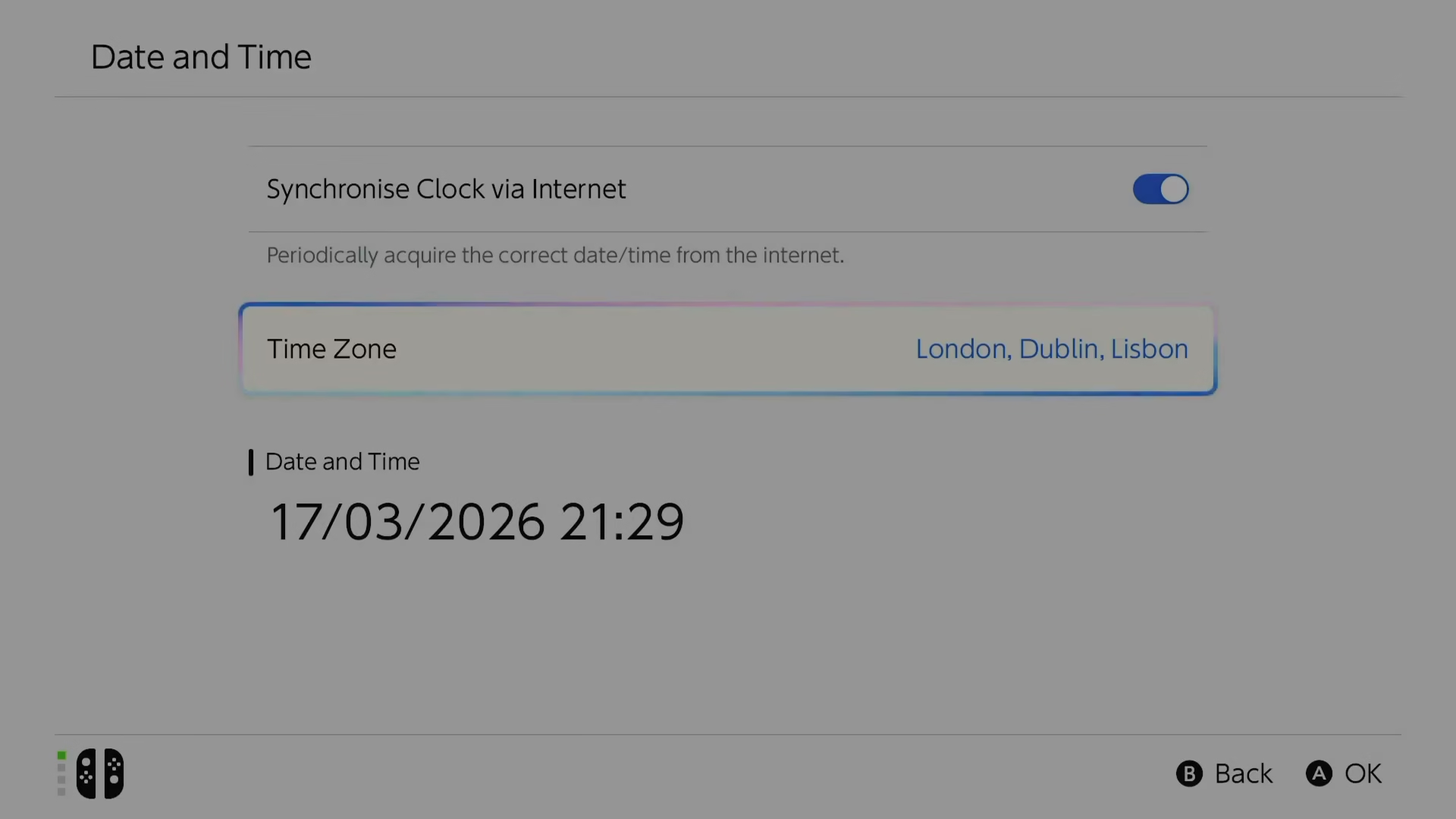
When you’re finished playing and want to return to normal gameplay, go back into System settings and resynchronize your clock to return it to your actual local time.
Important Warnings and Cautions
While time skipping is a useful feature, it’s important to use it responsibly. Be cautious when adjusting system time, as this can affect other apps and services on your Switch that rely on accurate time stamps, such as Disney+, Hulu, or other subscription services.
Additionally, if you play other 24-hour games on your Switch, manipulating the system time could impact those experiences as well. Only use this feature if you genuinely don’t have the availability to play during normal daylight hours—for example, if you work night shifts and want to experience daytime in-game content.
Summary
Time skipping in Pokopia is a straightforward process that involves exiting the game, accessing your Nintendo Switch system settings, adjusting the date and time, and then relaunching the game. Remember to resynchronize your clock when you’re done. Use this feature wisely, keeping in mind that it can affect other apps and games on your system.
Want to Support?
If you would like to help us continue making these guides – please consider joining our patreon here – https://www.patreon.com/c/JaviHeals
Alternatively – you can join our discord here – https://discord.gg/zD7Gjt6MHF