How to Unlock Macha In Vampire Survivors
How to Unlock Macha in Vampire Survivors
Macha is a powerful character in Vampire Survivors that you can unlock by completing a specific challenge. This guide walks you through the exact steps needed to add Macha to your character roster.
Getting Started
To begin the process of unlocking Macha, you’ll need to select Ameya as your starting character.
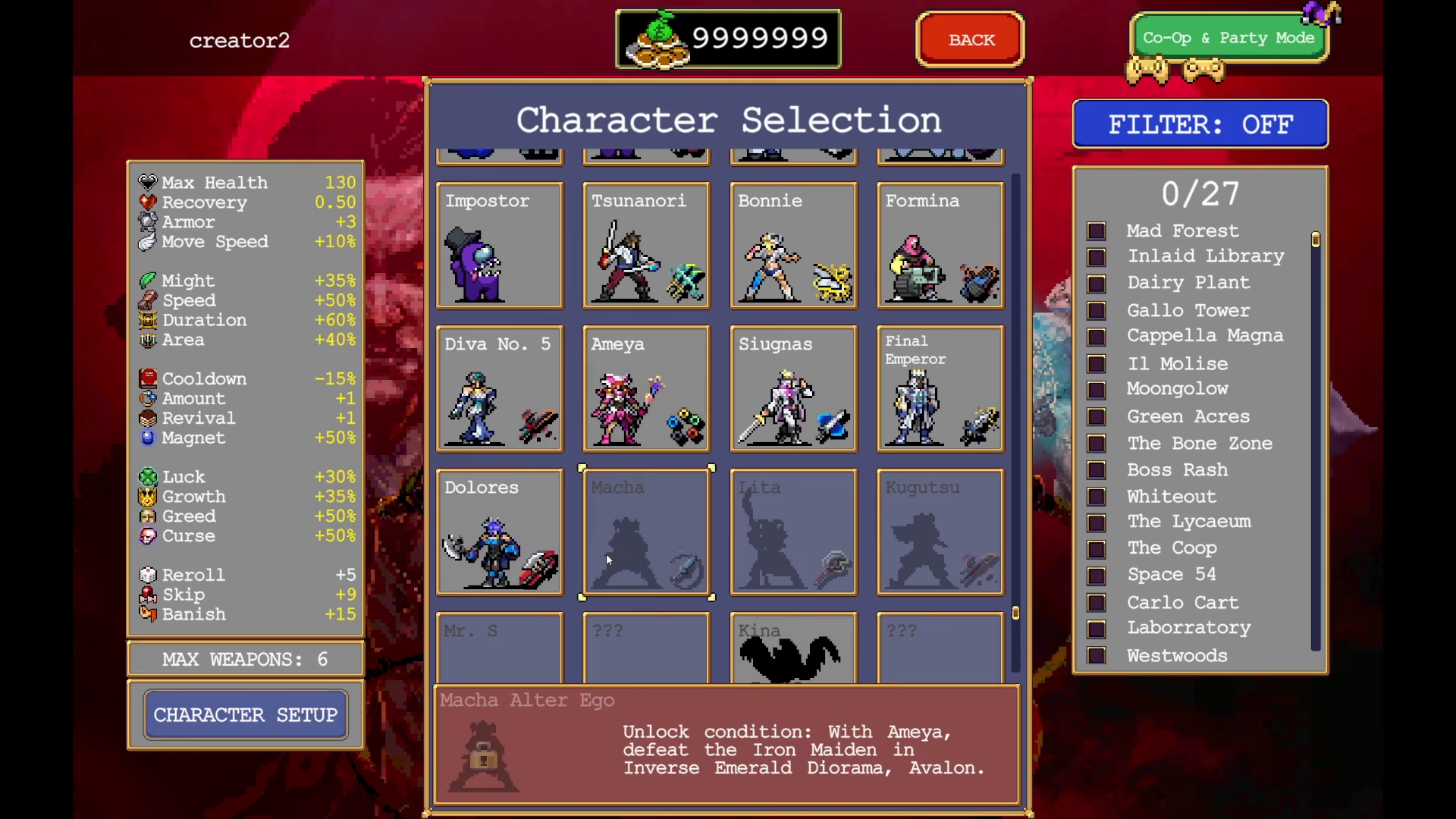
Navigate to Emerald Diorama (Inverse)
Once you’ve selected Ameya, navigate to the Emerald Diorama Inverse map and start the run.
Prepare for Combat
When you begin your run, select the Heart of Fire as your starting weapon. This will make the upcoming boss fight significantly easier to complete.

Defeat the Boss
Head toward the top right area of the map and move upward to trigger the boss encounter. Focus on defeating the boss to complete the unlock condition.
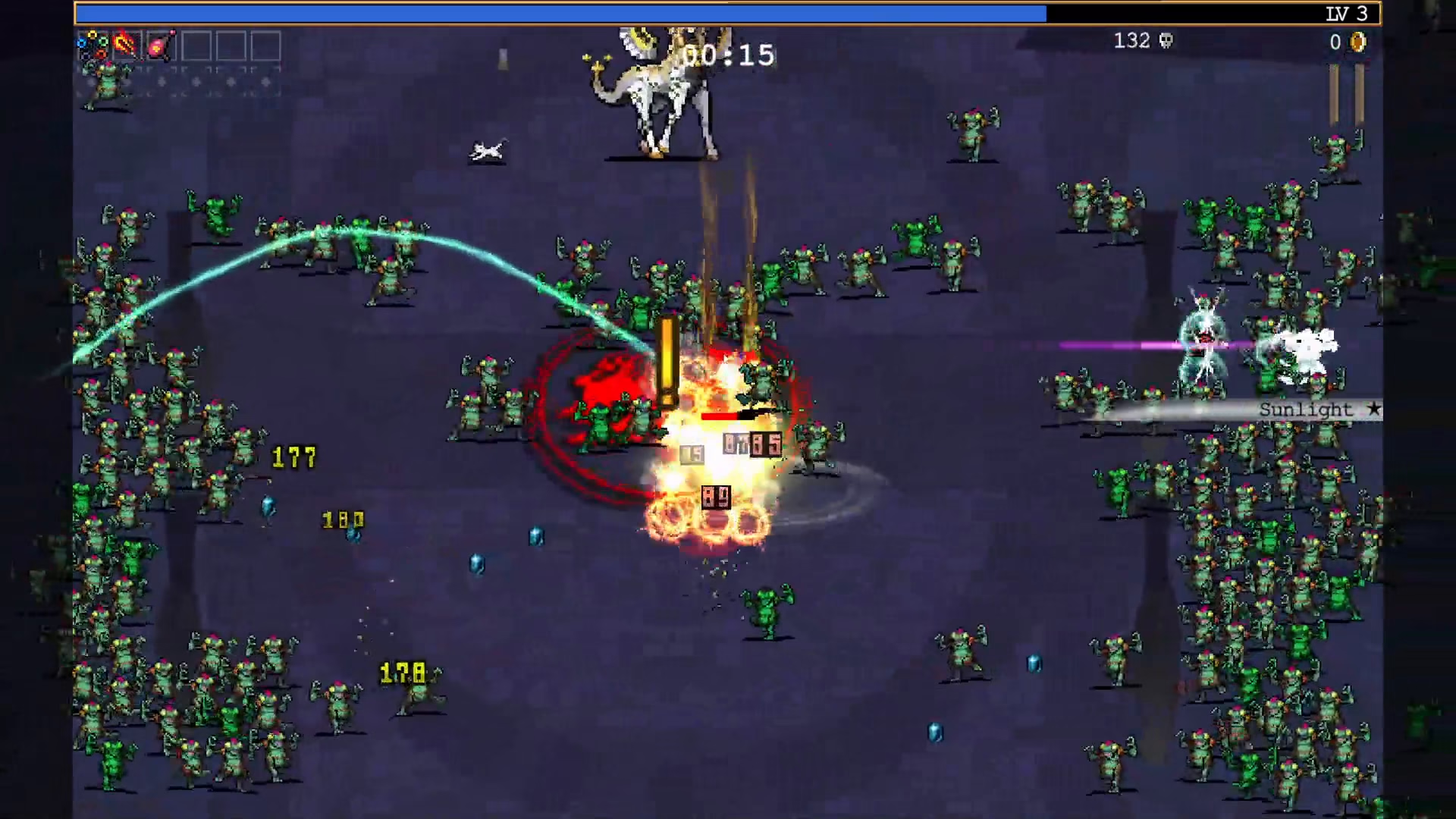
Confirm the Unlock
After successfully defeating the boss, you will have unlocked Macha. Exit the run by quitting the game.
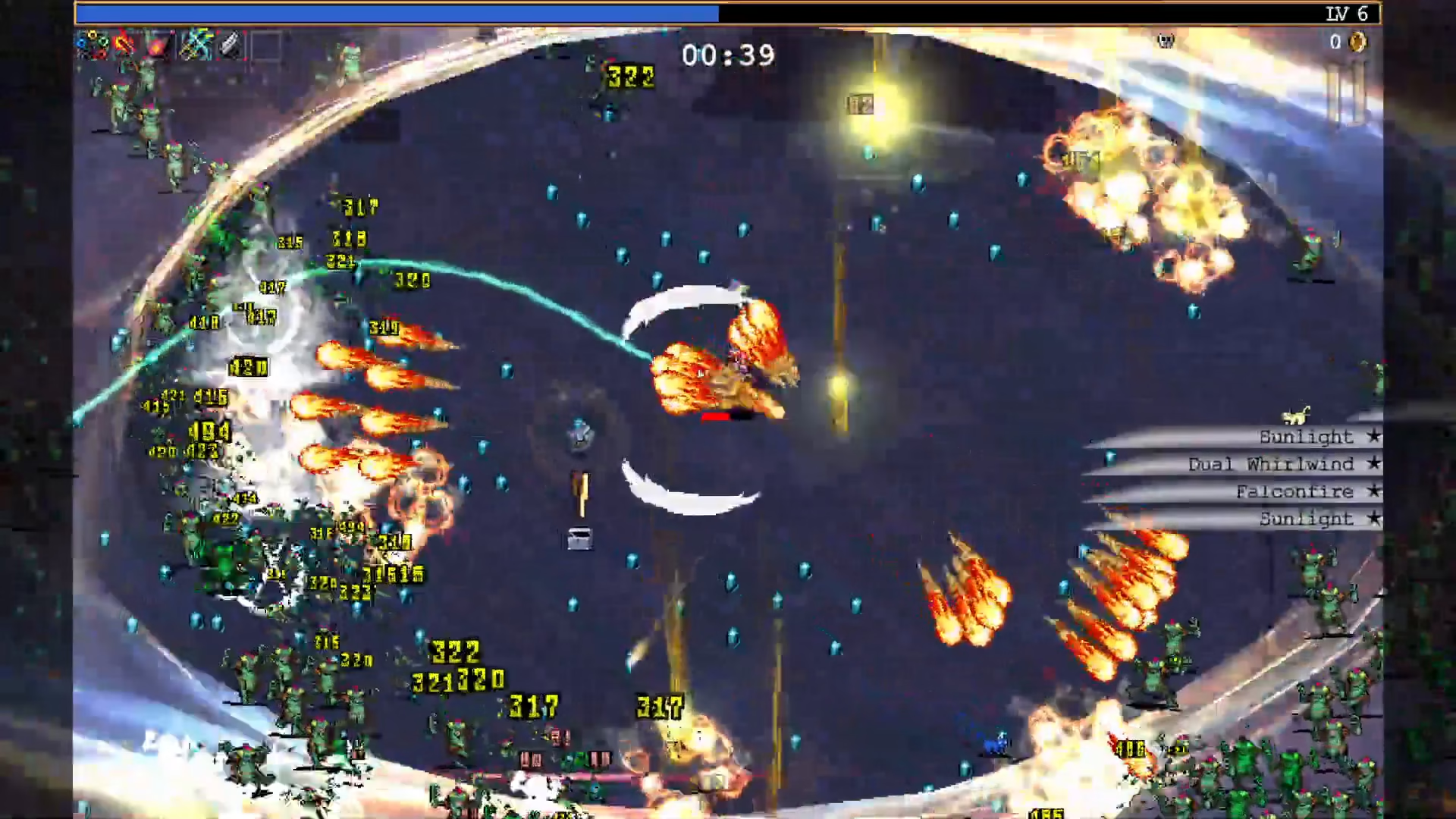
Navigate to the character selection menu and you’ll see Macha is now available in your roster with her fire-element designation.
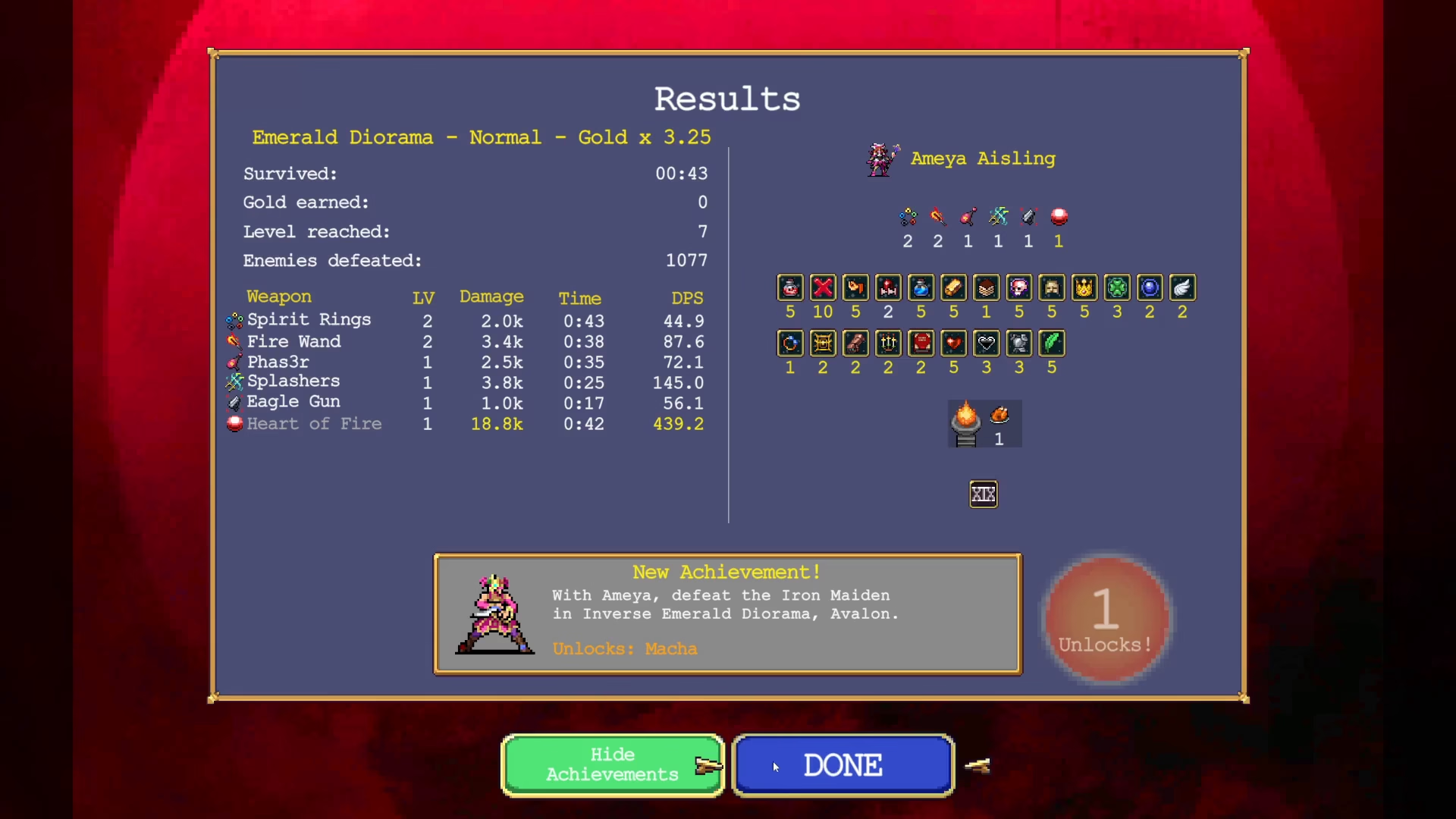
Summary
Unlocking Macha in Vampire Survivors is straightforward: select Ameya, play through Emerald Diorama Inverse with the Heart of Fire equipped, defeat the boss, and confirm your new character in the selection menu. With these simple steps, you’ll have successfully added Macha to your playable character collection.
Want to Support?
If you would like to help us continue making these guides – please consider joining our patreon here – https://www.patreon.com/c/JaviHeals
Alternatively – you can join our discord here – https://discord.gg/zD7Gjt6MHF