





How To Upgrade Your Unit in Civ 6
How To Upgrade Your Unit in Civilization 6
Upgrading units in Civilization 6 is a straightforward process that allows you to strengthen your military forces and keep them competitive throughout the game. This guide will walk you through the simple steps needed to upgrade any unit in your civilization.
Upgrading Your Units
Step 1: Select Your Unit
Begin by clicking on the unit you want to upgrade. For example, you might select a Warrior unit that you wish to improve.
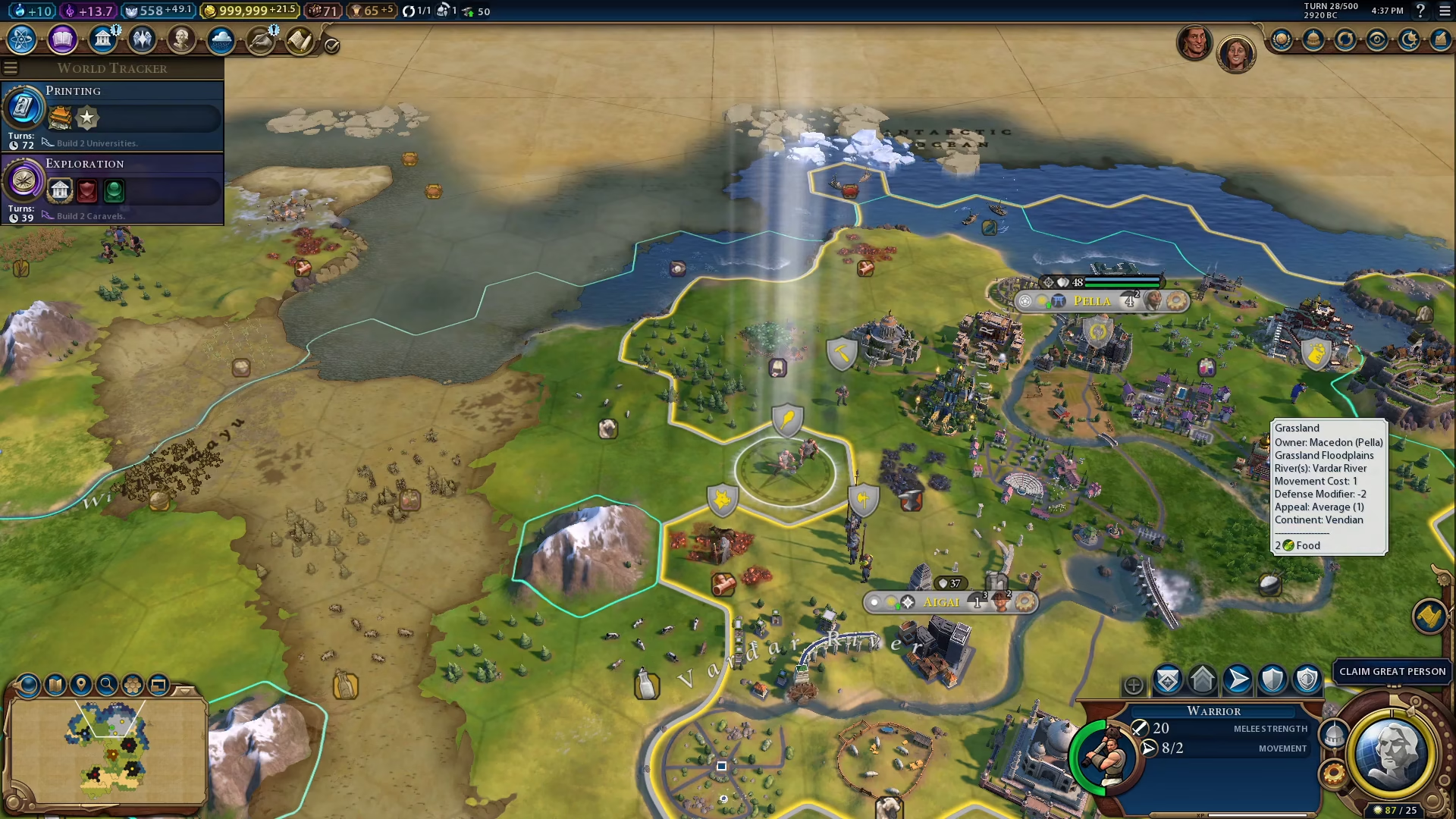
Step 2: Move to Friendly Territory
Next, move your selected unit into a friendly territory. This is a requirement for initiating an upgrade in Civilization 6.
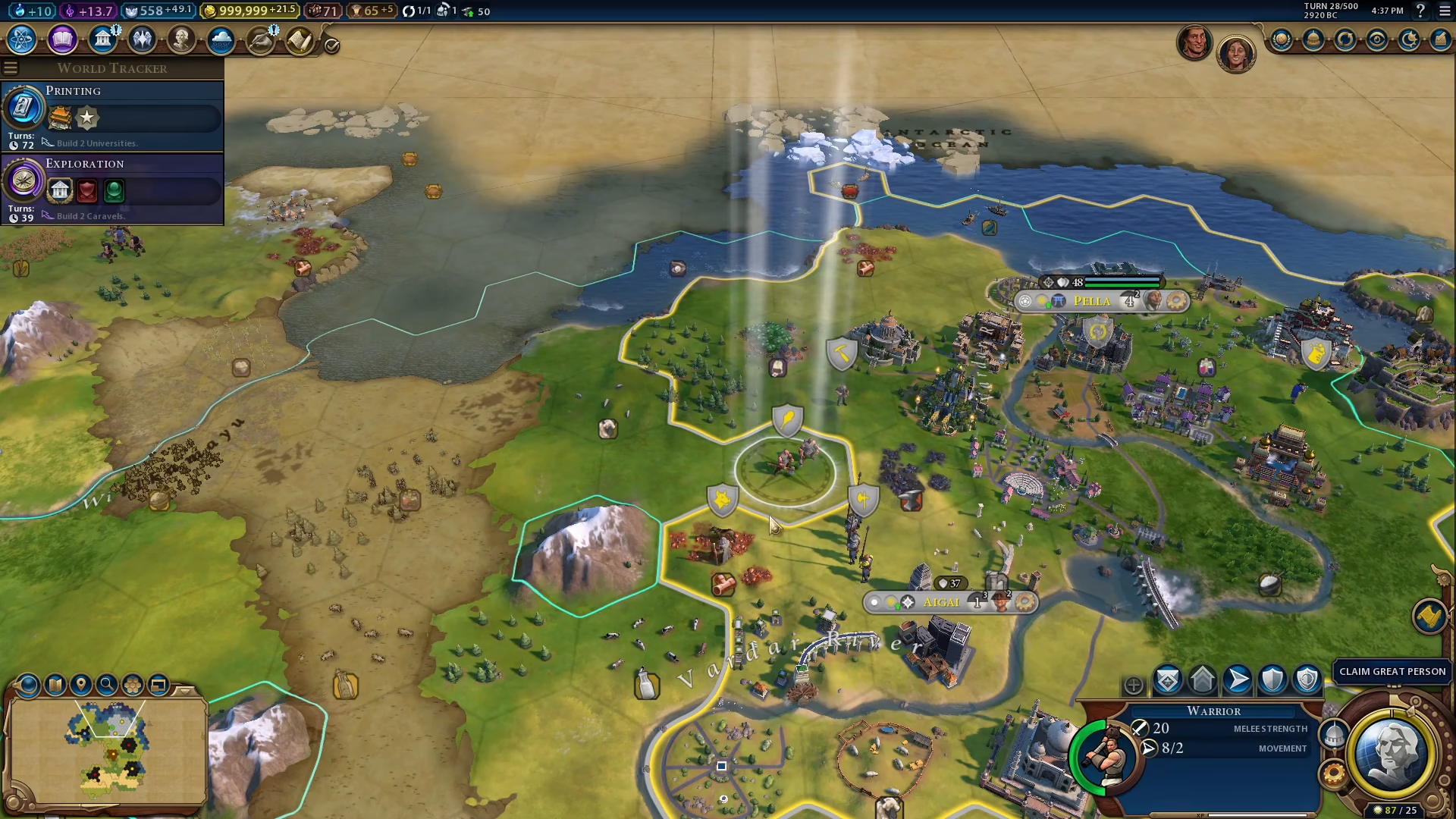
Step 3: Access the Upgrade Option
Once your unit is positioned in friendly territory, look at the bottom right corner of your screen. You will see an upgrade option displayed — in this example, it shows “Upgrade to Manate Arms.” Click on this option to complete the upgrade process.
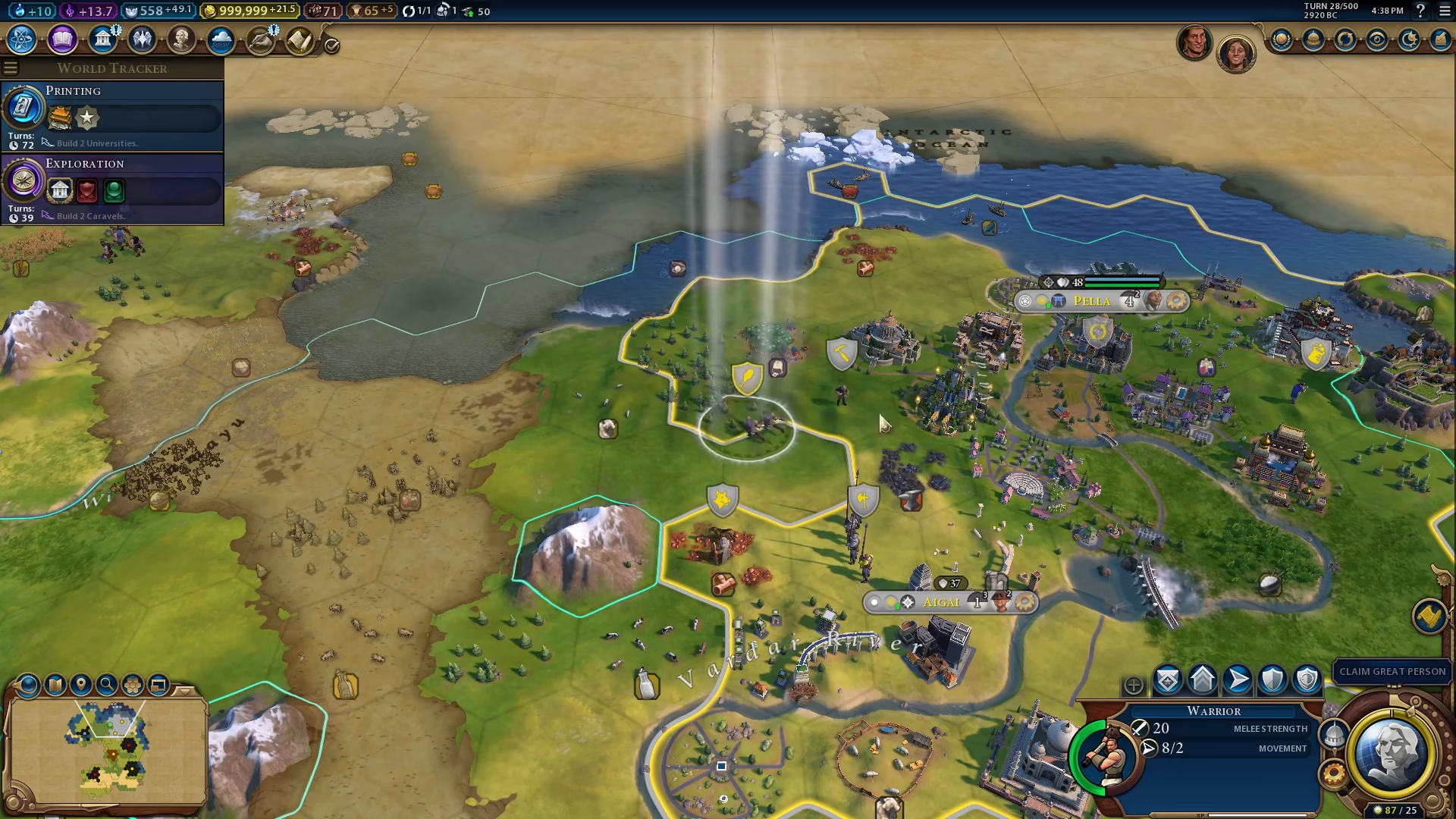
Summary
Upgrading units in Civilization 6 is simple: select your unit, position it in friendly territory, and click the upgrade button that appears in the bottom right corner of your screen. This mechanic allows you to continuously improve your military forces as you progress through the game and unlock new unit types.
— Want to Support? —
If you would like to help us continue making these guides – please consider joining our patreon here – https://www.patreon.com/c/JaviHeals
Alternatively – you can join our discord here – https://discord.gg/zD7Gjt6MHF