






How To Walk in CyberPunk 2077
How to Walk in Cyberpunk 2077
In Cyberpunk 2077, sometimes you want to take a break from the action and enjoy the immersive world around you. Walking instead of running is a great way to appreciate the game’s stunning environments and details. This quick guide will show you exactly how to slow down and walk through Night City at a leisurely pace.
Understanding Movement in Cyberpunk 2077
By default, when you’re moving around in Cyberpunk 2077, you’re actually running rather than walking. If you press Shift, you’ll enter a full sprint, which is even faster. However, there’s a simple way to toggle into a proper walking speed.
How to Walk: Using the God Gantuan Toggle
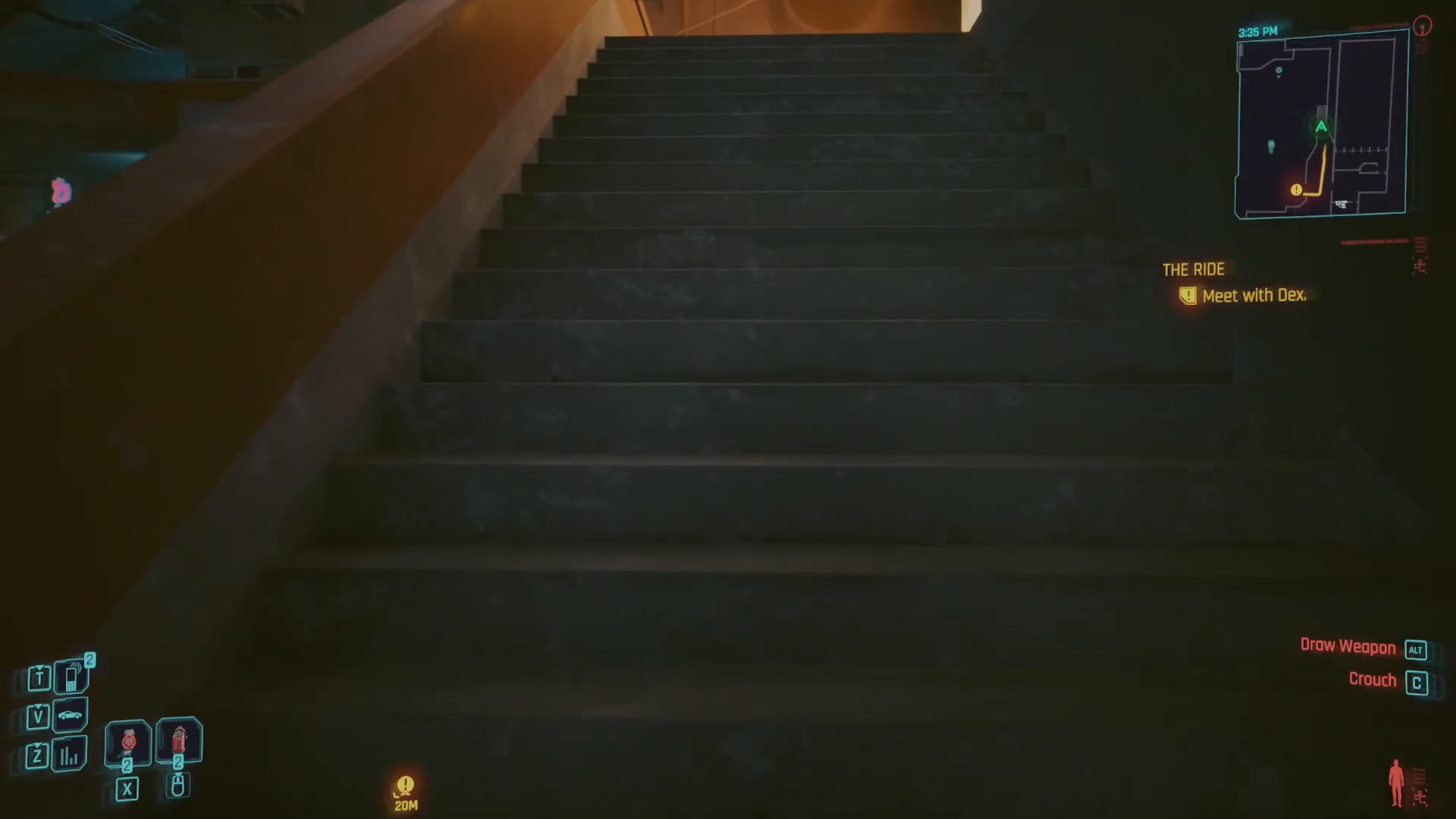
To walk in Cyberpunk 2077, simply press G to toggle God Gantuan mode. Once activated, V (your character) will move at a very slow, leisurely walking pace. This allows you to stroll through the city, take in your surroundings, and experience the game at a more relaxed speed.
Toggling Walking On and Off
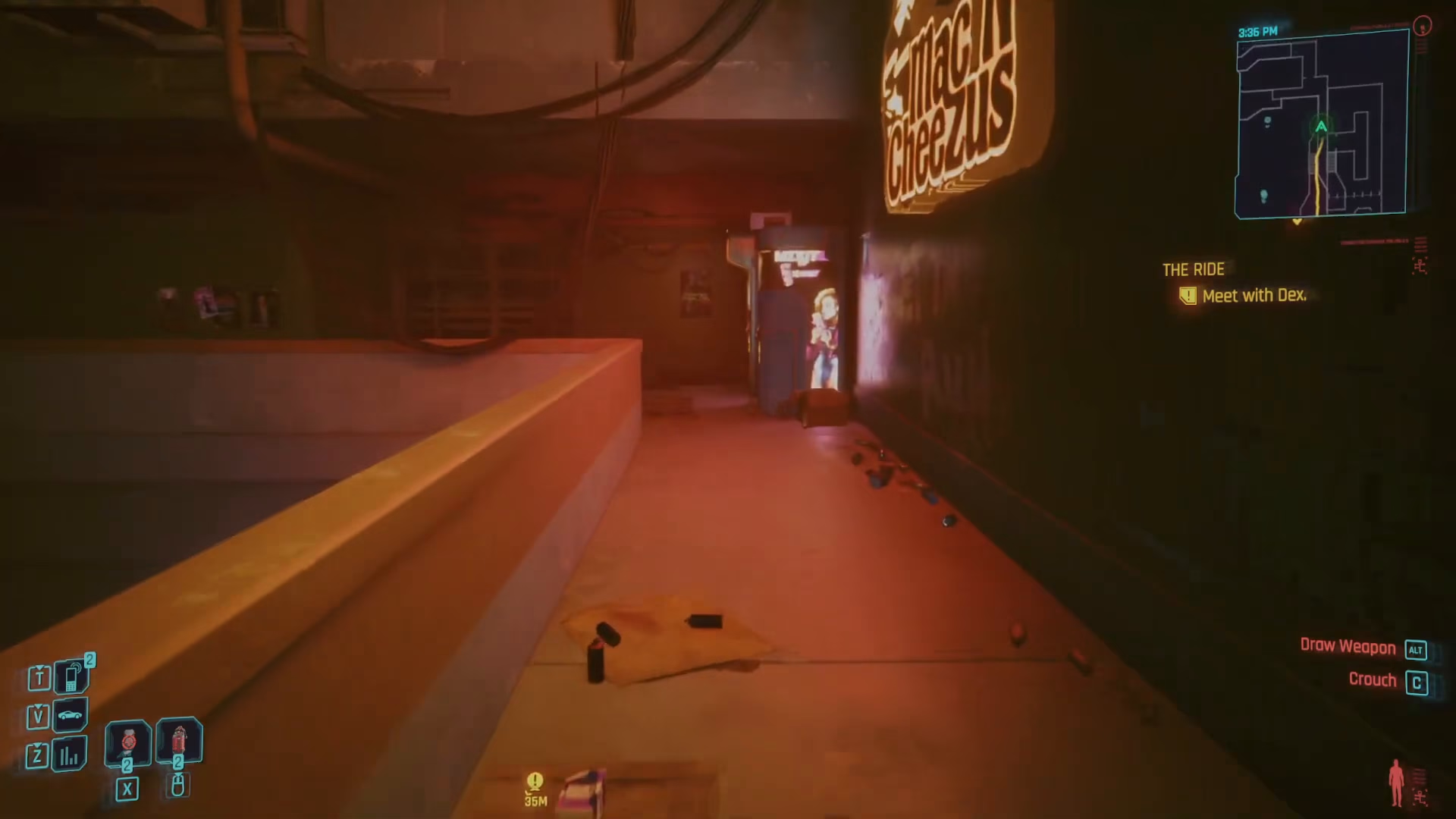
Toggling walking mode is straightforward—just press G again to deactivate God Gantuan mode and return to your normal running speed. You can switch between modes as often as you like depending on whether you want to explore leisurely or move quickly through the world.
Summary
Walking in Cyberpunk 2077 is simple: just press G to toggle God Gantuan mode and enjoy a slow, immersive walk through Night City. Whether you’re admiring the neon-lit streets or taking a peaceful stroll, this feature lets you experience the game’s world at your own pace. Press G again to return to normal movement speed whenever you’re ready.
— Want to Support? —
If you would like to help us continue making these guides – please consider joining our patreon here – https://www.patreon.com/c/JaviHeals
Alternatively – you can join our discord here – https://discord.gg/zD7Gjt6MHF