






Islands in the Sky Quest Guide in Disney Dreamlight Valley
Islands in the Sky Quest Guide – Disney Dreamlight Valley
Welcome to this comprehensive quest guide for the brand new Islands in the Sky quest in Disney Dreamlight Valley. This guide will walk you through unlocking floating islands, decorating your own personal island space, and completing all the objectives to finish this exciting new quest. Whether you’re a beginner or returning player, follow along as we explore everything you need to know about the Islands in the Sky feature.
Starting the Islands in the Sky Quest
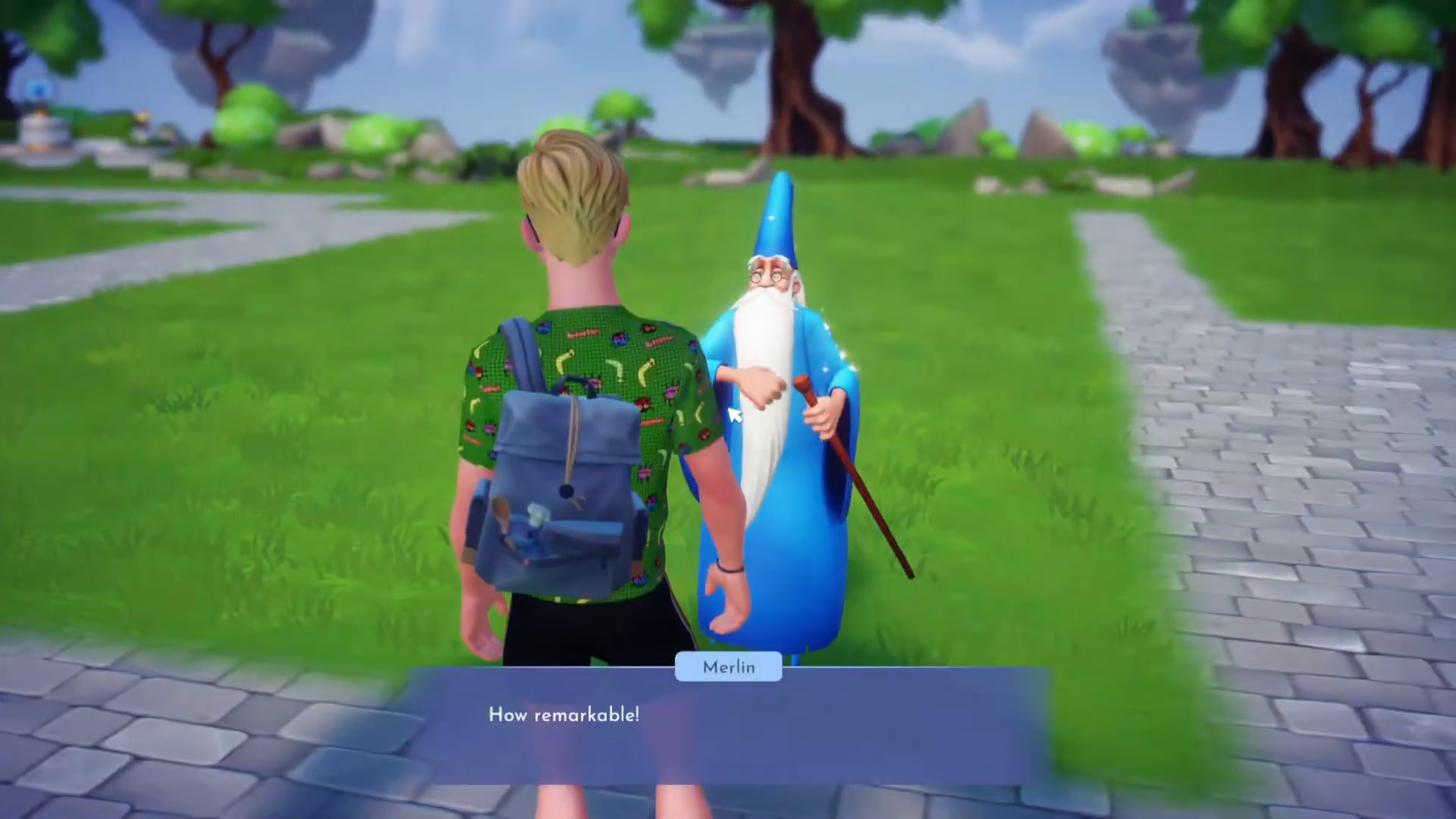
To begin your journey with the Islands in the Sky quest, you’ll need to speak with Merlin. Approach him and select the “Islands in the Sky” dialogue option to initiate the quest.
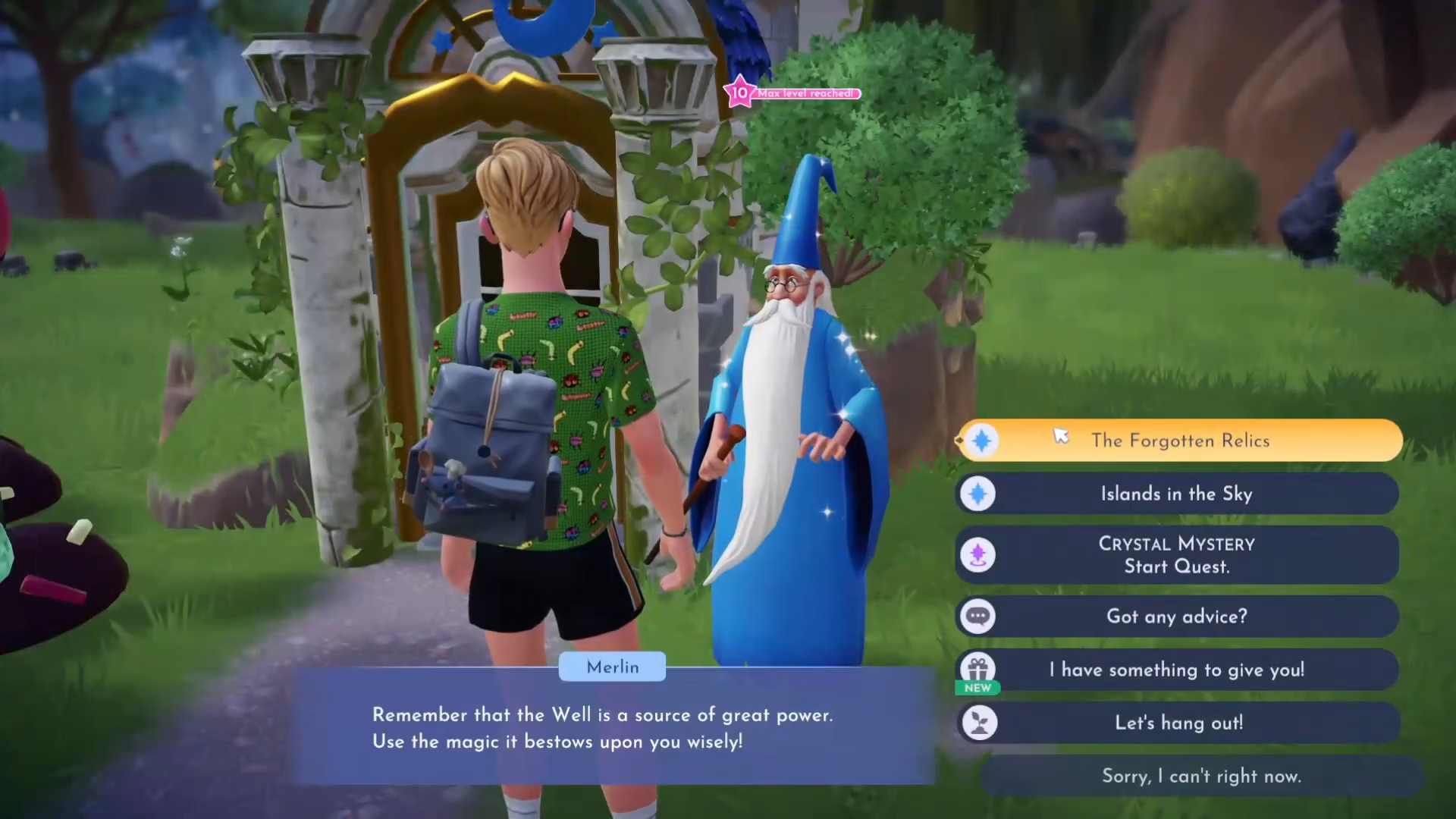
Understanding Floating Islands
Merlin will provide you with a tutorial explaining how to unlock and access floating islands. Here’s what you need to know:
Access Method 1: Interact with the Wishing Well
Access Method 2: Use the fast travel shortcut from within your map
From the fast travel menu, you’ll find a dedicated “Floating Islands” tab where you can select which islands you want to unlock and visit.
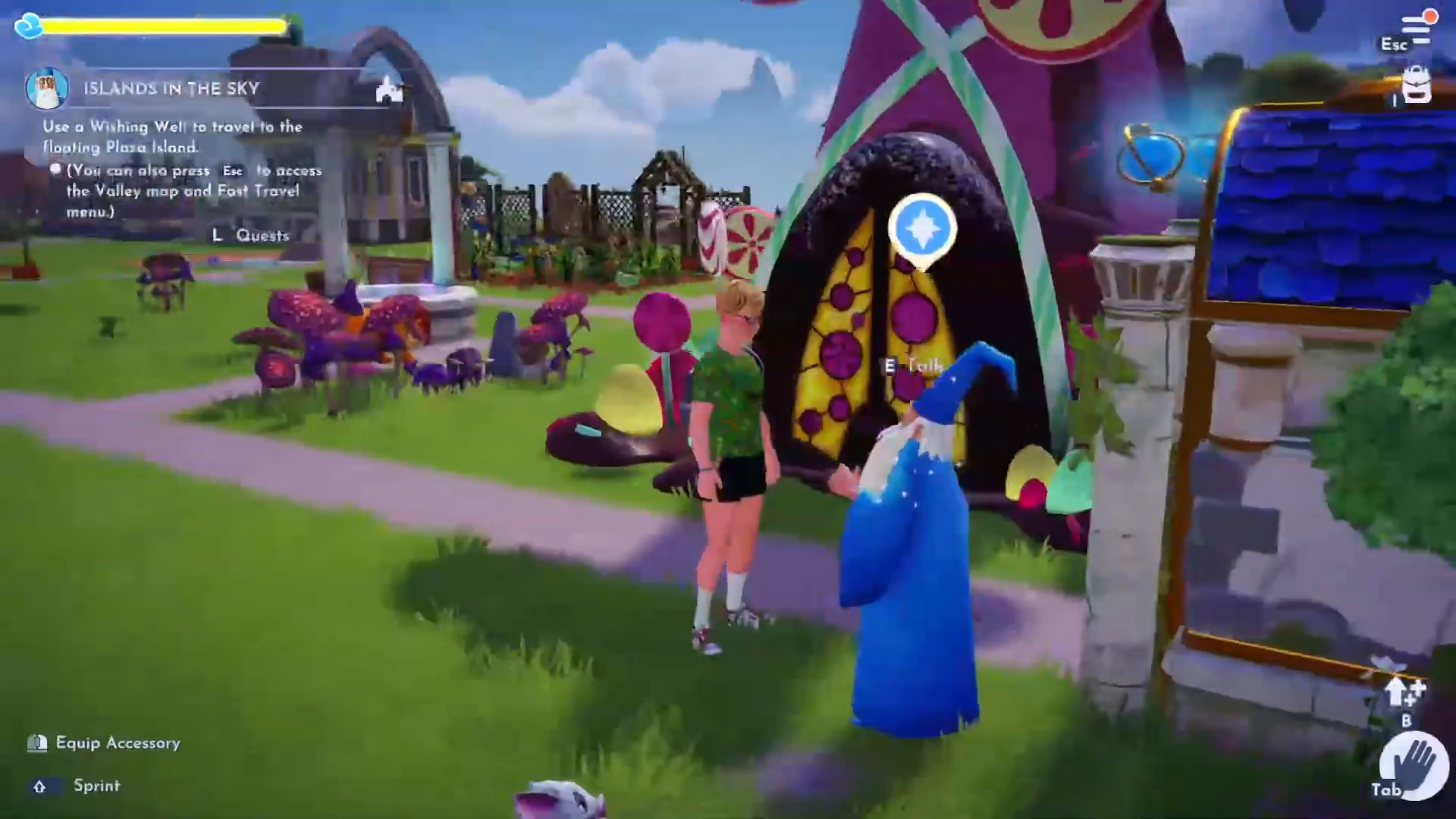
Using Fast Travel to Access Floating Islands
The fast travel system is the most convenient way to reach your floating islands. Press the fast travel key (T on PC) to open the fast travel menu.
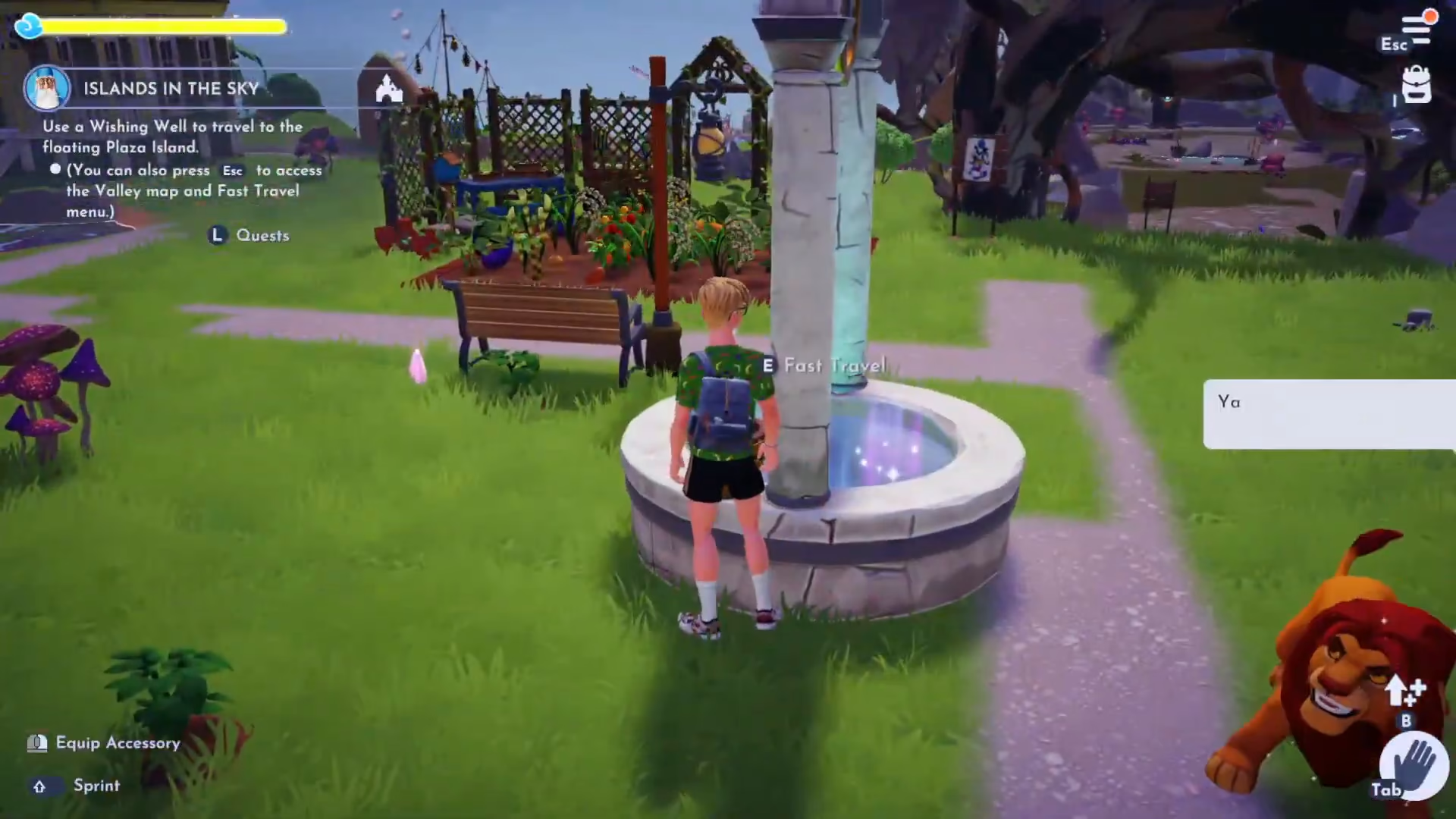
Once the fast travel menu is open, you’ll see several options including:
The Valley
Storybook Rail
Rounds
Floating Islands (new)
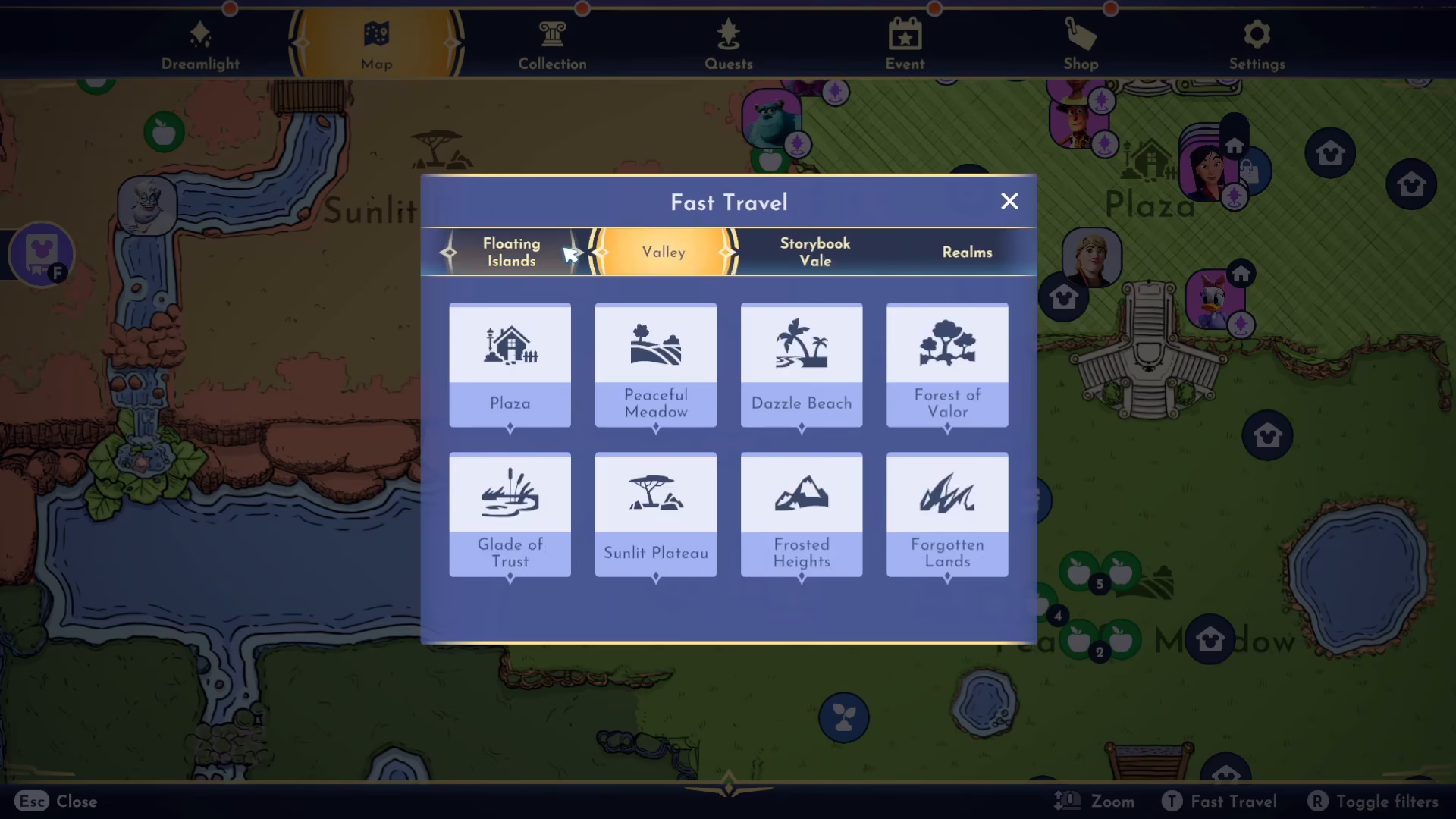
Navigate to the Floating Islands tab to access your unlocked islands. Initially, you can access Plaza Island, though other islands will require unlocking as you progress.

Exploring Your First Floating Island
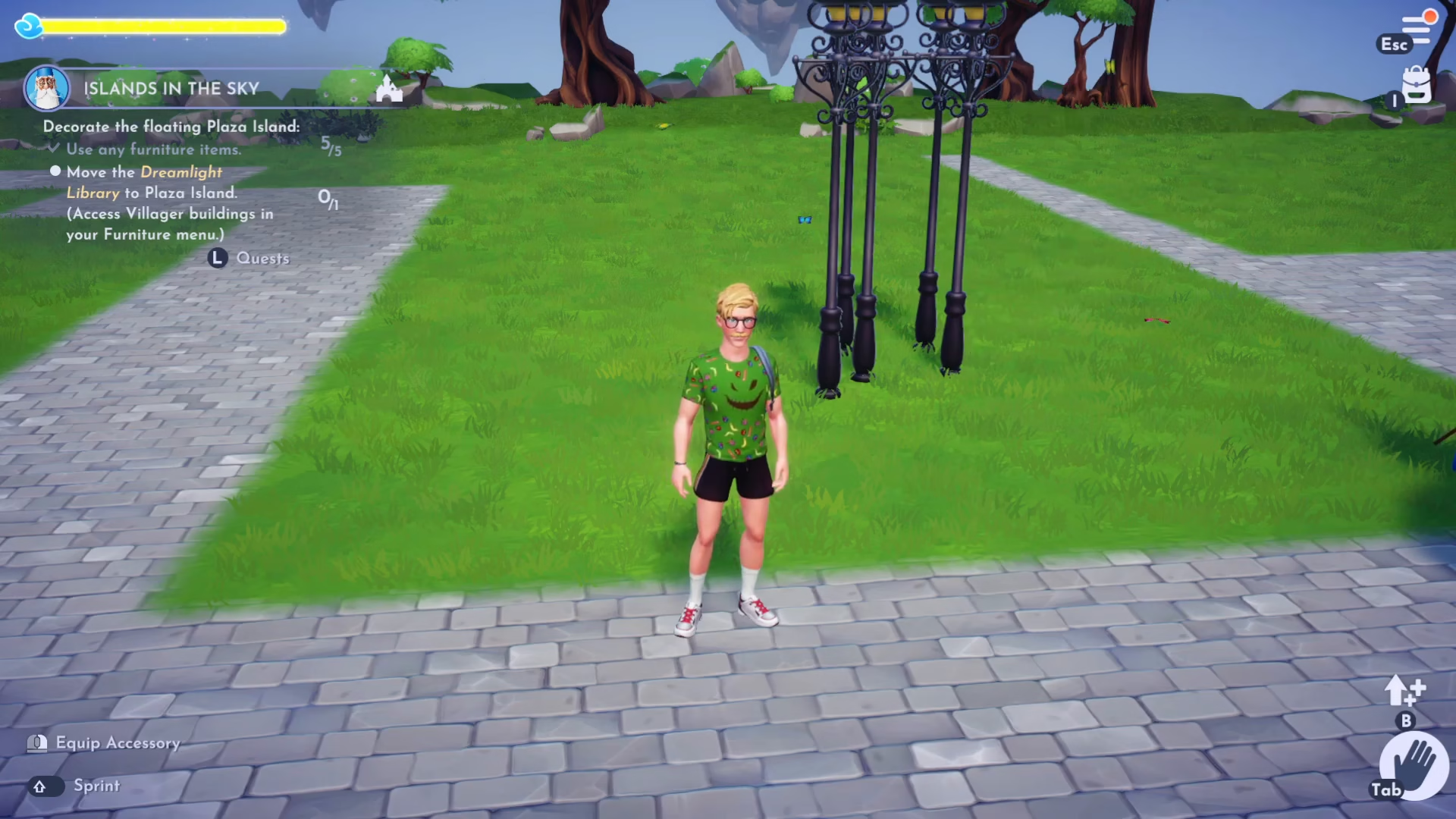
Plaza Island serves as your first floating island destination. It follows the same biome style as the Plaza in the main valley, giving it a familiar aesthetic while providing a completely separate space.
Island Purpose and Use
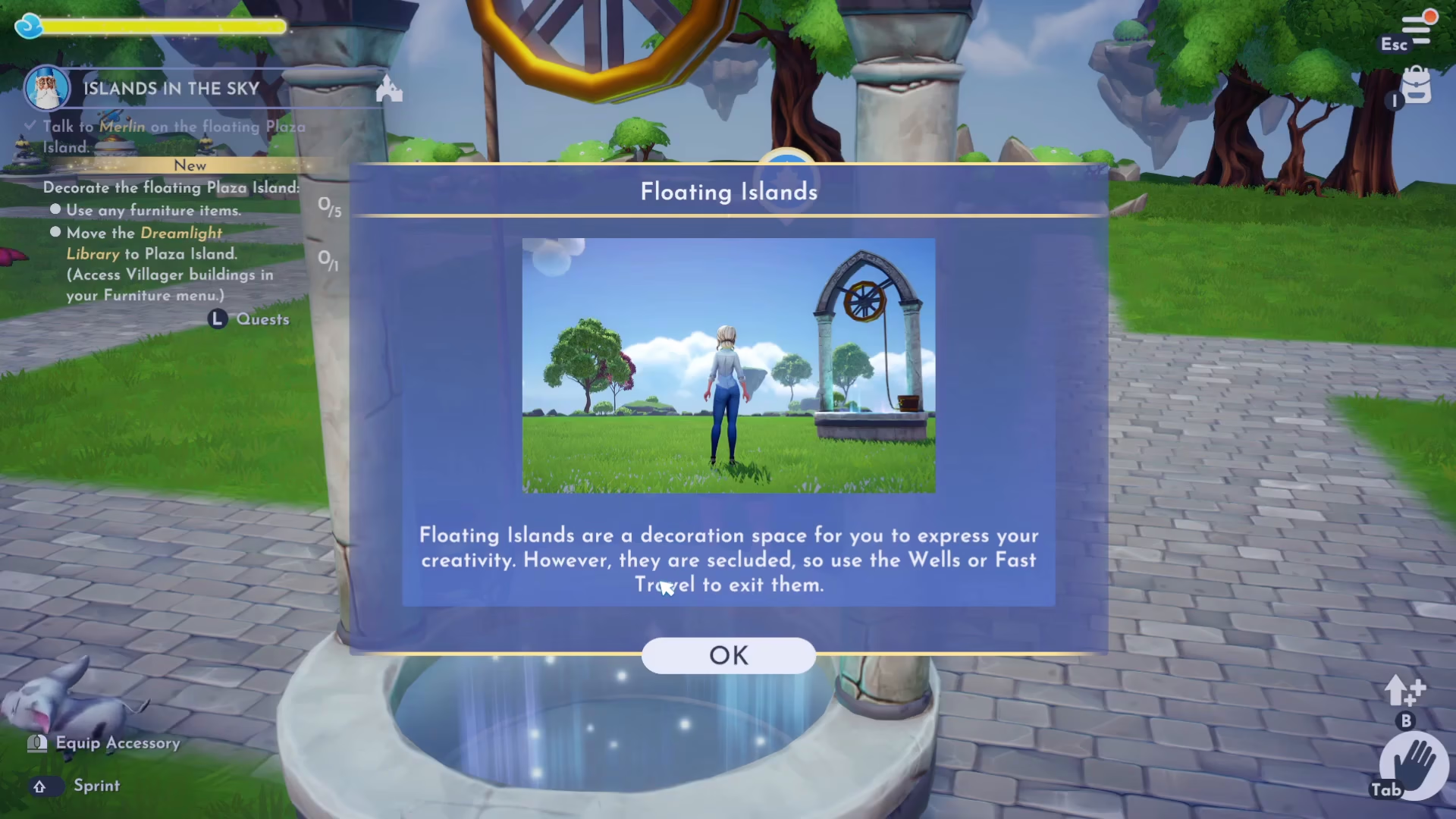
Floating islands are primarily decoration spaces designed for you to express your creativity. However, keep in mind that these islands are secluded environments. To exit an island, you must use either the Wishing Wells or the fast travel system.
Decorating Your Island
One of the key objectives in this quest is decorating your floating island with furniture items. You can place any furniture from your inventory onto your island to customize it according to your preferences.
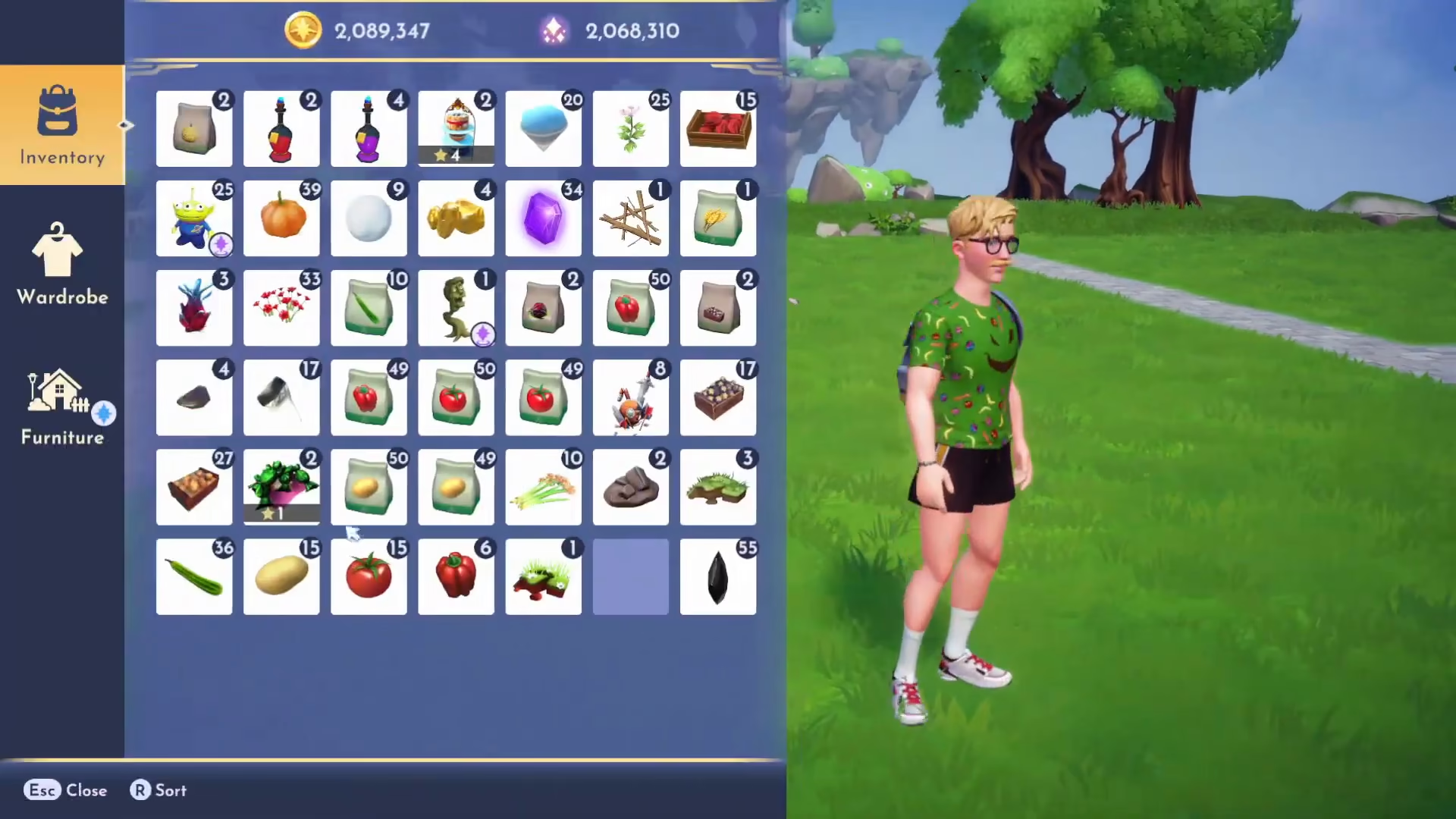
To start decorating, open your inventory and navigate to the furniture section. For this quest, you’ll need to place at least five pieces of furniture on your island to satisfy the initial requirements.
Moving Villager Buildings to Your Island
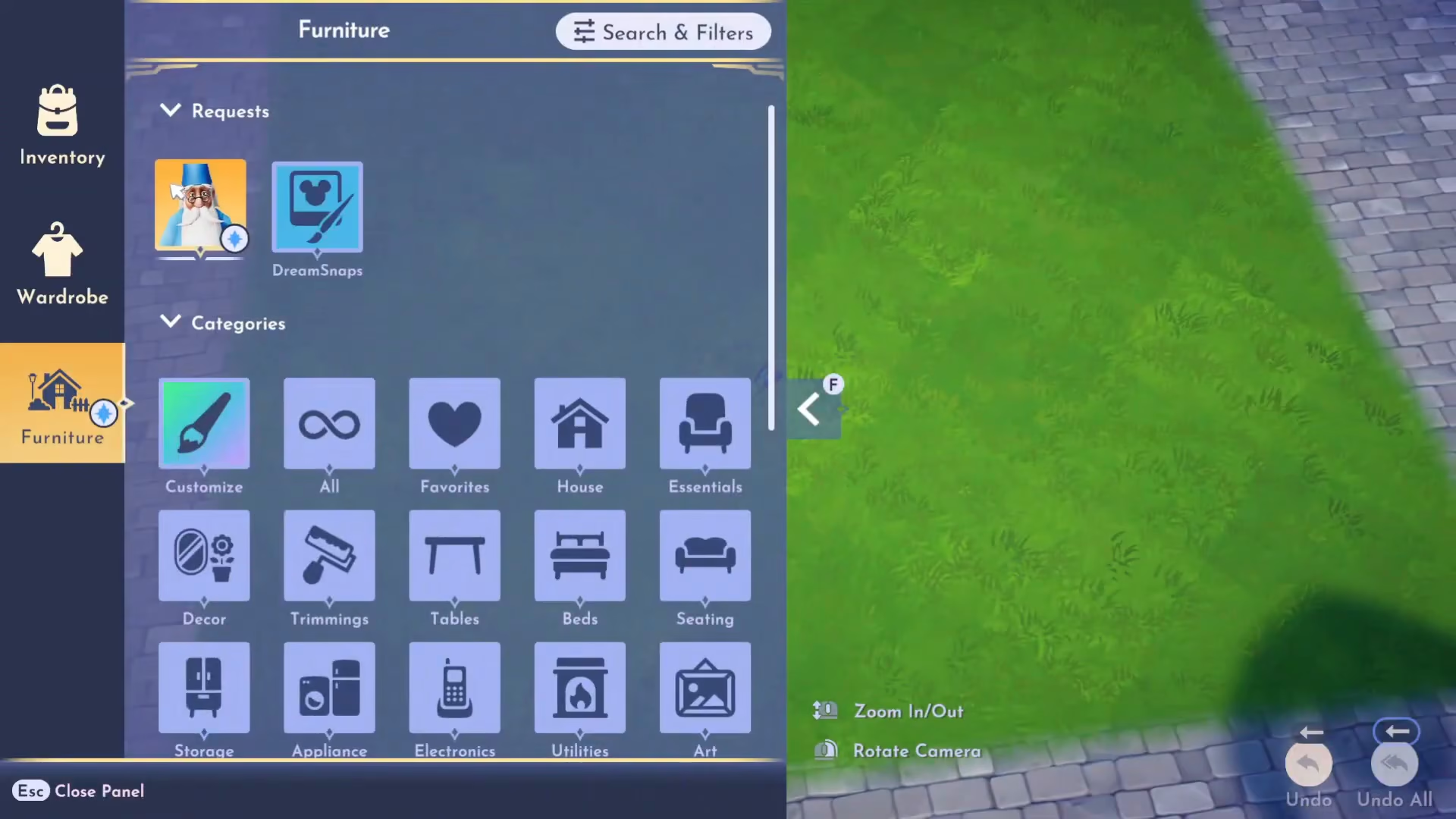
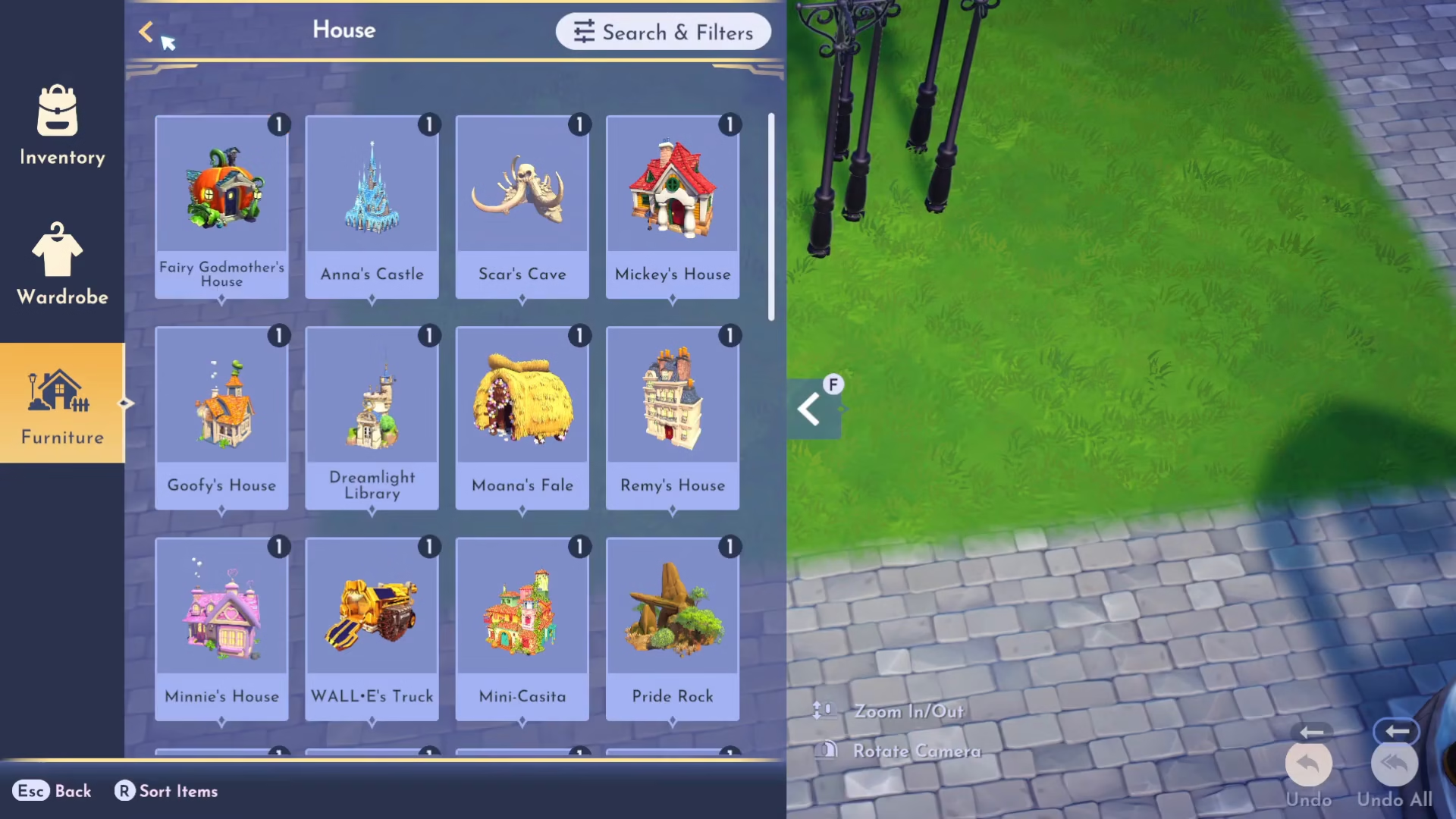
Beyond standard furniture, you can also move villager buildings to your floating island. To do this:
Open your Inventory
Navigate to Furniture
Select the Categories submenu
Choose Houses
Here you’ll find buildings like the Dream Like Library that can be relocated to your island.
Placing the Dream Like Library
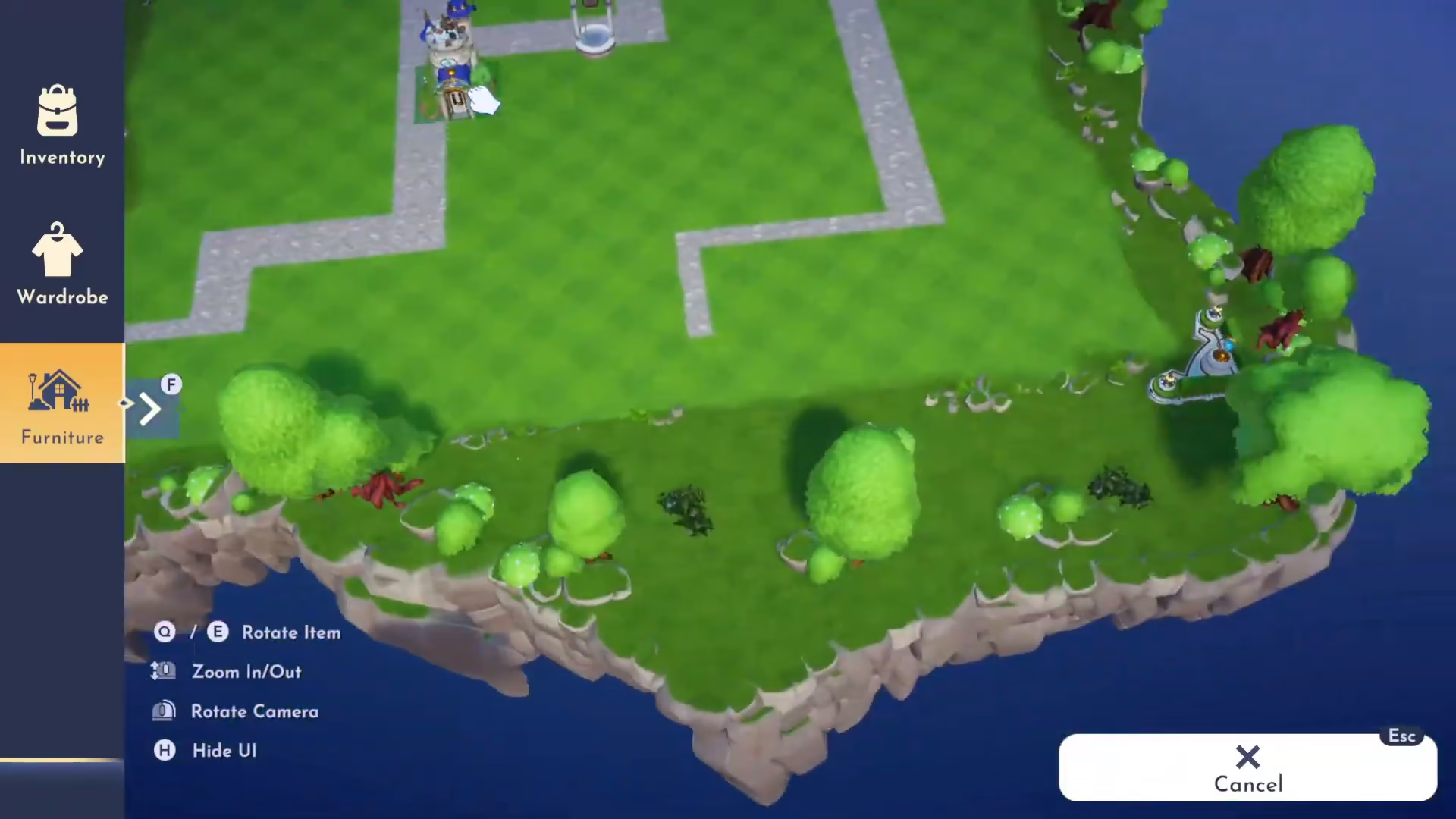
One of the quest objectives requires you to move the Dream Like Library to Plaza Island. Select this building from your inventory and choose to place it on your island.
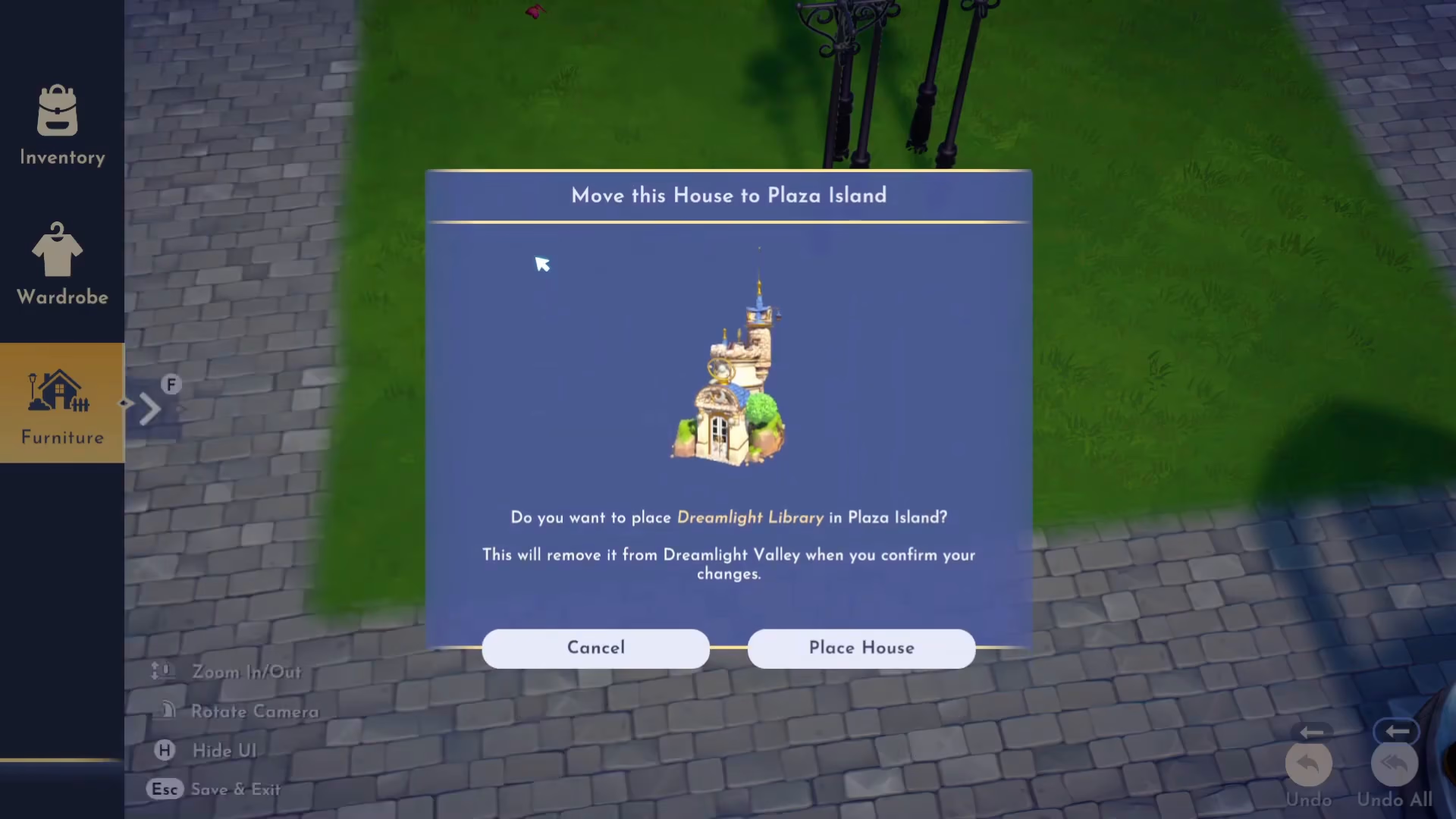
A confirmation dialogue will appear asking: “Do you want to place Dream Like Library in Plaza Island? It will remove it from the valley when you confirm it.” Select yes to proceed.
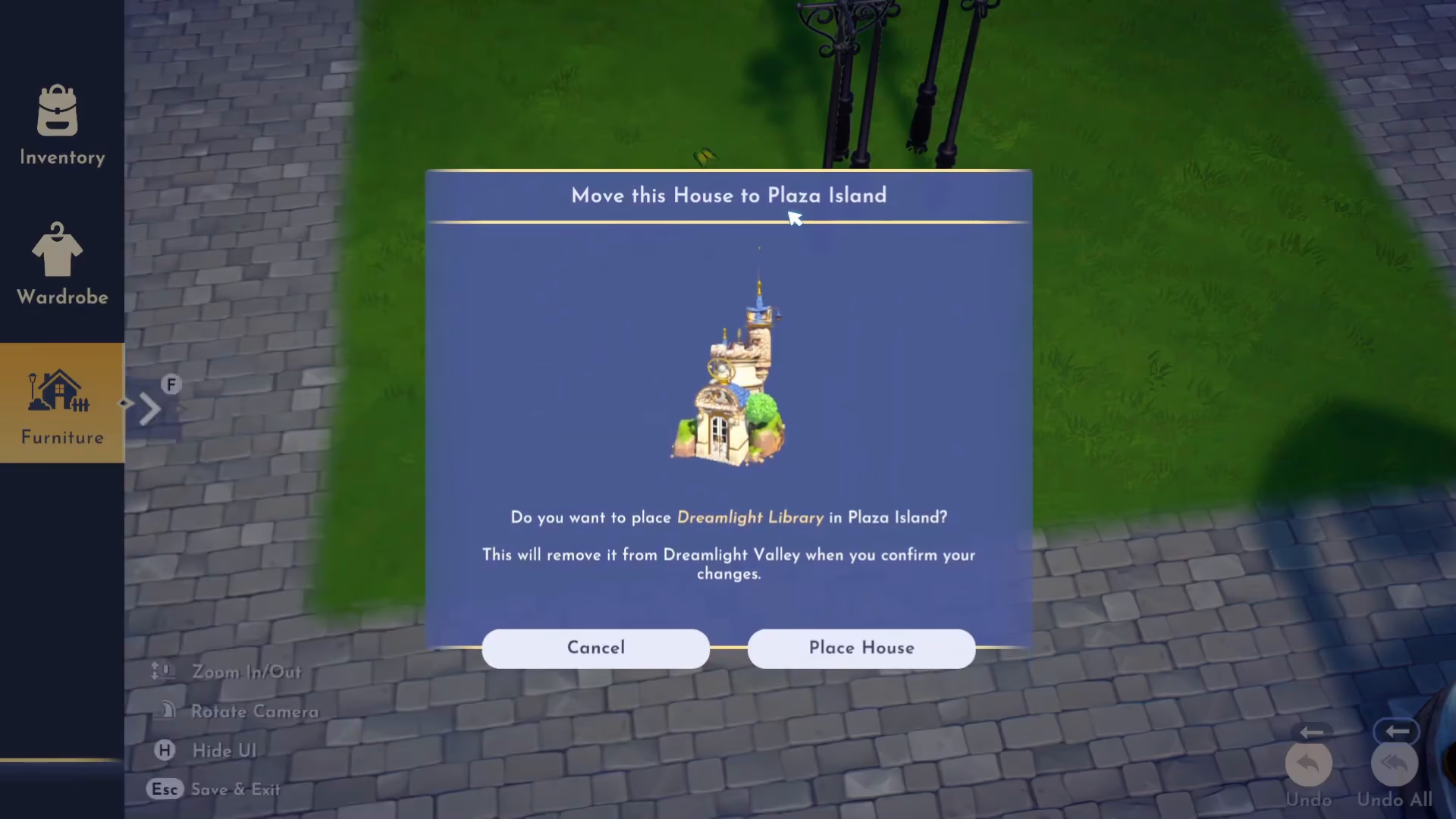
Island Space and Layout
Once you’ve placed some items, you’ll notice that floating islands offer substantial space for decoration and building placement. These islands are surprisingly spacious, giving you plenty of room to express your creativity and design your ideal space.
Completing the Quest
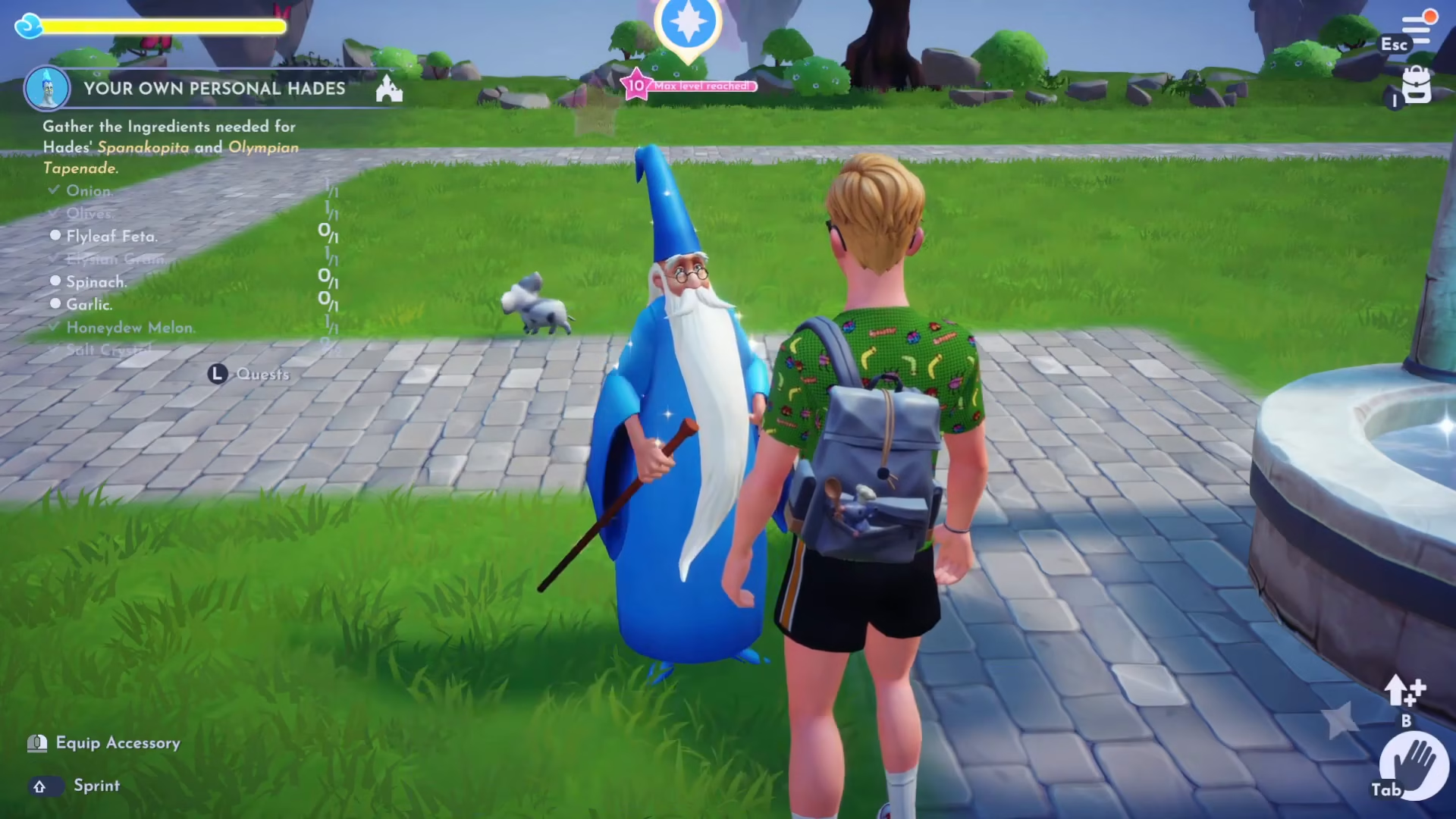
After you’ve placed the Dream Like Library and decorated your island with furniture, return to Merlin to complete the Islands in the Sky quest.
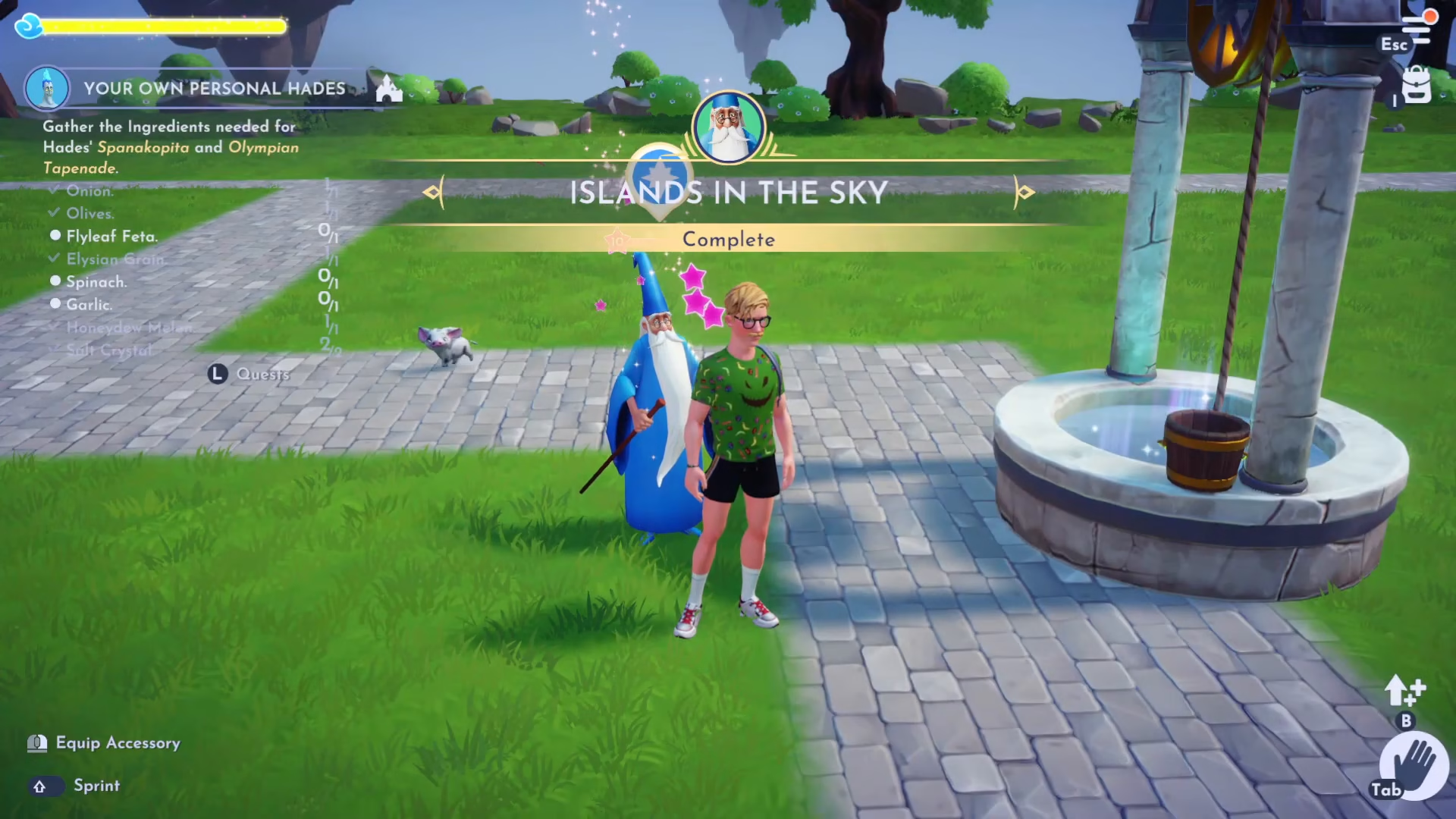
Upon completing the quest, you’ll have successfully unlocked the Islands in the Sky feature and learned how to use this exciting new addition to Disney Dreamlight Valley.
Summary
The Islands in the Sky quest introduces you to a brand new gameplay feature in Disney Dreamlight Valley. By following this guide, you’ve learned how to unlock floating islands through Merlin, access them via fast travel or the Wishing Well, decorate them with furniture and buildings, and ultimately complete the quest. These islands provide a creative outlet separate from the main valley, allowing you to design and customize spaces exactly as you envision them. With this knowledge, you’re ready to explore all the floating islands and make them your own!
Want to Support?
If you would like to help us continue making these guides – please consider joining our patreon here – https://www.patreon.com/c/JaviHeals
Alternatively – you can join our discord here – https://discord.gg/zD7Gjt6MHF



