





How To Know Freezing Temps In Phasmophobia
How To Know Freezing Temps In Phasmophobia
Identifying freezing temperatures is one of the key evidence types you’ll need to collect when investigating haunted locations in Phasmophobia. This guide will walk you through the simple process of detecting and confirming freezing temperatures using in-game equipment.
Understanding Freezing Temperature Readings
Freezing temperatures in Phasmophobia occur when the temperature drops below 1 degree. If the temperature reading shows 0 or any negative value, you can confirm that freezing temperatures are present at your investigation location.
How To Confirm Freezing Temperatures With a Camera
To visually confirm freezing temperatures as evidence, you’ll need to use the camera equipment. Here’s the process:
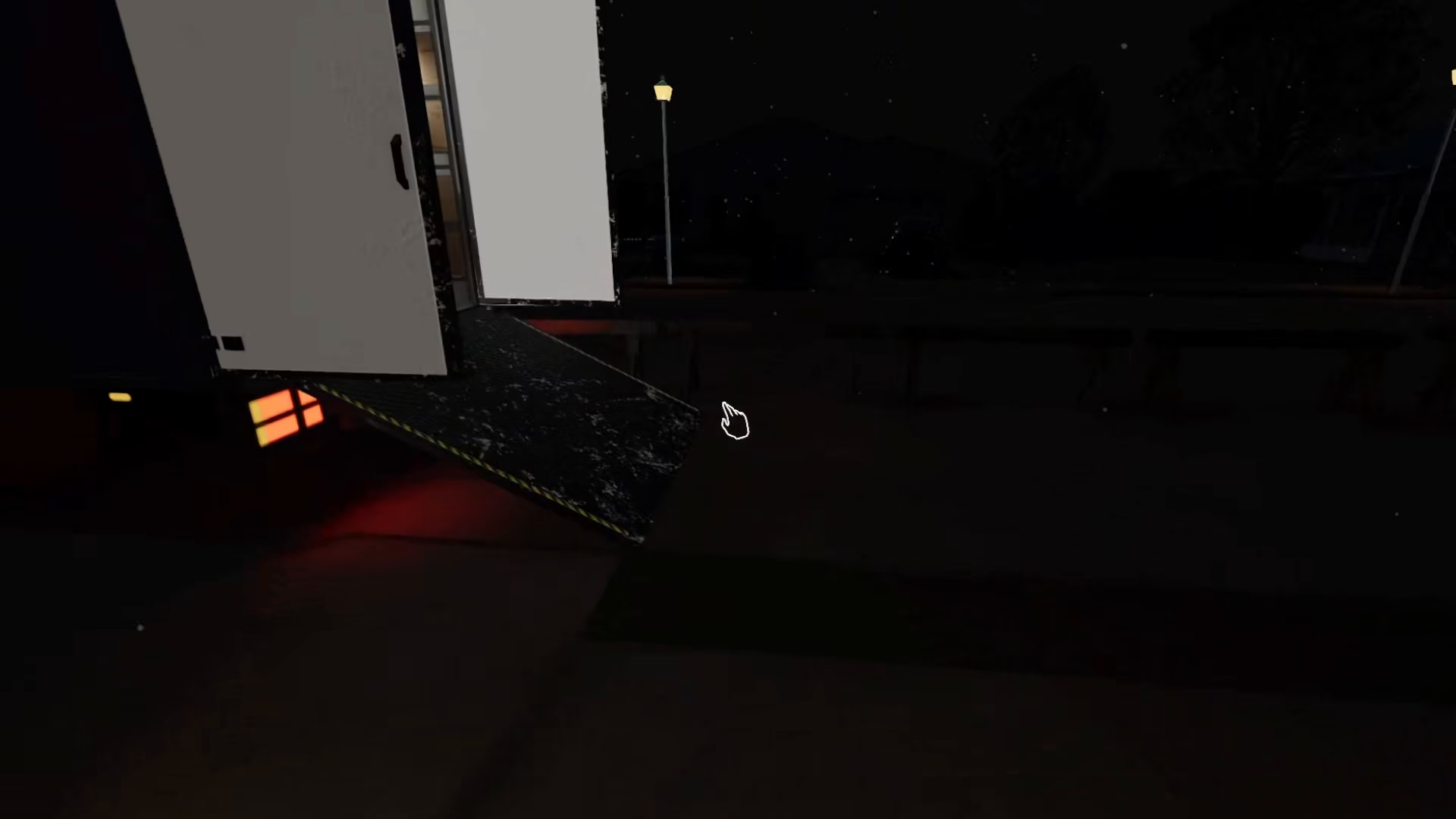
Step 1: Retrieve the Camera from Your Ship
Return to your ship and pick up the camera equipment. This device will allow you to capture visual evidence of freezing temperature indicators.
Step 2: Return to the Investigation Location
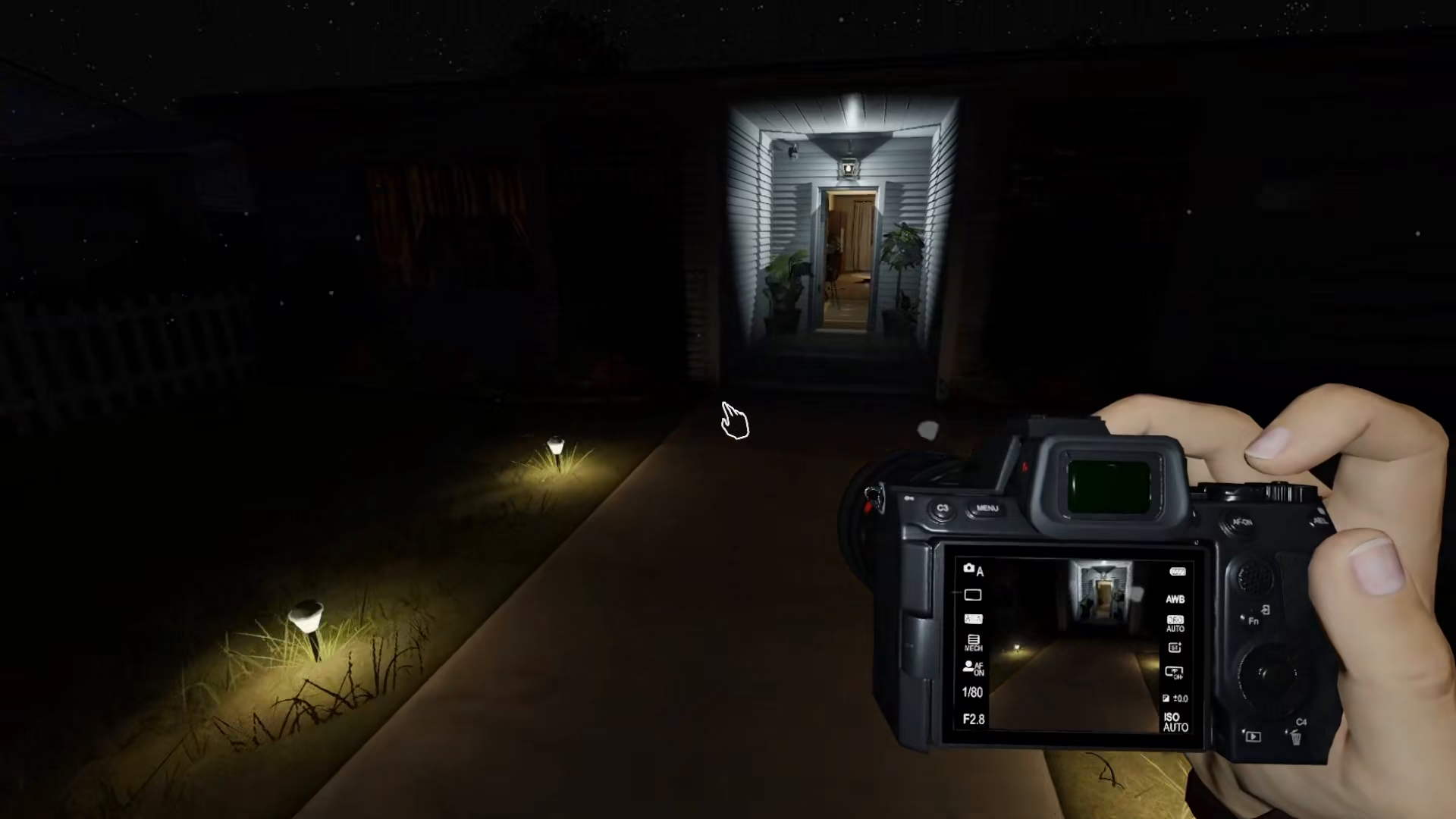
Head back into the haunted house with the camera in hand.
Step 3: Locate and Photograph the Freezing Temperature Indicator
When you look through the camera at the freezing temperature visual indicator in the location, the camera will display the freezing temperature on its screen. This photographic evidence confirms that freezing temperatures are indeed present in that location.
Summary
Detecting freezing temperatures in Phasmophobia is straightforward: watch for temperature readings of 0 or below. To confirm this evidence with a camera, simply return to your ship, grab the camera equipment, head back to the location, and photograph the freezing temperature indicator. This will give you the visual proof you need to complete your investigation.
Want to Support?
If you would like to help us continue making these guides – please consider joining our patreon here – https://www.patreon.com/c/JaviHeals
Alternatively – you can join our discord here – https://discord.gg/zD7Gjt6MHF



