





How To Kick Someone In Phasmophobia
How To Kick Someone In Phasmophobia
Need to remove a player from your Phasmophobia lobby? Whether it’s for group composition, game rules, or any other reason, kicking a player is a straightforward process. This guide will walk you through the simple steps to remove someone from your lobby in Phasmophobia.
Finding the Kick Option
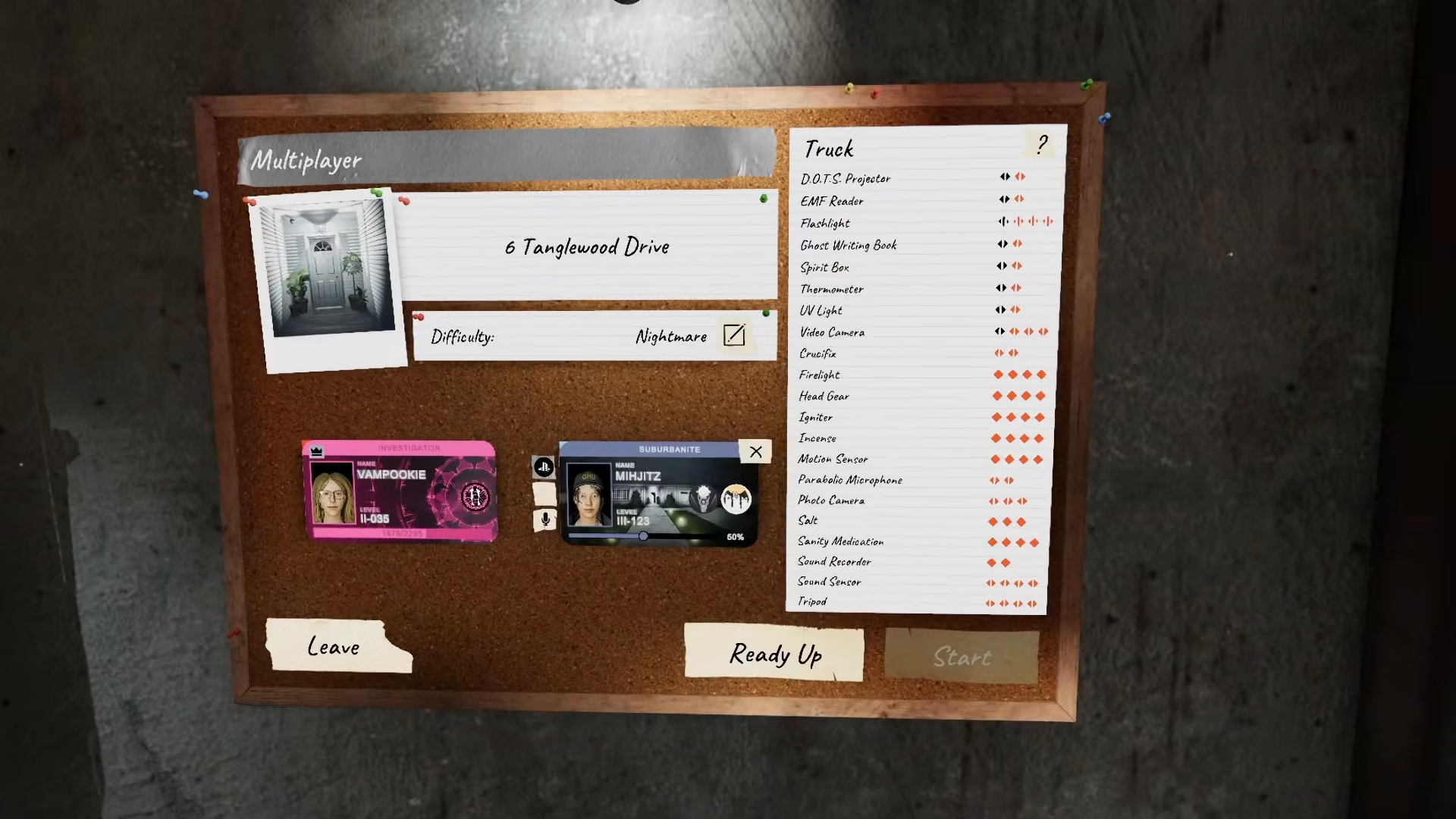
When another player joins your lobby, you’ll notice a cross icon appearing on their player profile. This icon is your tool for removing them from the game. The cross icon is clearly visible and easy to locate once you know what you’re looking for.
Look at the joining player’s profile card in your lobby interface to find this icon.
How to Kick a Player
Once you’ve located the cross icon on a player’s profile, simply press it. This action will immediately remove that player from your lobby, and they will no longer be able to participate in your game session.
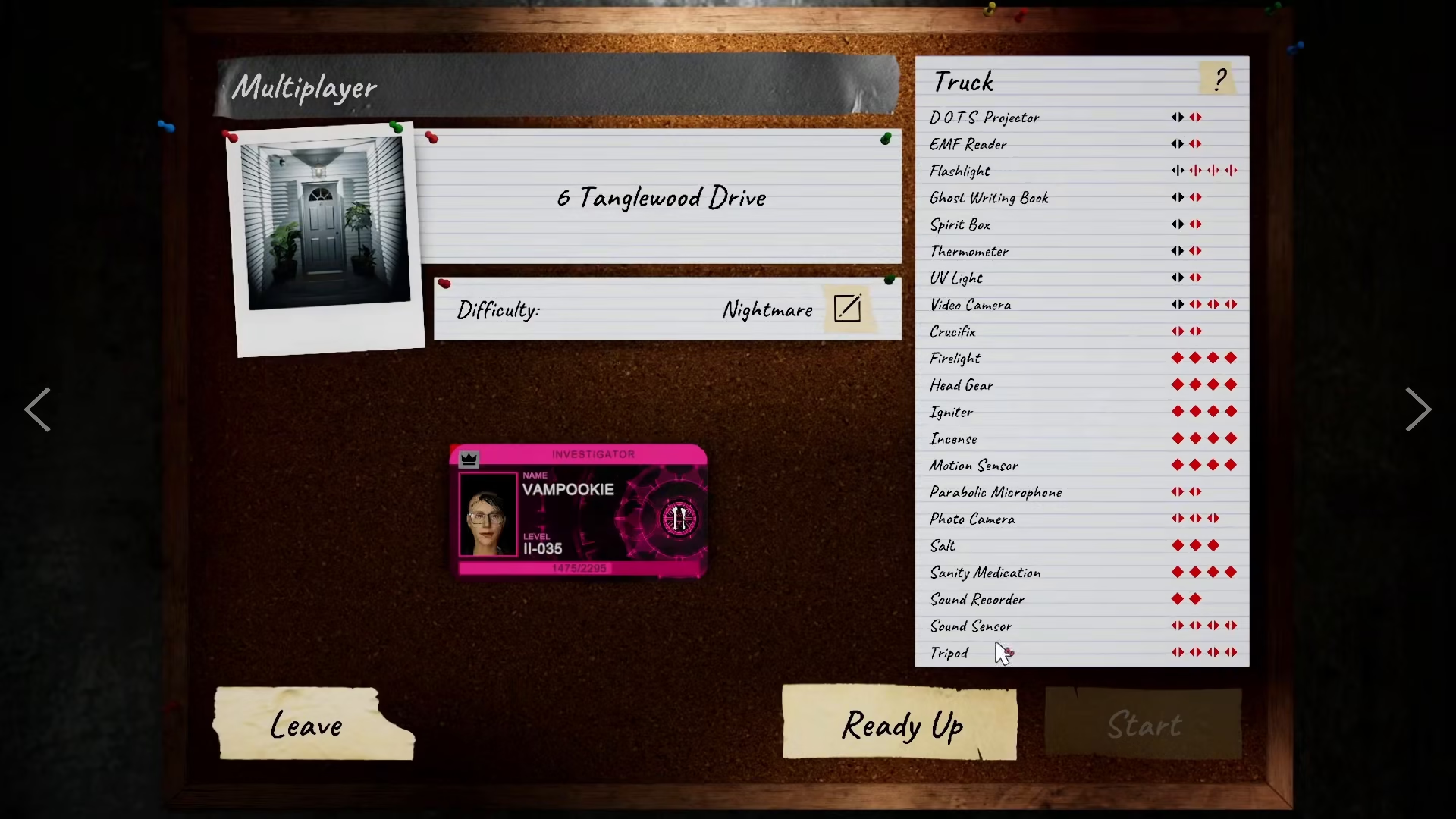
That’s all there is to it. No confirmation dialog or complicated menus—just one click on the cross icon and the player is gone from your lobby.
Summary
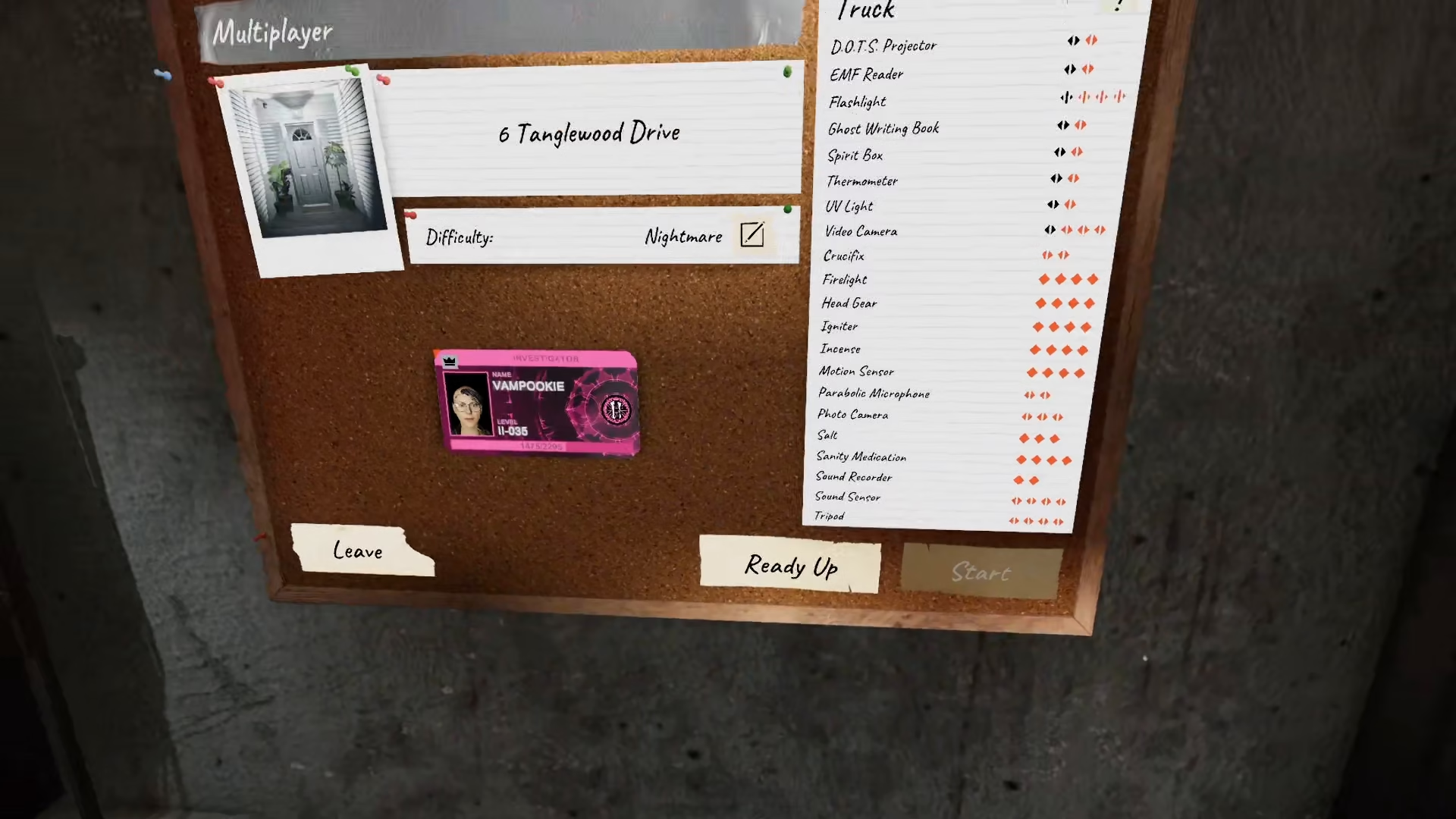
Kicking someone from a Phasmophobia lobby is incredibly simple. Just look for the cross icon on their player profile and click it. The player will be removed immediately. Now you’re ready to manage your lobbies and keep your ghost-hunting teams exactly how you want them. Good luck investigating in Phasmophobia!
— Want to Support? —
If you would like to help us continue making these guides – please consider joining our patreon here – https://www.patreon.com/c/JaviHeals
Alternatively – you can join our discord here – https://discord.gg/zD7Gjt6MHF



