Faith, Trust, and Pixel Dust Quest Guide in Disney Dreamlight Valley
Faith, Trust, and Pixel Dust Quest Guide in Disney Dreamlight Valley
In this comprehensive guide, we’ll walk you through completing the Faith, Trust, and Pixel Dust Quest with Vanilla P in Disney Dreamlight Valley. This quest begins when you first talk to Vanilla P in the Dream Castle, where she asks you to participate in the Dream Snaps Challenge. Follow these step-by-step instructions to complete the quest successfully.
Understanding the Dream Snaps Challenge
When you speak to Vanilla P in the Dream Castle, she’ll ask you to participate in the Dream Snaps Challenge. This is the core requirement for the quest. The Dream Snaps Challenge involves voting on who has the best photos, though you don’t need to be voted for to progress.
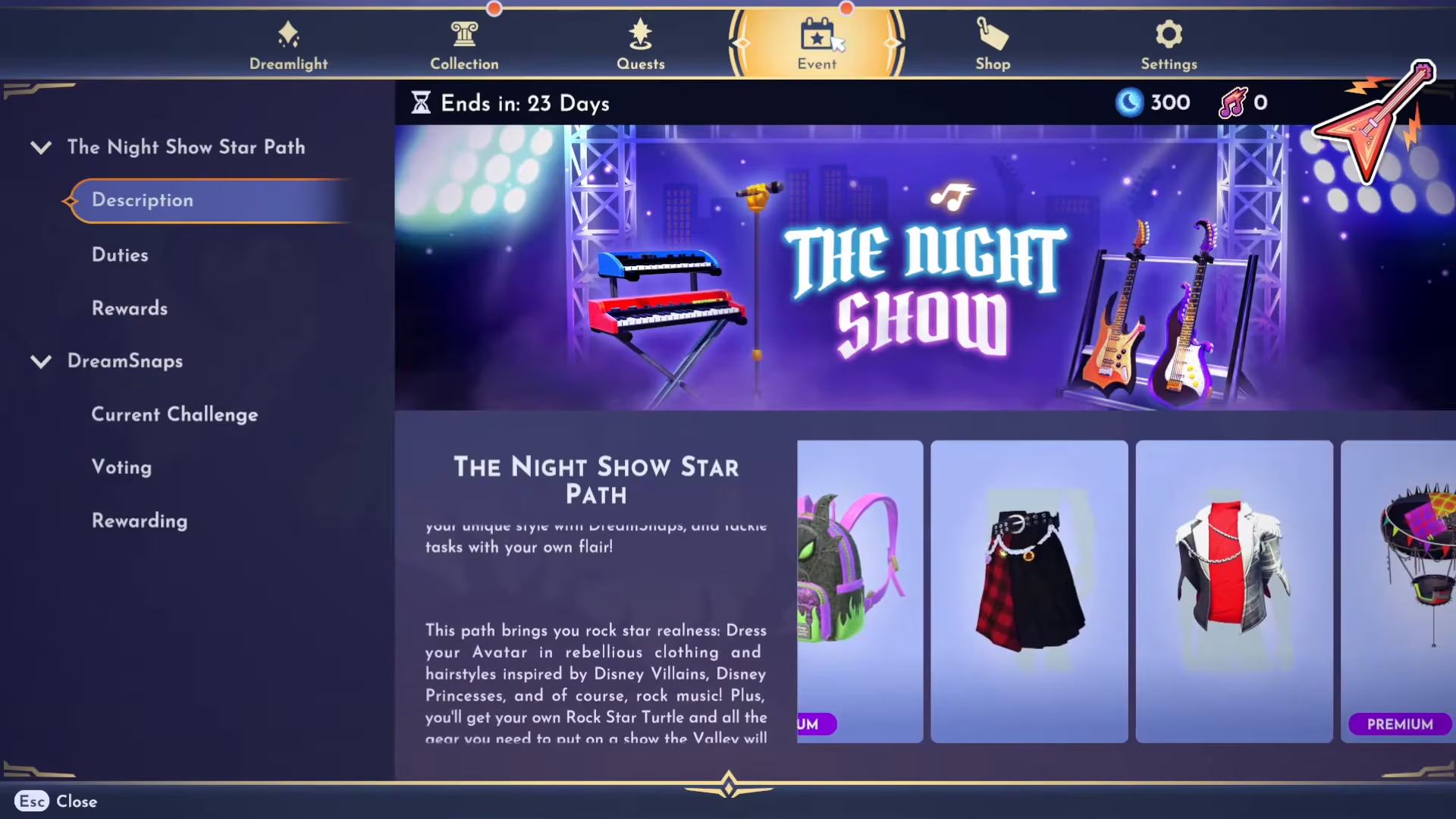
To access the Dream Snaps Challenge, open your menu and navigate to Event, then select Dream Snaps. From there, click on Current Challenge to see what styling requirements you need to meet.
Meeting the Current Challenge Requirements
The current challenge will display specific styling requirements you must fulfill. In this example, the requirements are:
Bold trait × 2
Lavish trait × 3
Bonus: If items have Hats or Wondrous traits, even better!
You’ll need to use furniture items with these exact traits in your photo submission.
Finding the Right Furniture Items
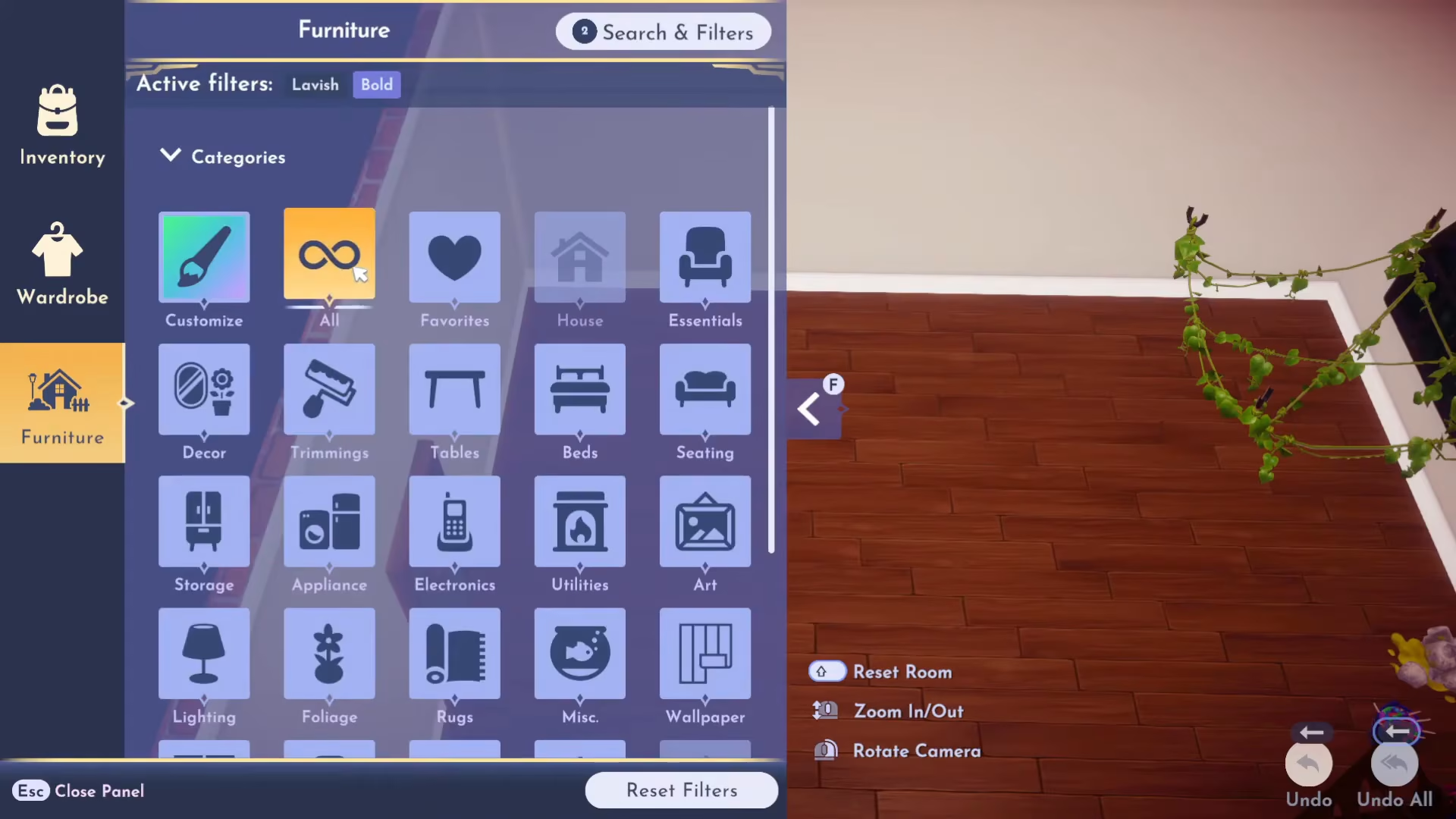
To locate furniture with the correct traits, enter your house and open your Inventory. Navigate to Furniture, then use the Search and Filters option at the top of the screen.
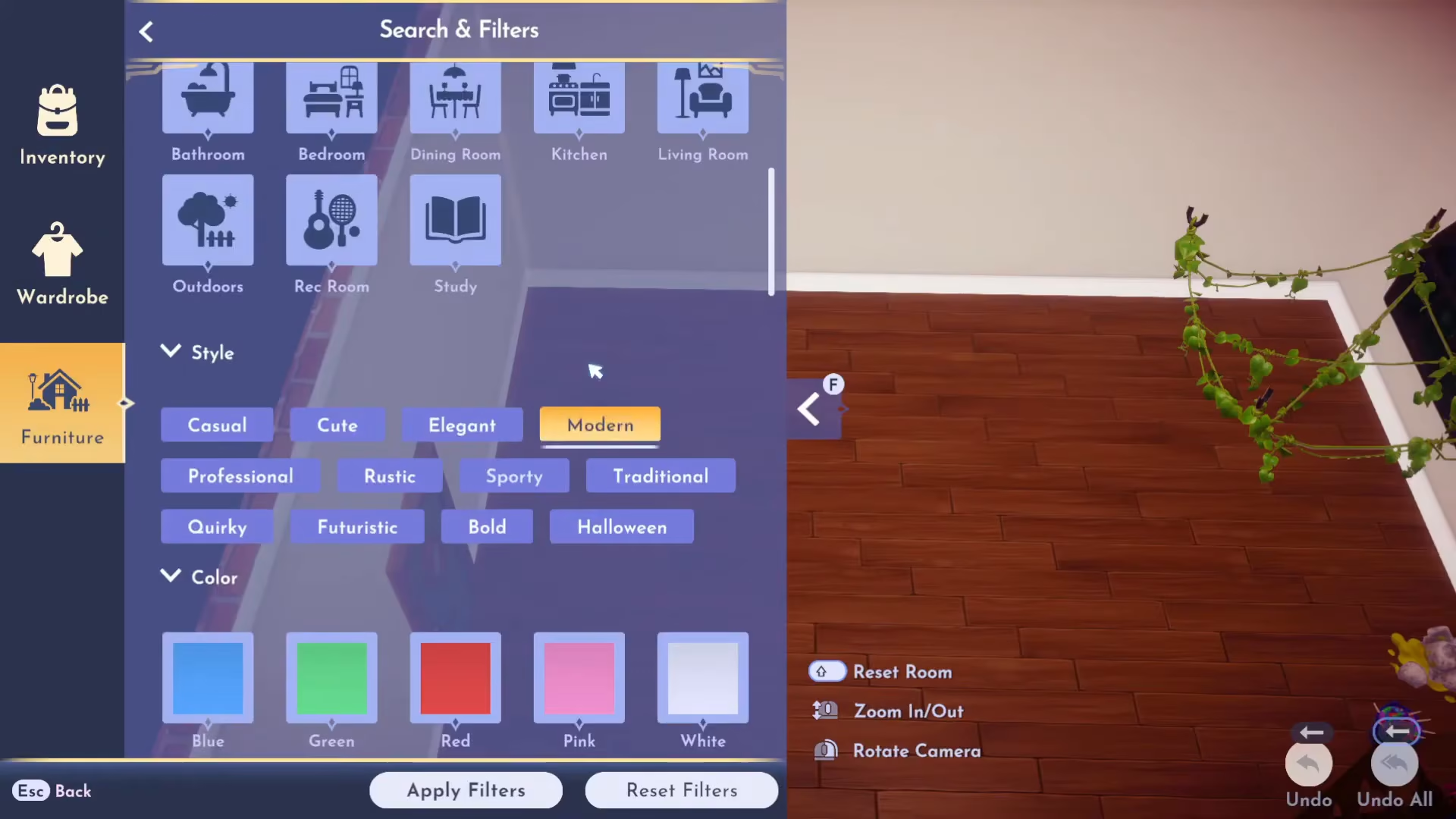
In the filters menu, select Lavish under the Trait section, and Bold under the Style section. Apply these filters to see all items in your inventory that match both criteria.
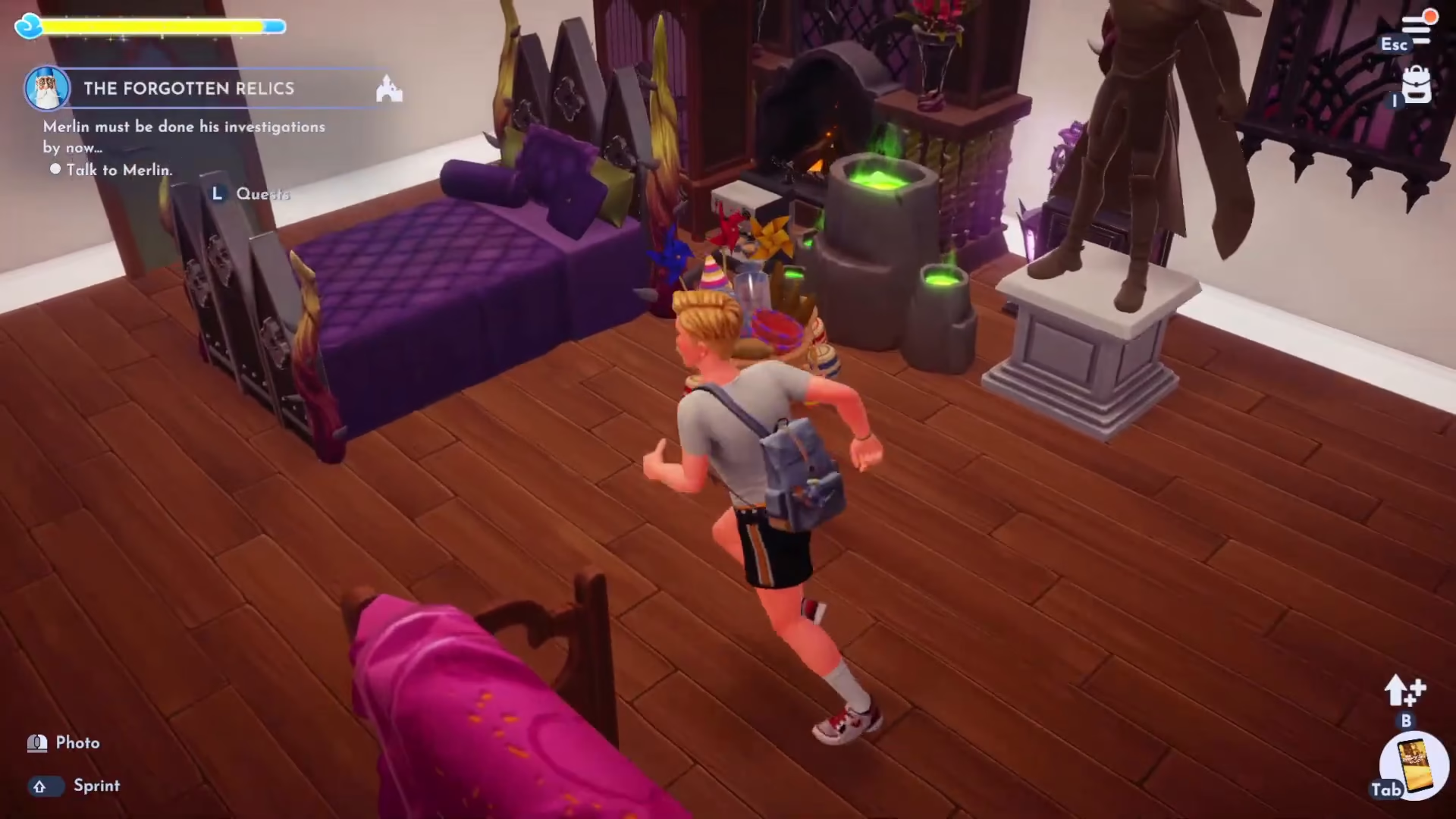
Arrange your selected furniture items in your home. For example, you might use:
40 Pillar
4-Nephiar Place
Statue
Dusky Floral Arrangement
Espresso Machine
4-Nephiar Wardrobe
Volcanic Stove
Ceremony Gift Basket
Note: The aesthetic doesn’t matter for the quest—prioritize meeting the trait requirements over visual appeal.
Taking Your Dream Snaps Photo
Once your furniture is arranged, equip your camera and take a photo of your setup. While in camera mode, hold down the capture button and select Show Dream Snaps from the menu that appears.
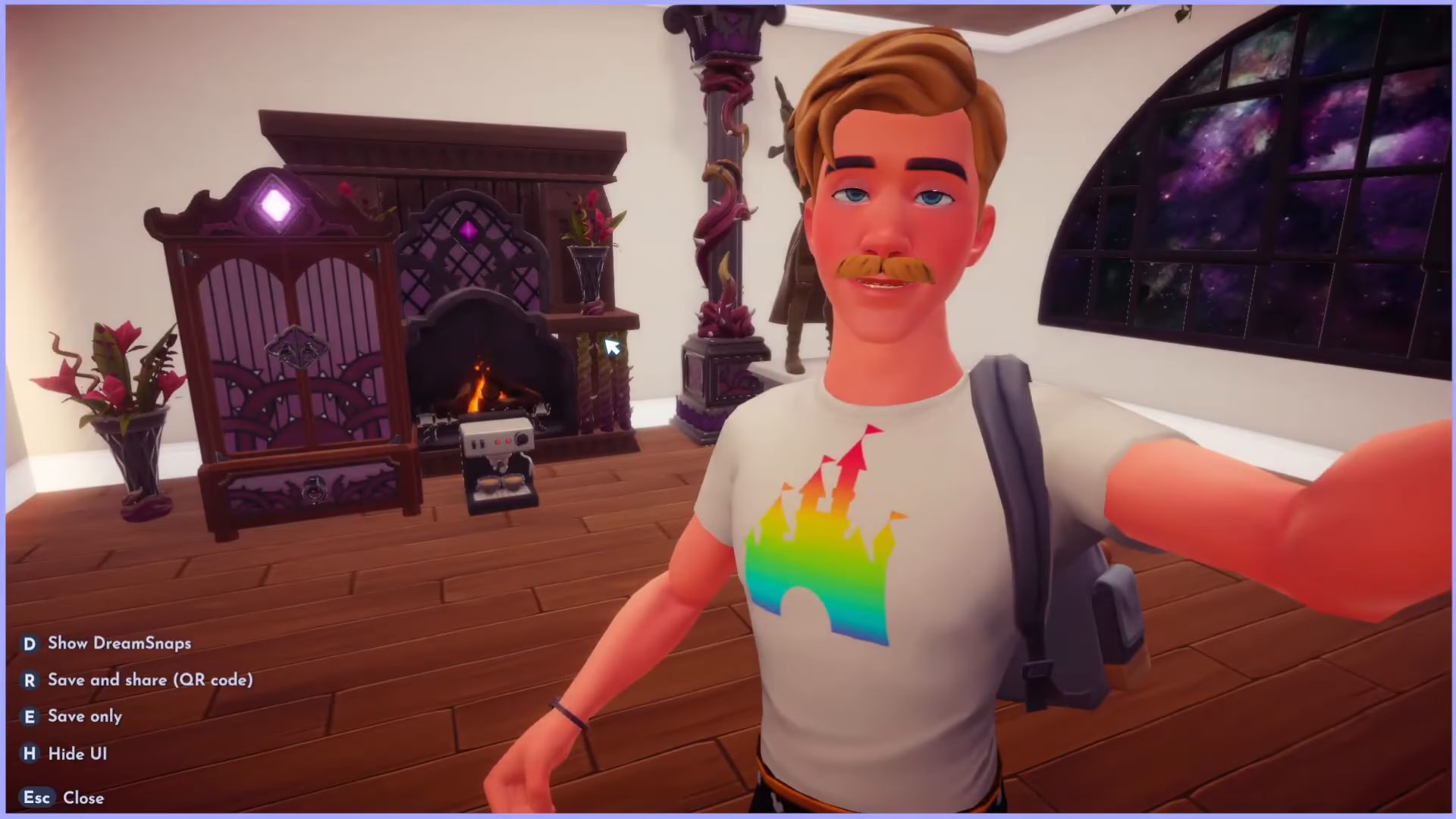
The Dream Snaps interface will display your current progress toward meeting the challenge requirements. It will show you how many of each required trait you currently have in the frame. Make sure you meet all the required amounts before submitting.
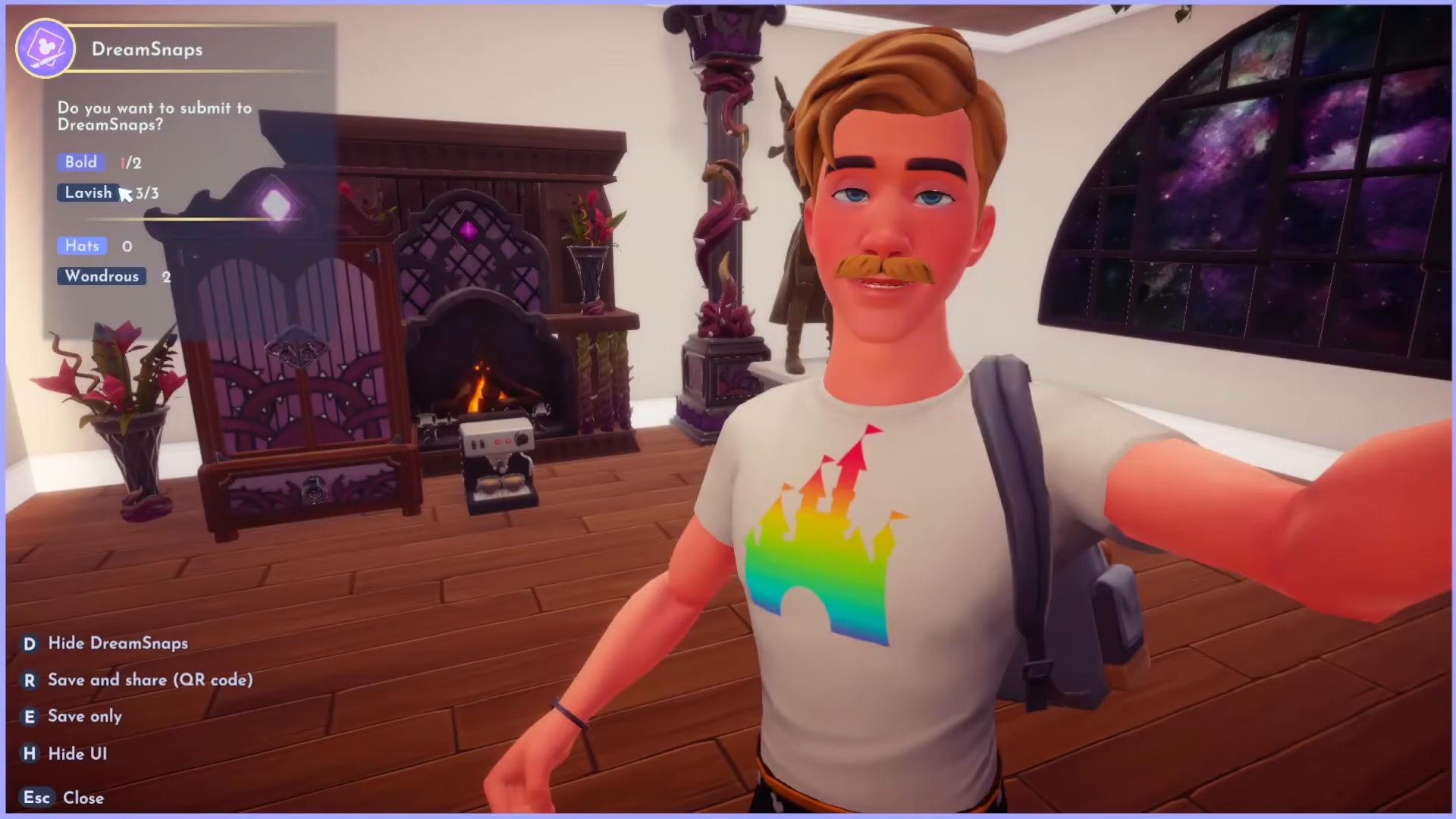
When the requirements are met, a submit button will appear. Confirm your submission by selecting “Yes.”
Placing Vanilla P’s House in the Village
After submitting your Dream Snaps photo, return to Vanilla P in the Dream Castle and talk to her again to proceed to the next step.
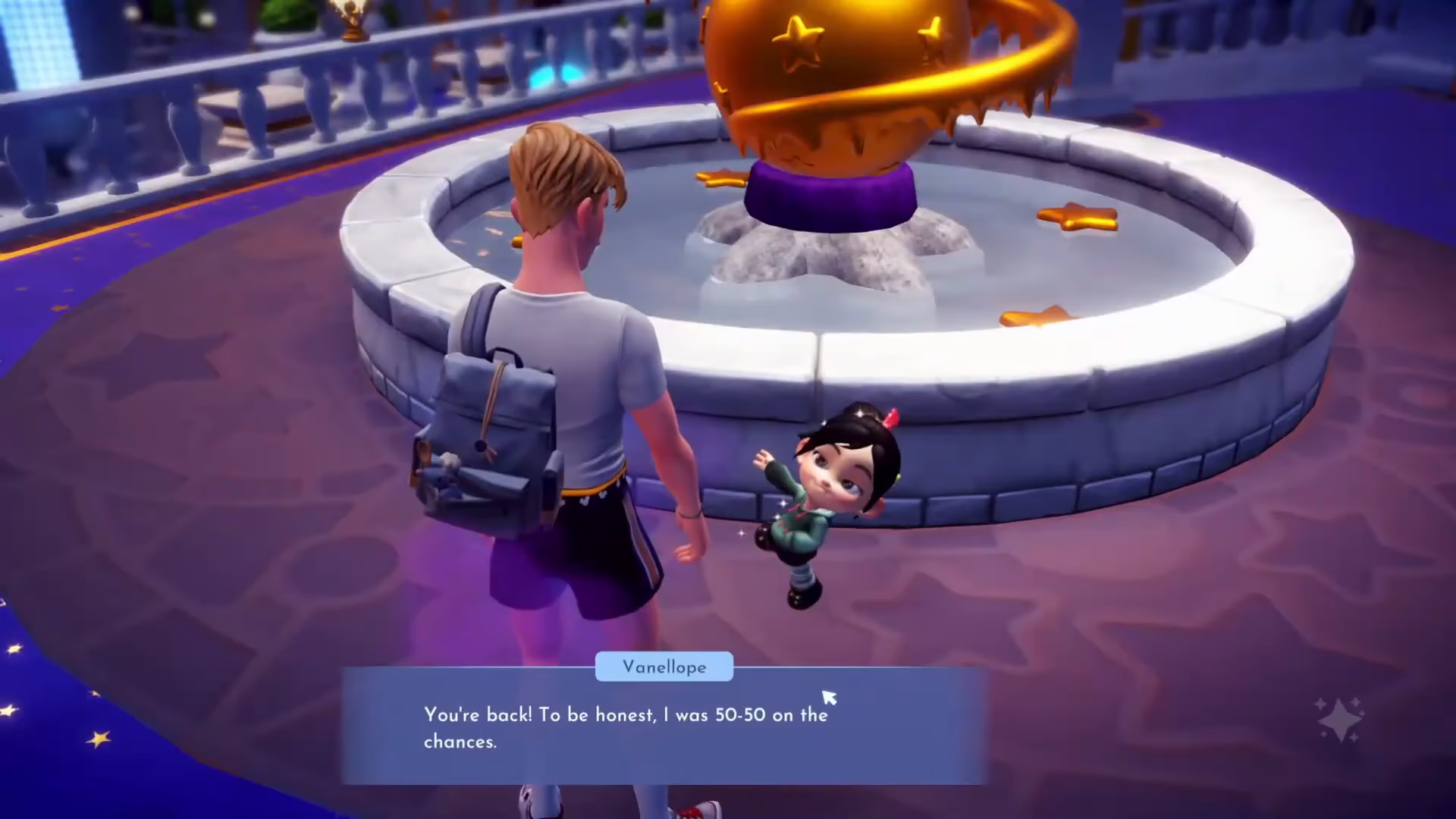
Next, you’ll need to place Vanilla P’s Hideout in the village. Open your Inventory, go to Furniture, and search for Vanilla P’s Hideout under the Requests section. This is a charming, tower-like structure that can be placed anywhere in your valley.
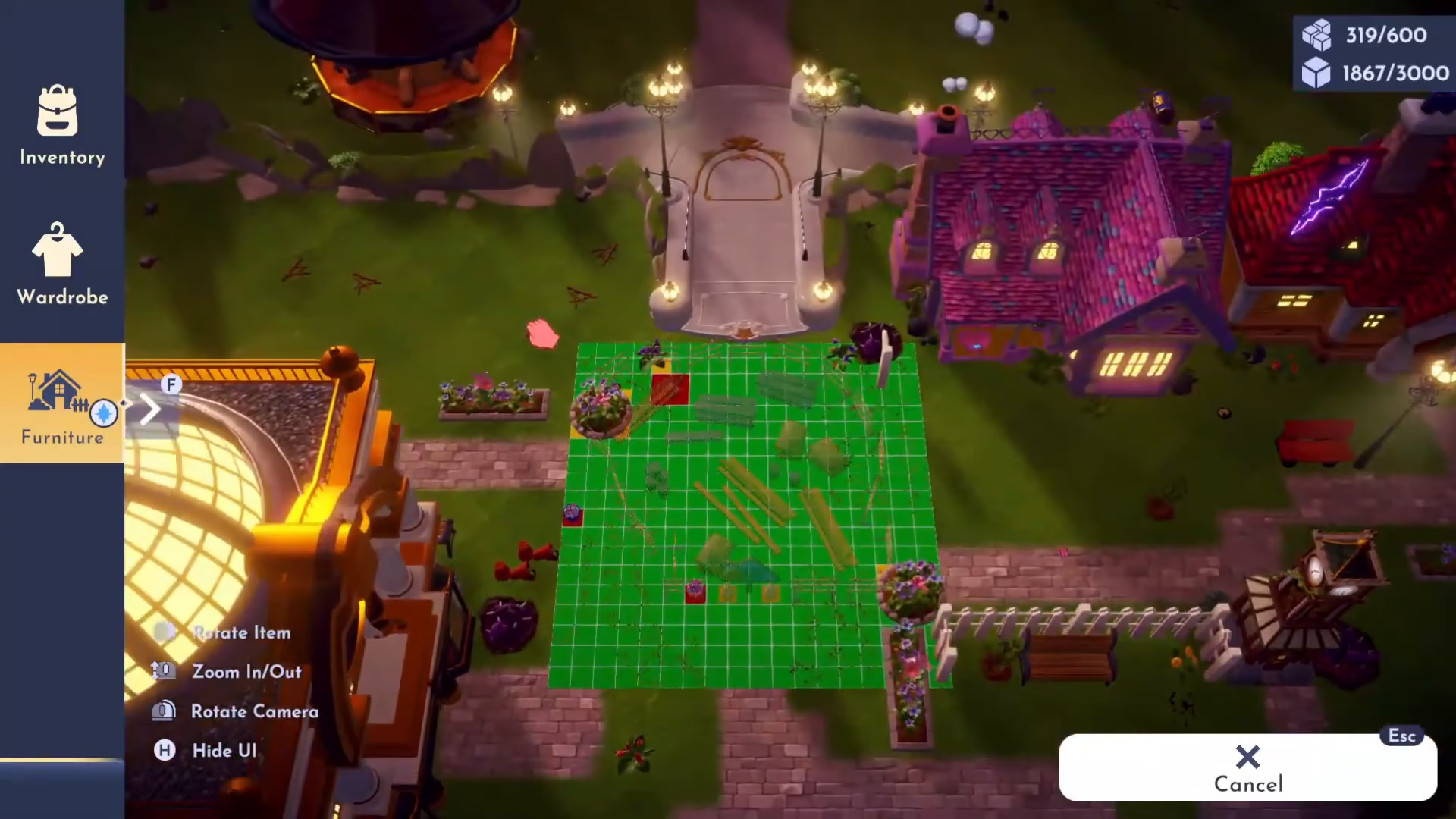
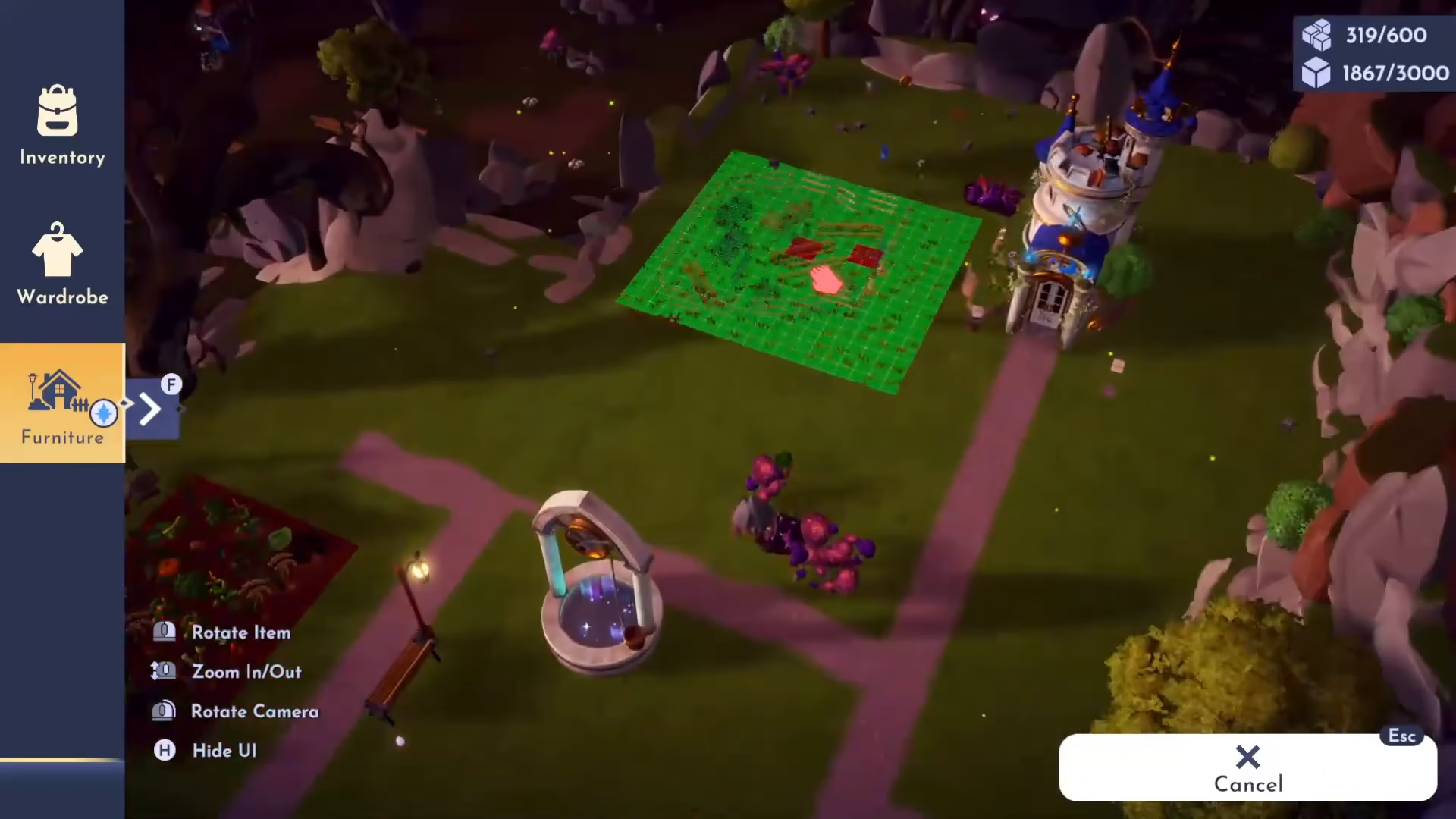
Select a suitable location for the hideout. A good placement might be next to Merlin’s tower or another established structure.
Unlocking the House
Once placed, approach the house and interact with the sign to unlock it. Unlocking Vanilla P’s Hideout will cost you 4,000 gold.

After paying the gold, Vanilla P’s Candy Tower will be fully unlocked and ready for use.
Welcoming Vanilla P and Completing the Quest
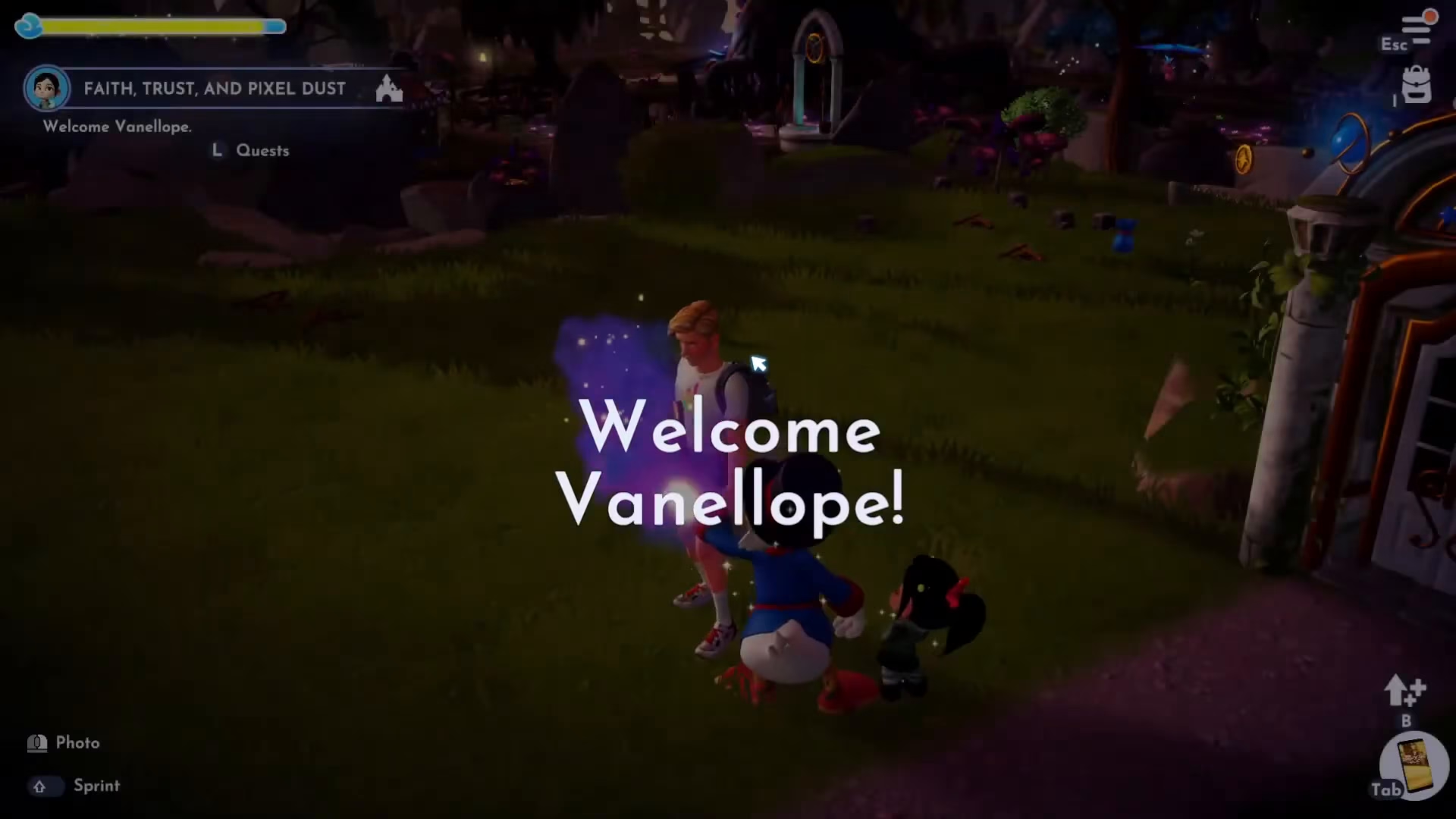
Now that her house is placed and unlocked, you can welcome Vanilla P to the valley. Interact with the house to initiate the welcome sequence.
Finally, talk to Vanilla P one more time to complete the Faith, Trust, and Pixel Dust Quest.
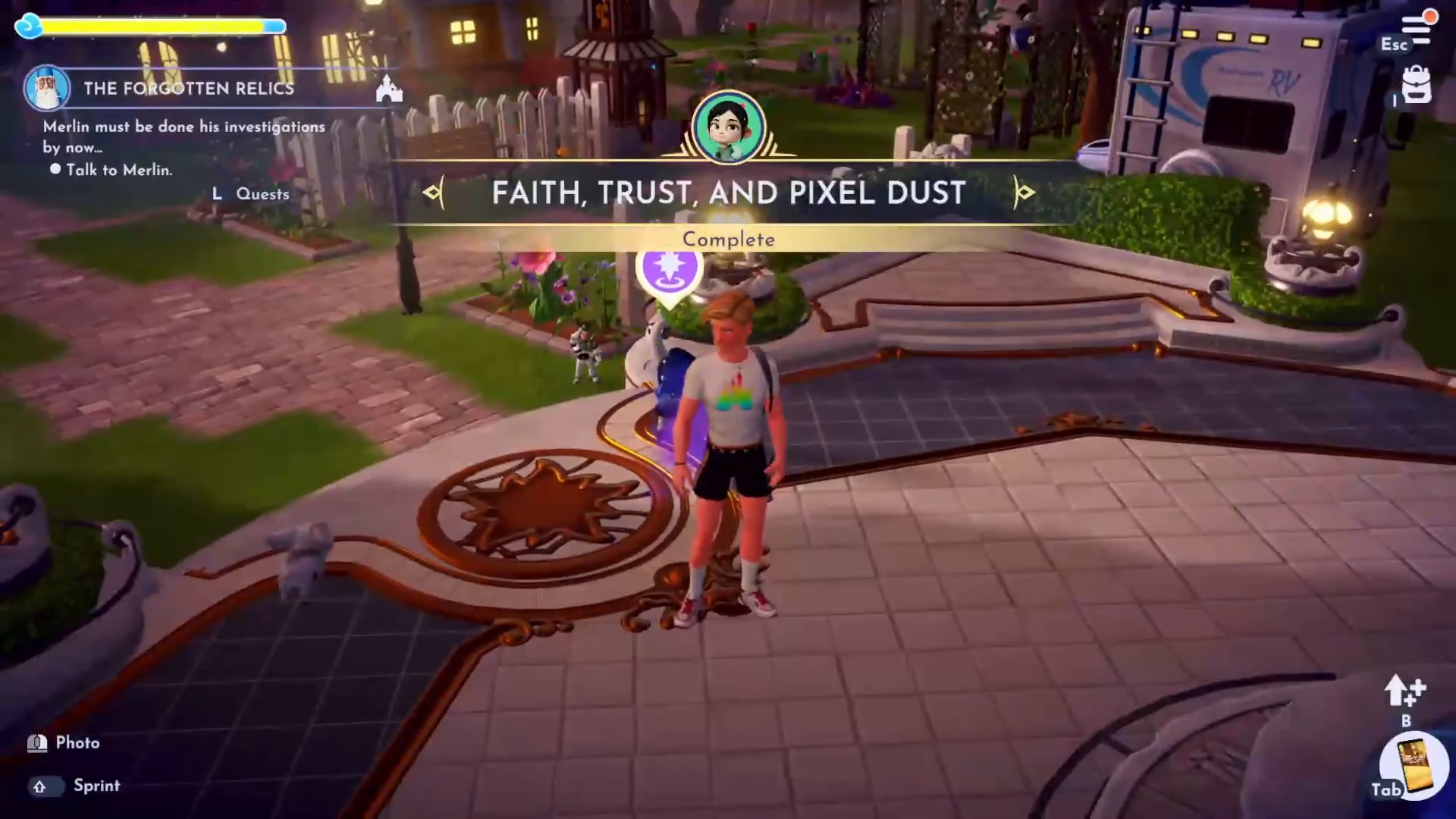
Quest Complete!
Congratulations! You’ve successfully completed the Faith, Trust, and Pixel Dust Quest with Vanilla P. This quest introduces you to the Dream Snaps Challenge system and helps you welcome a new resident to your valley. For more Disney Dreamlight Valley quests and guides, check out our full playlist of quest walkthroughs.
Want to Support?
If you would like to help us continue making these guides – please consider joining our patreon here – https://www.patreon.com/c/JaviHeals
Alternatively – you can join our discord here – https://discord.gg/zD7Gjt6MHF