







How To Play With Bots In Among Us
How To Play With Bots In Among Us
Want to practice your Among Us skills without jumping into competitive multiplayer matches? Playing with bots is a great way to learn the game mechanics, explore maps, and develop your strategy at your own pace. This guide will walk you through the simple steps to get started with bot gameplay in Among Us.
Accessing the Practice Mode
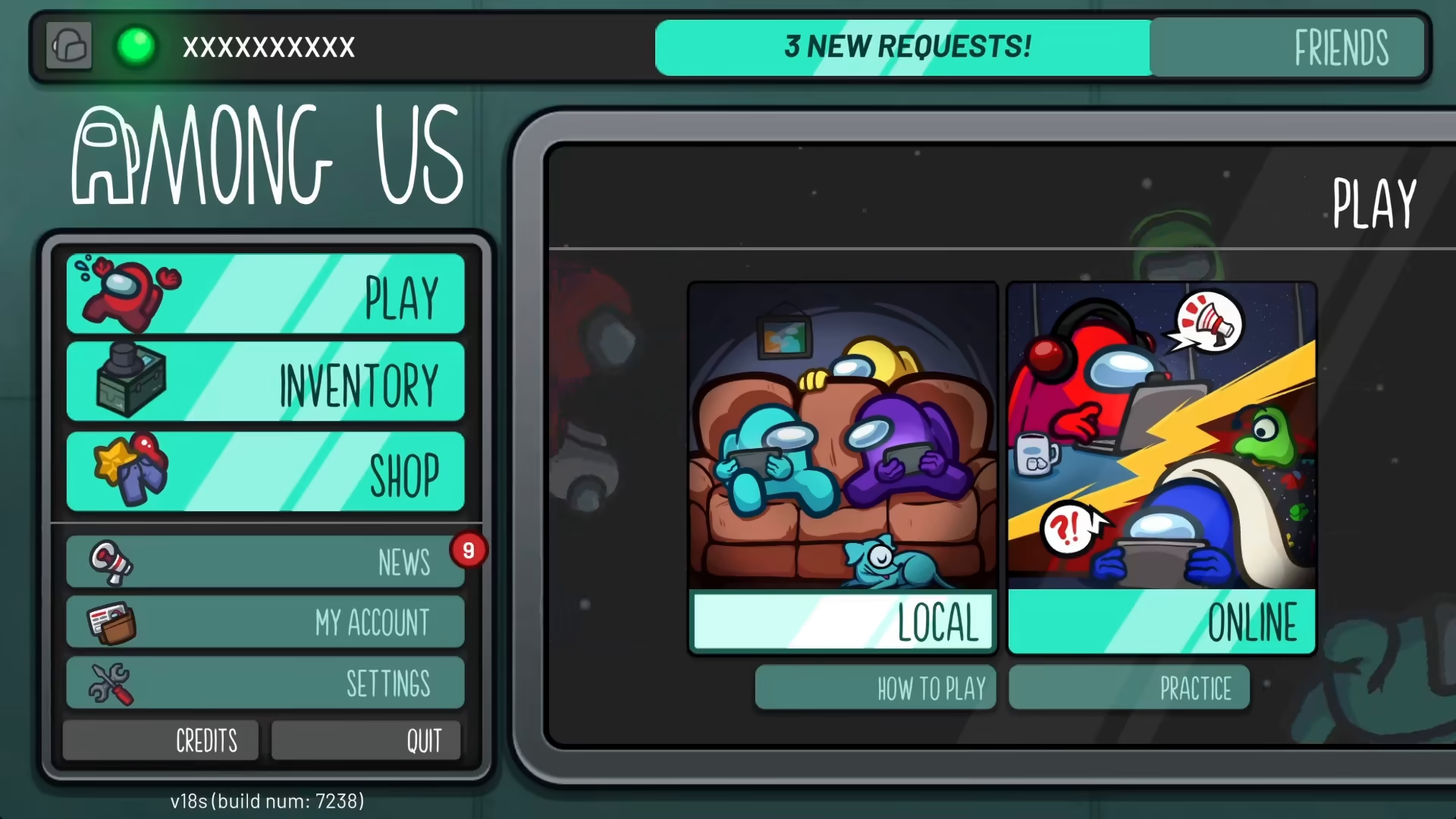
To begin playing with bots in Among Us, you’ll need to access the Practice option from the main menu. Simply look for the Practice option when you start the game.
Selecting Your Map
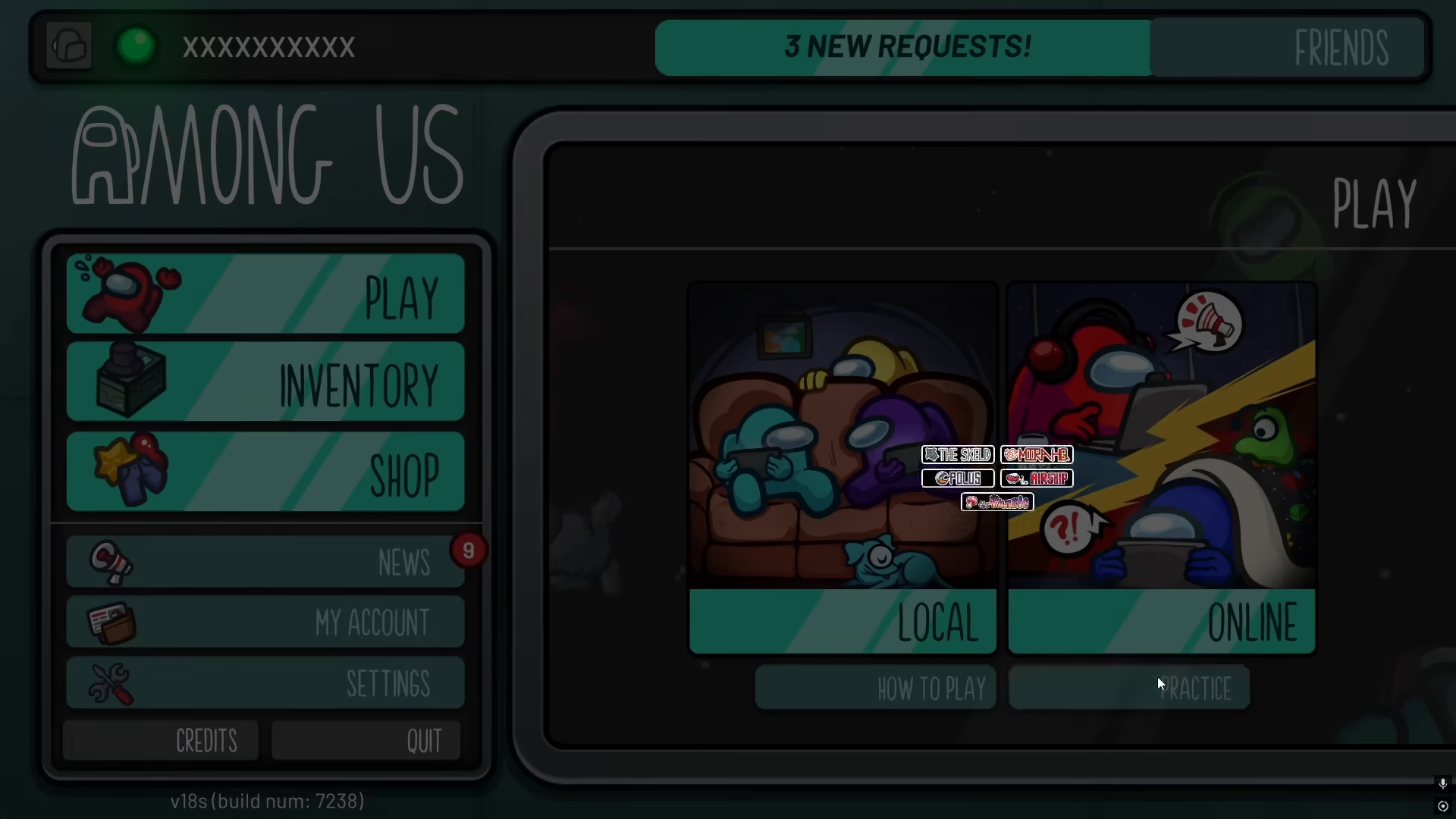
Once you’ve clicked on Practice, you’ll be prompted to choose a map. Select any map that you want to play on. This will load your game with bot players included.
Understanding Bot Placement
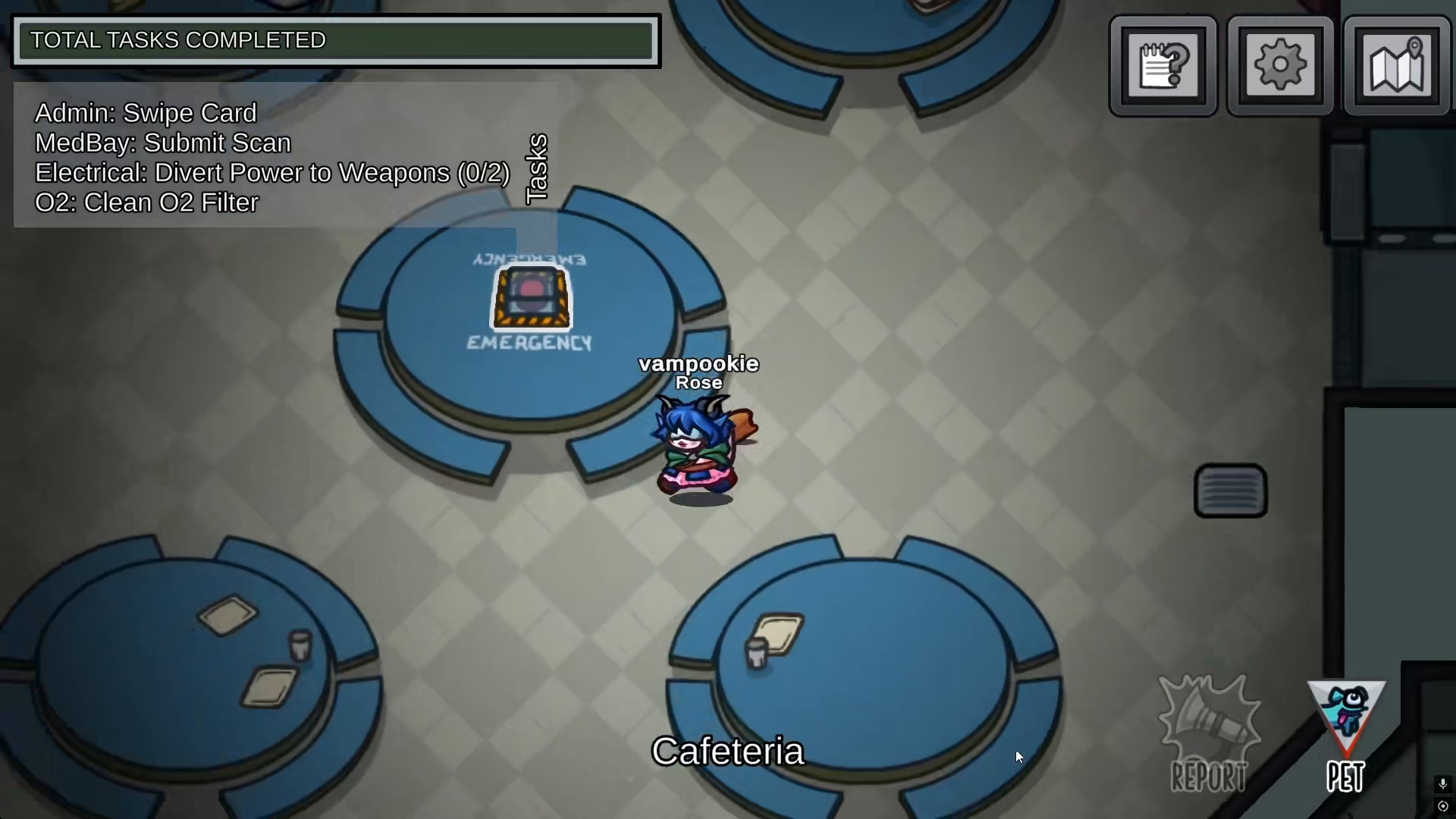
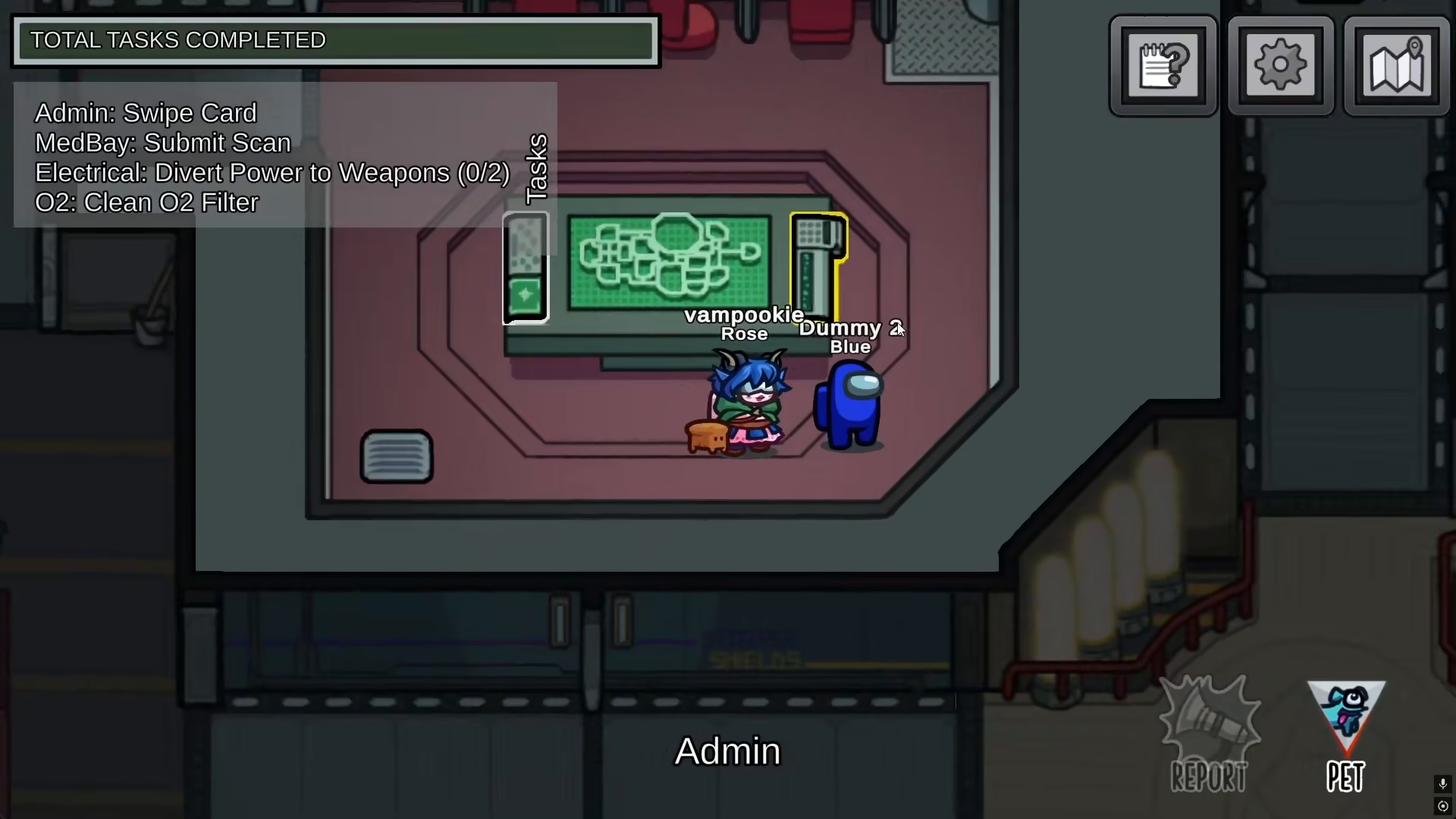
When you enter your practice game, you’ll notice that there are multiple bot characters—often called “dummies”—distributed throughout the map. These bots will occupy various locations and rooms. For example, you may find a dummy in the admin area of your chosen map.
Playing Your Practice Game
With the bots in place, you can now play your practice match just as you would in a regular game. Use this time to familiarize yourself with map layouts, practice your crewmate tasks, and test your impostor strategies against AI opponents.
Summary
Playing with bots in Among Us is straightforward: select Practice from the main menu, choose your preferred map, and you’ll be placed in a game with bot players. This is an excellent way to hone your skills and build confidence before playing with other people online.
— Want to Support? —
If you would like to help us continue making these guides – please consider joining our patreon here – https://www.patreon.com/c/JaviHeals
Alternatively – you can join our discord here – https://discord.gg/zD7Gjt6MHF



