





How To Play Bloonsoffline In Bloons TD6
“`html
How to Play Bloons TD6 Offline
Want to enjoy Bloons Tower Defense 6 without an internet connection? Whether you’re playing on PC or mobile, it’s easier than you might think. This guide walks you through the simple steps to launch and play Bloons TD6 in offline mode, along with important details you should know before you start.
Playing Bloons TD6 Offline on PC
If you’re playing on PC, the process is straightforward. All you need to do is turn off your Wi-Fi connection—this is typically an OS-level option in your system settings.
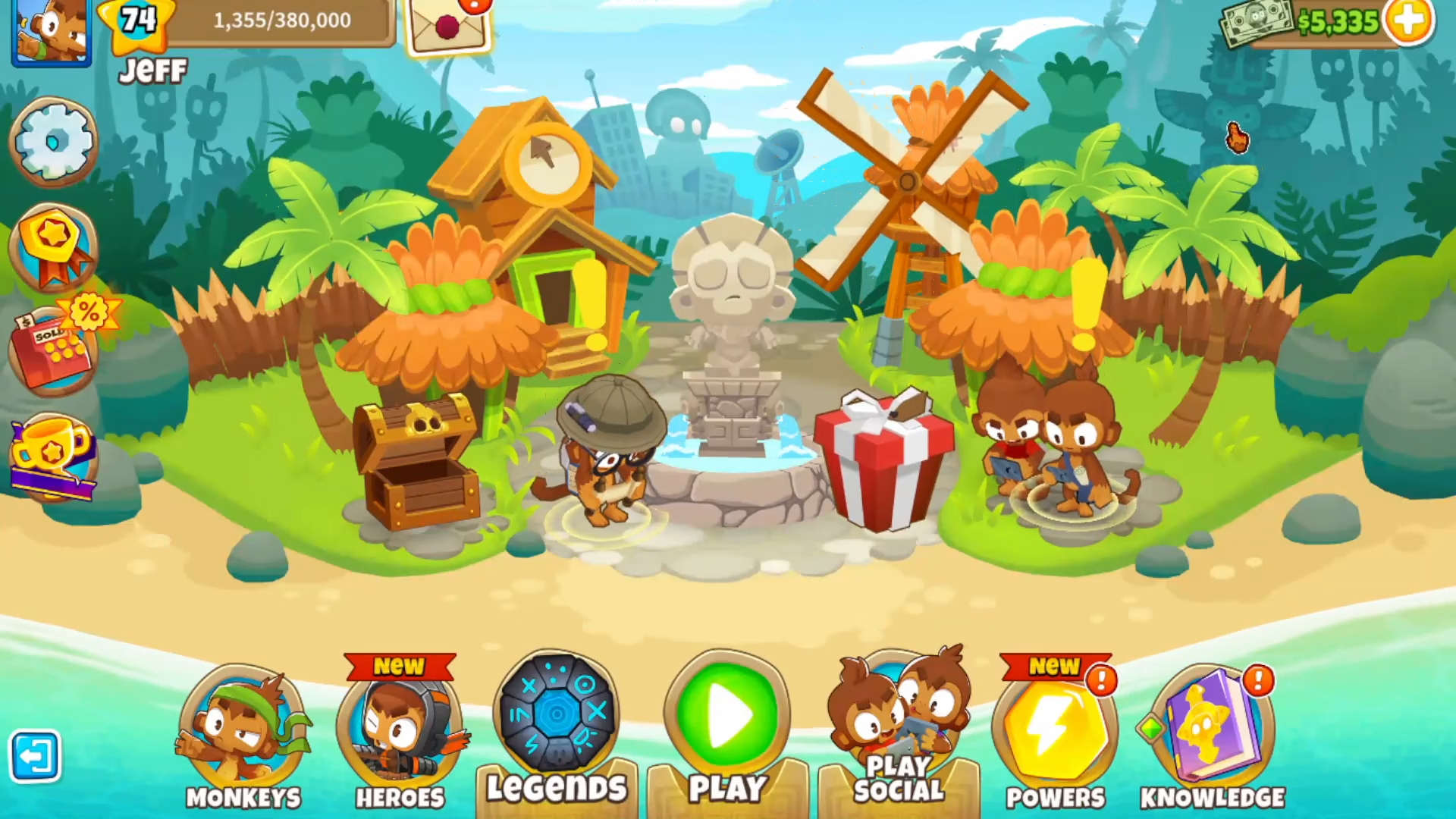
Once your Wi-Fi is disabled, simply launch Bloons TD6. The game will automatically start in offline mode, allowing you to play normally.
Playing Bloons TD6 Offline on Mobile
The process on mobile devices is nearly identical to PC. Turn off your Wi-Fi connection and launch the game as usual.
When launching on mobile, you may need to wait a moment while the game checks for available updates. Since you’re offline, it won’t be able to reach the update servers, but the game will proceed normally once the check completes.
Important Limitations to Know
While playing offline, you won’t have access to online events or multiplayer features. Additionally, your game saves will not be backed up to the online cloud when playing in offline mode. Keep this in mind if you’re concerned about save data security.
Beyond these limitations, Bloons TD6 should work perfectly fine offline, giving you full access to the standard single-player experience.
Summary
Playing Bloons TD6 offline is simple on both PC and mobile—just disable your Wi-Fi and launch the game. While you’ll miss out on online events and multiplayer, you’ll have unrestricted access to the core gameplay. Just remember that your saves won’t sync to the cloud, so keep that in mind when planning your gaming sessions.
Want to Support?
If you would like to help us continue making these guides – please consider joining our patreon here – https://www.patreon.com/c/JaviHeals
Alternatively – you can join our discord here – https://discord.gg/zD7Gjt6MHF
“`



