






How To Customize Scrappy The Chicken in ARC Raiders
“`html
How To Customize Scrappy The Chicken in ARC Raiders
Did you know you can customize Scrappy in ARC Raiders? This companion chicken can be personalized to match your playstyle and aesthetic preferences. In this guide, we’ll walk you through the simple steps to access Scrappy’s customization options and make your chicken stand out on the battlefield.
Accessing the Customization Menu
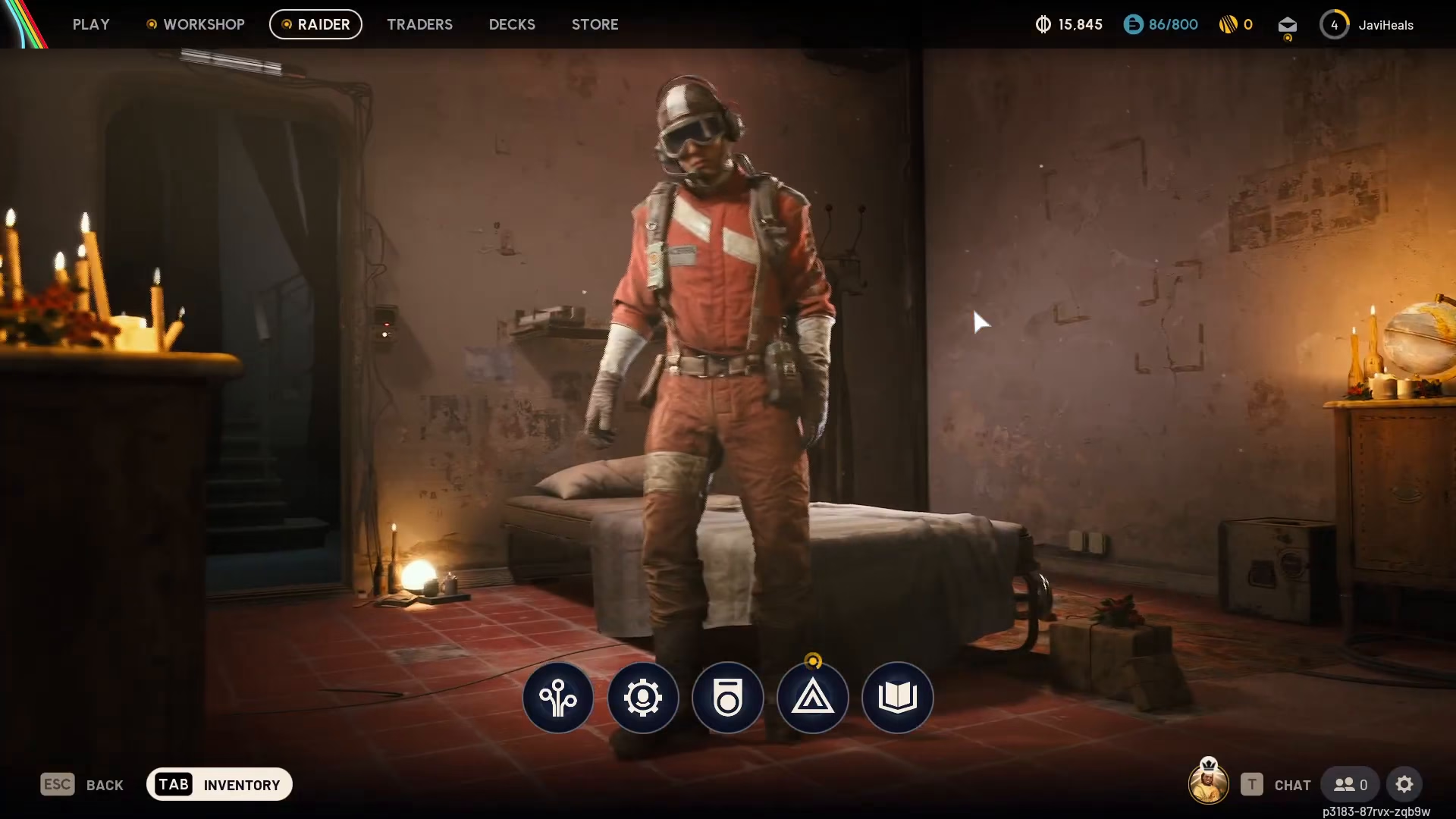
To customize Scrappy, start by clicking on the “Raider” option located at the top of your screen. From the dropdown menu, navigate down to “Customisation.”
Changing Scrappy’s Color and Appearance
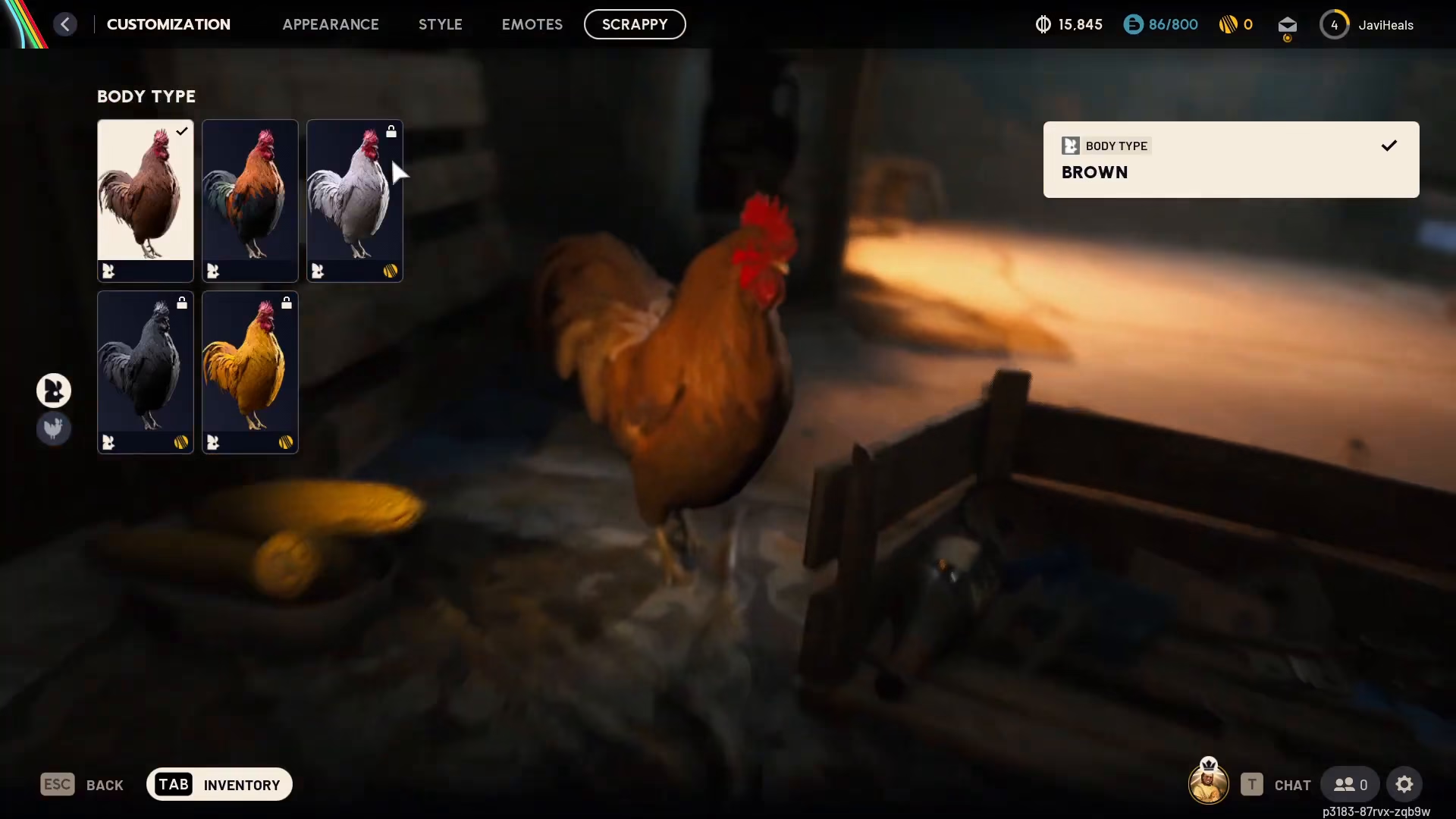
Once in the Customisation menu, select the “Scrappy” tab at the top. Here you’ll find options to change the color of Scrappy and select what type of chicken he appears as. Keep in mind that some cosmetic options may require purchasing before you can equip them.
Customizing Scrappy’s Outfit
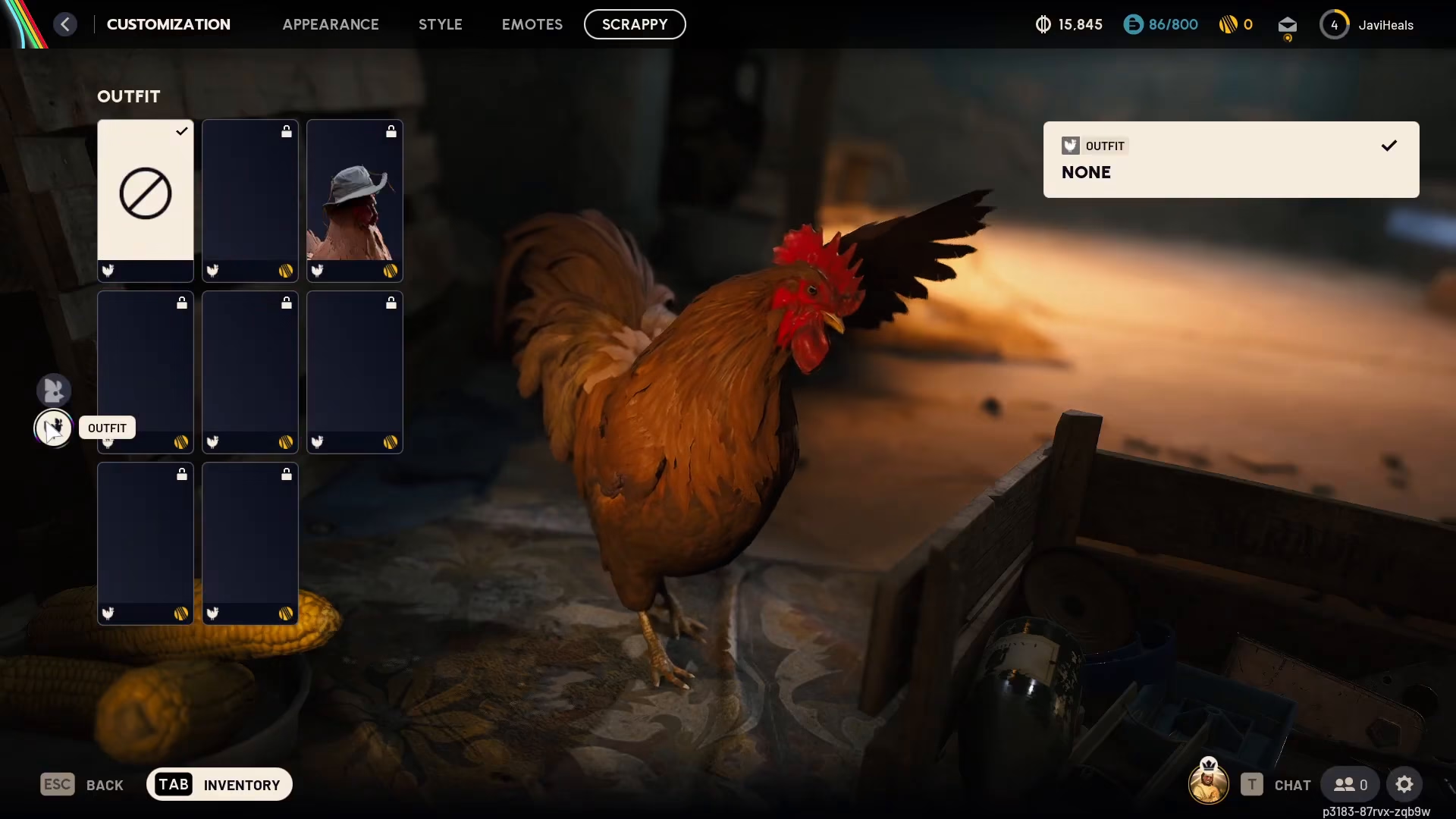
To make Scrappy even cooler, use the outfit tab located at the bottom of the customization menu. This allows you to change his clothing and gear to create a truly unique look for your feathered companion.
Summary
Customizing Scrappy in ARC Raiders is straightforward and fun. Simply navigate to Raider > Customisation > Scrappy, then explore the color options and outfit tab to personalize your chicken companion. Whether you’re changing his appearance or upgrading his outfit with cosmetics, you’ll have a unique Scrappy that reflects your style.
Make sure to subscribe and check out the playlist on screen so you don’t miss other ARC Raiders tutorials.
— Want to Support? —
If you would like to help us continue making these guides – please consider joining our patreon here – https://www.patreon.com/c/JaviHeals
Alternatively – you can join our discord here – https://discord.gg/zD7Gjt6MHF
“`

