





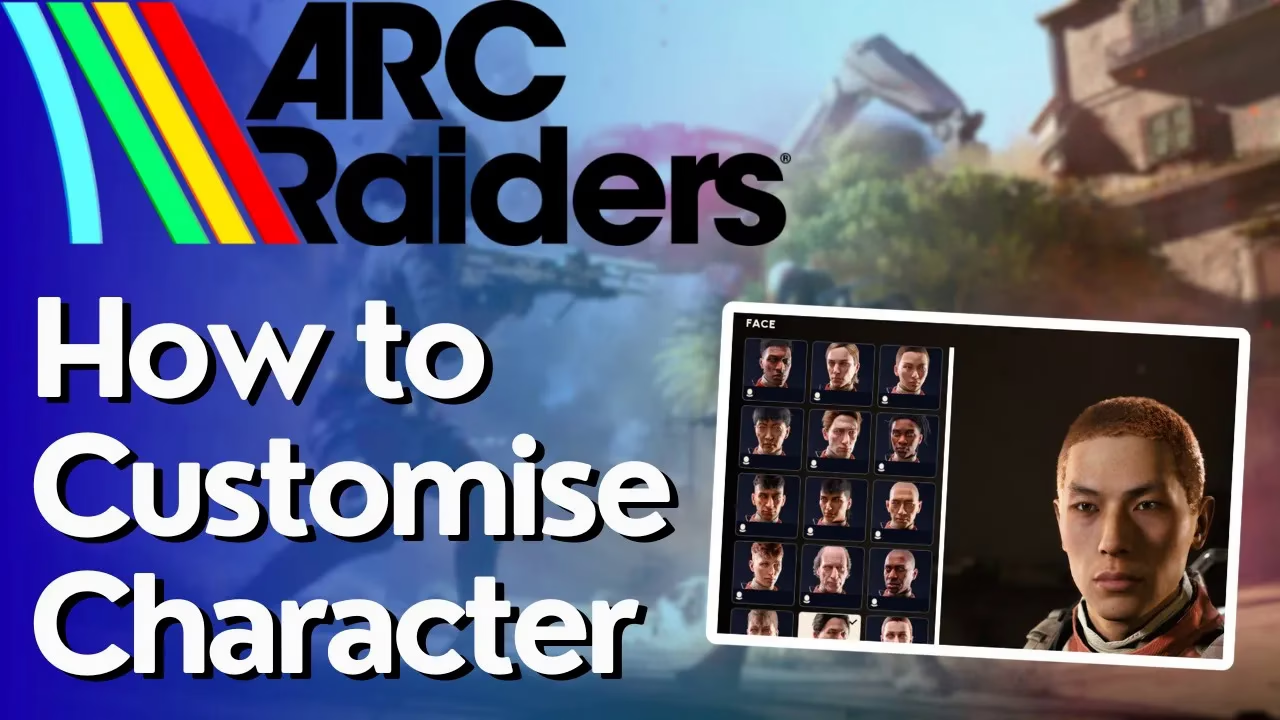
How To Customize Character in ARC Raiders
How To Customize Character in ARC Raiders
Ready to make your raider stand out in ARC Raiders? Character customization allows you to personalize your appearance with various cosmetic items and gear attachments. This guide walks you through the customization menu and shows you everything you can modify to create your unique look.
Accessing the Customization Menu
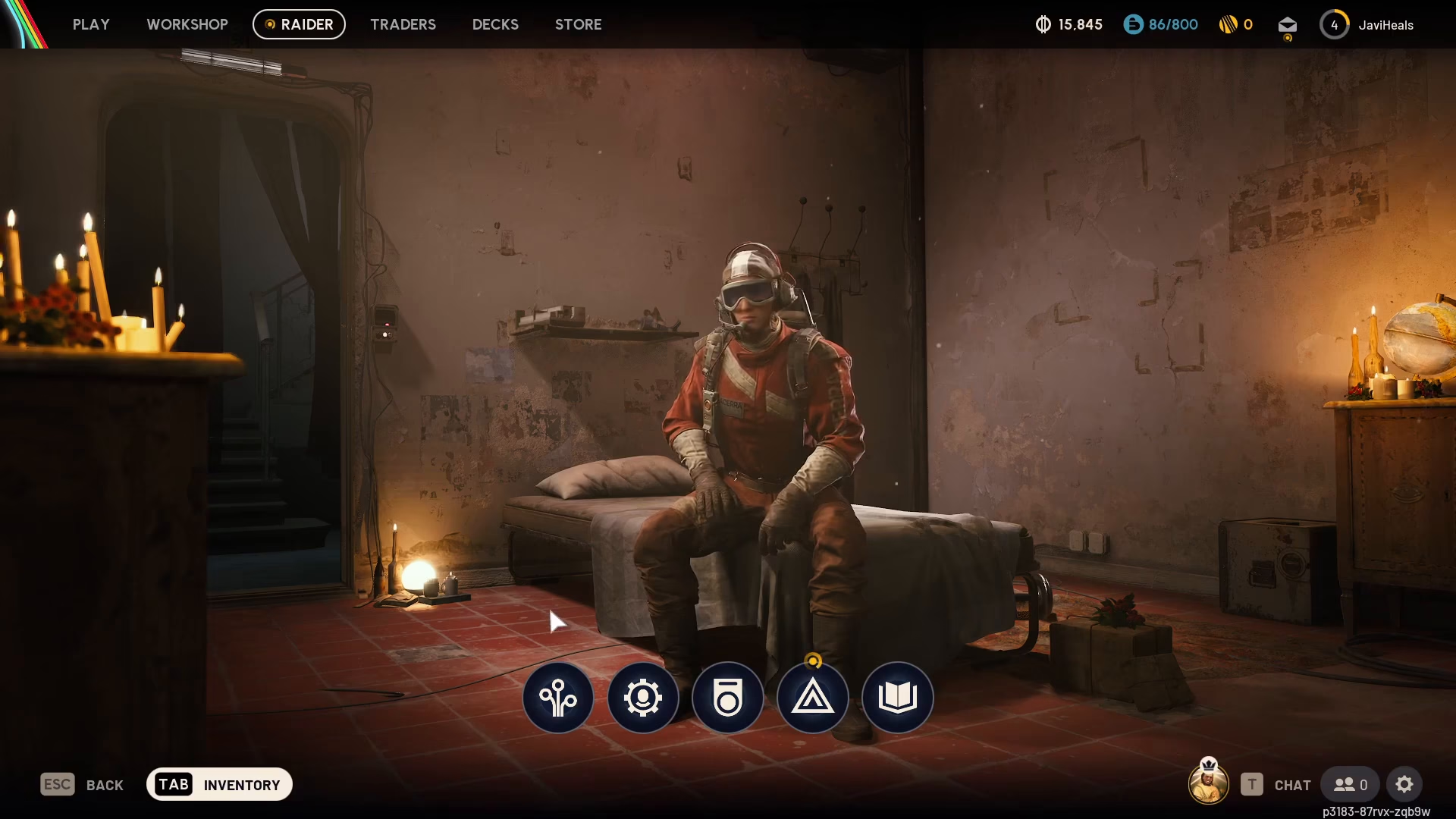
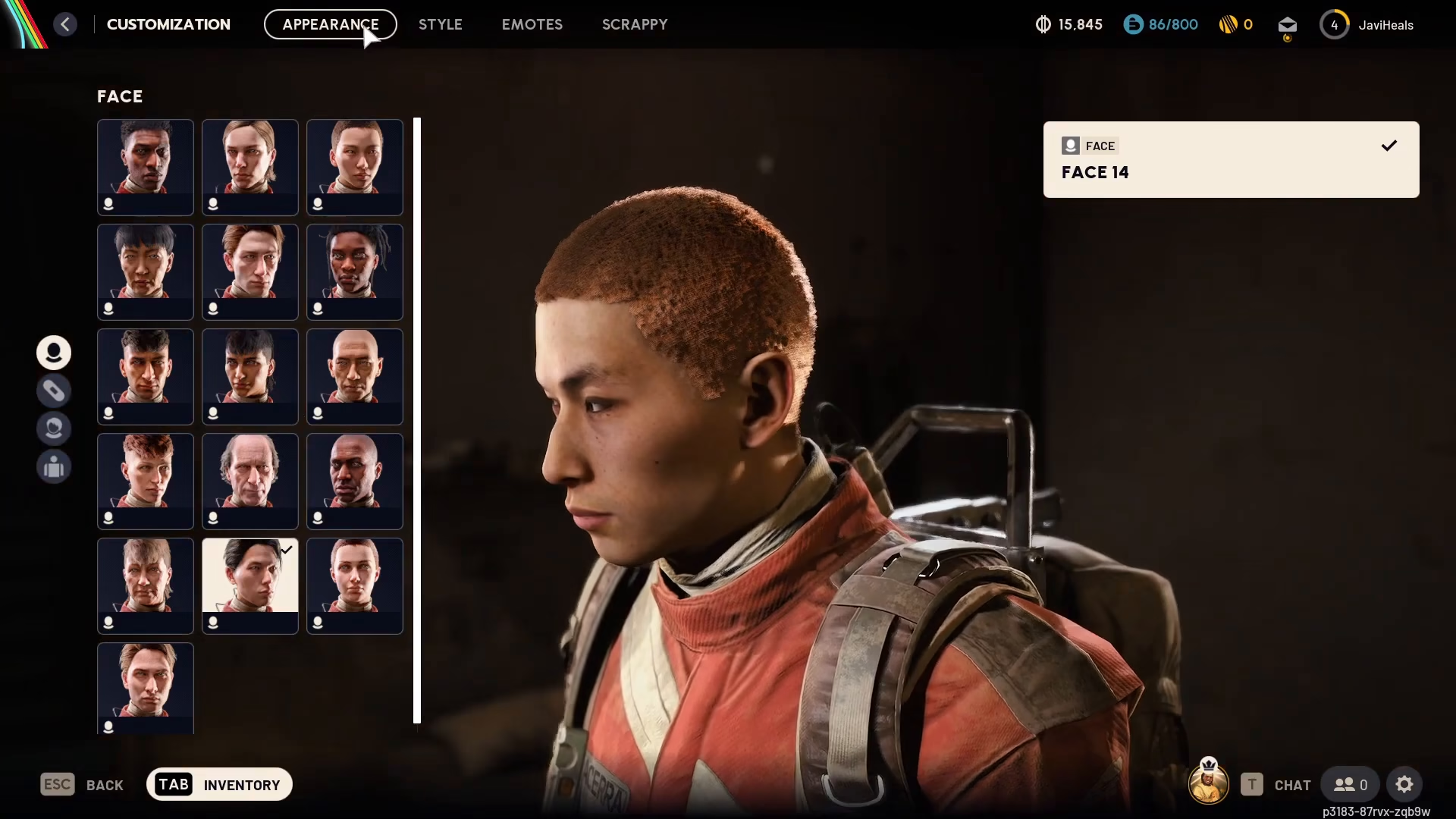
To begin customizing your character, start by navigating to the raider screen. From there, locate and click on the customization option.
Understanding Customization Options
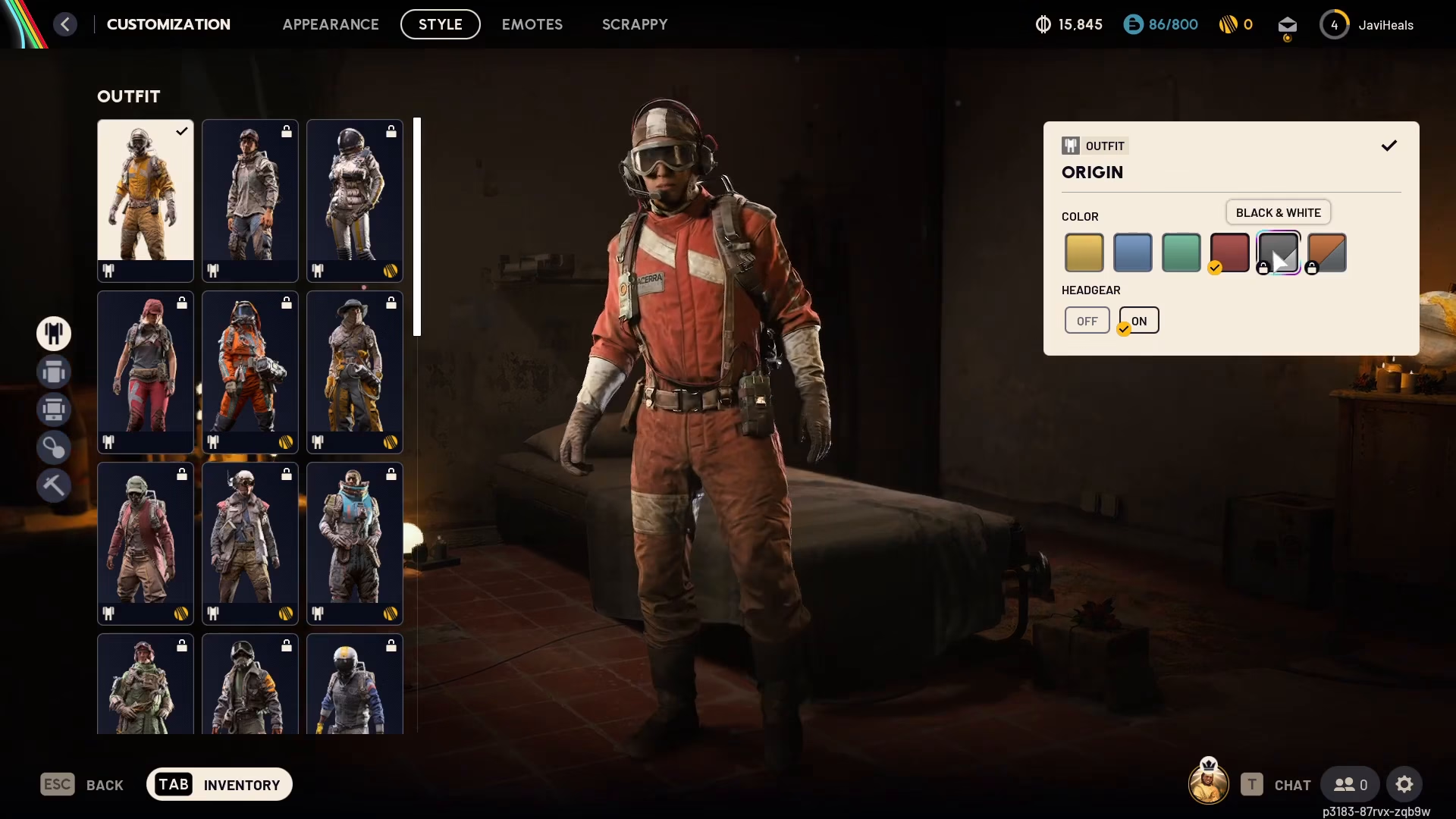
Once you’re in the customization menu, you’ll see all available items for your raider. The menu clearly displays where each item comes from—whether it needs to be unlocked, earned through gameplay, or purchased. Some items may require specific actions or purchases to become available.
Cosmetic Items You Can Customize
ARC Raiders offers several cosmetic categories to personalize your character:
Helmet
Backpack
Backpack attachment
Charms
Emotes
Scrappy
Changing Your Appearance
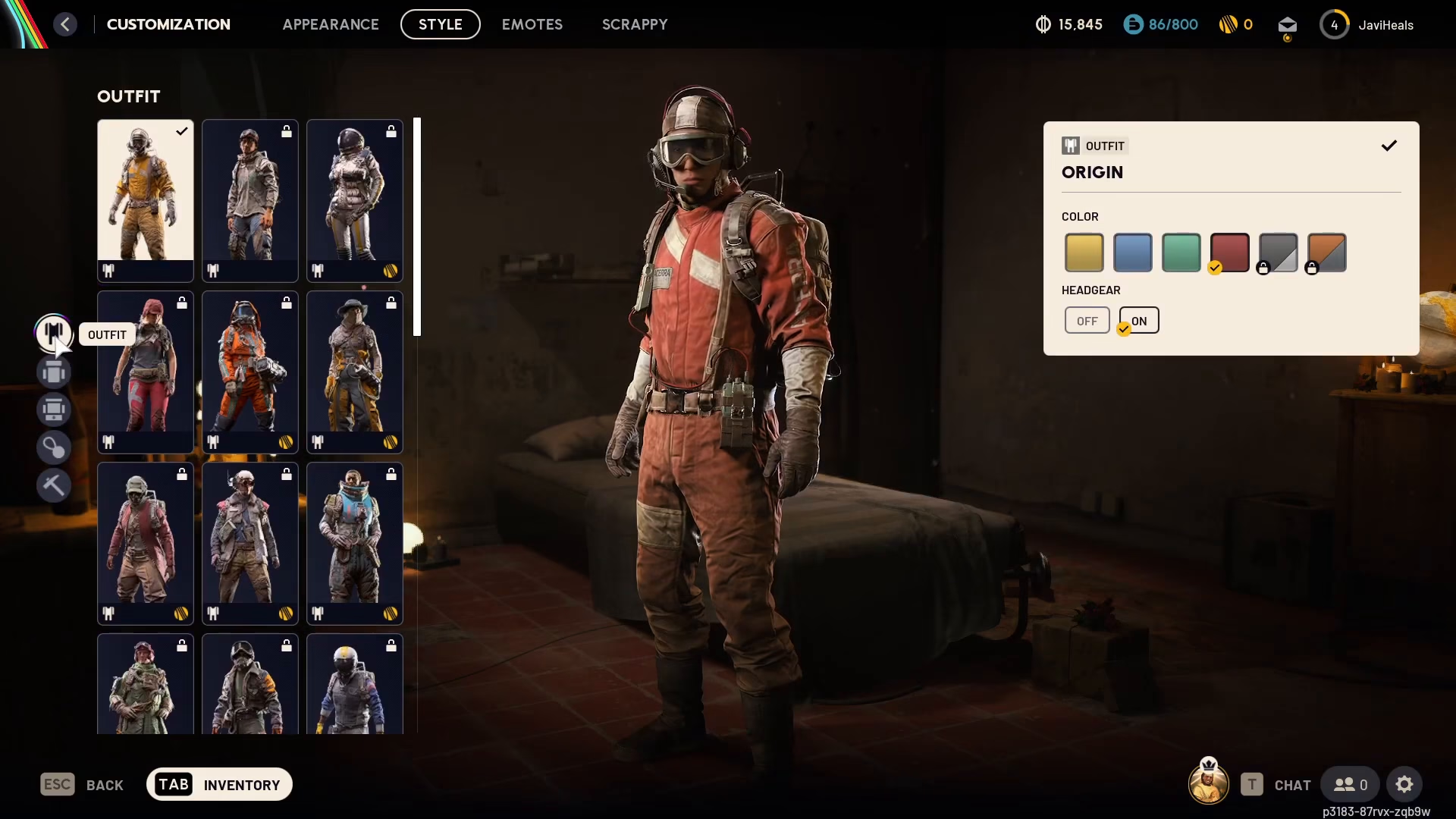
All customization items are purely cosmetic, meaning they won’t affect your gameplay performance—only how your character looks. You have complete freedom to mix and match items from different categories to create your ideal raider appearance.
Located on the left side of the customization screen at the top, you’ll find the clearance option. This feature allows you to change any of your equipped items whenever you like, giving you flexibility to adjust your look as often as desired.
Summary
Customizing your character in ARC Raiders is straightforward: access the raider screen, open customization, and explore the various cosmetic options available. Whether you’re unlocking new items, earning them through gameplay, or purchasing them, you can freely swap between cosmetics to keep your raider looking fresh. Experiment with different combinations to find the perfect style that represents your character.
Want to Support?
If you would like to help us continue making these guides – please consider joining our patreon here – https://www.patreon.com/c/JaviHeals
Alternatively – you can join our discord here – https://discord.gg/zD7Gjt6MHF

