





How to Customize the Backpack in ARC Raiders
How to Customize the Backpack in ARC Raiders
Customizing your backpack in ARC Raiders is a straightforward process that allows you to personalize your gear with different skins, attachments, and key charms. This guide will walk you through each step to help you make your backpack uniquely yours.
Accessing the Backpack Customization Menu
To begin customizing your backpack, navigate to the top of the screen and select the Radar menu. From there, locate and click on Customization.
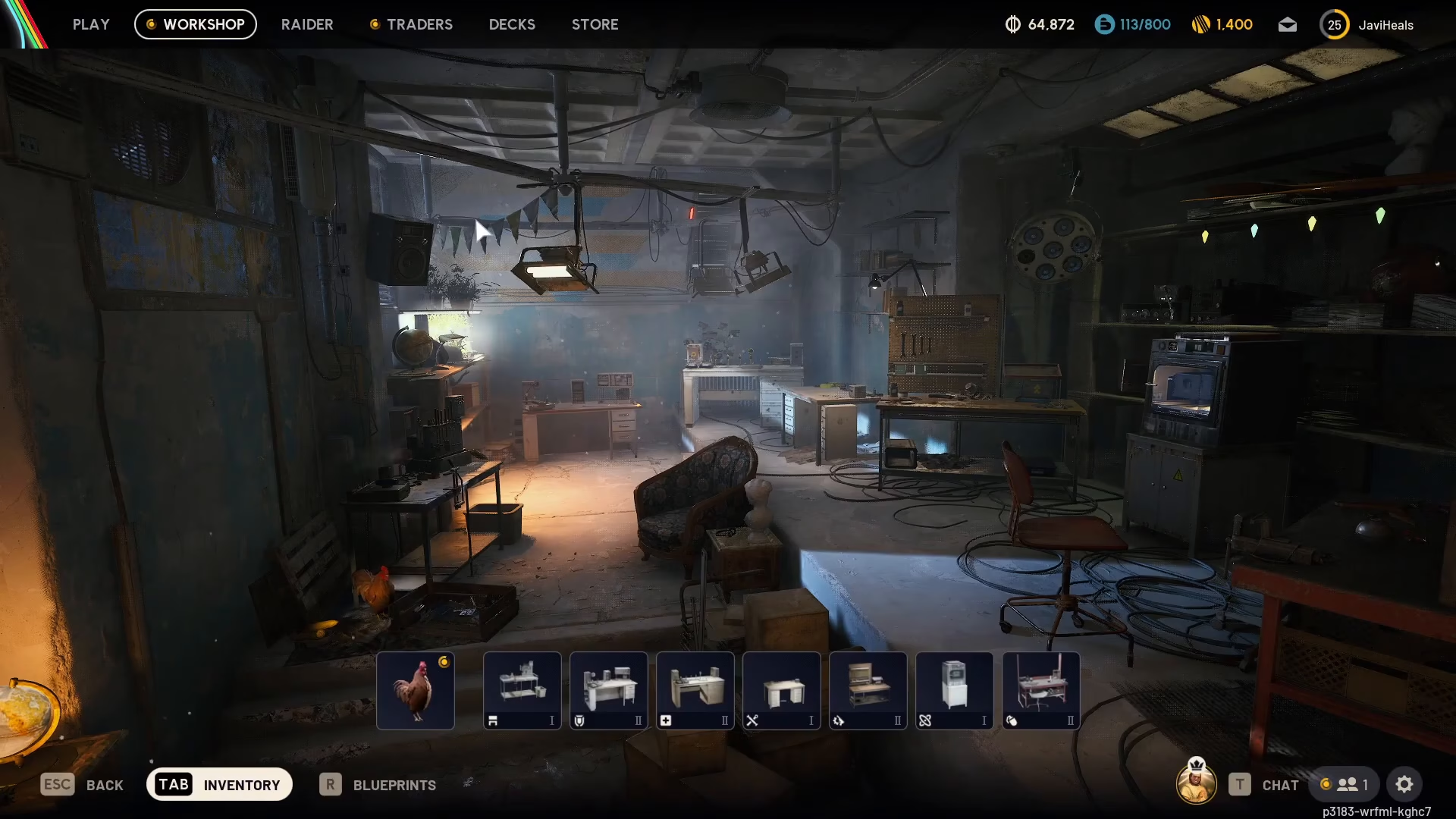
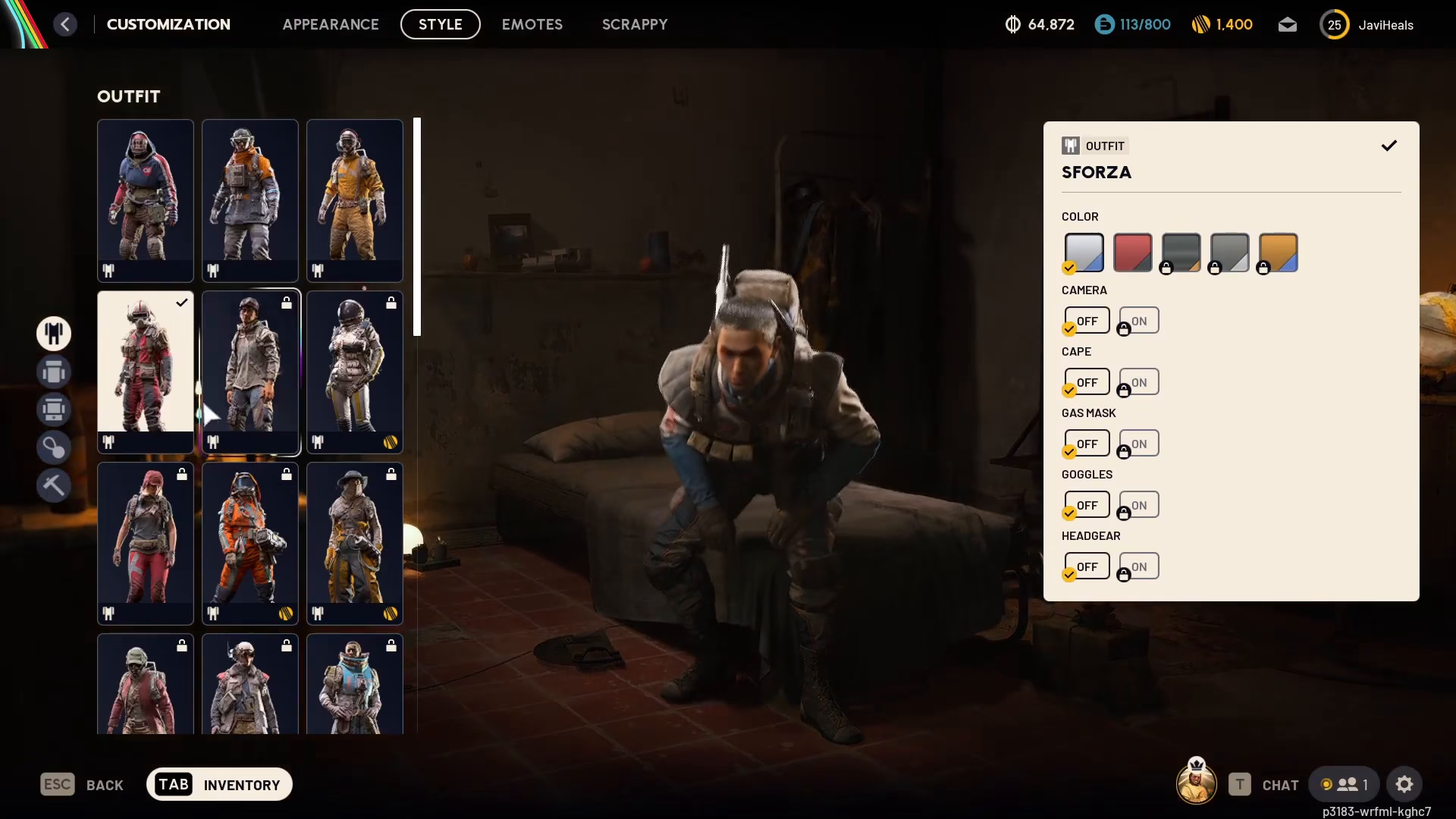
Once you’re in the Customization menu, you’ll see a list of options on the left side of the screen. Select Backpack to access all backpack customization options.
Changing Your Backpack Skin
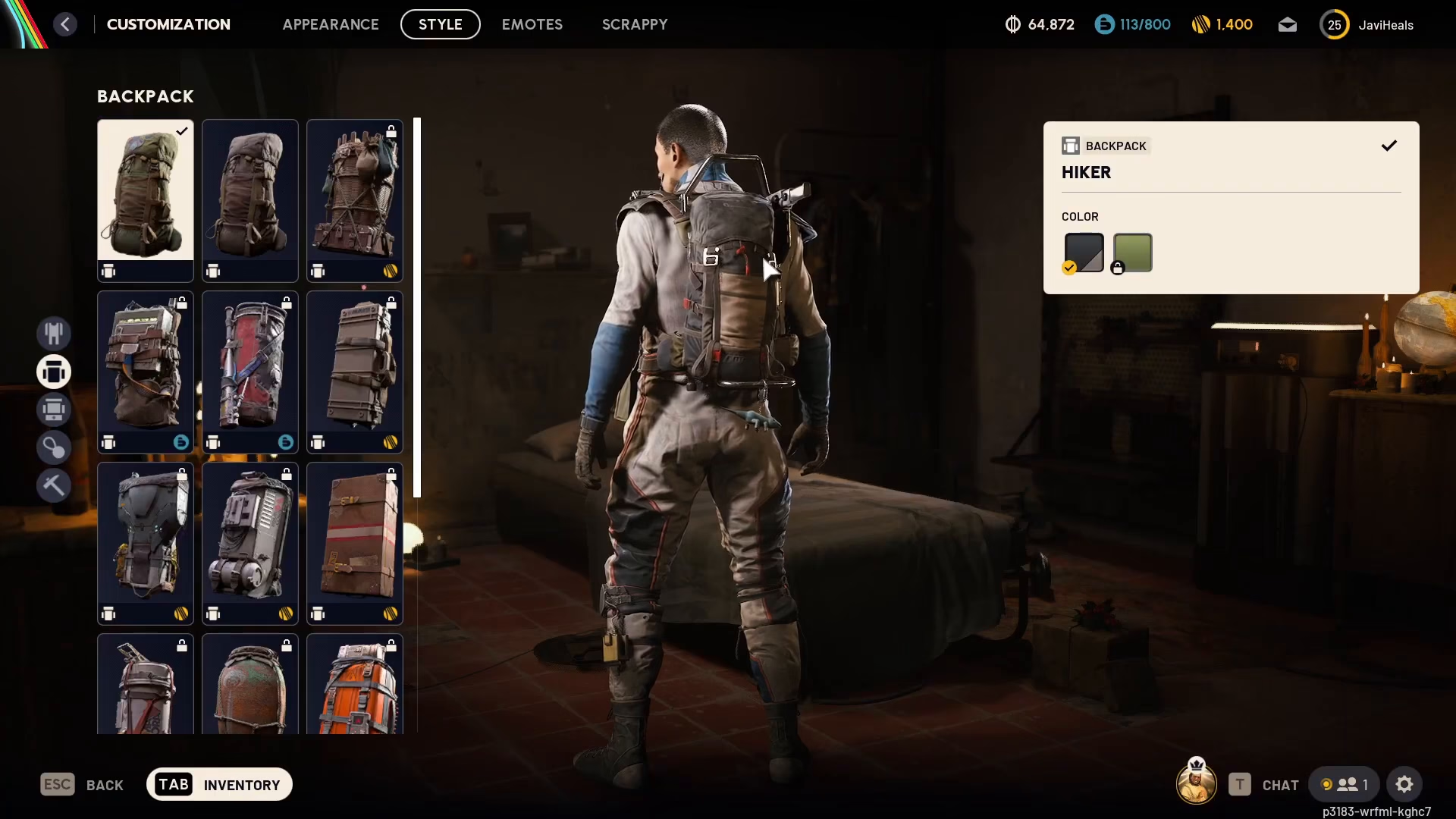
The first option available is changing the actual backpack itself. You can browse through different backpack skins and select the one you prefer. Keep in mind that some backpacks may require a purchase if you don’t already own them. Simply click on your desired backpack to equip it.
Adding Backpack Attachments
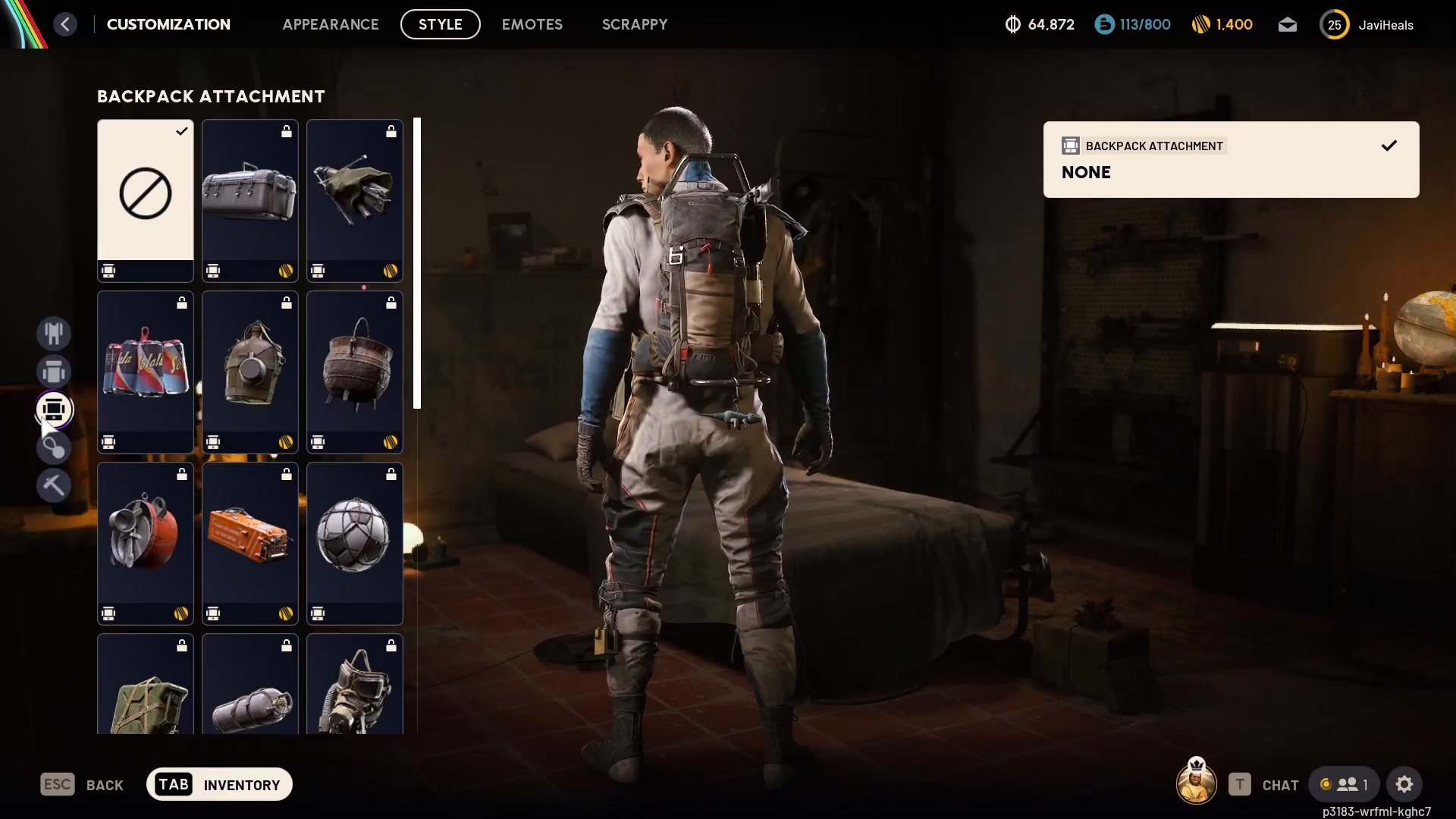
Below the backpack skin option, you’ll find Backpack Attachments. This section lets you add various items to your backpack for added customization. For example, you can attach items like cans of Coke or other decorative elements. Select “None” if you prefer not to add any attachments.
Equipping Backpack Key Charms
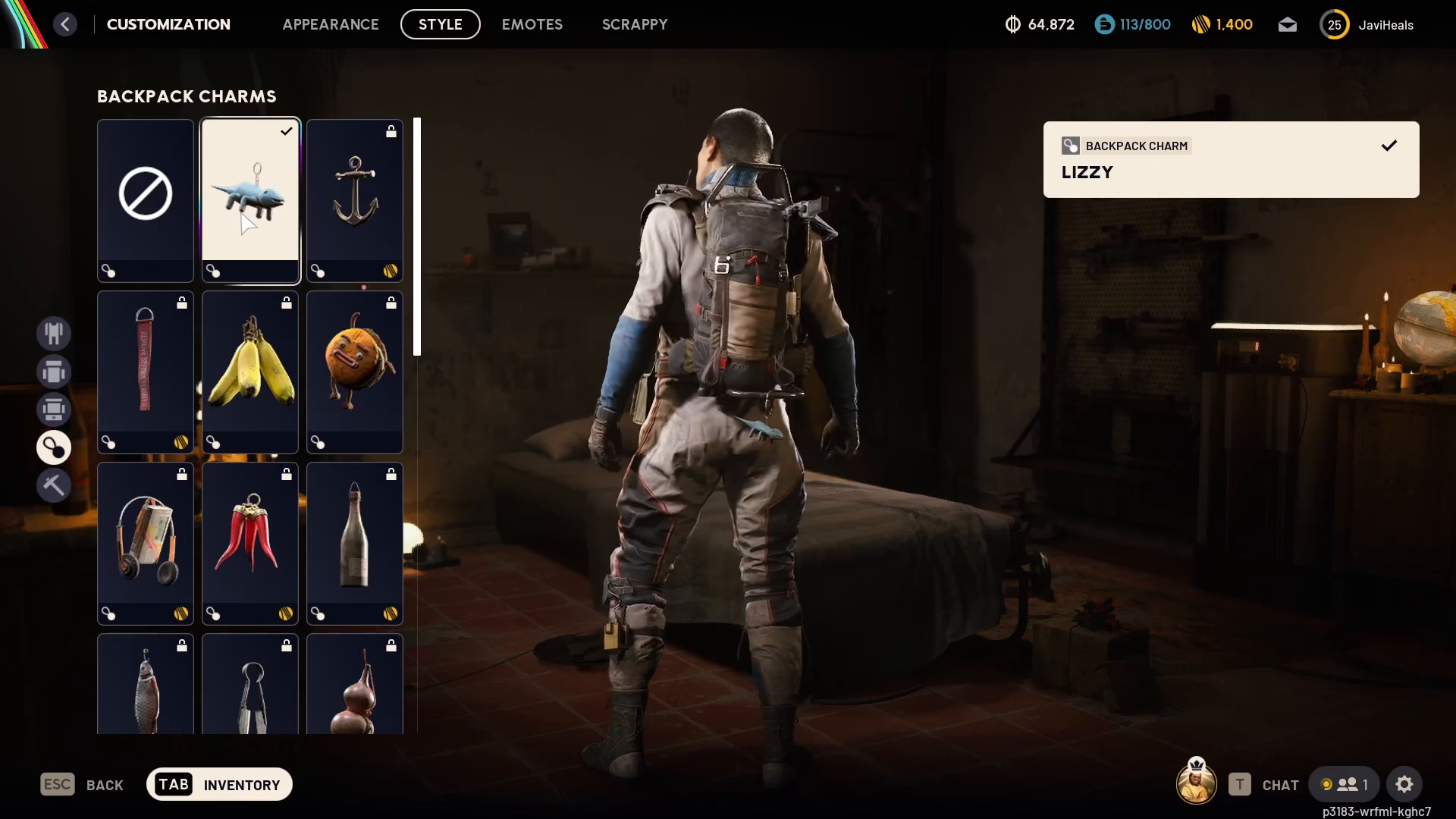
Another customization option available is Backpack Key Charms. These are decorative charms that hang from your backpack. You can choose from various available charms to personalize the look of your gear. Options may include charms like “Lizzy Online” and other collectible designs.
Additional Customization Options
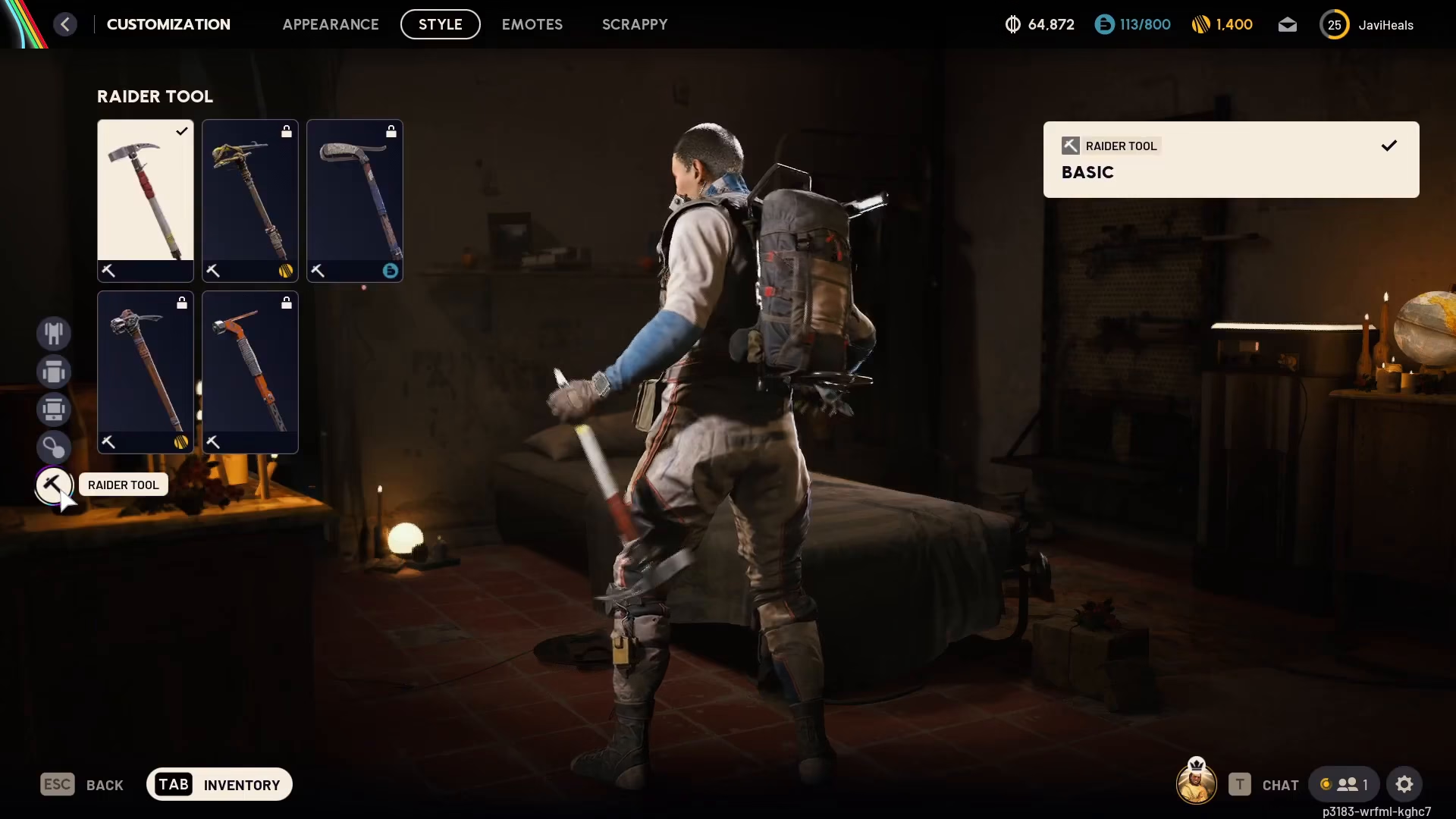
The customization menu also allows you to change your Radar tool and other gear items. Explore all available options to fully customize your character’s loadout.
Summary
Customizing your backpack in ARC Raiders is simple and intuitive. Just follow these steps: go to Radar > Customization, then select Backpack on the left menu. From there, you can change your backpack skin, add attachments, and equip key charms. Take time to explore all the available options to create a backpack setup that matches your personal style.
Want to Support?
If you would like to help us continue making these guides – please consider joining our patreon here – https://www.patreon.com/c/JaviHeals
Alternatively – you can join our discord here – https://discord.gg/zD7Gjt6MHF

