






How to Change Servers in ARC Raiders
How to Change Servers in ARC Raiders
In this guide, we’ll walk you through the quick and easy process of changing your server in ARC Raiders. Whether you’re looking to optimize your connection or switch regions, adjusting your server settings takes just a few clicks from the main menu.
Accessing Server Settings
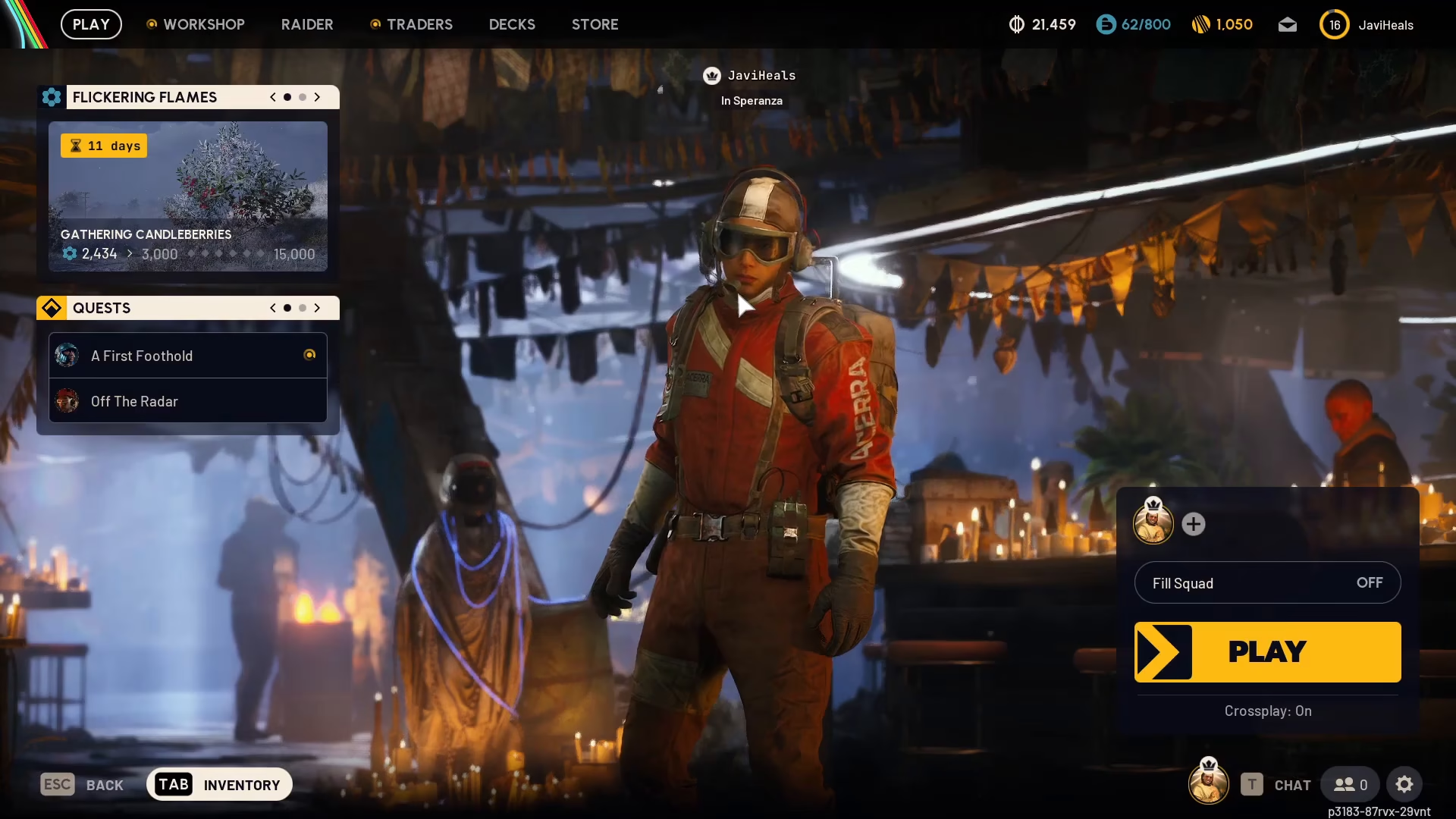
To begin, navigate to the main menu of ARC Raiders. Look toward the right-hand side of the screen at the bottom—you’ll find a cog wheel icon representing your settings menu. Click on this icon to open your settings.
Navigating to the Gameplay Tab
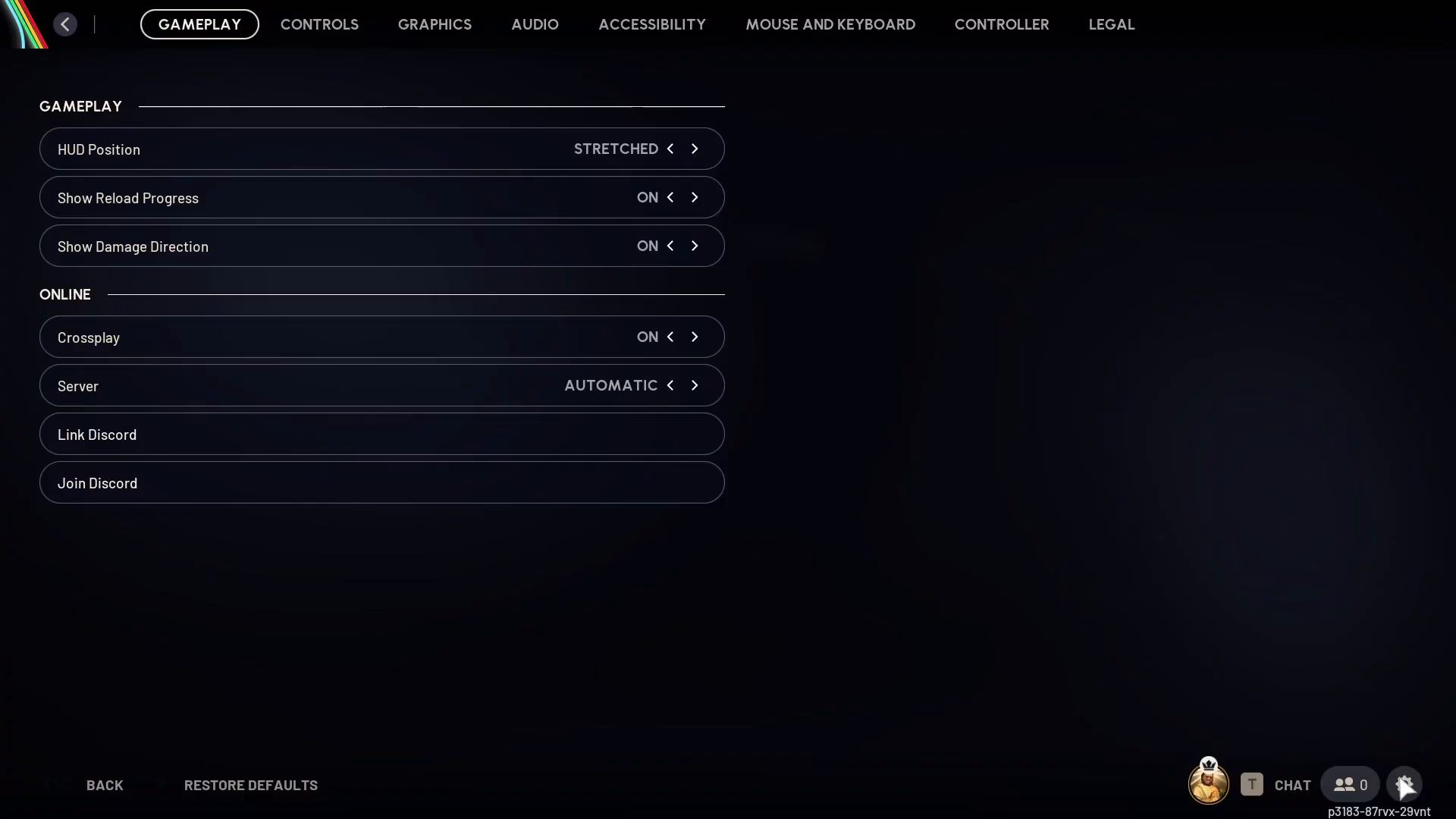
Once you’ve opened the settings menu, you’ll see the Gameplay tab. You should already be on this tab by default, so you won’t need to navigate away from it.
Selecting Your Server
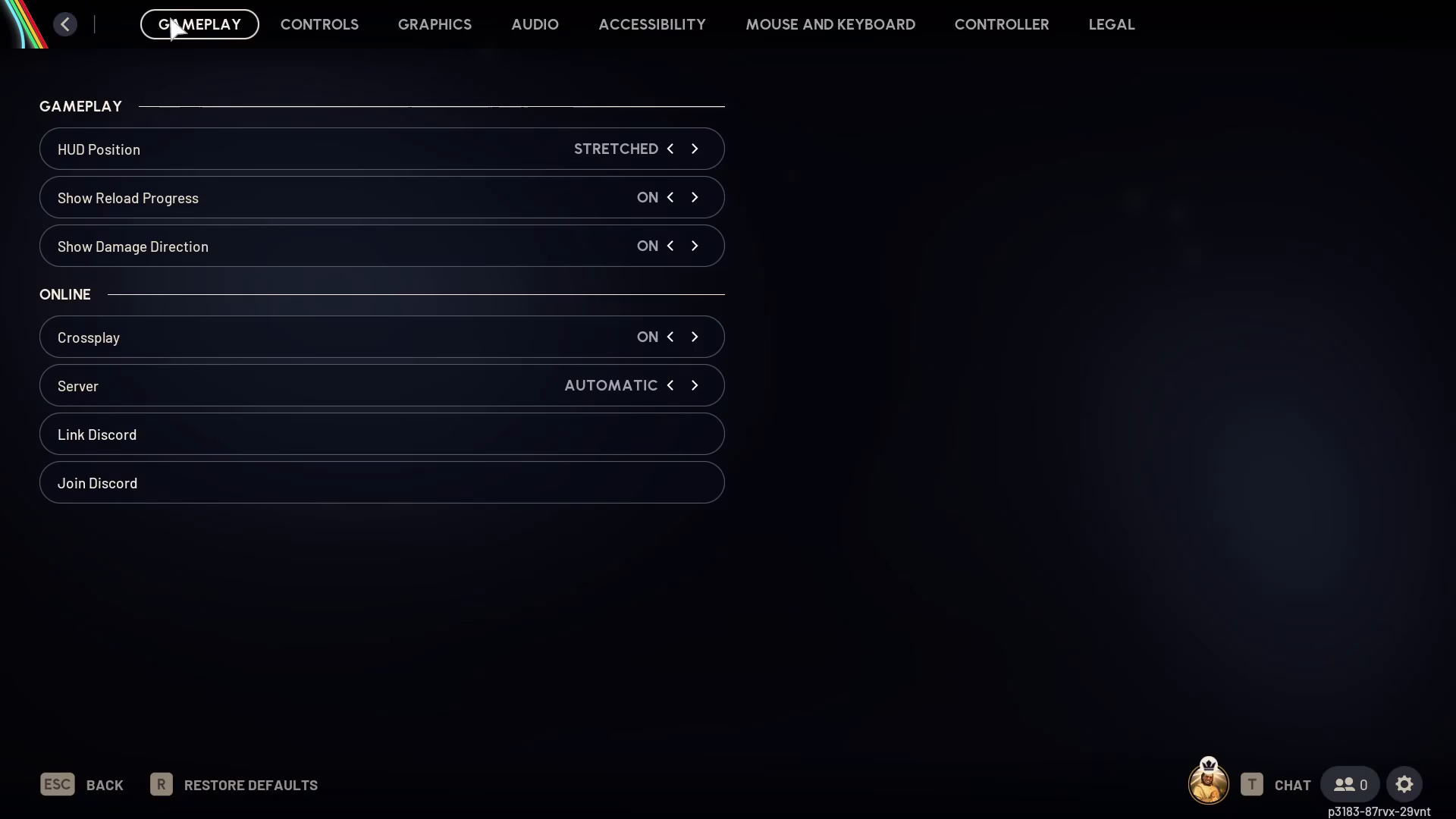
Within the Gameplay tab, locate the Server option. Click on it to view the available server regions. ARC Raiders offers the following server options for you to choose from:
Oshana
Automatic
Europe
North America
Asia
South America
Simply click on your preferred server region to select it. The choice is entirely yours and depends on your location and connection preferences.
Enabling Crossplay (Optional)
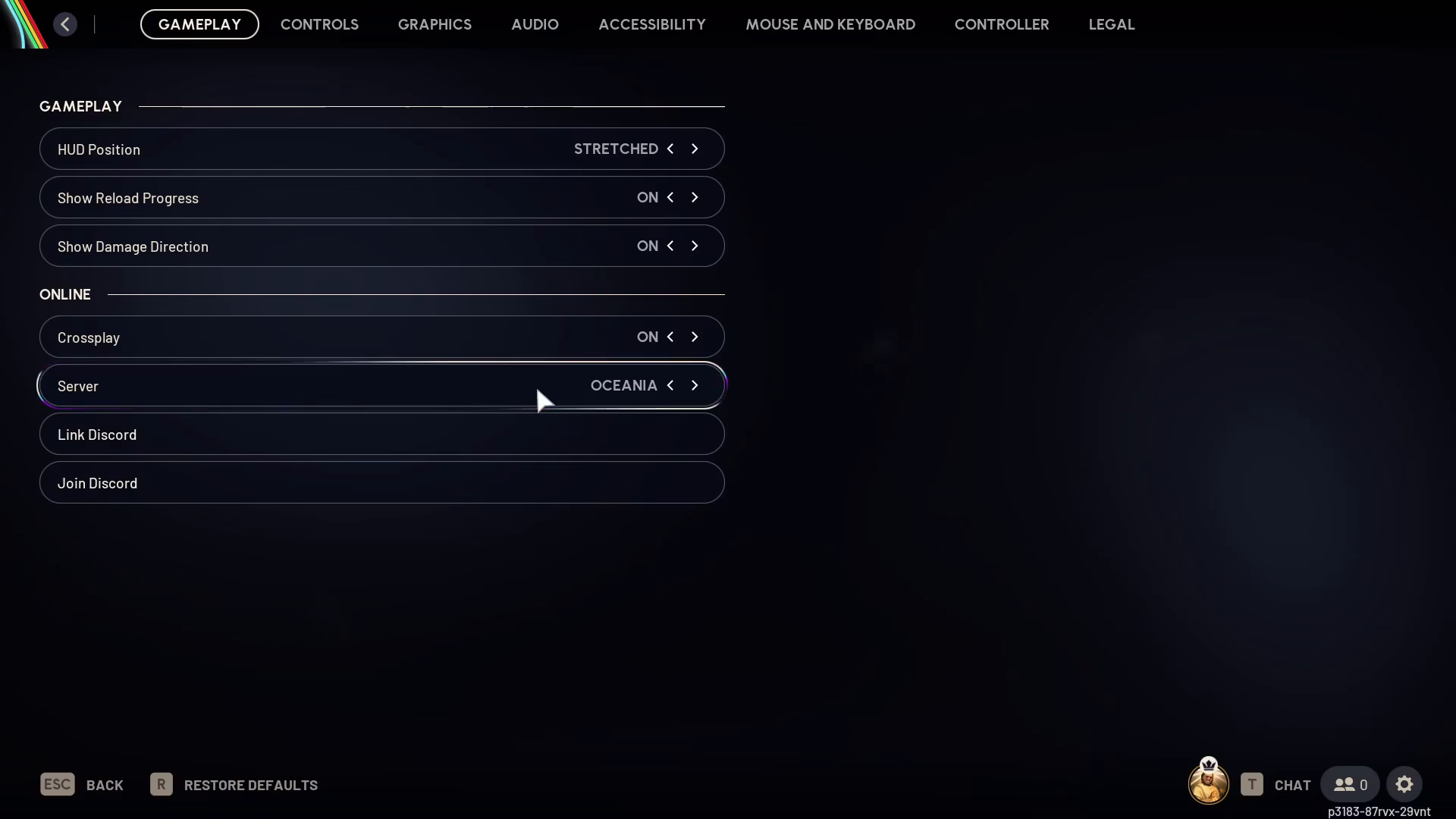
While you’re in the Gameplay settings, you also have the option to enable Crossplay. This feature allows you to play with players across different platforms. Toggling Crossplay on or off is completely up to your personal preference.
Summary
Changing your server in ARC Raiders is a straightforward process: open Settings from the main menu, navigate to Gameplay, select your desired server region from the available options, and optionally enable Crossplay if desired. That’s all there is to it! With these simple steps, you’ll be connected to your preferred server and ready to jump into the action.
— Want to Support? —
If you would like to help us continue making these guides – please consider joining our patreon here – https://www.patreon.com/c/JaviHeals
Alternatively – you can join our discord here – https://discord.gg/zD7Gjt6MHF

