





How To Recycle Items in ARC Raiders
How To Recycle Items in ARC Raiders
Item recycling is a fundamental mechanic in ARC Raiders that allows you to break down unwanted gear into valuable crafting materials. This guide will walk you through the simple process of recycling items to optimize your inventory management and resource collection.
Opening Your Inventory
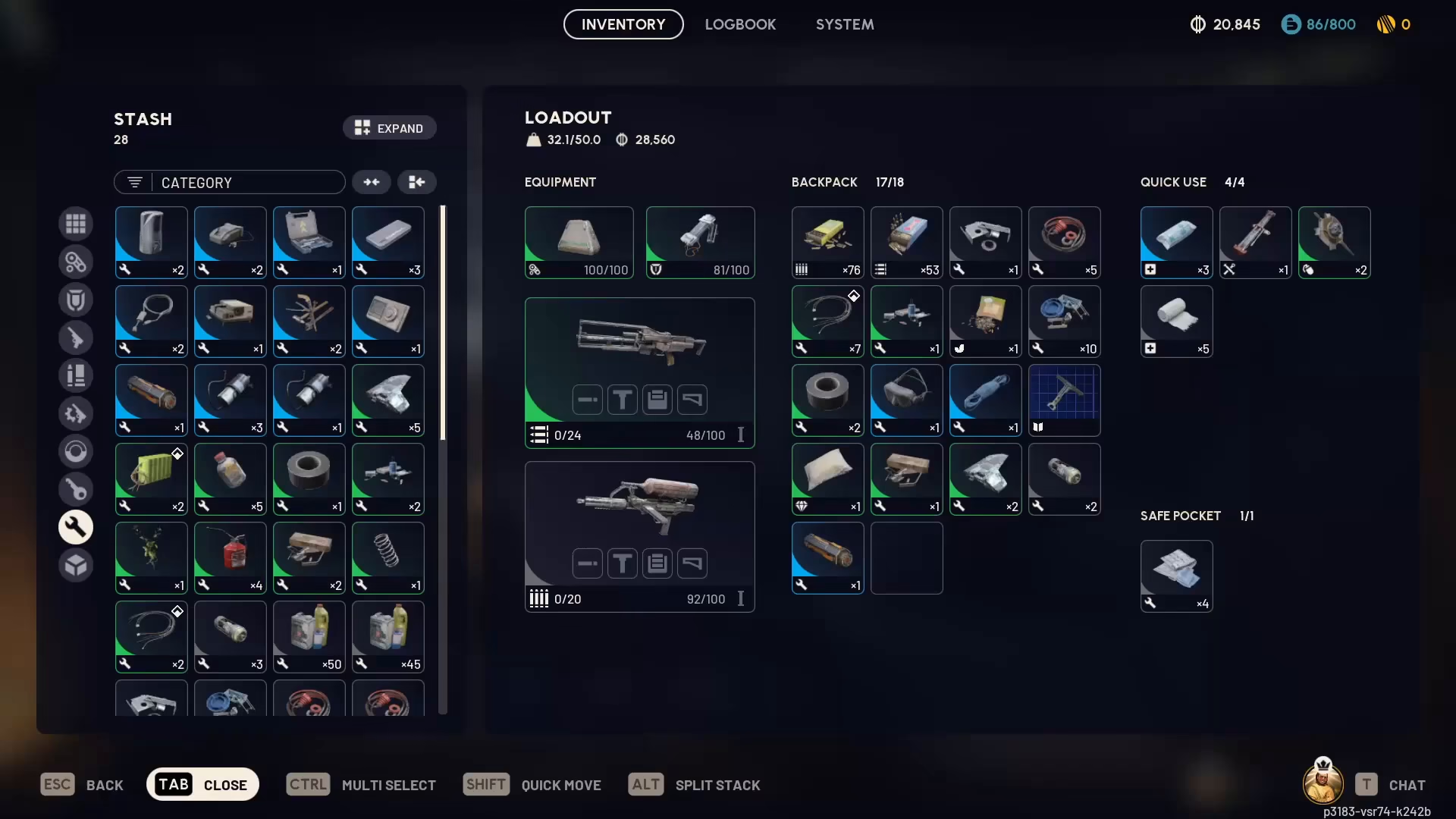
To begin recycling, you’ll first need to access your inventory. Simply press the Tab key to open your inventory menu.
Selecting Items to Recycle
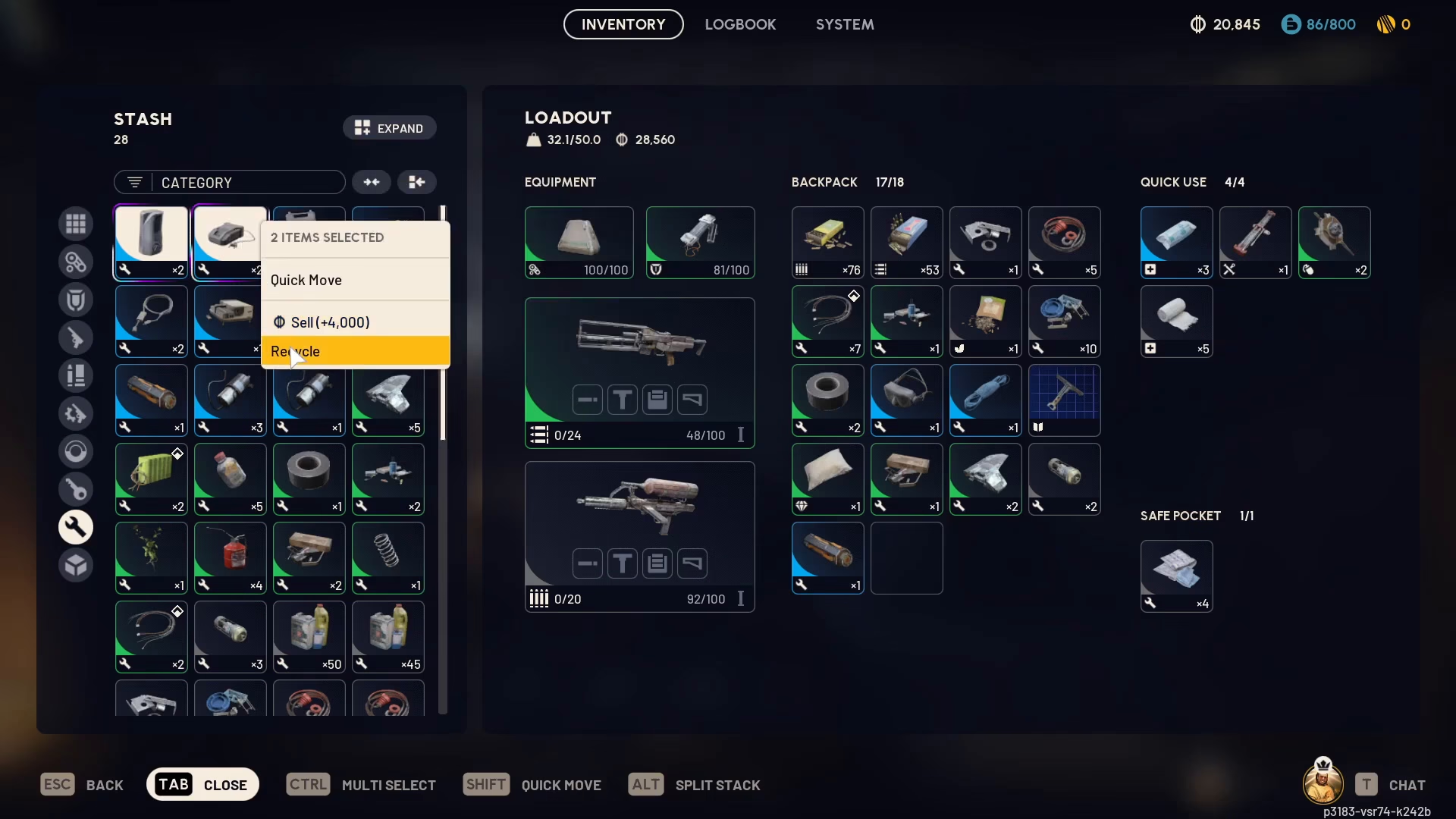
Once your inventory is open, identify the items you want to recycle. In this example, we’re recycling a humidifier and an industrial charger.
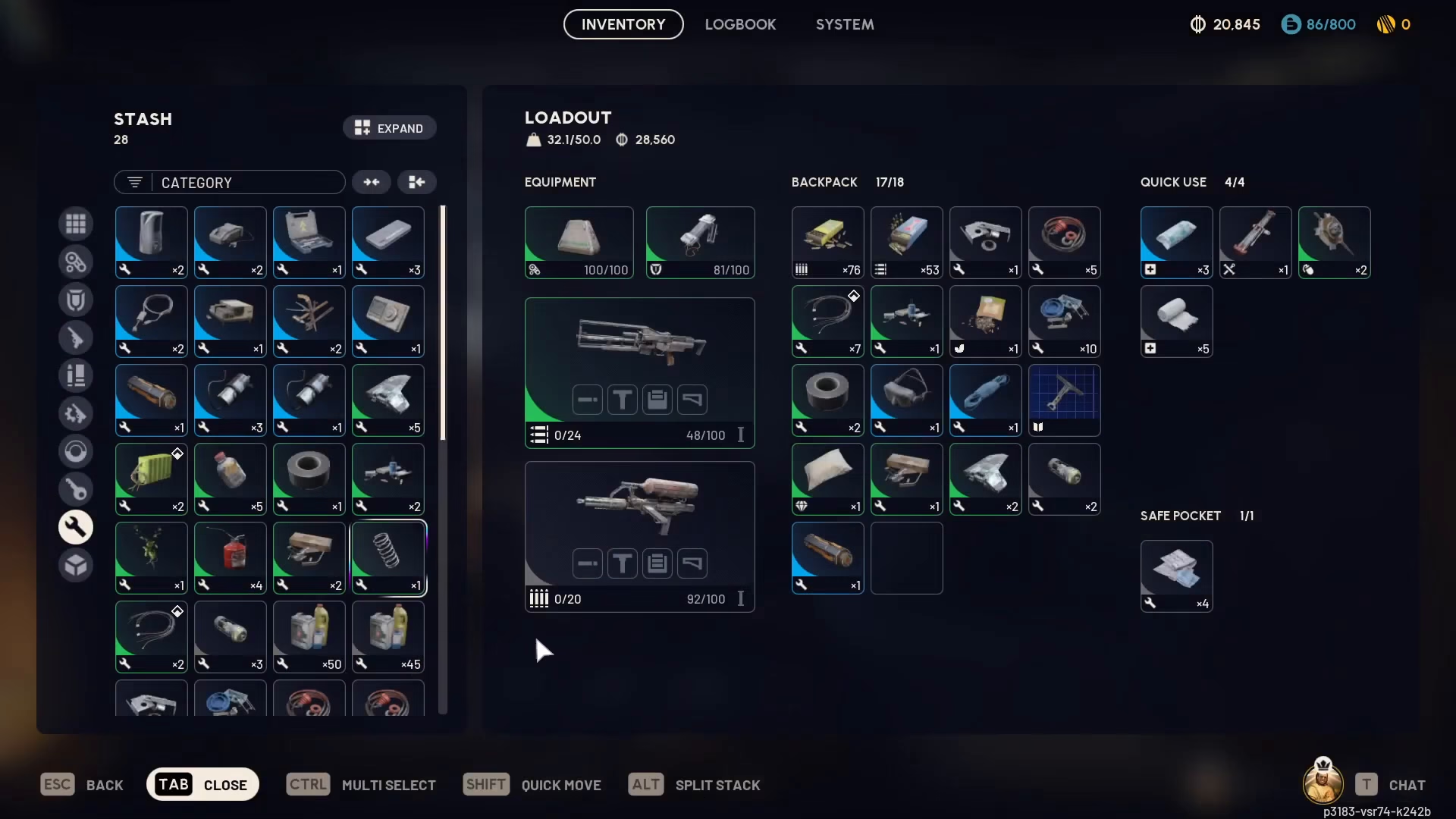
To select multiple items for recycling, hold Control and click on each item you wish to recycle. This multi-select feature allows you to recycle several items in one action.
Confirming Your Recycling Selection
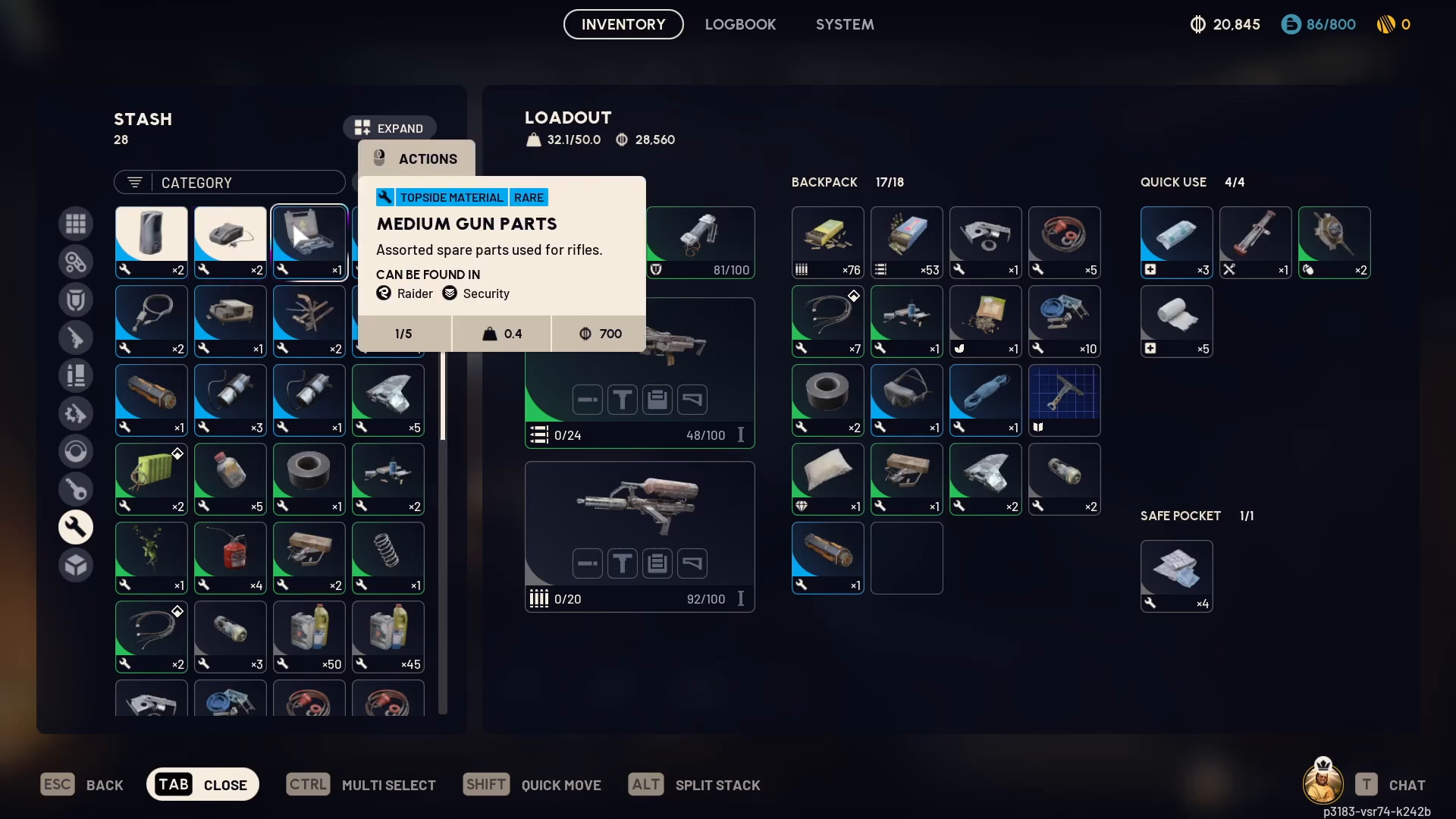
After you’ve selected all the items you want to recycle, right-click on one of your selected items. A context menu will appear with the Recycle option.
Reviewing Recycled Materials
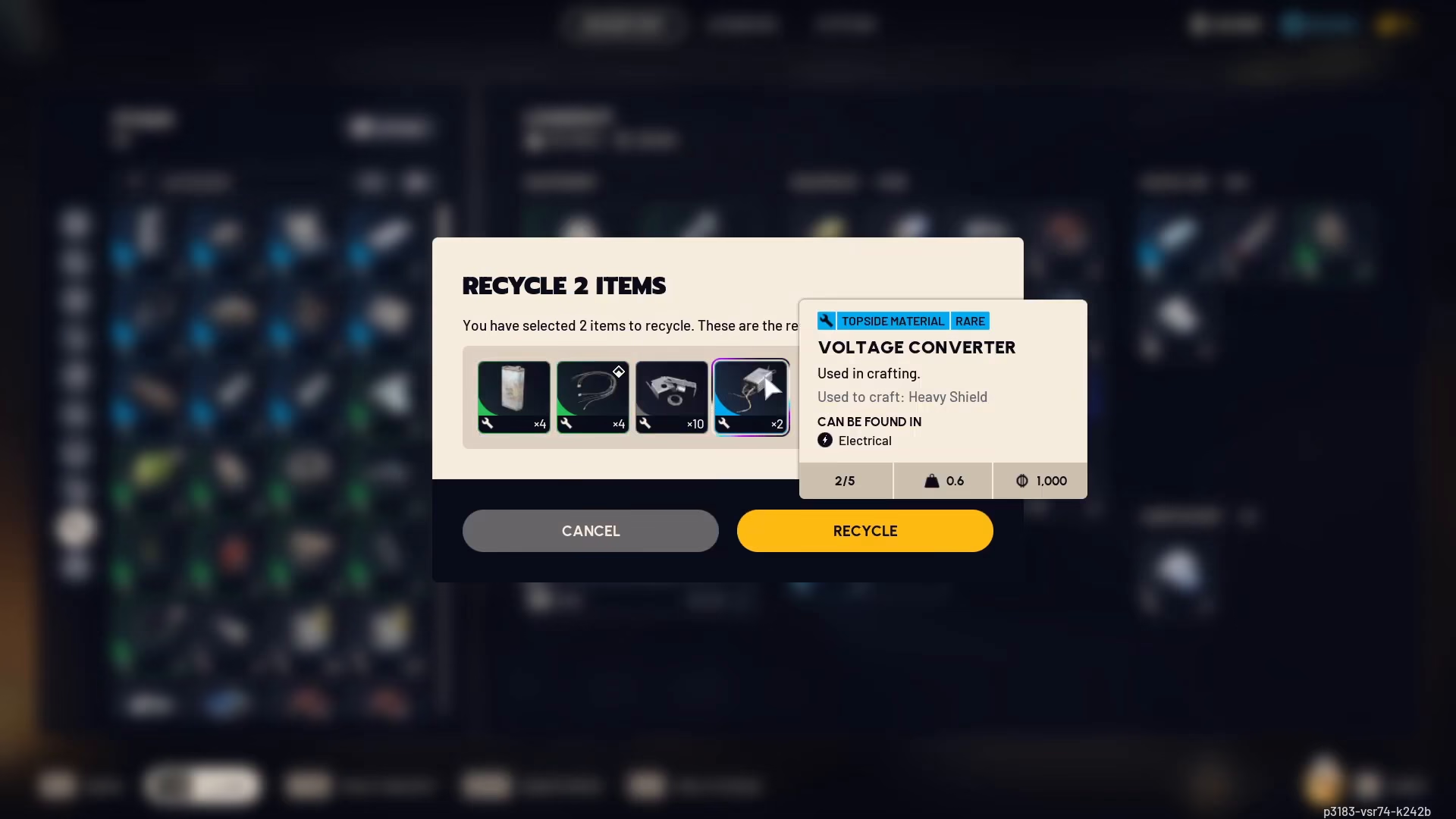
Before finalizing the recycling process, ARC Raiders will display exactly what materials you’ll receive from recycling your selected items. In this example, the recycled items will yield:
Canisters
Wires
Metal Parts
Voltage Converters
Completing the Recycle
Once you’ve confirmed the materials you’ll receive, simply press the Recycle button to complete the process. Your selected items will be converted into the displayed materials, which will be added to your inventory.
Summary
Recycling items in ARC Raiders is straightforward and efficient. Simply open your inventory with Tab, use Control+Click to multi-select items, right-click to recycle, review the materials you’ll receive, and confirm the action. This process helps you convert unwanted gear into valuable resources for crafting and progression.
Want to Support?
If you would like to help us continue making these guides – please consider joining our patreon here – https://www.patreon.com/c/JaviHeals
Alternatively – you can join our discord here – https://discord.gg/zD7Gjt6MHF

