





How to Ping in ARC Raiders
“`html
How to Ping in ARC Raiders
Pinging is an essential communication tool in ARC Raiders that allows you to quickly signal your teammates about important locations, threats, and needs without typing. This guide will walk you through the ping system and show you how to use it effectively during gameplay.
Accessing Ping Settings
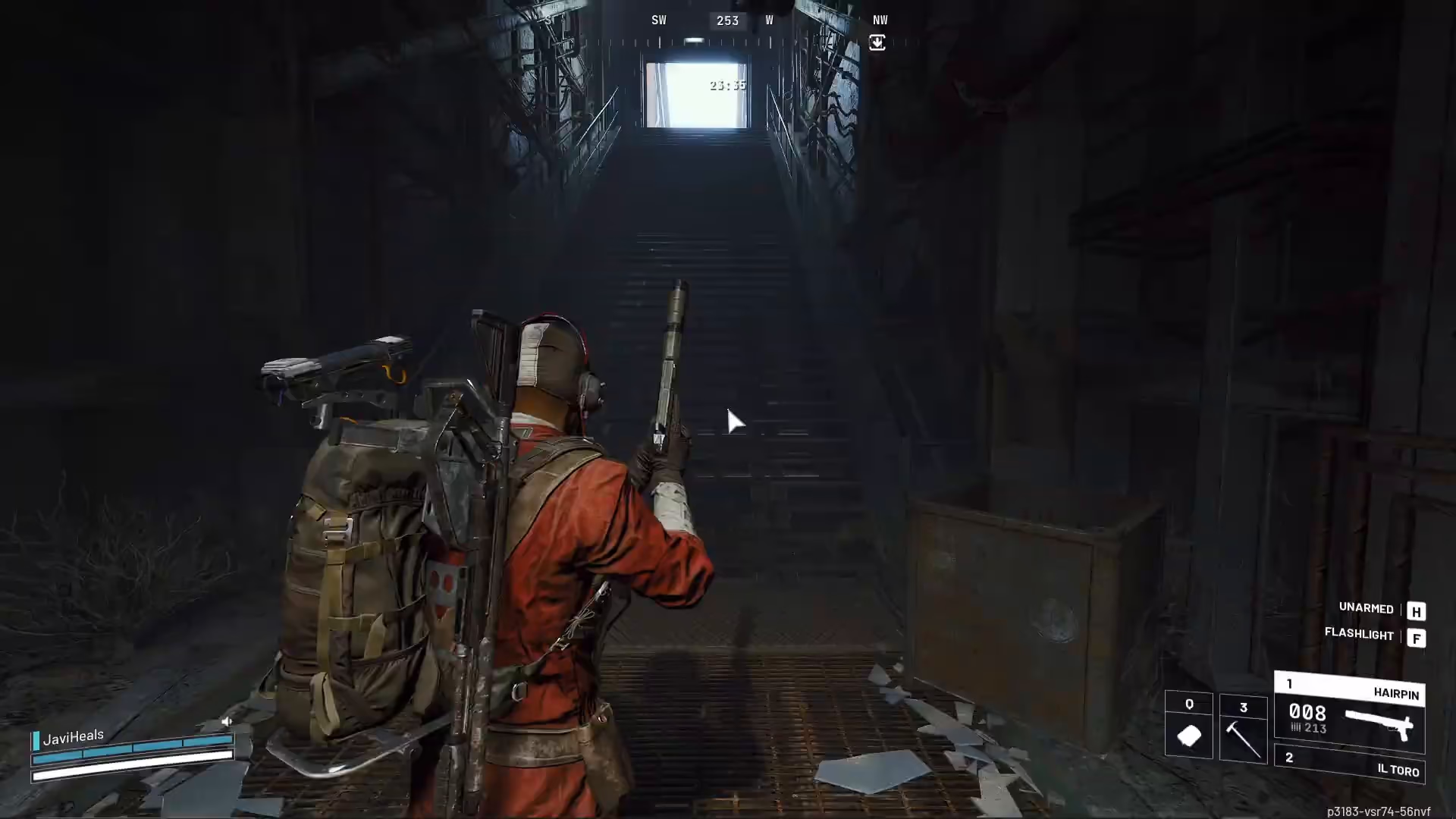
To find your ping controls, navigate to Options > Settings > Controls at the top of the menu. Once there, scroll down to the Ping section to see your current keybinding.
Default Ping Keybinding
By default, the ping function is bound to your middle mouse button. Check your settings to confirm this is your keybinding, as it may vary depending on your personal configuration.
How to Use the Ping System
Using the ping system is straightforward:
- Hold down your ping key (middle mouse button by default)
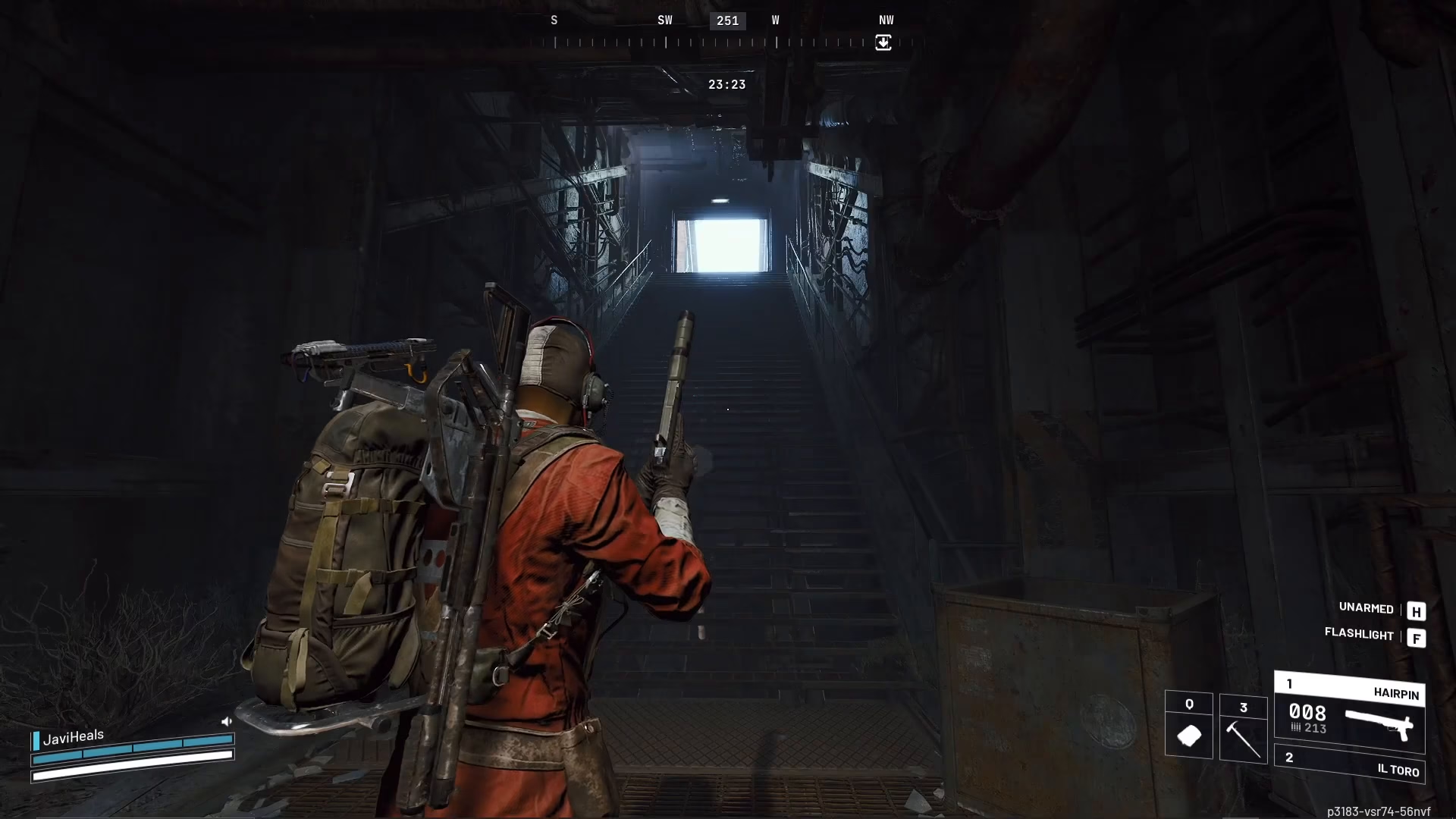
- A radial menu will appear with various ping options
Available Ping Options
The ping system offers several communication options to convey different messages to your team:
- Avoid — Signal danger or an area to steer clear of
- Someone’s Been Here — Indicate enemy presence
- Had Something Here — Mark locations where loot was previously available
- Attack — Coordinate offensive actions
- Group Up — Call teammates to your location
- Need Healing — Request medical support
- Watching Here — Indicate you’re monitoring a specific area
- Looting Here — Signal that you’re collecting items in this location
Canceling a Ping
If you need to cancel a ping command, you have two options:
- Release the mouse button without selecting an option
- Left-click to dismiss the ping menu
Summary
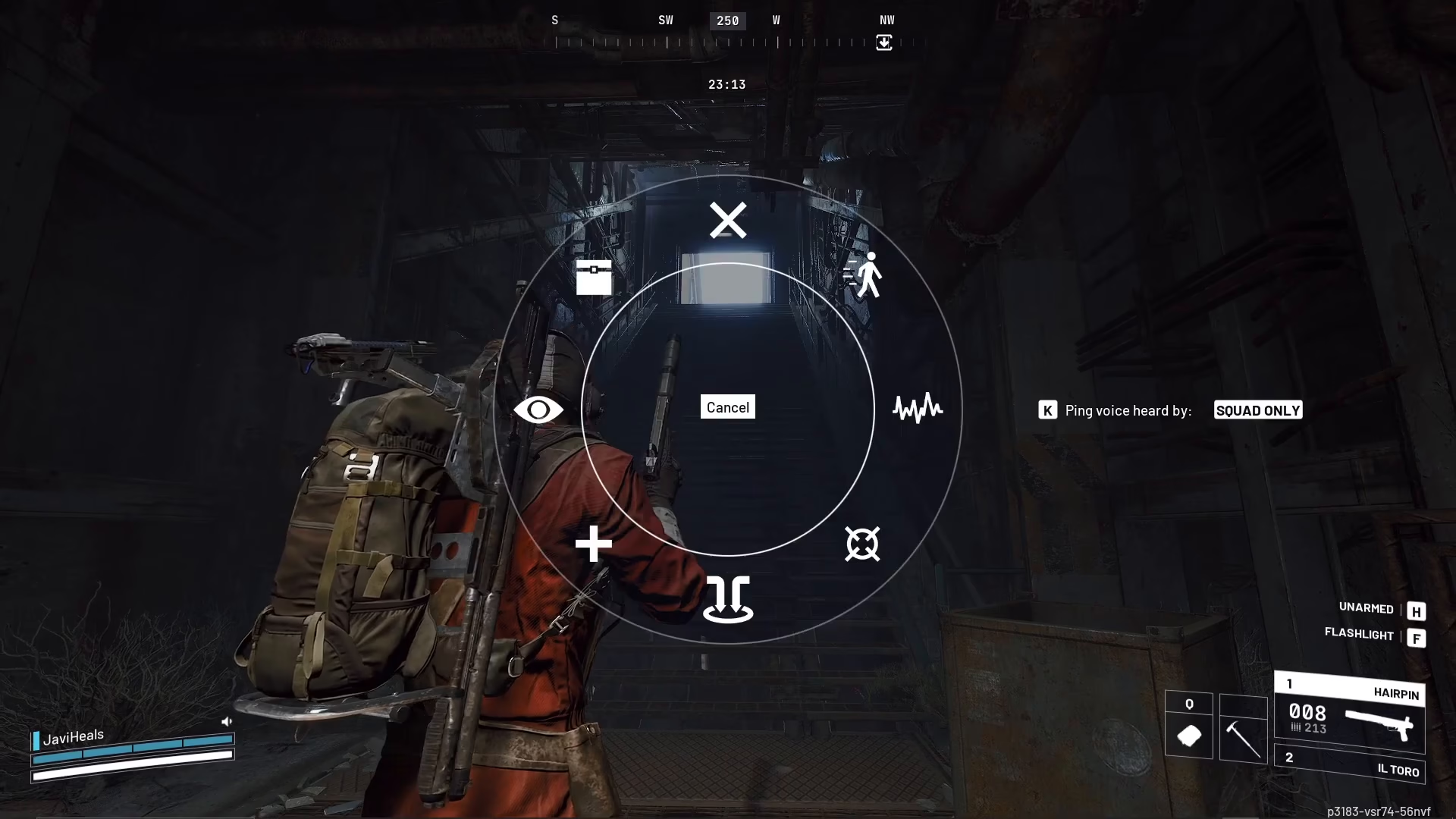
The ping system in ARC Raiders is a powerful tool for silent communication with your team. By mastering these controls, you’ll be able to coordinate strategies and share important information quickly without breaking your focus during intense combat situations. Remember to check your keybindings in the Controls settings to ensure you’re using the configuration that works best for you.
— Want to Support? —
If you would like to help us continue making these guides – please consider joining our patreon here – https://www.patreon.com/c/JaviHeals
Alternatively – you can join our discord here – https://discord.gg/zD7Gjt6MHF
“`

