





How to Use Traders in ARC Raiders
How to Use Traders in ARC Raiders
Traders are an essential part of ARC Raiders’ economy system, allowing you to buy and sell items to various NPCs throughout the game. In this guide, we’ll walk you through how to access traders, understand their inventory, and manage your transactions efficiently. Whether you’re looking for rare items or need to offload inventory, traders have you covered.
Accessing the Traders Menu
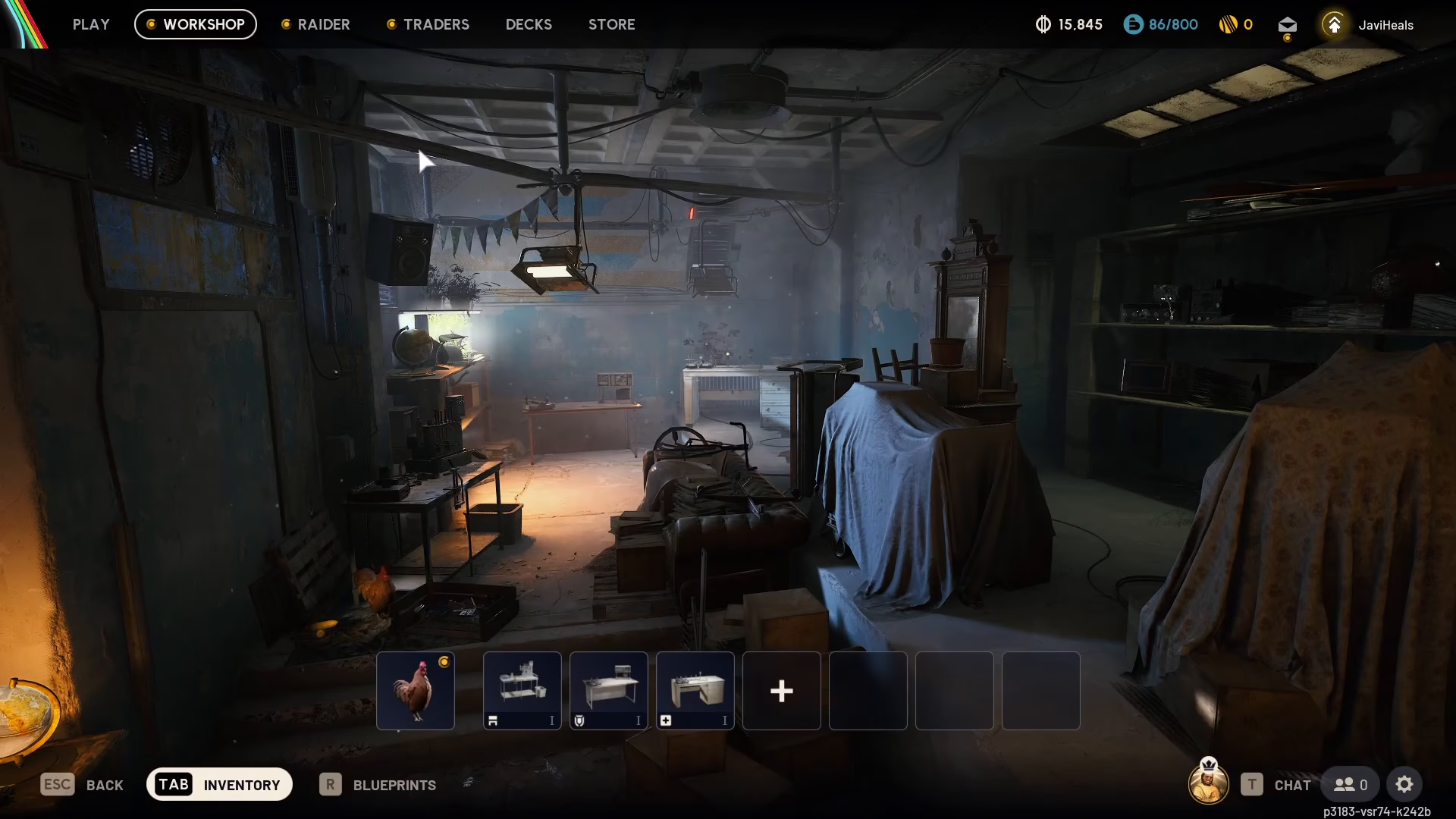
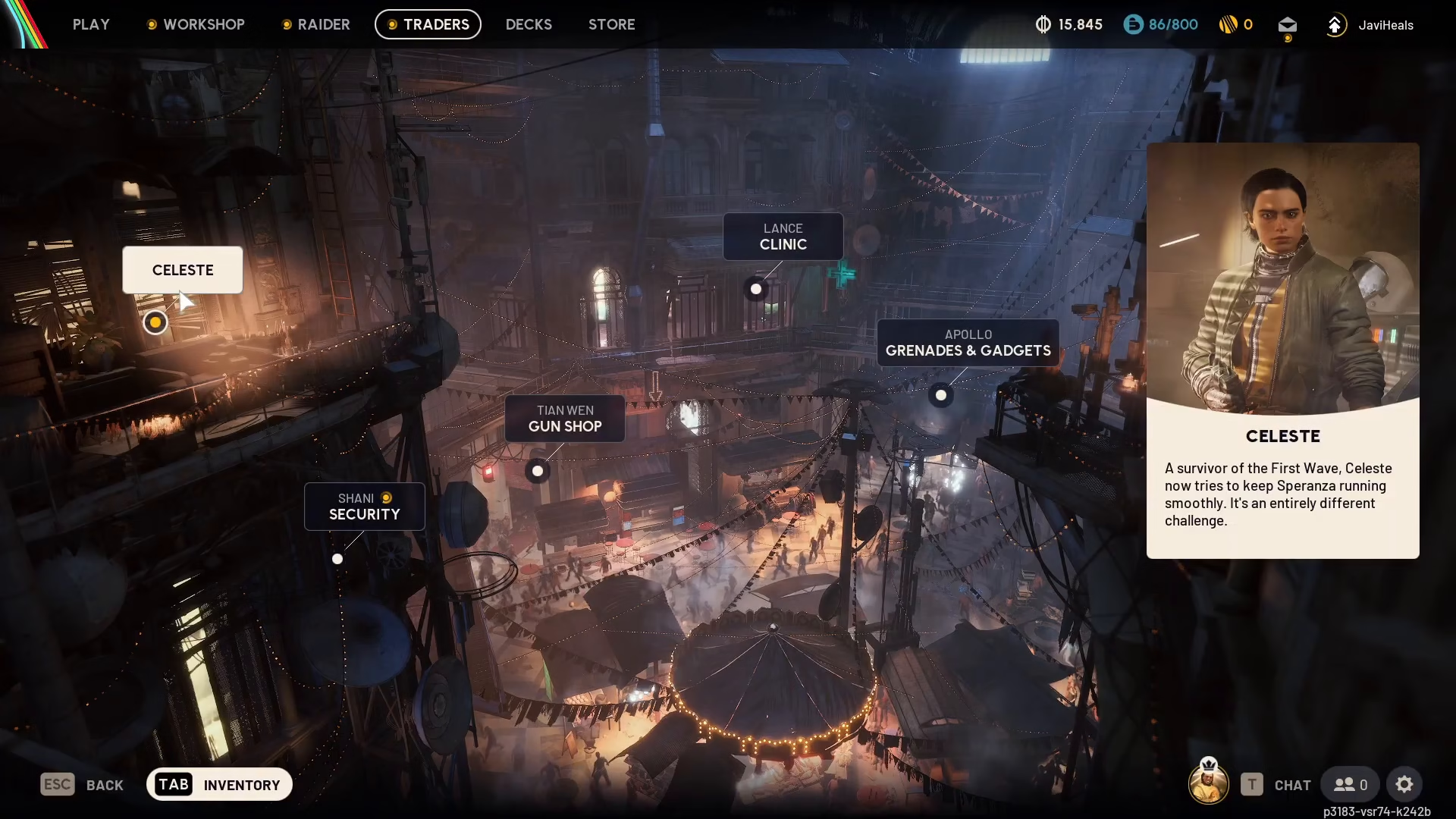
To begin trading, navigate to the top of your screen and click on the “Traders” option. This will open the traders interface where you can view all available merchants and their goods.
Understanding Trader Inventories
Celeste’s Inventory
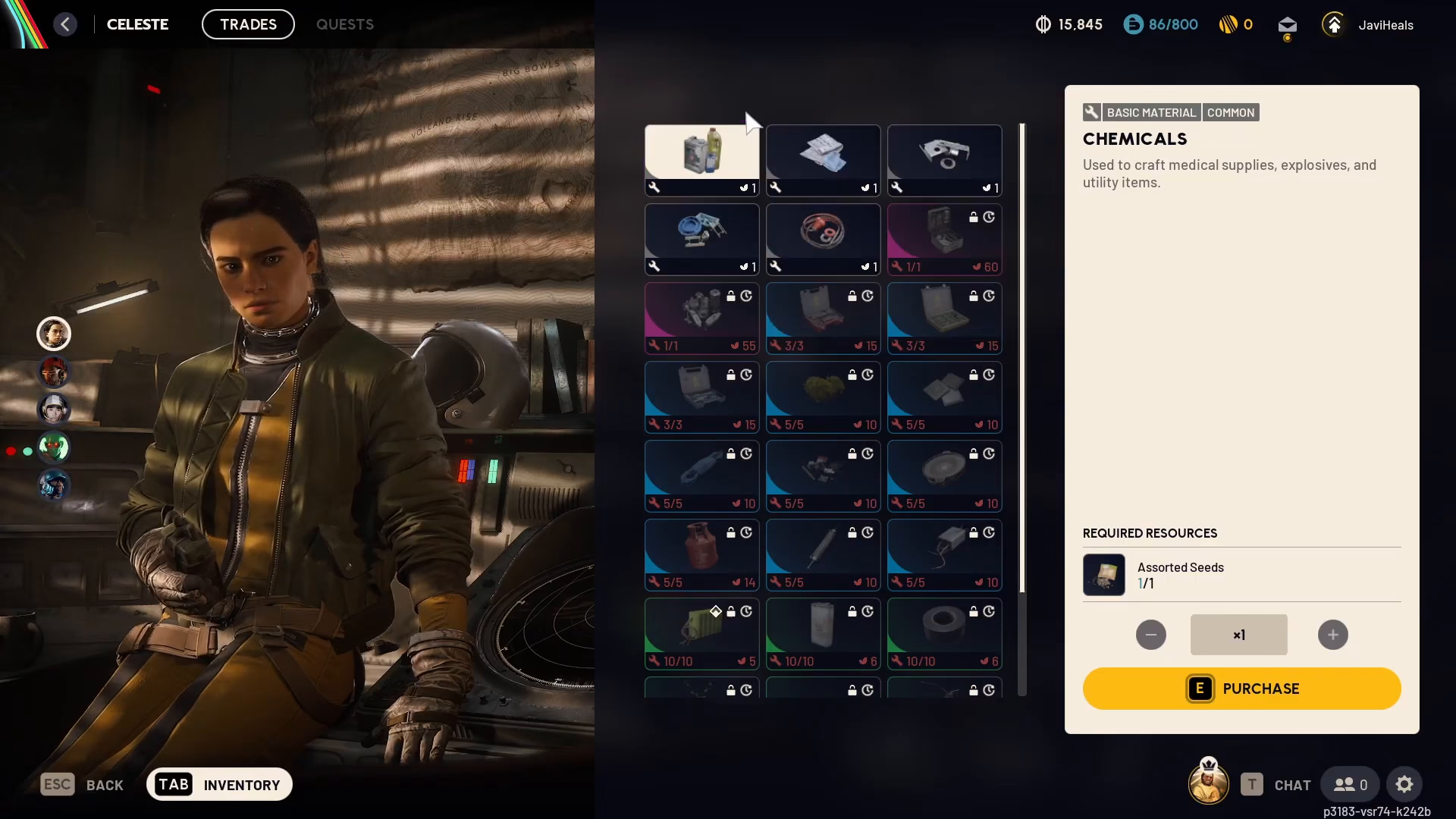
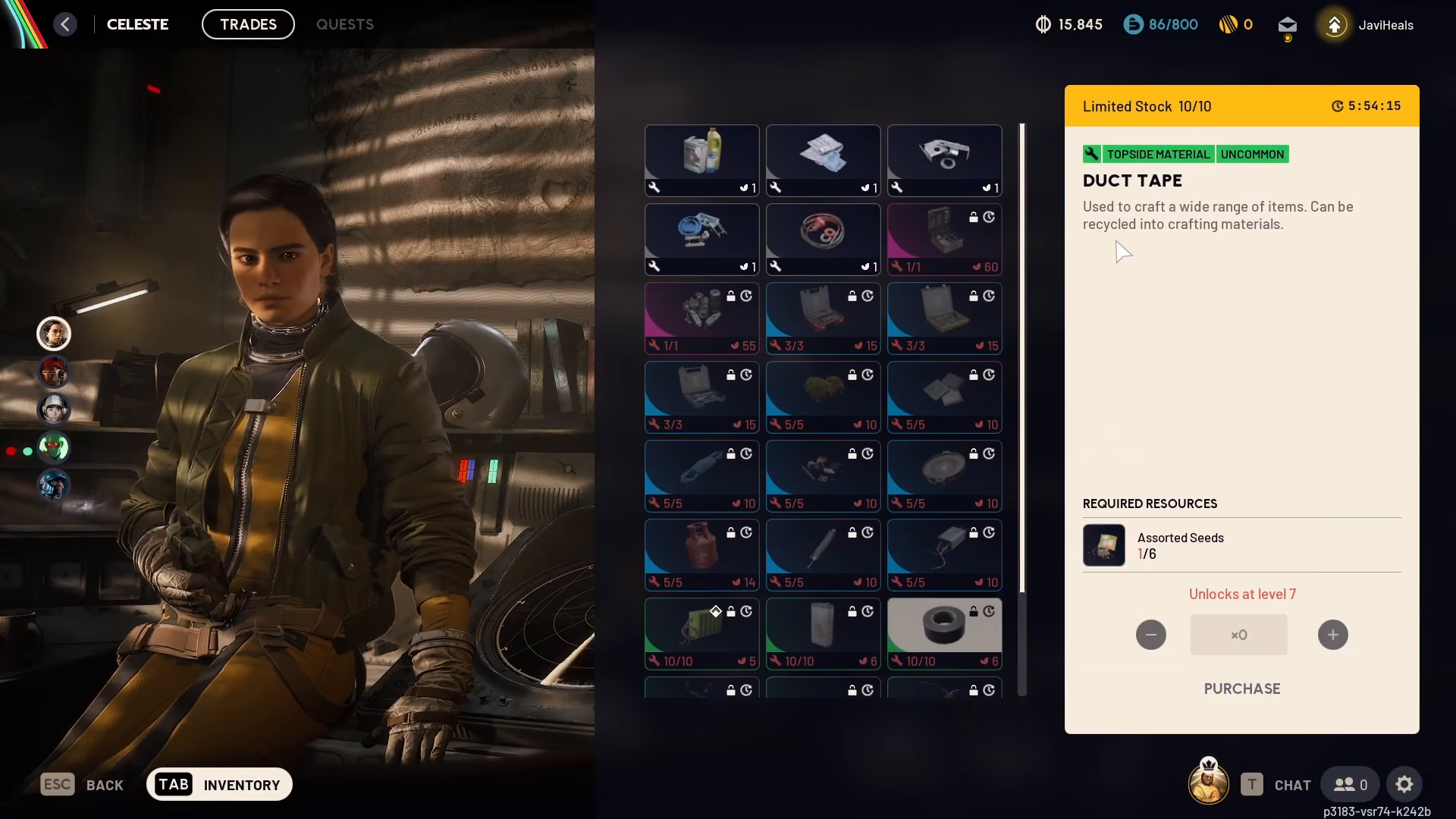
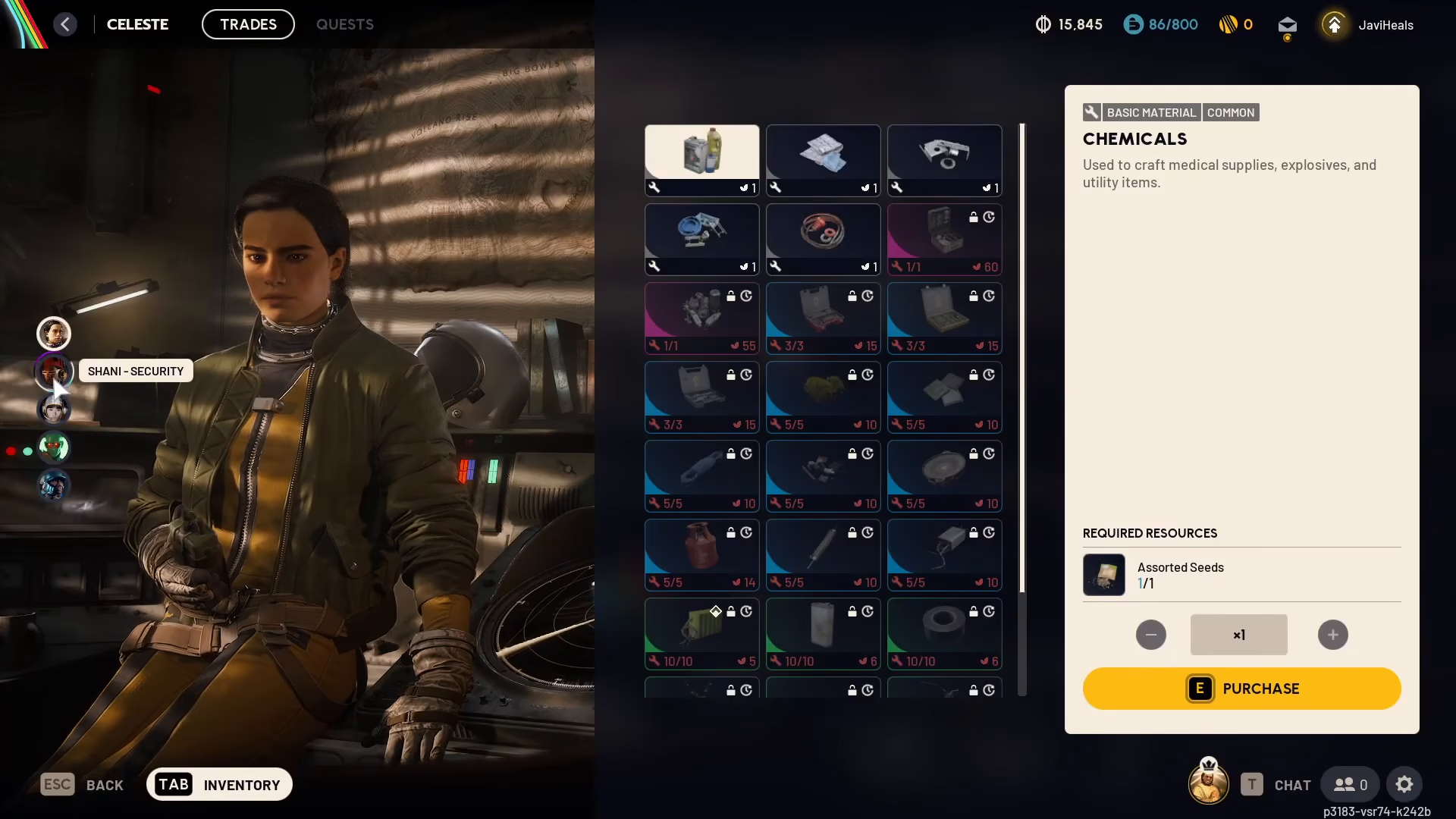
Let’s start with Celeste, one of the primary traders in ARC Raiders. When you click on Celeste, you’ll see all the items available for purchase from her. For example, Celeste offers chemicals, though these are not recommended purchases since they can be found easily throughout the game world.
Each item in Celeste’s inventory displays where it can be found in the game world—locations such as medical, residential, and mechanical areas. Celeste’s currency is assorted seeds, which you can find in nature. For instance, you can purchase one chemicals from Celeste for one assorted seeds.
Navigating Between Traders
Rather than exiting the traders menu and clicking on different NPCs individually, you can efficiently navigate between traders by tabbing through them. On the left side of the screen, you’ll see a list of available traders. Simply click on one to view their inventory without having to leave the interface.
Meet the Other Traders
Shani (Security Trader)
Shani, located in the security sector, operates differently than Celeste—she uses credits as currency rather than materials. From Shani, you can purchase items such as light sticks and extended magazines.
Tian (Ammunition Trader)
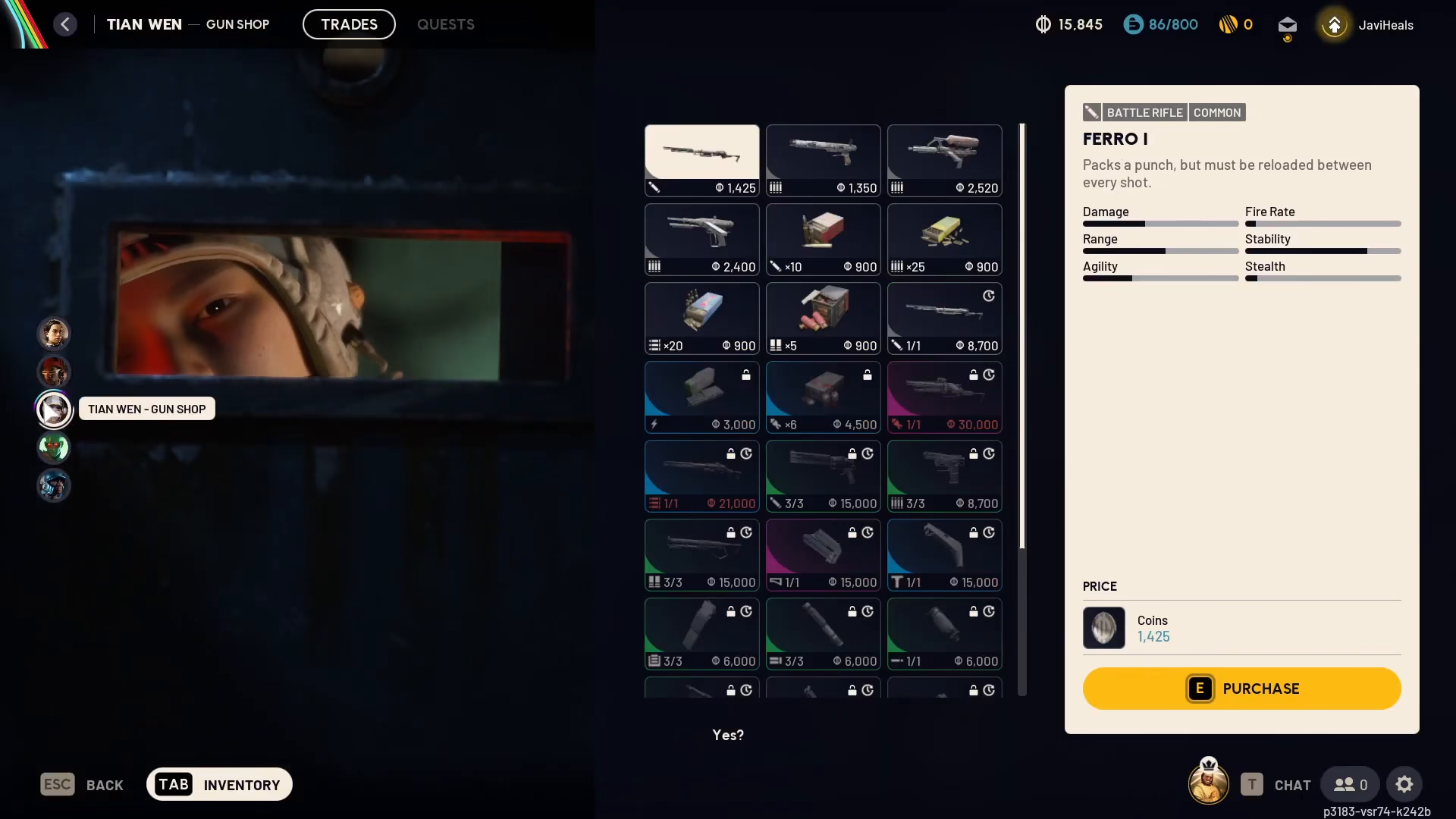
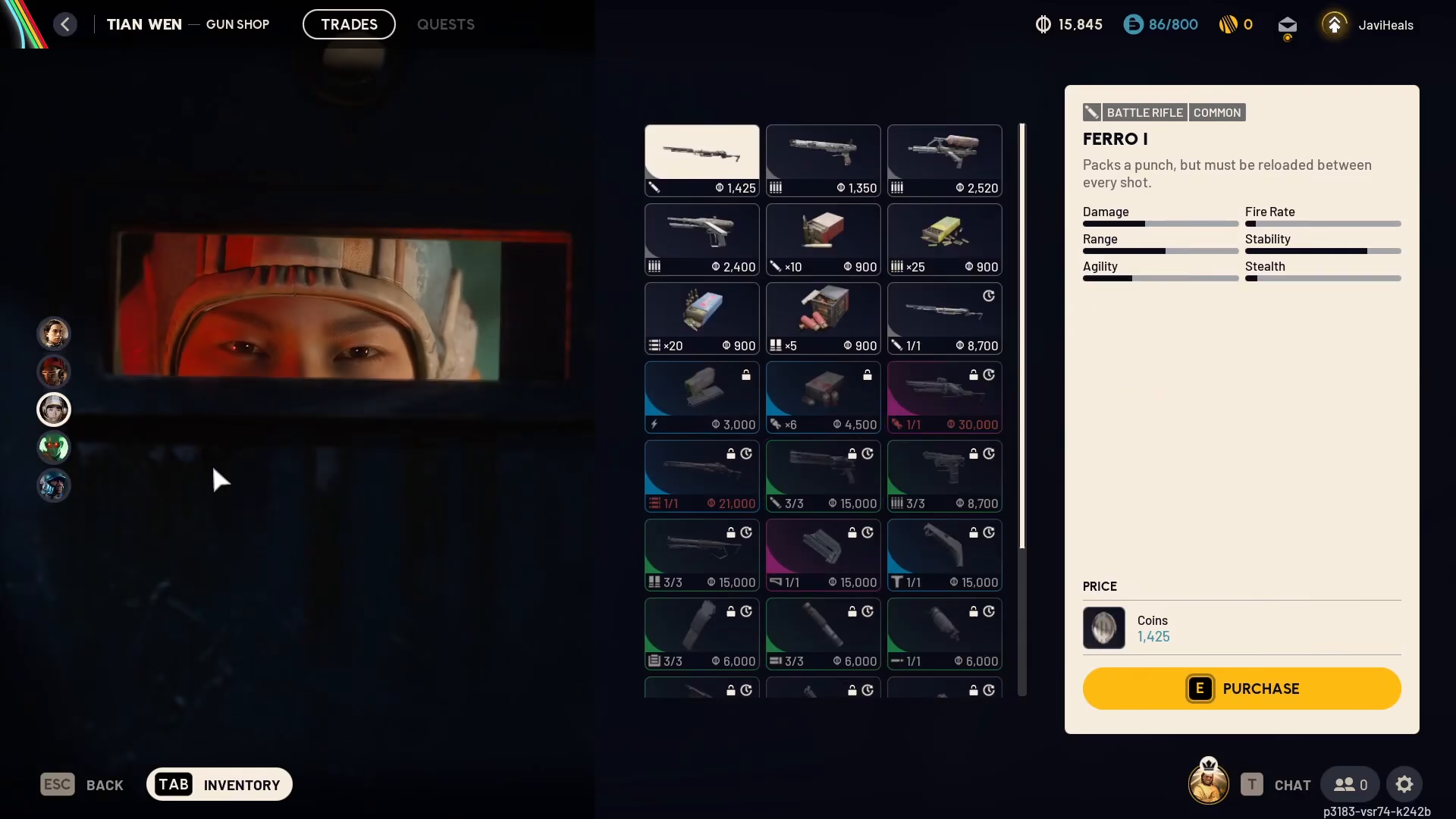
Tian specializes in ammunition and becomes available when guns drop in the game. While Tian offers ammo for sale, it’s generally recommended to craft your own ammunition at the crafting bench instead, which is often more efficient.
Lance (Healing & Shield Trader)
Lance is your go-to trader for healing items and shields. Stock up on these essential survival items to keep yourself in top condition during combat.
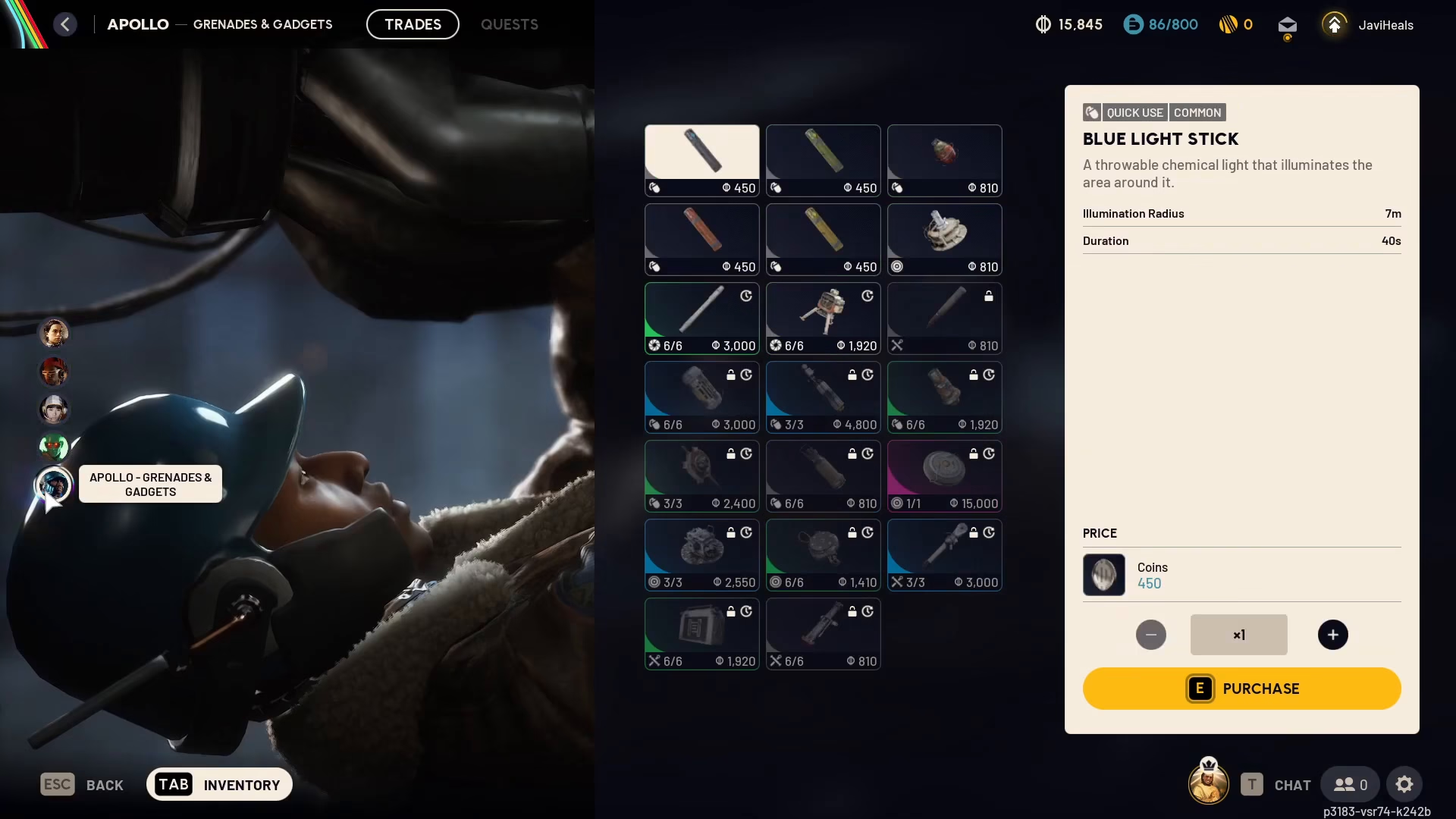
Apollo (Grenades & Gadgets Trader)
Apollo handles grenades and gadgets, providing you with explosive and tactical equipment options.
Selling Items to Traders
If you’re looking to sell items back to traders, the process is straightforward. You don’t sell directly through the traders menu. Instead, open your inventory tab and right-click on any item you wish to sell. The transaction will be completed immediately.
Summary
Using traders in ARC Raiders is simple once you understand the mechanics. Access the traders menu from the top of your screen, browse each trader’s inventory by clicking or tabbing through them, and purchase items using the appropriate currency—whether that’s materials like assorted seeds or credits. When you need to sell items, simply open your inventory, right-click on the item, and complete the sale. With multiple traders specializing in different categories, you’ll always find what you need.
Want to Support?
If you would like to help us continue making these guides – please consider joining our patreon here – https://www.patreon.com/c/JaviHeals
Alternatively – you can join our discord here – https://discord.gg/zD7Gjt6MHF

