





How to Enable the Console in Valheim
How to Enable the Console in Valheim
Want to unlock cheats and advanced commands in Valheim? Enabling the console is a straightforward process that takes just a few moments. This guide will walk you through the exact steps needed to activate the console and start using commands in your game.
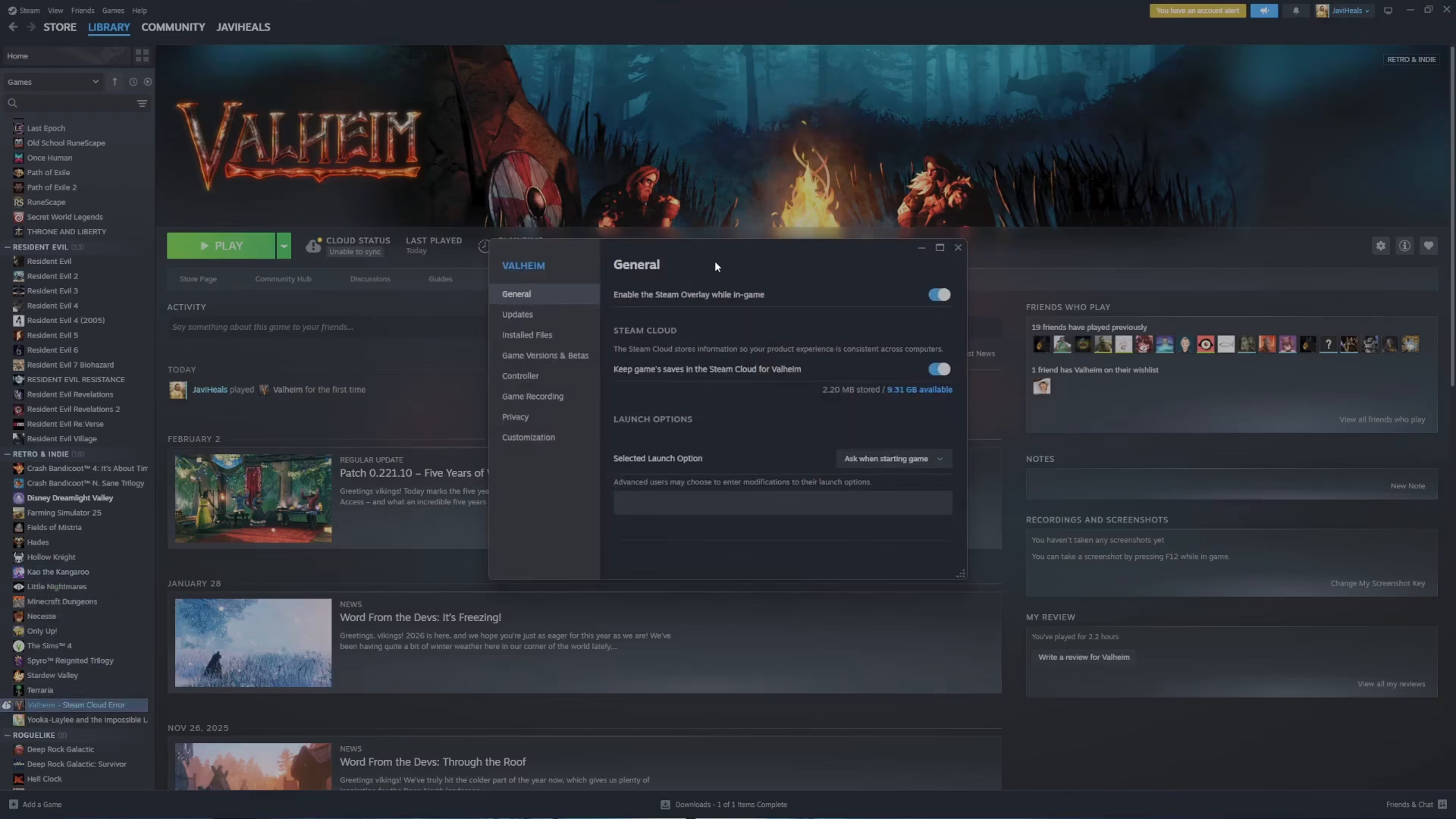
Accessing Steam Properties
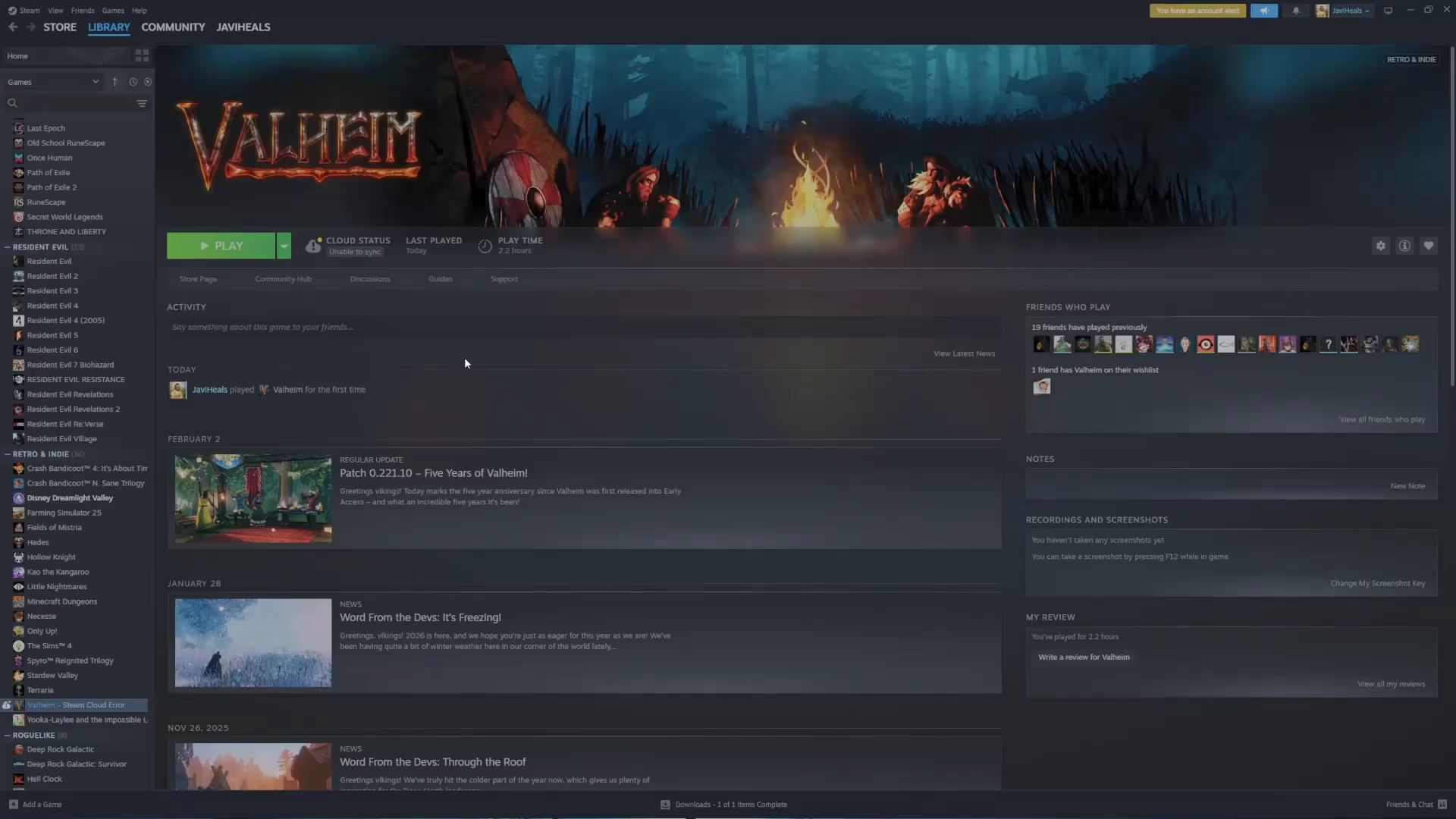
First, you’ll need to access Valheim’s properties through Steam. Locate Valheim in your Steam library on the left sidebar, then right-click on it. A context menu will appear—select Properties from the options.
Adding the Console Launch Option
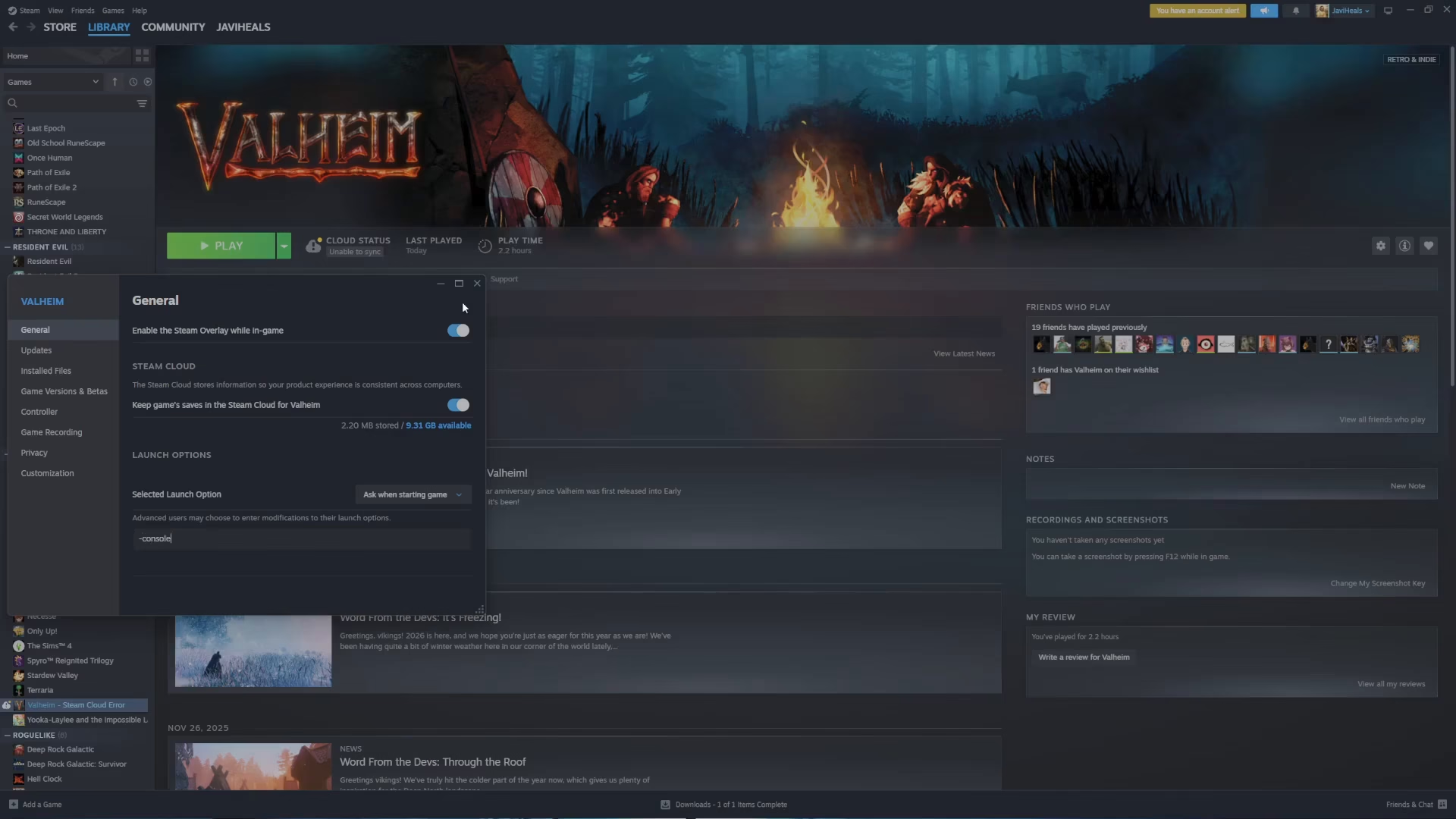
Once the Properties window opens, look for the Launch Options field (sometimes labeled as “advanced settings”). In this text field, type the following command exactly as shown:
-console
After entering -console, close the Properties window. You can now launch the game normally.
Opening the Console In-Game
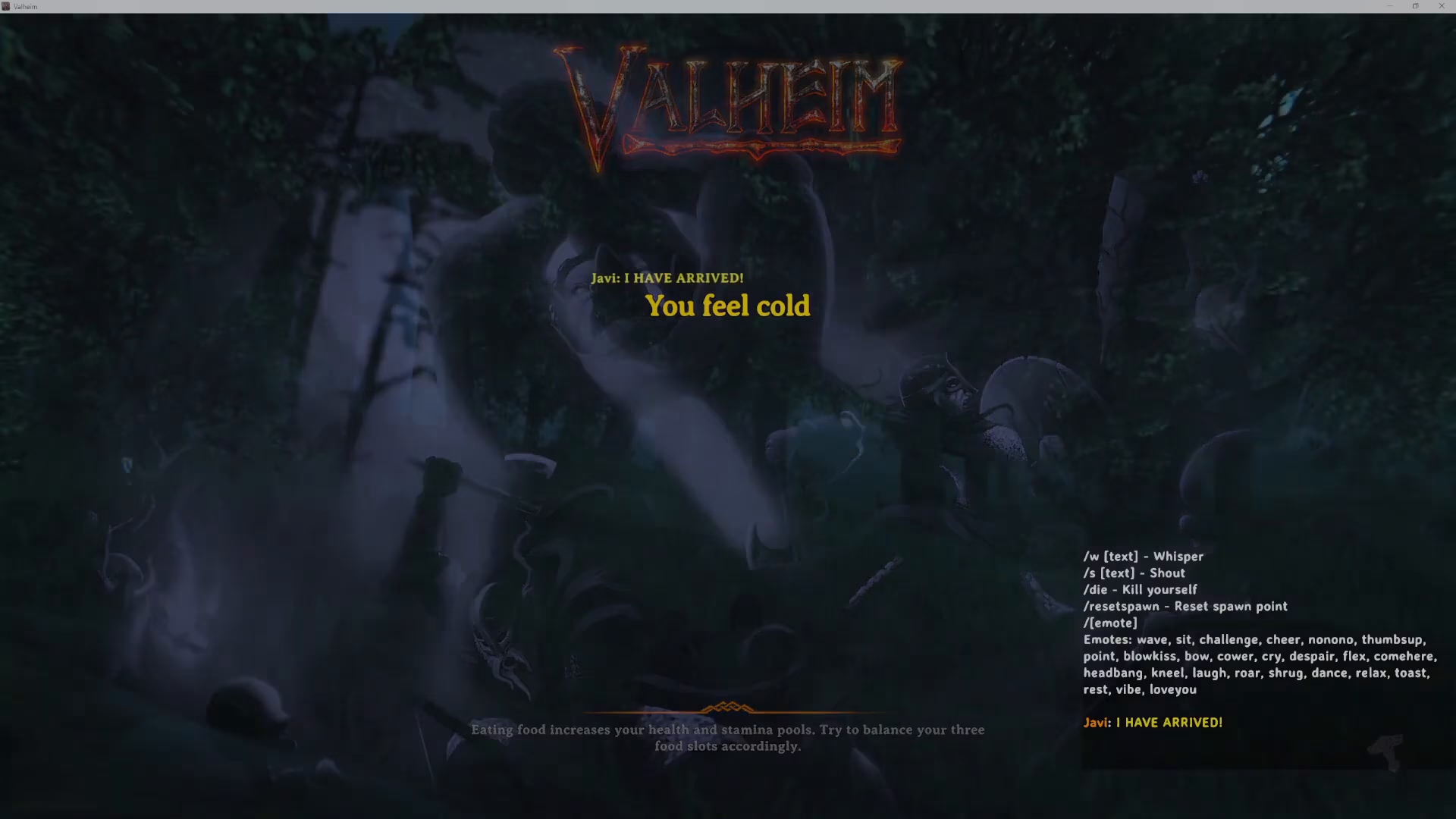
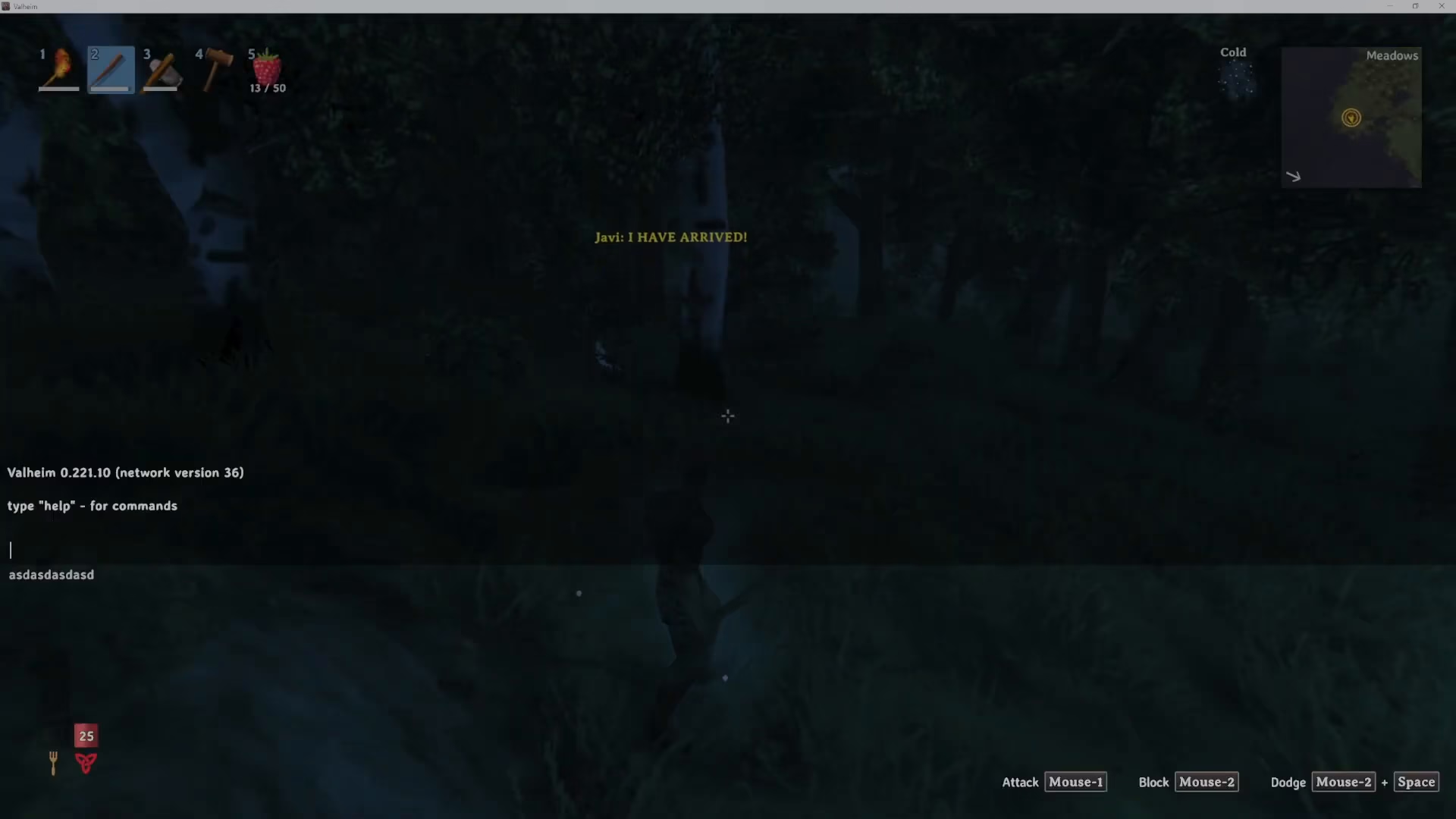
Once you’ve loaded into Valheim (either in the main menu or after starting a game), press the F5 key on your keyboard. The console window will immediately appear on your screen, ready for input.
Using the Console
With the console open, you can now type commands directly into the text field. This gives you access to cheats and other advanced functionality in Valheim. The console remains active throughout your gaming session and will continue to be available each time you launch the game.
Persistent Setting
The console launch option is permanent—once you’ve added -console to your launch options, you won’t need to repeat this process. The setting will remain active every time you start Valheim.
Conclusion
You’ve now successfully enabled the console in Valheim! With this feature active, you can access powerful cheats and commands to enhance your gameplay experience. Remember to press F5 whenever you want to open the console, and you’re all set to explore advanced options in the game.
Want to Support?
If you would like to help us continue making these guides – please consider joining our patreon here – https://www.patreon.com/c/JaviHeals
Alternatively – you can join our discord here – https://discord.gg/zD7Gjt6MHF



