





How To Enable Cheats in Valheim
How To Enable Cheats in Valheim
Want to unlock the full potential of Valheim with cheats and console commands? This guide walks you through the simple process of enabling cheats so you can access powerful developer commands and God mode. Whether you’re looking to test builds, explore the map freely, or just have some fun, enabling cheats in Valheim is quick and straightforward.
Enable Console Access via Steam Properties
The first step to enabling cheats in Valheim is to grant yourself console access through Steam. Open Steam and locate Valheim in your library. Right-click on the game title and select Properties from the context menu.
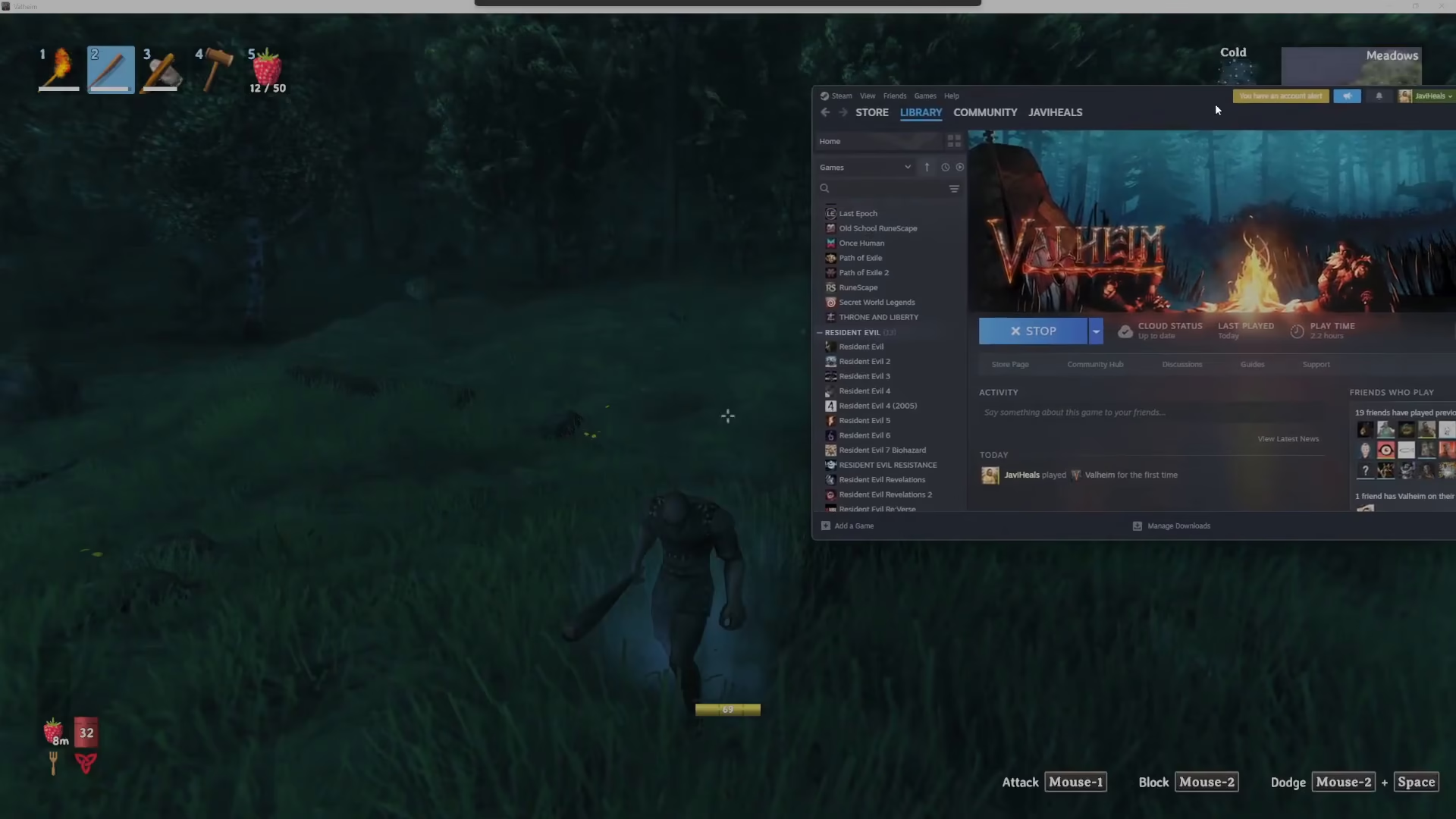
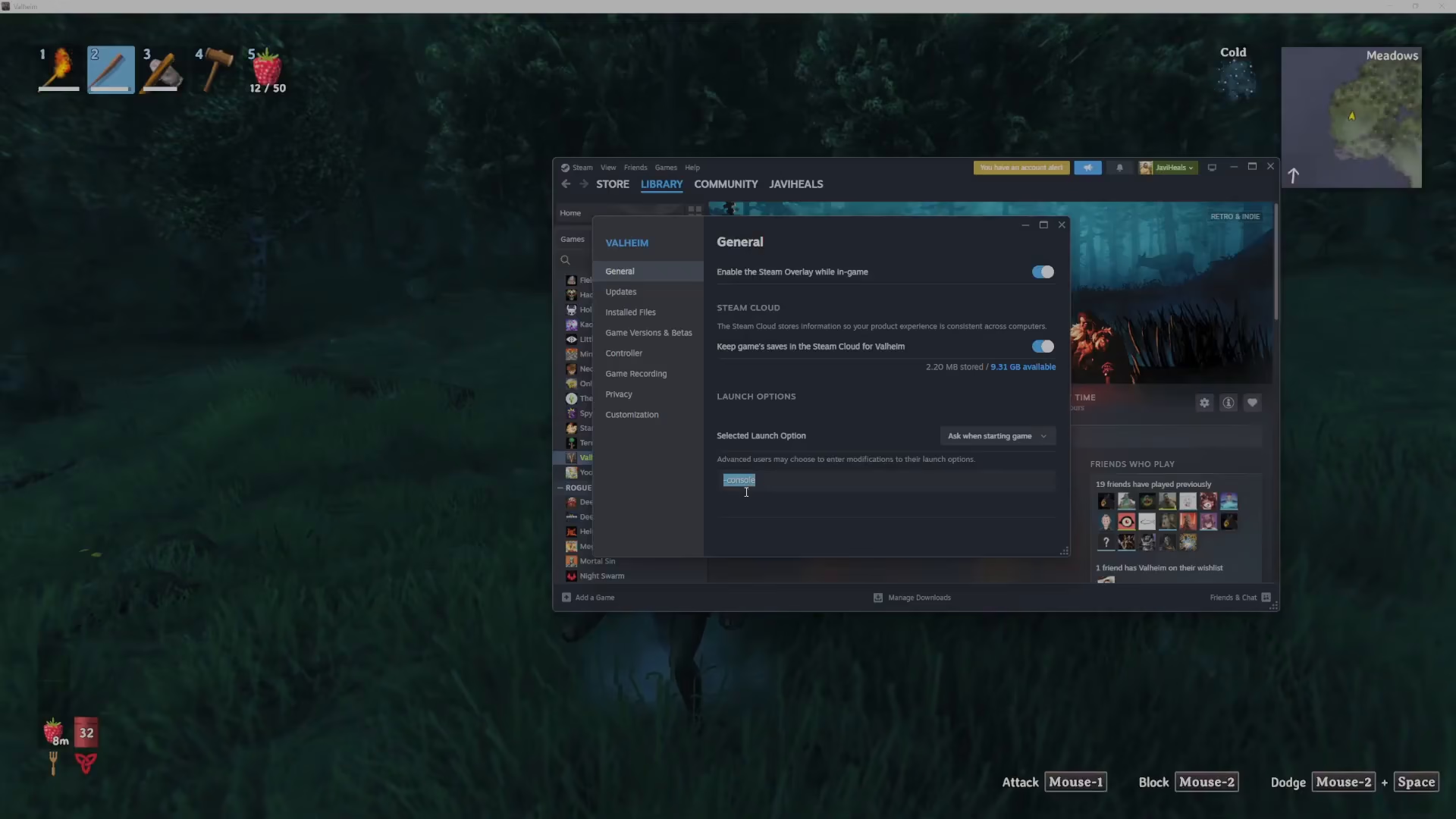
In the Properties window, navigate to the General tab. You’ll see a launch options field at the bottom of the window. Click in this field and type -console (including the dash). This parameter tells Valheim to launch with console support enabled.
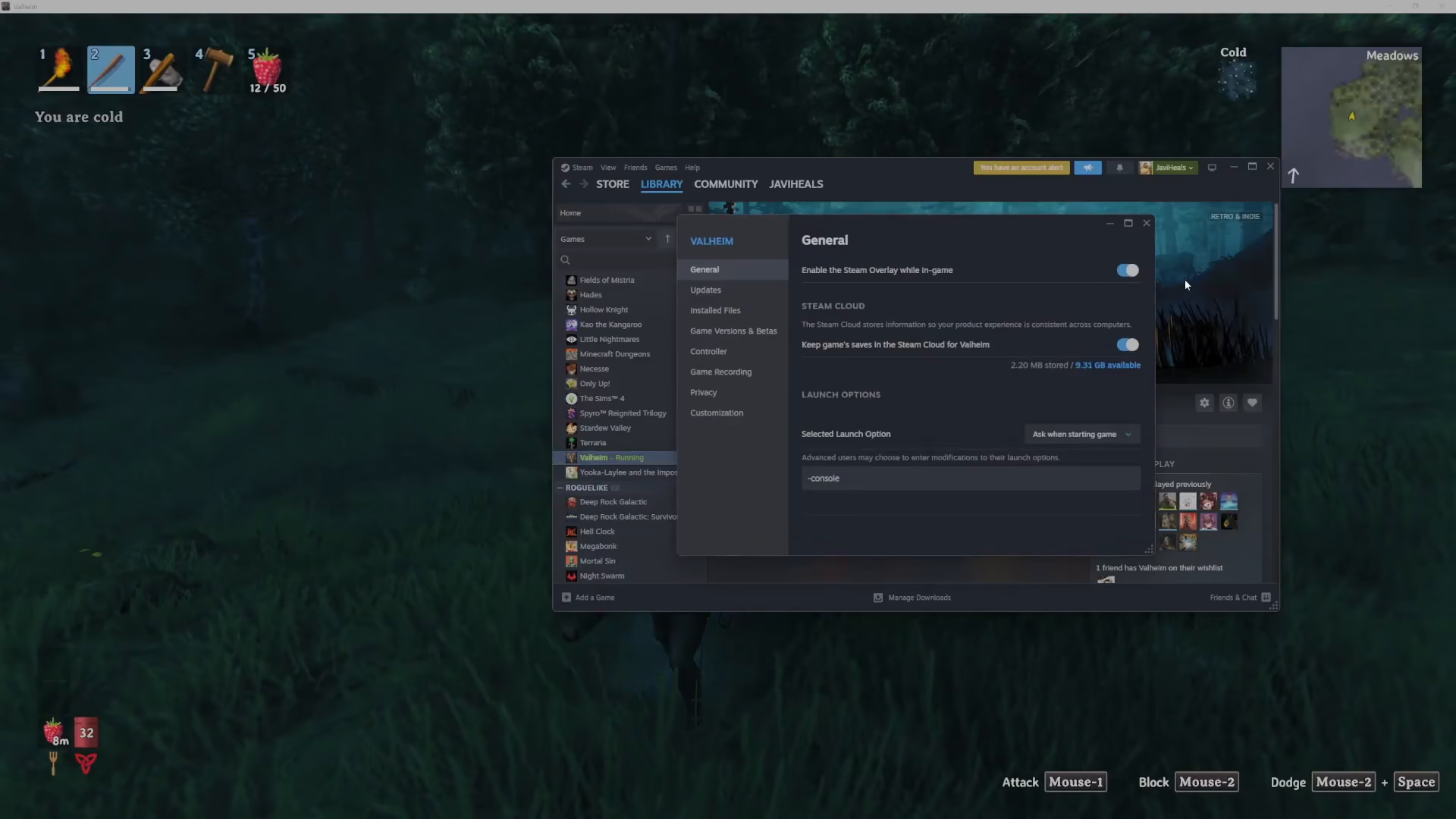
Once you’ve entered -console in the launch options, click outside the field to save your changes and close the Properties window.
Launching Valheim and Accessing the Console
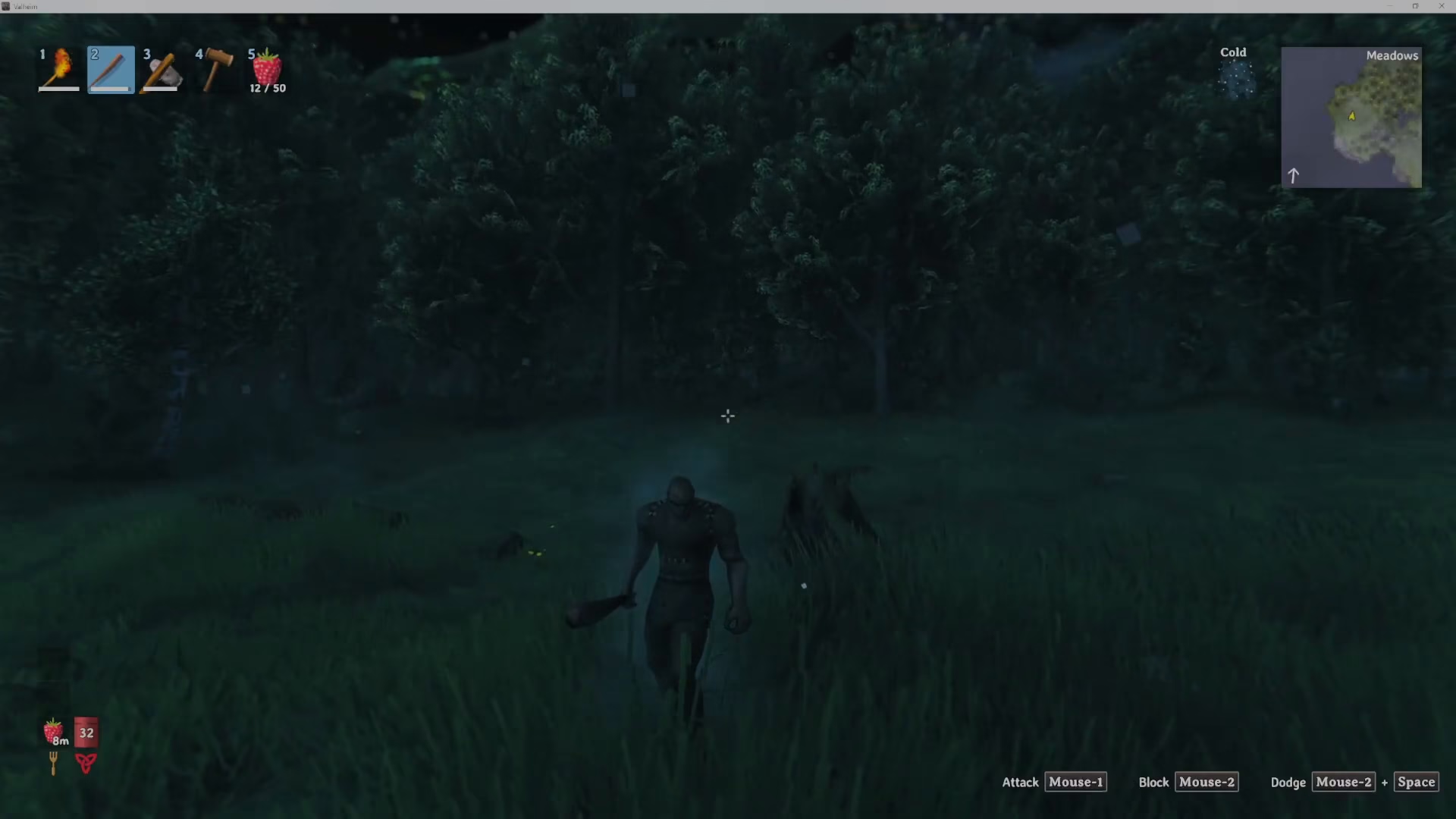
Now that you’ve configured the launch options, launch Valheim normally through Steam. The game will start with console support active.
To open the console command interface while in-game, simply press the F5 key. The console window will appear, allowing you to input cheat commands.
Activating Developer Commands
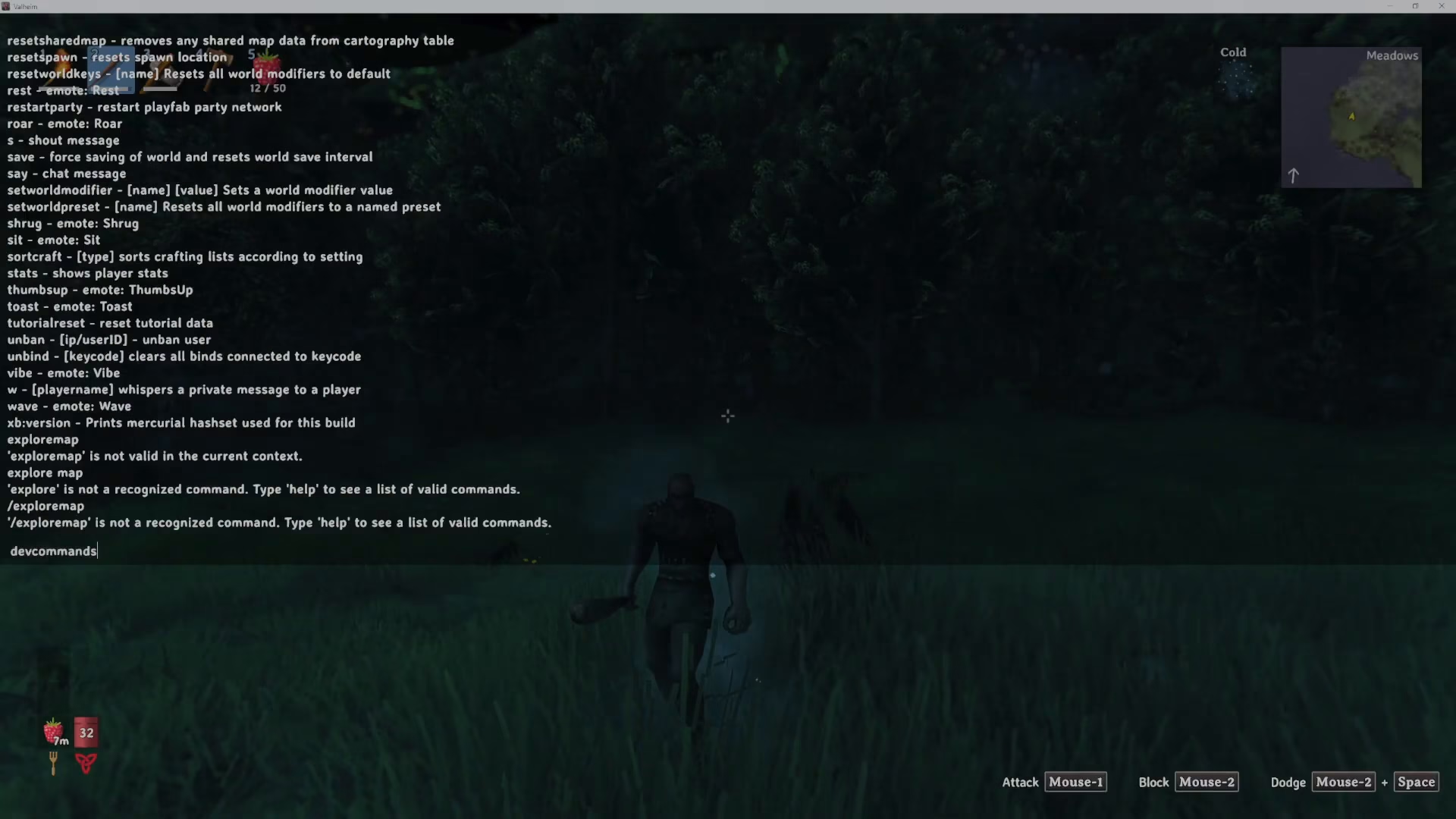
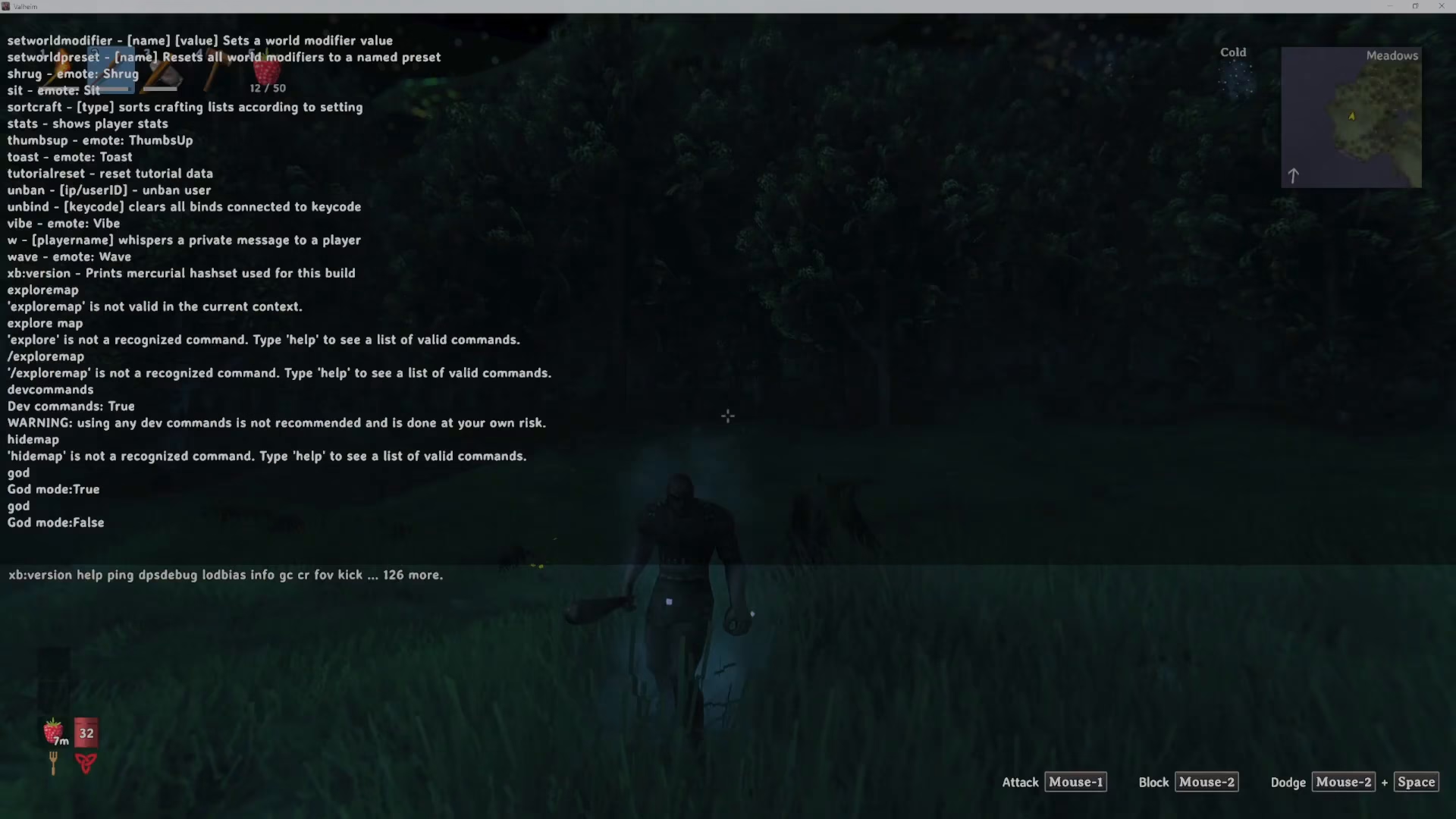
With the console open, the first command you’ll want to enter is devcommands. Type this command into the console and press Enter.
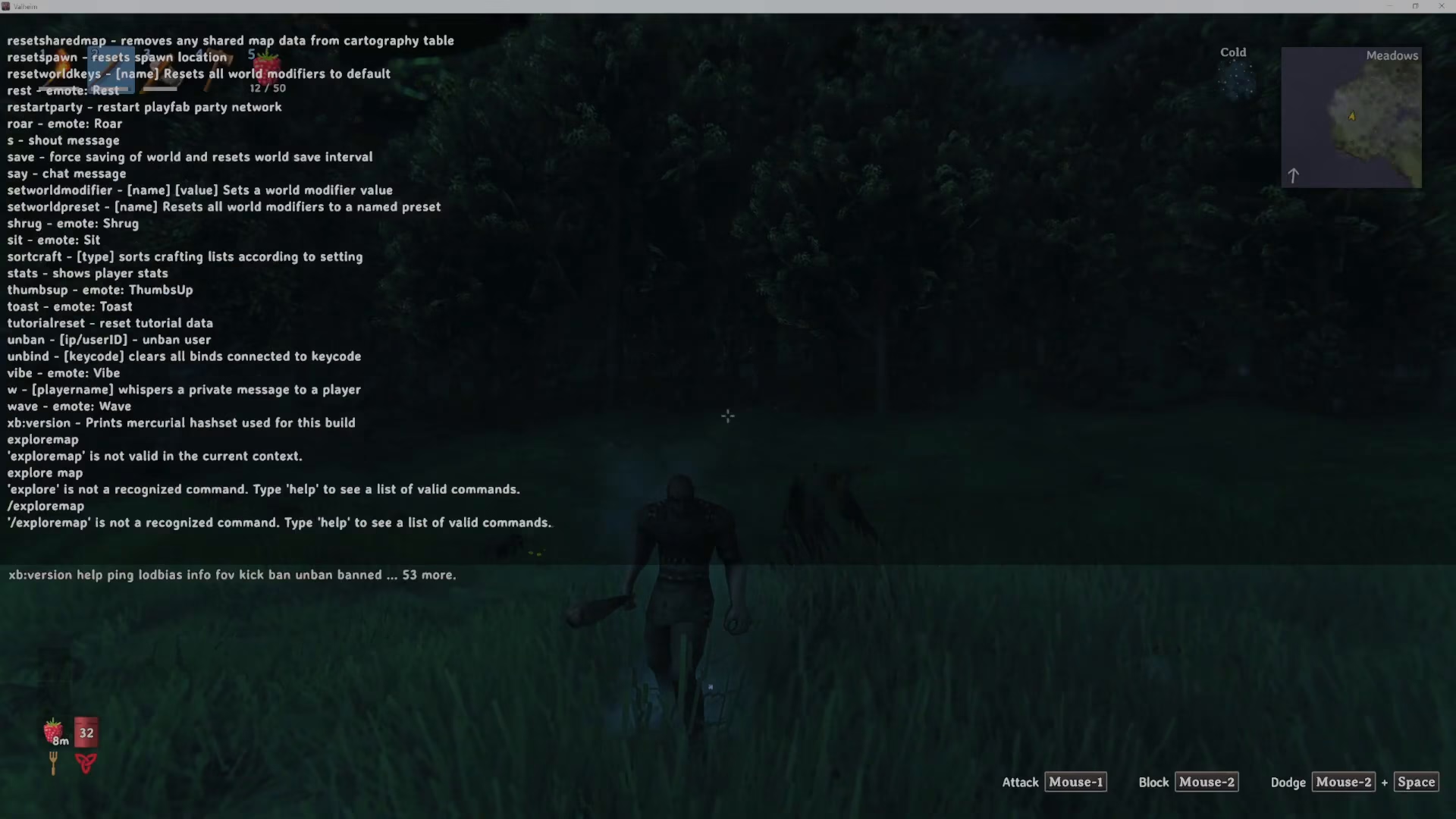
Once you press Enter, you’ll see the message “DevCommands is now true” appear in the console. This activates the full suite of developer commands available in Valheim, unlocking access to powerful cheats and utilities.
Using God Mode and Other Cheats
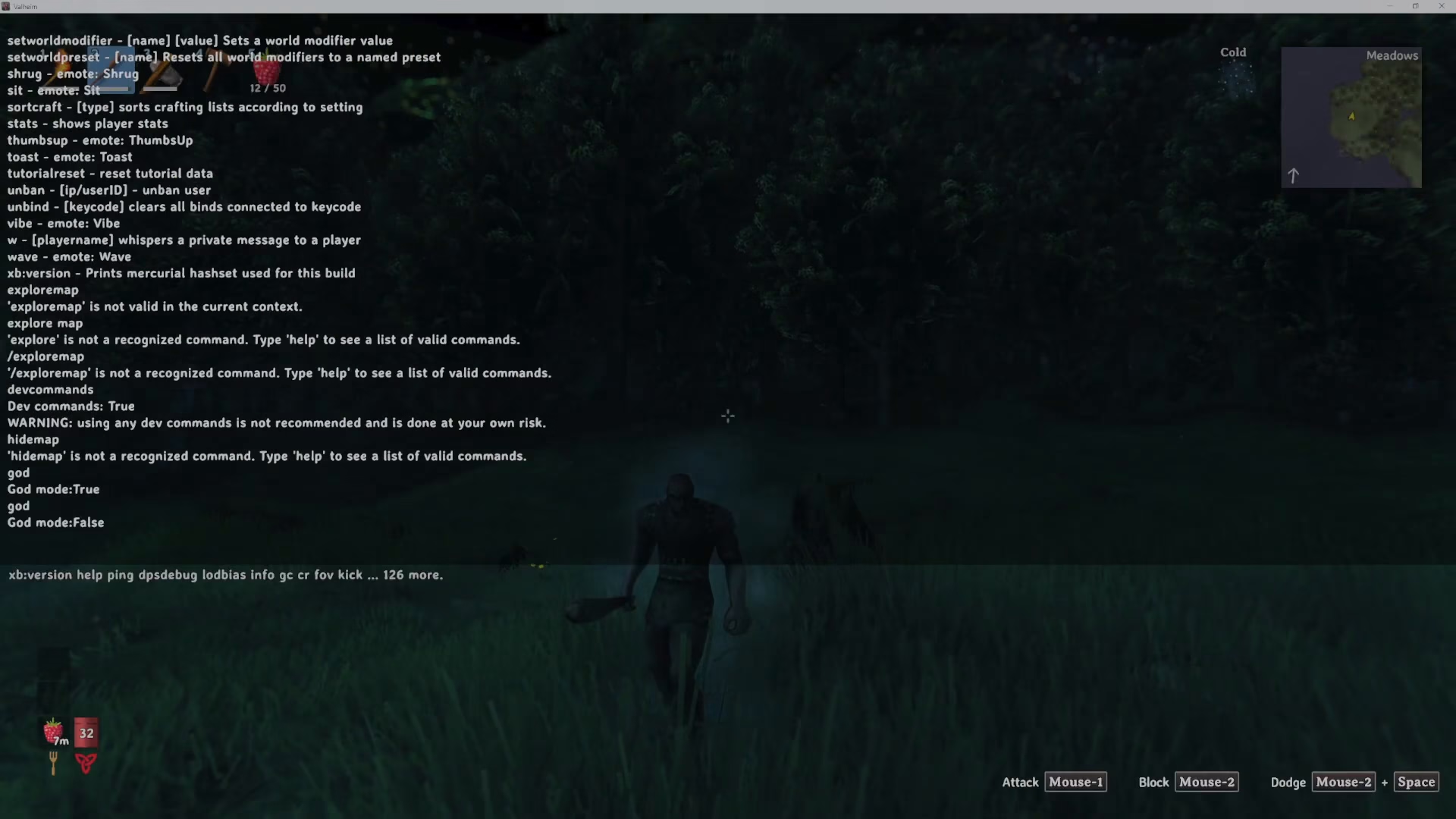
Now that developer commands are enabled, you can use various cheat commands. One of the most popular is God mode, which makes your character invincible. Type god into the console and press Enter to activate it.
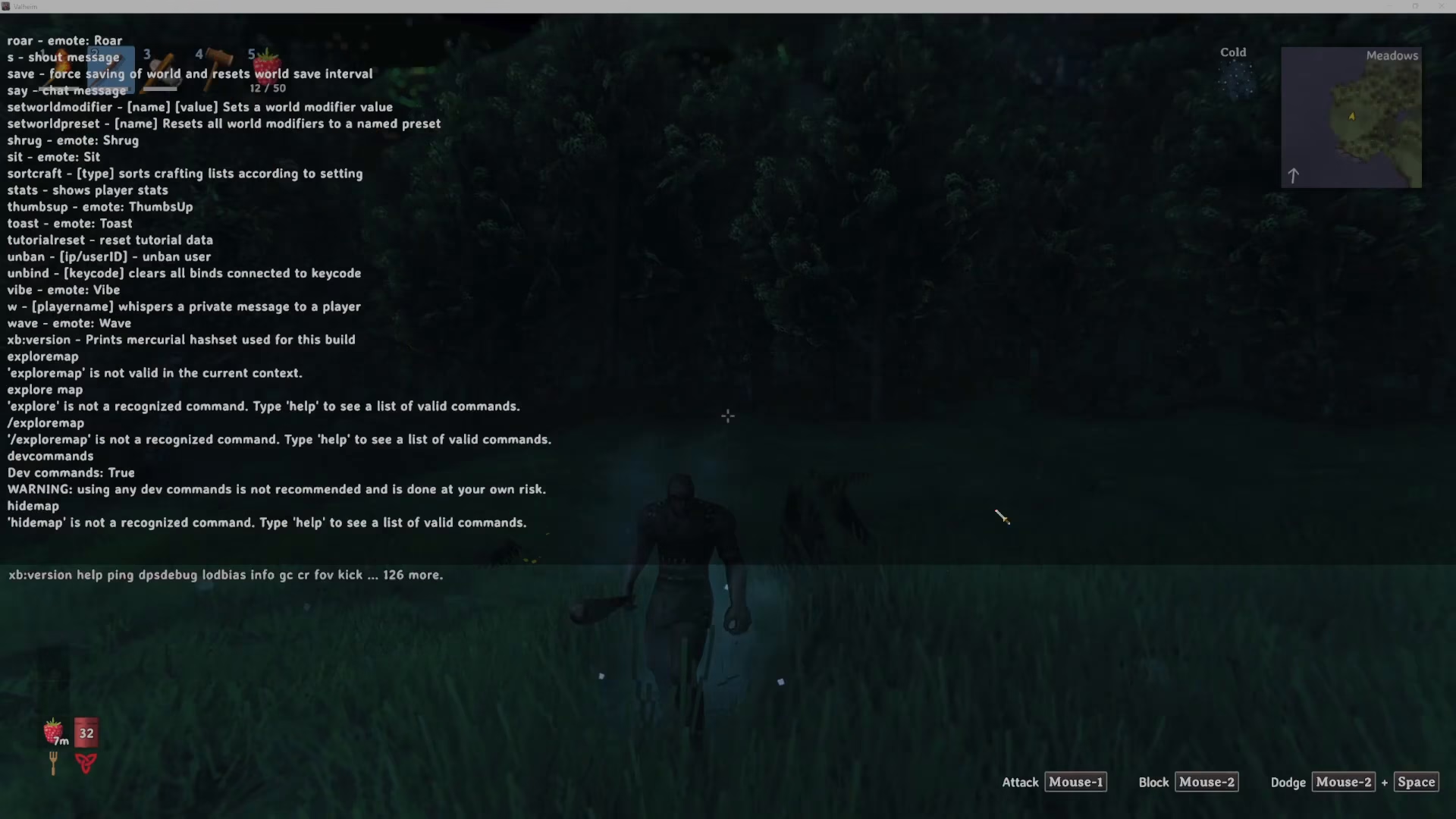
The console will confirm “God mode is now true,” and you’ll be protected from all damage. To disable God mode, simply type god again and press Enter. The command toggles on and off — no forward slash, back slash, or special formatting is needed. Just type the word and hit Enter.
Other useful commands available through the developer console include hide map and many others. Each command is used the same way: simply type it into the console and press Enter to toggle the feature.
Summary
Enabling cheats in Valheim is a three-step process: add -console to Steam launch options, press F5 in-game to open the console, and type devcommands to unlock developer features. From there, you can use commands like god to toggle God mode and access other powerful cheats. Remember that cheat commands are simple word entries with no special symbols required — just type and press Enter to toggle them on or off.
For more Valheim guides and tutorials, be sure to follow us and check out our other content covering everything from building tips to boss strategies.
— Want to Support? —
If you would like to help us continue making these guides – please consider joining our patreon here – https://www.patreon.com/c/JaviHeals
Alternatively – you can join our discord here – https://discord.gg/zD7Gjt6MHF



