





How to Remove Structures In Palworld
How to Remove Structures in Palworld
Building in Palworld is fun, but sometimes you create a structure that doesn’t quite fit your vision. Whether it’s an eyesore you want gone or simply a mistake, removing unwanted buildings is quick and easy. This guide will walk you through the disassembly process and show you how to recover resources from demolished structures.
Entering Disassembly Mode
To remove a structure you’ve built, start by pressing the B key. This will activate Disassembly mode, allowing you to interact with your existing buildings.
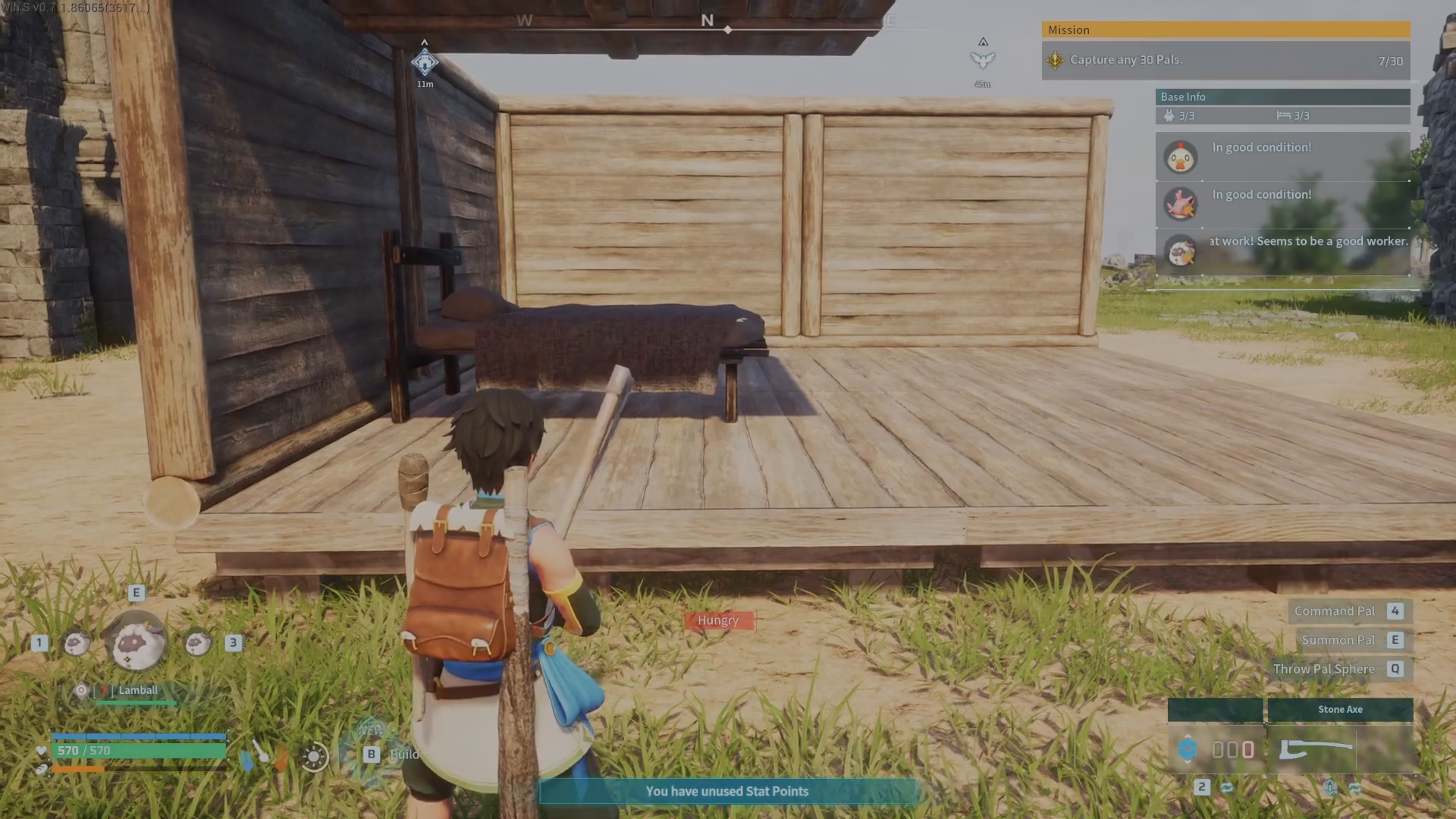
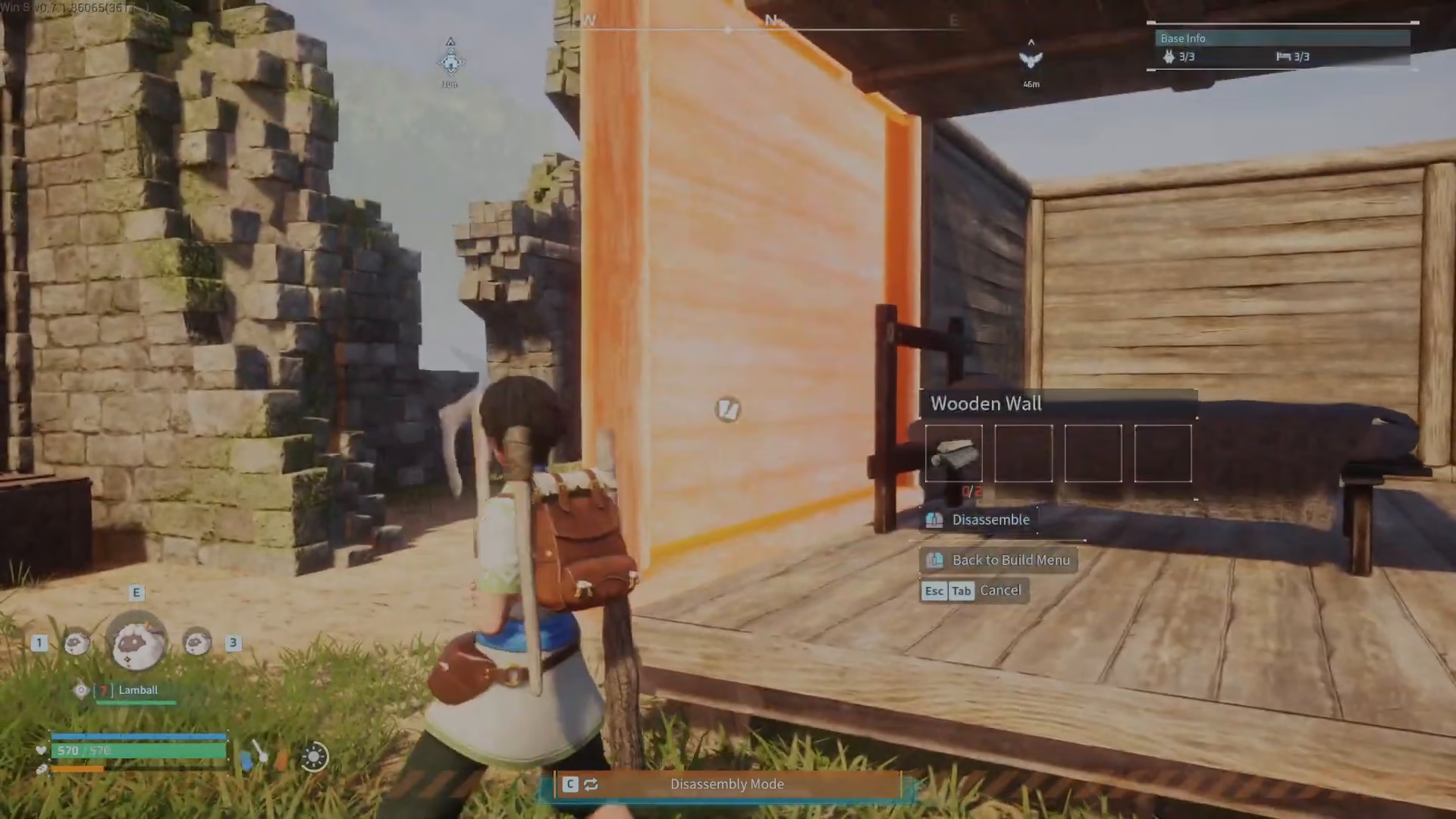
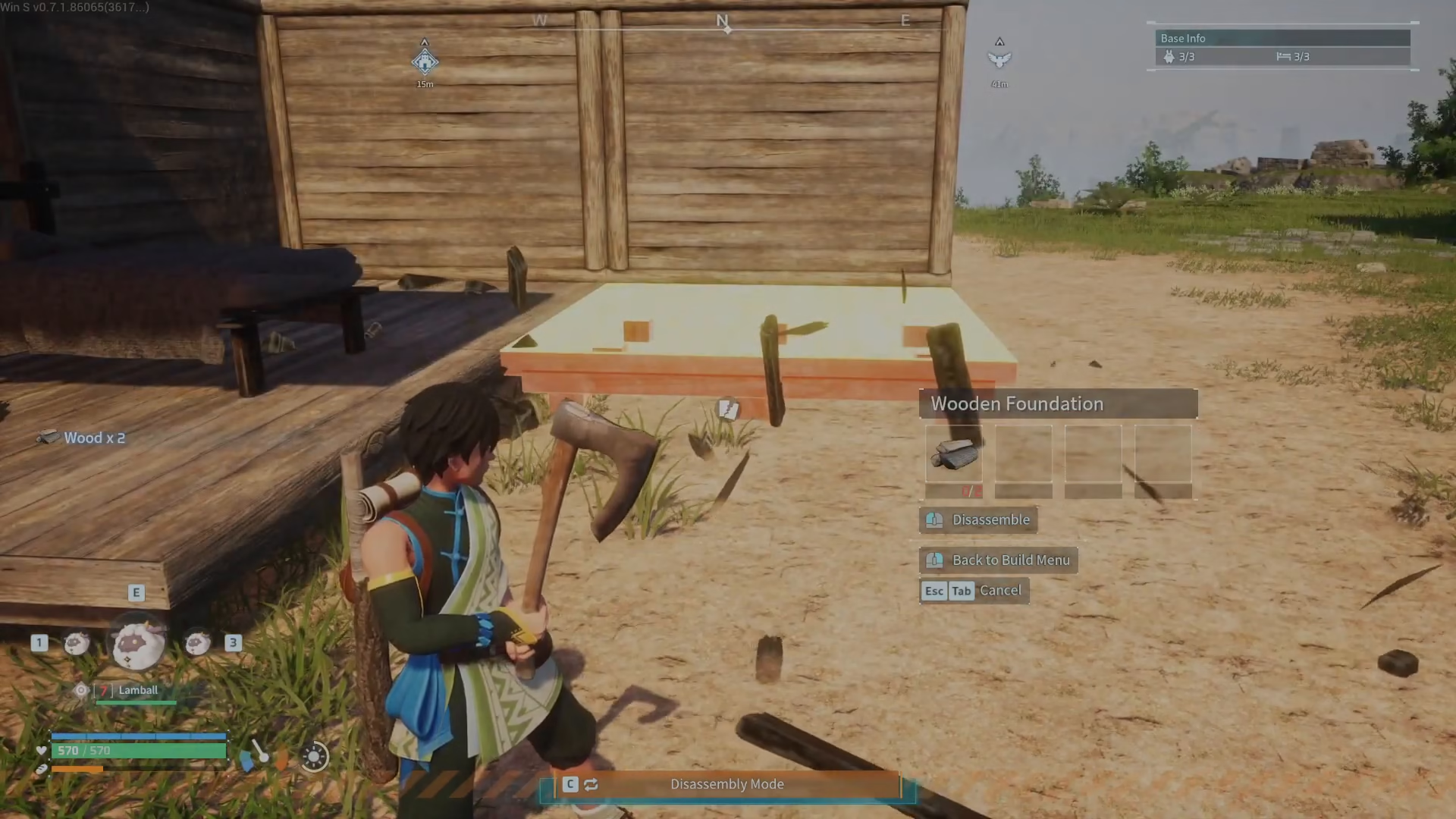
Once you’re in Disassembly mode, simply hover over any structure you want to remove. When highlighted, left-click on the structure to disassemble it. The best part? You’ll receive resources back from the demolition, so nothing goes to waste.
Customizing Structures with Paint Mode
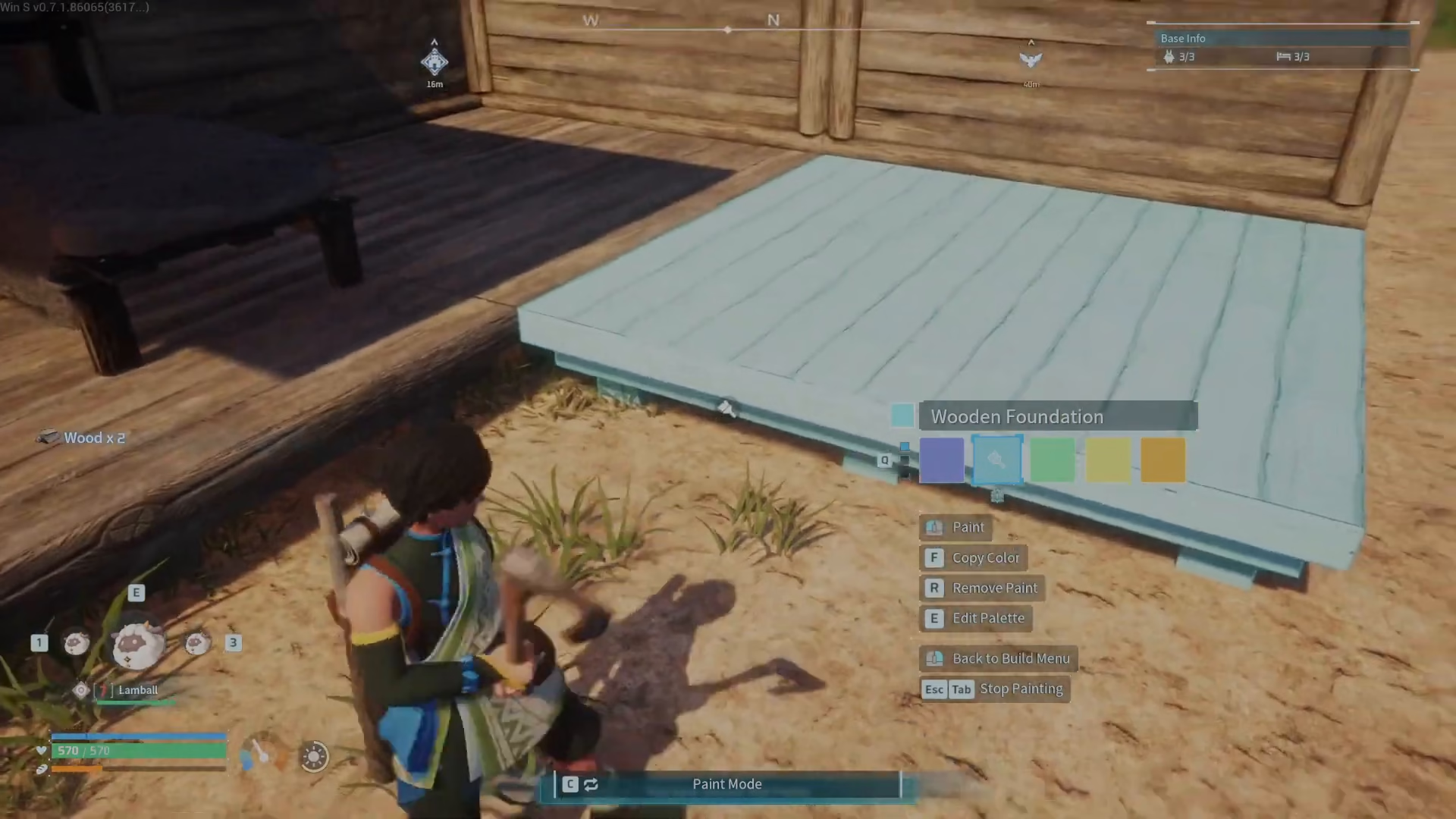
If you want to customize your buildings instead of removing them, Palworld offers a Paint mode. Press the C key to cycle into Paint mode from your current building interface.
In Paint mode, you can change the color of your structures. Left-click on a structure and select your desired paint color—you have a variety of options available, such as blue.
Removing Paint
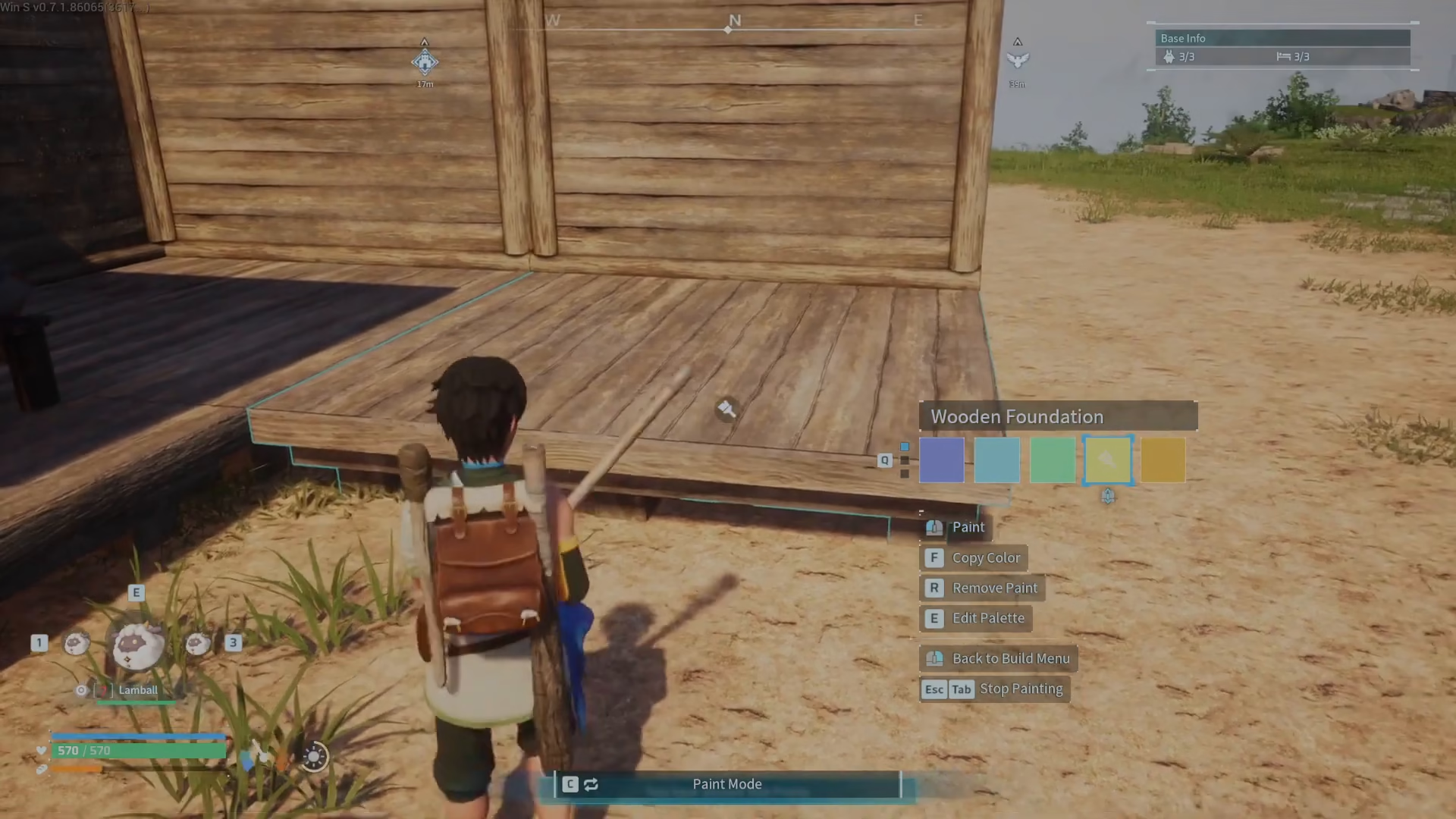
If you’ve painted a structure and want to remove the paint entirely, simply press the R key. This will strip the color and return the structure to its original appearance.
Returning to Building Mode
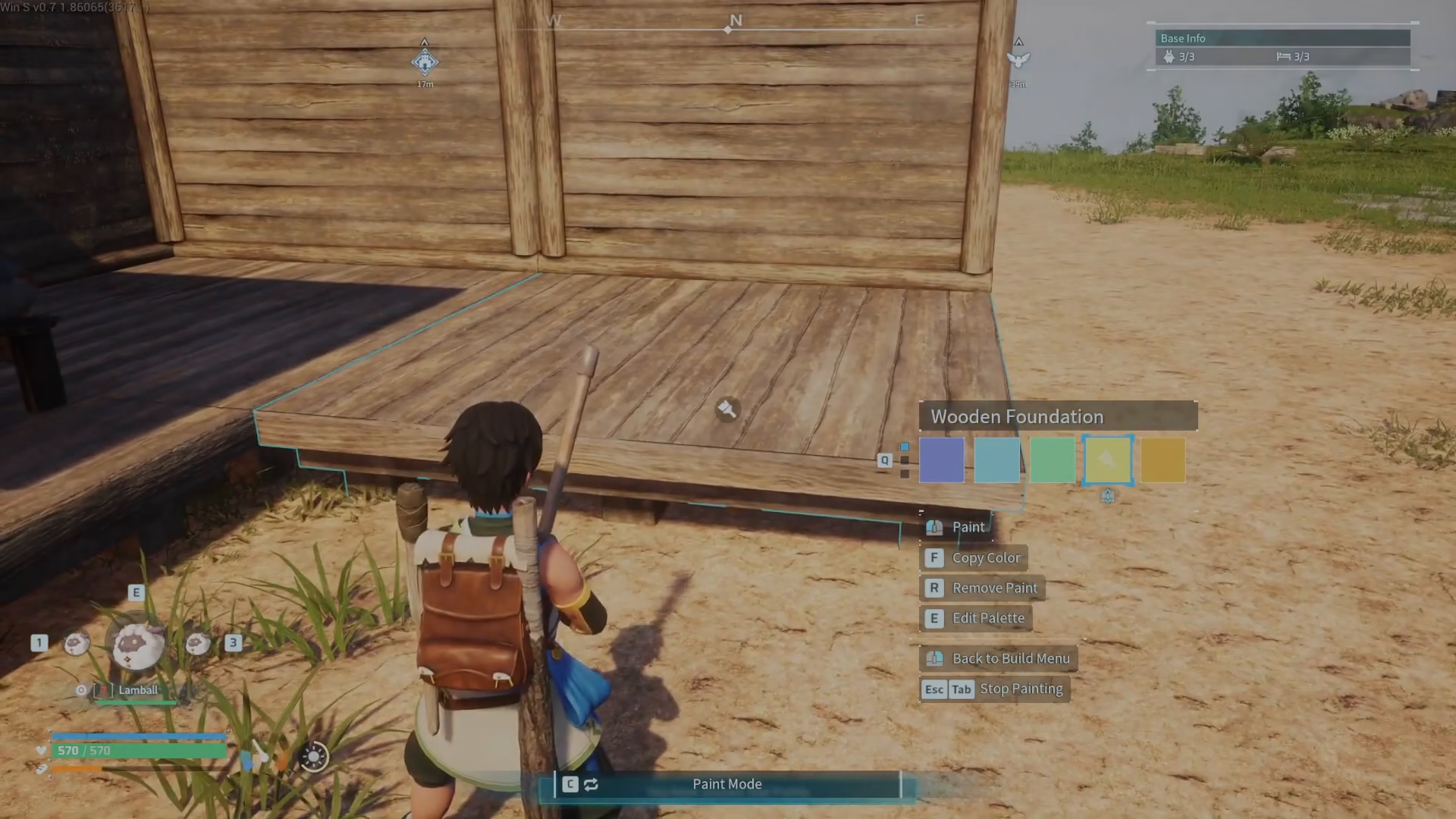
After you’ve finished disassembling or painting, you can return to the standard Building mode by pressing the C key again. This cycles you back to normal building mode where you can continue constructing and developing your base.
Summary
Removing structures in Palworld is straightforward: press B for Disassembly mode, hover over a structure, and left-click to remove it while recovering resources. You can also customize your buildings using Paint mode (press C) to change colors, or remove paint with R. Return to Building mode by pressing C again. With these tools at your disposal, you have complete control over your base’s appearance and layout.
Want to Support?
If you would like to help us continue making these guides – please consider joining our patreon here – https://www.patreon.com/c/JaviHeals
Alternatively – you can join our discord here – https://discord.gg/zD7Gjt6MHF



