






How to Move Your Base In Palworld
How to Move Your Base in Palworld
Finding the perfect base location in Palworld can take time, and your first placement might not always be ideal. Whether you’re exploring after unlocking the Dimple Device or simply want to relocate to a better spot, moving your base is a straightforward process. This guide will walk you through the steps to dismantle and relocate your base to a new location.
Understanding Base Relocation in Palworld
In Palworld, you have the ability to move your base whenever you need to find a better location. As you progress and level up, you’ll unlock the ability to have multiple bases simultaneously. For example, at level 17, you can have a maximum of three bases active at once.
How to Dismantle Your Base
The first step in moving your base is to dismantle it from its current location:
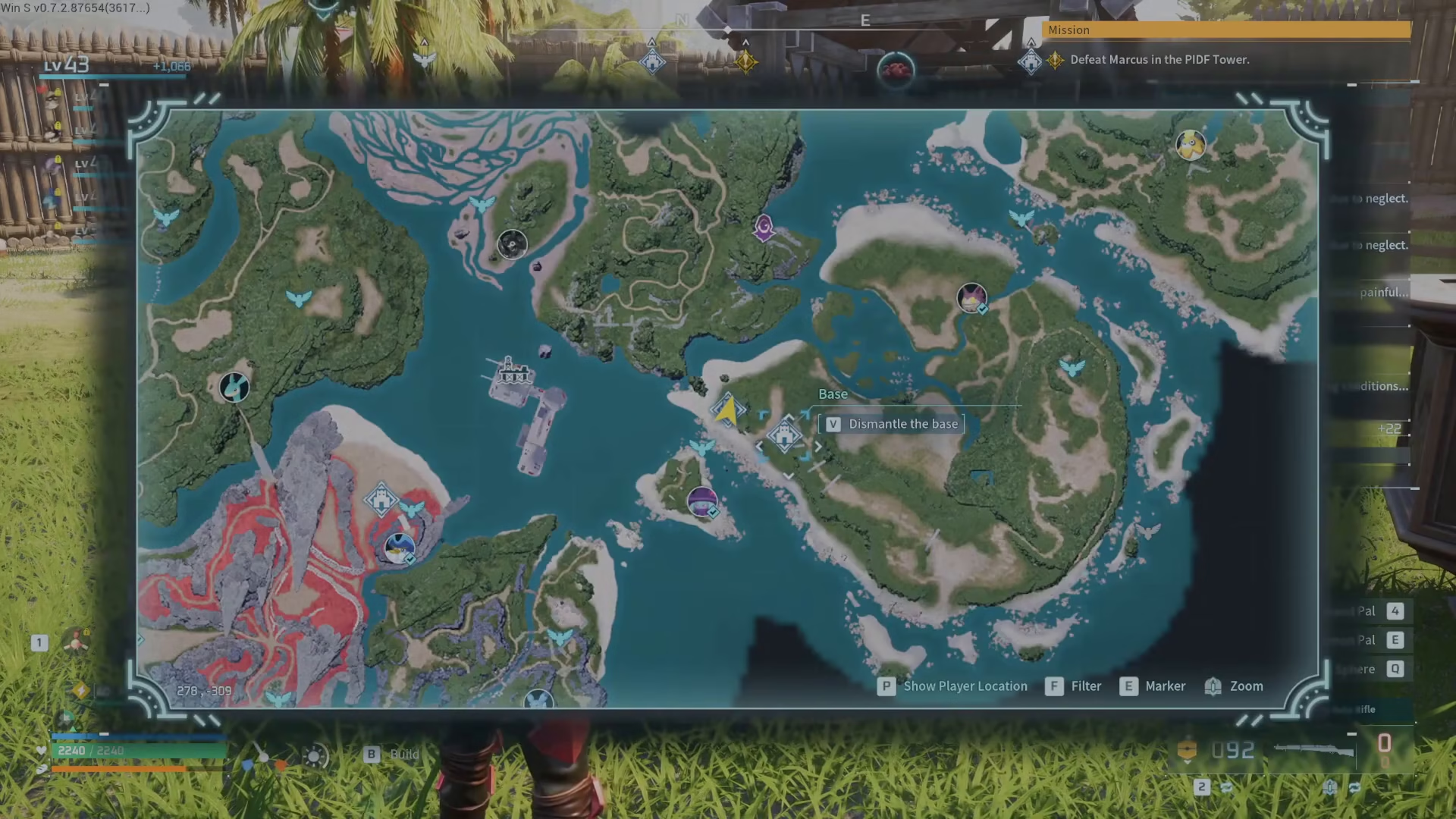
Open your map and view your base locations. You’ll see the option to dismantle your base directly from the map interface.
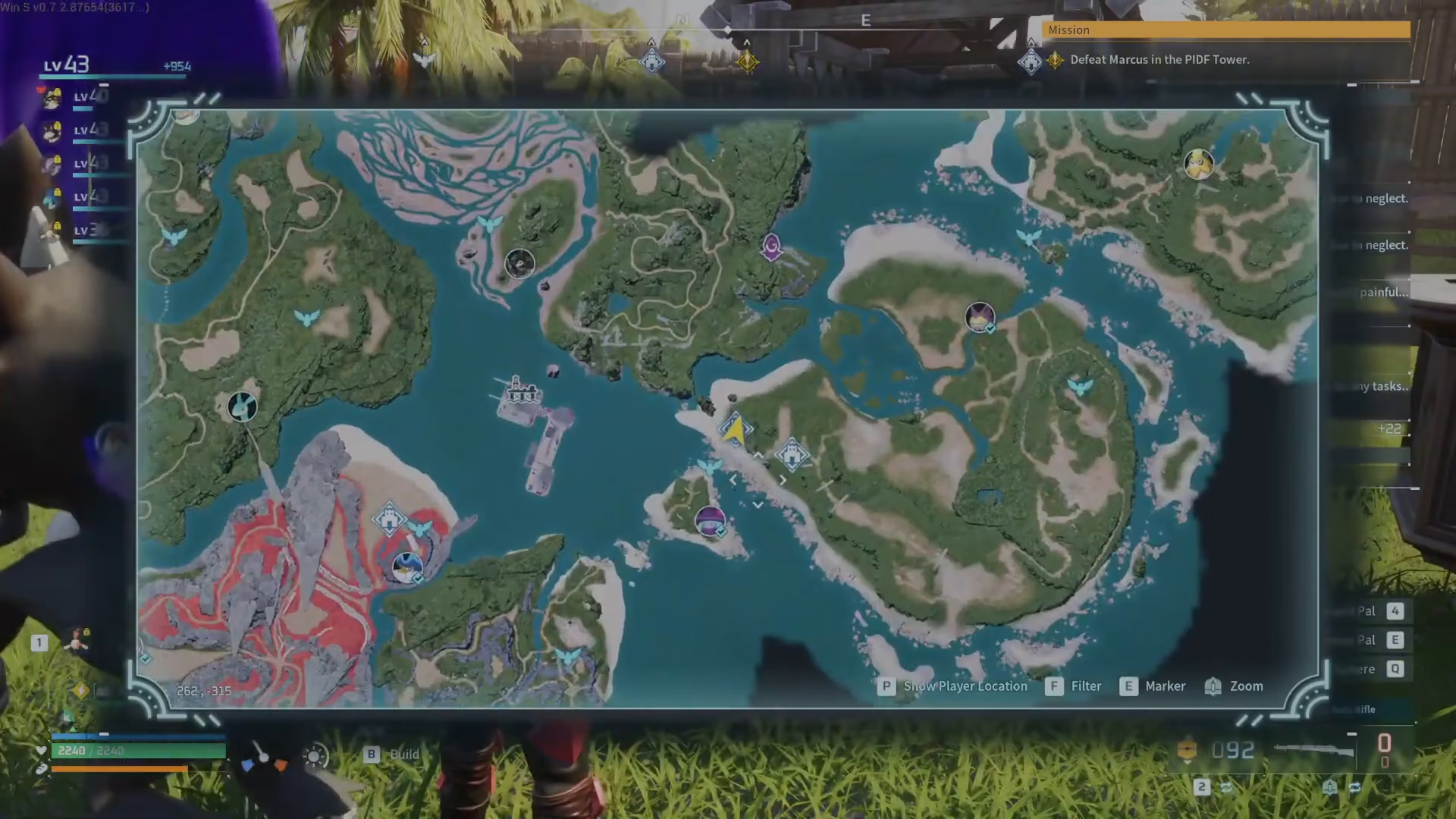
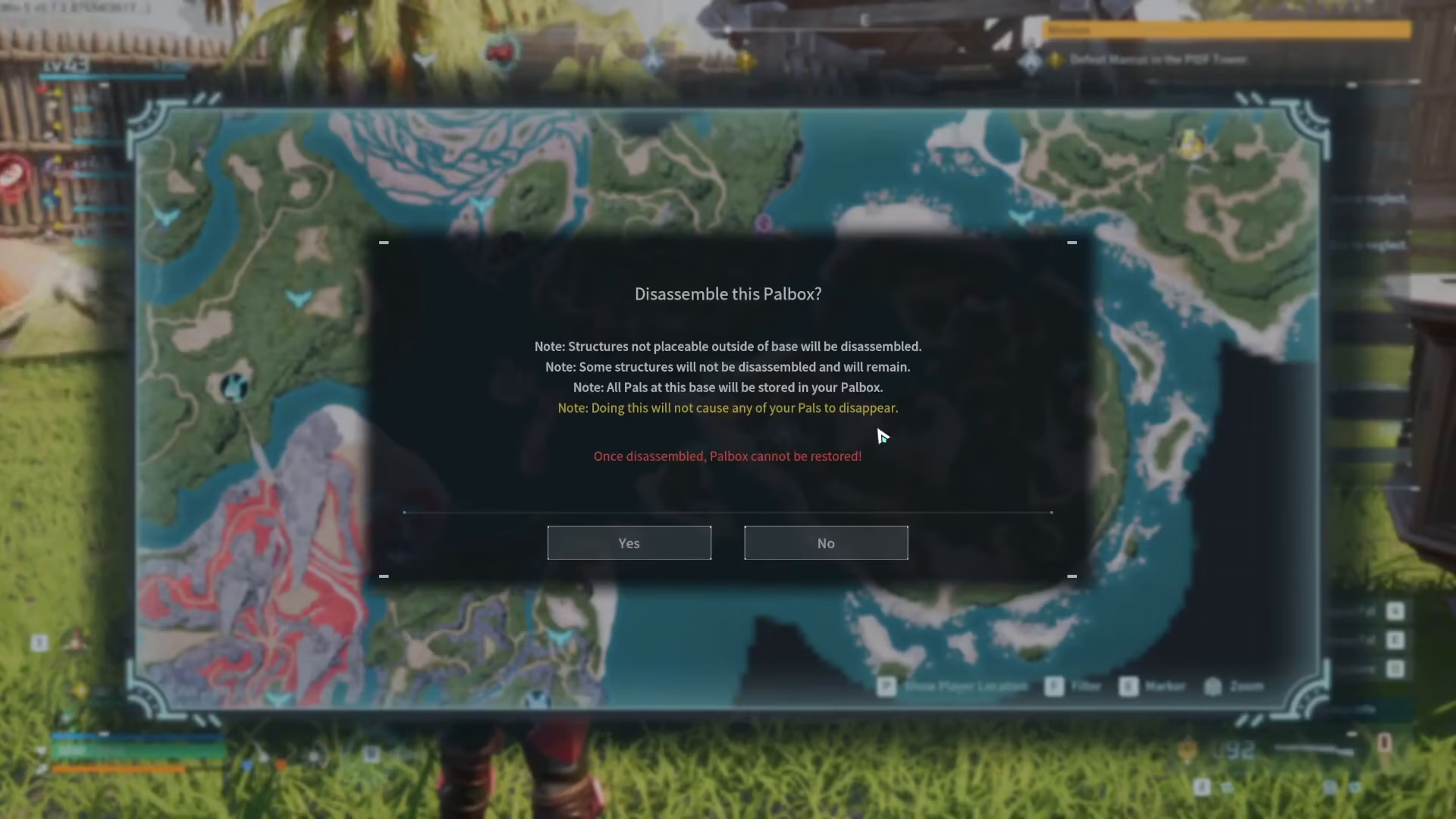
Select the base you want to move and choose “Dismantle.” This action will remove your Power Box from that location.
What Happens to Your Pals and Buildings
When you dismantle your base, it’s important to understand what happens to your resources:
Pals Are Safe
Your Pals will not disappear when you dismantle the base. Instead, they will be safely stored in the Power Box, which you can transport and place at your new location.
Buildings Remain Behind
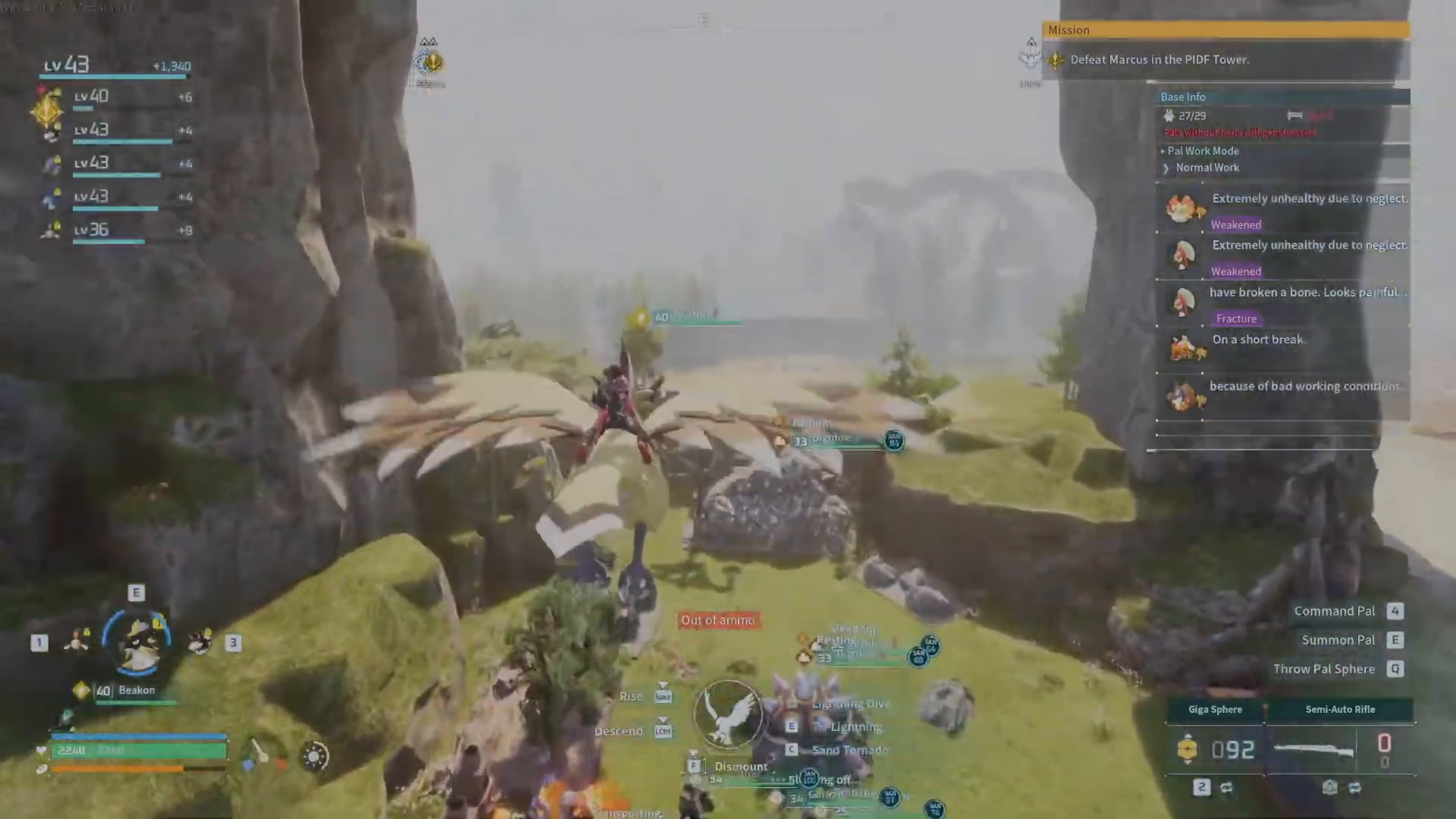
The buildings you’ve constructed at the old base location will remain in place initially. Depending on your world settings, these structures may eventually disintegrate over time. However, you’ll have plenty of time to salvage what you need, transfer items, or simply leave them behind as you set up your new base.
Setting Up Your New Base Location
Once your old base is dismantled, you can establish your new base:
Travel to your desired new location and place a new Power Box where you want your base to be. This becomes your active base, and your Pals stored in the old Power Box can now be deployed here.
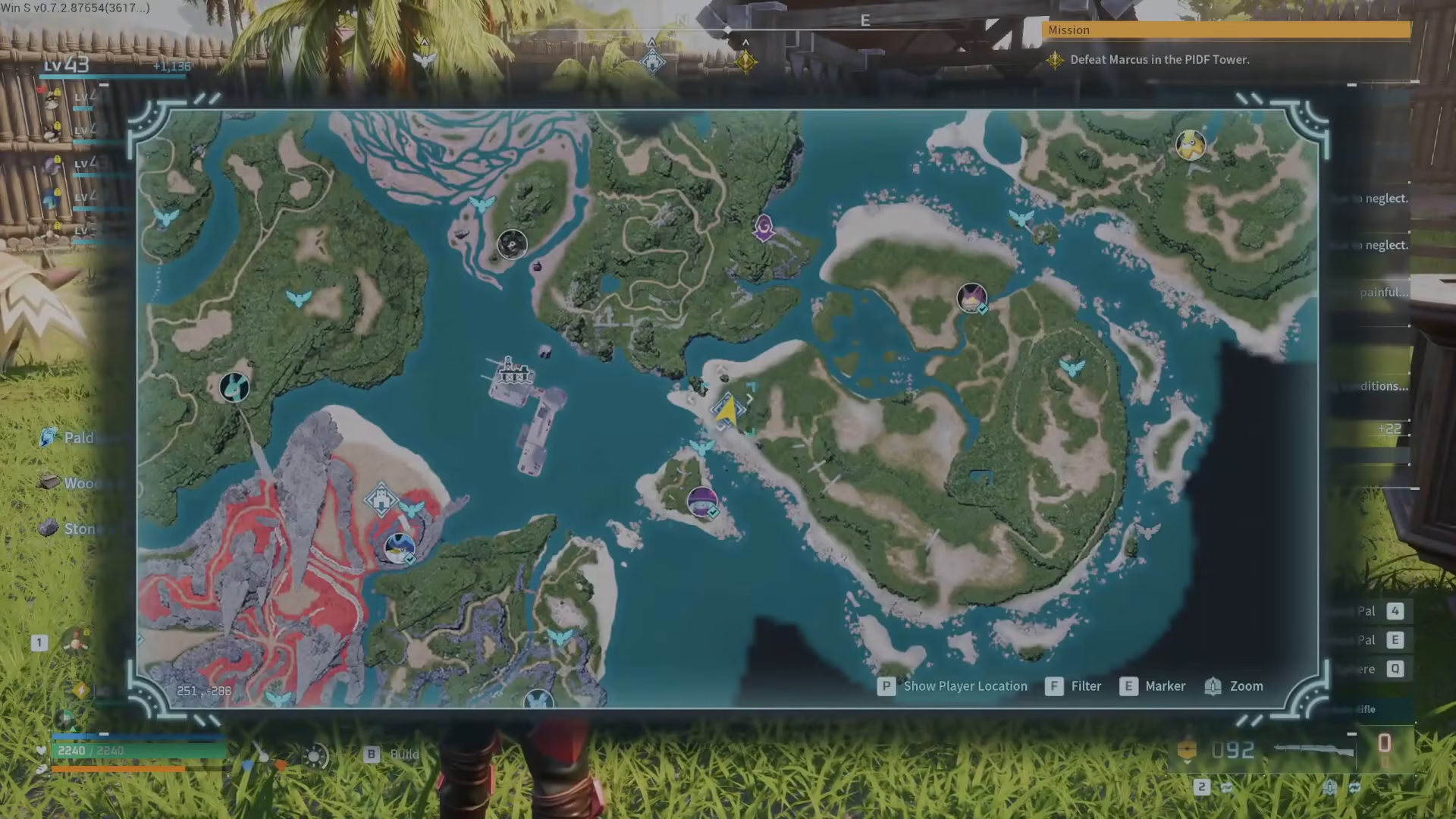
This is the complete process for relocating your base in Palworld. You simply destroy the Power Box at your old location and place a new one wherever you want to establish your new base.
Summary
Moving your base in Palworld is easy: open your map, dismantle your current base (your Pals go into the Power Box for safekeeping), and place a new Power Box at your desired location. The old buildings will remain temporarily, giving you time to transfer important items or resources. With this flexibility, you can experiment with different base locations and optimize your setup as you progress through the game. Be sure to explore and find the best location for your needs!
Want to Support?
If you would like to help us continue making these guides – please consider joining our patreon here – https://www.patreon.com/c/JaviHeals
Alternatively – you can join our discord here – https://discord.gg/zD7Gjt6MHF



