




How To Upgrade Walls in Rust
How To Upgrade Walls in Rust
Learning how to upgrade your walls and buildings in Rust is essential for protecting your base and progressing through the game. Unlike many players assume, you don’t need to upgrade walls sequentially through each material tier—you can jump straight to the strongest materials available. This guide will walk you through the quick and easy process of wall upgrades.
Understanding Wall Upgrades in Rust
One of the most common misconceptions new Rust players have is that wall upgrades must follow a progression: wood → stone → metal → armored. This is completely false. You can upgrade your walls directly to any material tier you have the resources for, regardless of the current material. This knowledge can save you significant resources and time.
Accessing the Upgrade Menu
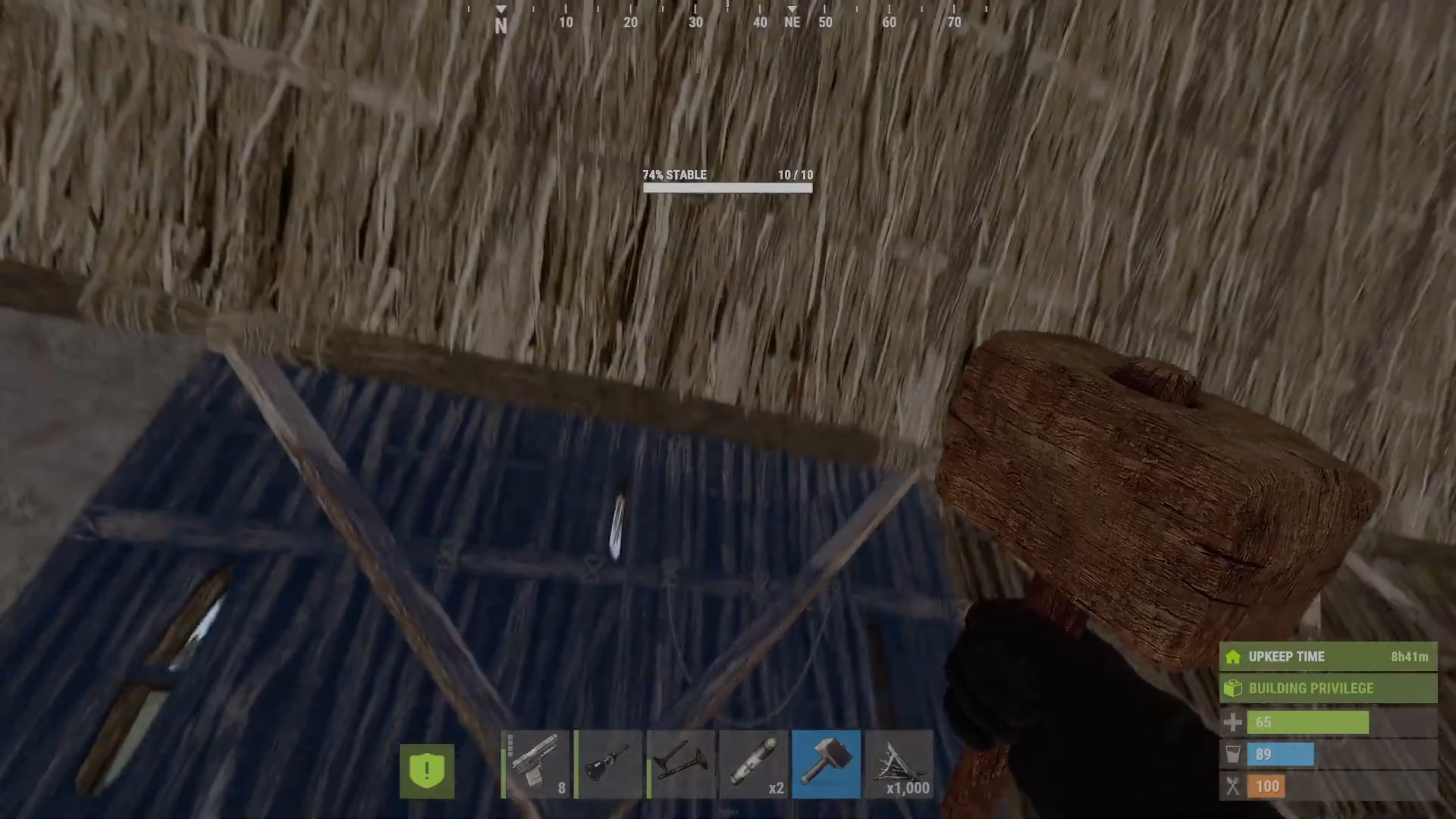
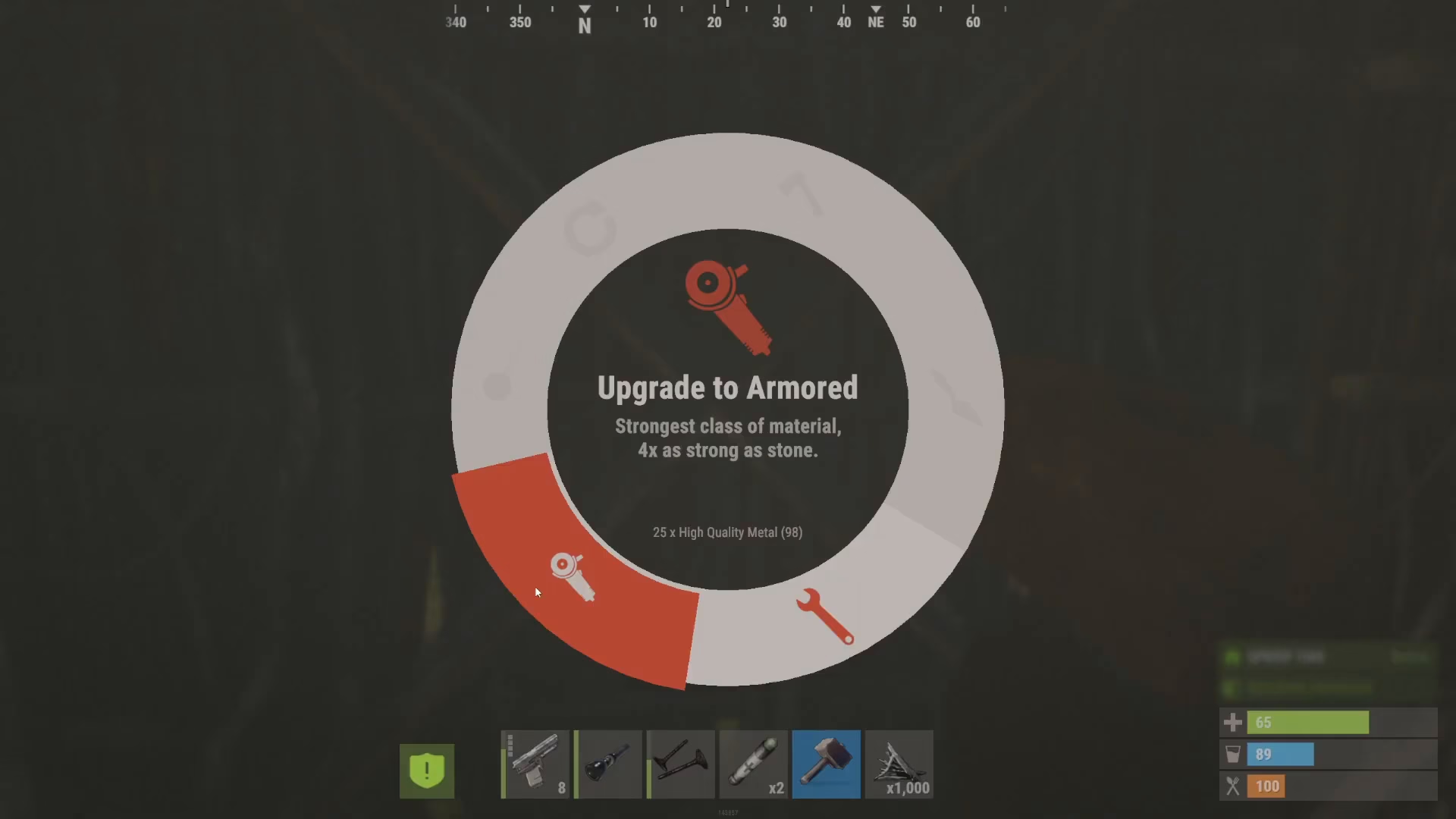
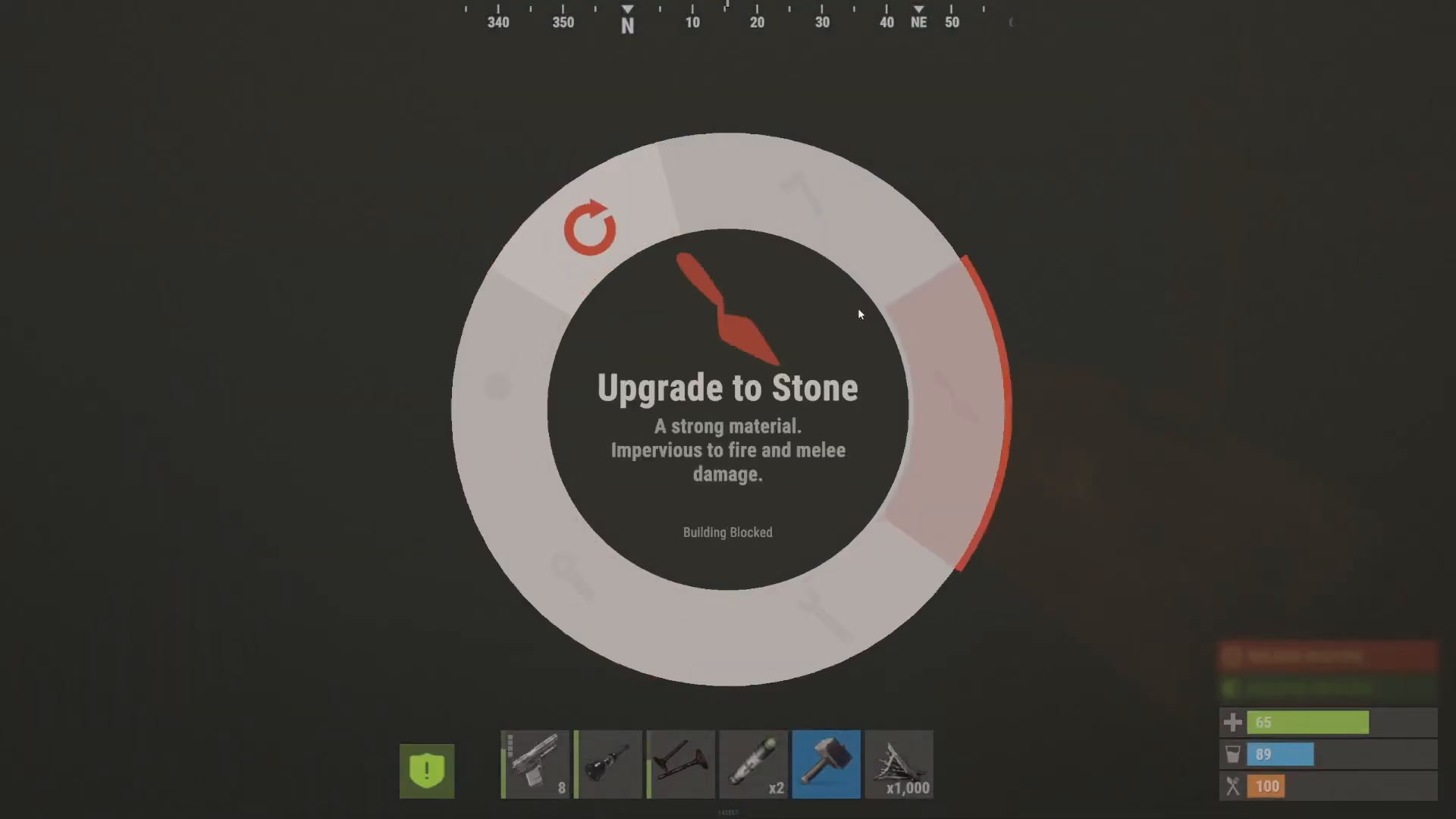
To upgrade a wall, simply right-click on it and hold down the mouse button. A menu will appear showing your upgrade options: wood, stone, metal, and armored. The armored upgrade option is the strongest available, providing four times the durability of stone walls.
Available Materials and Resources
Material Tiers
Each upgrade tier requires different resources:
Wood: Requires wood fragments
Stone: Requires stone
Metal: Requires metal fragments
Armored: Requires high quality metal (sheet metal) — four times stronger than stone
Selecting Your Upgrade Tier
When you access the upgrade menu, you’ll see all available options based on what materials you currently have in your inventory. Simply click on the material tier you wish to upgrade to. The upgrade process will begin immediately, and that wall section will be converted to your chosen material.
Optimizing Your Upgrades: Skip Intermediate Tiers
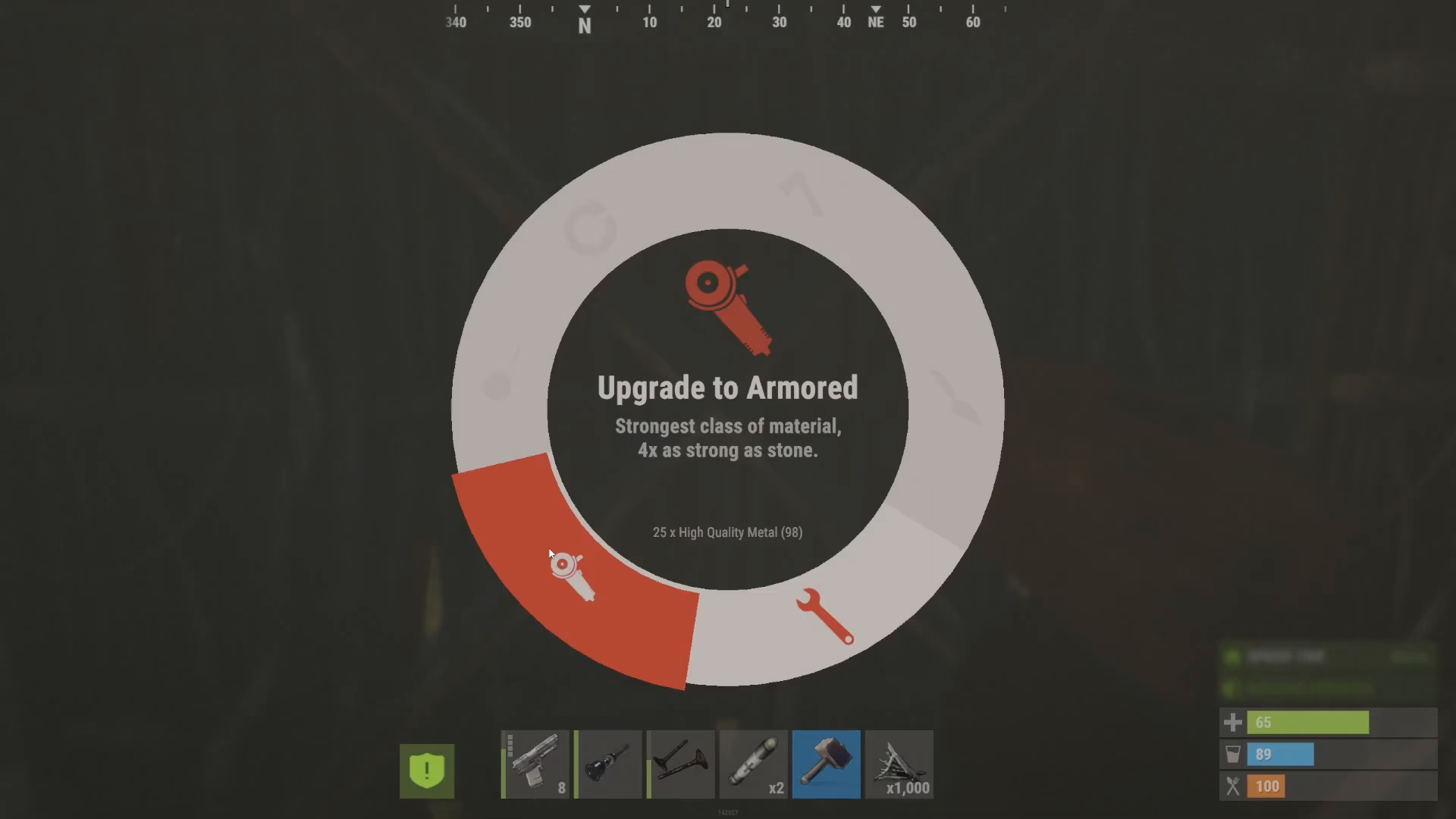
Here’s a critical tip for resource efficiency: upgrading from wood directly to high quality metal costs the same resources as upgrading wood to stone to metal to high quality metal step-by-step. Therefore, you should always upgrade directly to the highest tier you can afford from the start. Upgrading incrementally is wasteful and will drain your resources unnecessarily.
Wall Orientation and Security
Understanding Wall Direction
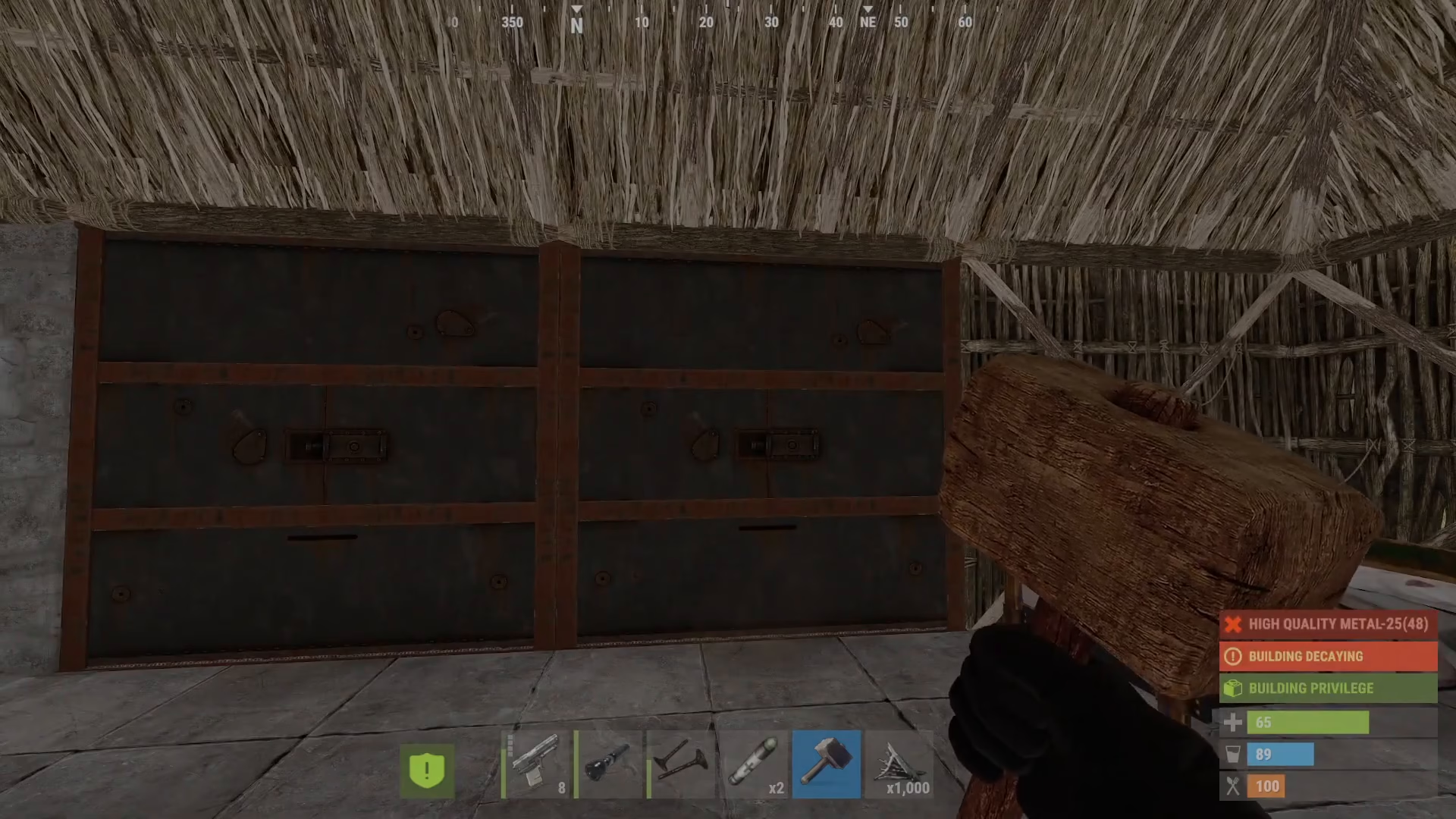
An important security consideration is the orientation of your walls. While upgrading, you have the option to rotate the wall. The bars on the inside of the wall are the weaker side, so you need to ensure the bars face inward toward your base. If the bars are on the outside, intruders will have an easier time breaking through your defenses.
Always double-check your wall orientation before finalizing upgrades to prevent compromising your base security.
Summary
Upgrading walls in Rust is straightforward: right-click the wall, select your desired material tier from the menu, and confirm. Remember the key principle—upgrade directly to the highest tier you can afford to avoid wasting resources. Additionally, keep your wall bars oriented inward to maintain maximum security for your base. With these tips in mind, you’ll be able to build a strong and efficient defensive structure in no time.
— Want to Support? —
If you would like to help us continue making these guides – please consider joining our patreon here – https://www.patreon.com/c/JaviHeals
Alternatively – you can join our discord here – https://discord.gg/zD7Gjt6MHF