




How To Make Age Of Empires 4 Full Screen In Age of Empires 4
How to Make Age of Empires 4 Full Screen
Getting your Age of Empires 4 game to run in full screen is a quick and easy process. Whether you prefer an exclusive full screen experience or a borderless window mode, this guide will walk you through the simple steps needed to adjust your display settings and optimize your gameplay viewing experience.
Accessing the Settings Menu
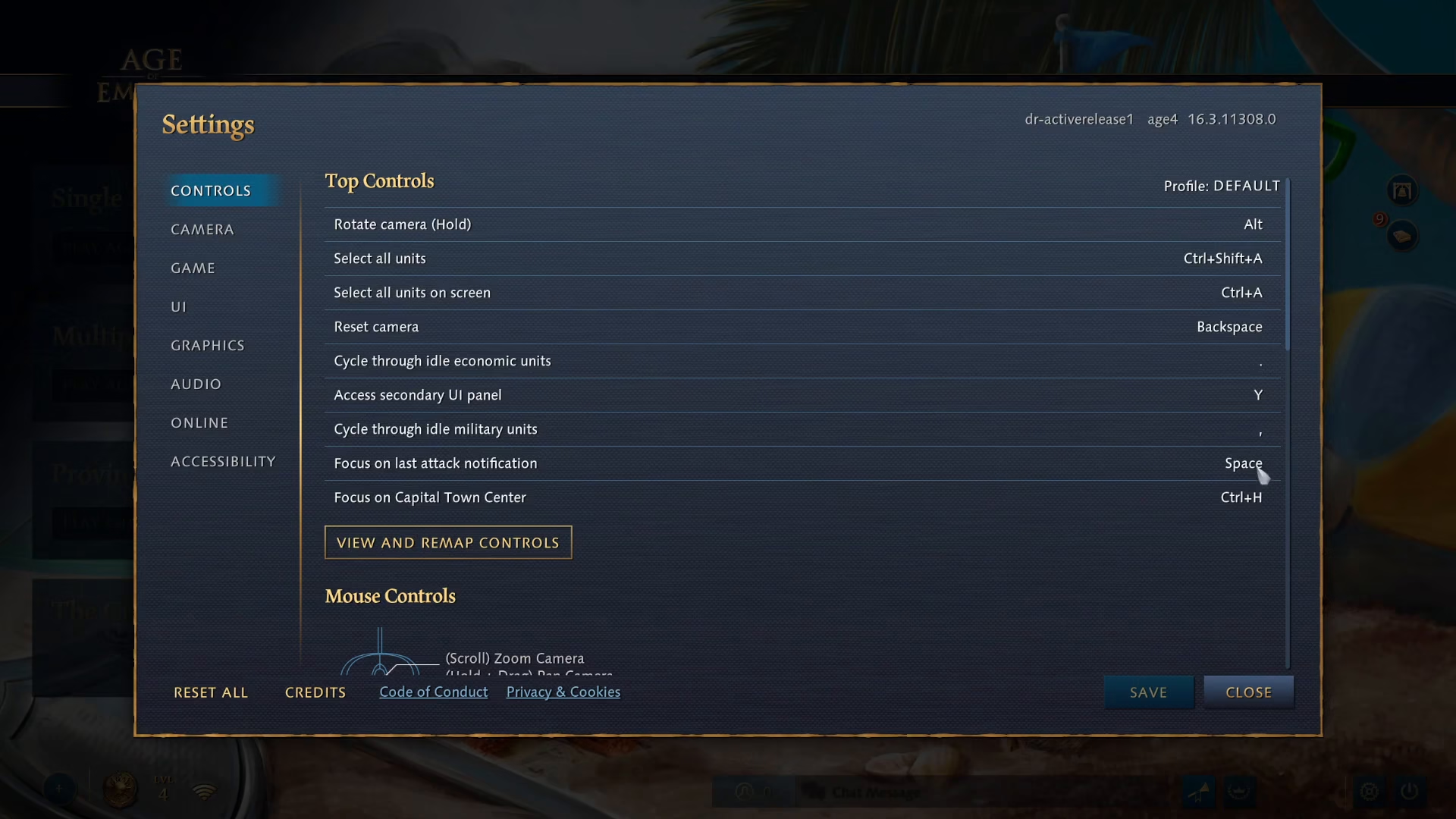
Start by launching Age of Empires 4 and navigating to the main menu. Look for the settings option located in the bottom right corner of the screen and click on it.
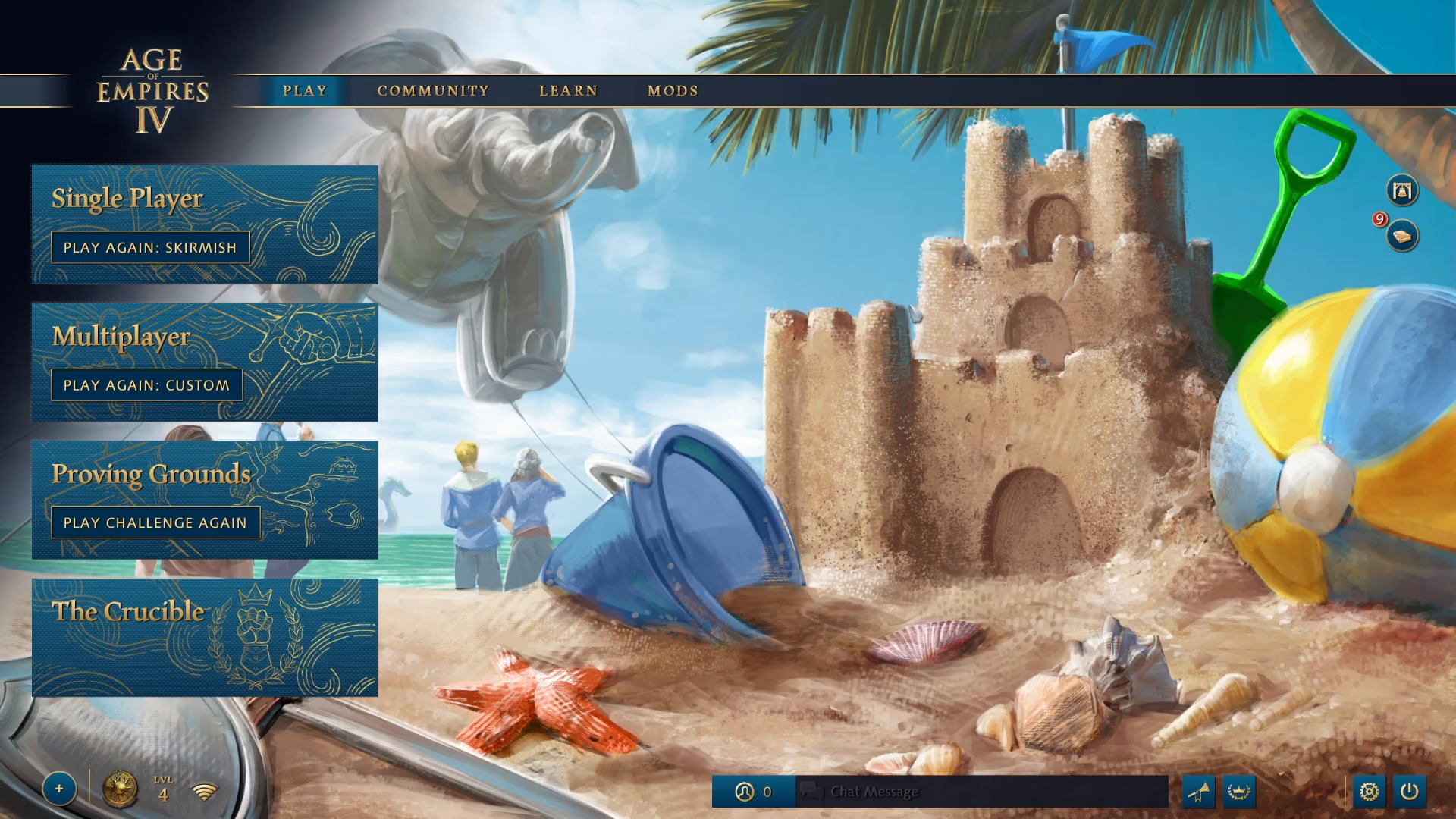
Navigating to Graphics Settings
Once you’ve opened the settings menu, find and click on the graphics option to access all display-related configurations.
Changing Your Game Window Mode
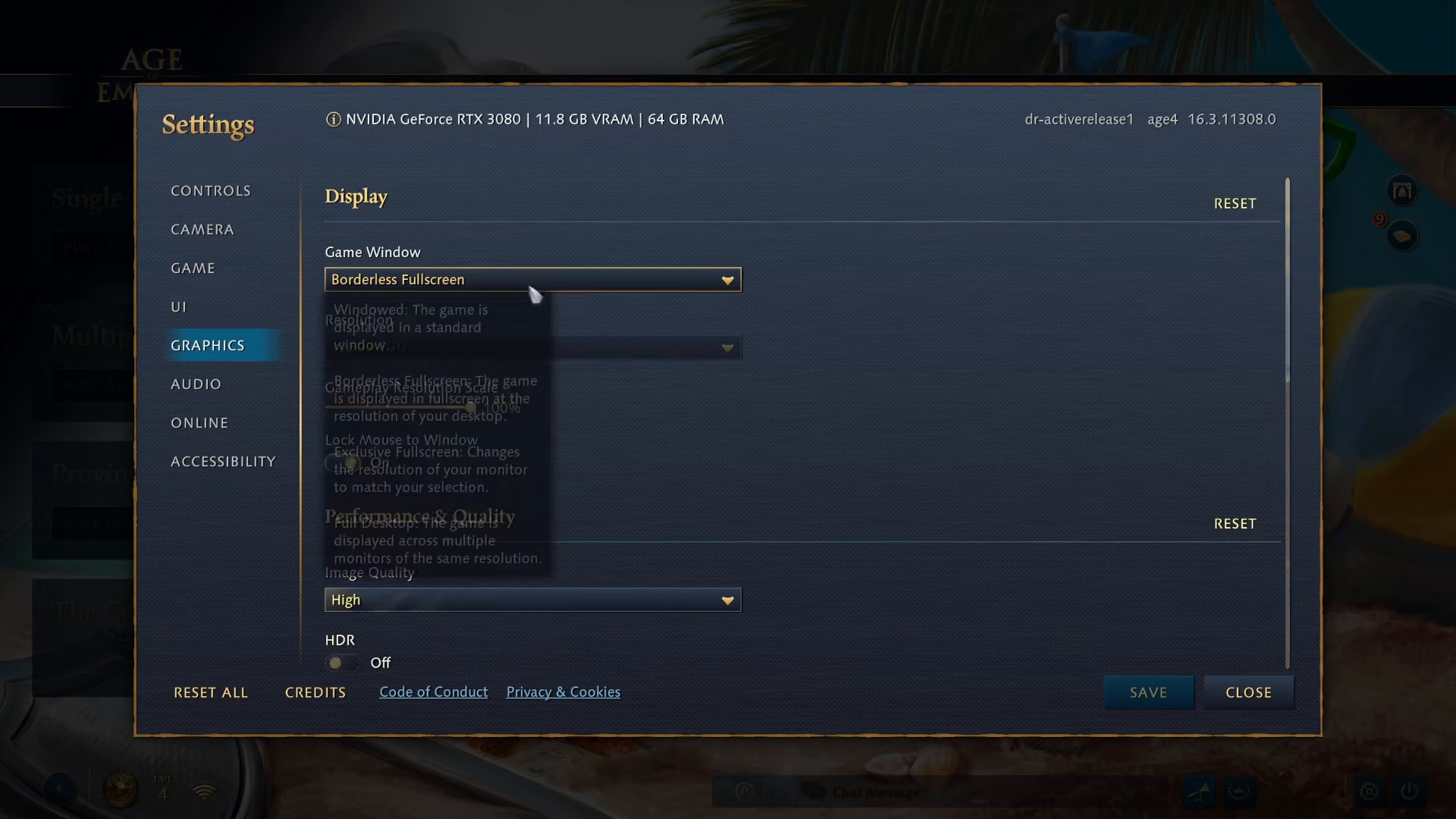
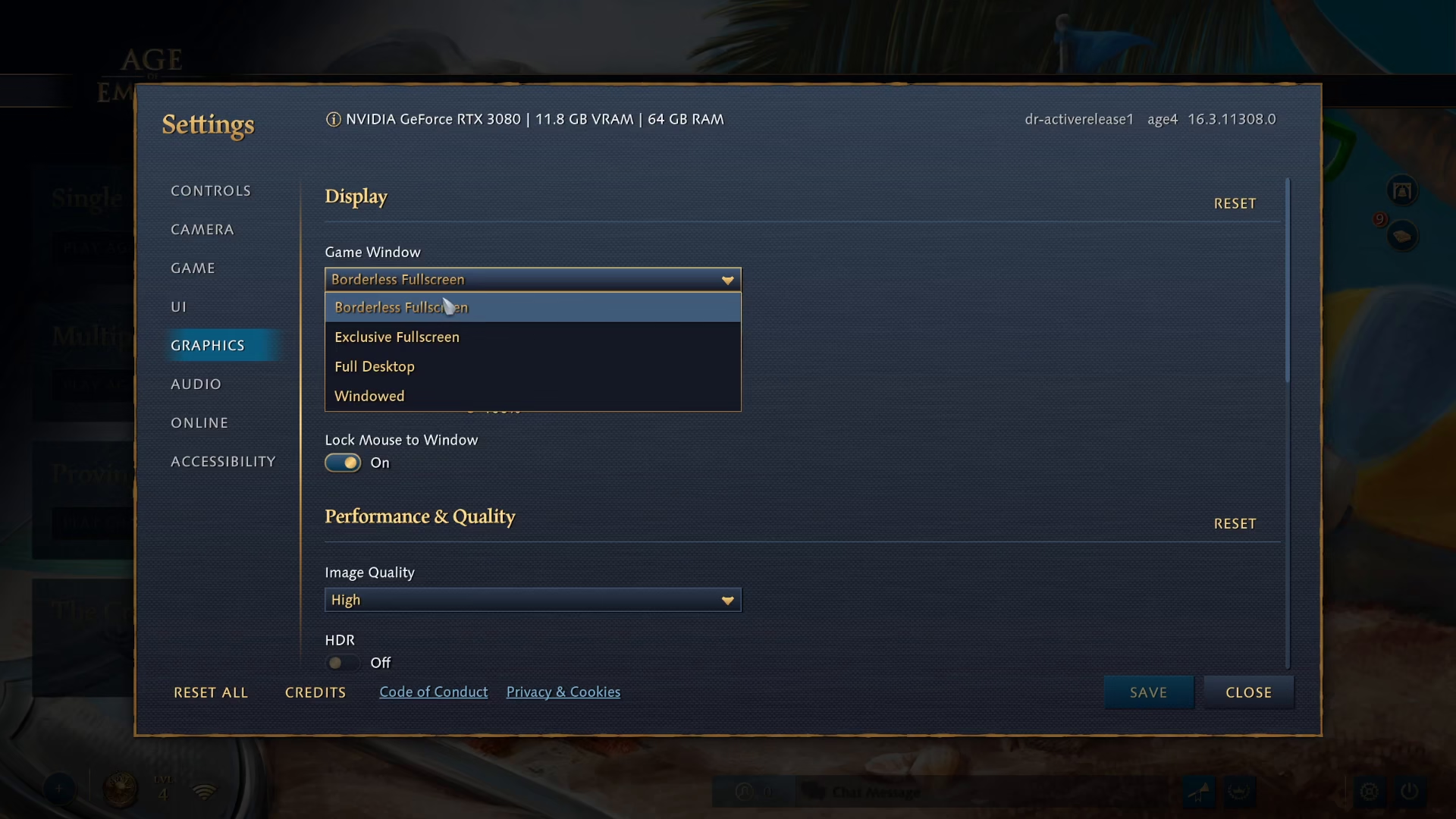
In the graphics settings, you’ll find the game window option. Click on the dropdown menu to reveal your available full screen options.
Full Screen Options Available
Age of Empires 4 offers two full screen modes for you to choose from:
Exclusive Full Screen — Gives the game exclusive control over your display
Borderless Full Screen — Runs the game in full screen without borders, allowing easier switching between applications
Select the full screen mode that best suits your preferences. Many players prefer borderless full screen for its flexibility.
Saving Your Changes
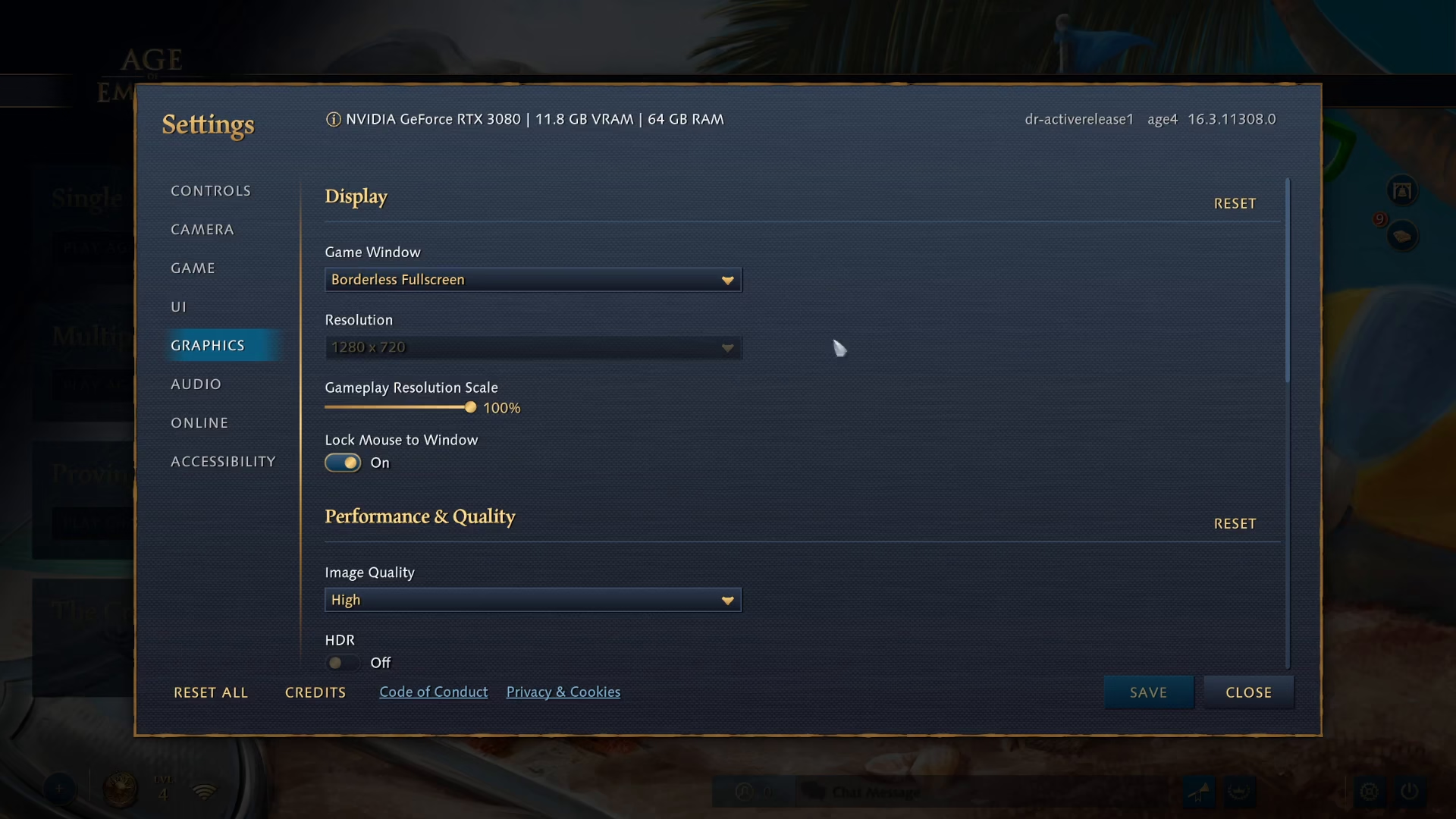
After selecting your preferred full screen mode, click the save button located in the bottom right corner of the settings window to apply your changes.
Summary
Congratulations! You’ve successfully configured Age of Empires 4 to run in full screen mode. Your new display settings are now active, and you can enjoy the game in your chosen full screen format. Remember that you can return to these settings at any time to switch between exclusive and borderless full screen modes depending on your needs.
Want to Support?
If you would like to help us continue making these guides – please consider joining our patreon here – https://www.patreon.com/c/JaviHeals
Alternatively – you can join our discord here – https://discord.gg/zD7Gjt6MHF