How to Change Your Appearance In Pokopia
How to Change Your Appearance in Pokopia
In Pokopia, you start as a human-looking Ditto, but customization doesn’t end there. If you want to change your character’s appearance, you’ll need to set up a mirror in your house. This guide walks you through the simple process of obtaining and using a mirror to personalize your character’s look.
Building Your House
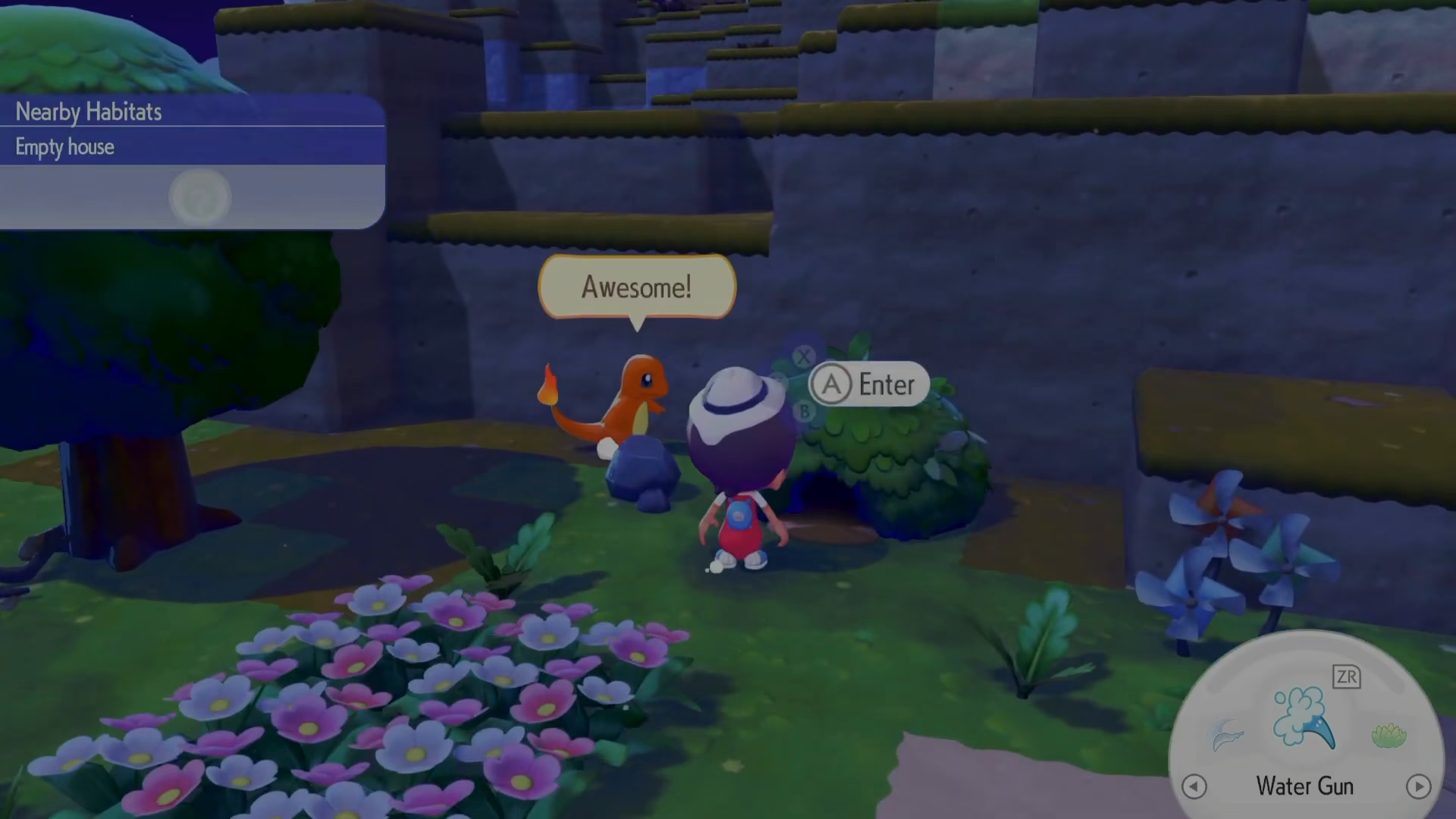
The first step to changing your appearance in Pokopia is to build yourself a house. While you may be able to place some items outside, having a dedicated house structure is necessary to set up your mirror properly.
Setting Up Your Mirror
Once your house is built, you’ll want to place a mirror inside. The mirror is the key item that allows you to change your appearance at any time. When you interact with the mirror, you’ll access the same character customization options that were available when you first created your character.

Using the Mirror
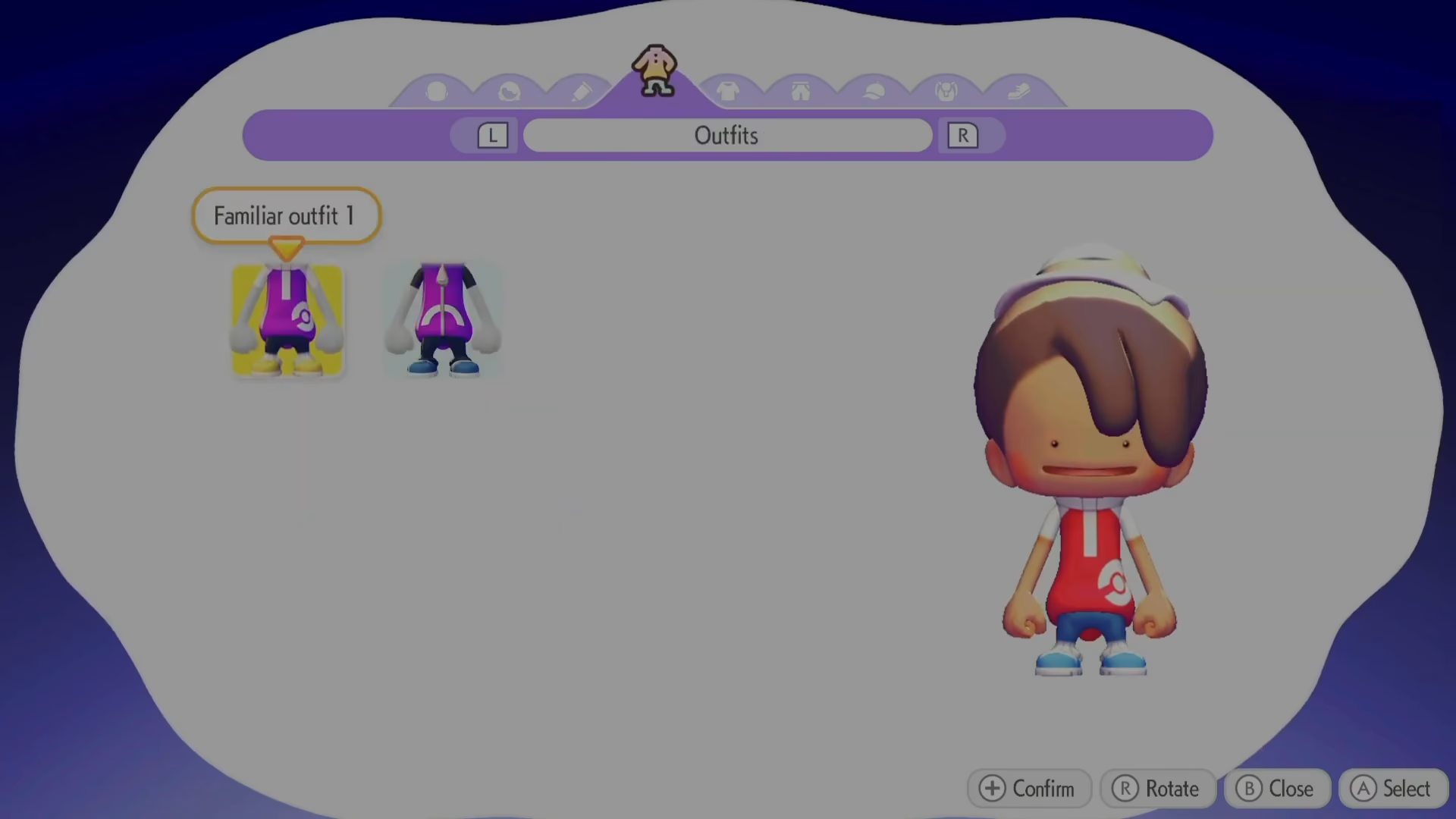
Simply interact with your mirror to open the appearance customization menu. From here, you can adjust every aspect of how your character looks, just like during the initial character creation process.
How to Obtain a Mirror
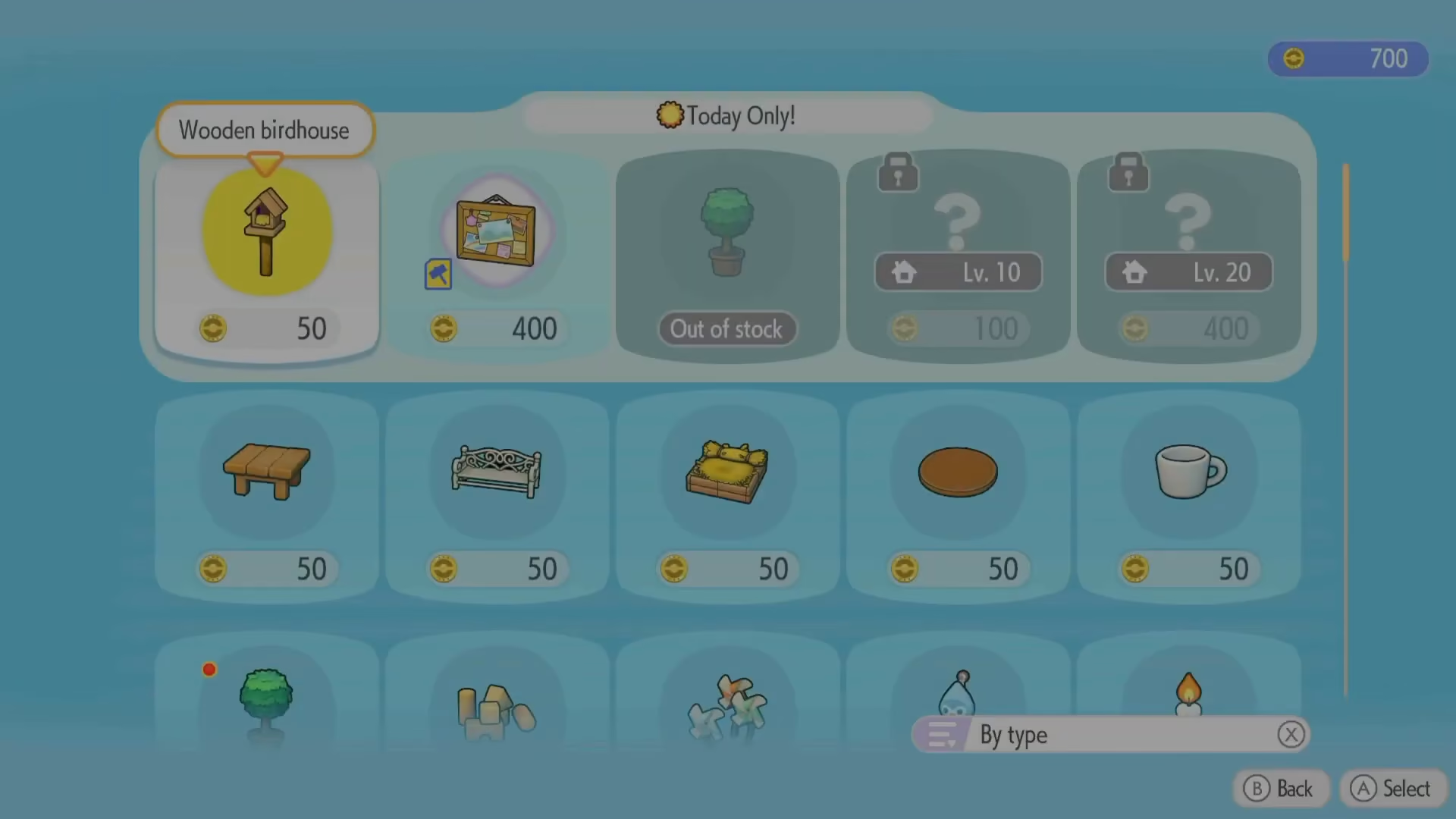
To get your hands on a mirror, you’ll need to visit the PC and access the in-game shop. Navigate to the PC terminal and check the shop inventory.

Purchasing from the Shop
In the shop menu, you can purchase a mirror. The item won’t be too expensive, making it an affordable addition to your house setup. Once purchased, you can place it in your home and start customizing your appearance whenever you’d like.
Summary
Changing your appearance in Pokopia is straightforward: build a house, visit the PC shop to buy a mirror, place it inside your home, and interact with it whenever you want to customize your character. Now you’re ready to make your Pokopia character look exactly how you want!
— Want to Support? —
If you would like to help us continue making these guides – please consider joining our patreon here – https://www.patreon.com/c/JaviHeals
Alternatively – you can join our discord here – https://discord.gg/zD7Gjt6MHF