





How To Save Configuration in Civ 6
How To Save Configuration in Civilization 6
Saving your custom game configurations in Civilization 6 is a quick and convenient way to ensure you can easily start games with your preferred settings every time. Whether you have a favorite difficulty level, map type, or game speed, this guide will walk you through the simple process of saving your configuration for future use.
Accessing the Game Setup Menu
To begin, launch Civilization 6 and navigate to the main menu. From there, select Single Player to access the game options.
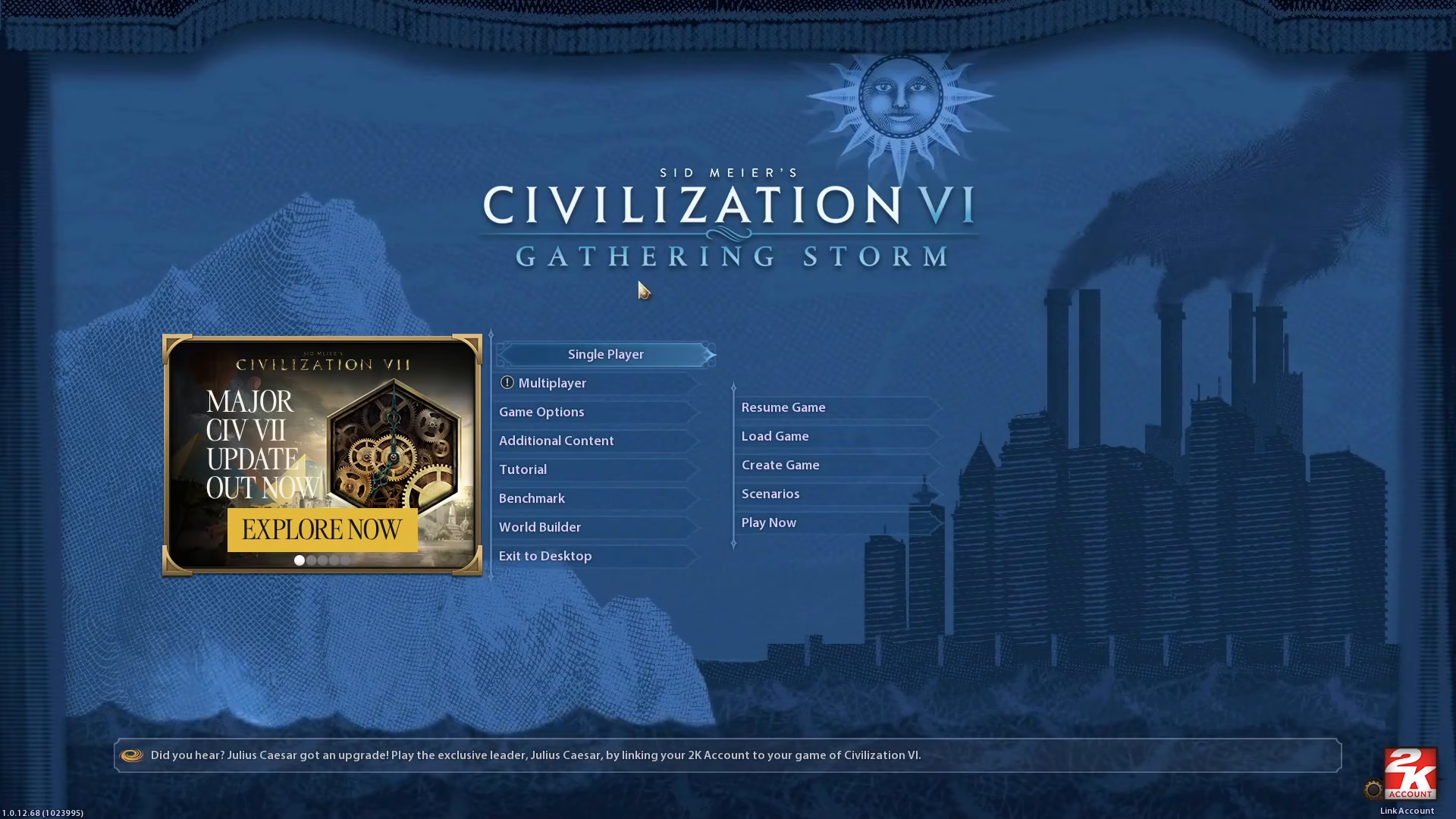
Next, click on Create Game to proceed to the game setup screen.
Configuring Your Game Settings
Once you’re in the game creation menu, click on Set Up to access the full range of customization options.
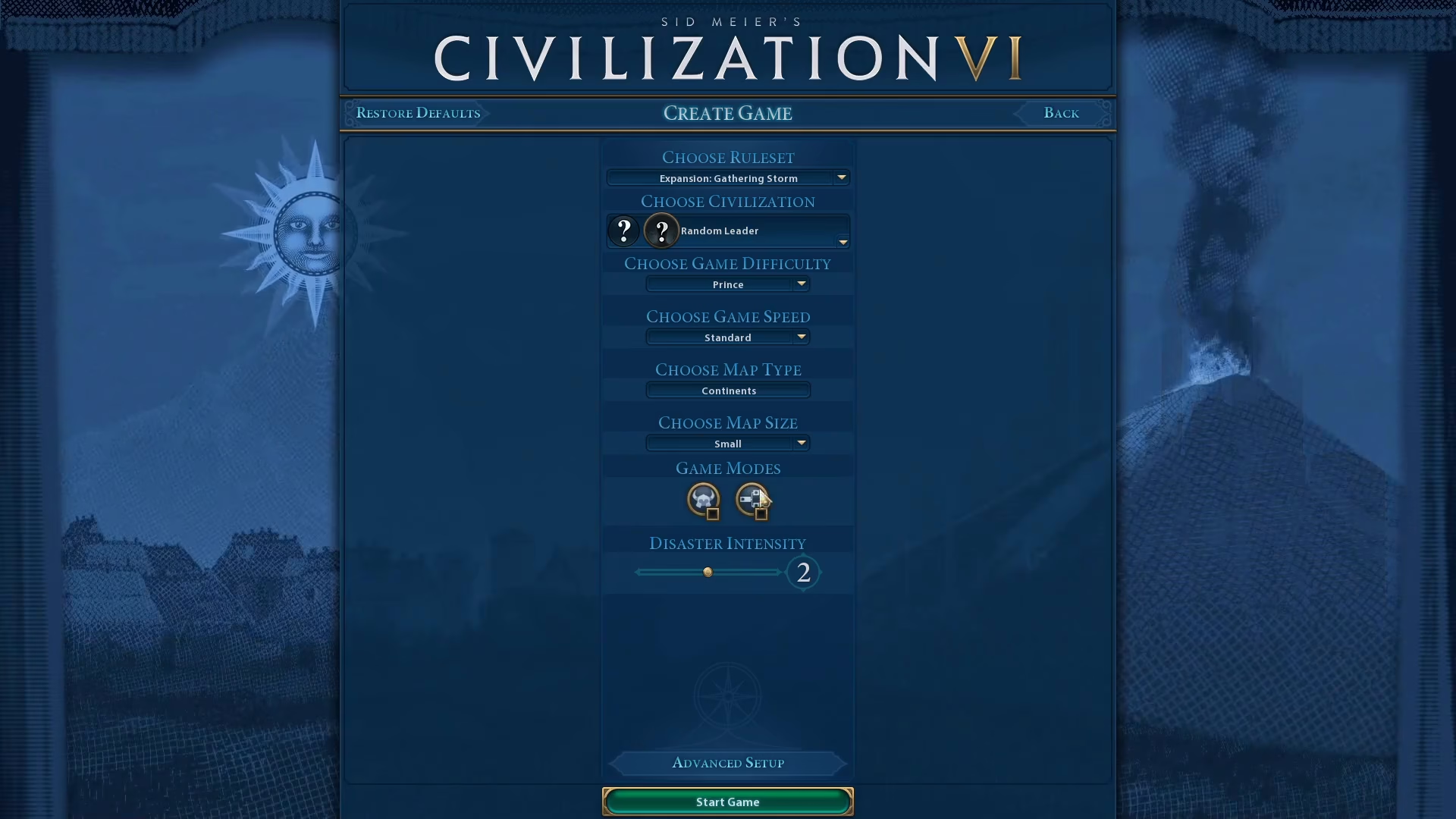
Available Settings to Customize
You now have access to several key settings that you can adjust to your preference:
Rule Set — Choose your game mode and rules
Game Difficulty — Select your preferred challenge level
Start Era — Pick the historical era where your game begins
Game Speed — Control how quickly turns progress
Additional settings — Any other game parameters you wish to customize
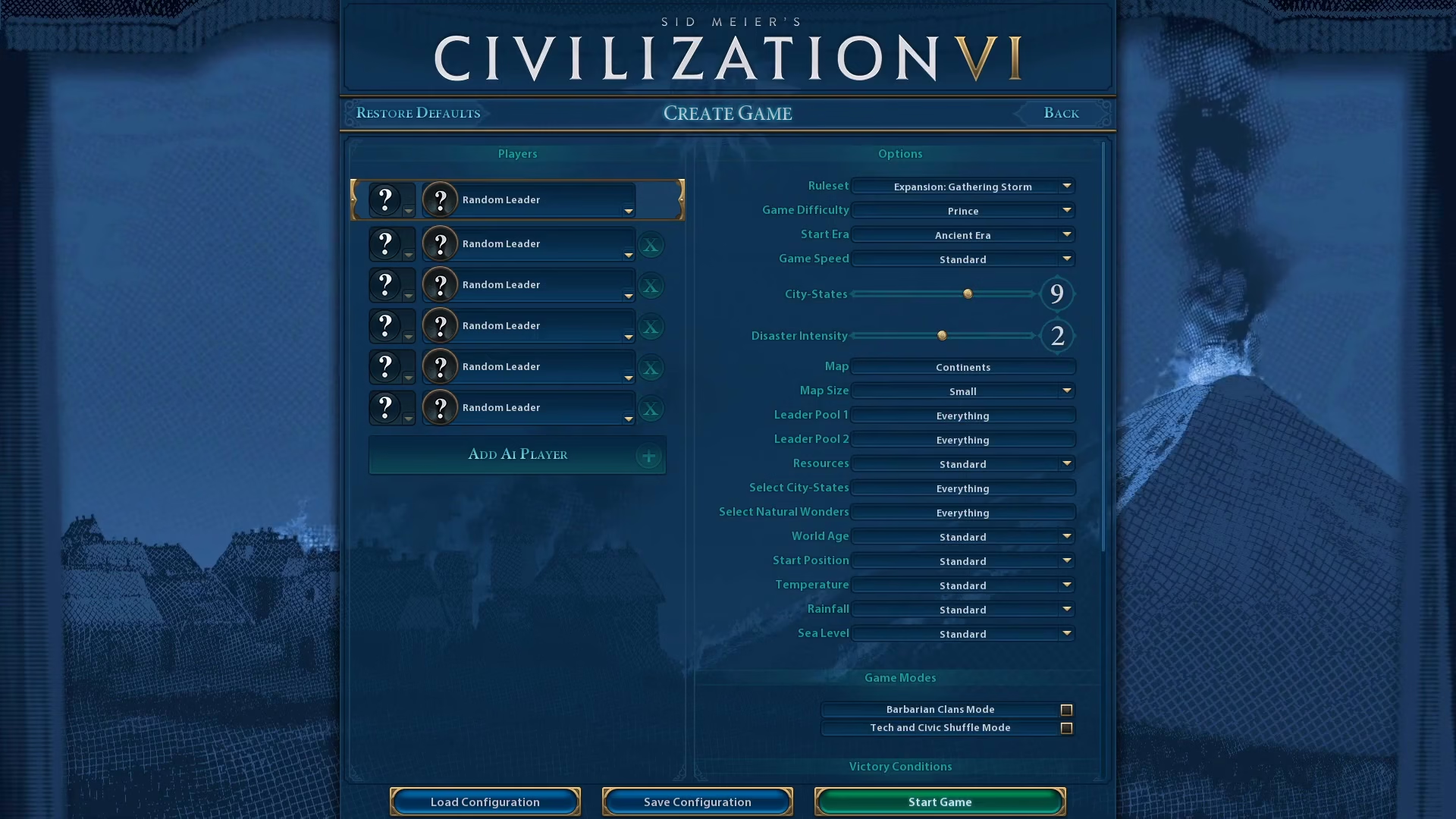
Take your time to adjust all the settings until your configuration matches exactly what you want for your gameplay experience.
Saving Your Configuration
Once you’re satisfied with all your settings, look for the Save Configuration button located at the bottom of the screen.
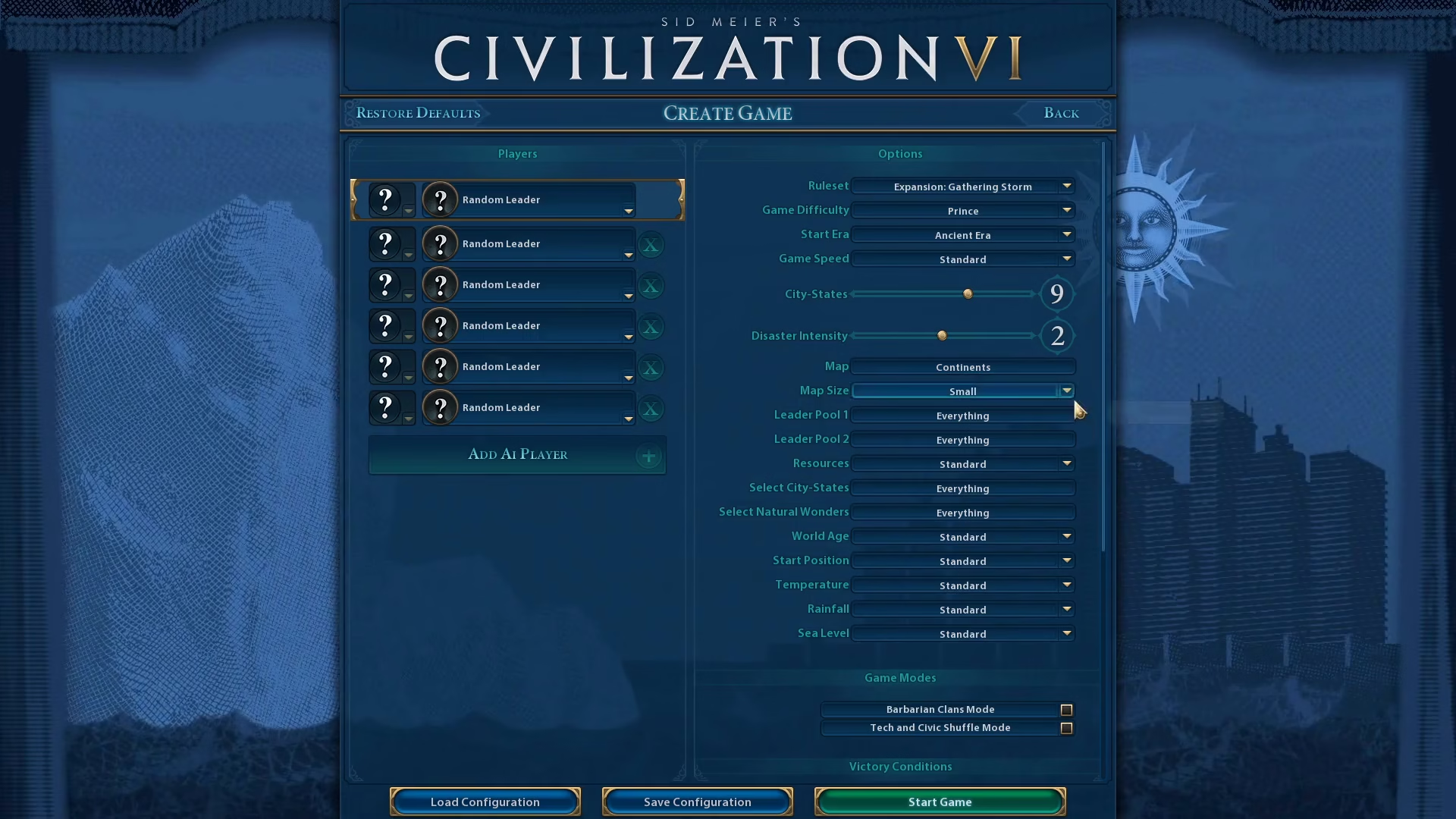
Click on Save Configuration to open the save dialog.
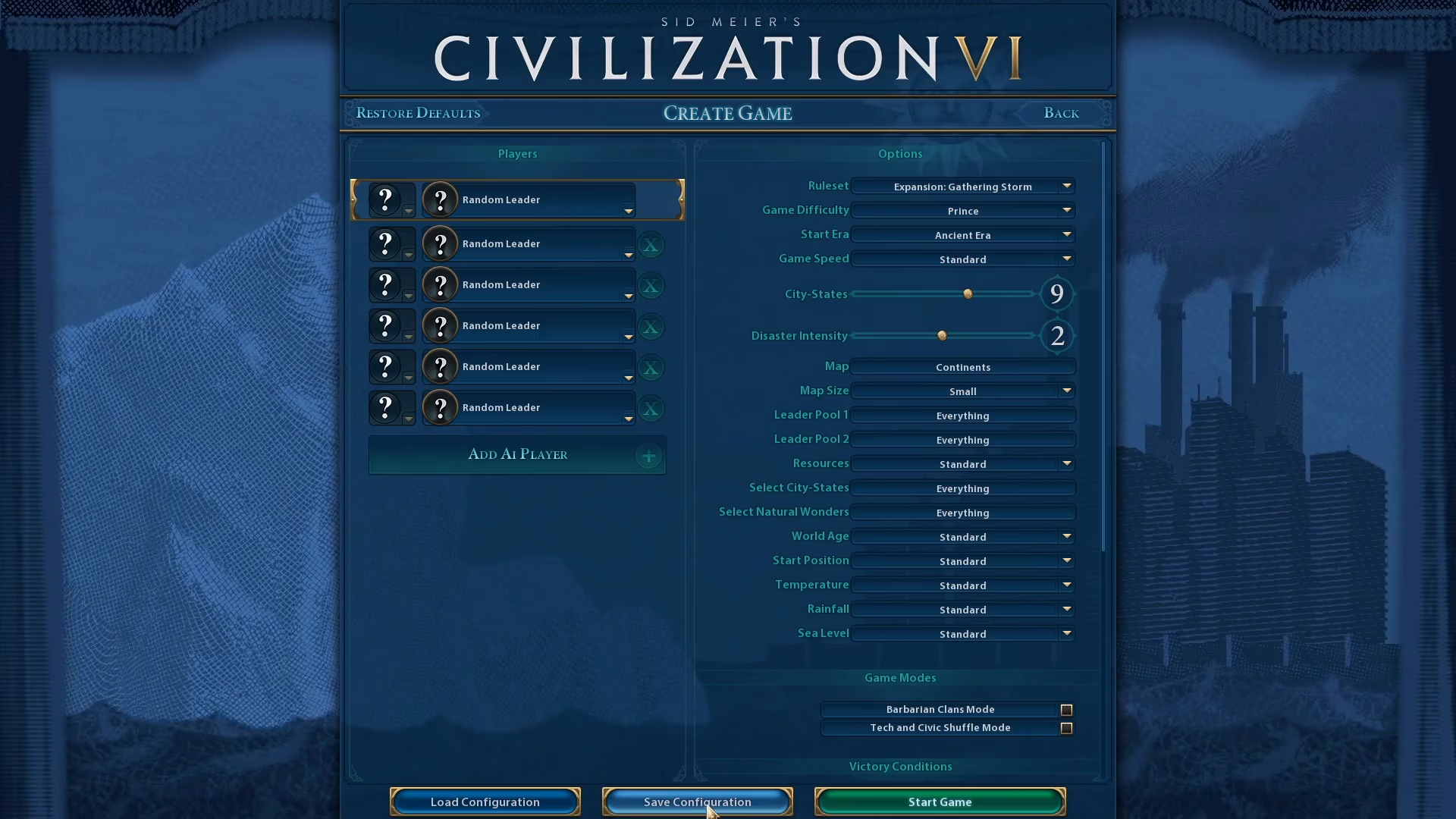
Enter a descriptive name for your configuration in the text field. For example, you might name it “My Custom” or something more specific like “Deity Difficulty Marathon Speed.”
After entering your desired name, click the Save Configuration button at the bottom to finalize and store your settings.
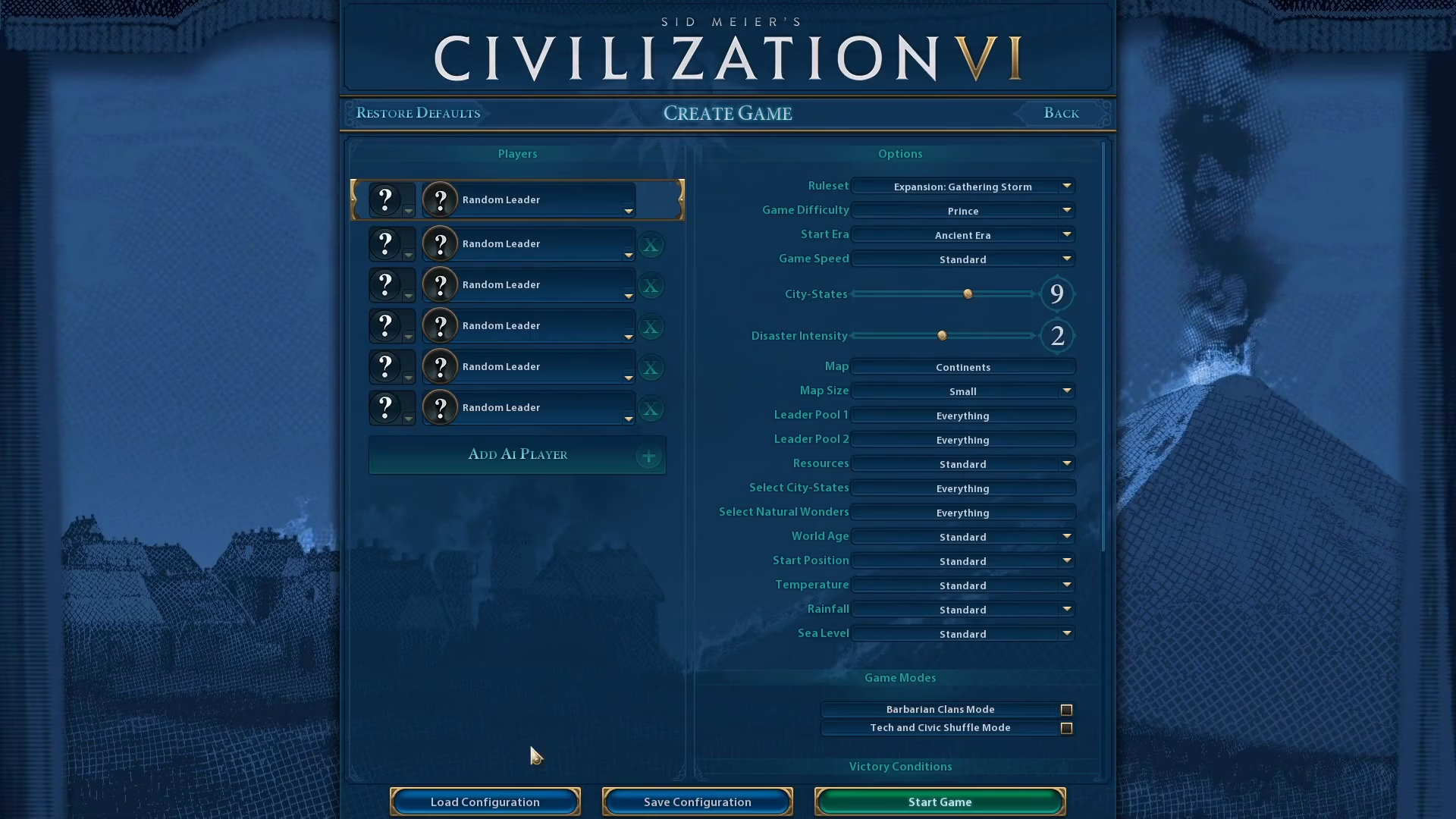
Summary
That’s all there is to saving a configuration in Civilization 6! By following these simple steps, you can create multiple custom game setups tailored to your preferred playstyle. Next time you want to start a game with these exact settings, simply load your saved configuration and jump right in. This feature is especially useful if you frequently play with the same difficulty level, game speed, or rule set preferences.
Want to Support?
If you would like to help us continue making these guides – please consider joining our patreon here – https://www.patreon.com/c/JaviHeals
Alternatively – you can join our discord here – https://discord.gg/zD7Gjt6MHF