How to Repair Pillaged Tiles in Civ 6
How to Repair Pillaged Tiles in Civilization 6
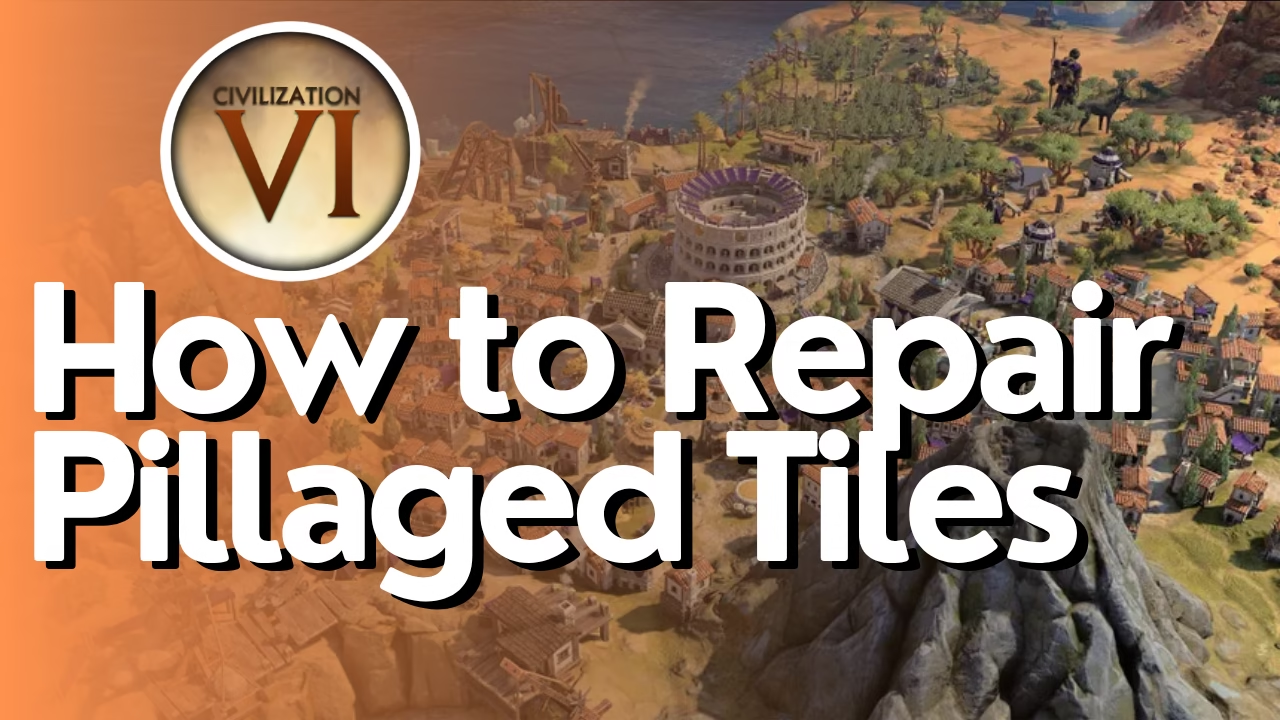
Pillaged tiles in Civilization 6 can significantly impact your infrastructure and economy. Fortunately, repairing them is a straightforward process. This guide walks you through the simple steps needed to restore your roads and other pillaged tiles back to full functionality.
Understanding Pillaged Tiles
When enemy forces pillage your tiles—such as roads—they become destroyed and non-functional. You’ll notice the visual difference immediately on your map, as pillaged tiles appear damaged and cannot provide their normal benefits to your civilization.
How to Repair Pillaged Tiles
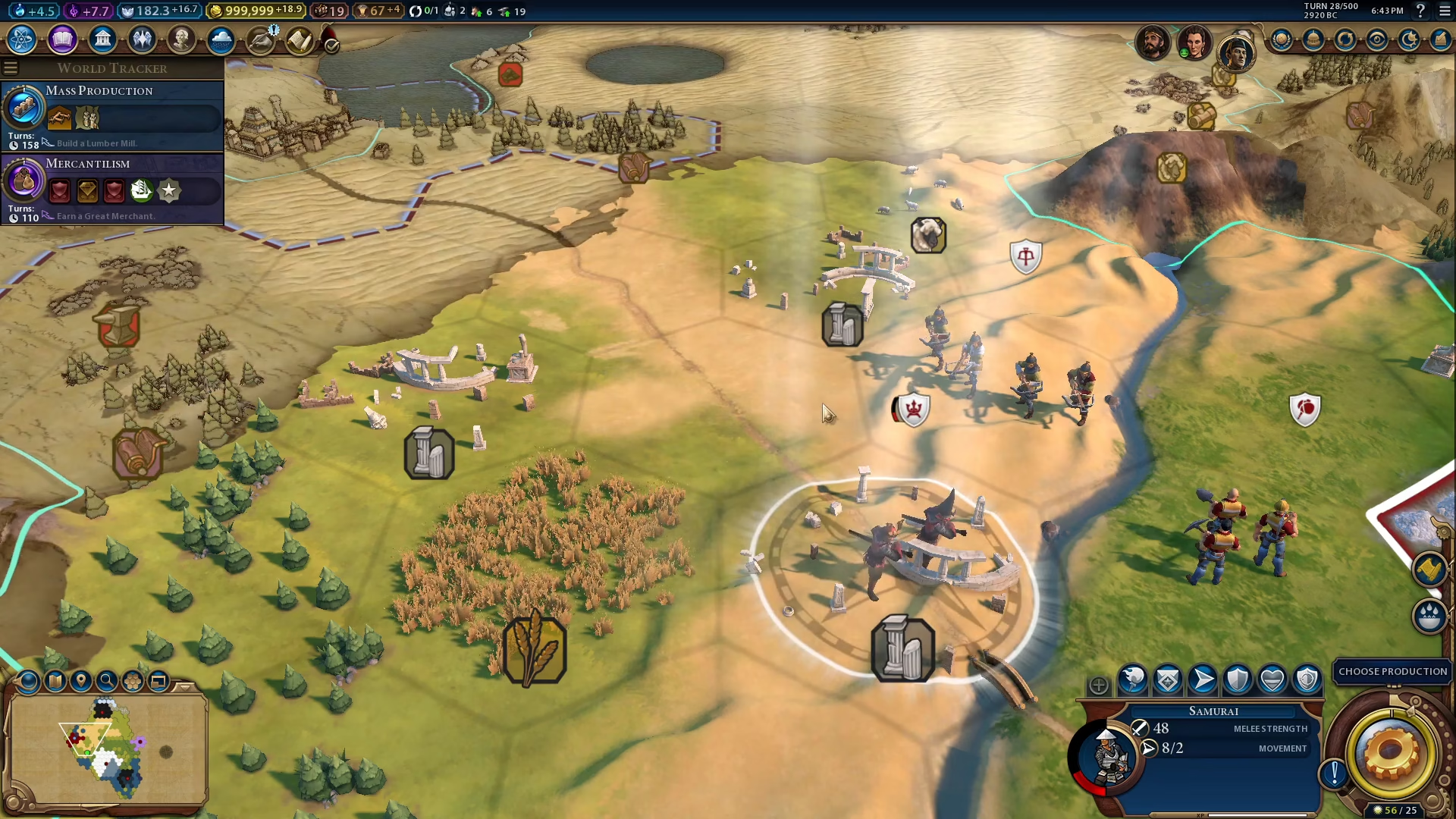
Step 1: Select a Builder
To repair a pillaged tile, you’ll need to use a Builder unit. Click on an available Builder to select it.
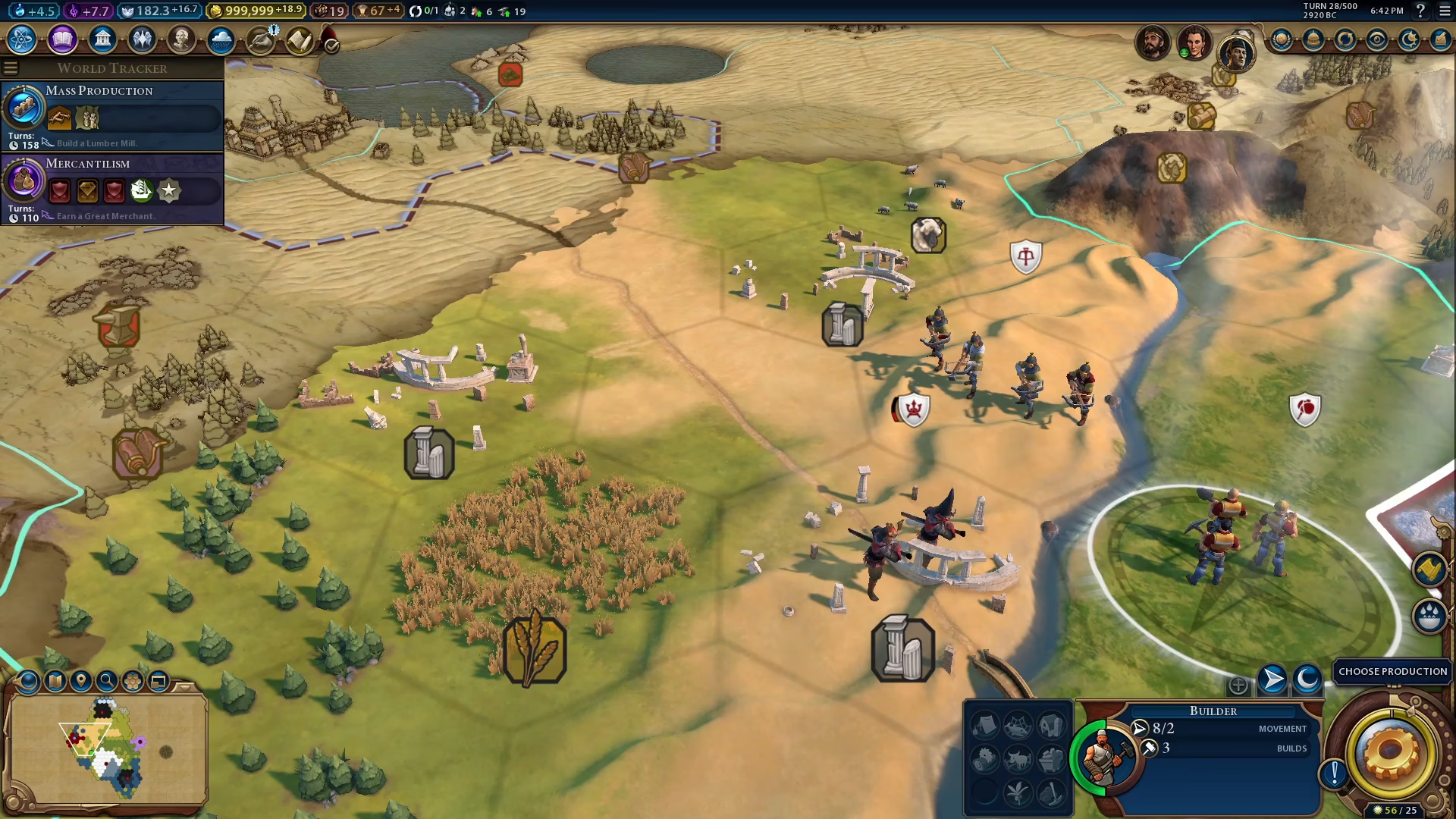
Step 2: Move the Builder to the Pillaged Tile
Direct your selected Builder to move to the location of the pillaged tile that needs repair. For example, if you have a pillaged road on the bottom right of your territory, command your Builder to travel there.
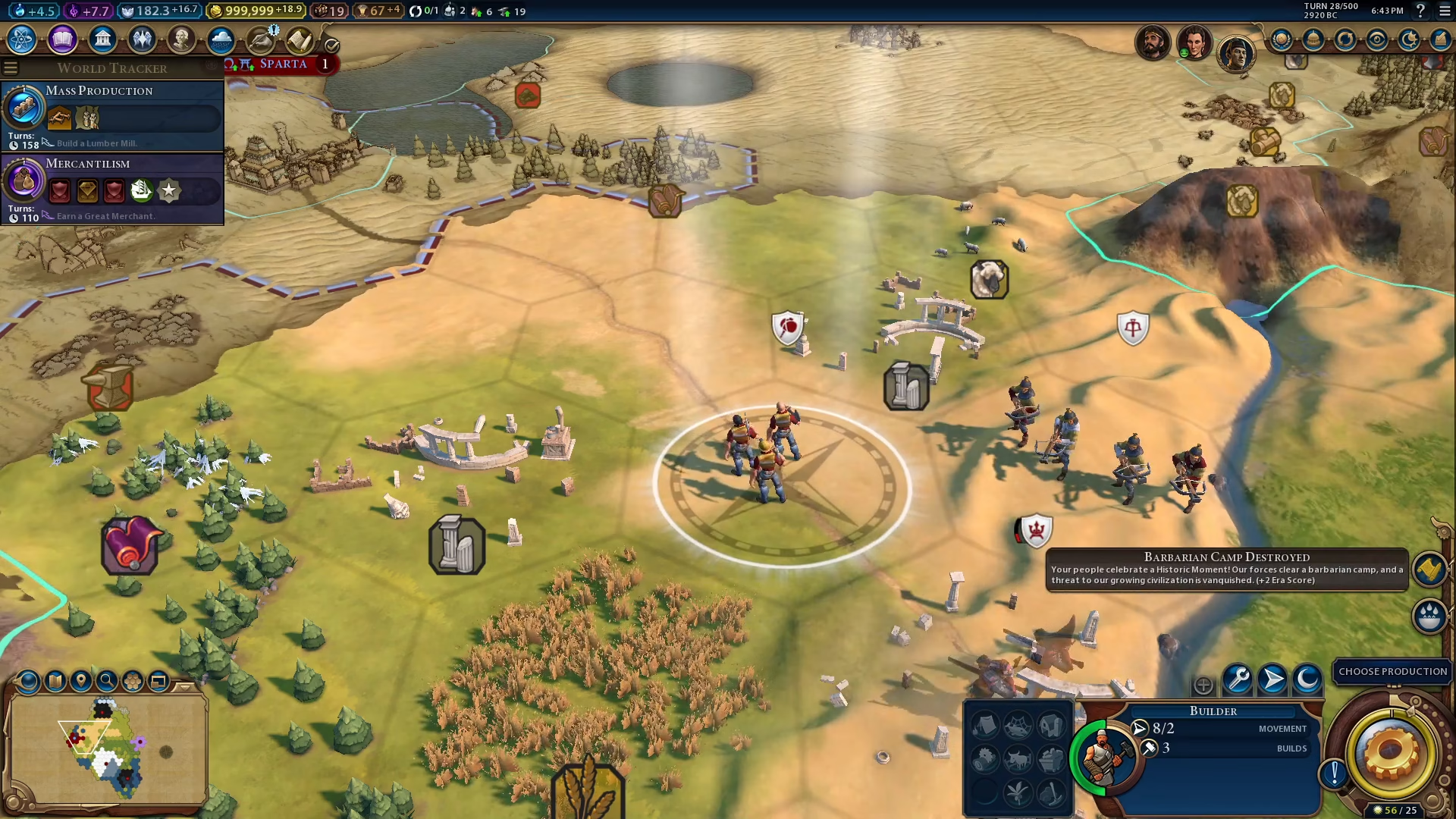
Step 3: Select the Repair Option
Once your Builder reaches the pillaged tile, look at the bottom right of your screen. You’ll see the “Repair Road” option (or the appropriate repair action for whatever tile type has been pillaged). Click on this option to begin the repair process.
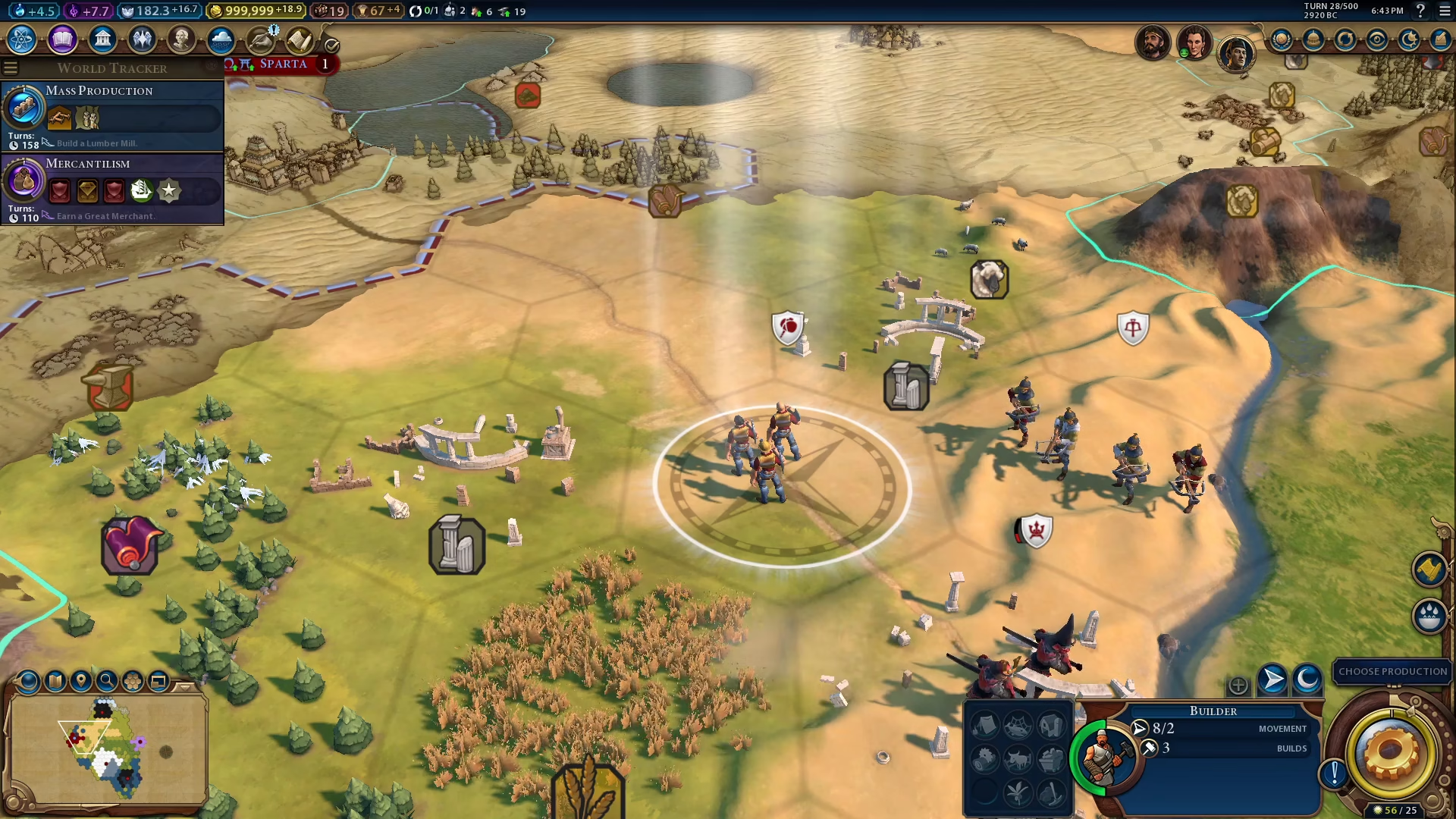
Step 4: Complete the Repair
Click on the repair action to complete the restoration. Your Builder will repair the pillaged tile, and it will return to its normal, functional state.
Summary
Repairing pillaged tiles in Civilization 6 is simple and efficient. By selecting a Builder, moving it to the damaged tile, and clicking the repair option, you can quickly restore your infrastructure. This essential maintenance task ensures your roads, farms, and other improvements continue to support your civilization’s growth and development.
— Want to Support? —
If you would like to help us continue making these guides – please consider joining our patreon here – https://www.patreon.com/c/JaviHeals
Alternatively – you can join our discord here – https://discord.gg/zD7Gjt6MHF