





How to Spend Blood Points In Dead by Daylight
How to Spend Blood Points in Dead by Daylight
Blood Points are the primary currency in Dead by Daylight, used to unlock perks, items, and add-ons for your characters. Whether you’re playing as a Killer or Survivor, understanding how to efficiently spend your Blood Points is essential to progressing through the game. This guide walks you through every method available to help you maximize your investment.
Finding Your Blood Points
Your total Blood Points balance is displayed in the top right-hand corner of your screen. This counter shows how many points you have available to spend at any time.
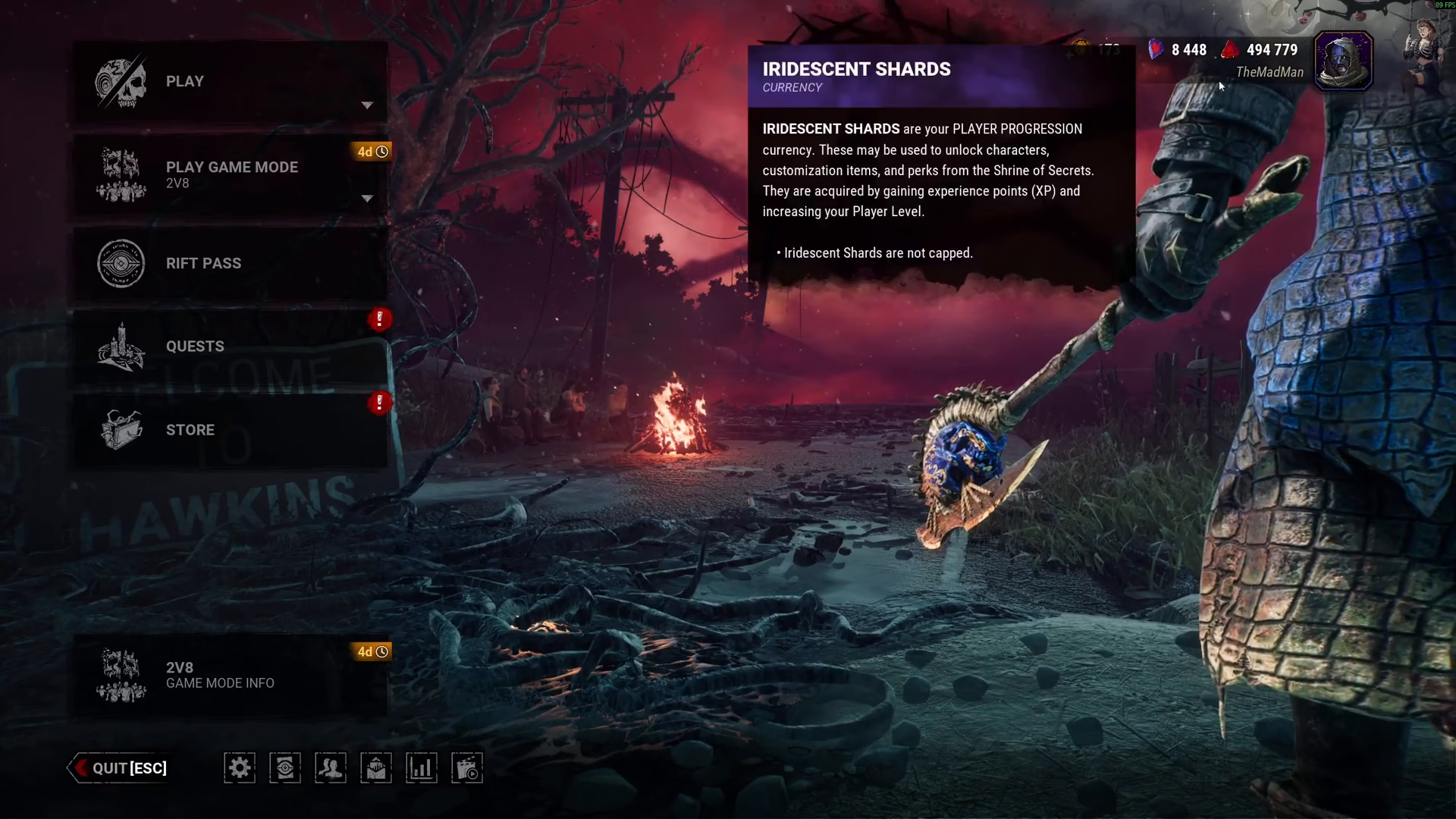
Blood Point Spending Works the Same for Killer and Survivor
The process for spending Blood Points is identical whether you’re progressing a Killer or Survivor character. Both follow the same mechanics and interface, so once you master it on one, you can apply it to all your characters.
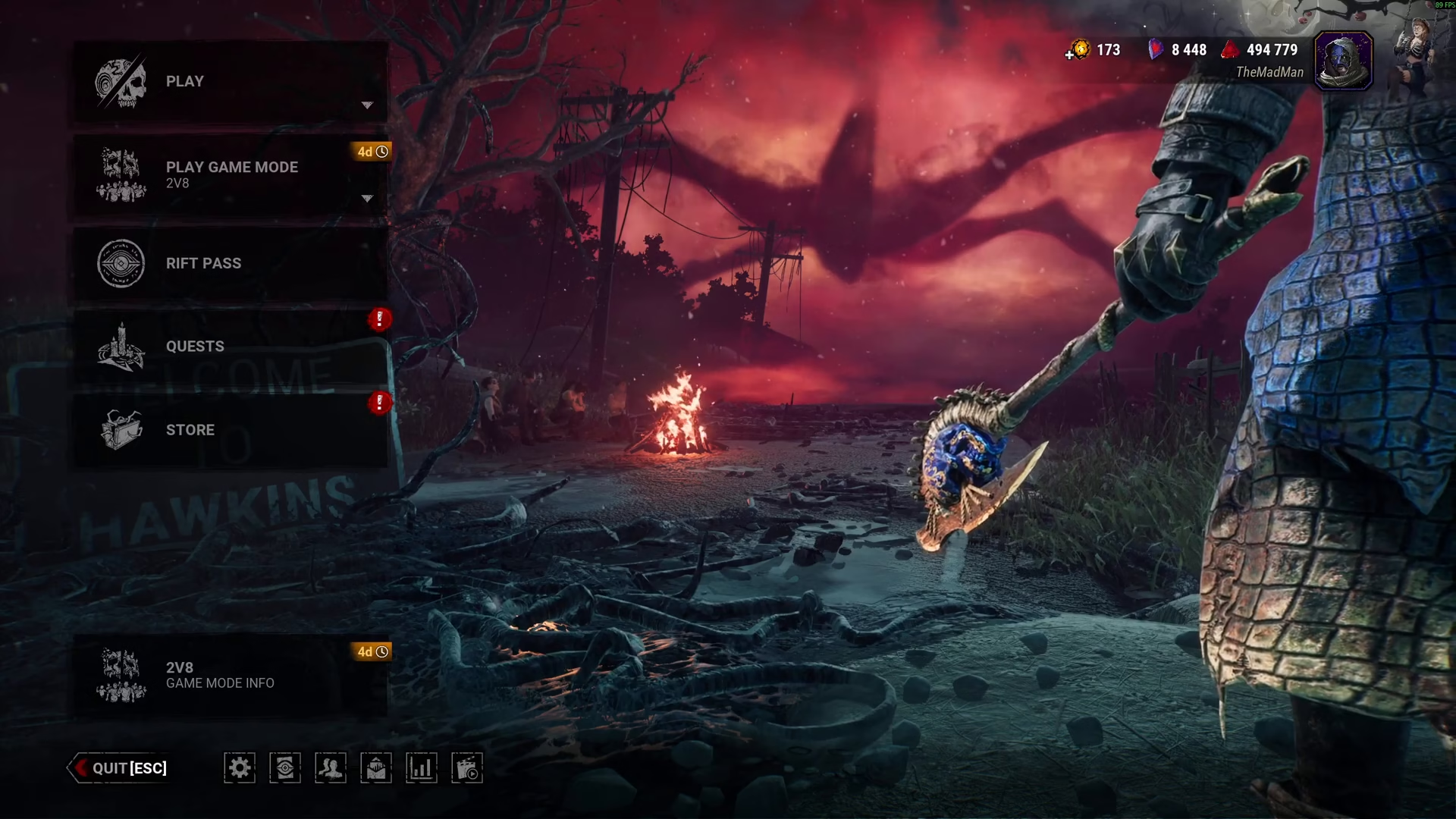
Selecting Your Character
To begin spending Blood Points, start by clicking the Play button in the main menu.
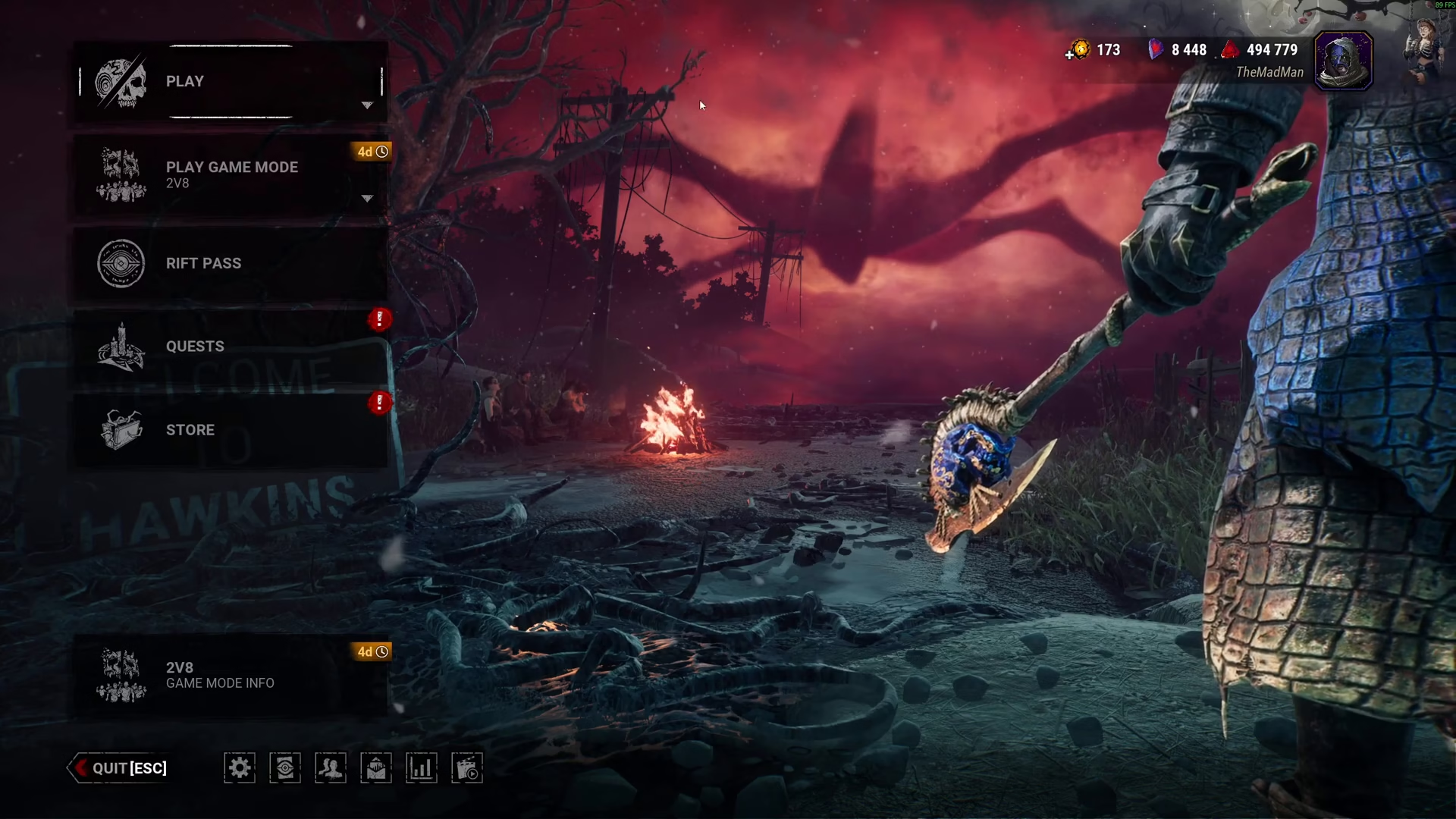
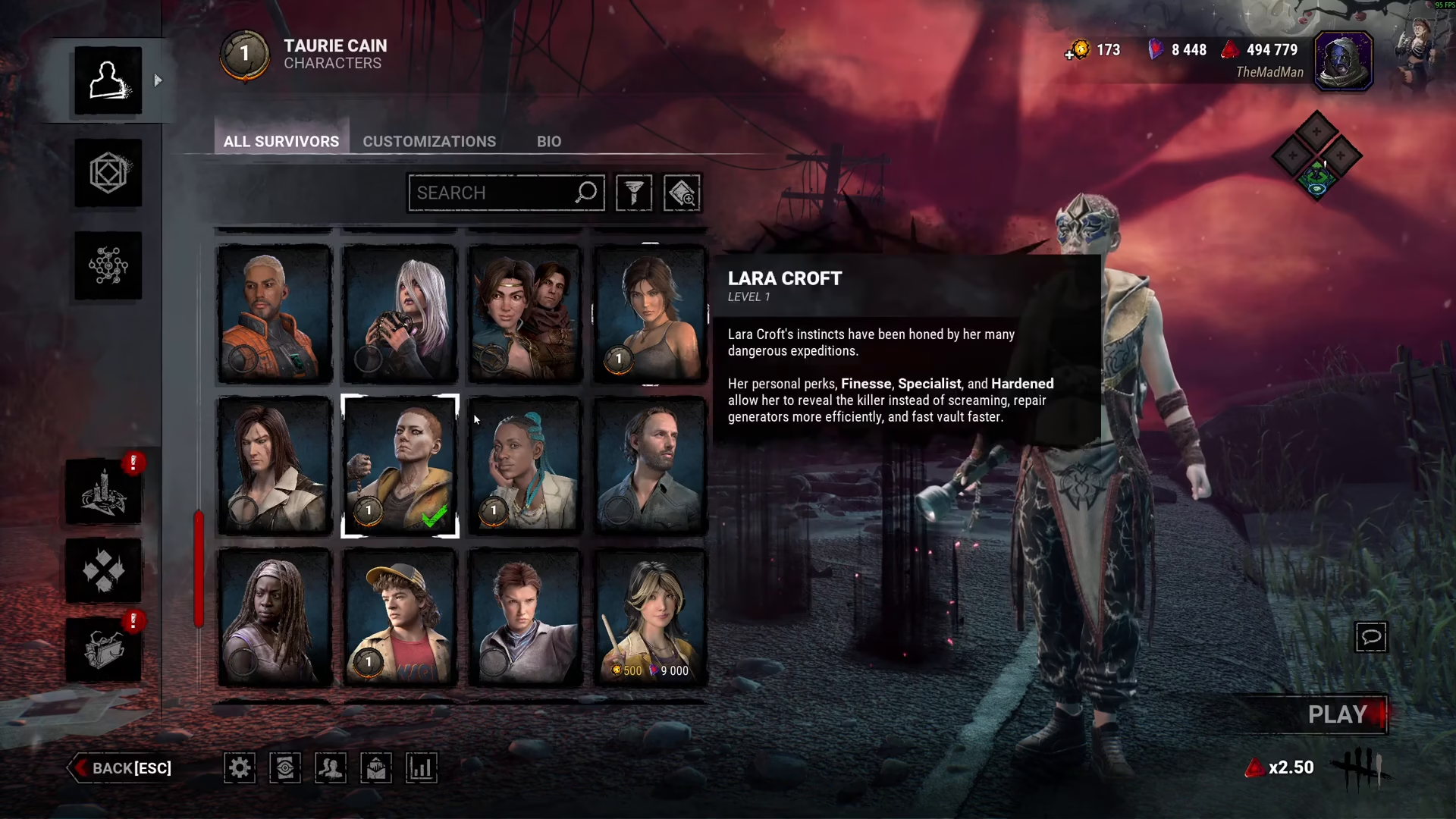
Dead by Daylight features a variety of characters composed of both Killers and Survivors. Take time to review all available characters, then select the one you want to invest your Blood Points into.
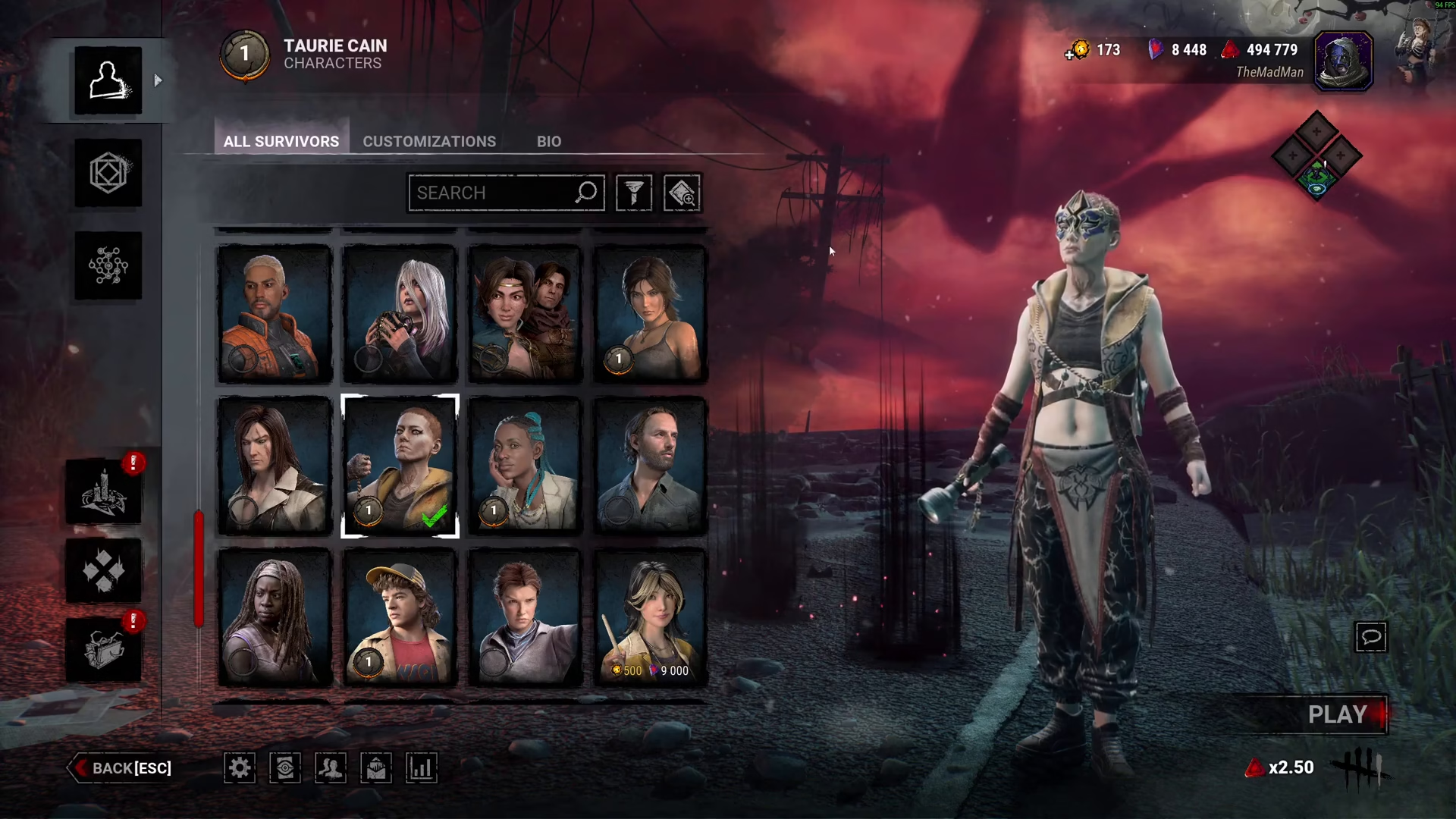
Once you’ve chosen your character, navigate to the Blood Web.
Understanding the Blood Web Interface
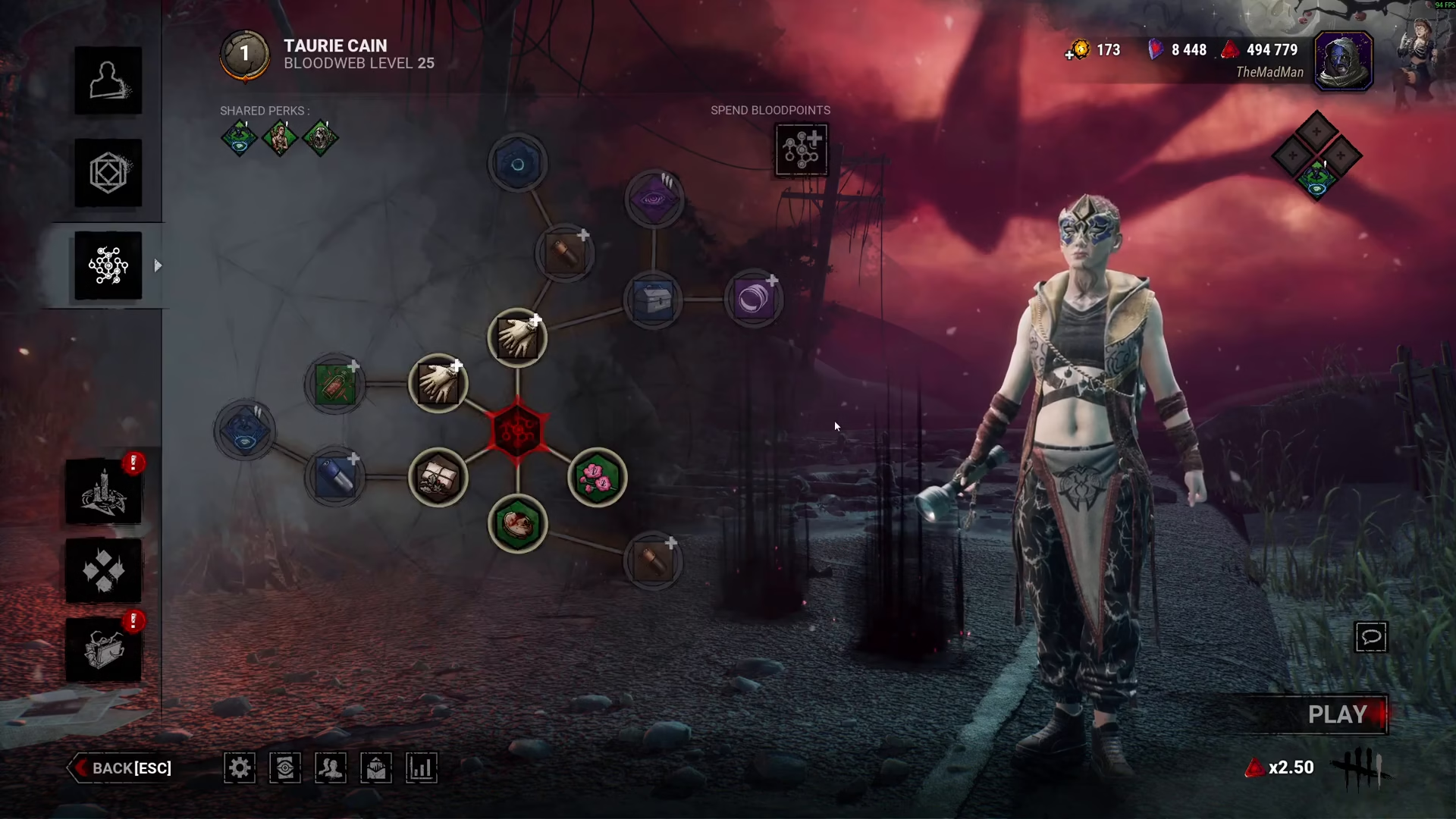
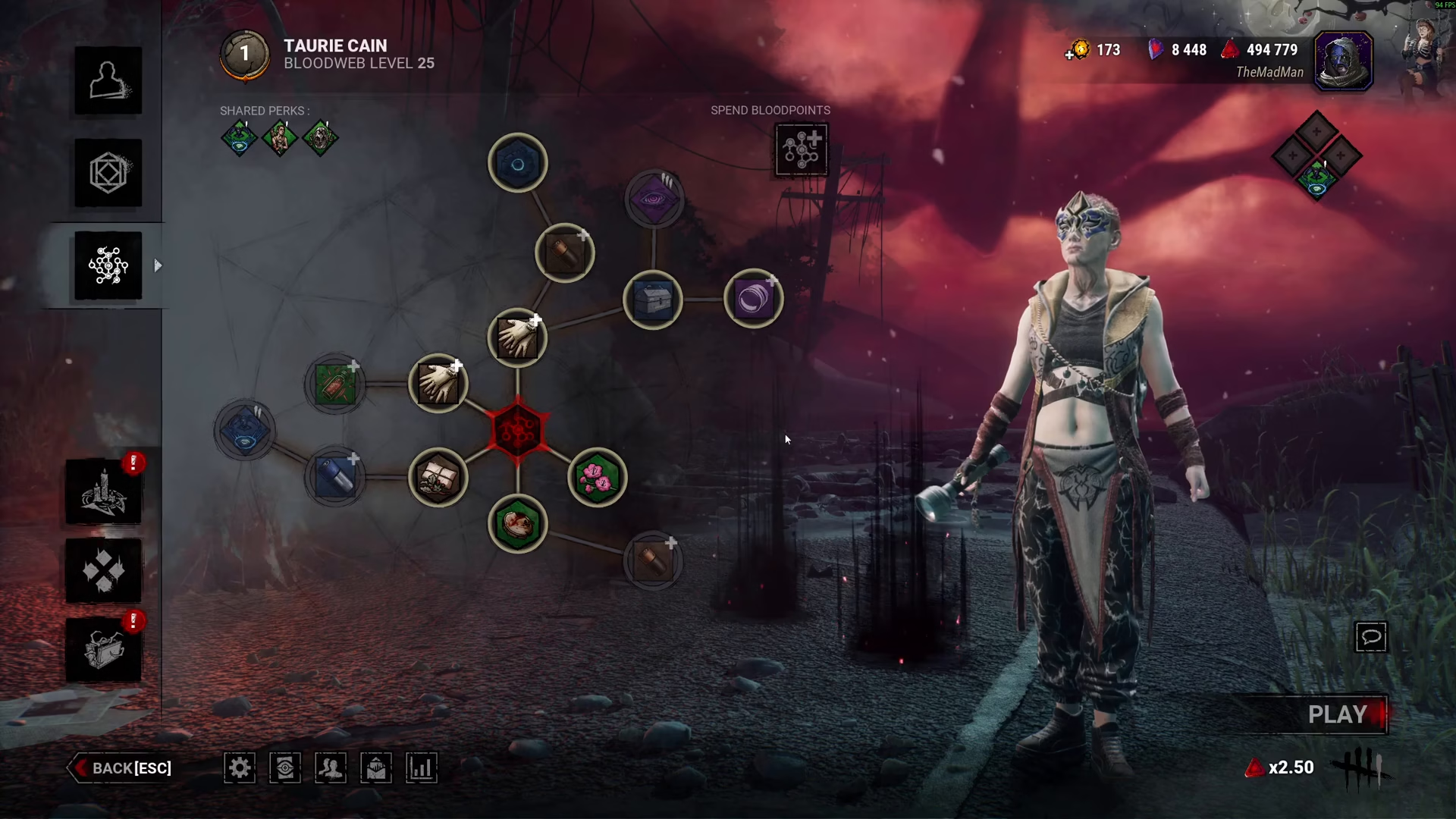
The Blood Web is where you’ll spend your accumulated Blood Points. Each node in the web represents an available perk, item, or add-on you can purchase.
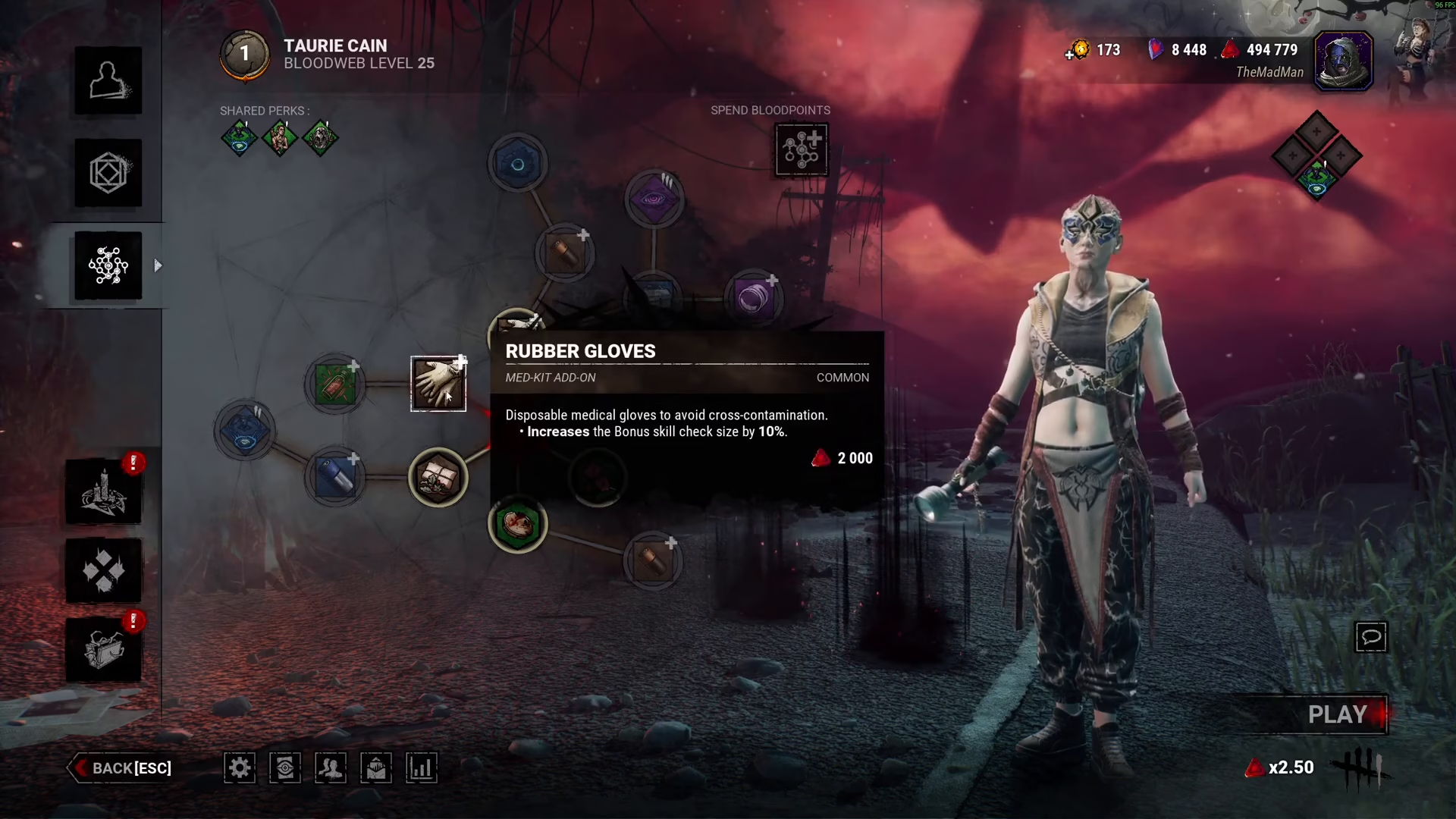
To check the cost of any item before purchasing, simply hover over it. A pop-up will appear displaying the exact Blood Point cost for that node.
Progressing Through Blood Webs
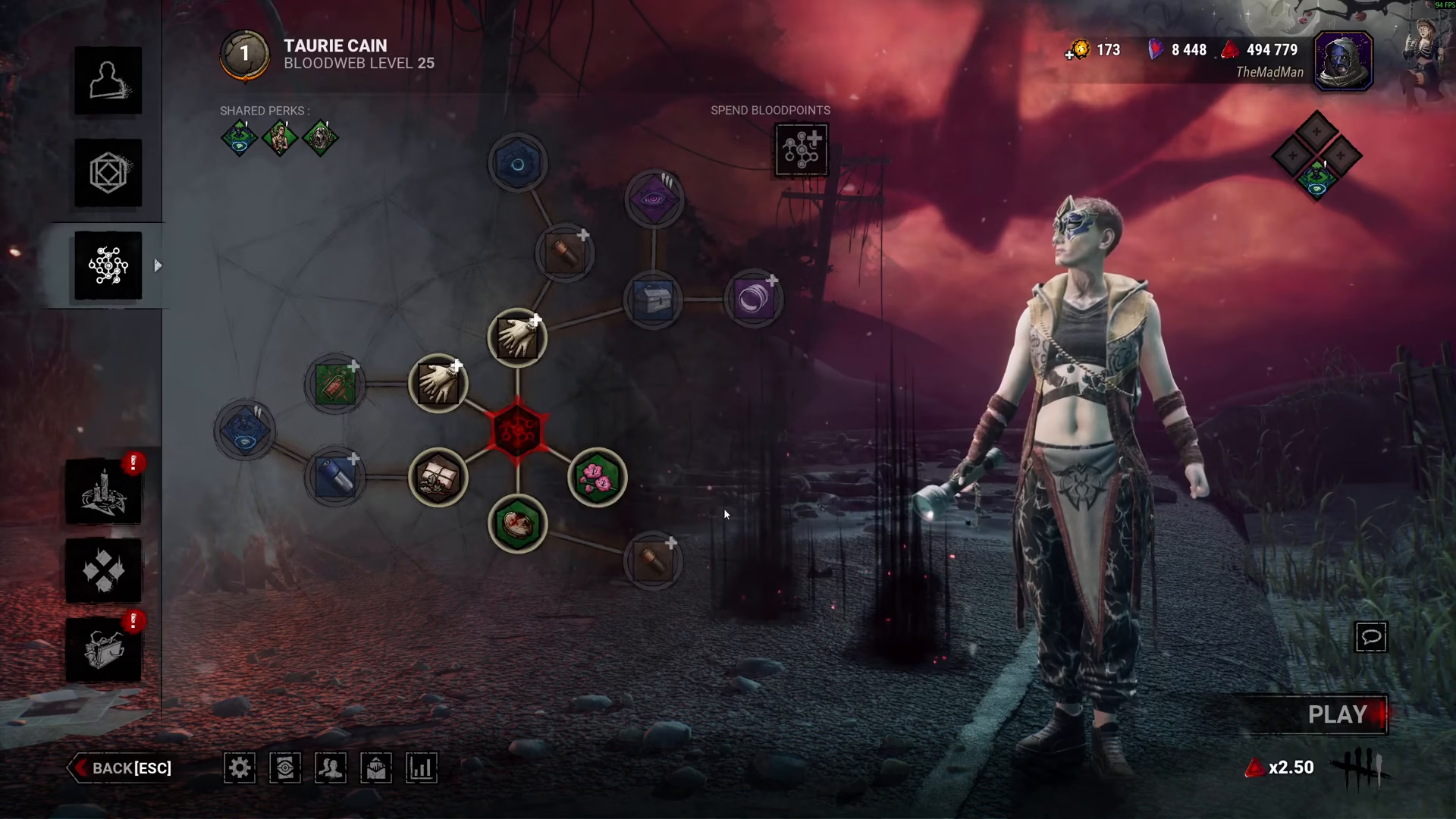
You must fully complete one Blood Web before unlocking the next level. Continue spending until the web is exhausted to advance to a new Blood Web tier.
Three Methods to Spend Blood Points
Method 1: Click and Obtain
Simply click on individual nodes in the Blood Web to purchase and unlock them one at a time. This gives you full control over which perks and items you want first.
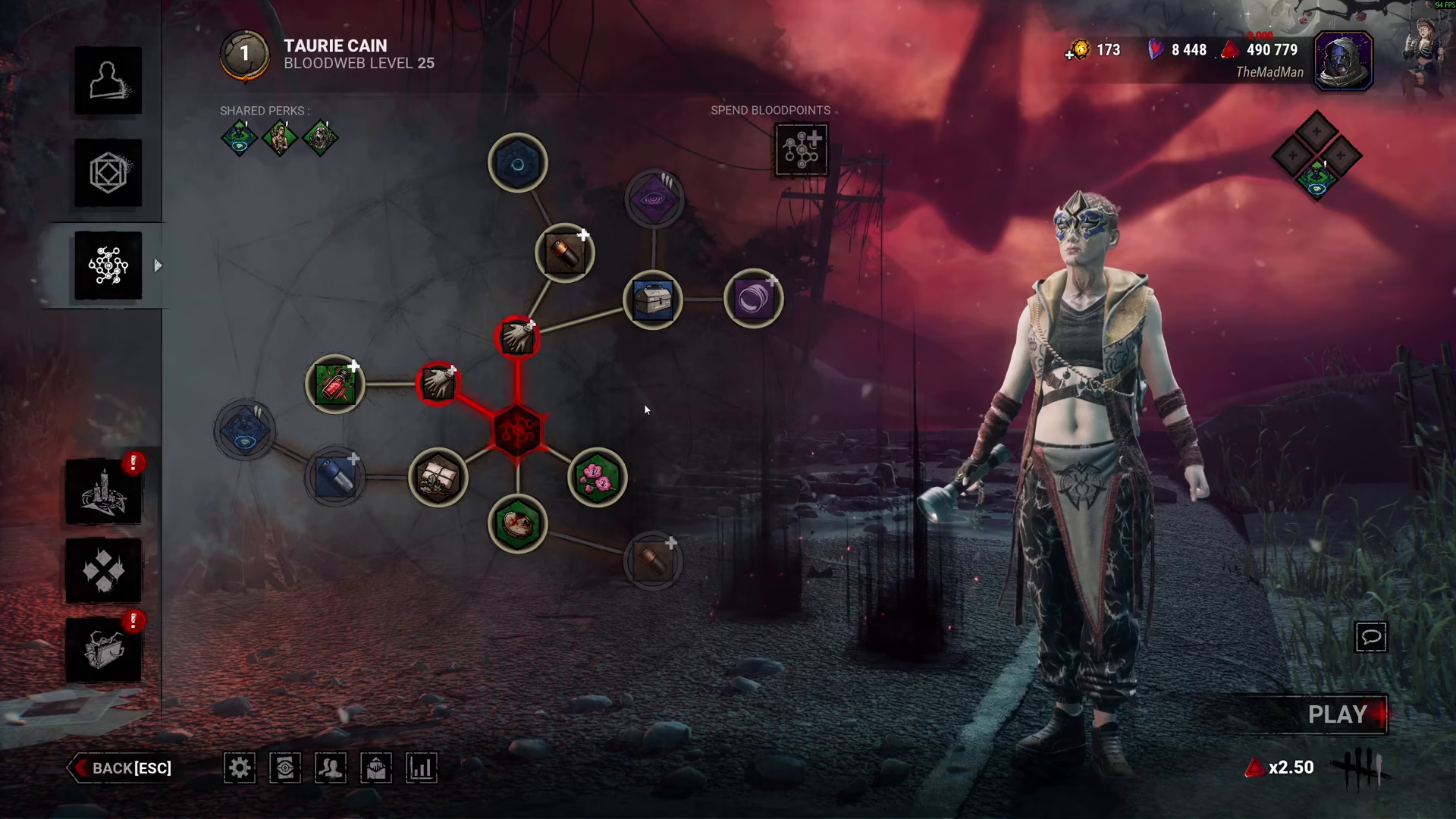
Method 2: Automatic Unlock
Click the Automatic Unlock button to have the game automatically purchase nodes for you. This is a convenient hands-off approach if you want to progress quickly without selecting each item individually.
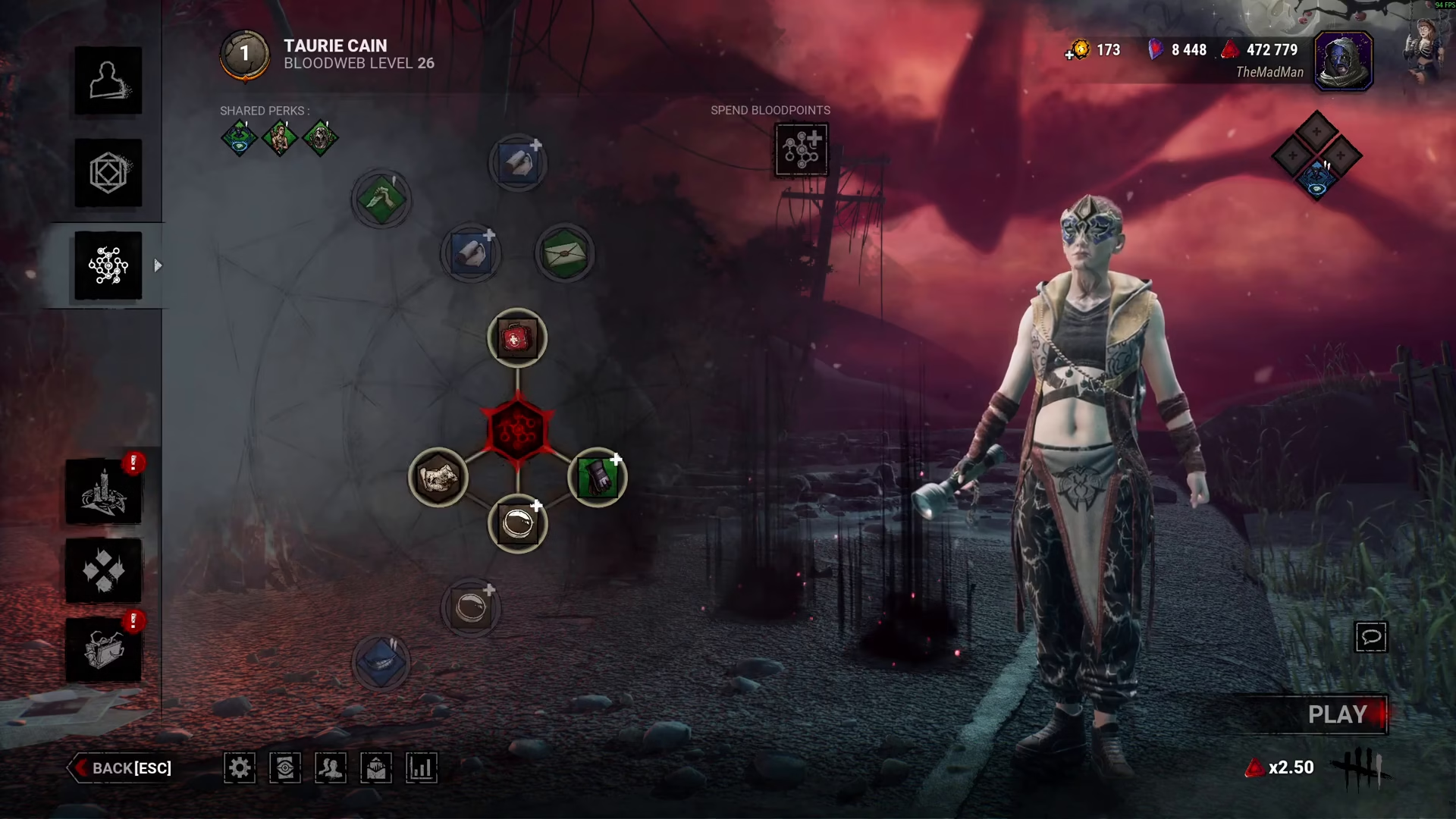
Method 3: Blood Web Plus Advanced
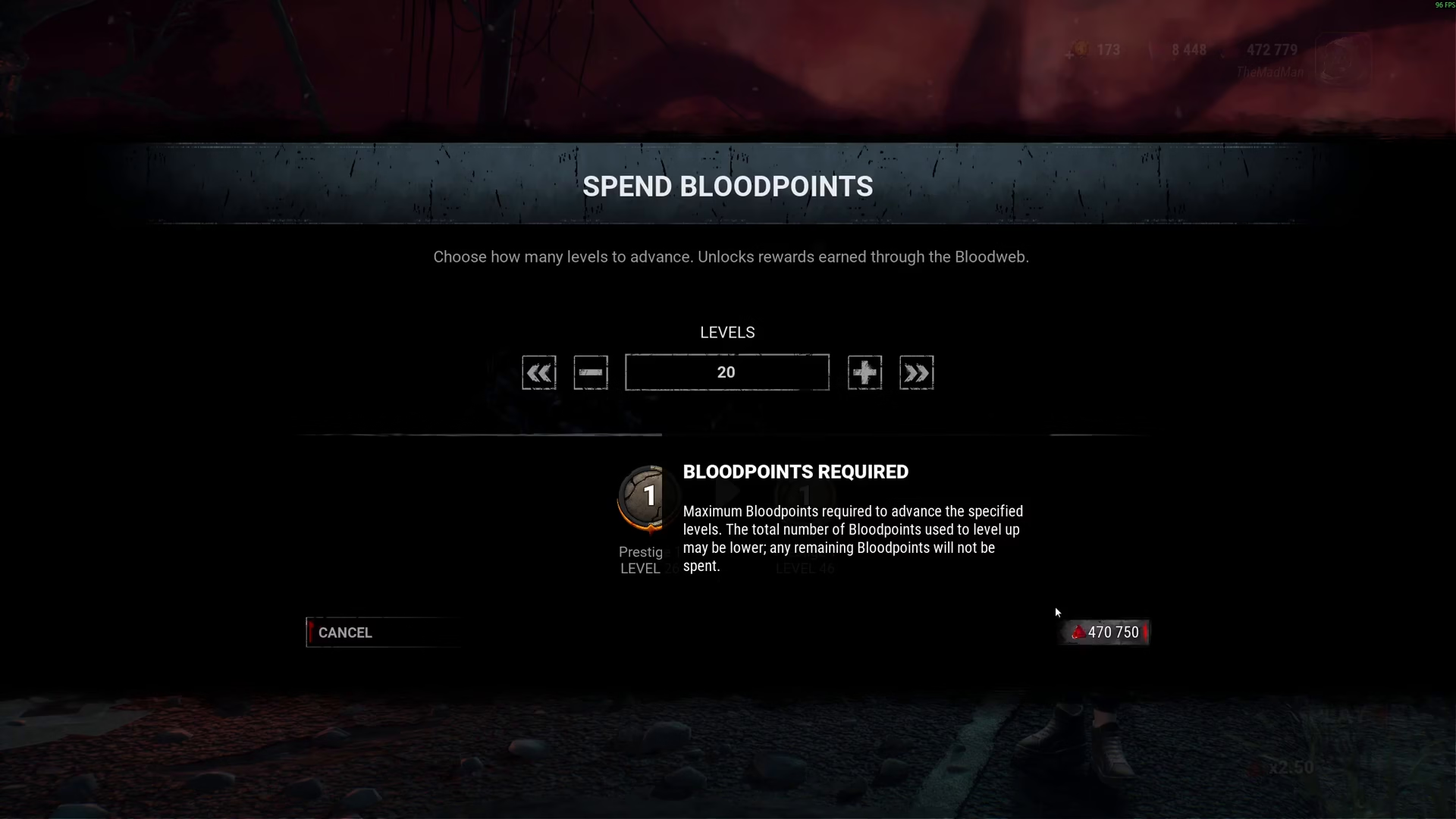
For bulk progression, use the Blood Web Plus Advanced option. This feature allows you to:
Use plus and minus buttons to select how many levels you want to advance
Click the arrows to automatically calculate how many levels you can afford with your current Blood Points
View the total cost in the bottom right-hand corner before committing
Once you’ve confirmed your selection and clicked to proceed, a completion screen will display all the perks, items, and add-ons you’ve just obtained.
Summary
Spending Blood Points in Dead by Daylight is straightforward once you know where to look. Whether you prefer the precision of clicking individual nodes, the convenience of automatic unlocking, or the efficiency of bulk purchasing through Blood Web Plus Advanced, you now have all the tools needed to progress your characters effectively. Choose the method that works best for your playstyle and start building your perfect Killer or Survivor.
— Want to Support? —
If you would like to help us continue making these guides – please consider joining our patreon here – https://www.patreon.com/c/JaviHeals
Alternatively – you can join our discord here – https://discord.gg/zD7Gjt6MHF

