





How to Turn Off & On Crossplay In Dead by Daylight
How to Turn Off & On Crossplay In Dead by Daylight
Crossplay is a useful feature in Dead by Daylight that allows you to connect and play with survivors and killers across different platforms. Whether you want to enable crossplay to expand your player pool or disable it to play exclusively with your own platform, this guide will walk you through the simple process of managing this setting.
Accessing the Crossplay Settings
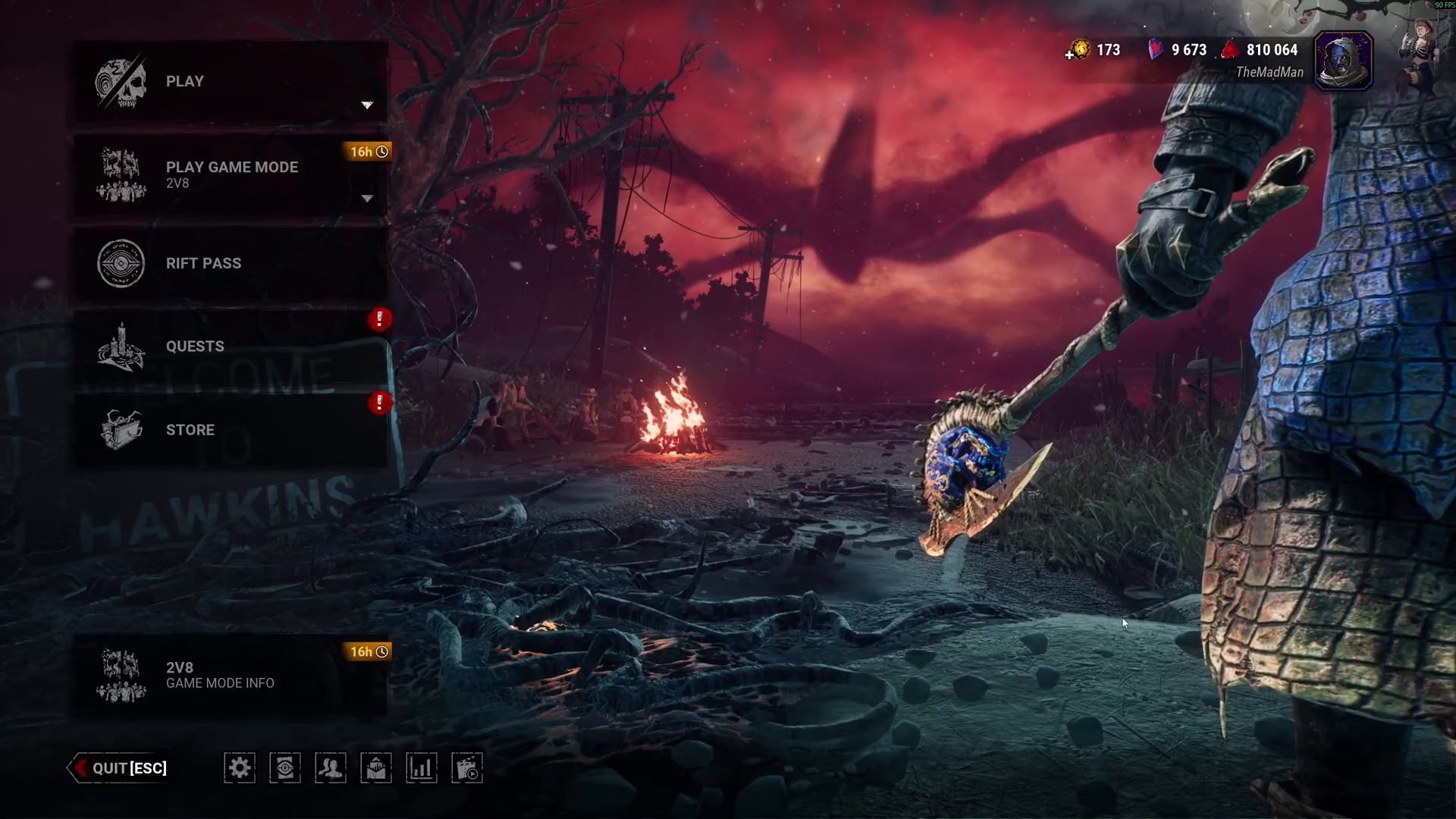
To adjust your crossplay settings in Dead by Daylight, start by opening the main menu and navigating to Settings or Options. Once you’re in the settings menu, locate and select the Social tab. The crossplay option will be the very first setting displayed in this section.
Understanding Crossplay Toggle Options
The crossplay setting gives you two distinct options:
Crossplay ON: When enabled, you can play with other players regardless of their platform—whether they’re on console or PC. This significantly expands your matchmaking pool and reduces wait times.
Crossplay OFF: When disabled, you will only play with players who are using the same platform as you (either console or PC). This provides a more platform-exclusive experience but may result in longer queue times.
Summary
Managing crossplay in Dead by Daylight is straightforward. Simply access your Settings, navigate to the Social tab, and toggle the crossplay option according to your preference. Your choice will immediately take effect the next time you search for a match.
Want to Support?
If you would like to help us continue making these guides – please consider joining our patreon here – https://www.patreon.com/c/JaviHeals
Alternatively – you can join our discord here – https://discord.gg/zD7Gjt6MHF

