







How To Edit Save File In Prison Architect
How To Edit Save File In Prison Architect
Prison Architect allows players to customize their gaming experience by editing save files directly. Whether you want to adjust your prison’s finances or modify other gameplay elements, this guide will walk you through the entire process step-by-step. Follow along to learn how to access and modify your save files using Notepad or Notepad++.
Accessing Your Save File Location
To begin editing your save file, start by launching Prison Architect and loading into your prison. Once in-game, press Escape to bring up the menu. At the top of the screen, you’ll see the name of your current prison displayed in the save prison field.
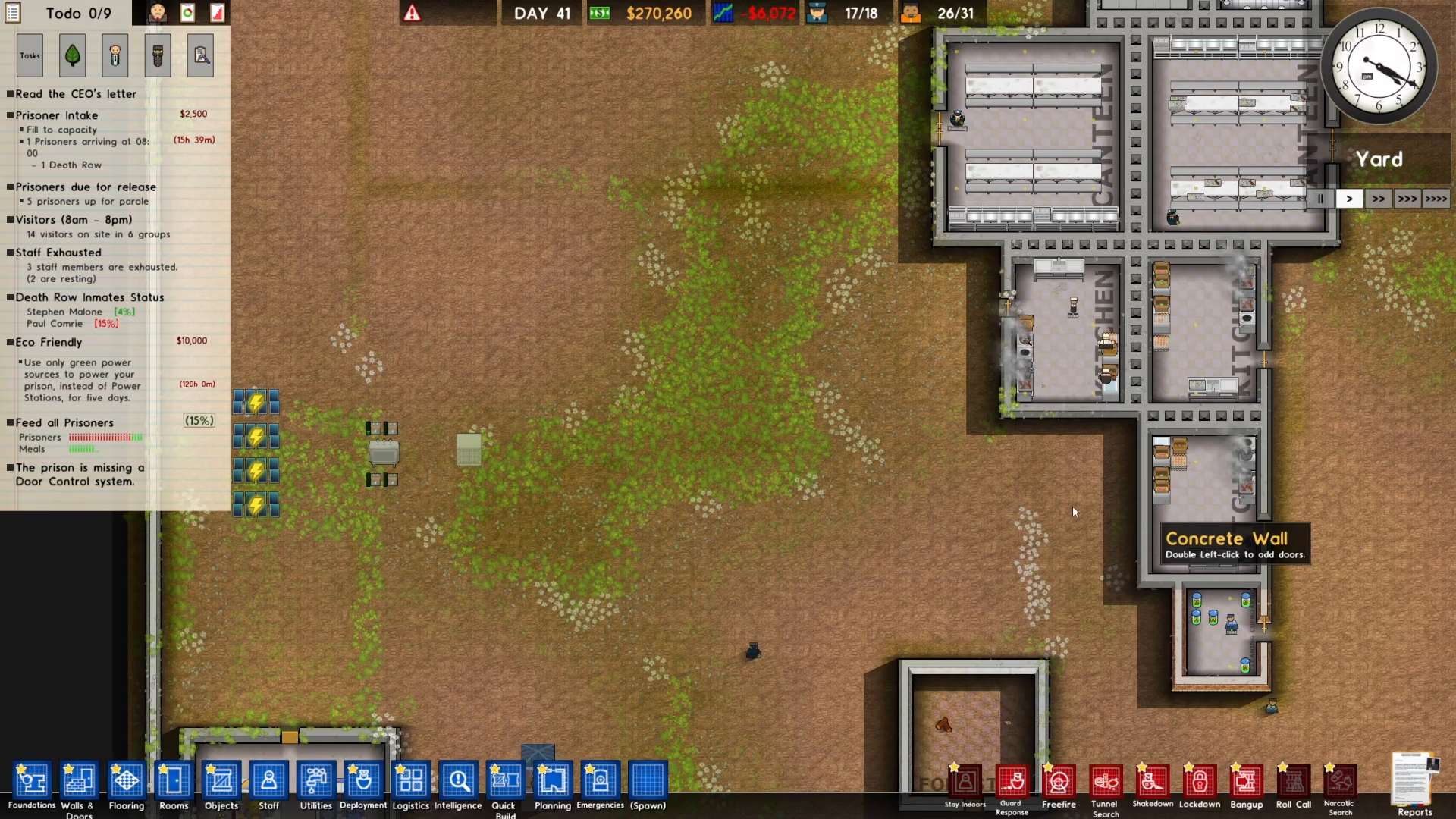
Next, navigate to the Options menu by clicking on it. Inside the Options menu, you’ll find a button labeled “Open Save folder.” Click on this button to open the folder where all your save files are stored on your computer.
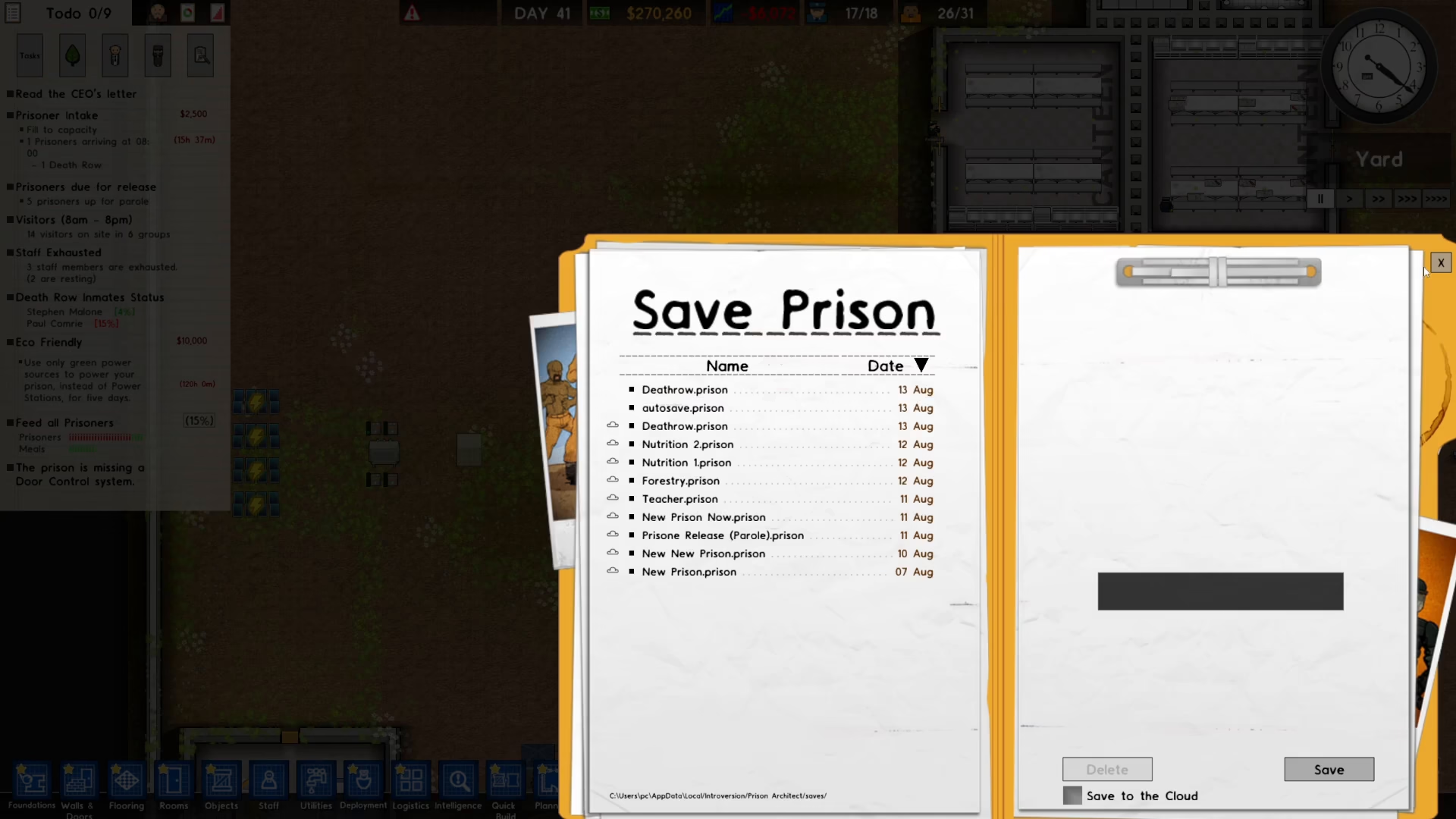
Locating Your Prison Save File
Once the Save folder is open, you’ll see a list of all your Prison Architect save files. Look for the file that matches your prison’s name. For example, if your prison is named “Death Row,” find the file labeled “Death Row.Prison.” This is the save file you’ll be editing.
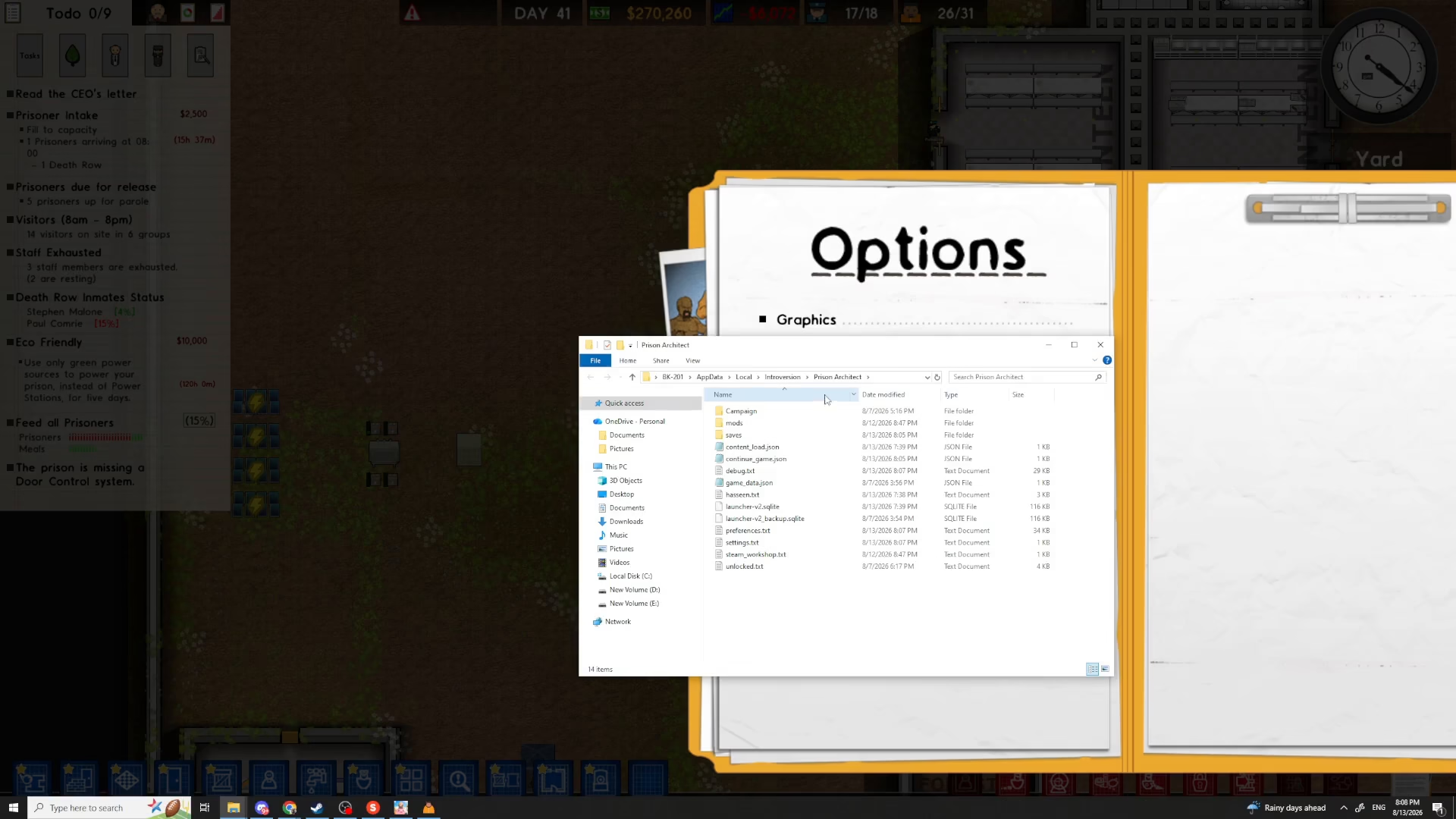
Opening the Save File in a Text Editor
Right-click on your prison’s save file to bring up the context menu. Select “Open with” and choose either Notepad or Notepad++. If you have Notepad++ installed on your system, it’s recommended to use that instead of the standard Notepad, as it provides better functionality for editing code and large files.
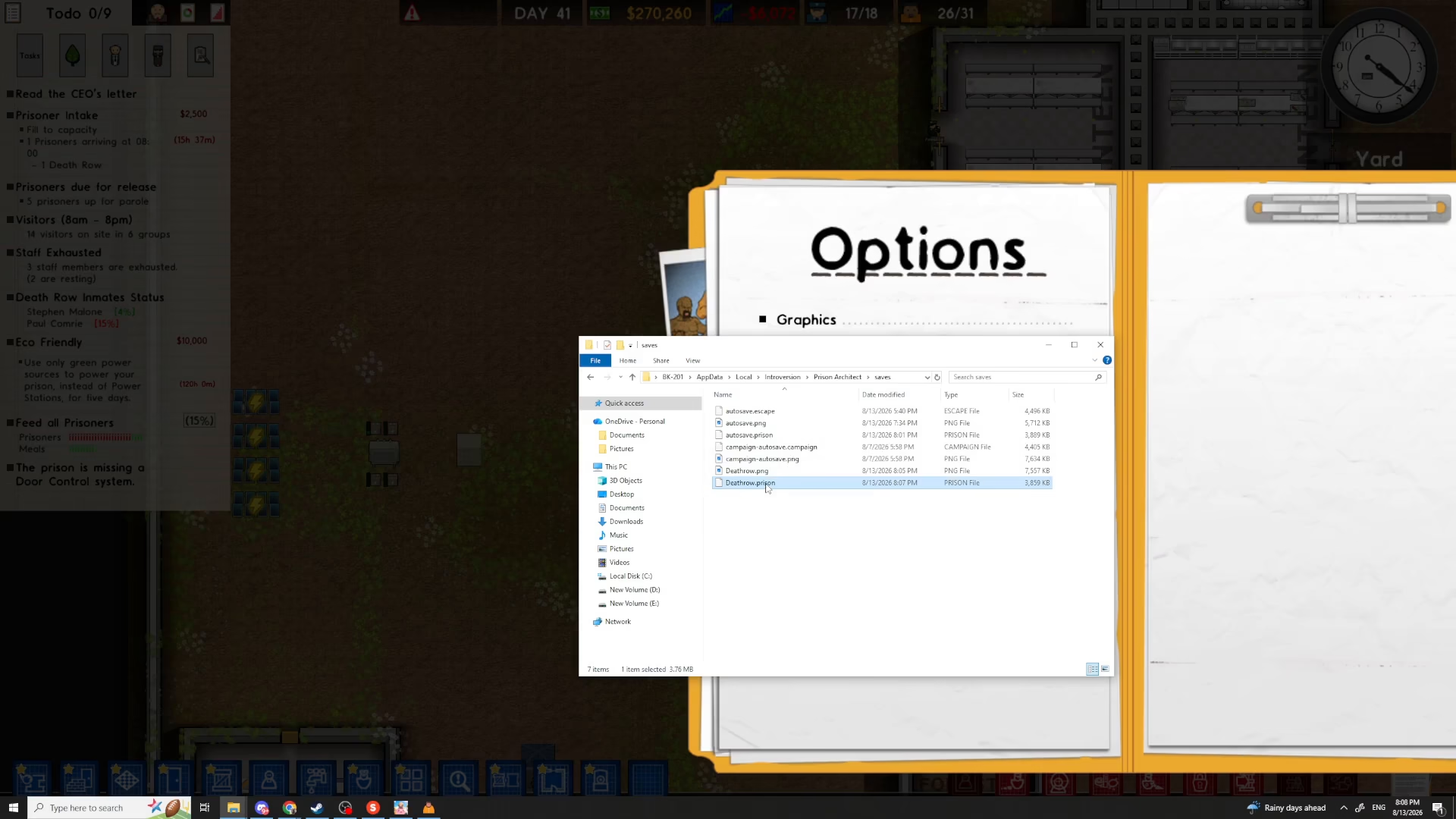
Editing Your Save File Values
Once your save file is open in the text editor, you’ll see the raw data of your prison. This is where you can make modifications to various game values. The file contains all the information about your prison, including finances, buildings, inmates, and more.
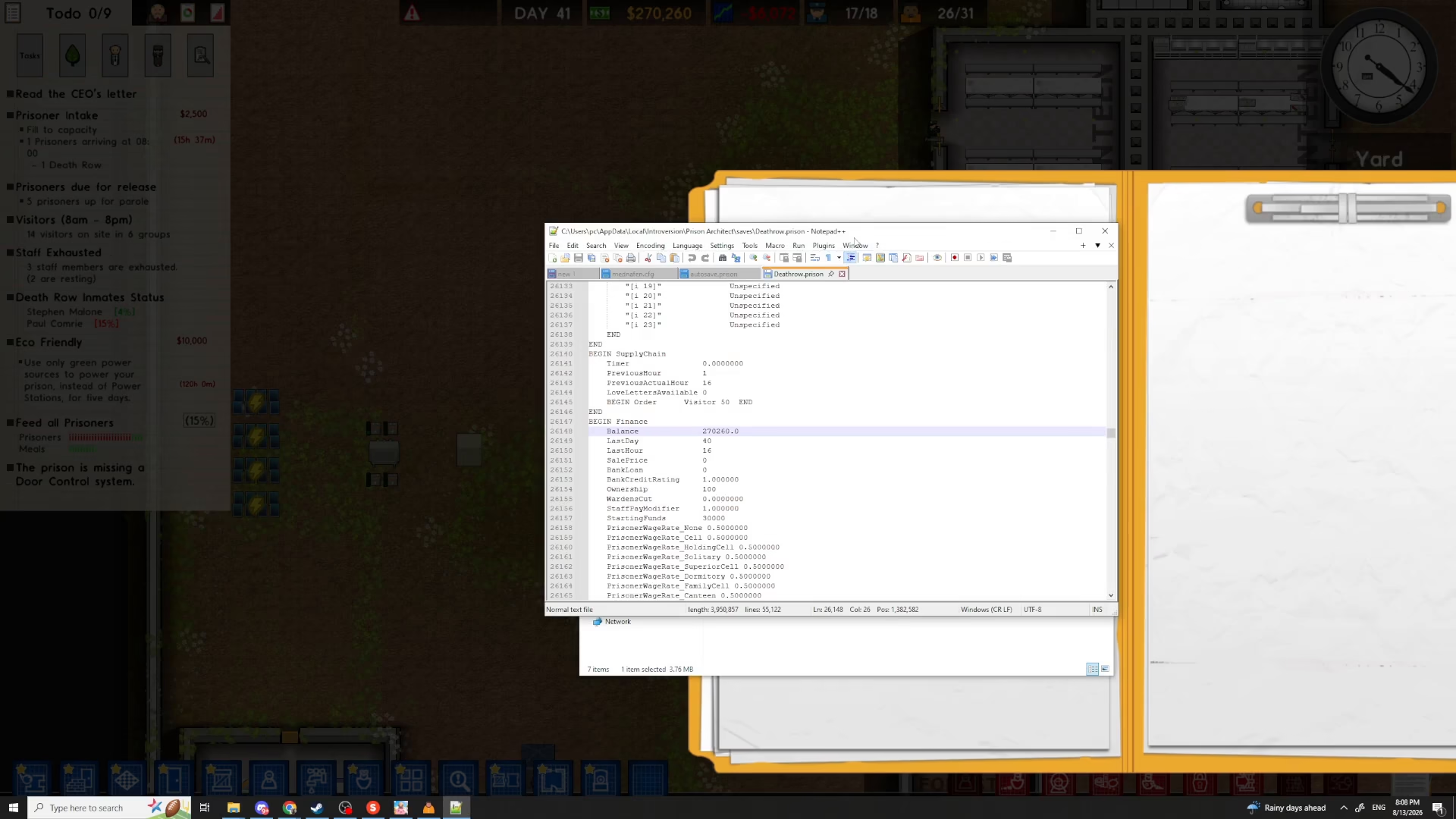
Finding and Modifying Your Prison’s Balance
To edit your prison’s money, use the Find function in your text editor. Press Control+F to open the Find dialog box. Type “Balance” to search for your prison’s current funds.
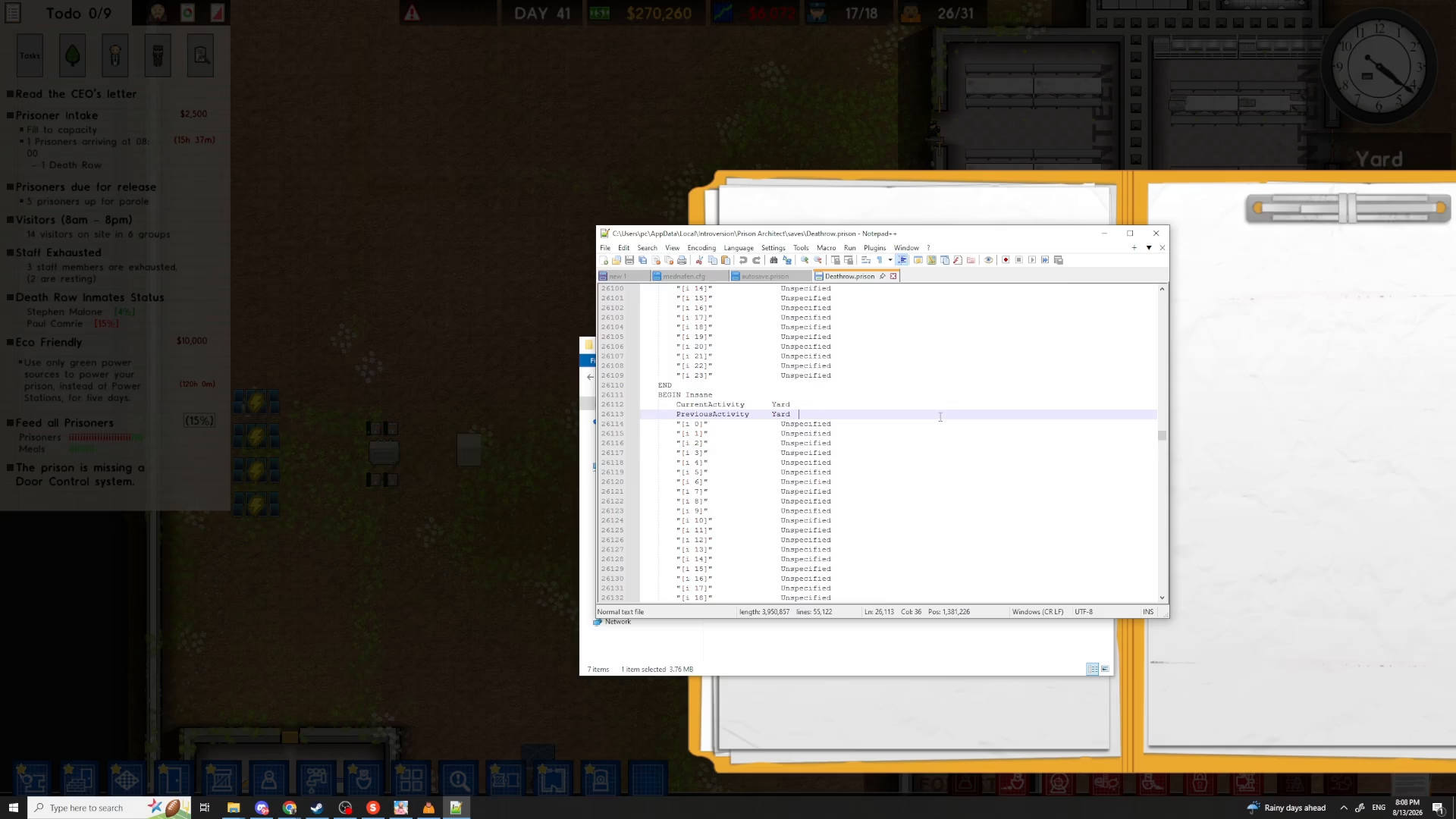
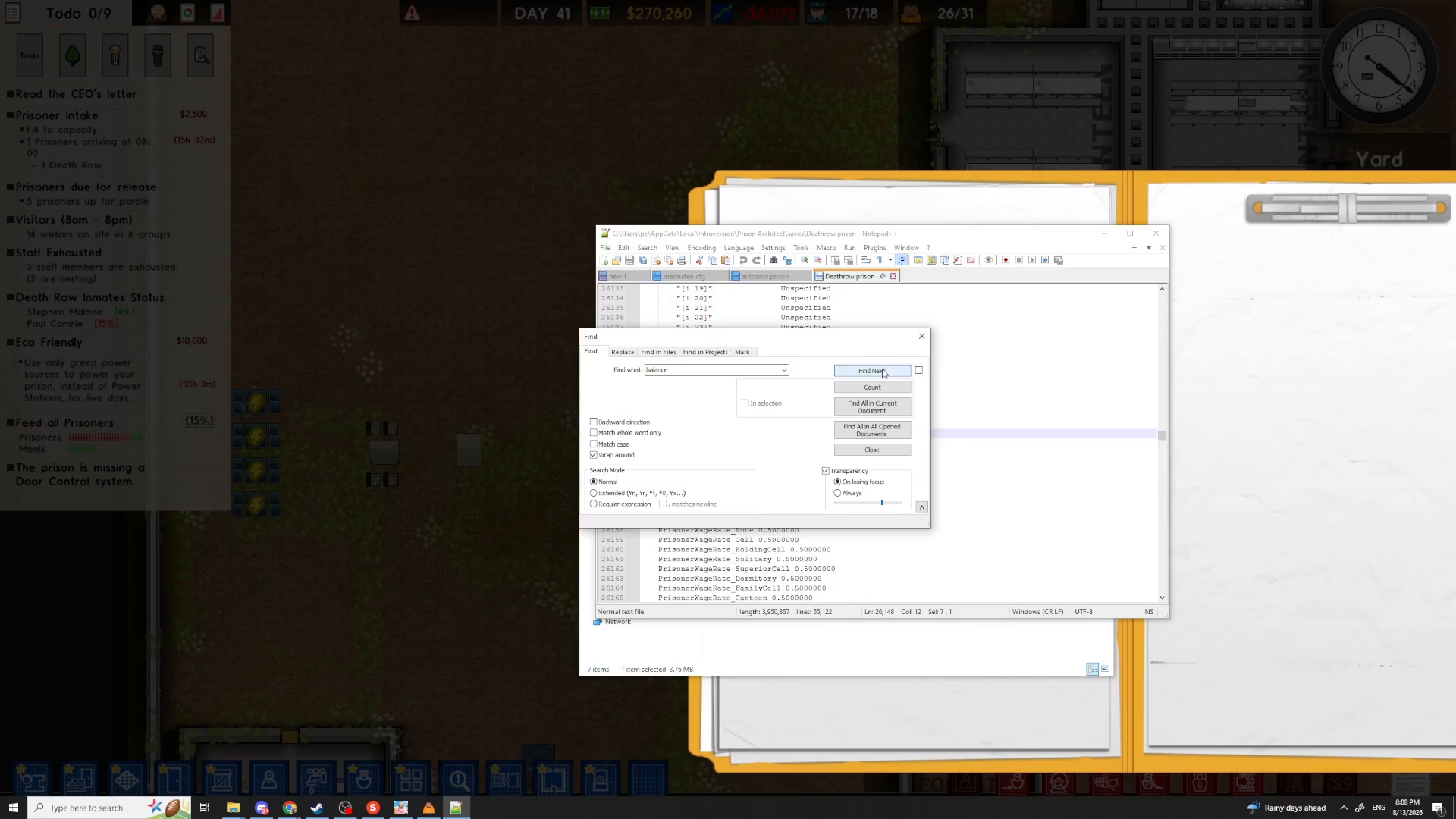
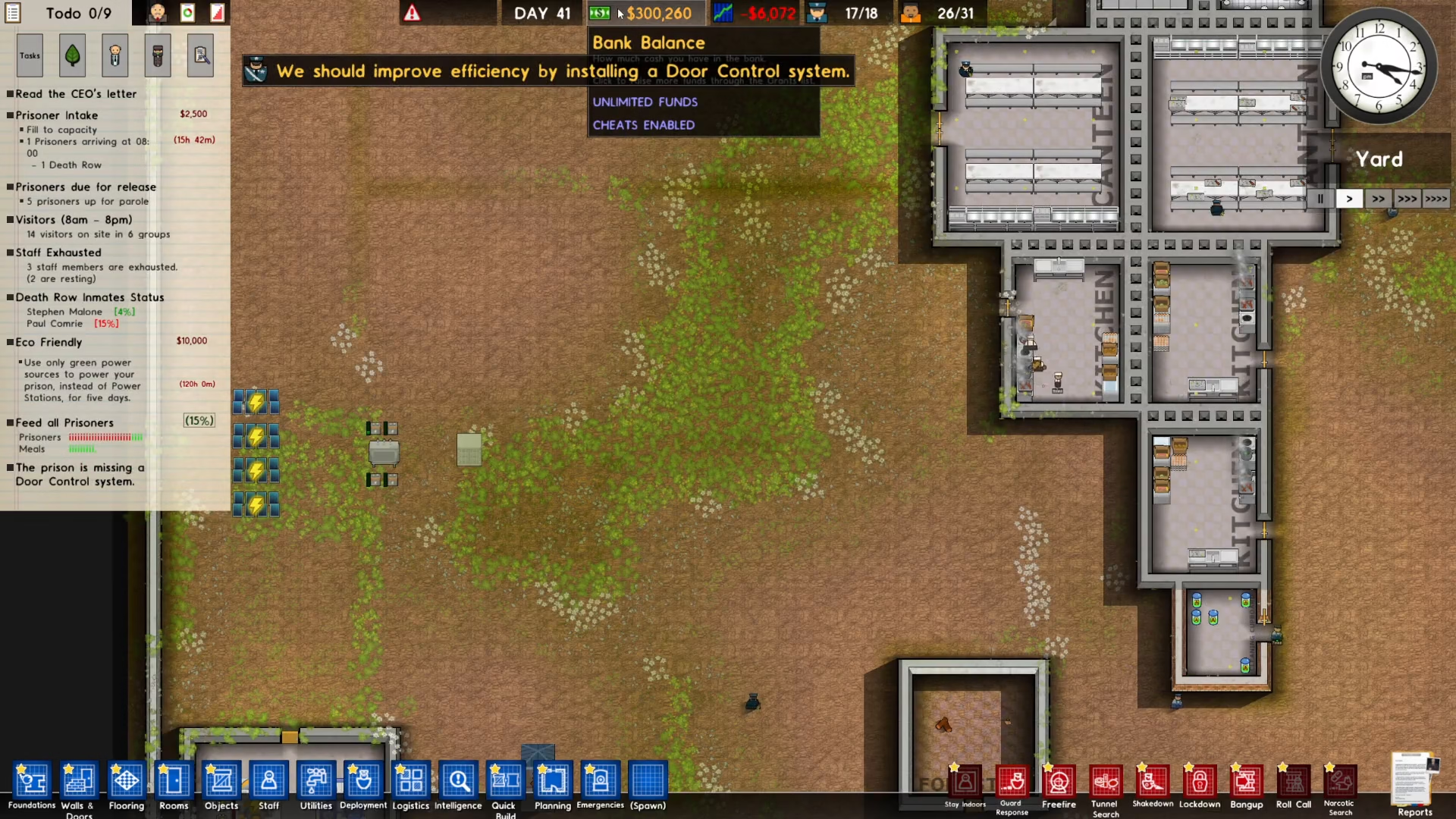
The search will locate the Balance field in your save file. Click “Find Next” to navigate to the exact location where your current balance is displayed. Once you’ve found it, you can modify the number to whatever amount you’d like. For example, you could change your balance to $300,000.
Saving Your Changes
After you’ve made your desired edits to the save file, it’s crucial to save your changes. Click on the “File” menu in your text editor and select “Save.” This will write all your modifications back to the save file.
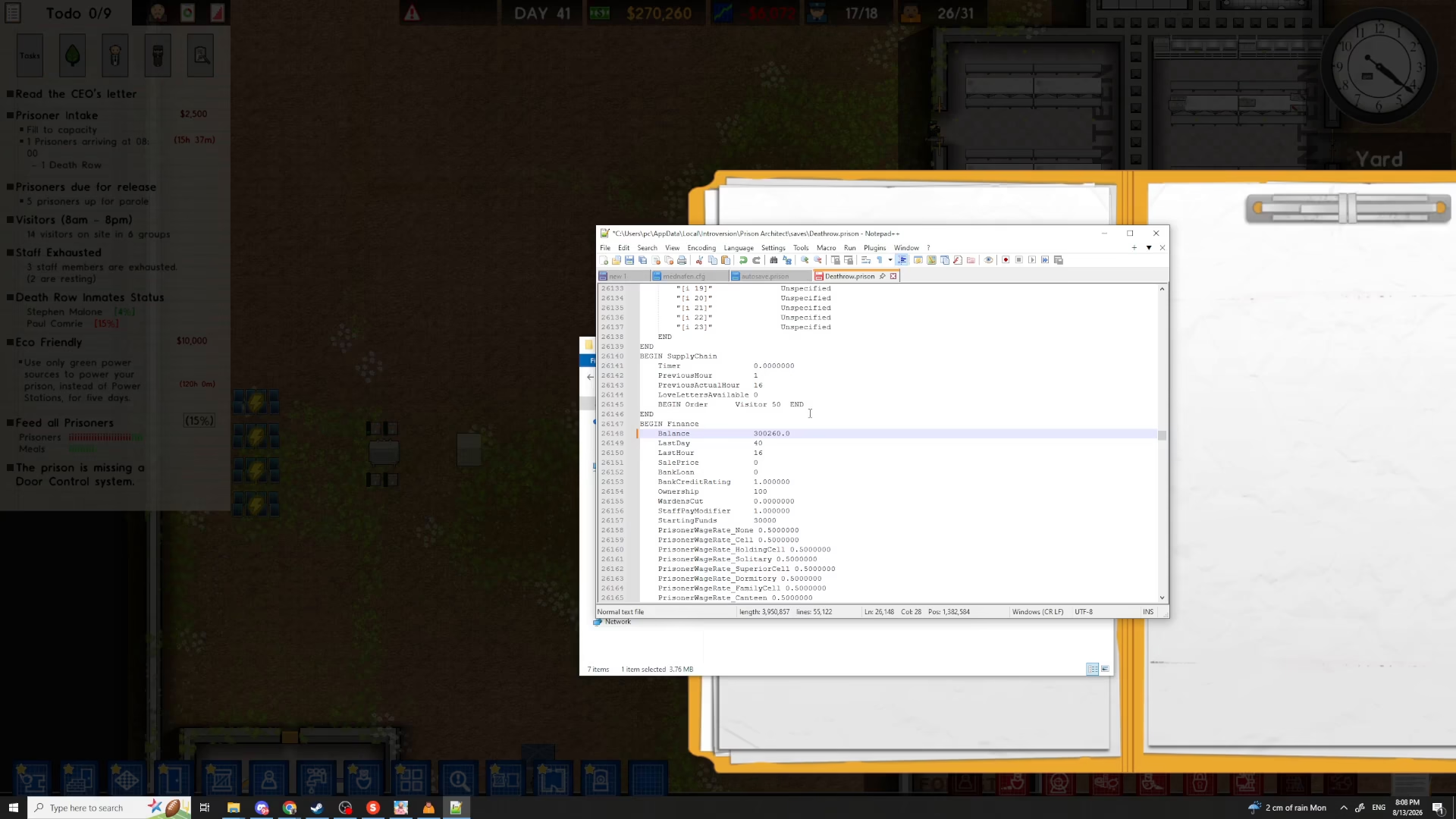
Once saved, close the text editor completely. Return to Prison Architect and load your prison save file by selecting it from your prison list and clicking “Load.”
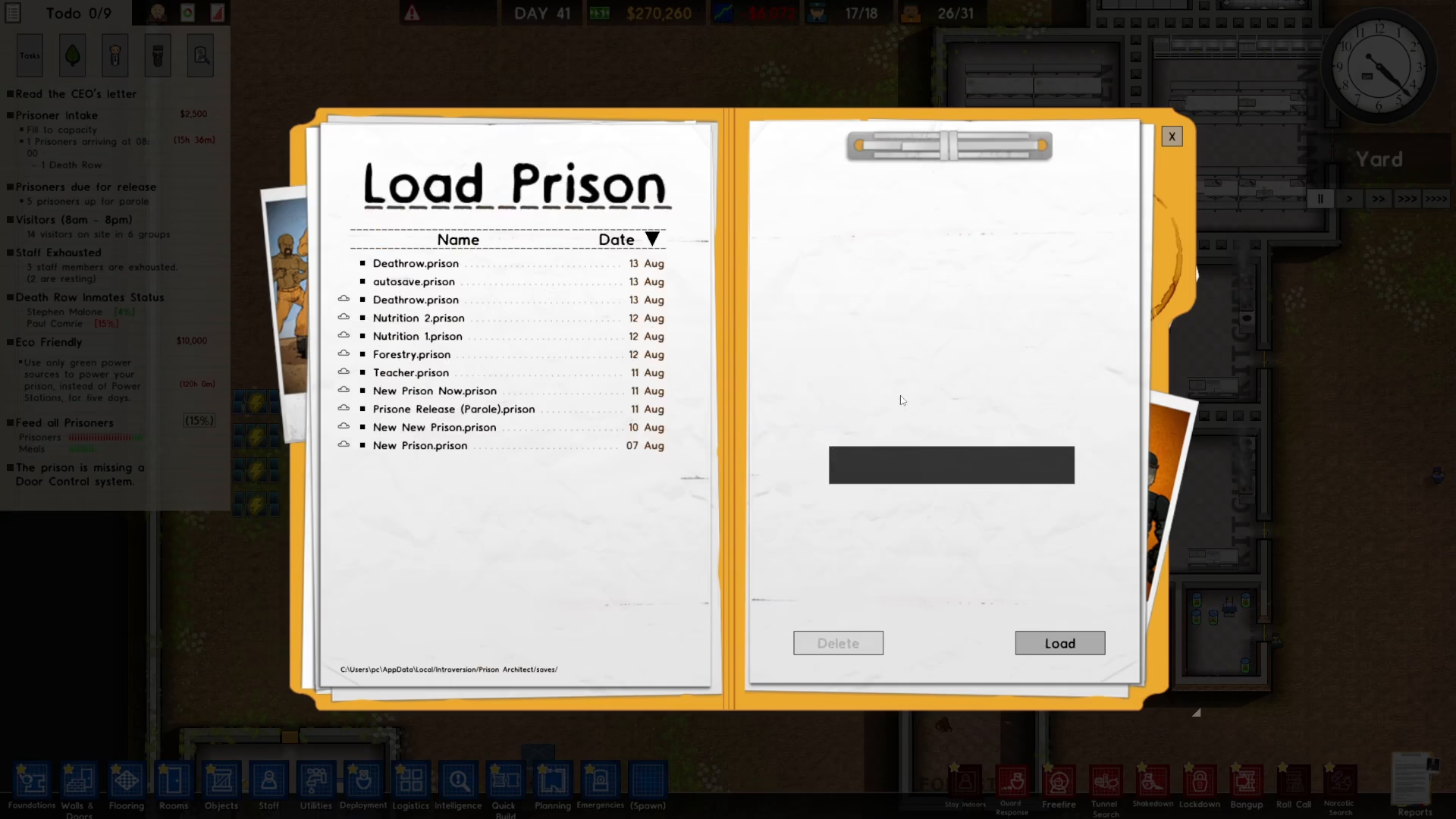
Your prison will now load with all the changes you made to the save file. You should immediately see your updated values reflected in the game—such as your new balance appearing in your prison’s finances.
Conclusion
Editing your Prison Architect save file is a straightforward process that gives you complete control over your gaming experience. By following these steps—accessing the save folder, opening the file with a text editor, using the Find function to locate specific values, and making your modifications—you can customize your prison exactly as you want it. Remember to always save your changes before closing the text editor and reloading your prison in-game.
— Want to Support? —
If you would like to help us continue making these guides – please consider joining our patreon here – https://www.patreon.com/c/JaviHeals
Alternatively – you can join our discord here – https://discord.gg/zD7Gjt6MHF