





How To Make A Room Staff Only In Prison Architect
How to Make a Room Staff Only in Prison Architect
Managing room access is a crucial part of maintaining security and order in your prison. In this guide, we’ll walk you through the simple process of converting any room into a staff-only area in Prison Architect. Whether you’re protecting sensitive areas or organizing your facility, this feature is essential for effective prison management.
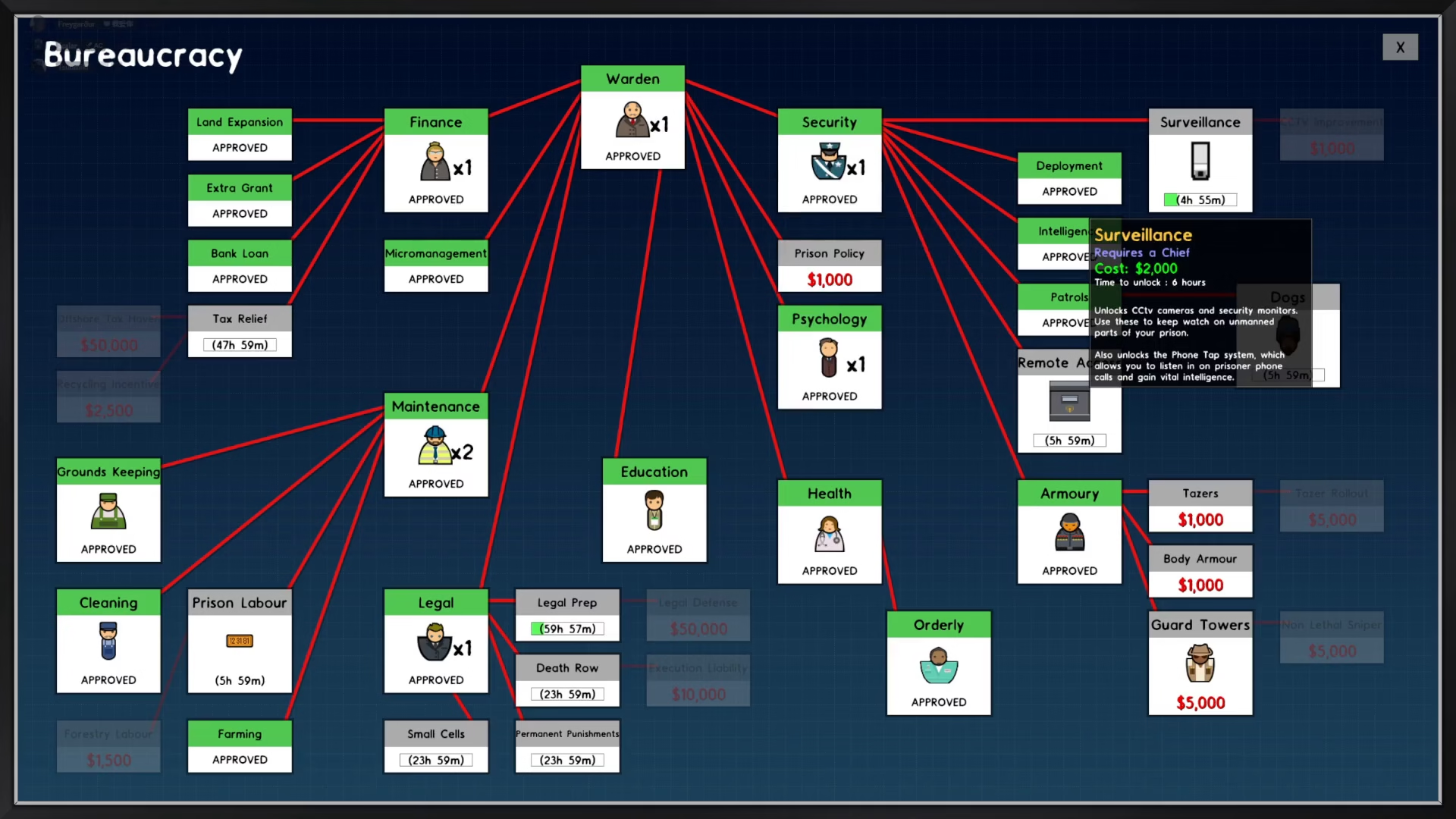
Check the Bureaucracy Menu
The first step is to access the bureaucracy menu located in the top left corner of your screen. Here, you’ll find various research options that unlock different features and capabilities for your prison.
Learn the Security Research
Look for and select the Security research option. This research unlock is what you need to proceed. Once you learn Security, you’ll gain access to the deployment screen, which is essential for managing staff-only rooms.
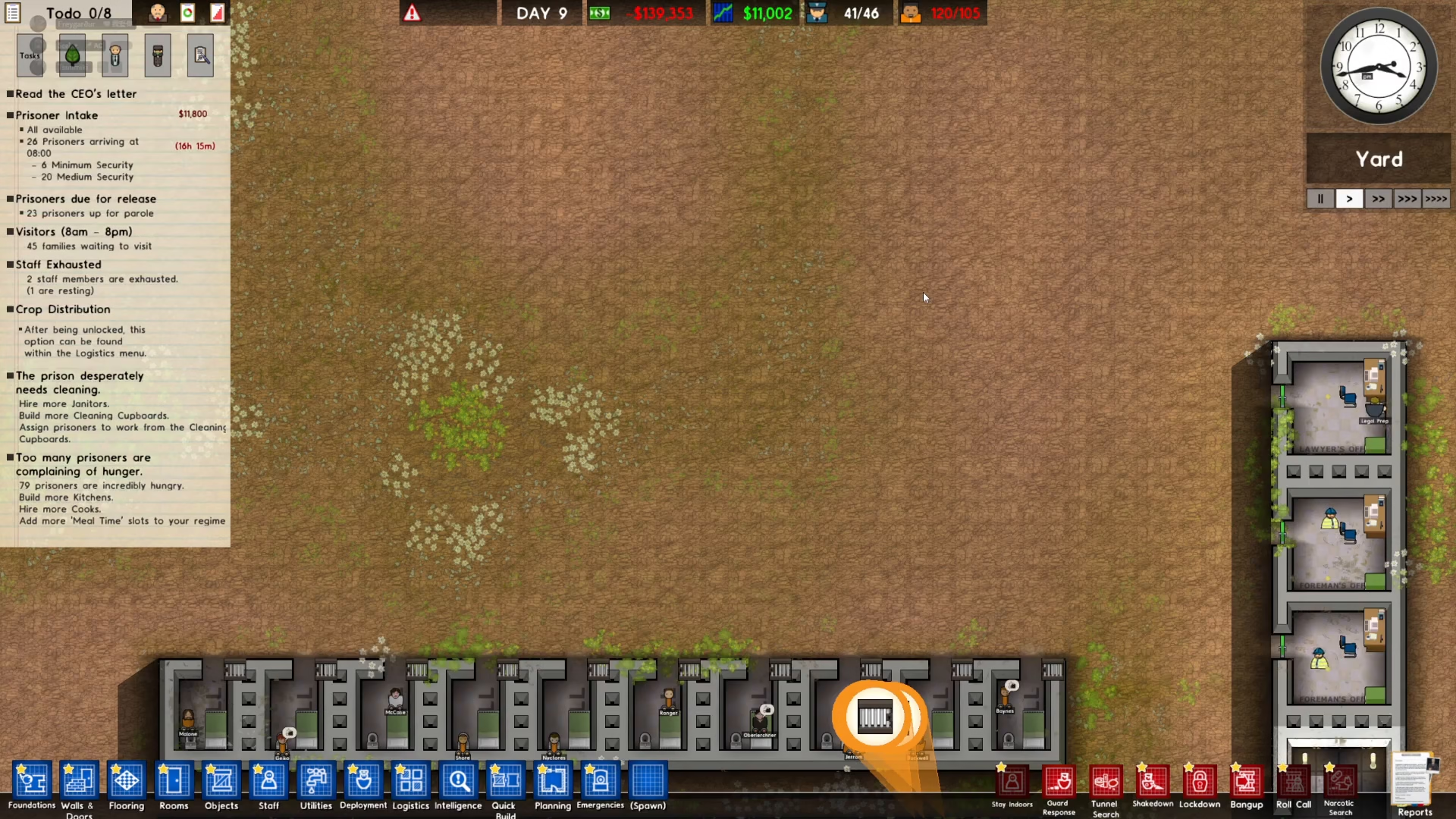
Access the Deployment Screen
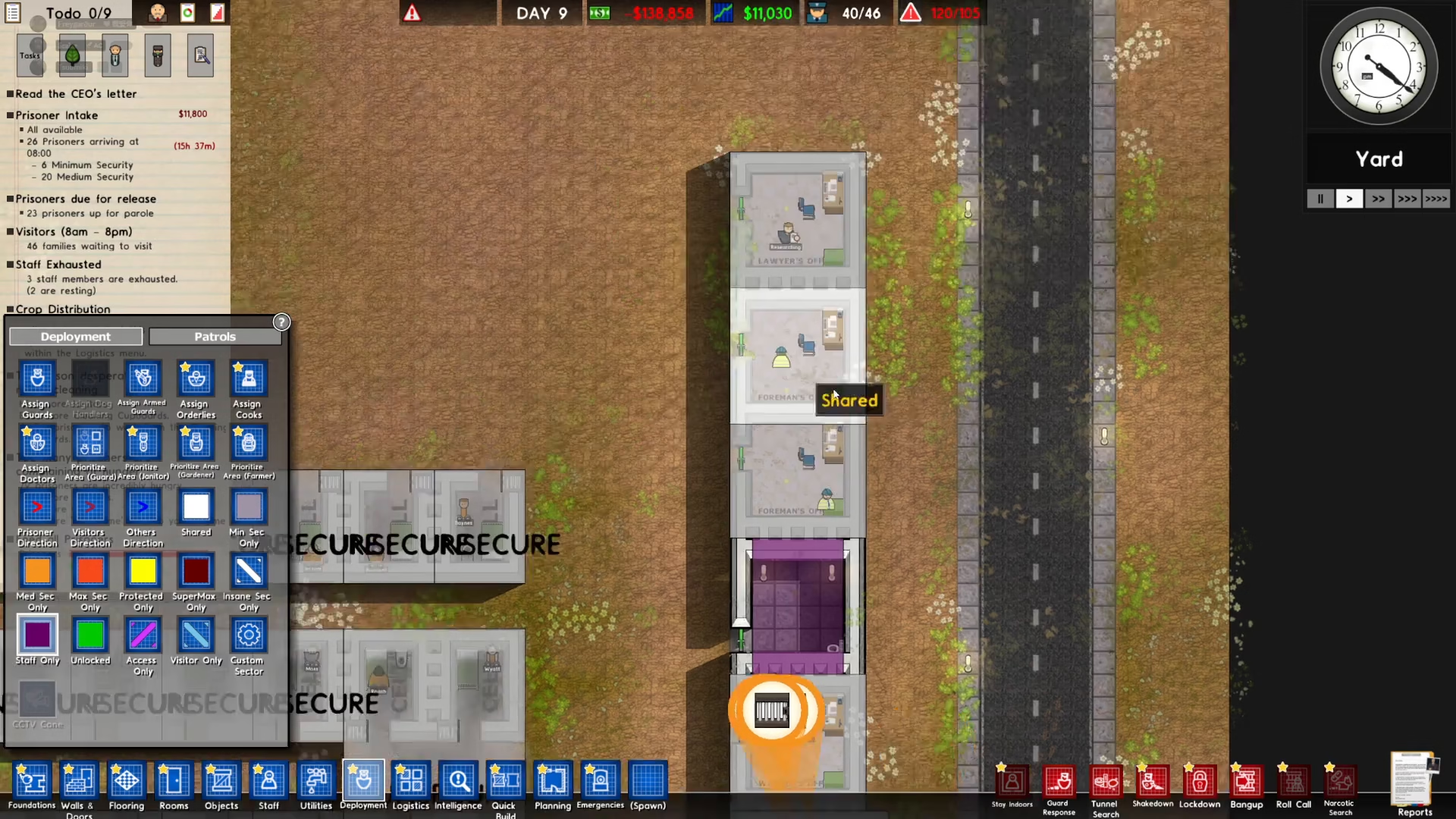
After completing the Security research, navigate to the deployment screen located in the bottom left of your interface. This is your control hub for room access management.
Select Staff Only Mode
On the left side of the deployment screen, you’ll see a button labeled “Staff Only.” Click on this button to activate staff-only designation mode.
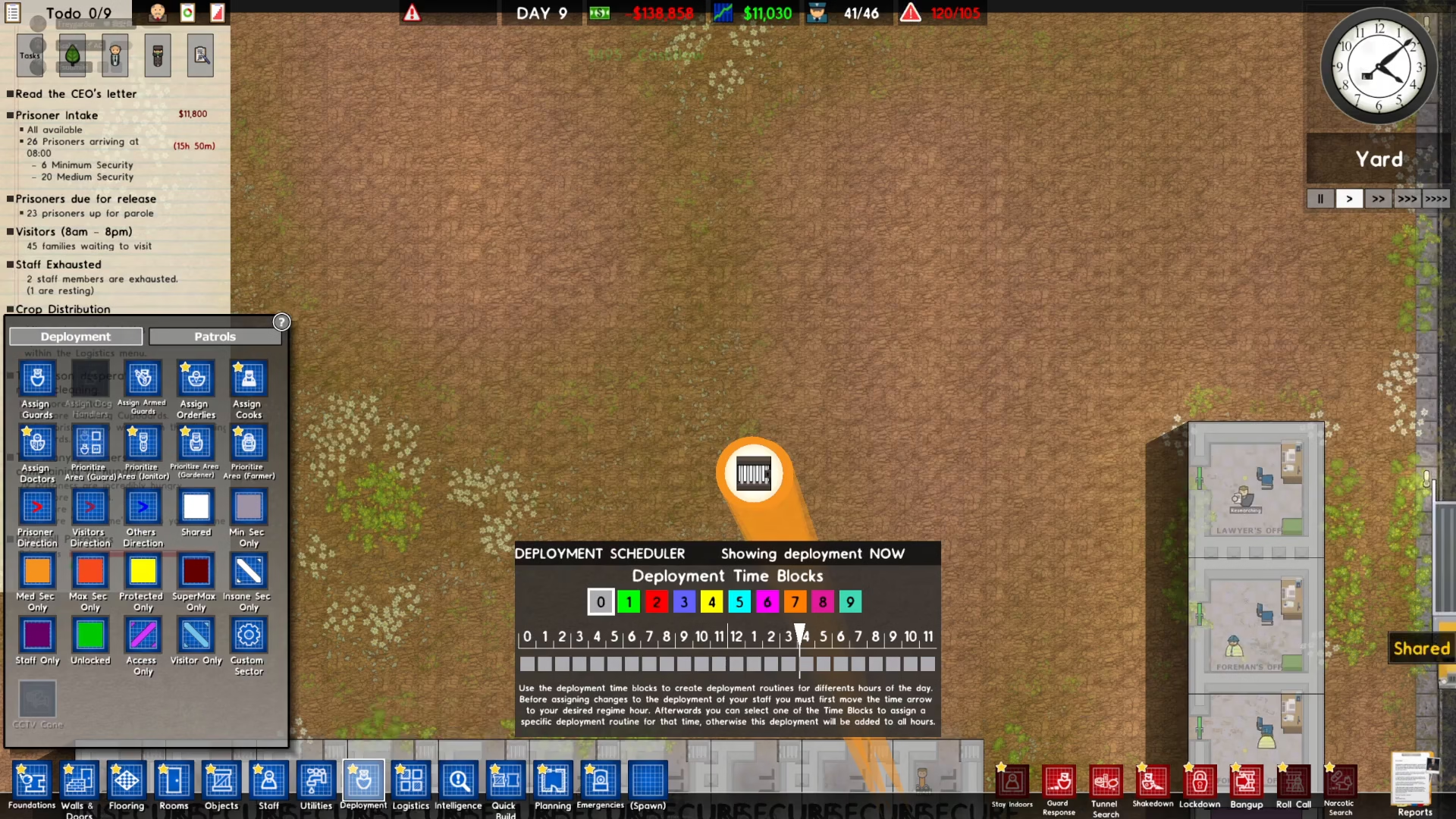
Mark Your Room as Staff Only
With staff-only mode activated, locate the building or room you want to restrict. For example, if you want to make a common room staff-only, simply click on that room. You’ll see the room’s color change to indicate it has been converted to a staff-only area.
Summary
That’s all there is to it! Making a room staff-only in Prison Architect is a straightforward process. Simply research Security through bureaucracy, open the deployment screen, select the Staff Only button, and click on any room you wish to restrict. This feature helps you maintain control over sensitive areas and organize your prison more effectively.
Want to Support?
If you would like to help us continue making these guides – please consider joining our patreon here – https://www.patreon.com/c/JaviHeals
Alternatively – you can join our discord here – https://discord.gg/zD7Gjt6MHF