





How To Rotate Quick Build In Prison Architect
How To Rotate Quick Build In Prison Architect
Quick Build is a helpful feature in Prison Architect that allows you to rapidly construct structures in your prison. However, you may sometimes need to rotate these structures to fit your design perfectly. This guide will show you exactly how to rotate Quick Build placements in Prison Architect.
Rotating Quick Build Structures
When you want to Quick Build a structure like a yard and need to rotate it to match your layout, the process is straightforward and requires just a single button press.
To rotate a Quick Build structure, simply press R on your keyboard or use Middle Click with your mouse.
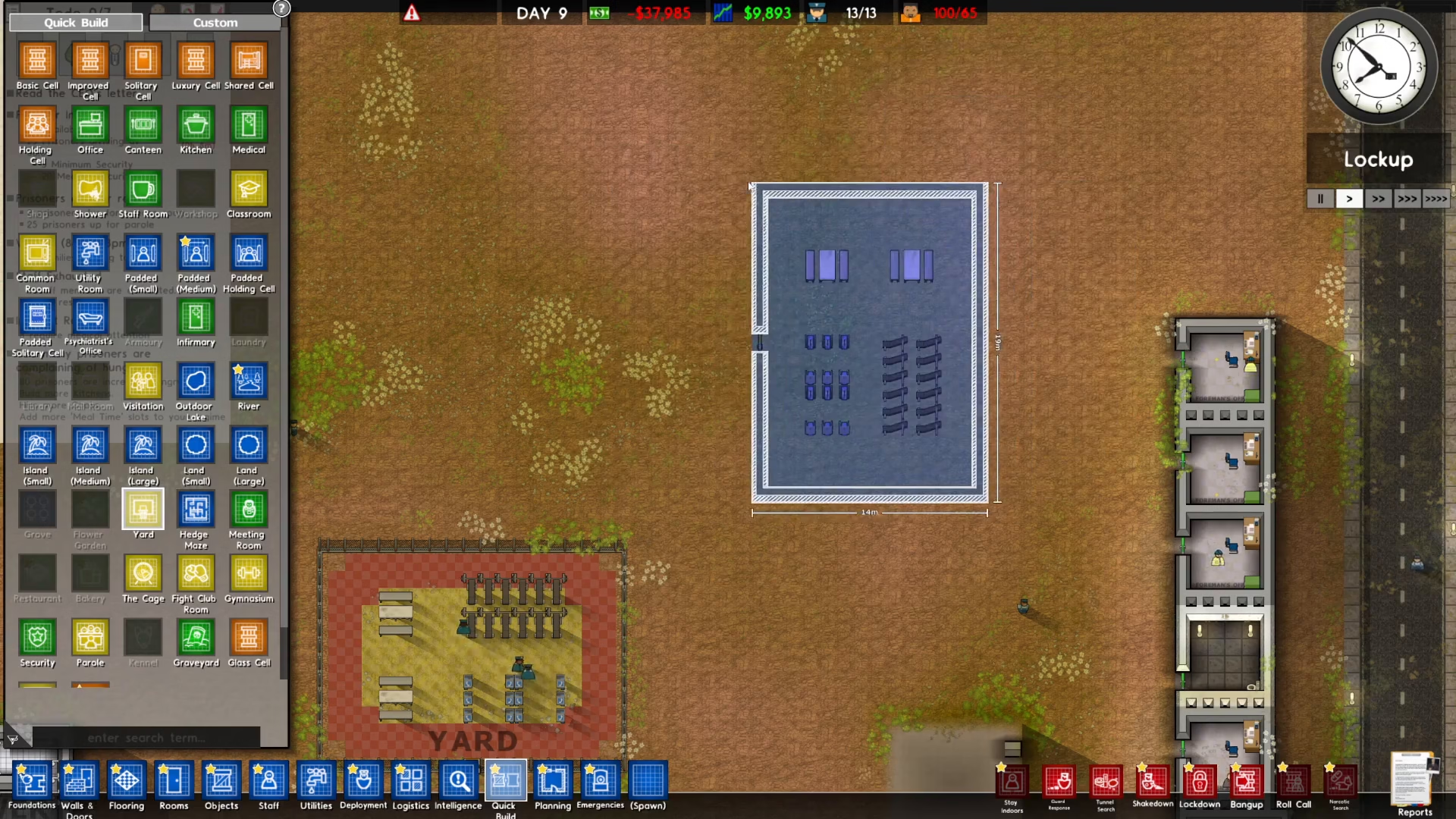
That’s all there is to it! You can now rotate your Quick Build placements to achieve the exact orientation you need for your prison design.
Summary
Rotating Quick Build structures in Prison Architect is easy once you know the controls. Whether you prefer using your keyboard or mouse, simply press R or Middle Click to rotate your structures. This simple technique will help you optimize your prison layout and design more efficiently.
Want to Support?
If you would like to help us continue making these guides – please consider joining our patreon here – https://www.patreon.com/c/JaviHeals
Alternatively – you can join our discord here – https://discord.gg/zD7Gjt6MHF



