





How To Rotate Objects In Prison Architect
“`html
How to Rotate Objects in Prison Architect
Need to adjust the orientation of furniture and objects in Prison Architect? Rotating objects is a quick and essential skill for customizing your prison layout. In this guide, we’ll show you the two simple methods to rotate any object in the game.
Basic Rotation Controls
Rotating objects in Prison Architect is straightforward. Let’s say you want to place an outdoor table but need it facing a different direction. You have two options to rotate objects:
Method 1: Press R – The easiest way is to simply press the R key on your keyboard while an object is selected.
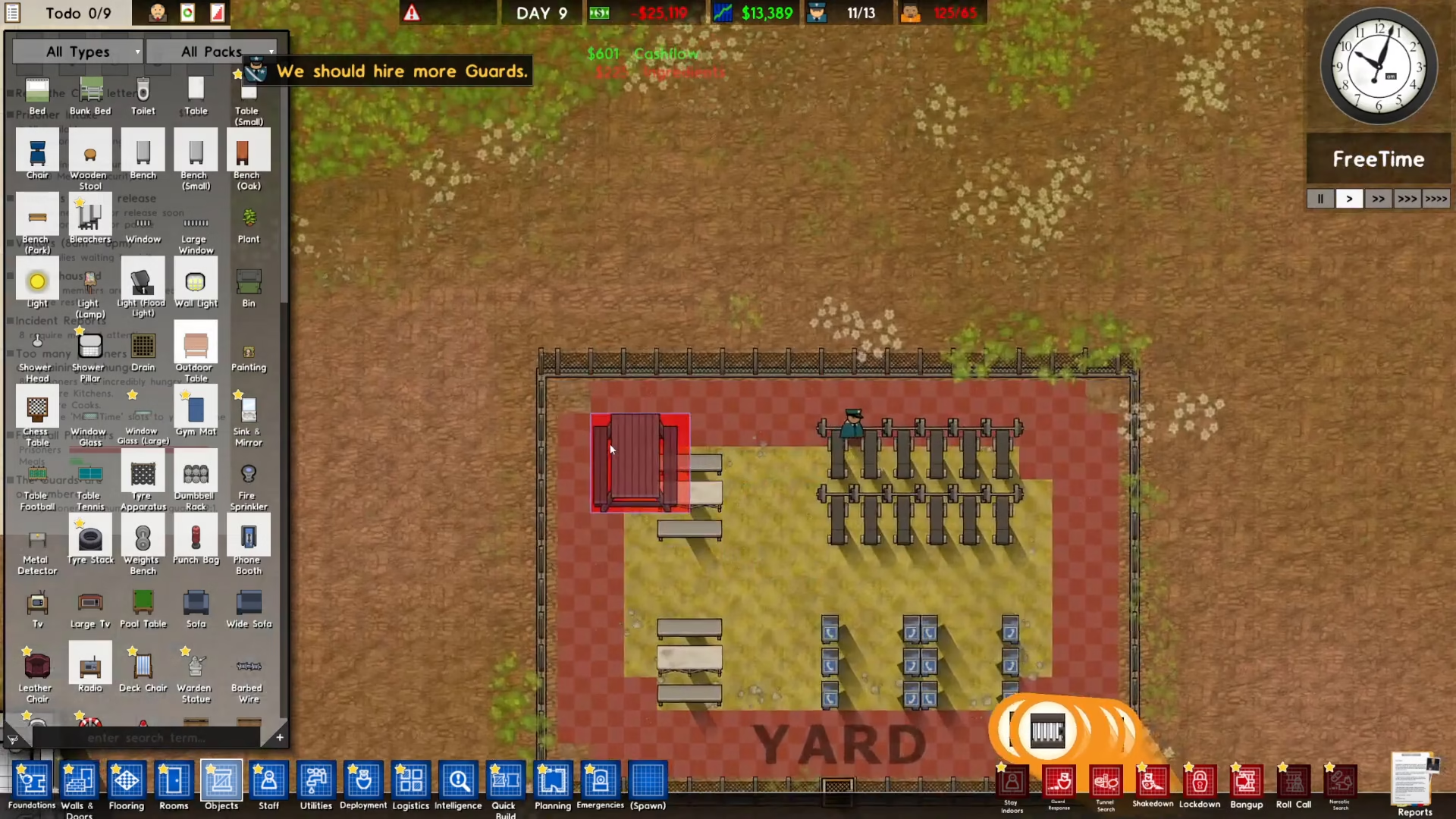
Method 2: Middle Click – Alternatively, you can use your mouse’s middle click button to rotate the selected object.
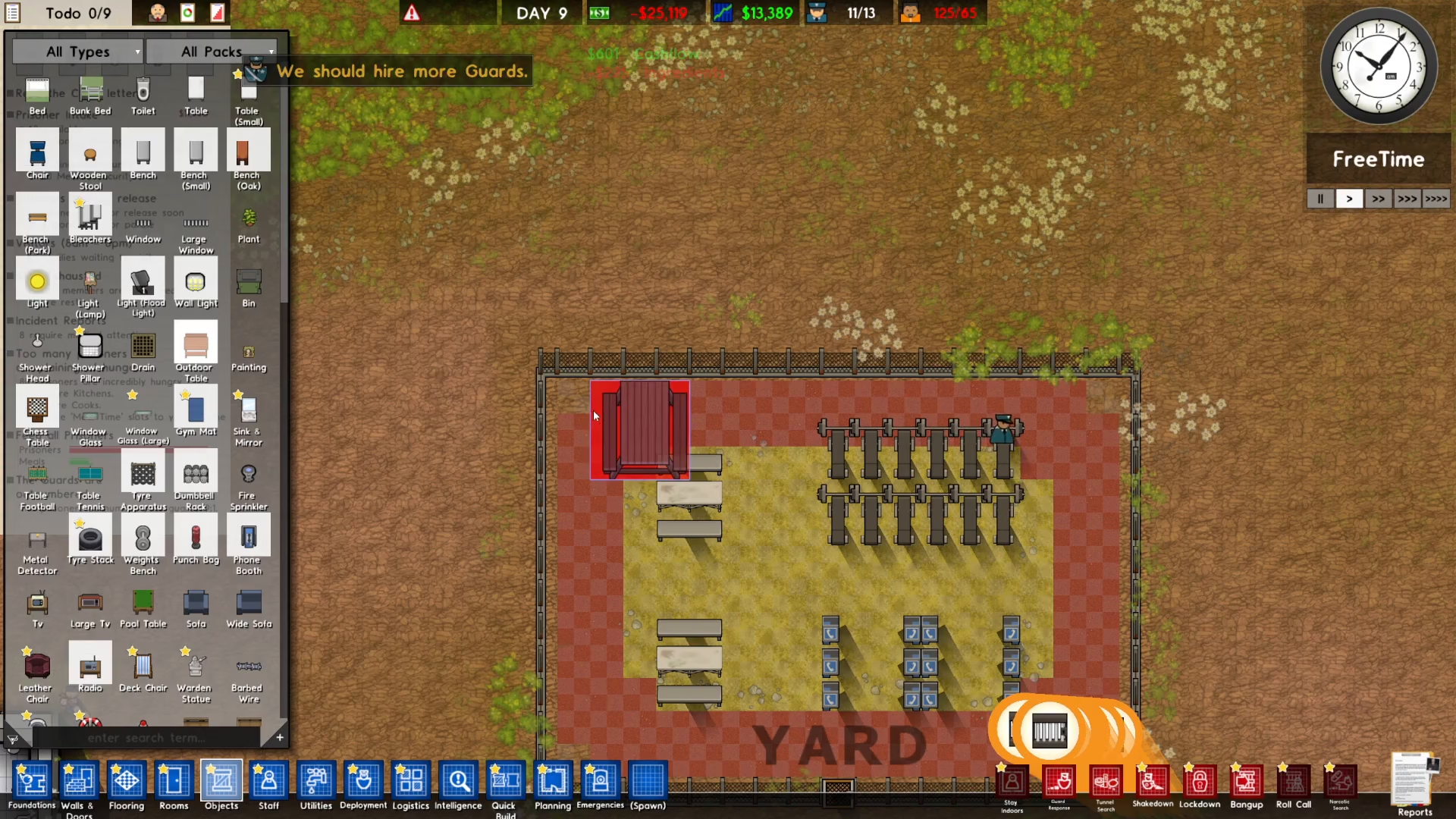
Summary
That’s all there is to rotating objects in Prison Architect! Whether you prefer using the keyboard shortcut (R) or your mouse’s middle click button, you now have the tools to orient your furniture and structures exactly how you want them. These simple controls give you complete flexibility when designing and customizing your prison layout.
— Want to Support? —
If you would like to help us continue making these guides – please consider joining our patreon here – https://www.patreon.com/c/JaviHeals
Alternatively – you can join our discord here – https://discord.gg/zD7Gjt6MHF
“`



