





How To Turn Off Staff Needs In Prison Architect
How To Turn Off Staff Needs In Prison Architect
Managing staff needs is an important part of Prison Architect gameplay, but sometimes you may want to disable this feature to focus on other aspects of your prison management. Whether you’re starting a new game or modifying an existing prison, Prison Architect provides straightforward options to toggle staff needs on and off. This guide walks you through both scenarios.
Toggling Staff Needs Before Starting a Prison
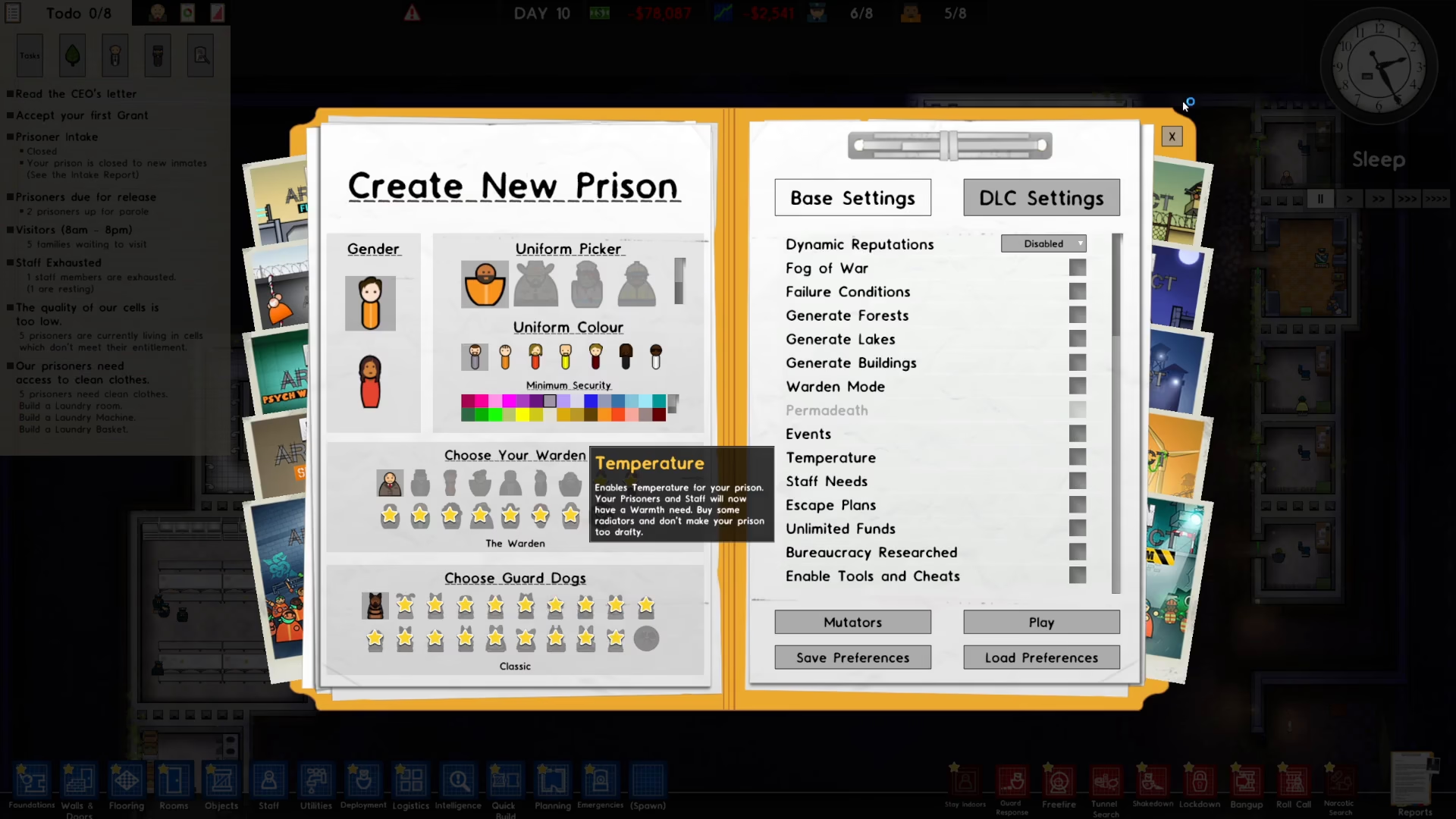
If you’re creating a new custom prison, you can easily control staff needs from the initial setup screen. When you’re in the prison creation menu, look for the staff needs option and simply toggle it on or off based on your preferences. Once you’ve made your selection, you can proceed to play your prison with those settings in place.
Disabling Staff Needs in an Active Prison
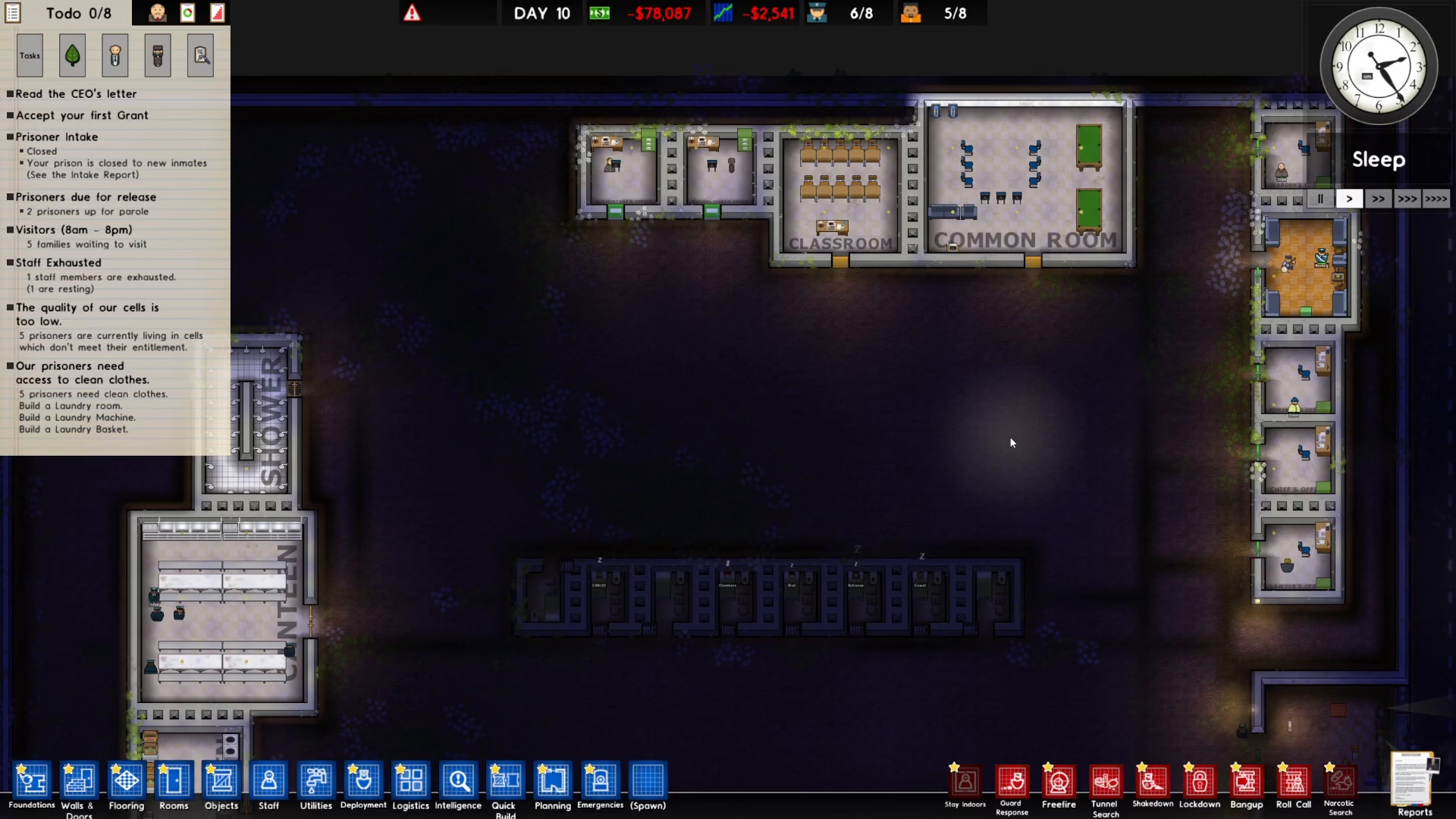
If you’ve already started playing a prison and want to turn off staff needs mid-game, the process is just as simple. Press the Escape key on your keyboard to open the main menu.
Accessing Map Settings
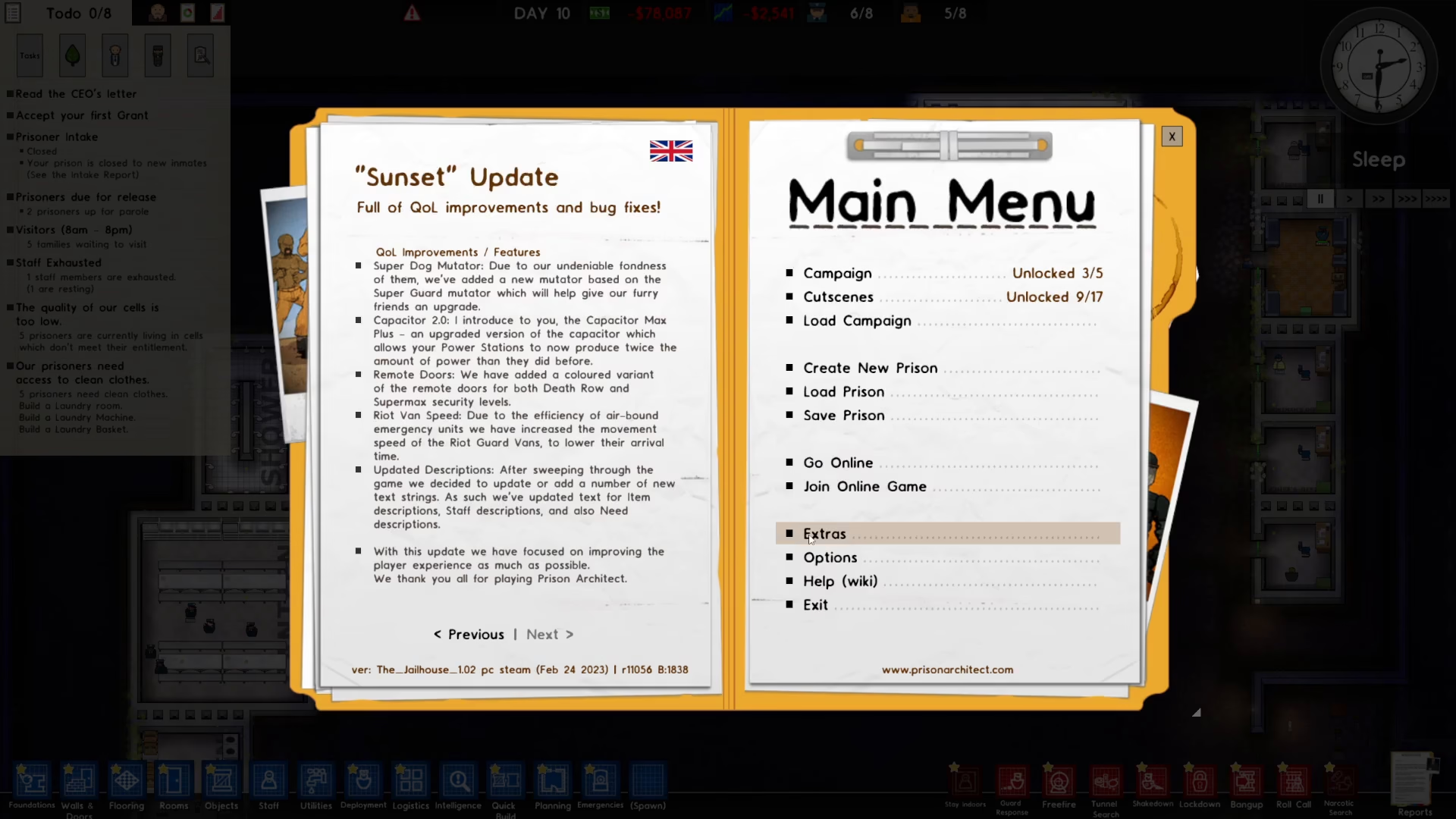
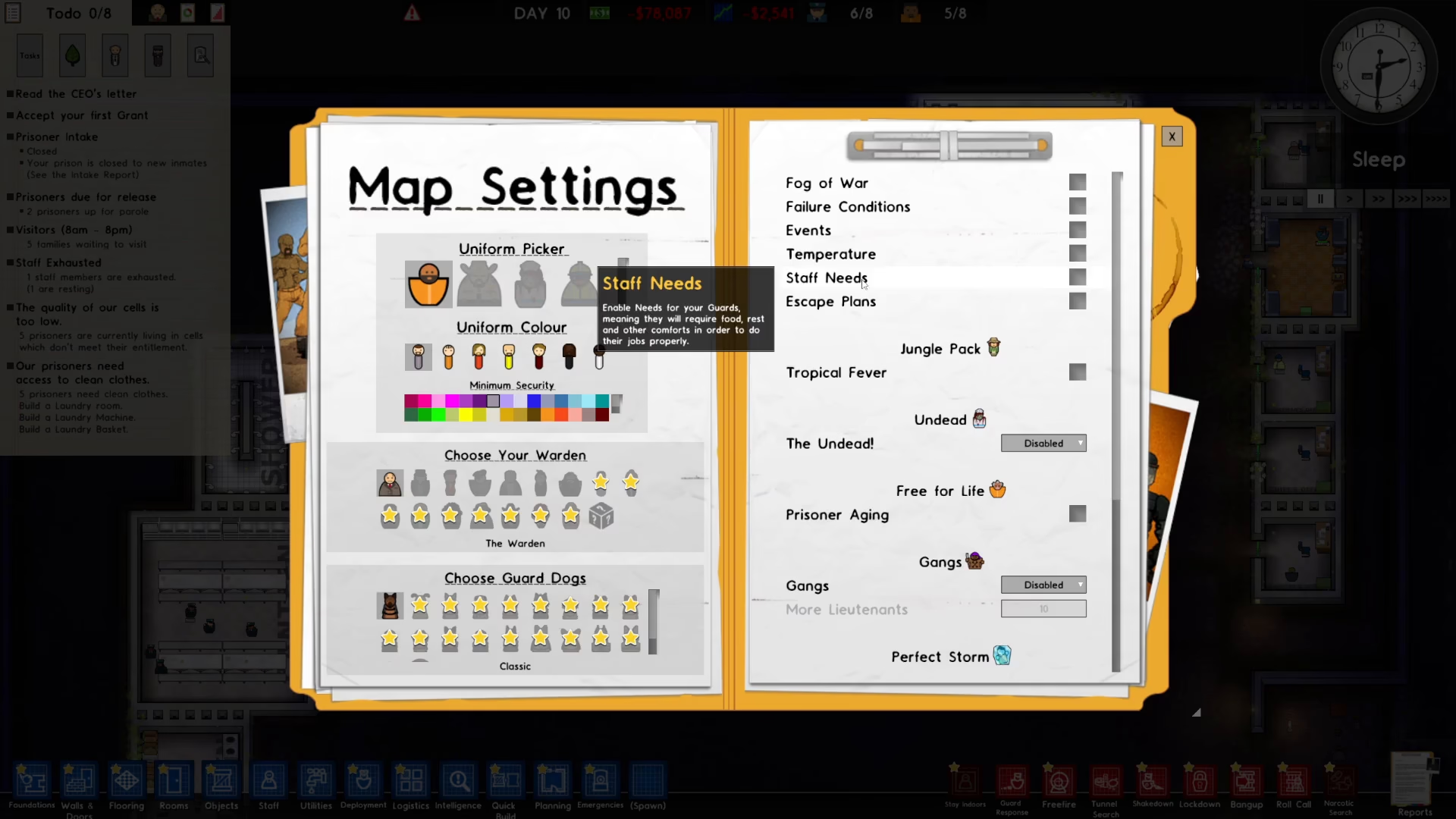
Once the menu is open, navigate to the “Extras” option. From there, select “Map Settings” to access the configuration panel for your current prison.
Finding and Toggling Staff Needs
In the Map Settings window, look toward the right side of the screen. You’ll find the staff needs toggle option there. Click on it to toggle staff needs either on or off, depending on what you need. Once you’ve made your adjustment, simply close the settings menu and return to your game.
Summary
Turning off staff needs in Prison Architect is a quick and easy process. For new prisons, adjust the setting during prison creation. For existing prisons, use the Escape menu to access Extras > Map Settings, then toggle the staff needs option on the right side of the window. This flexibility allows you to customize your gameplay experience exactly how you want it.
Want to Support?
If you would like to help us continue making these guides – please consider joining our patreon here – https://www.patreon.com/c/JaviHeals
Alternatively – you can join our discord here – https://discord.gg/zD7Gjt6MHF



