





How To Put Video Camera On Tripod In Phasmophobia
How To Put Video Camera On Tripod In Phasmophobia
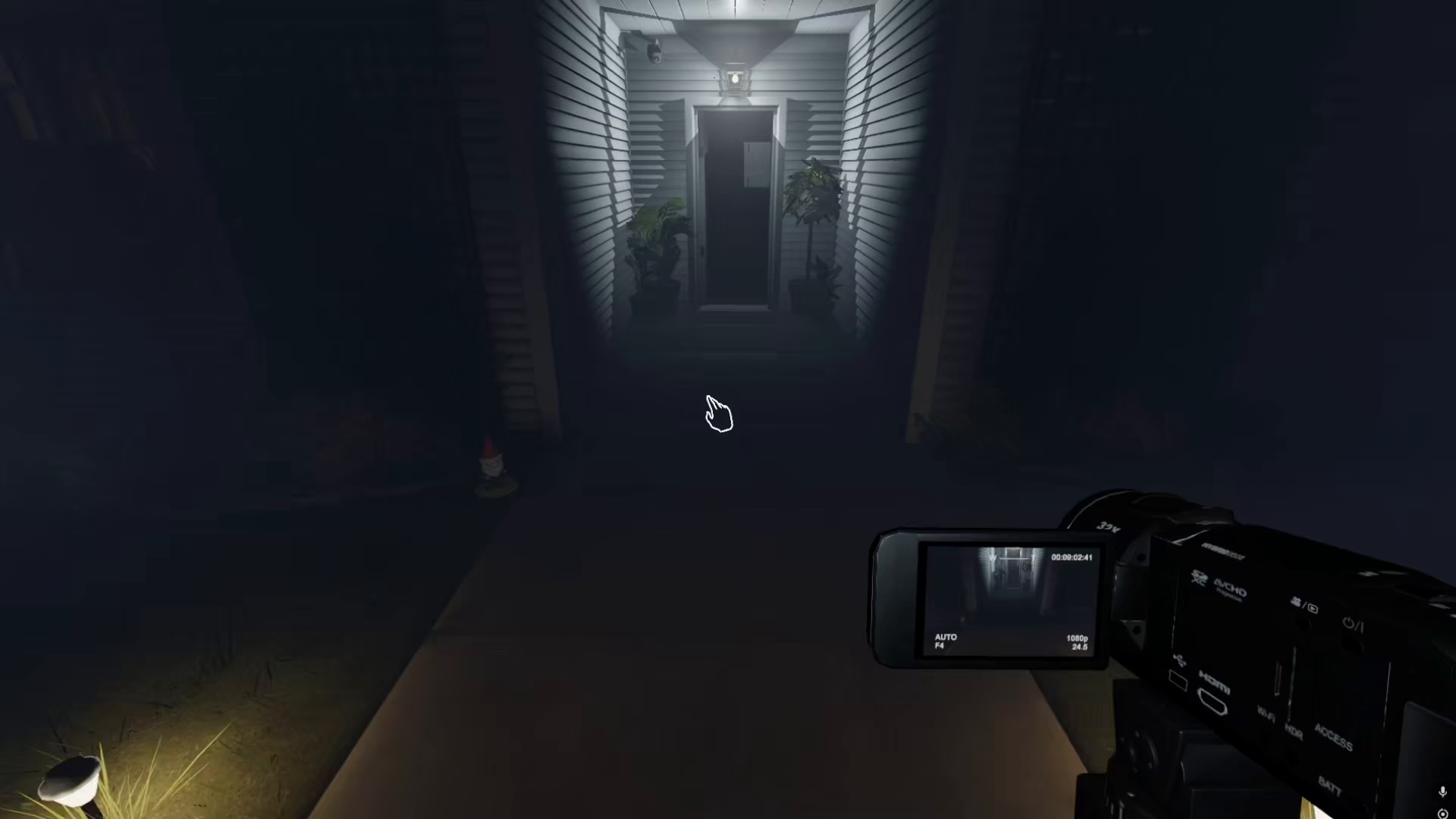
Setting up equipment efficiently is crucial in Phasmophobia, and learning how to mount a video camera on a tripod is a fundamental skill for ghost hunting. This guide will walk you through the simple steps required to place a video camera on a tripod and position it strategically throughout your investigation locations.
Basic Setup Instructions
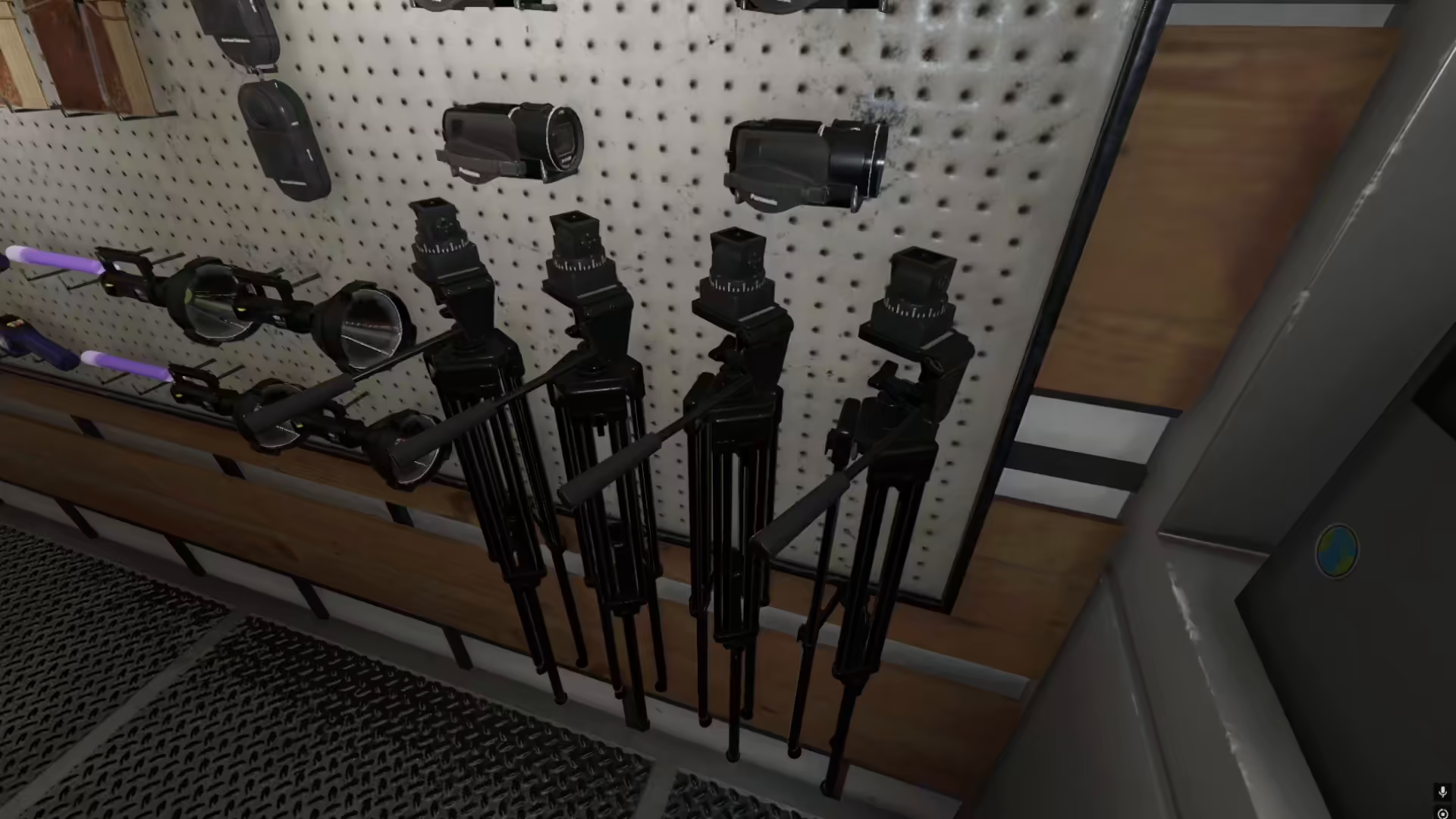
Step 1: Place the Tripod
Start by taking a tripod from your equipment. Position it in your desired location and place it by pressing G on your keyboard.
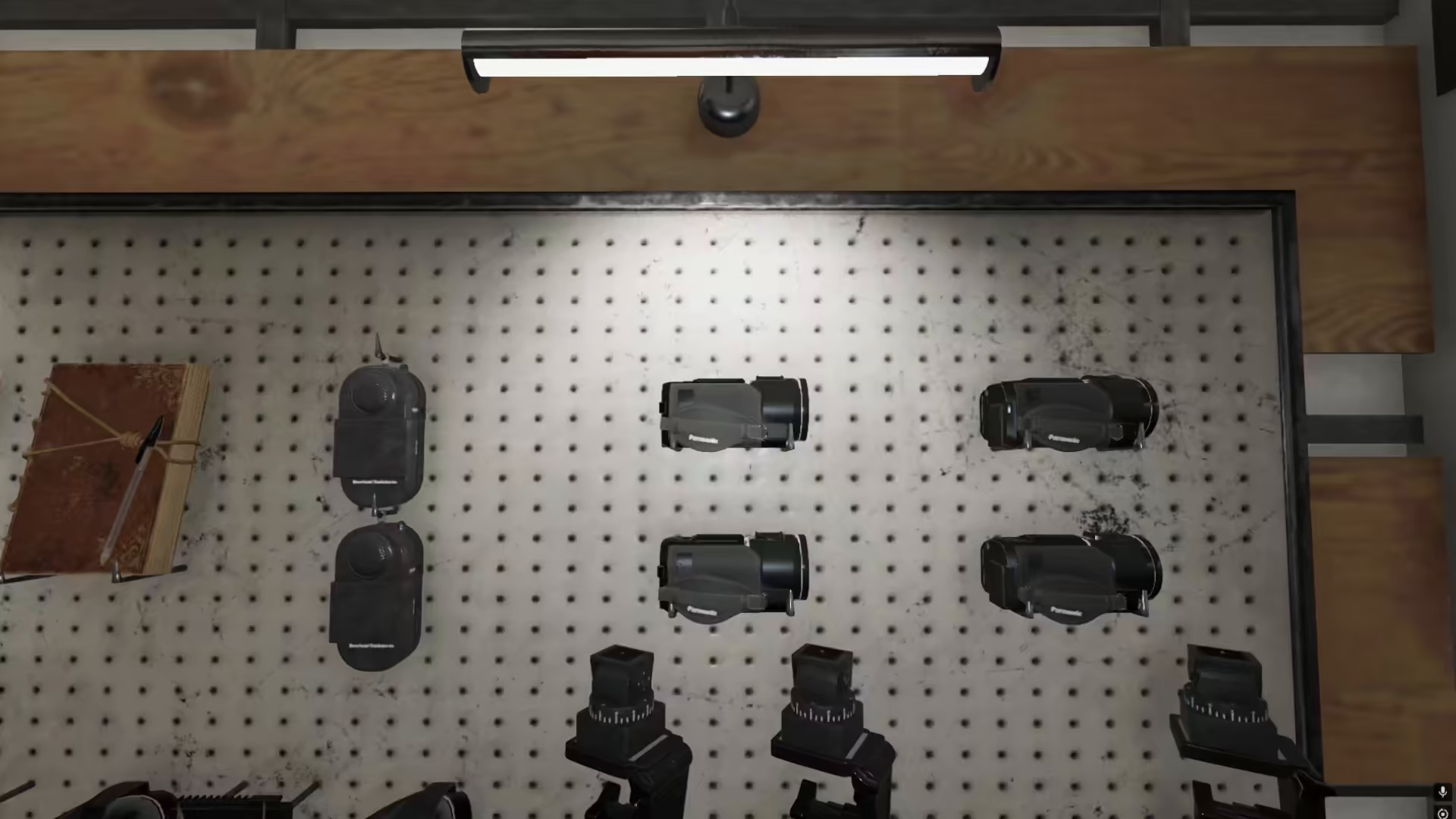
Step 2: Attach the Video Camera
Once your tripod is in position, take a video camera and attach it to the tripod by pressing F on your keyboard.
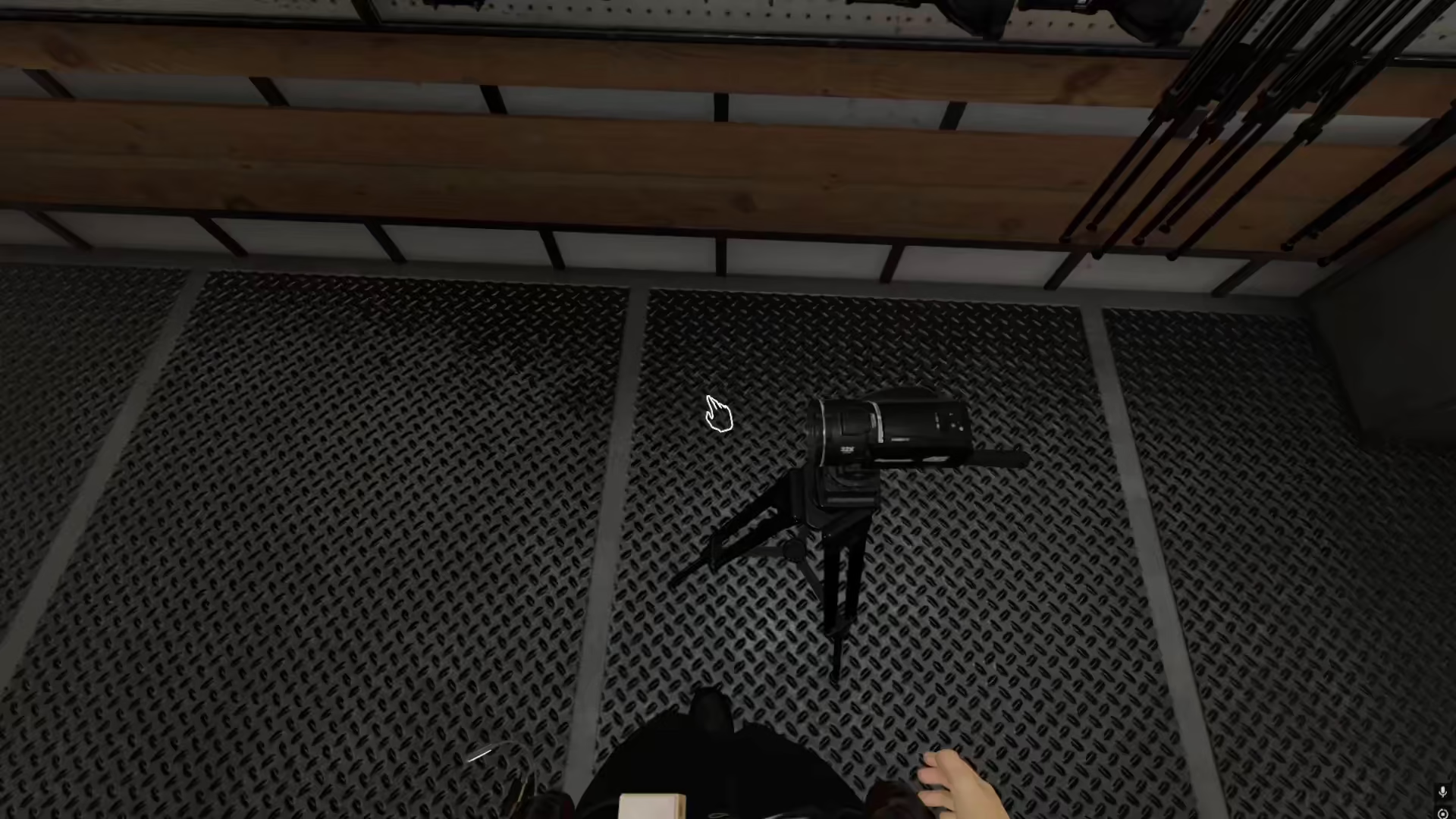
Step 3: Reposition Your Setup
After placing the video camera on the tripod, you can pick up the entire assembled unit and carry it inside the house. This allows you to move your recording station to any location you prefer within your investigation area.
Accessing Video Footage
One of the major benefits of setting up a video camera on a tripod is that you can access the recorded footage directly from the camera itself. Once your camera is mounted and positioned, you can review the video recordings from that location, making it easy to gather evidence without needing to return to your base of operations.
Summary
Mounting a video camera on a tripod in Phasmophobia is straightforward and essential for effective ghost hunting. Simply place your tripod using the G key, attach your video camera using the F key, and position it anywhere throughout the investigation location. This setup allows you to record evidence continuously while keeping your hands free for other equipment and investigations.
— Want to Support? —
If you would like to help us continue making these guides – please consider joining our patreon here – https://www.patreon.com/c/JaviHeals
Alternatively – you can join our discord here – https://discord.gg/zD7Gjt6MHF


