





How To Record With Camera In Phasmophobia
How To Record With Camera In Phasmophobia
Capturing evidence of paranormal activity is crucial in Phasmophobia, and using the video camera is one of the most effective ways to document ghost encounters. Whether you’re recording a hunt, ghost writing, or other supernatural phenomena, mastering the camera recording feature will help you gather the proof you need to complete your contracts. This guide will walk you through the simple steps to start recording with the camera in Phasmophobia.
How to Use the Video Camera
Picking Up and Activating the Camera
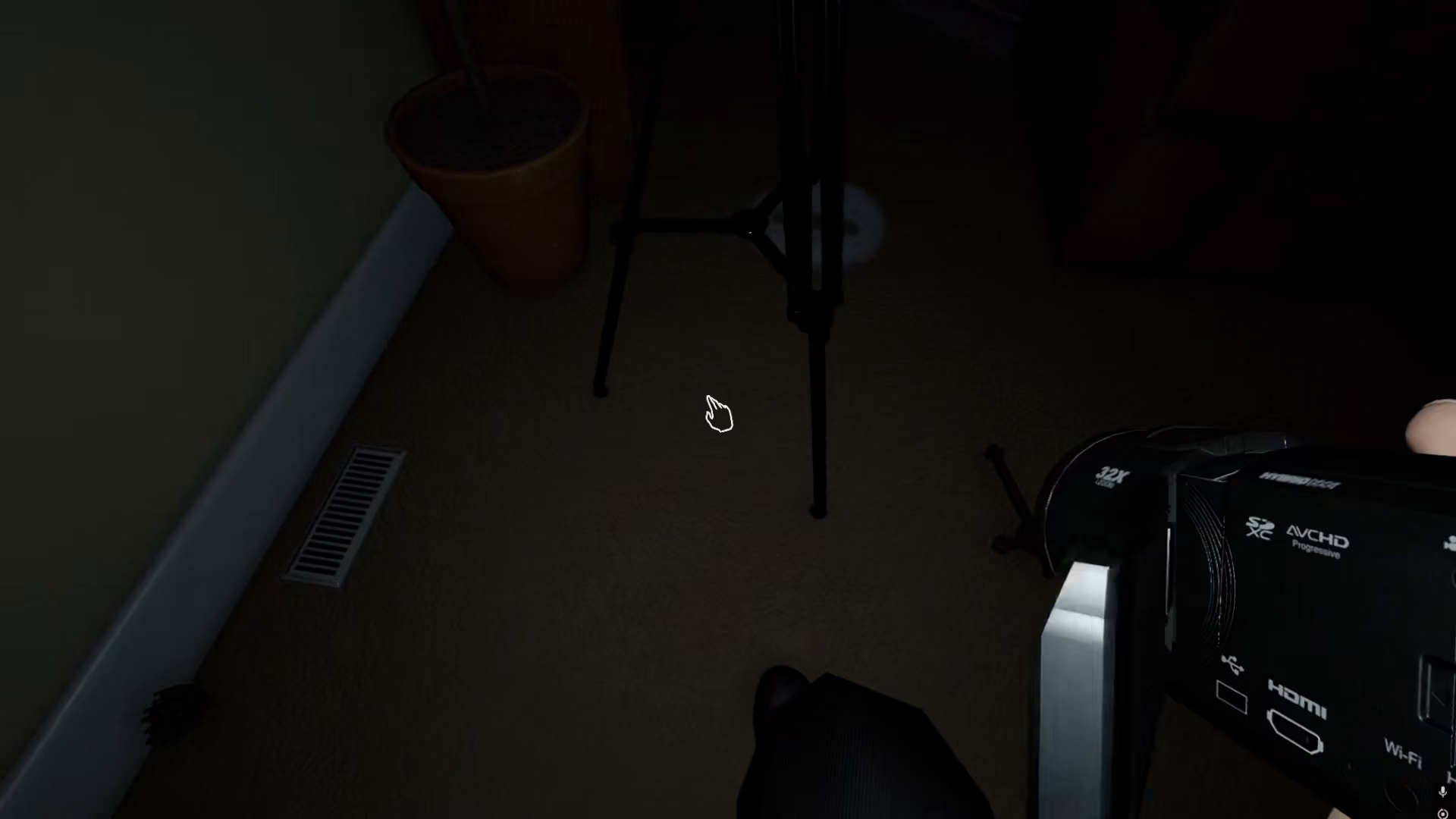
To begin recording with the video camera in Phasmophobia, you first need to pick up the video camera. Once you have it in your inventory and it’s equipped, activating it is straightforward.
Starting the Recording
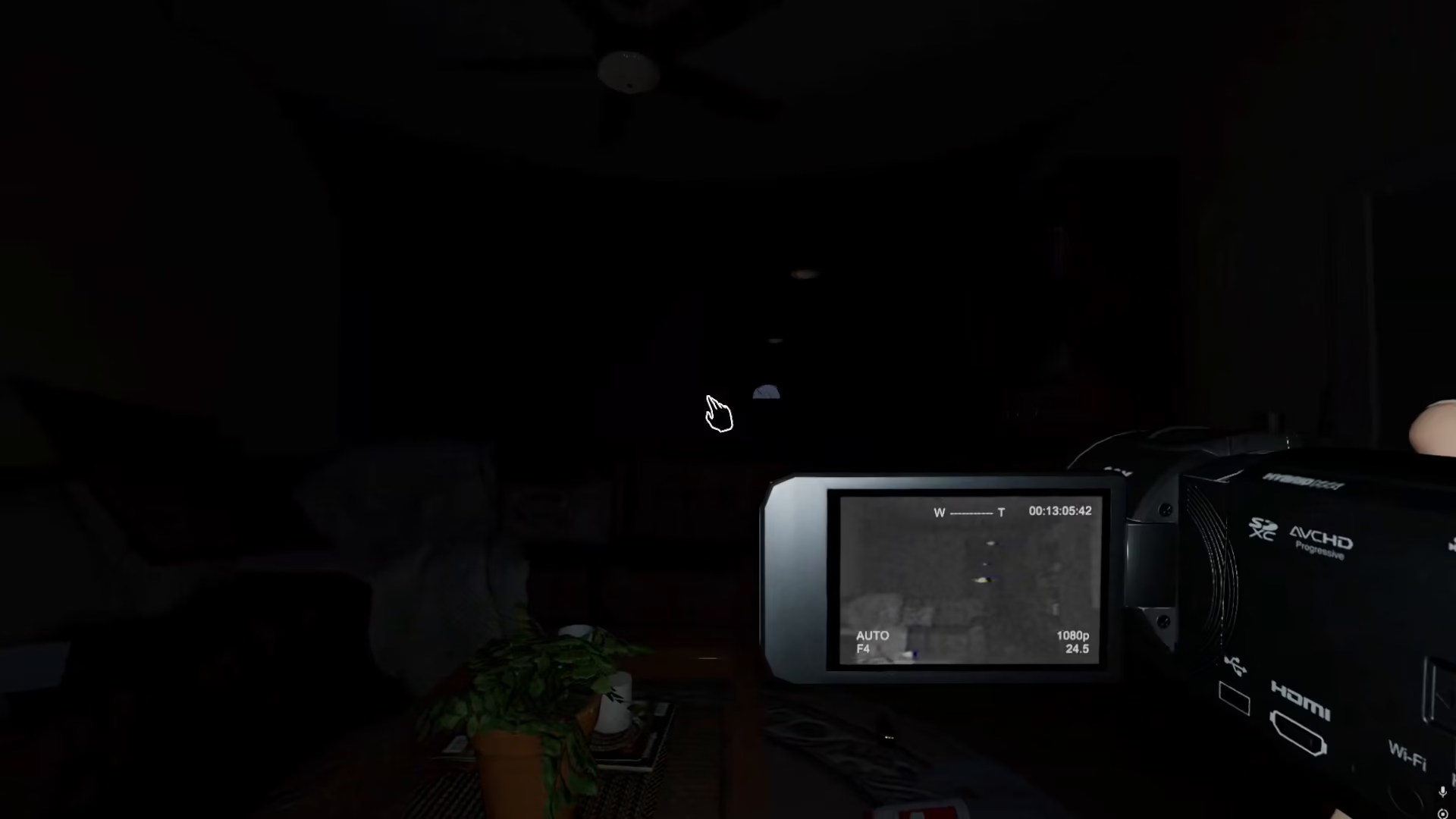
Right-click your mouse to start the camera recording. Once activated, the camera will continuously record every moment you need to document. This includes hunts, ghost writing, apparitions, and any other paranormal activity that occurs while the camera is active.
What the Camera Records
The video camera will capture all types of ghost activity, including:
Ghost hunts
Ghost writing and interactions
Apparitions and manifestations
Any other paranormal phenomena
Summary
Recording with the video camera in Phasmophobia is a simple yet essential mechanic for ghost hunting success. By picking up the camera and right-clicking your mouse, you can document all the paranormal activity occurring during your investigation. This recorded evidence is invaluable for completing contracts and proving the presence of ghosts, so make sure to keep your camera rolling whenever you encounter supernatural activity.
Want to Support?
If you would like to help us continue making these guides – please consider joining our patreon here – https://www.patreon.com/c/JaviHeals
Alternatively – you can join our discord here – https://discord.gg/zD7Gjt6MHF


