





How To Skip Thetutorial In Phasmophobia
How To Skip The Tutorial In Phasmophobia
If you’re looking to jump straight into the action in Phasmophobia and skip the tutorial, you’ve come to the right place. This quick guide will show you exactly how to exit the tutorial and get to the main gameplay experience, whether you’re heading into single player, multiplayer, or training mode.
Exiting The Tutorial
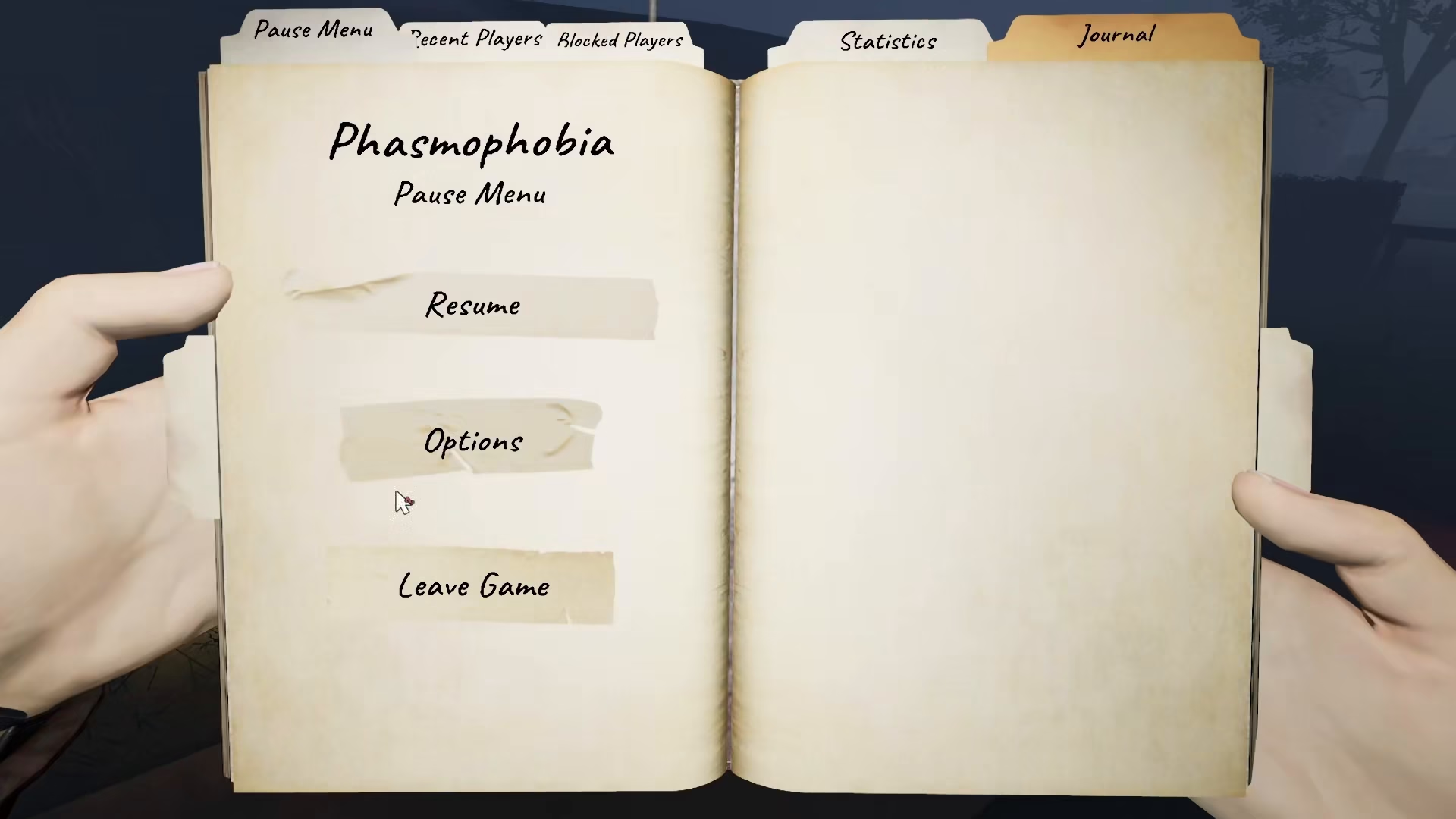
Once you’ve spawned into the tutorial and decide you don’t want to complete it, the process is straightforward. Simply press the Escape key on your keyboard to bring up the menu options.
Navigate to Main Menu
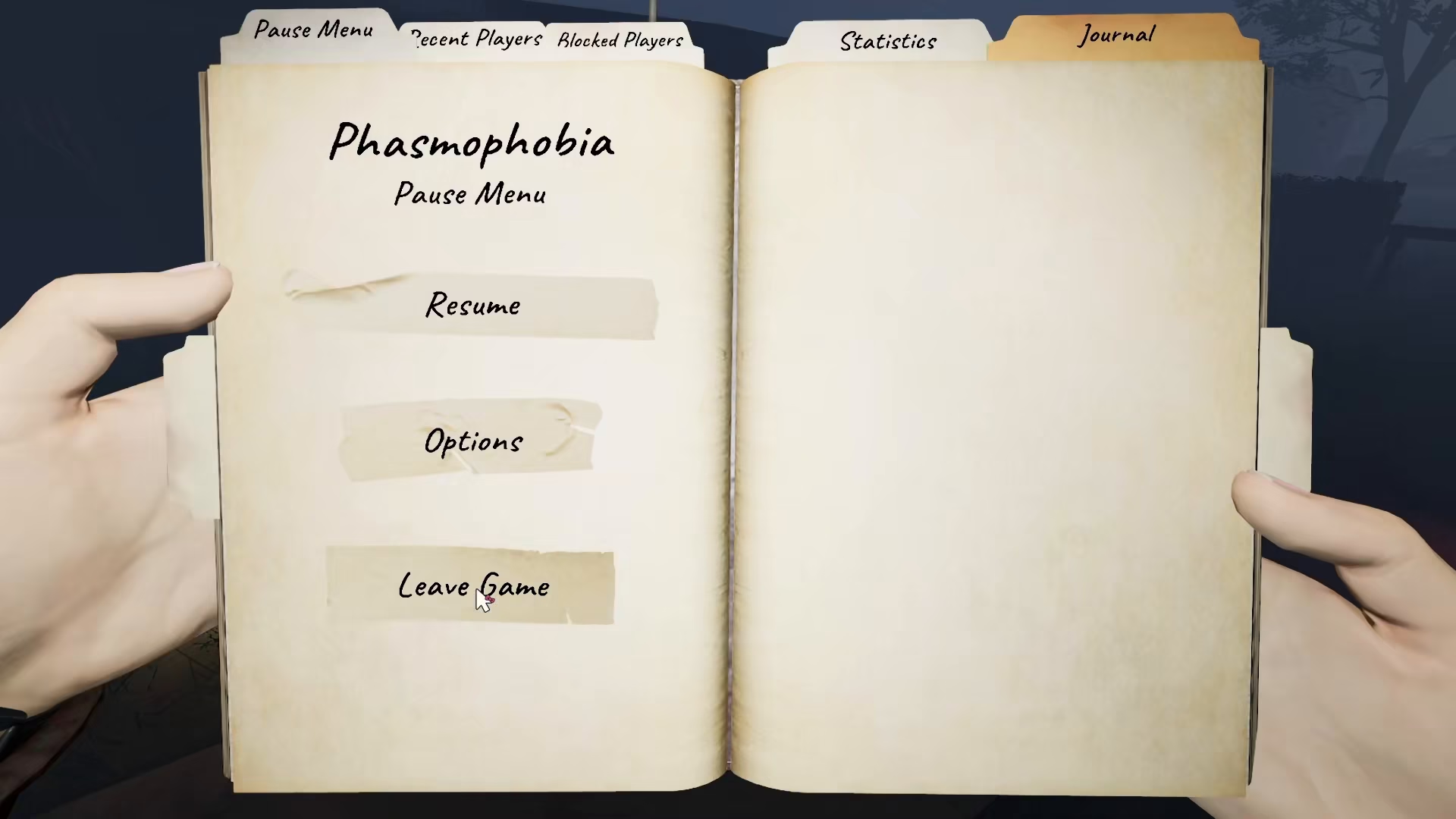
After pressing Escape, you’ll see menu options appear on your screen. From here, you can either leave the game or navigate to the main menu. Selecting the main menu option will exit the tutorial immediately, and you’ll be marked as having completed it.
What’s Available After Skipping
Once you’ve successfully skipped the tutorial, you’ll have full access to all game modes. You can now jump into:
Single Player – Play solo ghost hunts
Multiplayer – Team up with other players
Training – Practice your skills in a controlled environment
Choose whichever mode best suits your playstyle and get started with your Phasmophobia adventure right away.
Summary
Skipping the tutorial in Phasmophobia is as simple as pressing Escape and selecting the main menu option. This quick exit method gets you into the action faster, whether you’re an experienced player or just want to explore the game modes without the guided walkthrough.
Want to Support?
If you would like to help us continue making these guides – please consider joining our patreon here – https://www.patreon.com/c/JaviHeals
Alternatively – you can join our discord here – https://discord.gg/zD7Gjt6MHF


