





How To Turn On Video Camera In Phasmophobia
How To Turn On Video Camera In Phasmophobia
In Phasmophobia, the video camera is an essential tool for recording ghost activity and gathering evidence. This guide will walk you through the steps to pick up your video camera, locate the ghost, and successfully record paranormal activity to complete your investigation.
Getting Started With Your Video Camera
The first step is to pick up your video camera and head into the location where the ghost is present. Once you’ve entered the house, you’ll need to determine exactly where the ghost is located so you can position your camera in the right spot.
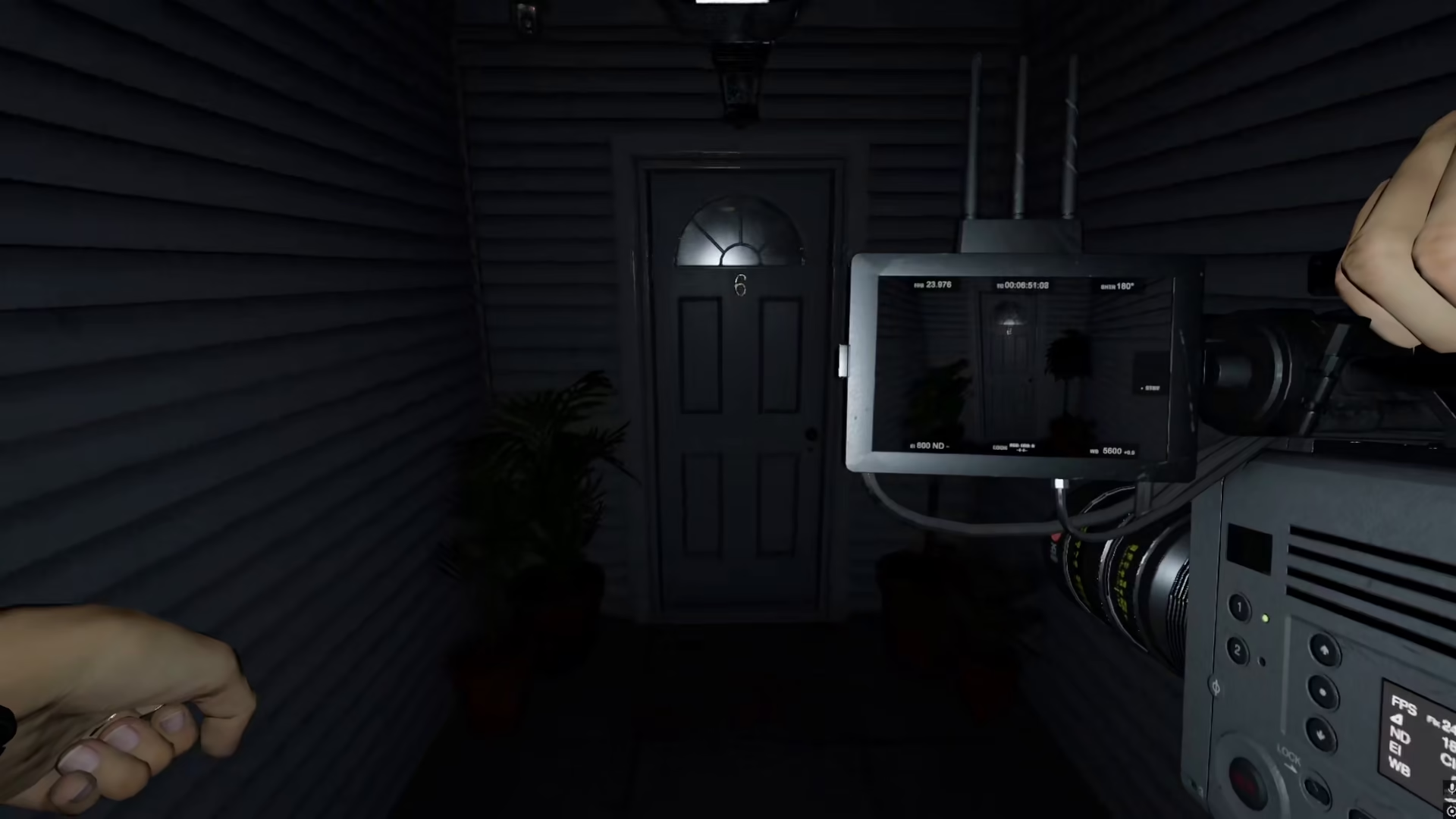
Locating the Ghost Room
To find out where the ghost is hiding, use available tools in your environment. For example, you can use a mirror to help identify which room the ghost is in. In this case, the ghost was located in the bathroom.
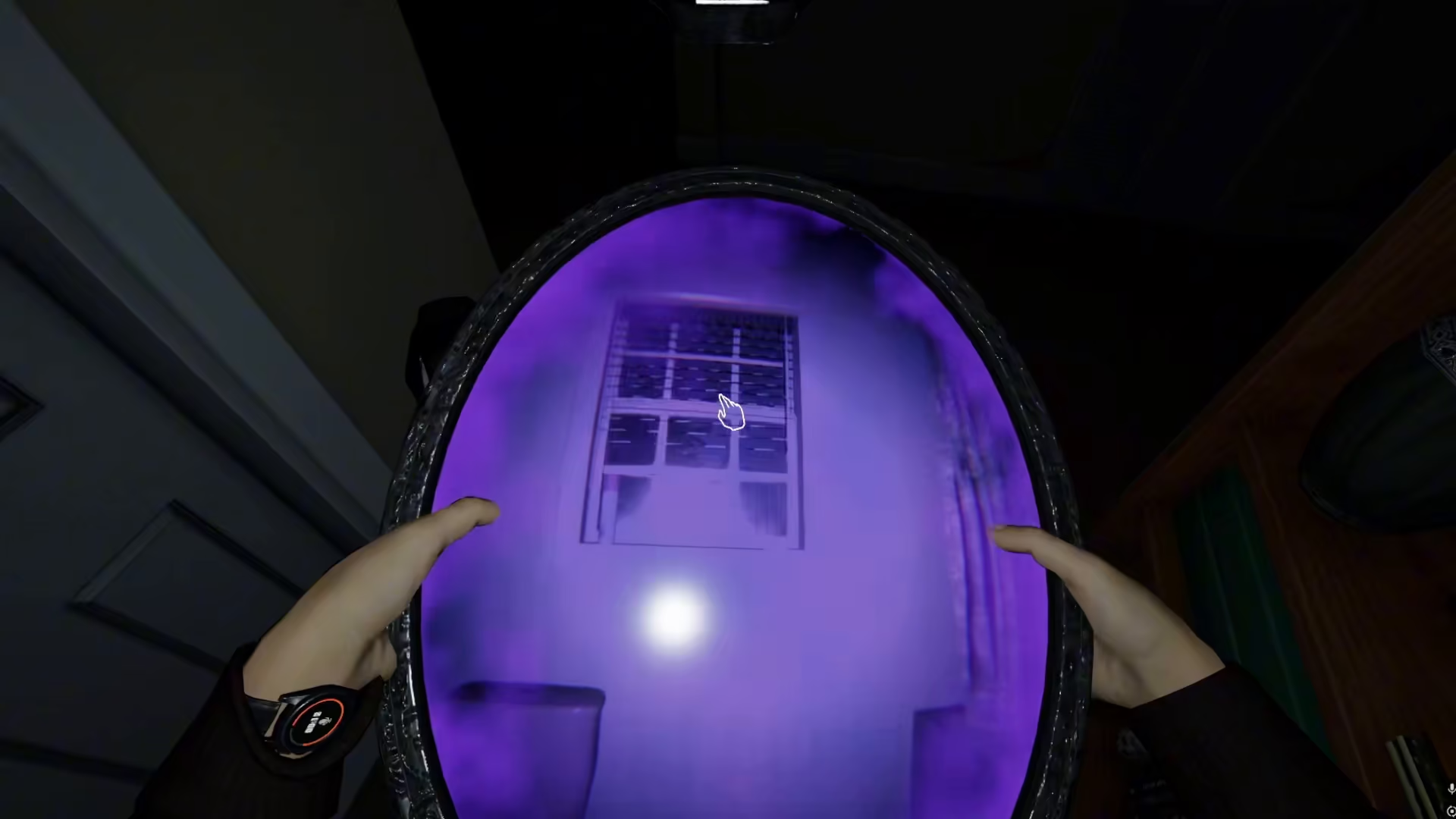
Setting Up Your Video Camera
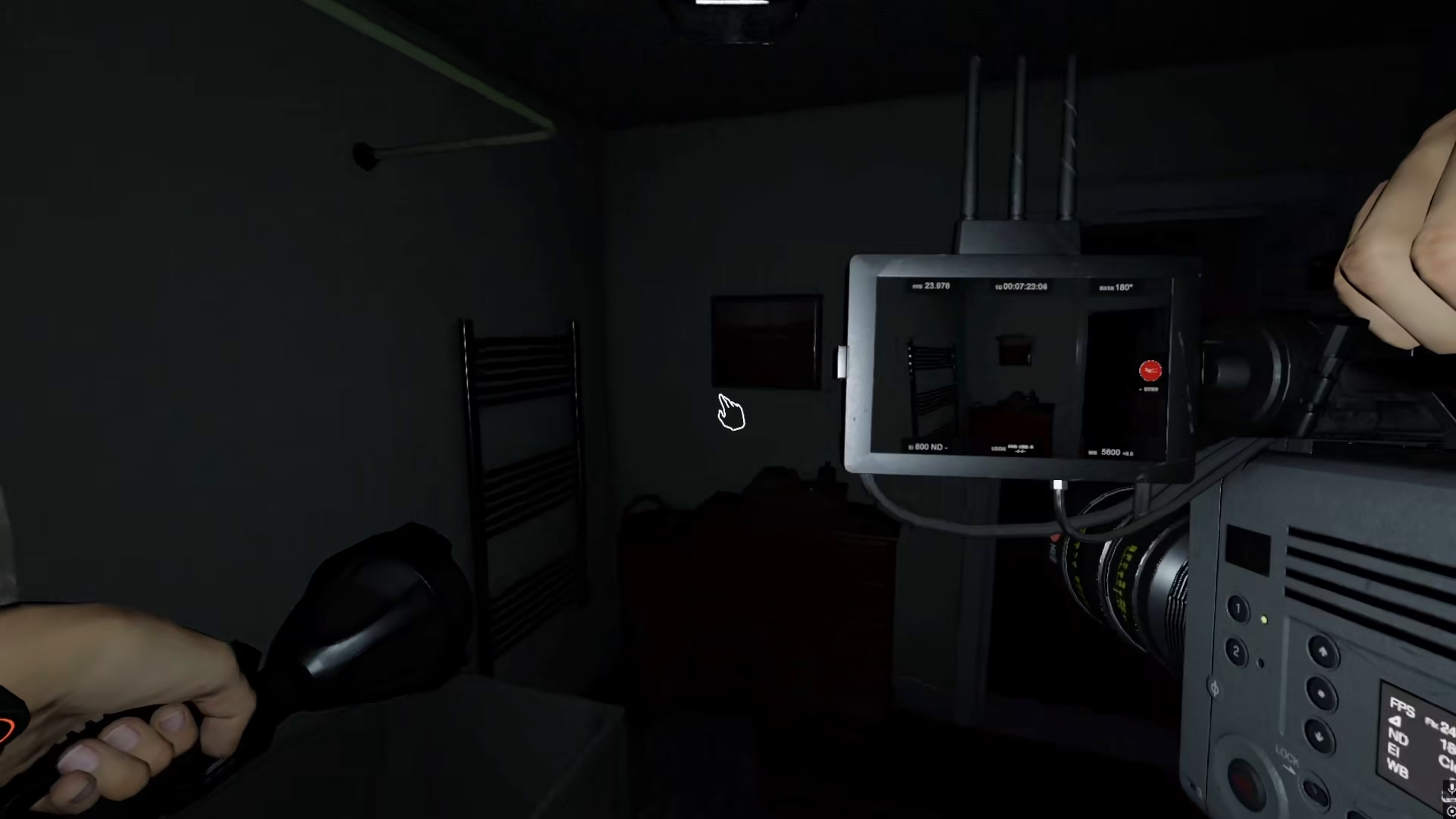
Once you’ve identified the ghost’s location, take your video camera into that room. In this example, we’re bringing the camera into the bathroom where the ghost is active.
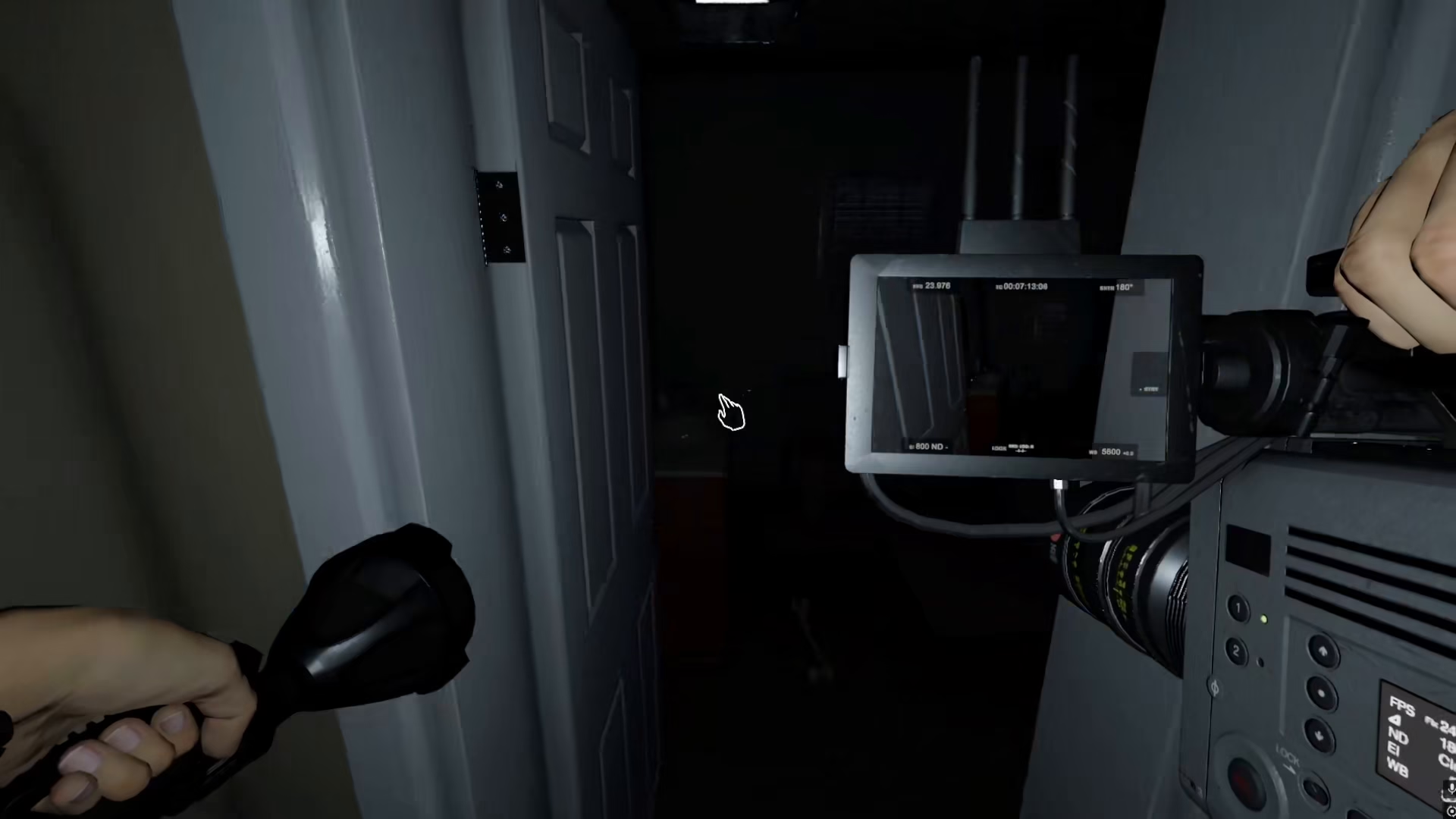
Recording Ghost Activity
Now that your camera is positioned in the correct room, wait for the ghost to perform some activity. The video camera can record literally any activity that the ghost exhibits, which is crucial for evidence gathering.
How to Start Recording
To begin recording, simply click the right mouse button. This action will activate the video camera and it will start capturing any ghost activity that occurs. The footage will automatically save, so you don’t need to worry about losing your recordings.
Summary
Using the video camera in Phasmophobia is straightforward: pick up the camera, locate the ghost’s room, position the camera in that area, and right-click to begin recording. The camera will automatically save all ghost activity, making it an invaluable tool for your paranormal investigation in Phasmophobia.
— Want to Support? —
If you would like to help us continue making these guides – please consider joining our patreon here – https://www.patreon.com/c/JaviHeals
Alternatively – you can join our discord here – https://discord.gg/zD7Gjt6MHF