





How To Take A Picture With Video Camera In Phasmophobia
How To Take A Picture With Video Camera In Phasmophobia
One of the most common questions in Phasmophobia is whether you can take pictures directly with a video camera. This guide will clarify how the video camera actually works and explain the best way to gather photographic evidence during your ghost-hunting investigations.
Understanding the Video Camera Function
The video camera in Phasmophobia is designed for recording, not for taking still pictures. Many players are confused about this mechanic, so let’s break down exactly how it works.
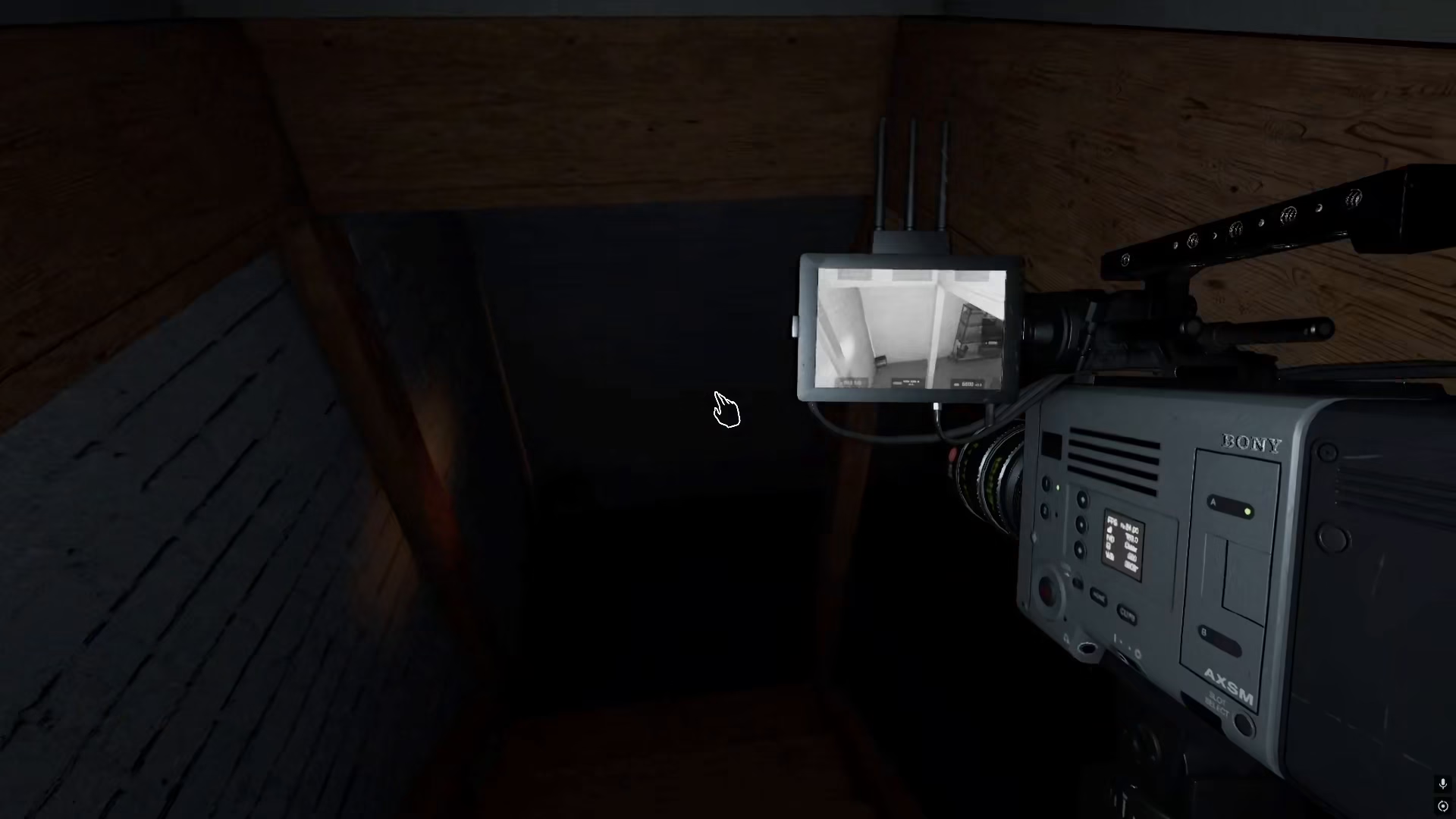
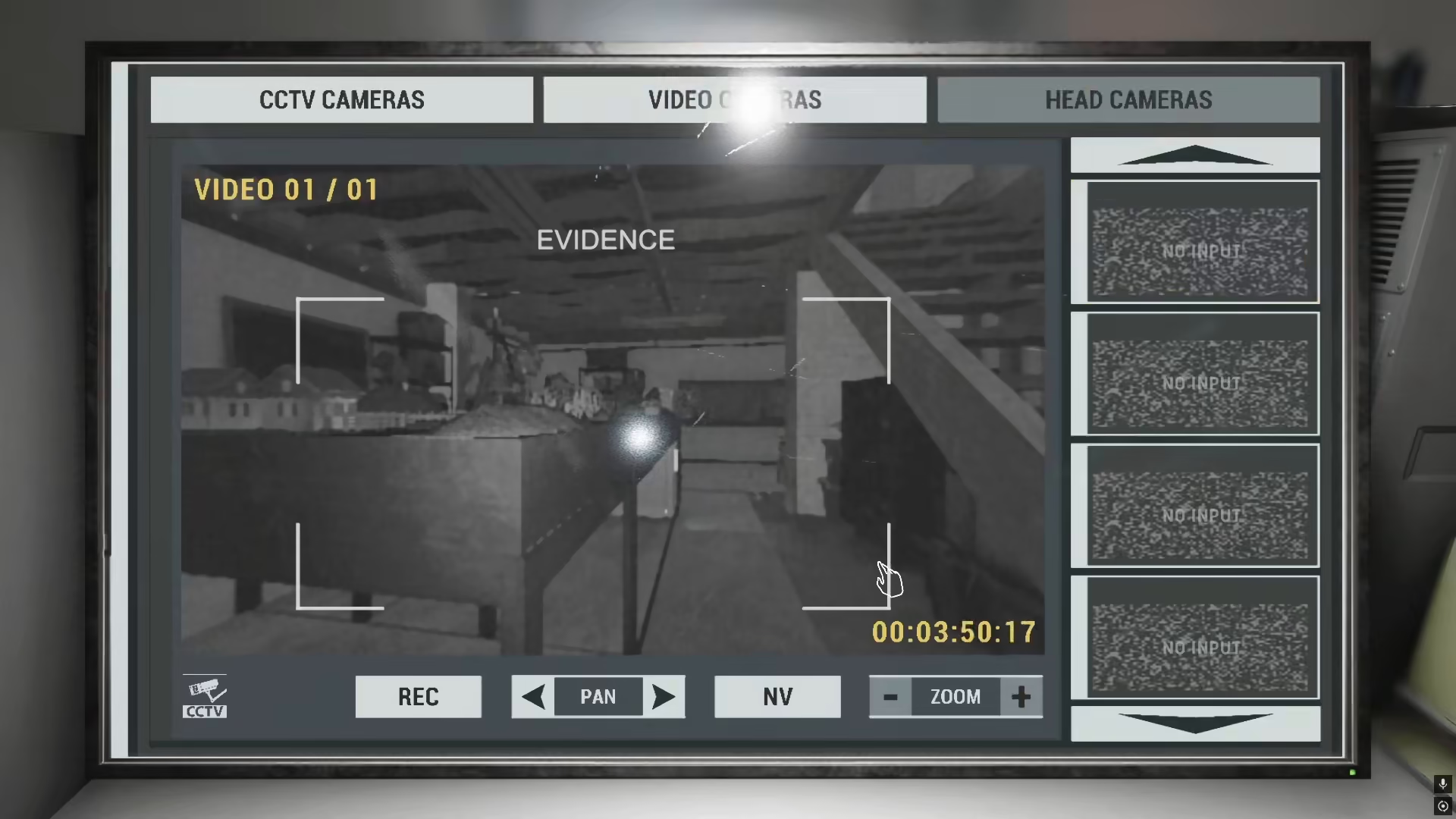
Start by placing your video camera in the location where you suspect ghost activity—for example, the basement. Once positioned, return to your monitoring station where you can observe the camera feed and watch for ghost evidence such as objects being thrown or other paranormal interactions.
How to Record with the Video Camera
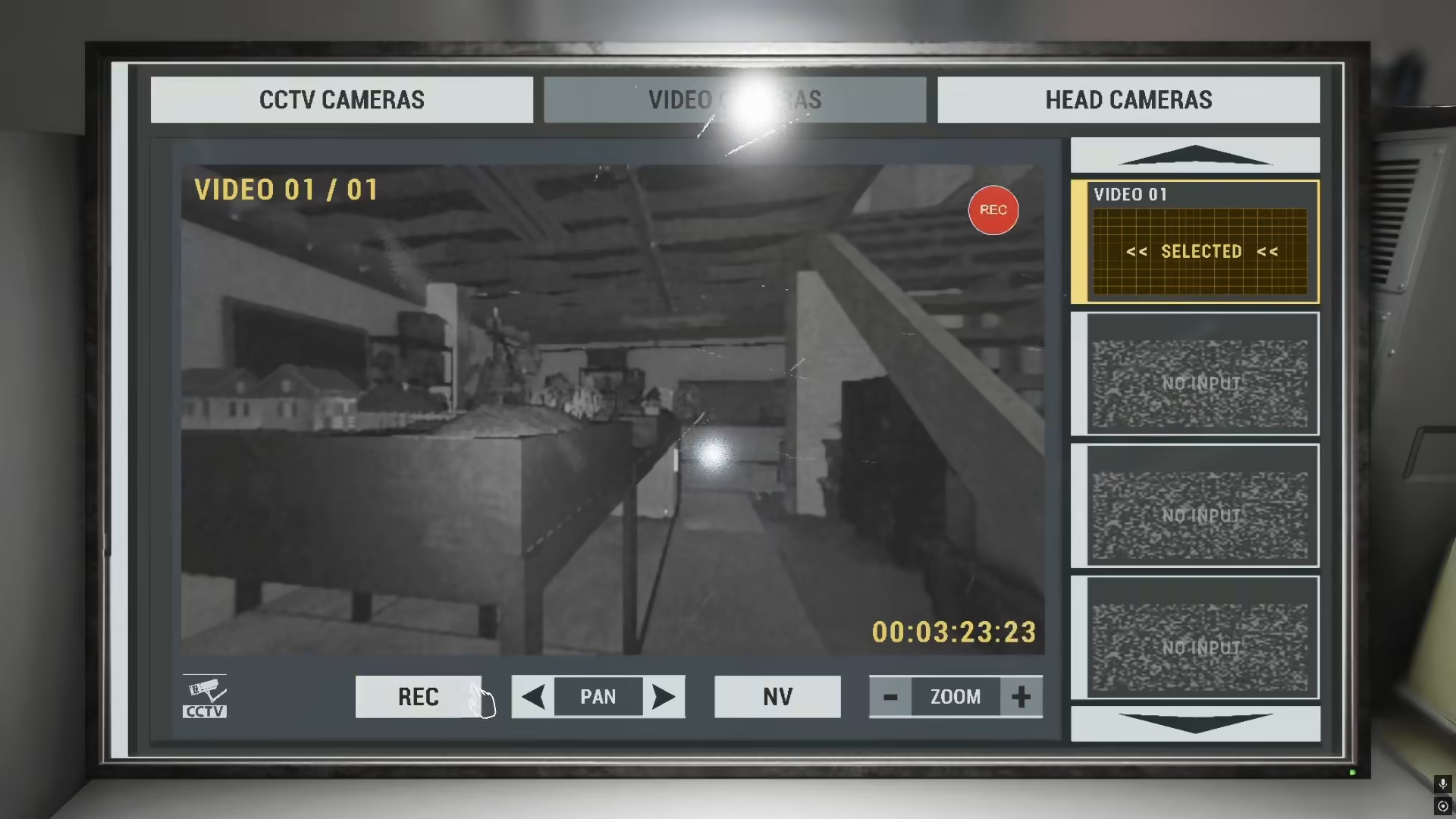
When you observe ghost activity on the camera feed, you need to press the record button. This is the key action that allows you to capture evidence. The video camera will begin recording video footage, which can provide valuable evidence for your investigation.
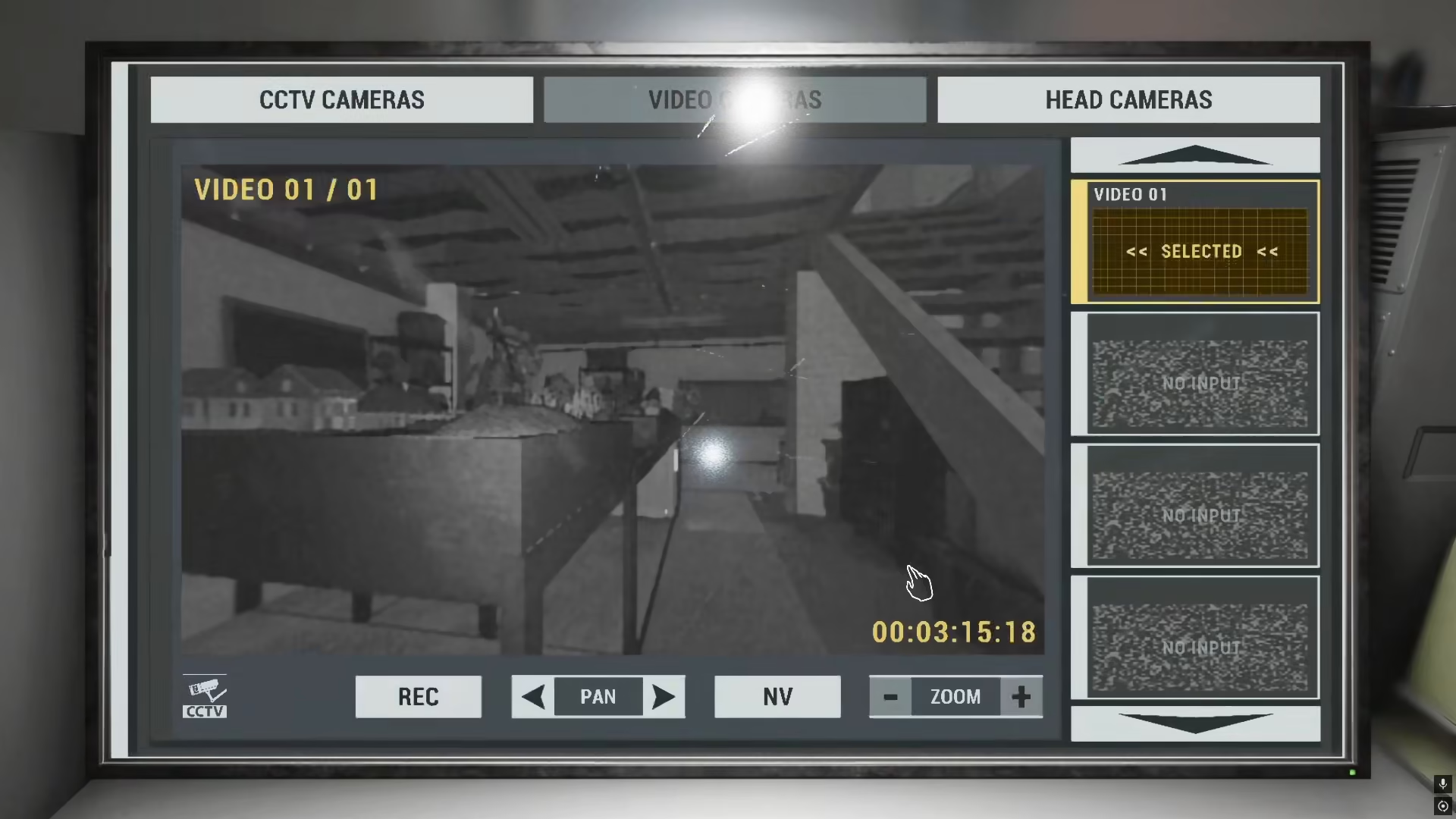
It’s important to understand that while you can record videos with the video camera and gather substantial evidence from recordings, there is no option to take individual pictures directly from the video camera interface. The recording feature is the only capture method available for this tool.
Why You Can’t Take Pictures with a Video Camera
The video camera simply does not have a picture-taking function in Phasmophobia. Even if you try to take a picture while using the video camera at your monitoring station, this feature will not work. This limitation applies regardless of your game settings or equipment configuration.
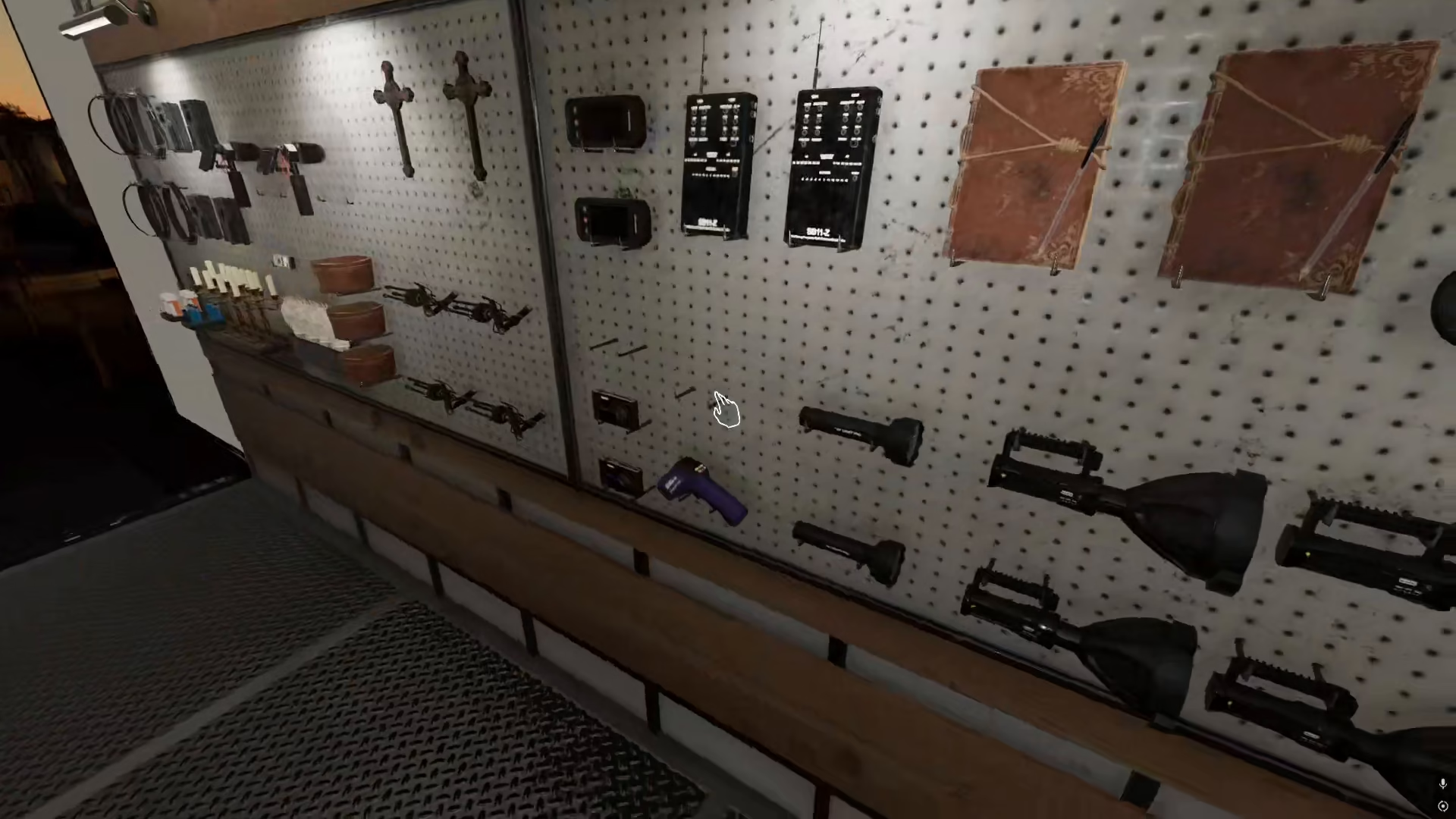
The Best Solution for Photo Evidence
If you need to capture photographic evidence, you must use a separate camera instead of relying on the video camera. The recommended approach is to use both tools strategically: record videos with your video camera to gather video evidence, and use a dedicated camera to take pictures for your photographic evidence requirements.
Summary
To recap: the video camera in Phasmophobia is exclusively for recording video footage, not for taking pictures. When you see ghost activity, press record to capture evidence on video. For photographic evidence, you’ll need to use a separate camera. This dual-tool approach will give you the best results for your investigations and help you gather all the evidence types needed to identify ghosts successfully.
— Want to Support? —
If you would like to help us continue making these guides – please consider joining our patreon here – https://www.patreon.com/c/JaviHeals
Alternatively – you can join our discord here – https://discord.gg/zD7Gjt6MHF


