





How To Take A Photo In Phasmophobia
How To Take A Photo In Phasmophobia
Photography is an essential mechanic in Phasmophobia for collecting evidence and earning rewards. This guide will walk you through the simple steps to take photos of ghosts, cursed objects, and other in-game elements to maximize your investigation success.
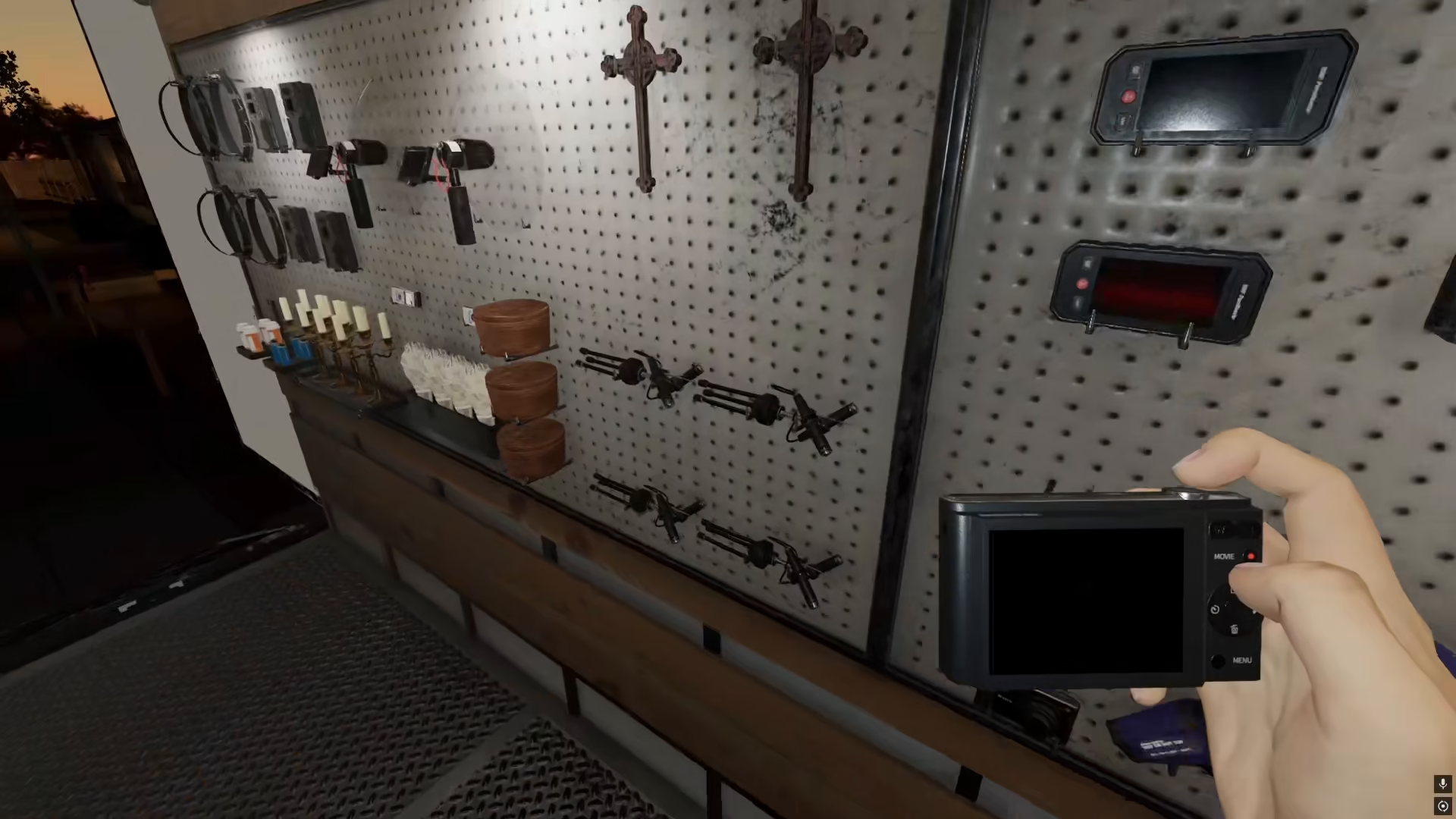
Picking Up the Camera
To begin taking photos in Phasmophobia, you need to equip the camera first. Press the E key to pick up the camera from your equipment.
Getting the Camera Outside
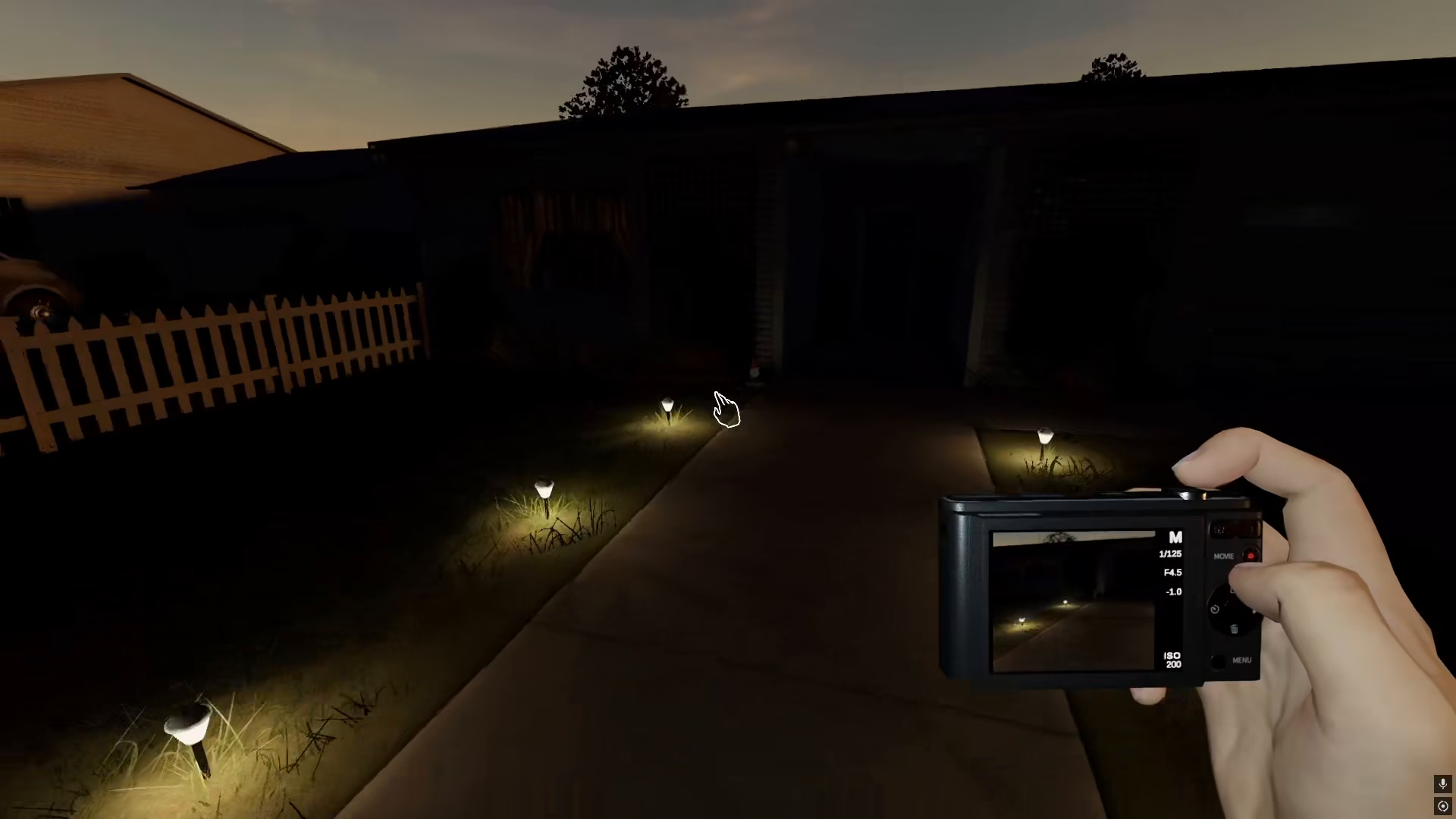
Once you have the camera equipped, head outside the house. The camera will start working when you’re outdoors. Keep in mind that the camera will not work inside the house initially, so you must go outside first to activate it properly.
Taking Photos Inside the House
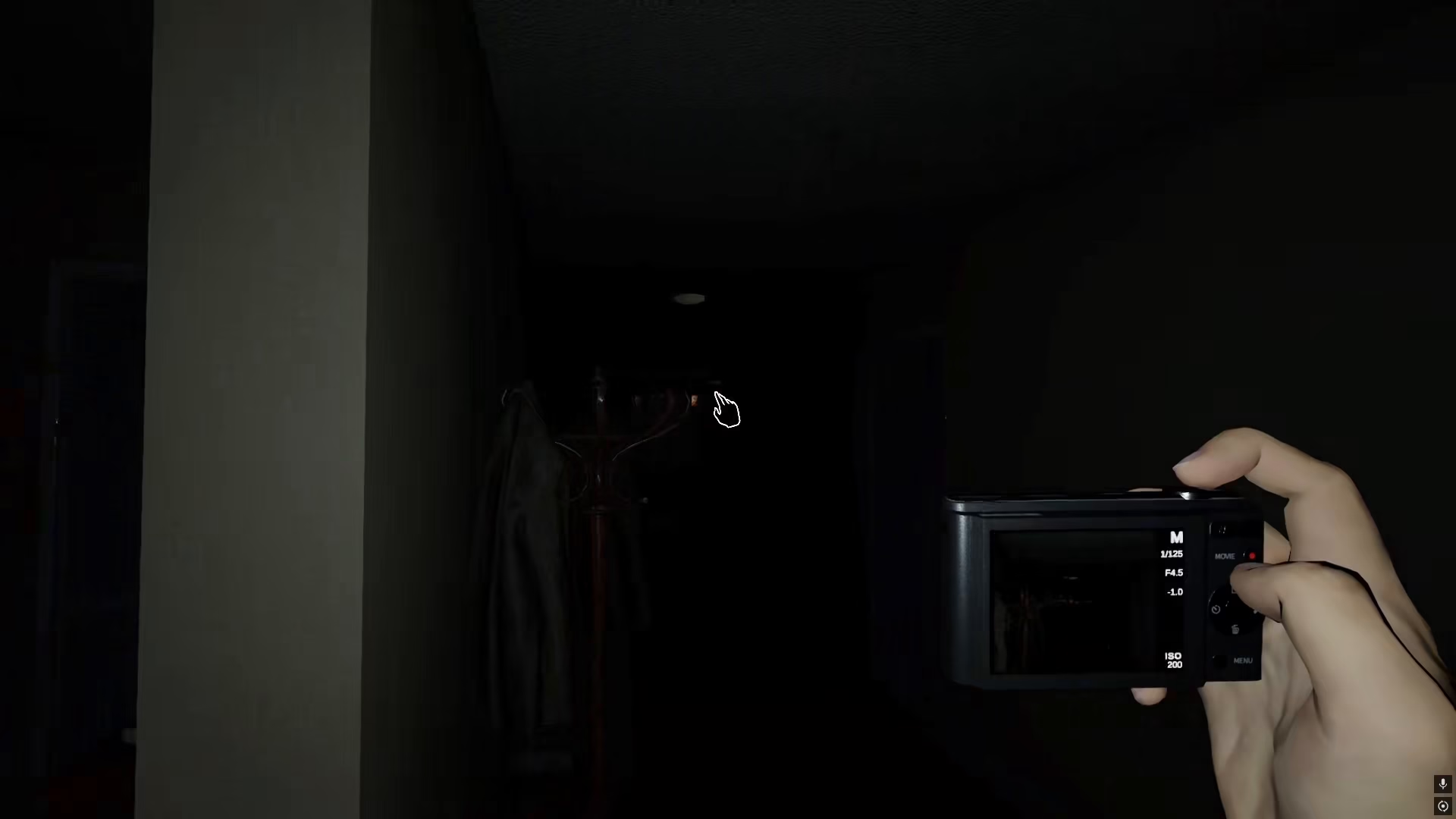
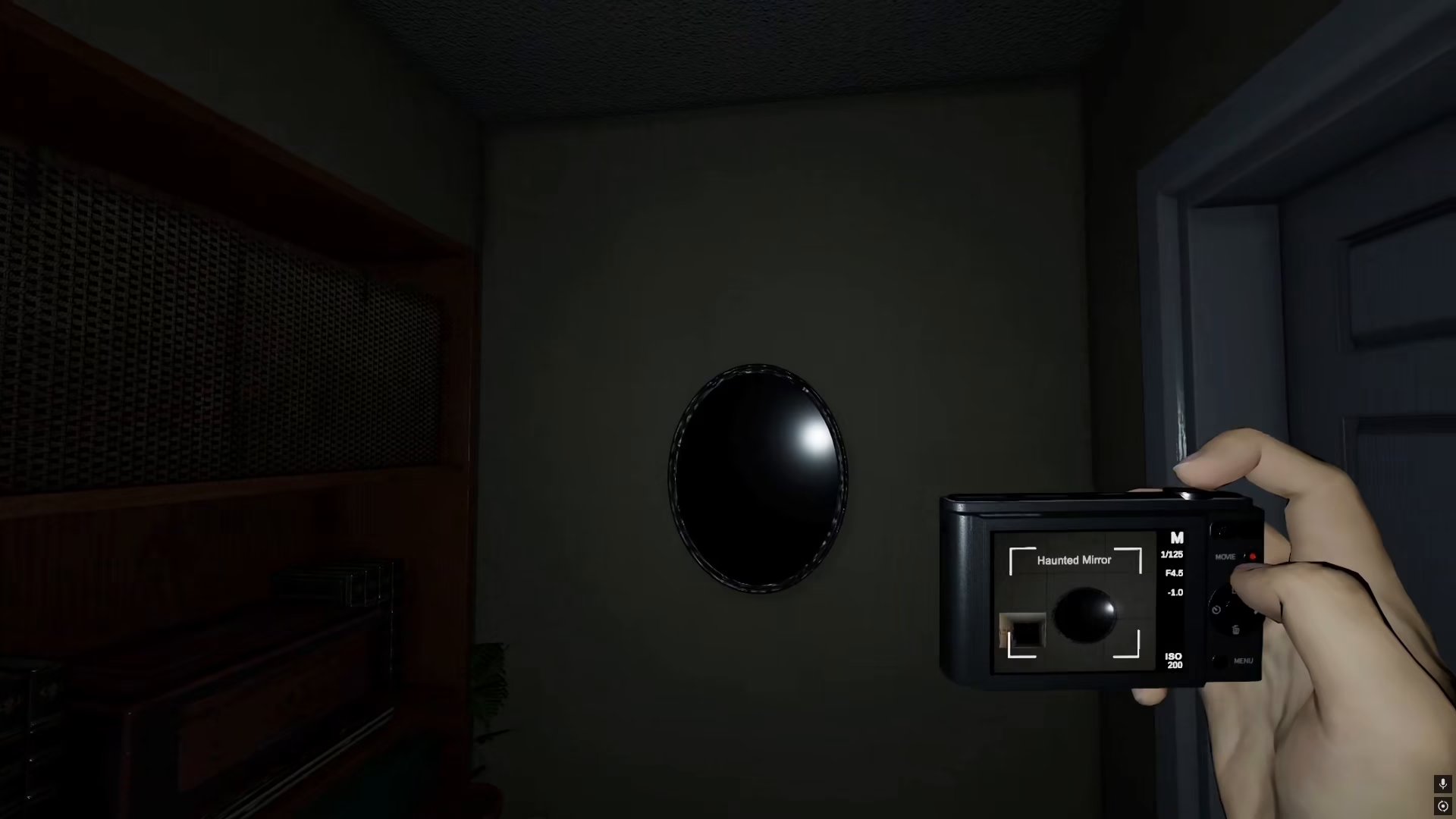
After activating the camera outside, you can now go back inside the house and take pictures of anything you want. To capture a photo, simply press the right mouse button and the picture will be clicked instantly.
Photographing Cursed Objects for Evidence
You can photograph many different items and phenomena in Phasmophobia. One valuable target is the cursed mirror, which is classified as a cursed object and serves as evidence. When you photograph cursed objects like the haunted mirror, you’ll earn rewards for your findings.
Checking Your Photos and Rewards
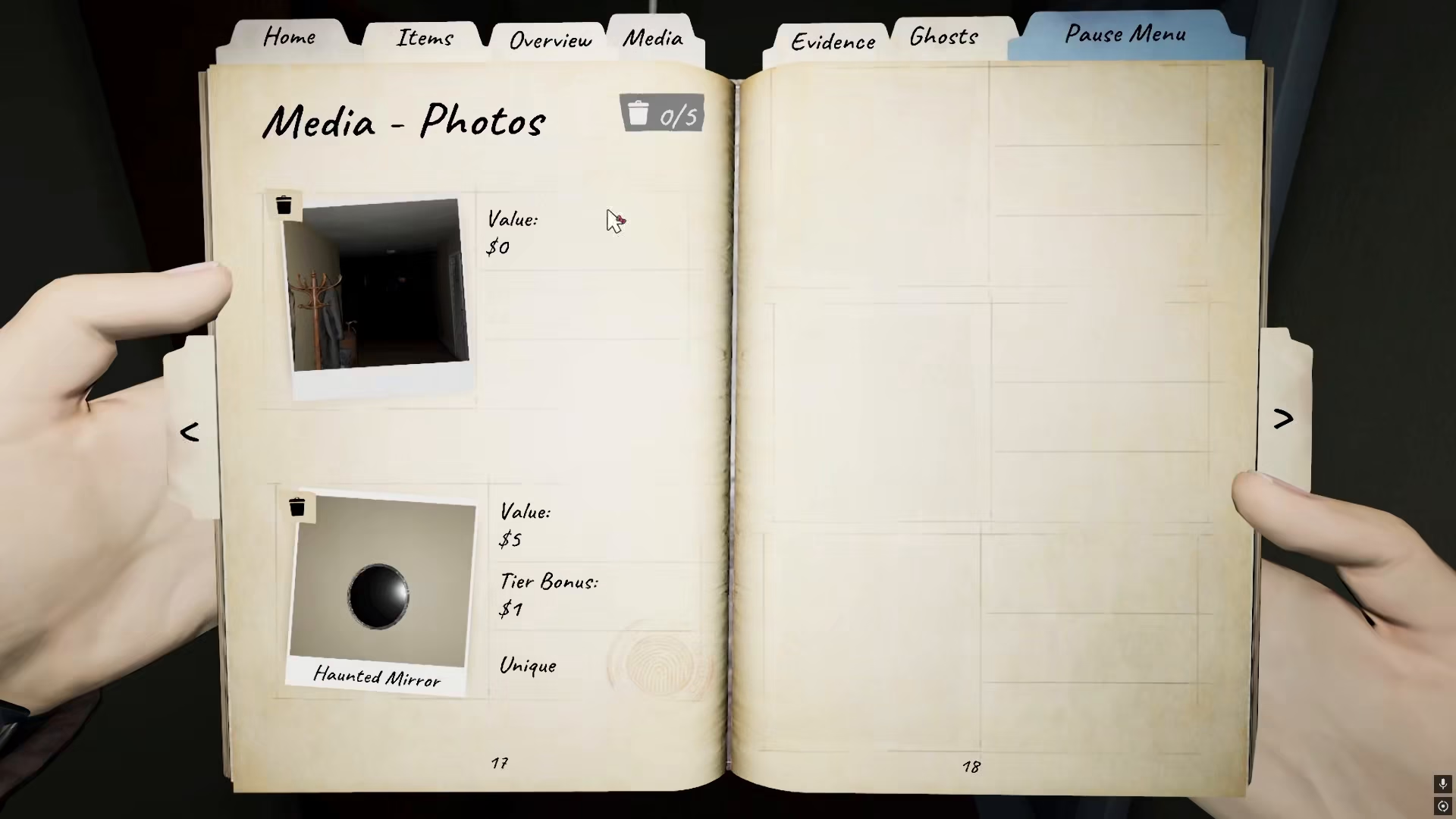
After taking photos, you can review them in the Media section of your inventory. When you photograph a cursed mirror, it will be labeled as a “haunted mirror” in your media collection. The base value for photographing a haunted mirror is $5, and you’ll receive an additional tear bonus on top of that amount.
Summary
Taking photos in Phasmophobia is straightforward: equip the camera by pressing E, activate it outside, then head inside to photograph evidence like cursed objects. Use the right mouse button to snap photos and earn money and bonuses for your findings. With practice, you’ll become an expert at documenting paranormal activity.
— Want to Support? —
If you would like to help us continue making these guides – please consider joining our patreon here – https://www.patreon.com/c/JaviHeals
Alternatively – you can join our discord here – https://discord.gg/zD7Gjt6MHF


