





How To Use Dots In Phasmophobia
How To Use Dots In Phasmophobia
The DOTS projector is one of the most useful ghost-hunting tools in Phasmophobia. This guide will walk you through everything you need to know about using the DOTS projector to detect and locate ghosts in your investigations. By the end of this tutorial, you’ll be able to confidently deploy and operate this equipment like a seasoned paranormal investigator.
What Is The DOTS Projector?
The DOTS projector is a piece of ghost-hunting equipment that helps you visualize paranormal activity within a haunted location. It projects a grid of dots that can reveal the presence and movement of ghosts in the environment.
How To Use The DOTS Projector
Placing The DOTS Projector
Once you’ve taken the DOTS projector into the house, your first task is to find the ghost room. Once you’ve located the area where the ghost is most active, you can begin setting up the equipment.
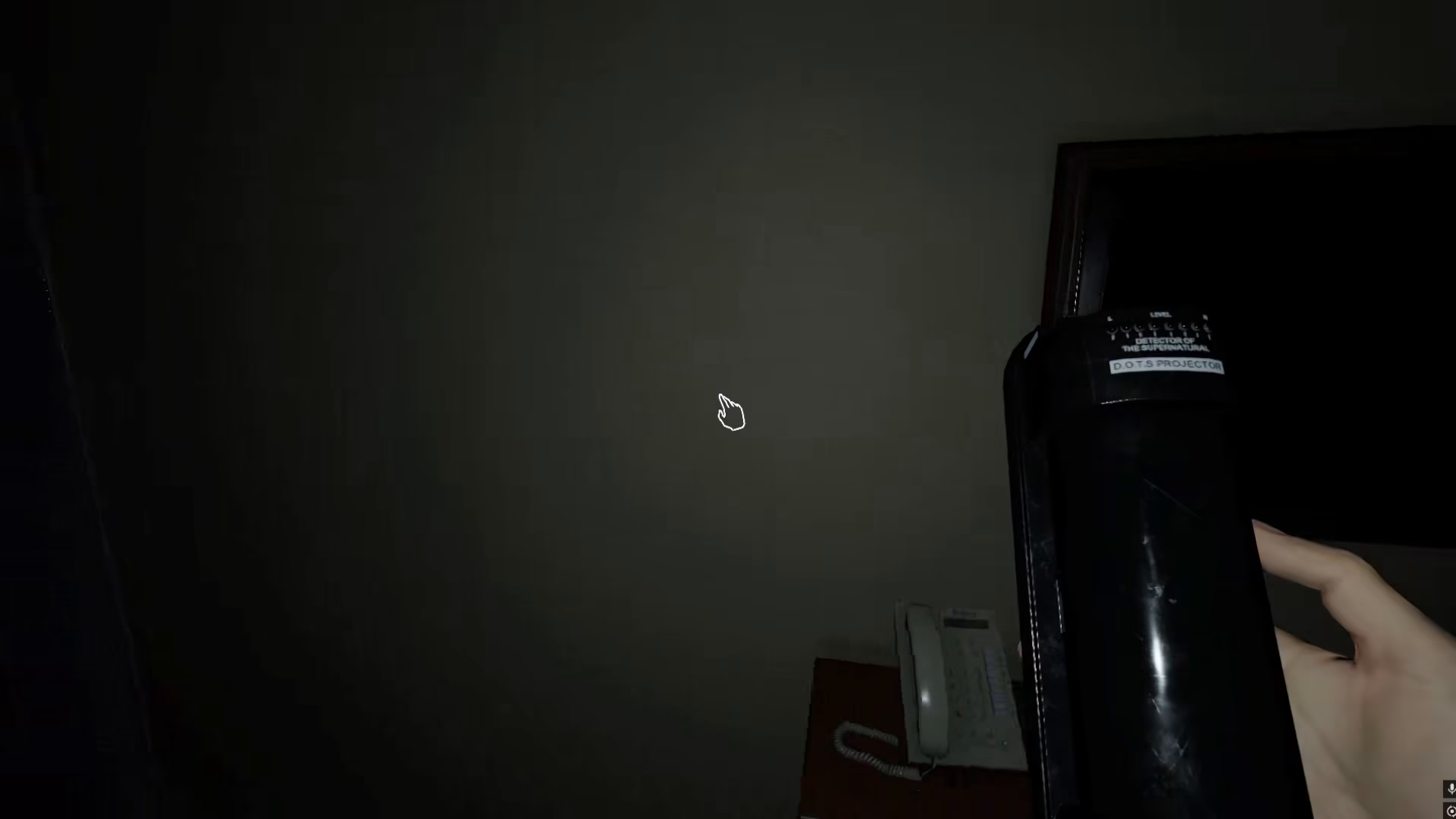
To place the DOTS projector, hold the F key on your keyboard. This will allow you to position the device wherever you need it. You have complete flexibility with placement—you can put it on the wall, on the ground, or even on the ceiling depending on your investigation strategy.
Controlling The DOTS Projector
Once placed, the DOTS projector can be controlled through simple clicks. When you click on the projector, it will stop its current operation.
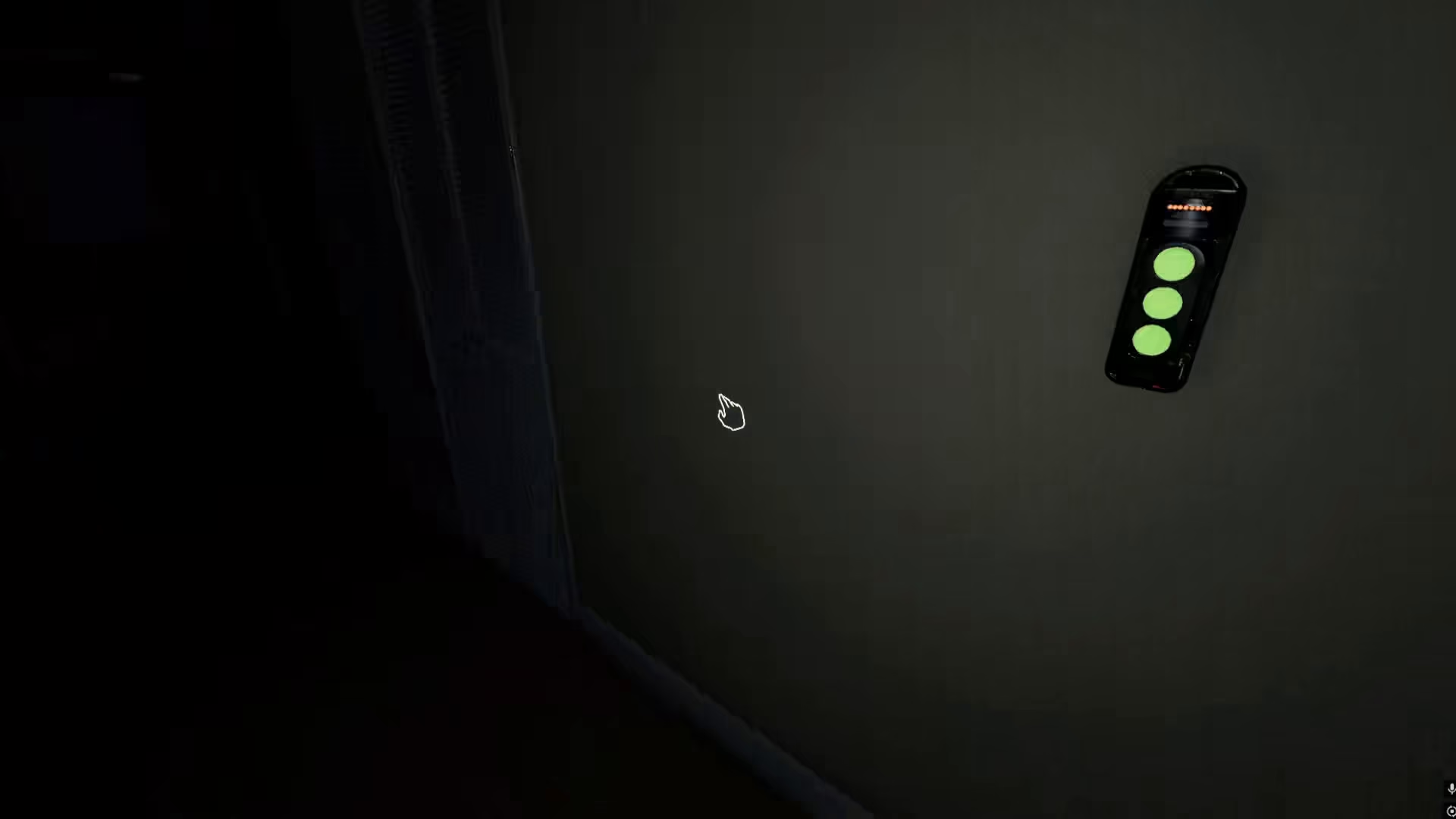
Click the projector again to enter rotation mode. In this mode, the projector will rotate across the entire room, scanning for ghostly presence. This rotating scan makes it much easier to spot the ghost as it moves through the space.
Why The DOTS Projector Is Essential
The DOTS projector’s rotating scan feature allows you to see the ghost really easily. By slowly rotating the projection across your investigation area, you can catch visual confirmation of paranormal activity that might otherwise go unnoticed. This makes it an invaluable tool for both beginner and experienced ghost hunters.
Summary
Using the DOTS projector in Phasmophobia is straightforward: take it to the ghost room, place it with F, and click to toggle between stopped and rotation modes. The rotation mode gives you the best chance of visually detecting the ghost’s presence. Master this equipment and you’ll significantly improve your investigation success rate.
— Want to Support? —
If you would like to help us continue making these guides – please consider joining our patreon here – https://www.patreon.com/c/JaviHeals
Alternatively – you can join our discord here – https://discord.gg/zD7Gjt6MHF


