





How To Use Camera In Phasmophobia
How to Use Camera in Phasmophobia
In this guide, we’ll walk you through the essential steps to effectively use a camera in Phasmophobia. Whether you’re documenting ghosts, curse items, or other evidence, mastering the camera mechanic is crucial for successful investigations and earning rewards.
Getting Started with the Camera
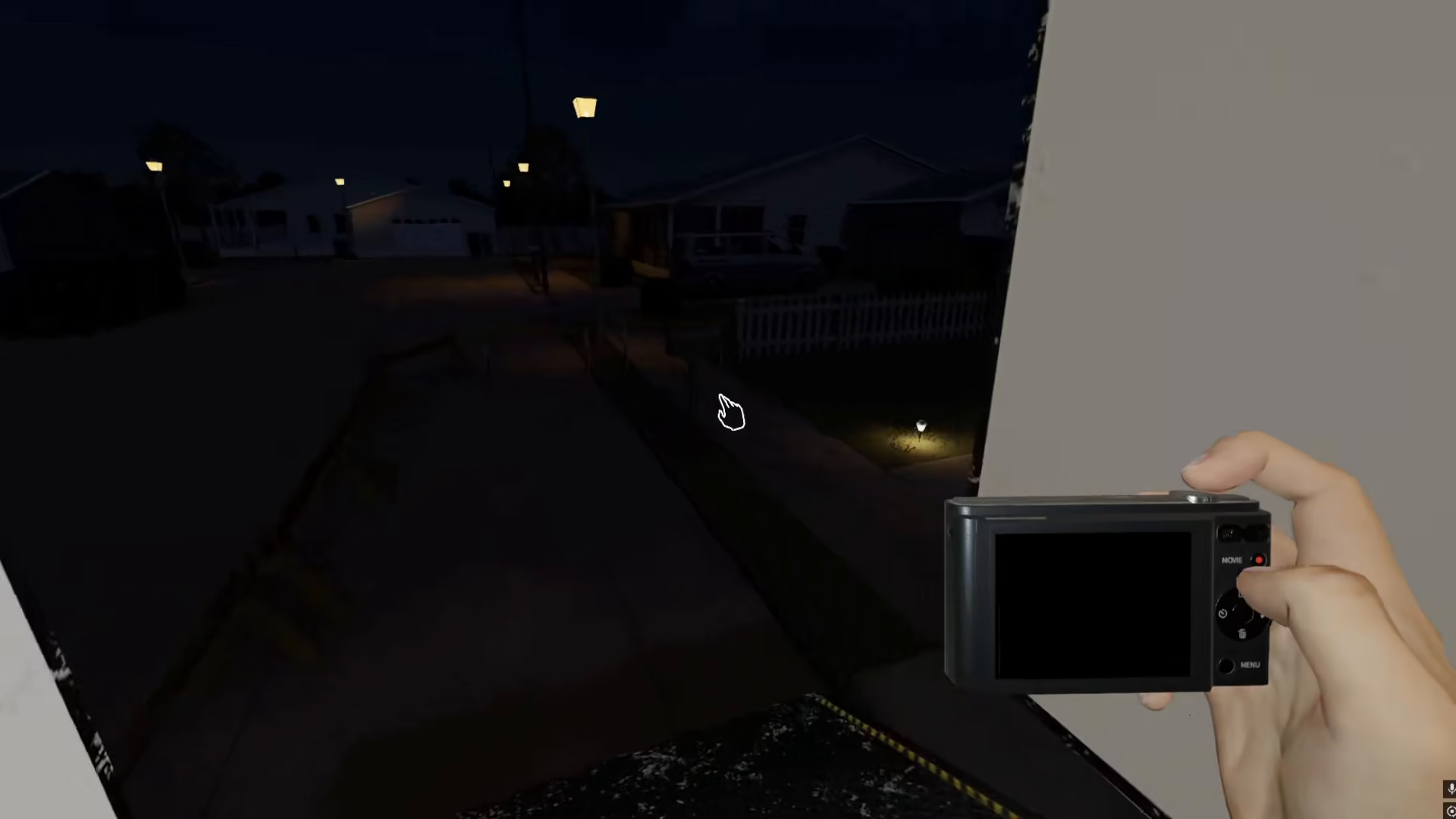
Begin by picking up the camera from your equipment. This is your primary tool for documenting evidence during your investigation.
Entering the Investigation Area
Once you have the camera equipped, head inside the house where your investigation will take place. You’ll be looking for various subjects to photograph as part of your evidence gathering.
What You Can Photograph
The camera is versatile and can capture multiple types of subjects, including:
Ghosts or paranormal entities
Curse items
Other evidence related to your investigation
Any anomalies or suspicious objects in the environment
Taking Pictures of Evidence
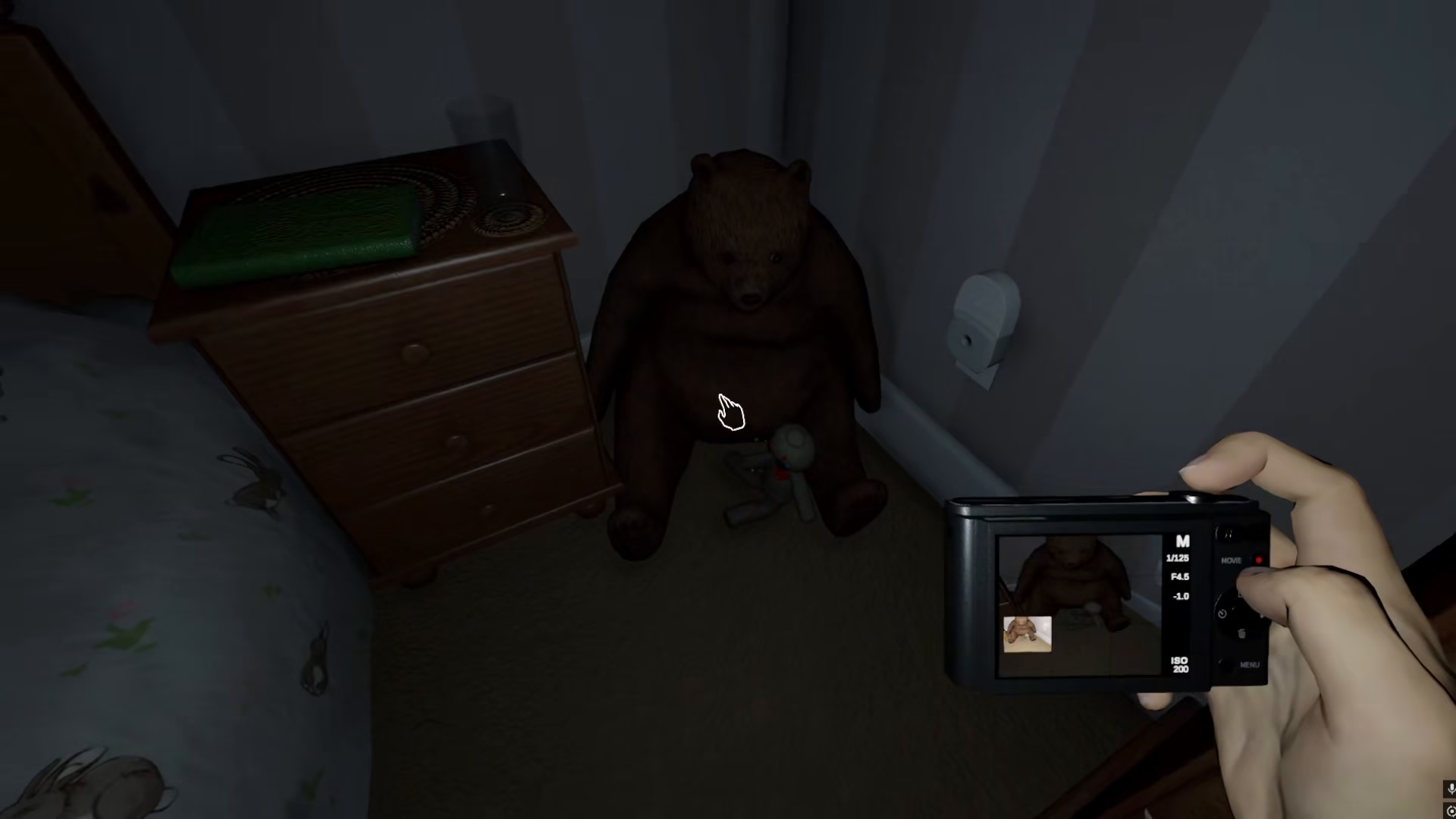
When you locate a subject worth photographing—such as a voodoo doll (which serves as a curse item)—simply right-click your mouse to snap a picture. This action will capture the image for your investigation records.
Accessing Your Media Gallery
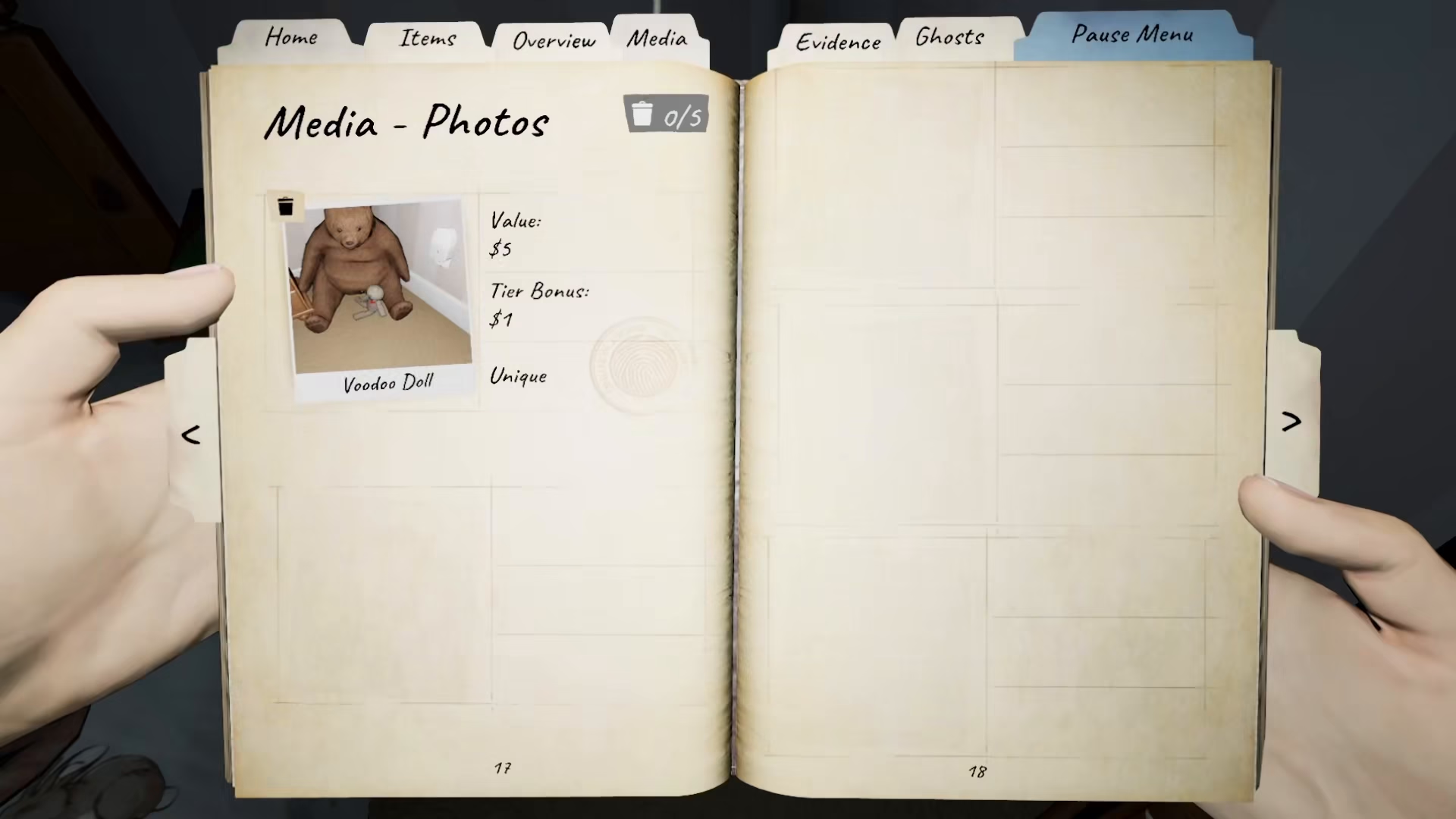
After taking pictures, you can review all your captured evidence by accessing your media folder. Here you’ll find all the valid pictures you’ve taken throughout your investigation, including your documentation of curse items and other evidence.
Summary
Using the camera in Phasmophobia is straightforward: equip it, enter the investigation area, locate evidence or curse items, right-click to photograph them, and review your captured images in your media gallery. With practice, you’ll become proficient at documenting evidence and completing your investigations successfully.
— Want to Support? —
If you would like to help us continue making these guides – please consider joining our patreon here – https://www.patreon.com/c/JaviHeals
Alternatively – you can join our discord here – https://discord.gg/zD7Gjt6MHF


