How To Use Ouija Board On Console In Phasmophobia
How To Use Ouija Board On Console In Phasmophobia
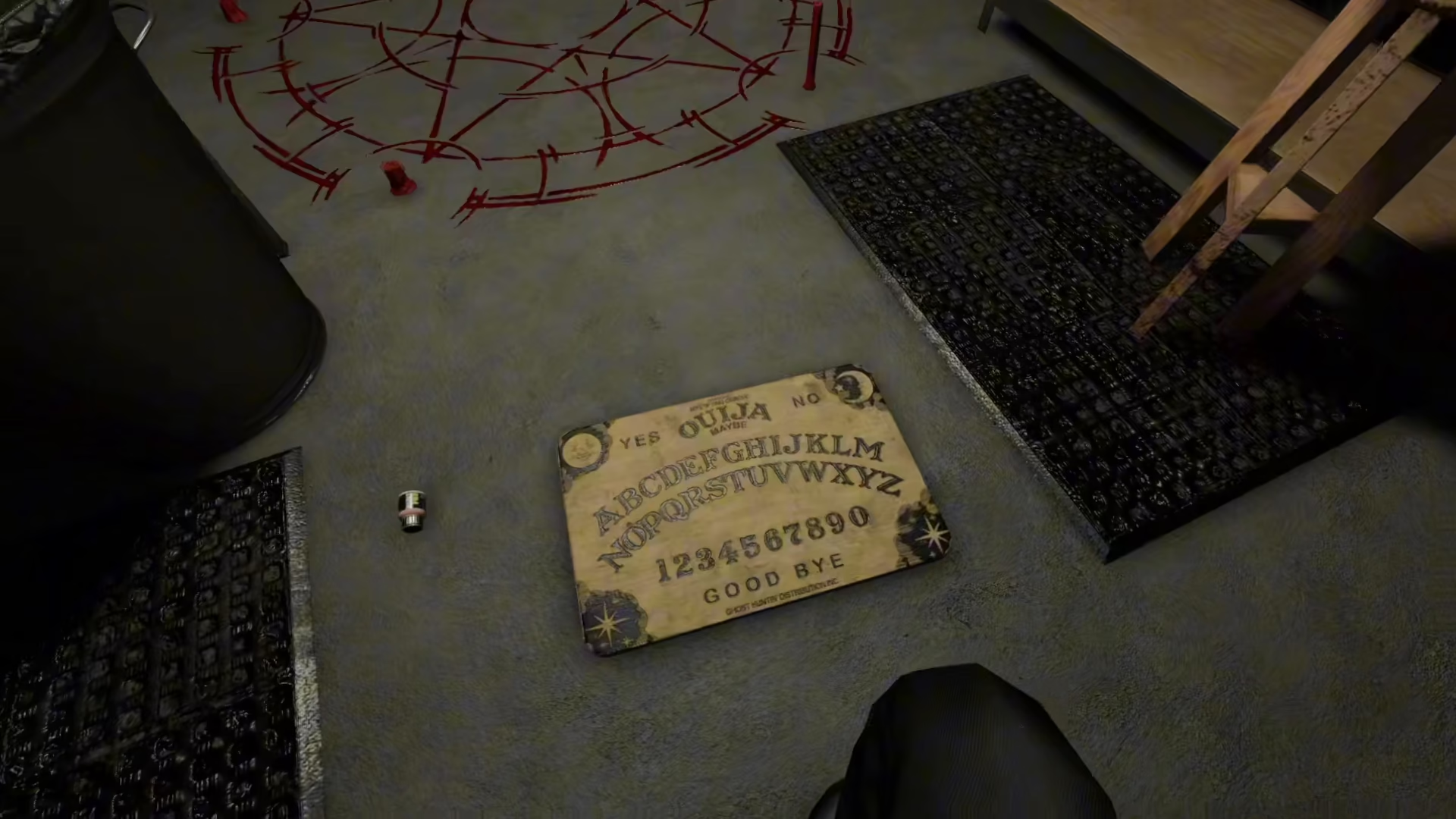
The Ouija Board is a powerful ghost hunting tool in Phasmophobia that allows you to communicate directly with spirits on console. This guide will walk you through the complete process of using the Ouija Board on PS5 and Xbox, from locating the board to asking questions and safely ending the session.
Getting Started: Locating and Picking Up the Ouija Board
The first step is to locate the Ouija Board during your investigation. Once you’ve found it, pick up the board and place it in a suitable location where you’ll be conducting your séance.
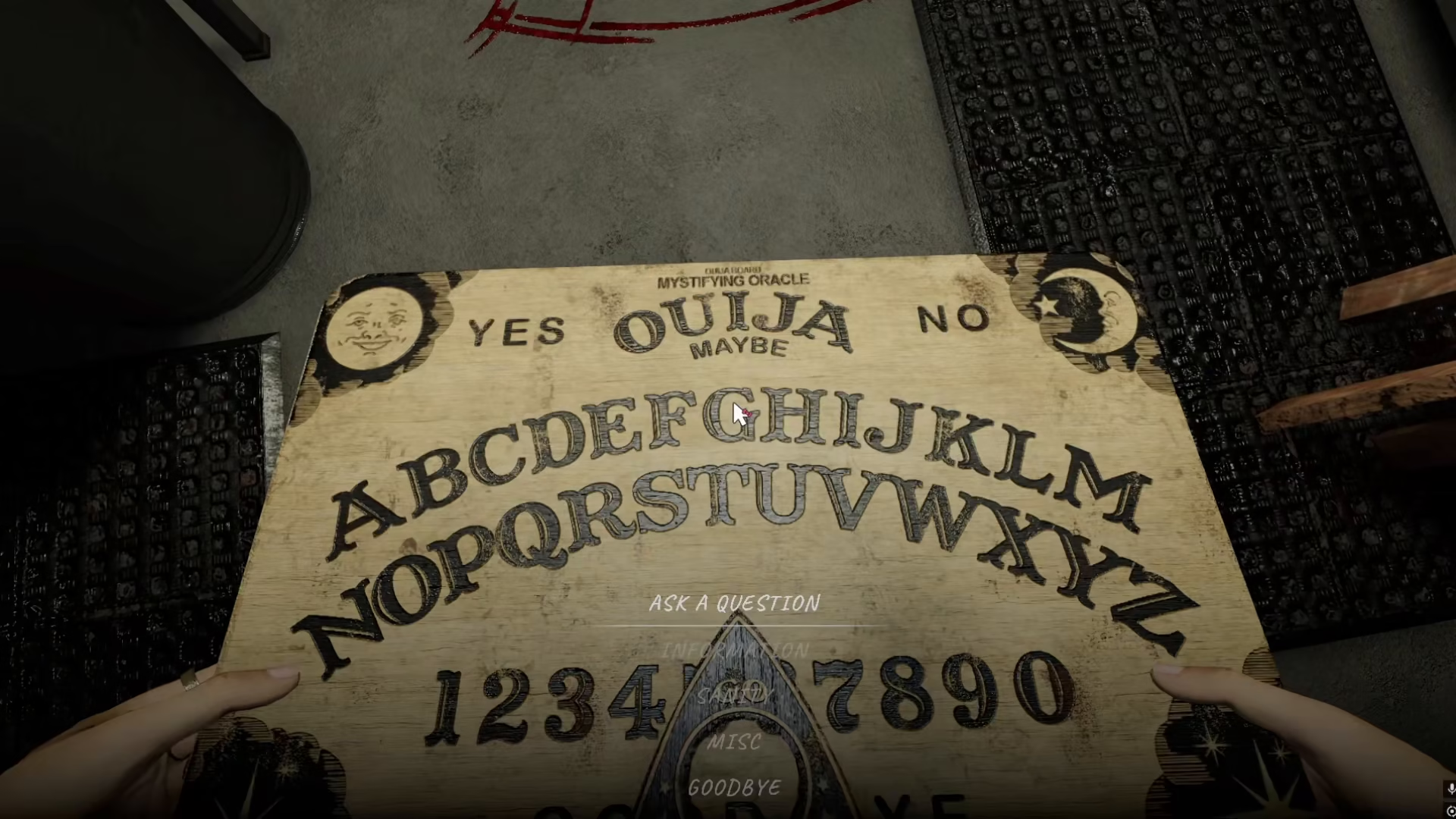
Activating the Ouija Board on Console
PS5 Controls
On PlayStation 5, press the X button to interact with the Ouija Board.
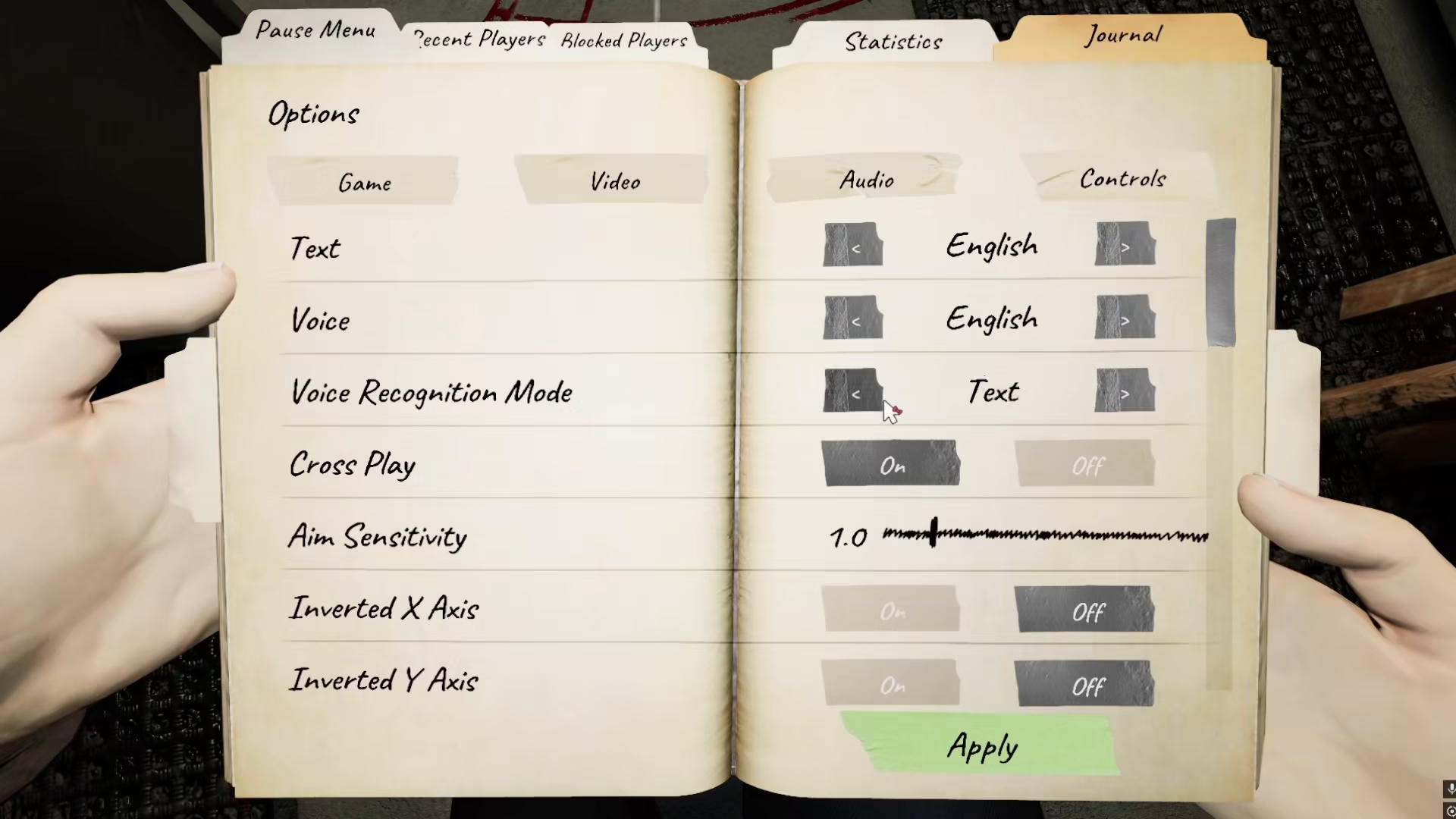
Xbox Controls
If you’re playing on Xbox, press the A button to interact with the Ouija Board.
Placing the Glass Pointer
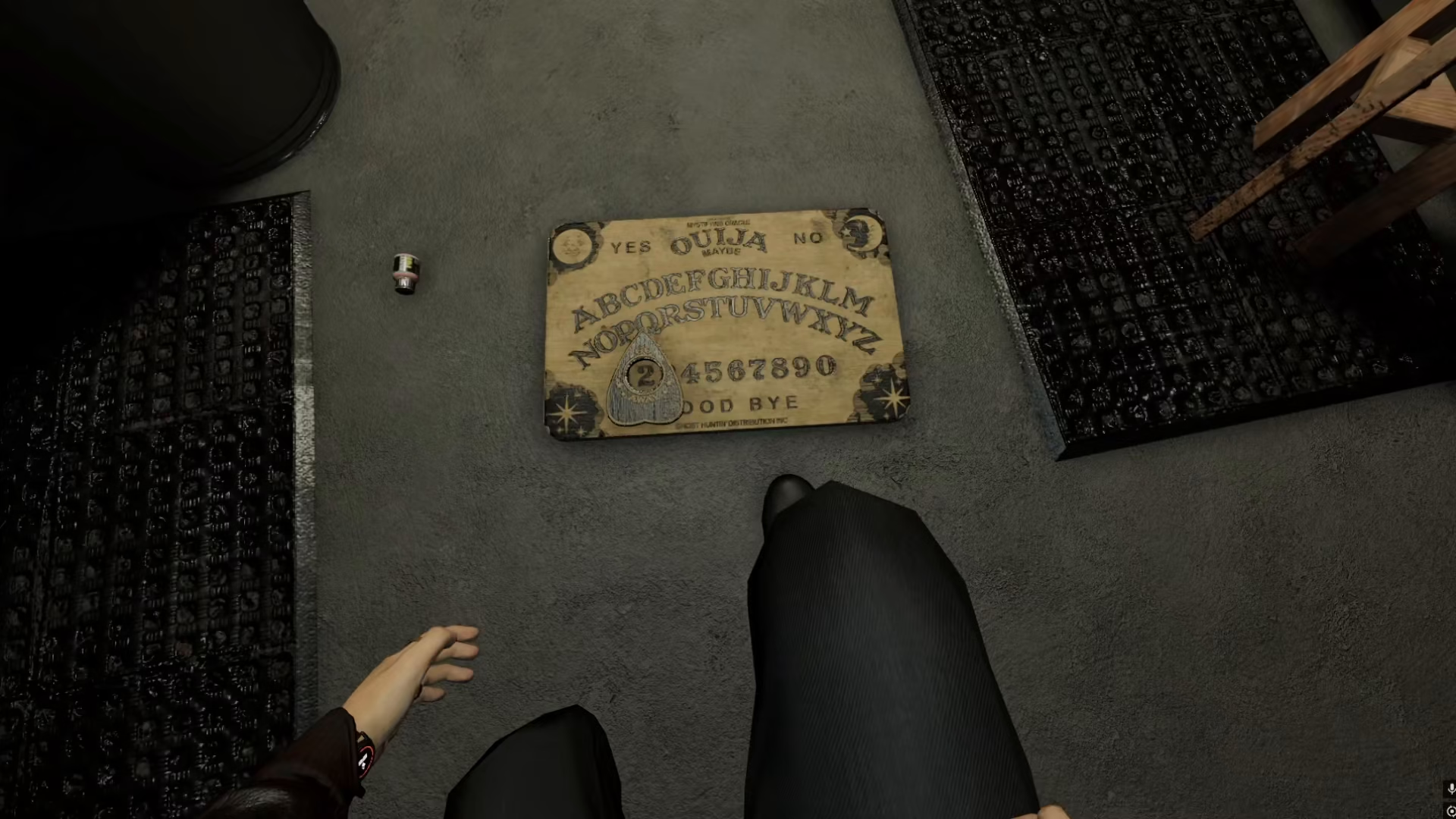
After pressing the interaction button, you need to activate the glass pointer. On both PS5 and Xbox, press the R trigger to place the glass pointer on the Ouija Board.
Communicating with Spirits
Once the glass pointer is placed on the board, you can ask the ghost any question you want. Speak clearly into your microphone and wait for the spirit to respond by moving the pointer to spell out answers or indicate yes/no responses.
Ending Your Séance Safely
This is crucial: always remember to say “goodbye” to the spirit before ending your session. Failing to do so may result in increased paranormal activity and put your team in greater danger.
Summary
Using the Ouija Board on console in Phasmophobia is straightforward once you know the controls. Locate the board, pick it up, press X (PS5) or A (Xbox) to interact, press R trigger to place the pointer, ask your questions, and always remember to say goodbye. With practice, the Ouija Board will become an invaluable tool in your ghost-hunting arsenal.
Want to Support?
If you would like to help us continue making these guides – please consider joining our patreon here – https://www.patreon.com/c/JaviHeals
Alternatively – you can join our discord here – https://discord.gg/zD7Gjt6MHF